[Comparison] ASUS VivoBook S13 S333 vs VivoBook S14 S433 vs VivoBook S15 S533 – everything you need to know
 At CES 2020 ASUS unveiled the three new models of the VivoBook S family – VivoBook S13 S333, VivoBook S14 S433, and VivoBook S15 S533. These are mid-range devices that pack a good amount of features, low weight, slim profiles, and decent hardware. They come with new and more powerful CPU options, better dedicated GPUs, more connectivity options, and some other new specs that we will discuss in the next sentences.
You can check the prices and configurations of the ASUS VivoBook S13 S333 devices in our Specs System: https://laptopmedia.com/series/asus-vivobook-s13-s333/
You can check the prices and configurations of the ASUS VivoBook S14 S433 devices in our Specs System: https://laptopmedia.com/series/asus-vivobook-s14-s433/
You can check the prices and configurations of the ASUS VivoBook S15 S533 devices in our Specs System: https://laptopmedia.com/series/asus-vivobook-s15-s533/
Contents
Some similar specs for all models
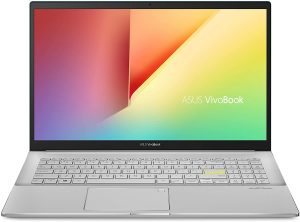
There aren’t big design differences between the three new models. Modern and sleek design, all-metal chassis and diamond-cut edges. The GeForce MX250 option is available for all models. All panels have 1080p resolution. Every device can be configured with DDR4 2666MHz RAM. Wi-Fi 6, Bluetooth 5.0, and 50Wh battery are standard specs no matter the model. The first available configurations are equipped with 32GB Intel Optane + 512GB SSD or 16GB Intel Optane + 256GB SSD. As for the ports, again, they are the same for each model (check the table down below for additional info).
Unfortunately, because of the new panels, all models have thicker bezels compared to the last-gen variants. The ScreenPad 2.0 isn’t available but you can have an optional integrated NumberPad within the TouchPad (option for the 14″ and 15.6″ models).
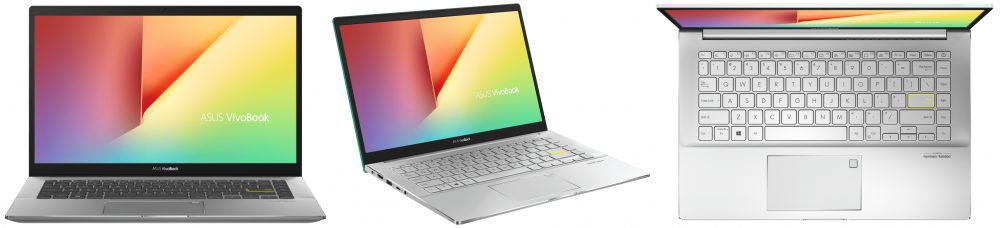
ASUS VivoBook S13 S333
The smaller device gets the newest Intel Ice lake CPUs and Intel Iris Plus Graphics. The top-end CPU option is Core i7-1065G7 with Intel Iris G7 graphics. The dedicated graphics options are NVIDIA GeForce MX350 and GeForce MX330 – MX350 is available for the S333 model only.
The panel is a 13.3” NanoEdge LED-backlit with 178° viewing angles – let’s hope that this one will be better than the one in the S330 variant. The S333 is the lightest and smallest device in the 2020 VivoBook lineup – it’s a good option for people who are often on-the-go and need a compact device with strong hardware (for example – i7-1065G7).
Read our comparison between VivoBook S14 S433 (2020) and VivoBook S14 S430 (2019) here.
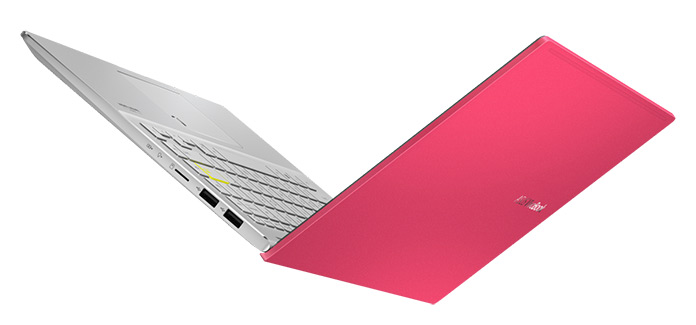
ASUS VivoBook S14 S433
Specs-wise, the S433 model is almost like a small VivoBook S533. The S433 can be configured with Comet Lake CPUs like Core i7-10510U or i5-10210U with Intel UHD graphics. For more graphics power users can rely on NVIDIA MX250.
The size and the weight are pretty respectable – the profile is 15.9 mm only and the weight is 1.40 kg. The display is an IPS one – 14″ NanoEdge LED-backlit panel. Four color options are available.
This VivoBook model is a good choice for the ones who need a bigger display than the S333 alongside optional NumberPad.
Read our comparison between VivoBook S14 S433 (2020) and VivoBook S14 S432 (2019) here.

ASUS VivoBook S15 S533
The top-end model, the VivoBook S15 S533 is for the users who need a bigger screen without sacrificing portability much. It’s the better machine for long hours of typing because of the wider chassis and bigger keycaps. If you multitask with a lot of open Web browser tabs and programs at the same time you will appreciate the big 15.6″ screen.
Just like its S433 sibling, the S533 will be a “Comet Lake” device – i7-10510U or i5-10210U with UHD graphics, and again – MX250 as a dedicated graphics option. The profile and the weight of this device are decent – 16.1 mm and 1.80kg.
Read our comparison between VivoBook S15 S533 (2020) and VivoBook S15 S532 (2019) here.
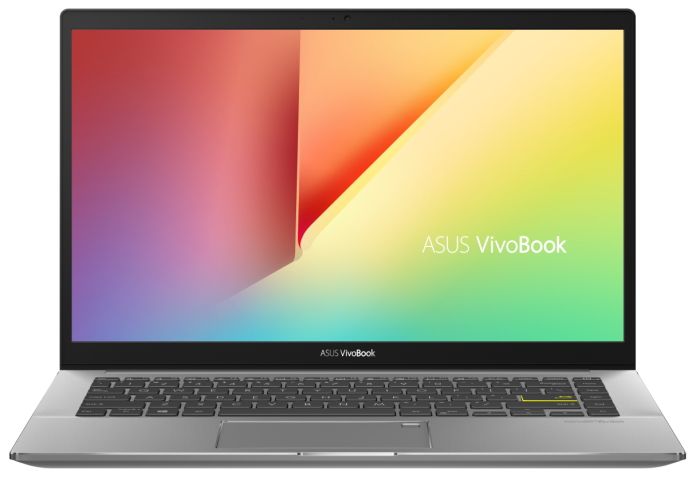
Specs Comparison
| VivoBook S13 S333 | VivoBook S14 S433 | VivoBook S15 S533 | |
|---|---|---|---|
| CPU | Intel Core i7-1065G7, 4C/8T, 1.3GHz (8MB cache, up to 3.9GHz) | Intel Core i7-10510U, 4C/8T, 1.8GHz (8MB cache, up to 4.9GHz) | Intel Core i7-10510U, 4C/8T, 1.8GHz (8MB cache, up to 4.9GHz) |
| Intel Core i5-1035G1, 4C/8T, 1.0GHz (6MB cache, up to 3.6GHz) | Intel Core i5-10210U, 4C/8T, 1.6GHz (6MB cache, up to 4.2GHz) | Intel Core i5-10210U, 4C/8T, 1.6GHz (6MB cache, up to 4.2GHz) | |
| GPU | NVIDIA GeForce MX350 | NVIDIA GeForce MX250 | NVIDIA GeForce MX250 |
| NVIDIA GeForce MX250 | UMA | UMA | |
| UMA | |||
| Display | 13.3” NanoEdge LED-backlit 178° wide viewing angles | 14″ NanoEdge LED-backlit 178° wide viewing angles | 15.6″ NanoEdge LED-backlit 178° wide viewing angles (optional) |
| Resolution | Full HD (1920×1080) IPS | Full HD (1920×1080) IPS | Full HD (1920×1080) IPS |
| Memory | 16GB 2666MHz DDR4 | 16GB 2666MHz DDR4 | 16GB 2666MHz DDR4 |
| 8GB 2666MHz DDR4 | 8GB 2666MHz DDR4 | 8GB 2666MHz DDR4 | |
| Storage | 32GB Intel Optane + 512GB SSD | 32GB Intel Optane + 512GB SSD | 32GB Intel Optane + 512GB SSD |
| 16GB Intel Optane + 256GB SSD | 16GB Intel Optane + 256GB SSD | 16GB Intel Optane + 256GB SSD | |
| Networking | 802.11ax Intel Wi Fi 6 (GIG+) | 802.11ax Intel Wi Fi 6 (GIG+) | 802.11ax Intel Wi Fi 6 (GIG+) |
| Bluetooth 5.0 | Bluetooth 5.0 | Bluetooth 5.0 | |
| Connectivity | 1 x USB 3.2 Gen 1 Type-C | 1 x USB 3.2 Gen 1 Type-C | 1 x USB 3.2 Gen 1 Type-C |
| 1 x USB 3.2 Gen 1 Type-A | 1 x USB 3.2 Gen 1 Type-A | 1 x USB 3.2 Gen 1 Type-A | |
| 2 x USB 2.0 | 2 x USB 2.0 | 2 x USB 2.0 | |
| 1 x HDMI | 1 x HDMI | 1 x HDMI | |
| 1 x Audio combo jack | 1 x Audio combo jack | 1 x Audio combo jack | |
| 1 x MicroSD card reader | 1 x MicroSD card reader | 1 x MicroSD card reader | |
| Color options | Dreamy White | Dreamy White | Dreamy White |
| Indie Black | Indie Black | Indie Black | |
| Gaia Green | Gaia Green | ||
| Resolute Red | Resolute Red | ||
| Dimensions | 305 x 200 x 14.9 mm (12.01″ x 7.87″ x 0.59″) | 324.9 x 213.5 x 15.9 mm (12.79″ x 8.41″ x 0.63″) | 359.8 x 233.8 x 16.1 mm (14.17″ x 9.20″ x 0.63″) |
| Weight | 1.20 kg (2.6 lbs) | 1.40 kg (3.1 lbs) | 1.80 kg (4 lbs) |
| Battery | 50Wh | 50Wh | 50Wh |
| OS | Windows 10 Pro | Windows 10 Pro | Windows 10 Pro |
| Windows 10 Home | Windows 10 Home | Windows 10 Home |
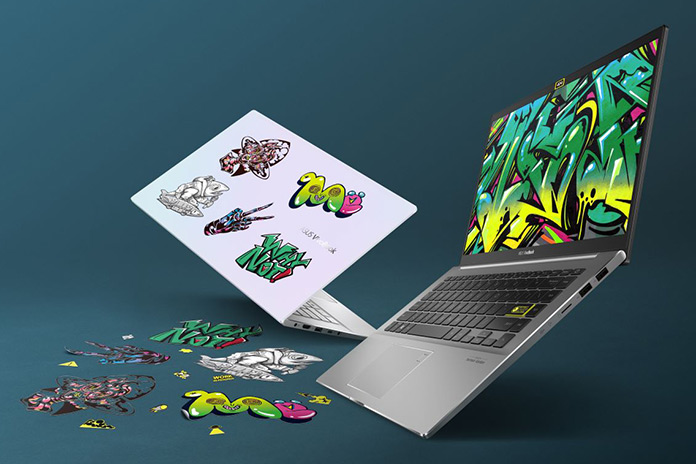
Prices and Configurations
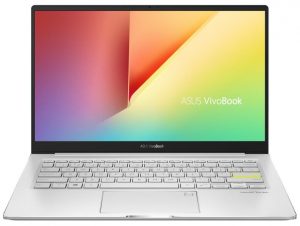
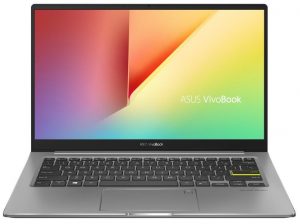
ASUS VivoBook S13 S333 configurations:
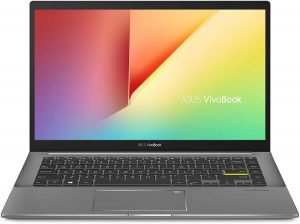
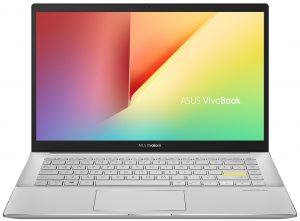
ASUS VivoBook S14 S433 configurations:
VivoBook S15 S533 configurations:

 Author: Nikolay Palaozov

![[Czerwiec 2026 r.] Najlepiej sprzedające się marki laptopów w serwisie Amazon Global – bezkonkurencyjna dominacja firmy Apple pod względem liczby sprzedanych egzemplarzy i przychodów](https://laptopmedia.com/wp-content/uploads/2026/07/GLOBAL-Best-Brands-400x225.jpg)
![[Czerwiec 2026] Amazon Global: 10 najlepiej sprzedających się laptopów – nowy MacBook Neo firmy Apple szturmem zdobywa pierwsze miejsce, zmieniając oblicze rynku dzięki przystępnej cenie](https://laptopmedia.com/wp-content/uploads/2026/07/Best-Selling-Laptops-GLOBAL-Top-10-400x225.jpg)
![[Czerwiec 2026] Amazon Global: 10 najlepiej sprzedających się laptopów do gier – model Nitro V 16S AI firmy Acer dominuje pod względem sprzedaży, podczas gdy firma ASUS zajmuje pierwsze miejsce pod względem całkowitych przychodów](https://laptopmedia.com/wp-content/uploads/2026/07/Best-Selling-Gaming-Laptops-GLOBAL-Top-10-400x225.jpg)
![[Czerwiec 2026] Globalny ranking najlepiej sprzedających się kart graficznych do laptopów na Amazonie – NVIDIA RTX 5060 to najlepiej sprzedająca się dedykowana karta graficzna](https://laptopmedia.com/wp-content/uploads/2026/07/Best-Selling-GPUs-GLOBAL-Top-10-400x225.jpg)
![[Czerwiec 2026] Globalny ranking najlepiej sprzedających się procesorów do laptopów na Amazonie – Apple M5 dominuje, a AMD Ryzen 7 260 zdobywa solidny udział w segmencie premium](https://laptopmedia.com/wp-content/uploads/2026/07/Best-Selling-CPUs-GLOBAL-Top-10-400x225.jpg)
