How to open Acer Aspire 3 (A315-24P) – disassembly and upgrade options
This Acer device is a weird abomination, which combines brand-new iGPU technology with a 3-year-old CPU architecture. This results in soldered LPDDR5 RAM, but an ability to upgrade the storage via a single M.2 PCIe x4 slot, which is limited to Gen 3 SSDs.
Check out all Acer Aspire 3 (A315-24P) prices and configurations in our Specs System, or read more in our In-Depth review.
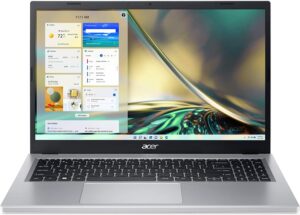
1. Remove the bottom plate
To access this notebook’s internals, you need to undo 11 Phillips-head screws. Then, pry the bottom panel with a plastic tool, and lift it away from the chassis.
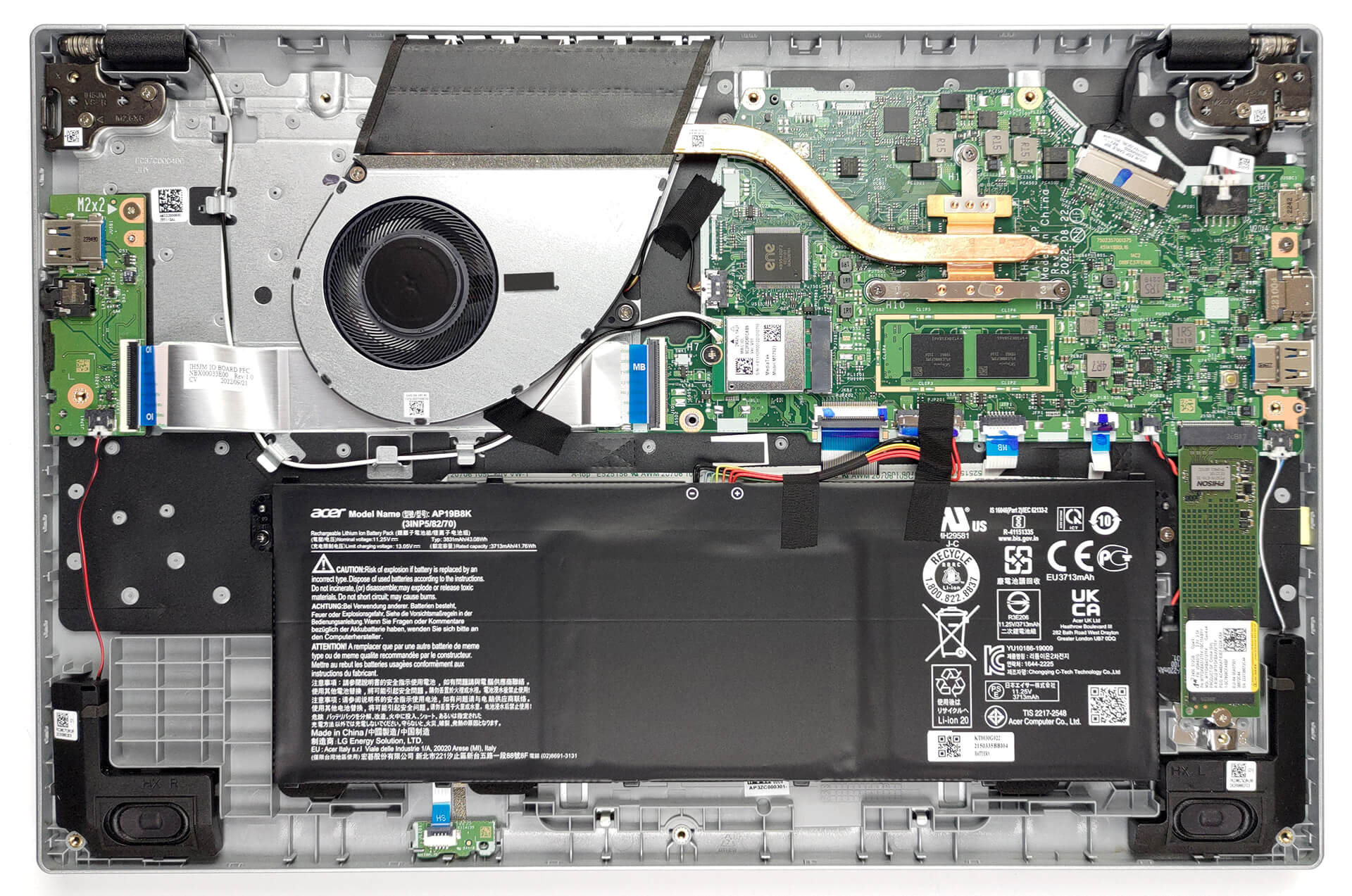
2. Remove the battery
Inside, we find a 43Wh battery pack. To remove it, unplug the battery connector, and undo the two Phillips-head screws, keeping it in place.
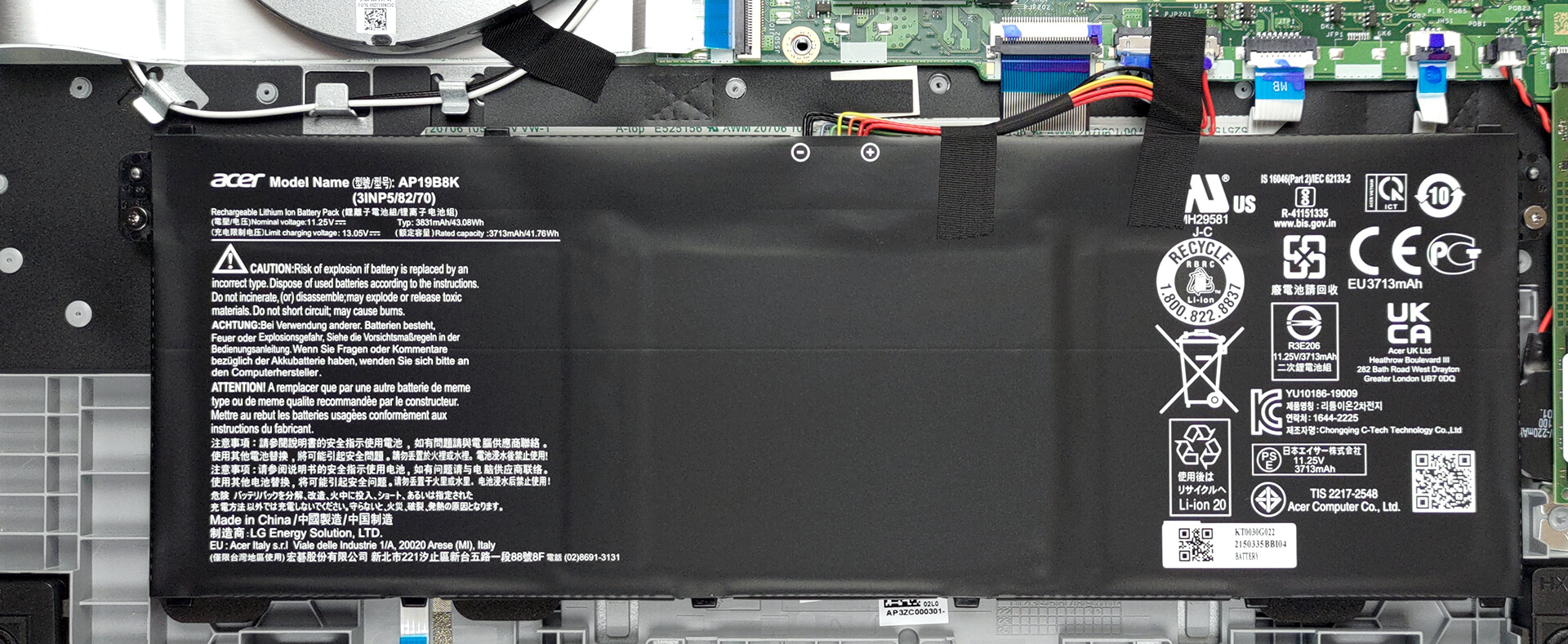
3. Upgrade memory and storage
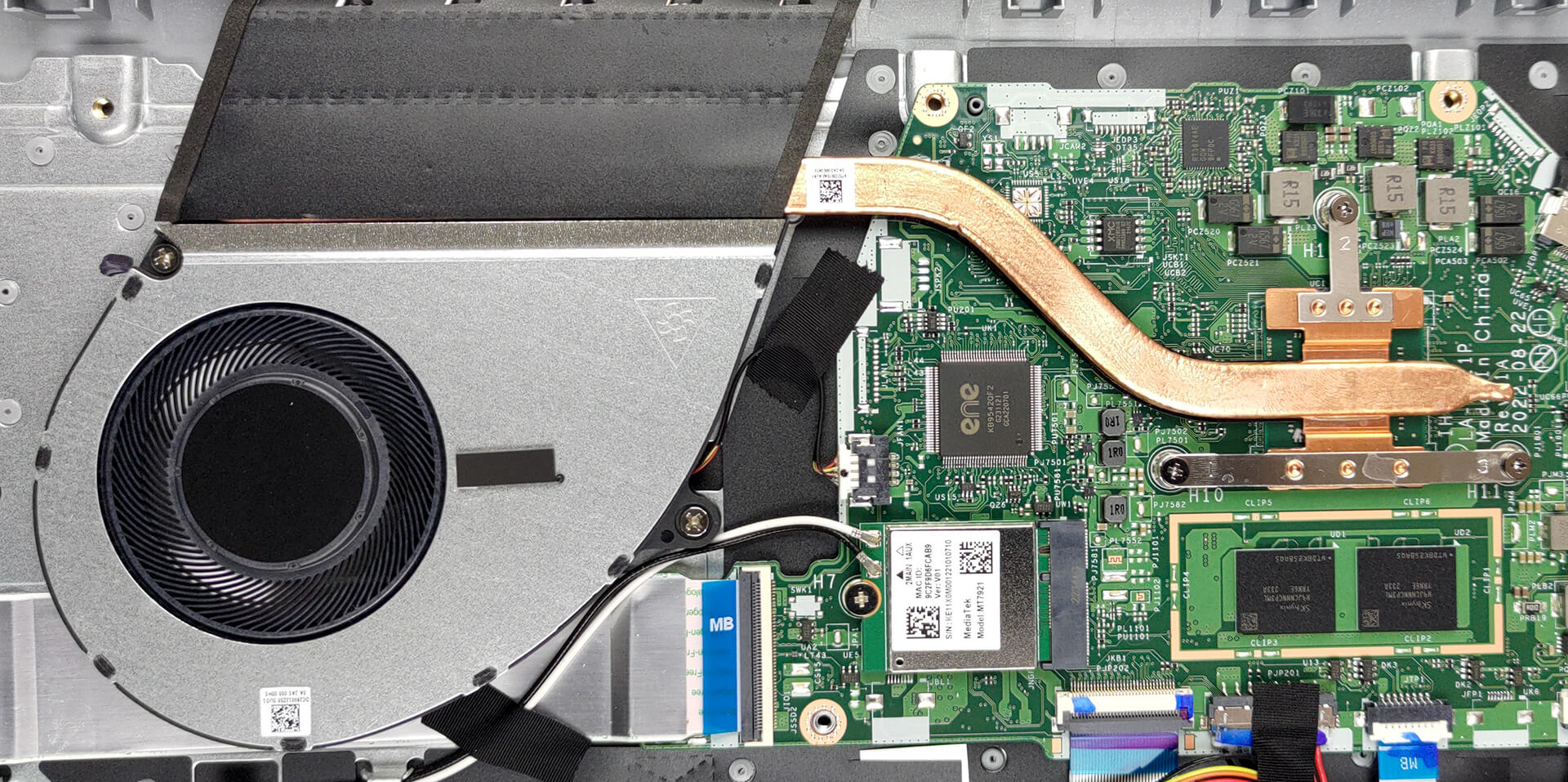
Memory-wise, there are 8GB of LPDDR5 RAM, working at 5500 MHz in dual-channel mode. For storage, you get one M.2 PCIe x4 slot, limited to Gen 3.
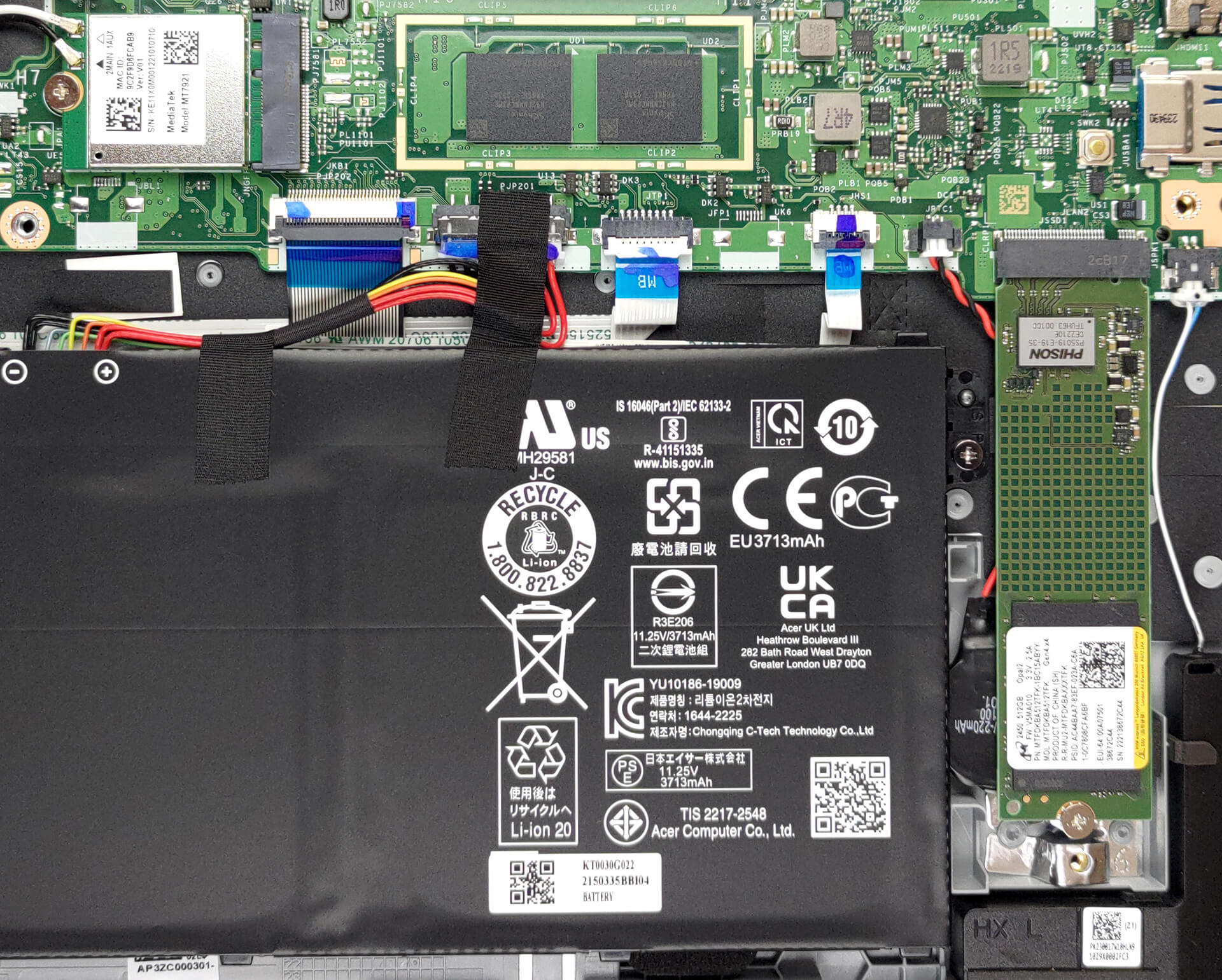
4. Cooling system
The cooling inside comprises one heat pipe, a heat sink, and a large fan.
Check out all Acer Aspire 3 (A315-24P) prices and configurations in our Specs System, or read more in our In-Depth review.
Acer Aspire 3 (A315-24P) dogłębna recenzja
Today, we are going to tell you all you need to know about a laptop, which will shatter the entry-level mobile market. Or will it? This question arises with every machine bold enough to make such claims, that's for sure.But there is one particular reason we think this one might fail in its quest (which may be the very reason it succeeds eventually). Precisely, we're talking about the processors of choice. They are the Ryzen 3 7320U, and the Ryzen 5 7520U. Finally, one would say, a Ryzen 7000U CPU to hit the market.As you will learn later on, this is not exactly the case. To make use o[...]
Pros
- Great battery life
- Comfortable viewing angles and good contrast ratio (BOE NV156FHM-N48 (BOE0A56))
- No PWM (BOE NV156FHM-N48 (BOE0A56))
- Decent performance
- Wi-Fi 6E and fully functional USB Type-C 3.2 (Gen. 2) port
Cons
- Covers only 51% of sRGB (BOE NV156FHM-N48 (BOE0A56))
- Soldered memory
- No keyboard backlight
- Lacks an SD card reader
 Author: Alex Iliev

![[Czerwiec 2026 r.] Najlepiej sprzedające się marki laptopów w serwisie Amazon Global – bezkonkurencyjna dominacja firmy Apple pod względem liczby sprzedanych egzemplarzy i przychodów](https://laptopmedia.com/wp-content/uploads/2026/07/GLOBAL-Best-Brands-400x225.jpg)
![[Czerwiec 2026] Amazon Global: 10 najlepiej sprzedających się laptopów – nowy MacBook Neo firmy Apple szturmem zdobywa pierwsze miejsce, zmieniając oblicze rynku dzięki przystępnej cenie](https://laptopmedia.com/wp-content/uploads/2026/07/Best-Selling-Laptops-GLOBAL-Top-10-400x225.jpg)
![[Czerwiec 2026] Amazon Global: 10 najlepiej sprzedających się laptopów do gier – model Nitro V 16S AI firmy Acer dominuje pod względem sprzedaży, podczas gdy firma ASUS zajmuje pierwsze miejsce pod względem całkowitych przychodów](https://laptopmedia.com/wp-content/uploads/2026/07/Best-Selling-Gaming-Laptops-GLOBAL-Top-10-400x225.jpg)
![[Czerwiec 2026] Globalny ranking najlepiej sprzedających się kart graficznych do laptopów na Amazonie – NVIDIA RTX 5060 to najlepiej sprzedająca się dedykowana karta graficzna](https://laptopmedia.com/wp-content/uploads/2026/07/Best-Selling-GPUs-GLOBAL-Top-10-400x225.jpg)
![[Czerwiec 2026] Globalny ranking najlepiej sprzedających się procesorów do laptopów na Amazonie – Apple M5 dominuje, a AMD Ryzen 7 260 zdobywa solidny udział w segmencie premium](https://laptopmedia.com/wp-content/uploads/2026/07/Best-Selling-CPUs-GLOBAL-Top-10-400x225.jpg)

is the storage expandable?
yeah it is i upgraded it from 128 gbs to 512 gbs
Why they said it’s limited to Gen 3 SSD? Can I buy a SSD Gen 4 of Samsung brand specifically the Evo 990 of 2 Tb and it would work?