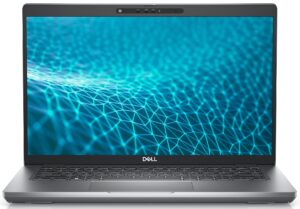
How to open Dell Latitude 14 5431 – disassembly and upgrade options
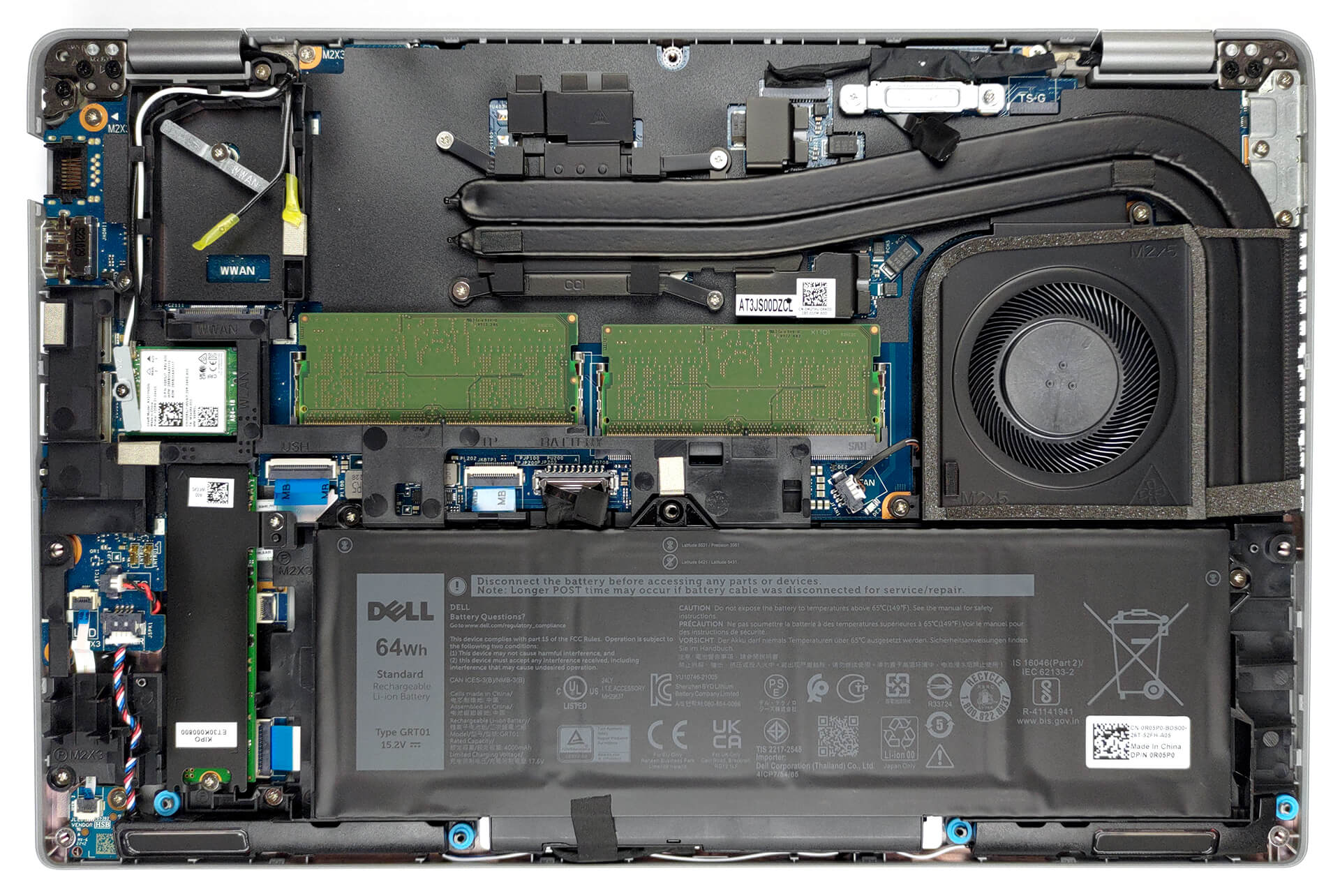
It’s good to see that even though it is a 14-inch notebook, the Latitude 14 5431 still offers two SODIMM slots for memory expansion. On the contrary, we would have loved to see more than one storage slot.
Check out all Dell Latitude 14 5431 prices and configurations in our Specs System, or read more in our In-Depth review.
1. Remove the bottom plate
To open this device, you need to undo a total of 8 captive Phillips-head screws. Then, pry the bottom panel with a plastic tool, starting from the hinge gaps.
2. Remove the battery
Inside, we see a 64Wh battery. It lasts for more than 13 hours of Web browsing or about 9 hours of video playback. To take it out, unplug the battery connector, and undo the two Phillips-head screws that stand in your way.

3. Upgrade memory and storage
Thankfully, there are two SODIMM slots, which work in dual-channel mode, and fit up to 64GB of DDR5 memory in total. On the storage side, there is only one slot. It fits M.2 PCIe x4 Gen 4 SSDs.

4. Cooling system
The cooling comprises one thick and one thin heat pipe. They both connect to a heat sink, where the fan blows the heat away from the chassis. Furthermore, you get several heat spreaders for the VRMs.

Check out all Lenovo Dell Latitude 14 5431 prices and configurations in our Specs System, or read more in our In-Depth review.
Dell Latitude 14 5431 dogłębna recenzja
Istnieją różne rodzaje laptopów biznesowych. Niektóre muszą być lekkie, szybkie i gotowe do natychmiastowego wyjęcia z torby. Inni potrzebują więcej miejsca na chłodzenie, ponieważ muszą przetwarzać duże liczby lub skomplikowane sceny.Dokładnie w ten sposób Dell Latitude 14 5431 wkroczył do akcji. Jest to mocniejsza i potężniejsza wersja Latitude 14 5430. Istnieje szansa, że te dwie maszyny są bardzo zbliżone, więc decyzja może zostać podjęta na podstawie ceny, chłodzenia lub przenośności.Wiemy na pewno, że ta maszyna będzie miała dużą wydajność. J[...]
Pros
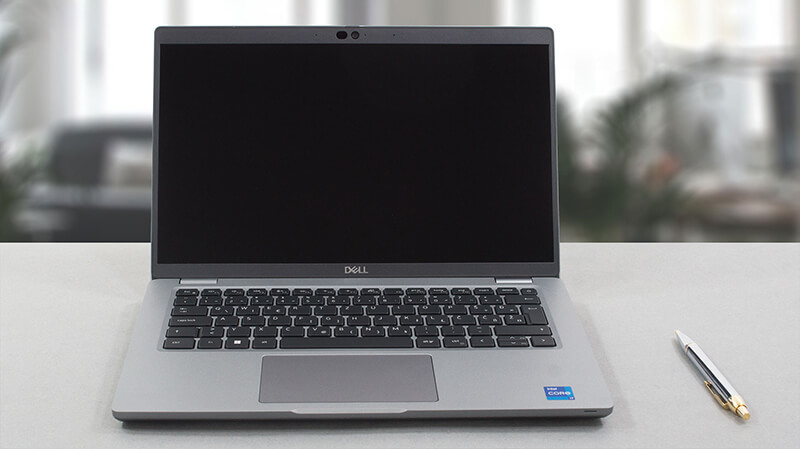
- Duży wybór portów
- Do 64 GB pamięci RAM DDR5
- Czytnik linii papilarnych wbudowany w przycisk zasilania + opcjonalne rozpoznawanie twarzy w podczerwieni
- Wi-Fi 6, PCIe x4 Gen 4, Thunderbolt 4
- Brak PWM (LG 0HXCK-140WFH (LGD068D))
- Wygodna klawiatura z podświetleniem
- Przyzwoity czas pracy na baterii
- Opcjonalna łączność LTE
- Chłodny i cichy
Cons
- 50% pokrycia palety sRGB (LG 0HXCK-140WFH (LGD068D))
 Author: Alex Iliev

![[Czerwiec 2026 r.] Najlepiej sprzedające się marki laptopów w serwisie Amazon Global – bezkonkurencyjna dominacja firmy Apple pod względem liczby sprzedanych egzemplarzy i przychodów](https://laptopmedia.com/wp-content/uploads/2026/07/GLOBAL-Best-Brands-400x225.jpg)
![[Czerwiec 2026] Amazon Global: 10 najlepiej sprzedających się laptopów – nowy MacBook Neo firmy Apple szturmem zdobywa pierwsze miejsce, zmieniając oblicze rynku dzięki przystępnej cenie](https://laptopmedia.com/wp-content/uploads/2026/07/Best-Selling-Laptops-GLOBAL-Top-10-400x225.jpg)
![[Czerwiec 2026] Amazon Global: 10 najlepiej sprzedających się laptopów do gier – model Nitro V 16S AI firmy Acer dominuje pod względem sprzedaży, podczas gdy firma ASUS zajmuje pierwsze miejsce pod względem całkowitych przychodów](https://laptopmedia.com/wp-content/uploads/2026/07/Best-Selling-Gaming-Laptops-GLOBAL-Top-10-400x225.jpg)
![[Czerwiec 2026] Globalny ranking najlepiej sprzedających się kart graficznych do laptopów na Amazonie – NVIDIA RTX 5060 to najlepiej sprzedająca się dedykowana karta graficzna](https://laptopmedia.com/wp-content/uploads/2026/07/Best-Selling-GPUs-GLOBAL-Top-10-400x225.jpg)
![[Czerwiec 2026] Globalny ranking najlepiej sprzedających się procesorów do laptopów na Amazonie – Apple M5 dominuje, a AMD Ryzen 7 260 zdobywa solidny udział w segmencie premium](https://laptopmedia.com/wp-content/uploads/2026/07/Best-Selling-CPUs-GLOBAL-Top-10-400x225.jpg)