How to open HP Omen 17 (2023, 17-ck2000) – disassembly and upgrade options
As a typical gaming notebook, the Omen 17 (2023, 17-ck2000) shows a very good upgradeability, with easy access and the option to use the latest and greatest in the world of tech.
Check out all HP Omen 17 (2023, 17-ck2000) prices and configurations in our Specs System, or read more in our In-Depth review.
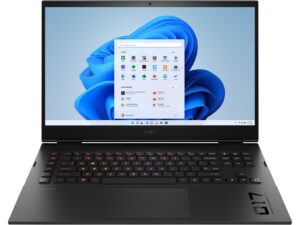
1. Remove the bottom plate
This laptop’s bottom panel is held in place by 8 Phillips-head screws. After you undo them, use a plastic tool to lift the backside of the panel from the chassis.
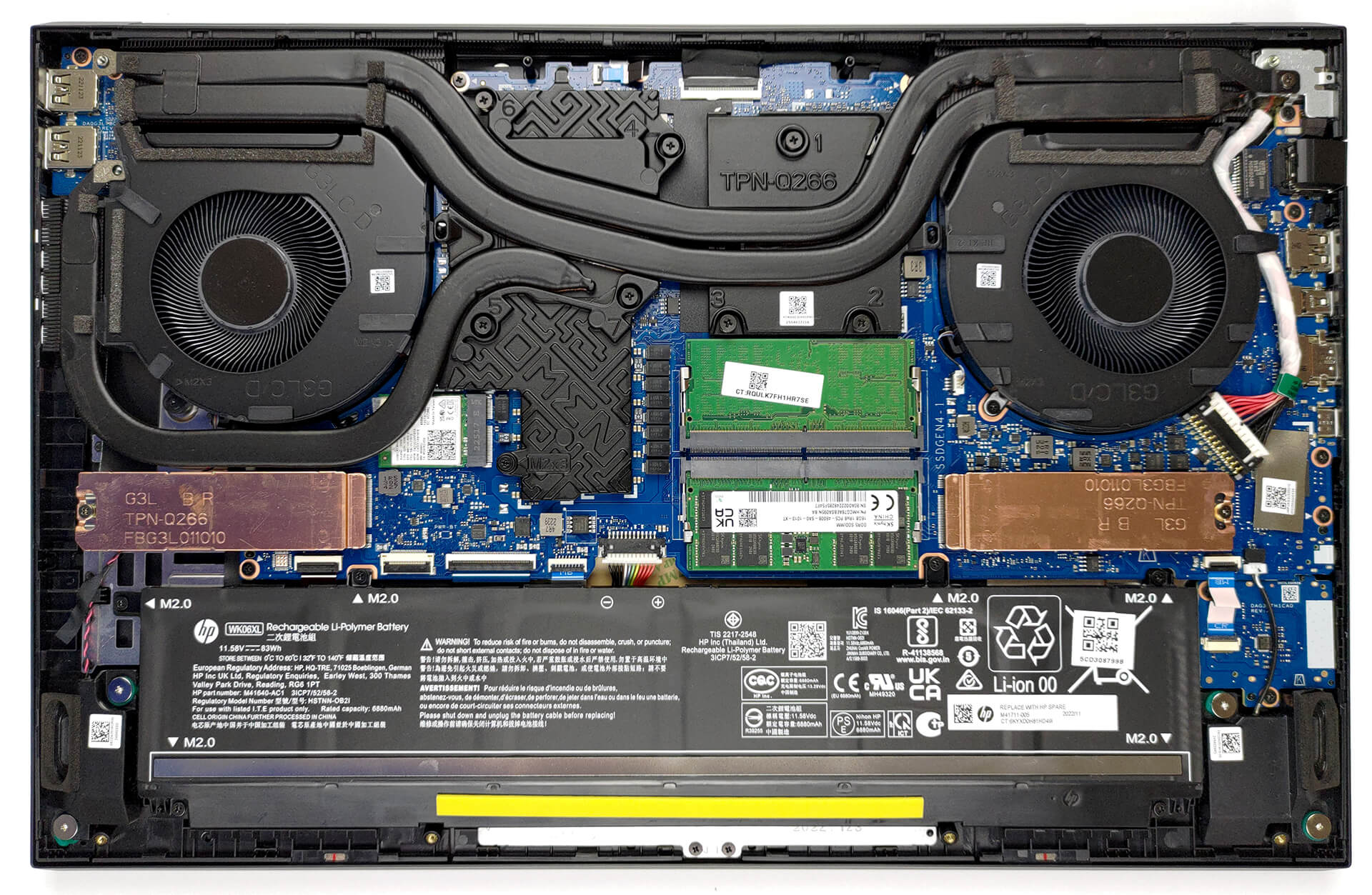
2. Remove the battery
Inside, we see an 83Wh battery pack. To remove it, unplug the connector from the motherboard, and undo the 6 Phillips-head screws that hold the battery to the device.
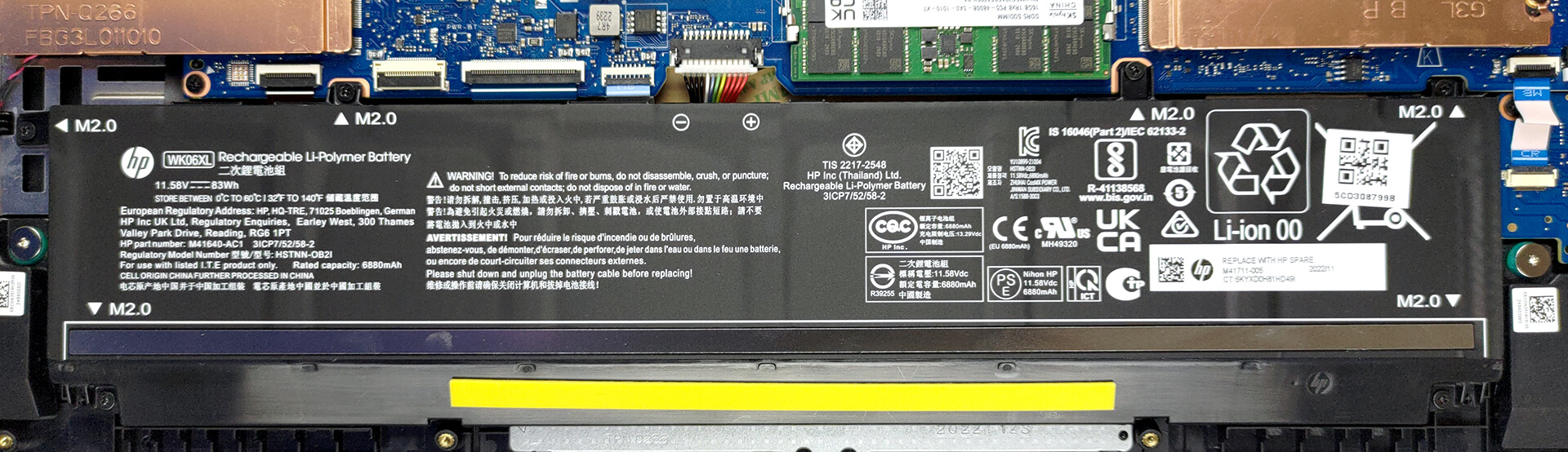
3. Upgrade memory and storage
Memory-wise, there are two SODIMM slots that work with DDR5 RAM. It supports modules that work at 5600MHz. As far as the storage goes, you get two M.2 PCIe x4 slots, which support Gen 4 SSDs.

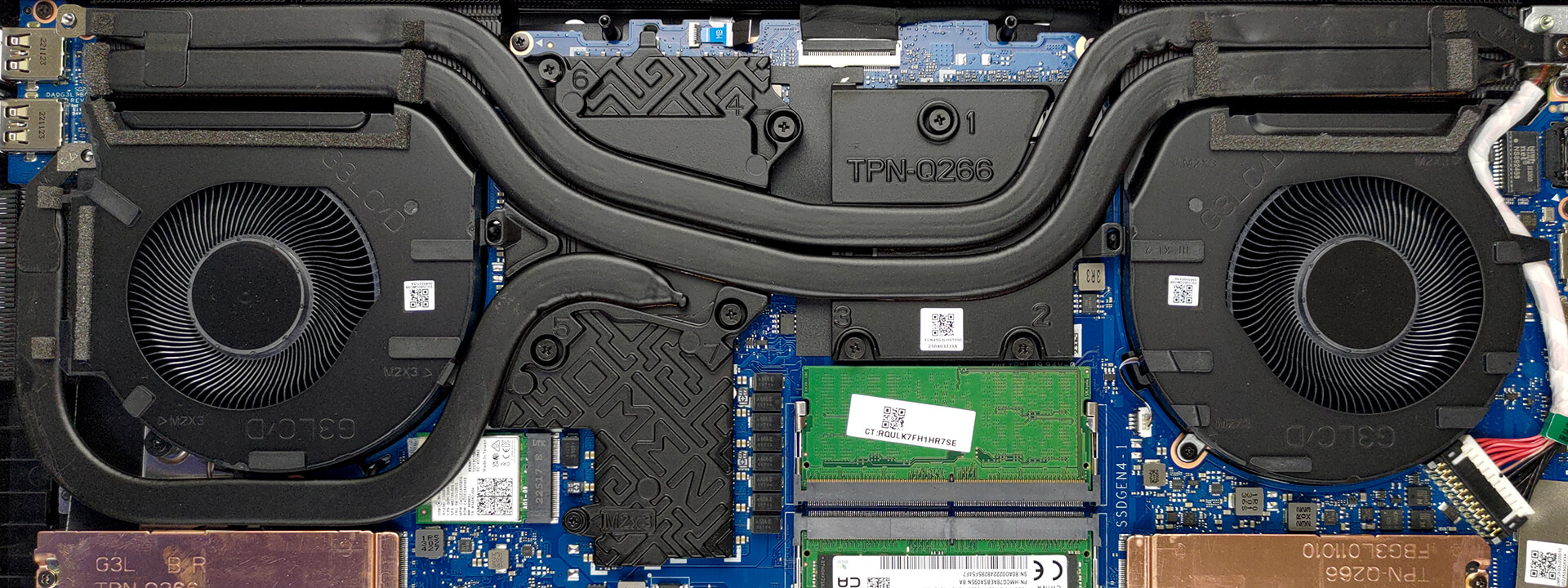
4. Cooling system
In terms of cooling, you get two heat pipes shared between the CPU and the GPU, with one more dedicated to the graphics card. They lead to three heat sinks, where two fans blow the heat away from the chassis. In addition, the VRMs and the graphics memory are being cooled by a couple of heat spreaders.
Check out all HP Omen 17 (2023, 17-ck2000) prices and configurations in our Specs System, or read more in our In-Depth review.
HP OMEN 17 (17-ck1000, ck2000, cm2000, 2022 / 2023) dogłębna recenzja
Seria Omen firmy HP jest jedną ze starszych marek notebooków do gier na rynku. Jednak pomimo przeprojektowania, które miało miejsce 3 lata temu, nie widzieliśmy zbyt wielu działań ze strony HP. Pozostawia to ogromną część udziału w rynku bezpośrednim konkurentom Lenovo i ASUS.Nie chodzi o to, że notebooki Omen z ostatnich lat były klapami. Po prostu brakuje im innowacji. Dziś zamierzamy sprawdzić HP Omen 17 (2023, 17-ck2000). Jest to najnowszy wysiłek firmy na rynku gier.Maszyna wyposażona jest w Core i9-13900HX - procesor o bazowym TDP 55 W, który ma potencjał, b[...]
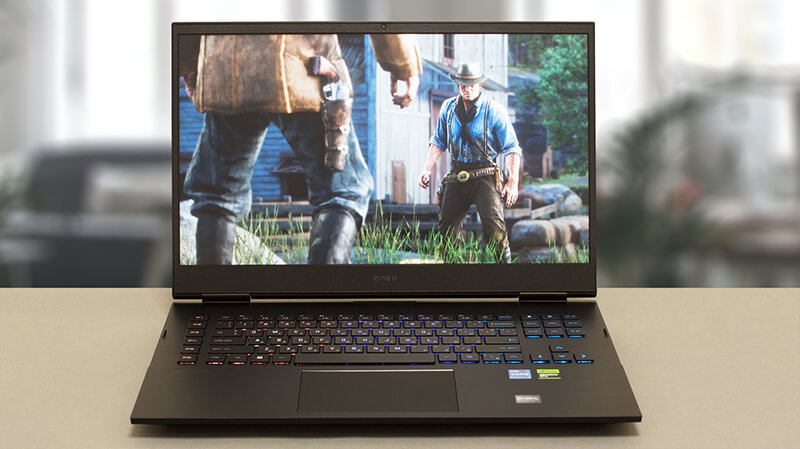
Pros
- Thunderbolt 4 + gniazdo kart SD + wiele więcej
- 91% pokrycie palety sRGB i dokładne odwzorowanie kolorów dzięki naszemu profilowi do gier i projektowania stron internetowych (BOE BOE0B67)
- Brak PWM (BOE BOE0B67)
- Panel 240 Hz ma bardzo krótki czas reakcji pikseli (BOE BOE0B67)
- Przełącznik MUX na płycie głównej
- Świetna klawiatura i touchpad
- 2x DDR5 SODIMM + 2x sloty M.2 PCIe x4
Cons
- Głośna podczas grania
- Nie dorównuje swoim konkurentom
- Słabe zawiasy
 Author: Alex Iliev

![[Czerwiec 2026 r.] Najlepiej sprzedające się marki laptopów w serwisie Amazon Global – bezkonkurencyjna dominacja firmy Apple pod względem liczby sprzedanych egzemplarzy i przychodów](https://laptopmedia.com/wp-content/uploads/2026/07/GLOBAL-Best-Brands-400x225.jpg)
![[Czerwiec 2026] Amazon Global: 10 najlepiej sprzedających się laptopów – nowy MacBook Neo firmy Apple szturmem zdobywa pierwsze miejsce, zmieniając oblicze rynku dzięki przystępnej cenie](https://laptopmedia.com/wp-content/uploads/2026/07/Best-Selling-Laptops-GLOBAL-Top-10-400x225.jpg)
![[Czerwiec 2026] Amazon Global: 10 najlepiej sprzedających się laptopów do gier – model Nitro V 16S AI firmy Acer dominuje pod względem sprzedaży, podczas gdy firma ASUS zajmuje pierwsze miejsce pod względem całkowitych przychodów](https://laptopmedia.com/wp-content/uploads/2026/07/Best-Selling-Gaming-Laptops-GLOBAL-Top-10-400x225.jpg)
![[Czerwiec 2026] Globalny ranking najlepiej sprzedających się kart graficznych do laptopów na Amazonie – NVIDIA RTX 5060 to najlepiej sprzedająca się dedykowana karta graficzna](https://laptopmedia.com/wp-content/uploads/2026/07/Best-Selling-GPUs-GLOBAL-Top-10-400x225.jpg)
![[Czerwiec 2026] Globalny ranking najlepiej sprzedających się procesorów do laptopów na Amazonie – Apple M5 dominuje, a AMD Ryzen 7 260 zdobywa solidny udział w segmencie premium](https://laptopmedia.com/wp-content/uploads/2026/07/Best-Selling-CPUs-GLOBAL-Top-10-400x225.jpg)
