How to open Lenovo IdeaPad Flex 5 (14″, 2022) – disassembly and upgrade options
Getting inside this device is not a hard job. However, there is not much to do there, besides accessing the M.2 storage slot.
Check out all Lenovo IdeaPad Flex 5 (14″, 2022) prices and configurations in our Specs System, or read more in our In-Depth review.
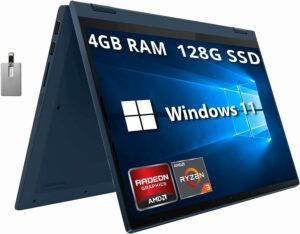
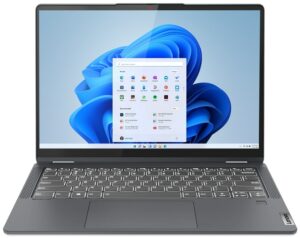
1. Remove the bottom plate
To open this device, you need to undo 9 Torx-head screws. Then, pry the bottom panel with a plastic tool, and remove it from the chassis.

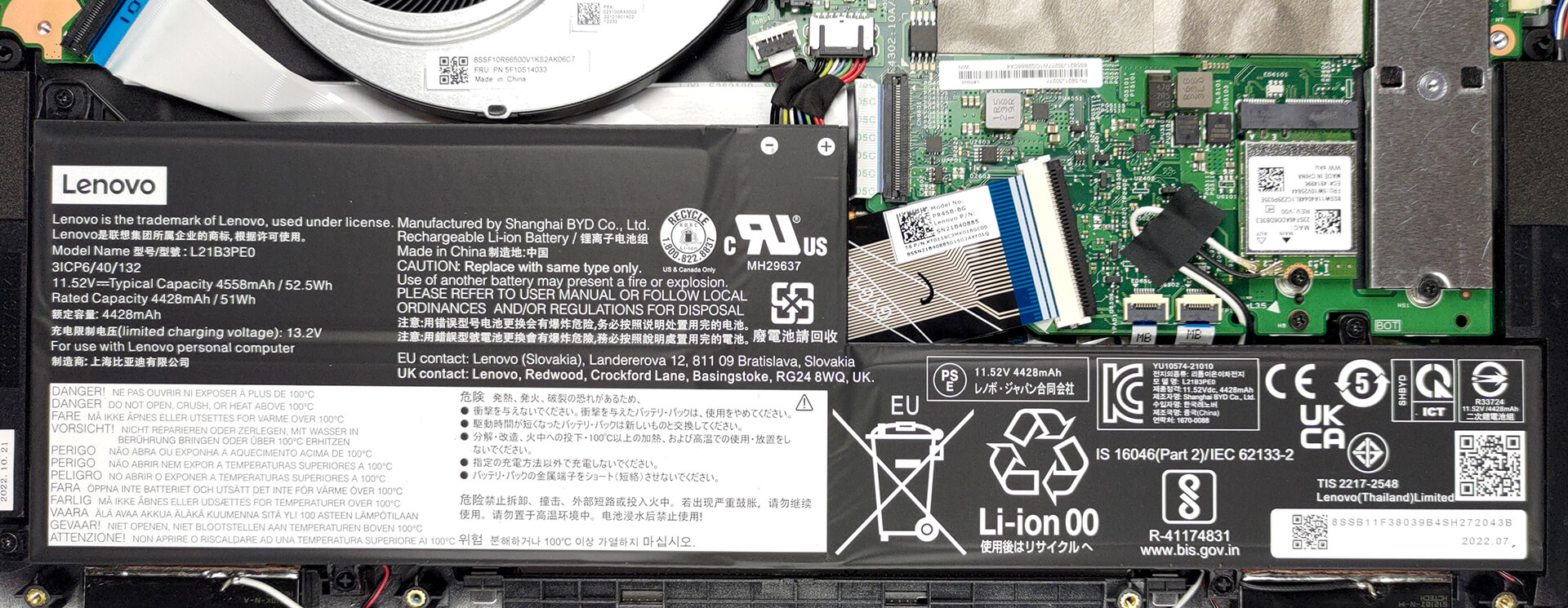
2. Remove the battery
This device comes with a 52.5Wh battery pack. To remove it, unplug the connector from the motherboard, and undo the three Phillips-head screws, keeping it in place.
3. Upgrade memory and storage
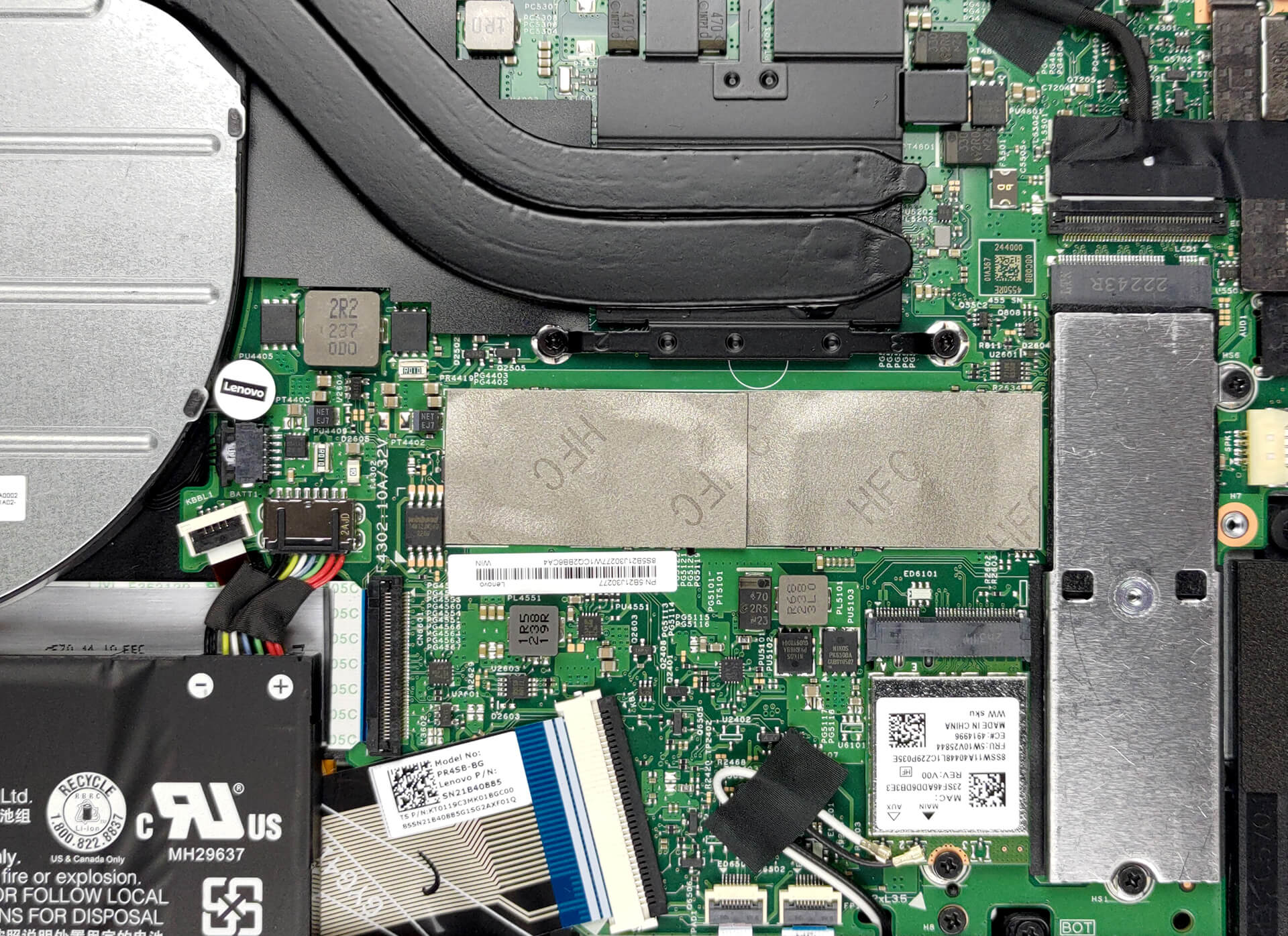
Memory-wise, you can get up to 16GB of LPDDR4x RAM, working in dual-channel mode. Unfortunately, it is soldered to the motherboard. As for the storage, you get one M.2 PCIe x4 slot.
4. Cooling system
In terms of cooling, you get two heat pipes, a heat sink, and a large fan. Furthermore, the VRMs come with a heat spreader.
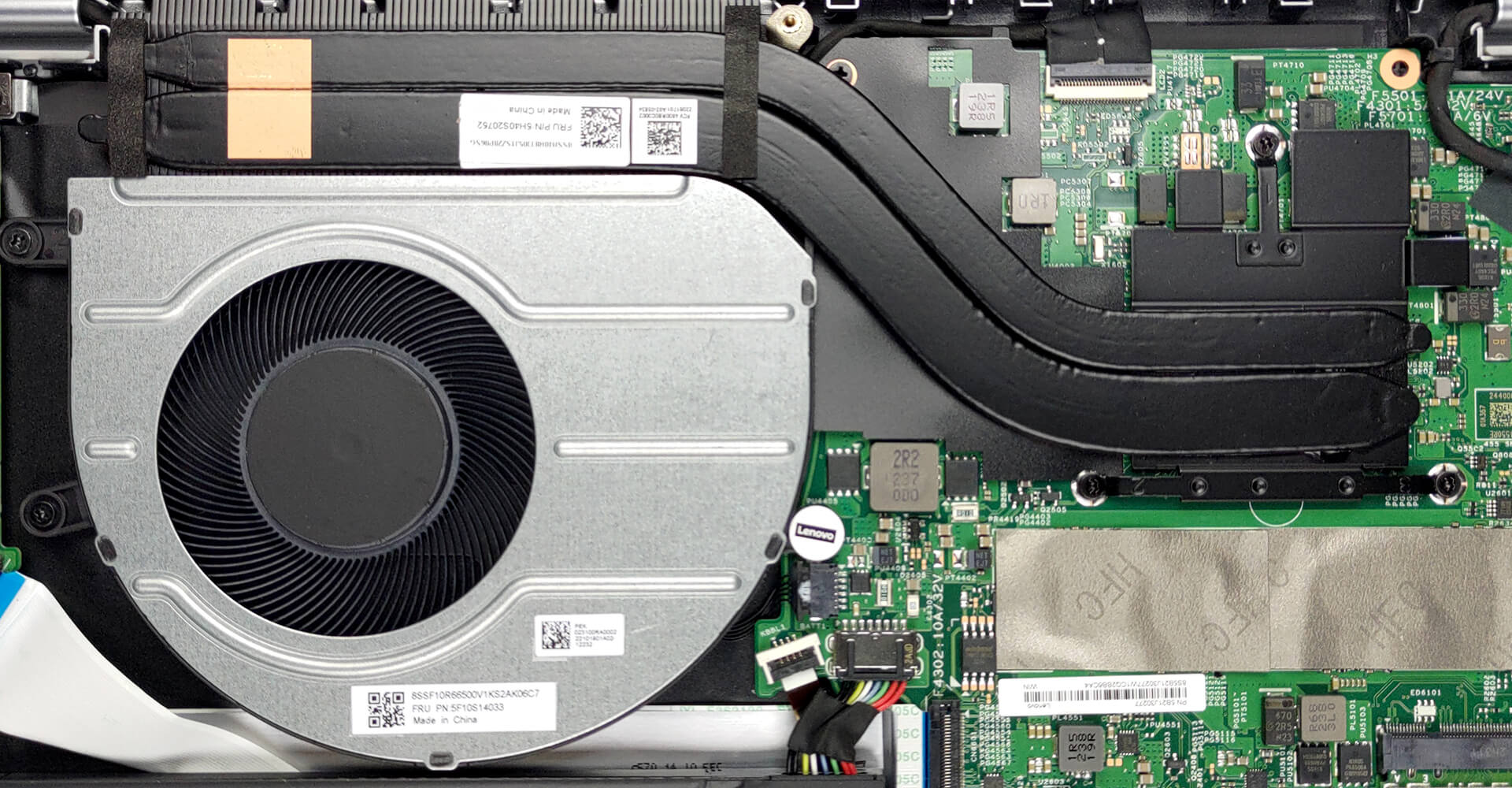
Check out all Lenovo IdeaPad Flex 5 (14″, 2022) prices and configurations in our Specs System, or read more in our In-Depth review.
Lenovo IdeaPad Flex 5 (14", 2022) dogłębna recenzja
Lenovo produces a lot of machines that focus on affordability. In fact, it was once the brand's identity. Now, its notebooks are a combination of high-quality materials, powerful hardware, and again - competitive pricing.One such machine is the IdeaPad Flex 5 (14", 2022). It comes in an AMD and an Intel option. Frankly, we had the former, which may provide a hint of disappointment on everyone's faces, once you take a look at the specs sheet.Yes, while Lenovo has picked the latest and greatest from Intel, the Team Red solution only features the rebranded Zen 2 chips, maxing out with th[...]
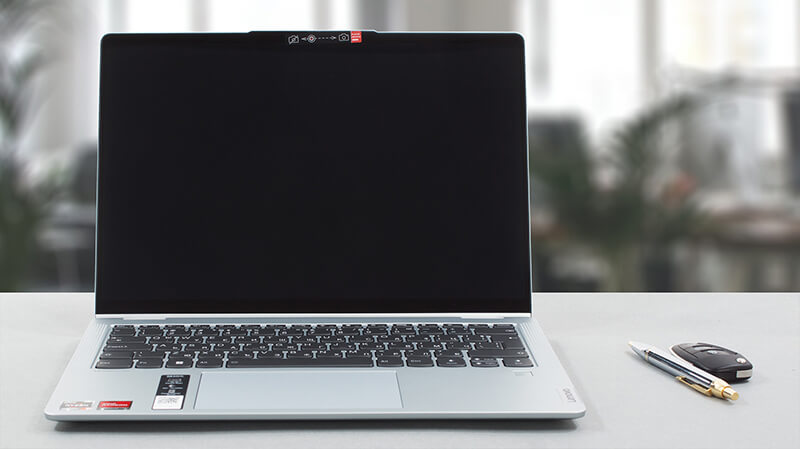
Pros
- 13-hour battery life
- 16:10 aspect ratio
- Fantastic cooling
- Comfortable input devices
- No PWM (LEN140WUXGA (LEN9125))
- SD card reader
- Fingerprint reader
Cons
- Soldered memory
- 54% sRGB coverage (LEN140WUXGA (LEN9125))
- Older processors (although still pretty powerful)
 Author: Alex Iliev

![[Czerwiec 2026 r.] Najlepiej sprzedające się marki laptopów w serwisie Amazon Global – bezkonkurencyjna dominacja firmy Apple pod względem liczby sprzedanych egzemplarzy i przychodów](https://laptopmedia.com/wp-content/uploads/2026/07/GLOBAL-Best-Brands-400x225.jpg)
![[Czerwiec 2026] Amazon Global: 10 najlepiej sprzedających się laptopów – nowy MacBook Neo firmy Apple szturmem zdobywa pierwsze miejsce, zmieniając oblicze rynku dzięki przystępnej cenie](https://laptopmedia.com/wp-content/uploads/2026/07/Best-Selling-Laptops-GLOBAL-Top-10-400x225.jpg)
![[Czerwiec 2026] Amazon Global: 10 najlepiej sprzedających się laptopów do gier – model Nitro V 16S AI firmy Acer dominuje pod względem sprzedaży, podczas gdy firma ASUS zajmuje pierwsze miejsce pod względem całkowitych przychodów](https://laptopmedia.com/wp-content/uploads/2026/07/Best-Selling-Gaming-Laptops-GLOBAL-Top-10-400x225.jpg)
![[Czerwiec 2026] Globalny ranking najlepiej sprzedających się kart graficznych do laptopów na Amazonie – NVIDIA RTX 5060 to najlepiej sprzedająca się dedykowana karta graficzna](https://laptopmedia.com/wp-content/uploads/2026/07/Best-Selling-GPUs-GLOBAL-Top-10-400x225.jpg)
![[Czerwiec 2026] Globalny ranking najlepiej sprzedających się procesorów do laptopów na Amazonie – Apple M5 dominuje, a AMD Ryzen 7 260 zdobywa solidny udział w segmencie premium](https://laptopmedia.com/wp-content/uploads/2026/07/Best-Selling-CPUs-GLOBAL-Top-10-400x225.jpg)
