How to open Lenovo ThinkBook 14s Yoga Gen 2 – disassembly and upgrade options
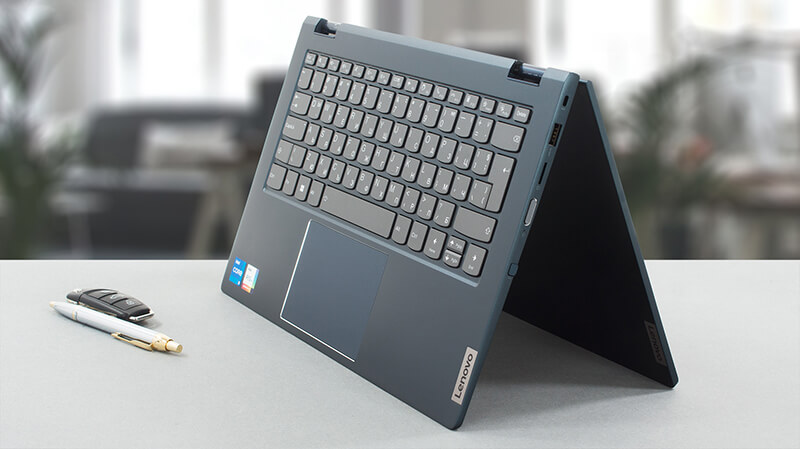
The ThinkBook 14s Yoga Gen 2 is a business 2-in-1 notebook, which is among the best in its class. The upgradeability is also good.
Check out all Lenovo ThinkBook 14s Yoga Gen 2 prices and configurations in our Specs System, or read more in our In-Depth review.
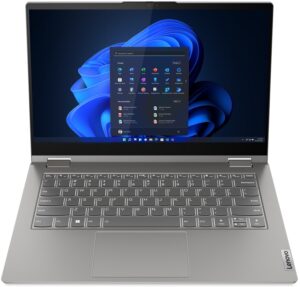
1. Remove the bottom plate
To take this notebook apart, you need to undo a total of 10 Torx head screws, six of which are captive. After that, pry the bottom panel with a plastic tool, starting from the hinge gaps.
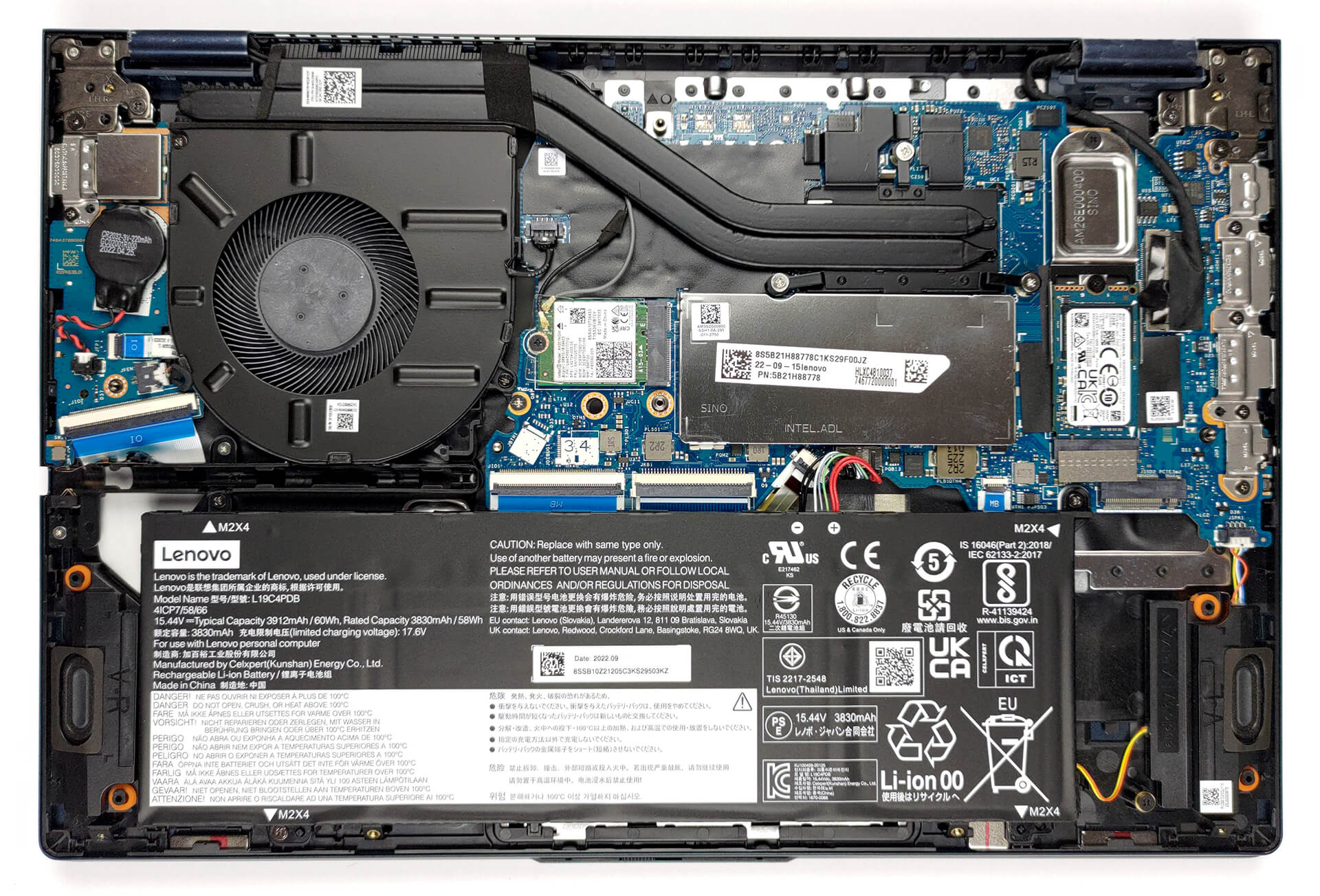
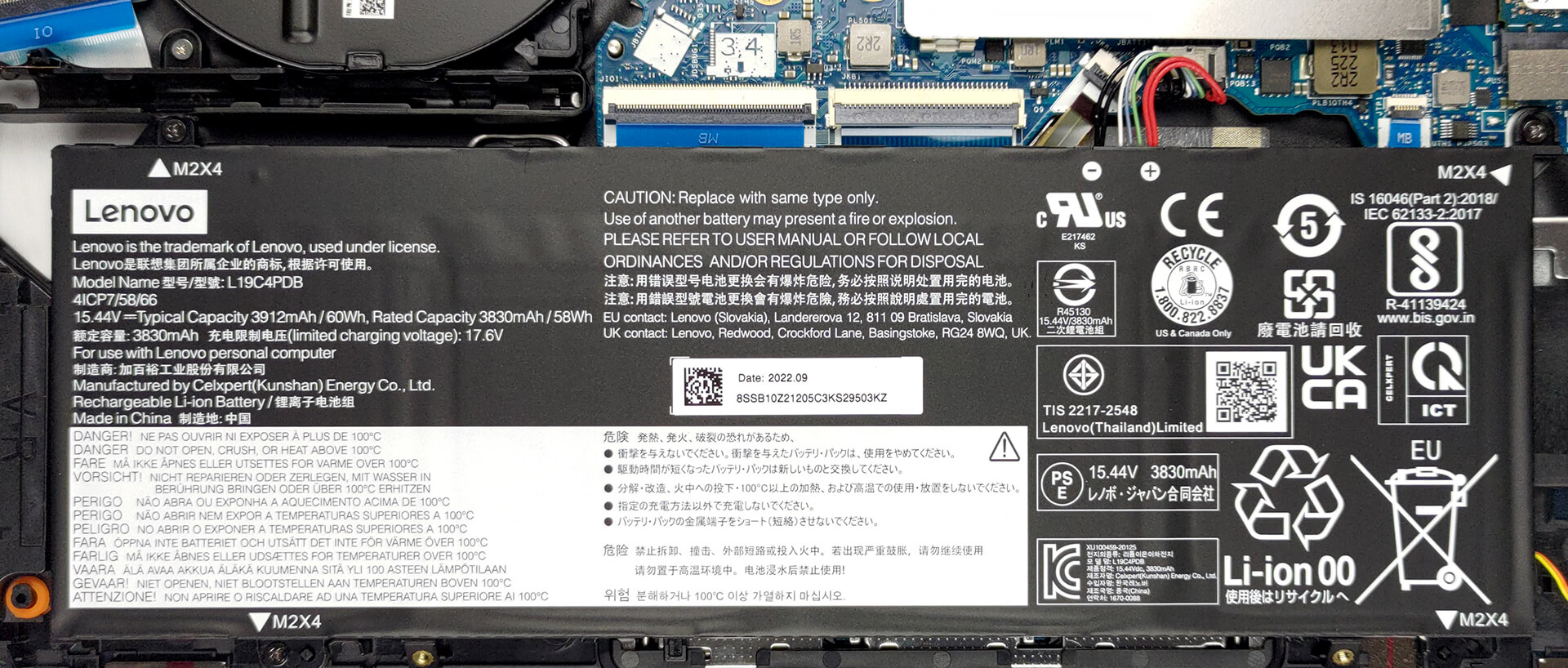
2. Remove the battery
Inside, we find a 60Wh battery pack. It lasts for 10 hours and 30 minutes of Web browsing, or 8 hours and 30 minutes of video playback. To take it out, unplug the connector from the motherboard, and undo the three Phillips-head screws, holding the battery in place.
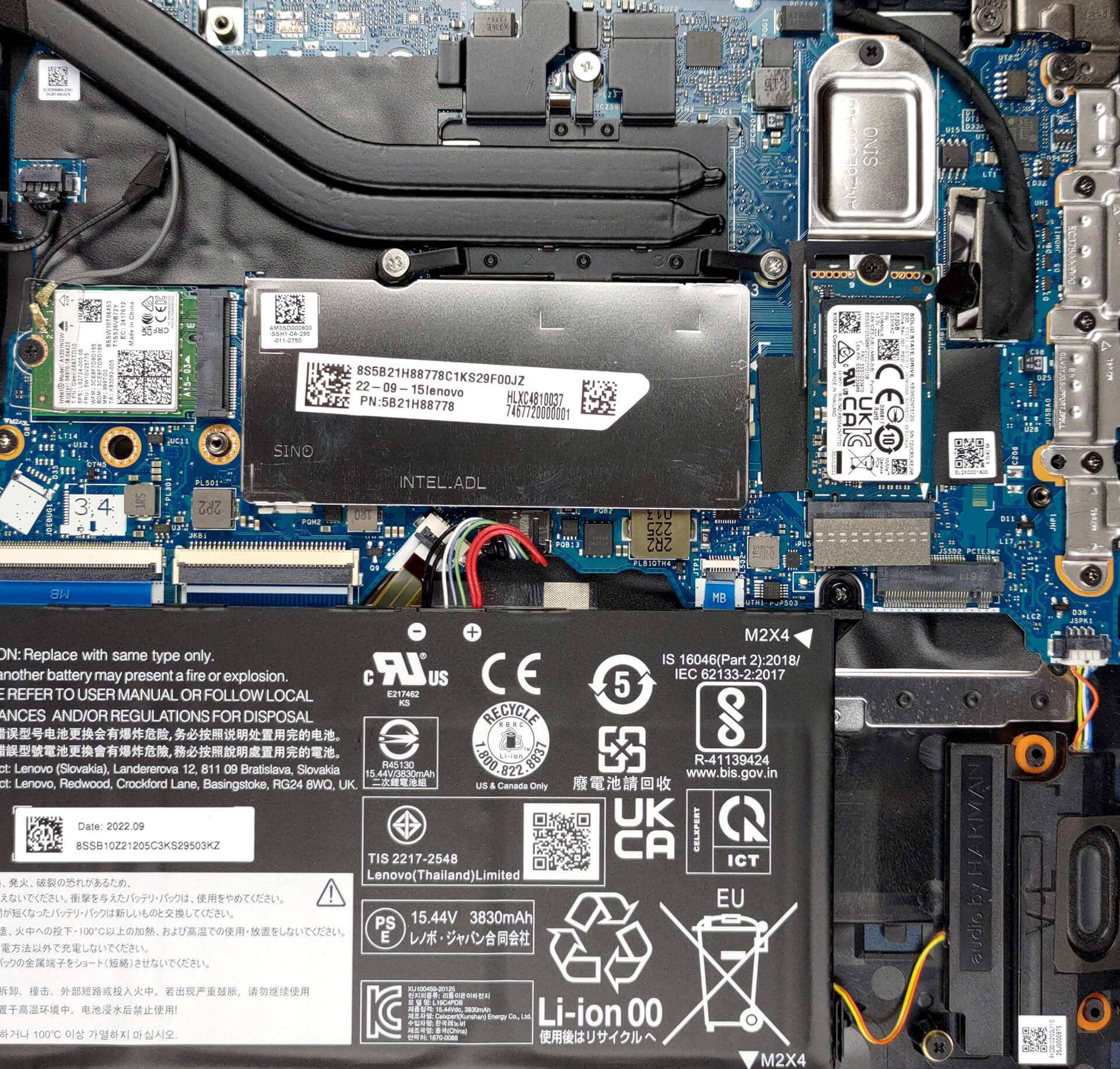
3. Upgrade memory and storage
This laptop has 8GB of DDR4 RAM soldered to the motherboard. You get one SODIMM slot for further expansion. Storage-wise, there are two M.2 PCIe x4 slots, both of which support Gen 4 SSDs.
4. Cooling system
As for the cooling, there are two heat pipes, a heat sink, and a rather large fan. Furthermore, the VRMs have heat spreaders on top of them.

Check out all Lenovo ThinkBook 14s Yoga Gen 2 prices and configurations in our Specs System, or read more in our In-Depth review.
Lenovo ThinkBook 14s Yoga Gen 2 dogłębna recenzja
As we have said numerous times, the ThinkBook brand is generally a stylish take on the proven ThinkPad formula. Now, we're going to talk about the ThinkBook 14s Yoga Gen 2. A slightly more special device from this family.As you can imagine from the "Yoga" part of the name, it is a convertible. While business 2-in-1 laptops are anything but a novelty, this one has its own reasons to be on your radar.First of all, it comes with a dedicated stylus. One that has its own housing inside the chassis of the device. Then, there is the hardware - Intel's Alder Lake processors are on board with [...]
Pros
- Thunderbolt 4, Wi-Fi 6 connection, and a MicroSD card reader on board
- 2x M.2 PCIe x4 Gen 4 slots + RAM-SODIMM slot
- Covers nearly 100% of the sRGB color gamut and has accurate color representation with our Gaming and Web design profile (LEN140FHD (LEN889A))
- Included stylus
- PWM-free display (LEN140FHD (LEN889A))
- Great keyboard experience
- Good battery life
Cons
- Some room for performance improvement
- Feels a bit heavy in tablet mode
 Author: Alex Iliev

![[Sierpień 2026] Amazon Global: 10 najlepiej sprzedających się laptopów – Apple MacBook Neo dominuje w rankingach, podczas gdy niedrogie i średniej klasy laptopy z systemem Windows walczą o udział w rynku](https://laptopmedia.com/wp-content/uploads/2026/09/Best-Selling-Laptops-GLOBAL-Top-10-400x225.jpg)
![[Sierpień 2026 r.] Najlepiej sprzedające się marki laptopów w serwisie Amazon Global – Apple dominuje pod względem przychodów, a HP przoduje pod względem różnorodności modeli](https://laptopmedia.com/wp-content/uploads/2026/09/GLOBAL-Best-Brands-400x225.jpg)
![[Sierpień 2026 r.] Amazon Global: 10 najlepiej sprzedających się laptopów do gier – HP Victus 15 zdobywa pierwsze miejsce, a rankingi zdominowały modele w przystępnej cenie](https://laptopmedia.com/wp-content/uploads/2026/09/Best-Selling-Gaming-Laptops-GLOBAL-Top-10-400x225.jpg)
![[August 2026] Best-Selling Laptop Brands on Amazon Japan – Apple Dominates Market Share and Revenue Led by Strong Unit Sales](https://laptopmedia.com/wp-content/uploads/2026/09/CO.JP-Best-Brands-1-400x225.jpg)
![[August 2026] Best-Selling Laptop Brands on Amazon USA – Apple Dominates Market Revenue and Volume Despite Lower Model Diversity](https://laptopmedia.com/wp-content/uploads/2026/09/COM-Best-Brands-1-400x225.jpg)
