How to open Lenovo ThinkPad T14s Gen 3 – disassembly and upgrade options
Unfortunately, this notebook’s memory is soldered to the motherboard. On the bright side, you get one storage slot, which is better than nothing.
Check out all Lenovo ThinkPad T14s Gen 3 prices and configurations in our Specs System, or read more in our In-Depth review.
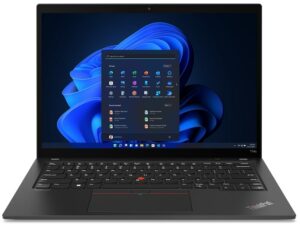
1. Remove the bottom plate
There are only 5 captive Phillips-head screws you need to undo to access this notebook’s internals. After that, pry the bottom panel with a plastic tool, and lift it away from the chassis.
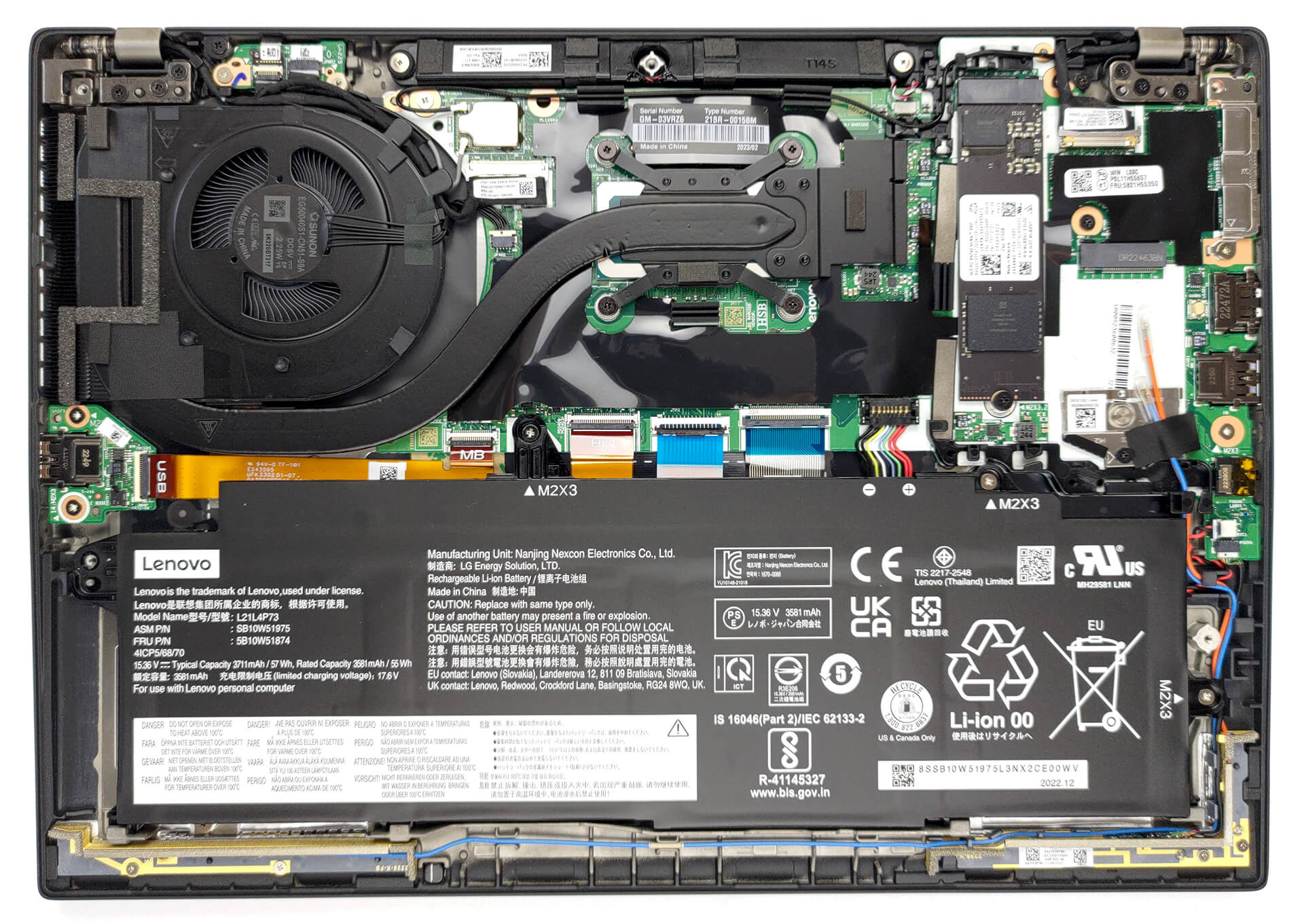
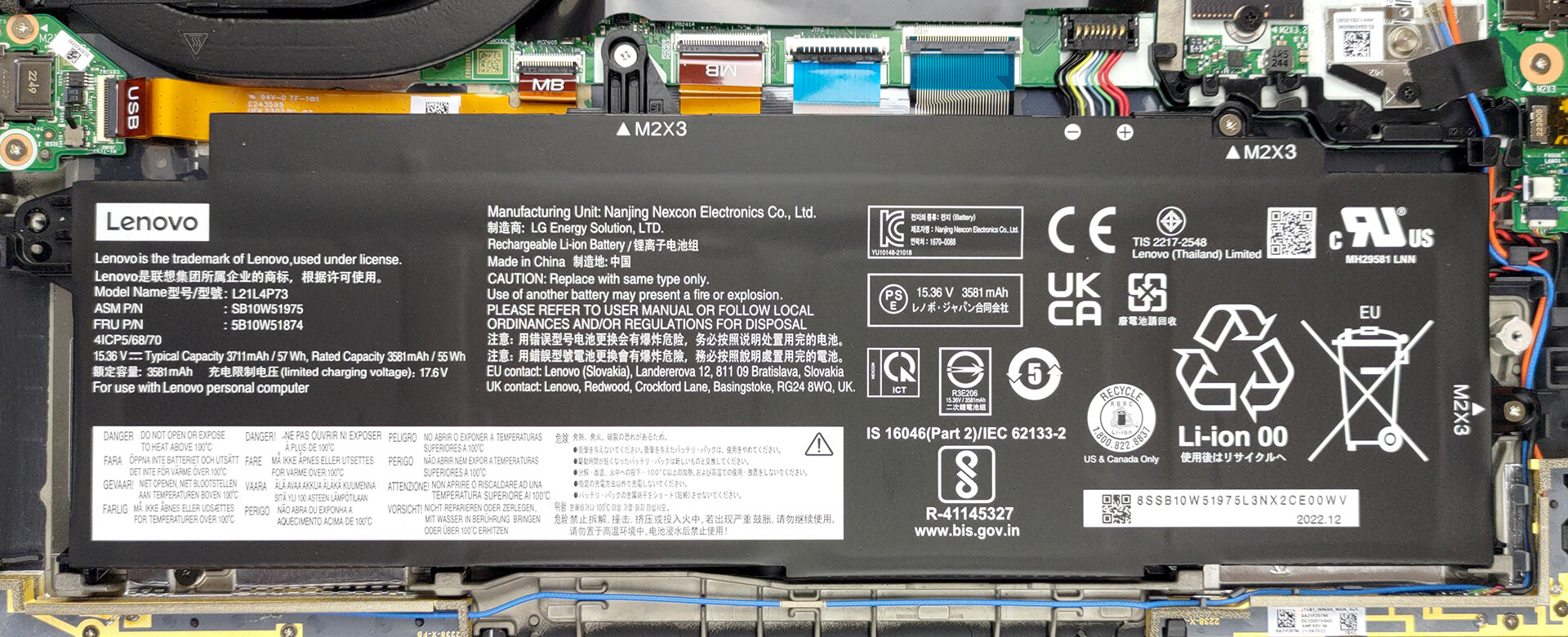
2. Remove the battery
Inside, we see a 57Wh battery pack. To remove it, unplug the battery connector, and undo the 3 Phillips-head screws keeping the device attached to the chassis.
3. Upgrade memory and storage
This model can be configured with up to 32GB of LPDDR5 RAM, working at 4800MHz. And for storage, there is one M.2 PCIe x4 slot, which fits Gen 4 SSDs.

4. Cooling system
There is one heat pipe connecting the CPU to the side-mounted heat sink. A single fan blows the heat away, while one heat spreader deals with the VRMs.

Check out all Lenovo ThinkPad T14s Gen 3 prices and configurations in our Specs System, or read more in our In-Depth review.
Lenovo ThinkPad T14s Gen 3 (Intel) dogłębna recenzja
Lenovo jest liderem na rynku notebooków biznesowych. Jej seria ThinkPad jest znana na całym świecie, a nawet poprzedza markę Lenovo. Nie zamierzamy jednak zagłębiać się w historię komputerów przenośnych. Zamiast tego mamy recenzję do zrobienia, a ty masz recenzję do przeczytania.Będziemy rozmawiać o Lenovo ThinkPad T14s Gen 3. Znajduje się on w środku przedziału cenowego notebooków biznesowych. Lenovo stworzyło go z myślą o profesjonalistach w podróży, a także o środowisku.Producent jest naprawdę dumny z wykorzystania tworzyw sztucznych pochodzących z recyk[...]

Pros
- Wygodna, podświetlana i odporna na zalanie klawiatura
- Opcjonalny czytnik linii papilarnych i rozpoznawanie twarzy w podczerwieni
- Gniazdo karty SIM z opcjonalną obsługą 5G
- Obsługa M.2 PCIe x4 Gen 4
- Pokrywa 97% sRGB + dokładne kolory dzięki naszym profilom (CSOT MNE007JA1-1 (LEN403A))
- Brak PWM (CSOT MNE007JA1-1 (LEN403A))
- Ładowanie przez Thunderbolt 4
- Cicha i rozsądna wydajność
Cons
- Przylutowana pamięć
- Mniejsza wydajność przy długim obciążeniu
- Brak czytnika kart SD
 Author: Alex Iliev

![[Lipiec 2026] Globalny ranking najlepiej sprzedających się kart graficznych do laptopów na Amazon – RTX 5060 dominuje w segmencie premium, a Intel nadal króluje w segmencie budżetowym](https://laptopmedia.com/wp-content/uploads/2026/08/Best-Selling-GPUs-GLOBAL-Top-10-400x225.jpg)
![[Lipiec 2026] Globalny ranking najlepiej sprzedających się procesorów do laptopów na Amazonie – Apple dominuje w segmencie premium, a Intel utrzymuje pozycję lidera w klasyfikacji ogólnej](https://laptopmedia.com/wp-content/uploads/2026/08/Best-Selling-CPUs-GLOBAL-Top-10-400x225.jpg)
![[July 2026] Amazon Canada: Top 10 Best-Selling Laptops – Apple MacBook Neo Dominates the Market to Claim the #1 Spot](https://laptopmedia.com/wp-content/uploads/2026/08/Best-Selling-Laptops-CA-Top-10-2-400x225.jpg)
![[July 2026] Best-Selling Laptop Brands on Amazon Japan – HP and Lenovo Dominate Units and Revenue Amid Fierce Competition](https://laptopmedia.com/wp-content/uploads/2026/08/CO.JP-Best-Brands-2-400x225.jpg)
![[July 2026] Amazon Italy: Top 10 Best-Selling Laptops – Apple MacBook Neo Claims the #1 Spot Amid Budget-Friendly Dominance](https://laptopmedia.com/wp-content/uploads/2026/08/Best-Selling-Laptops-IT-Top-10-400x225.jpg)
