How to open Lenovo Yoga Slim 7 Pro X (14″, 2022) – disassembly and upgrade options
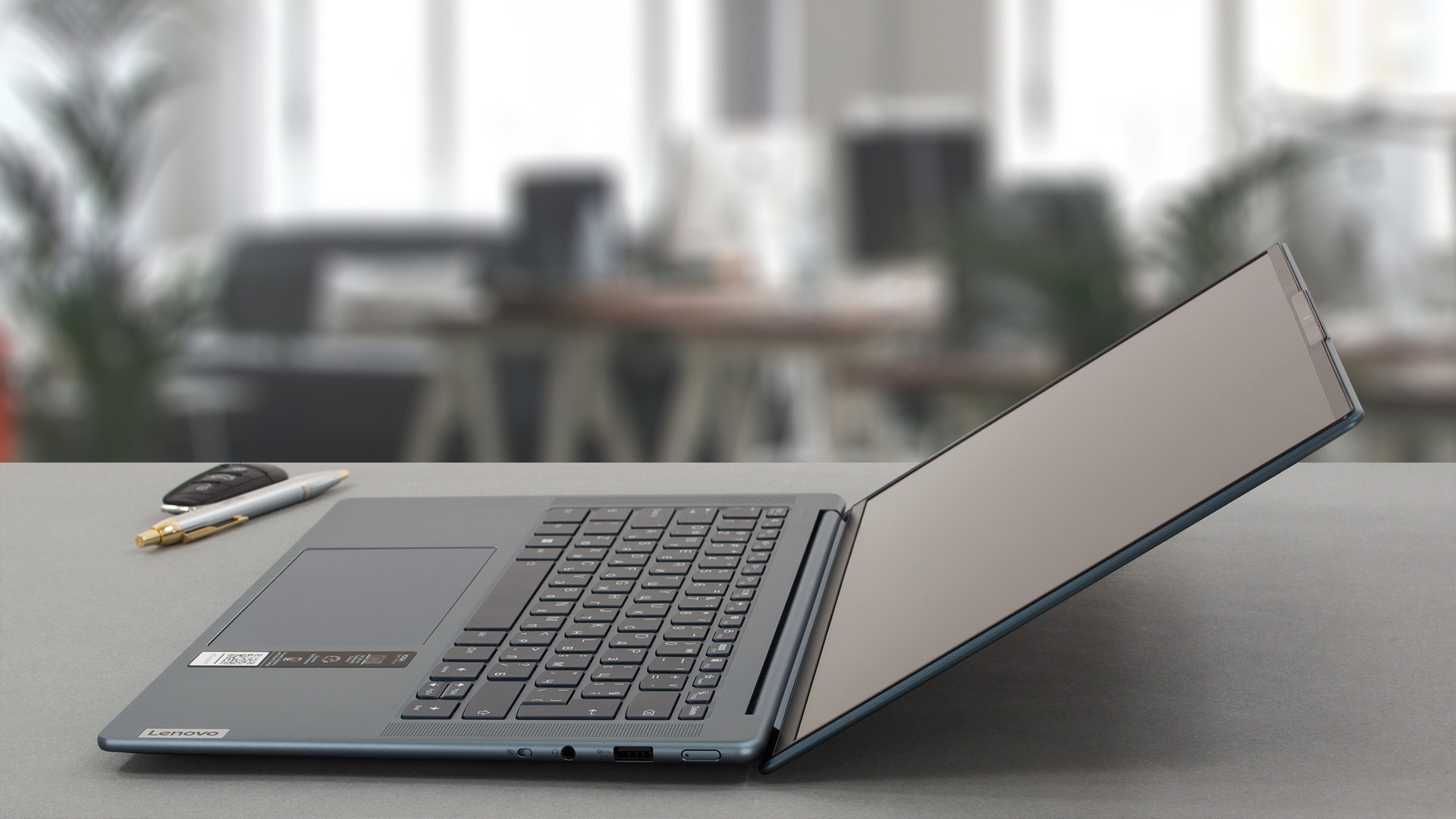
The Lenovo Yoga Slim 7 Pro X (14″, 2022) is a compact and powerful device that has a very good build quality. Now it’s time to have a sneak peek under the hood and to see the internals.
Check out all Lenovo Yoga Slim 7 Pro X (14″, 2022) prices and configurations in our Specs System, or read more in our In-Depth review.
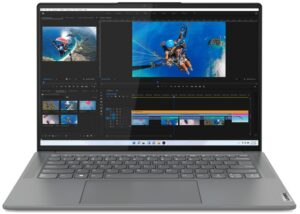
1. Remove the bottom plate
In order to open this notebook, you need to undo 5 Torx-head screws. After that, you have to pry the bottom panel with a plastic tool.
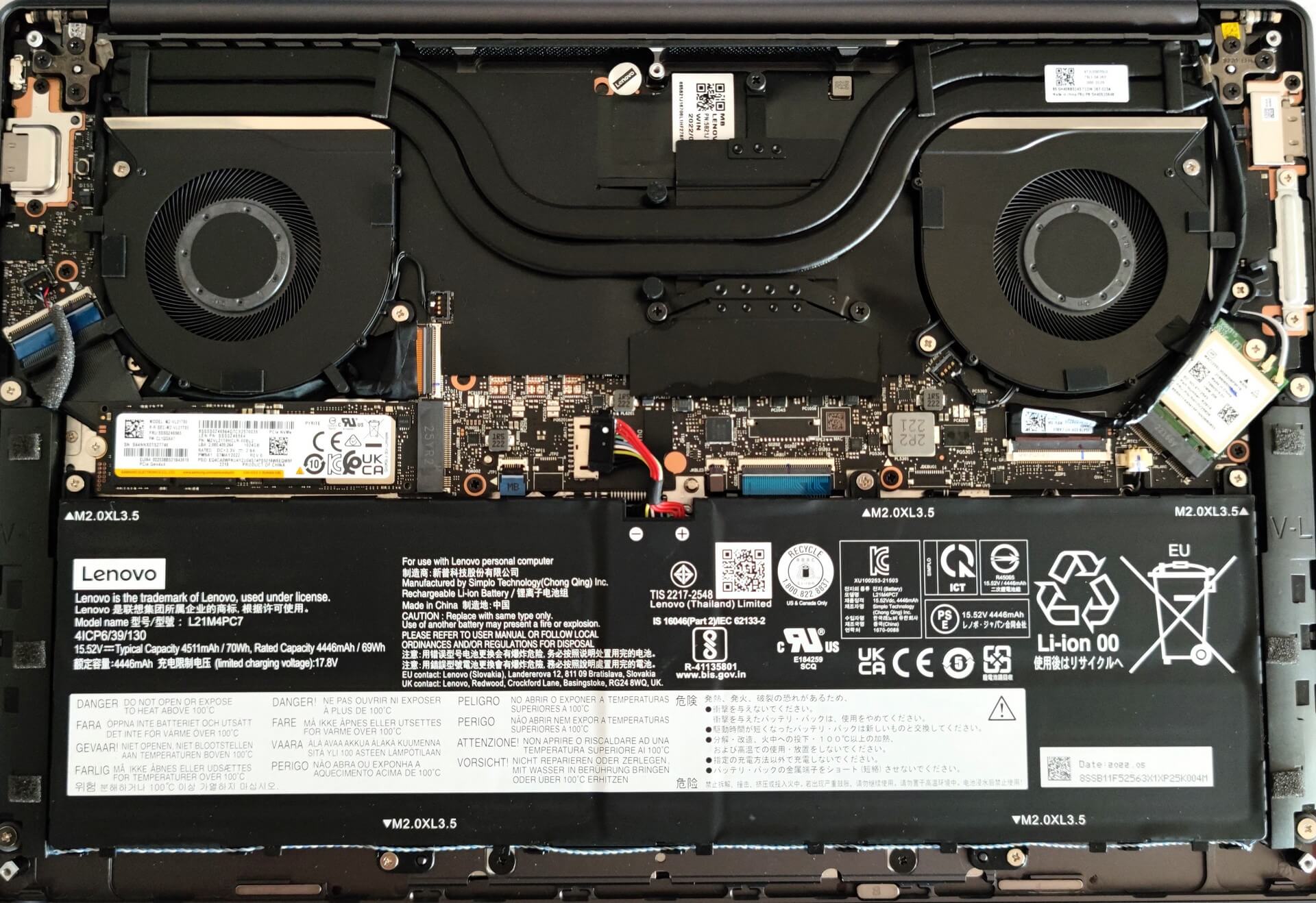
From the inside, the bottom plate has a dedicated thermal pad for the SSD which is nice to see.

2. Remove the battery
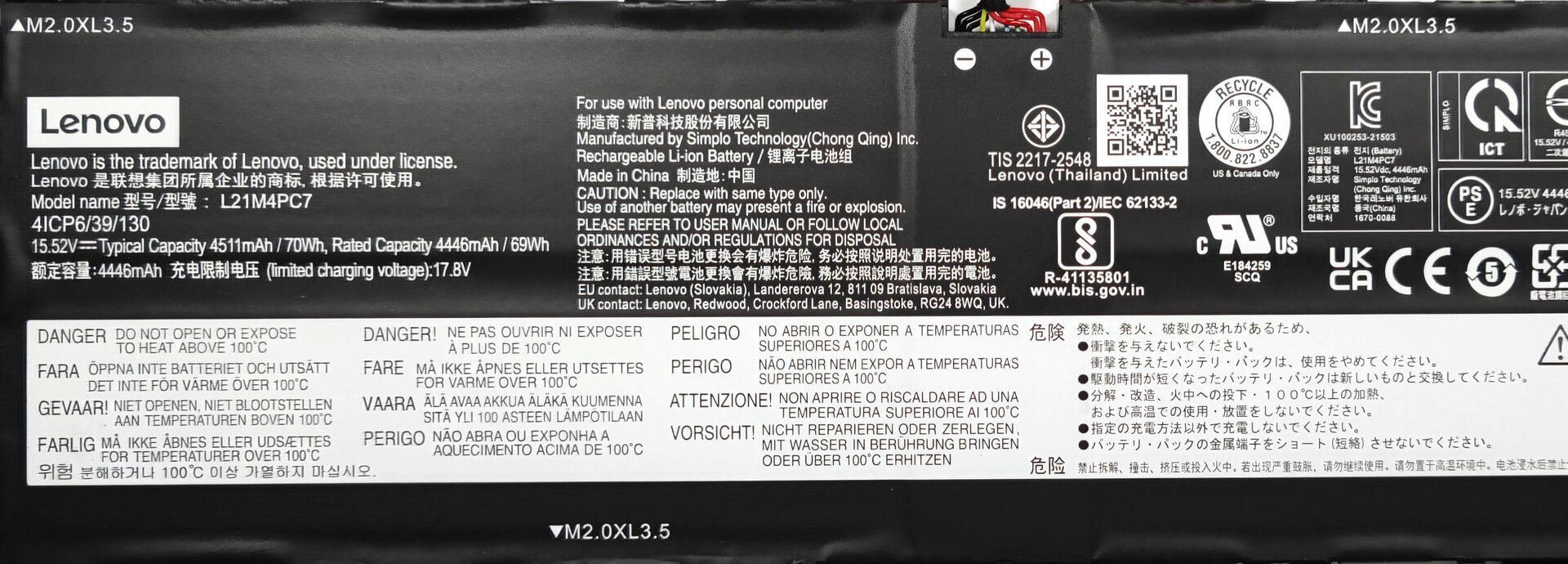
Here, we have a 70Wh battery unit. It lasts for 9 hours and 5 minutes of Web browsing, or 10 hours of video playback. To remove the battery, you need to undo 5 Phillips-head screws. Then, you just have to unplug the connector from the motherboard. The next step is to carefully disentangle the speaker cables from the bottom of the battery housing.
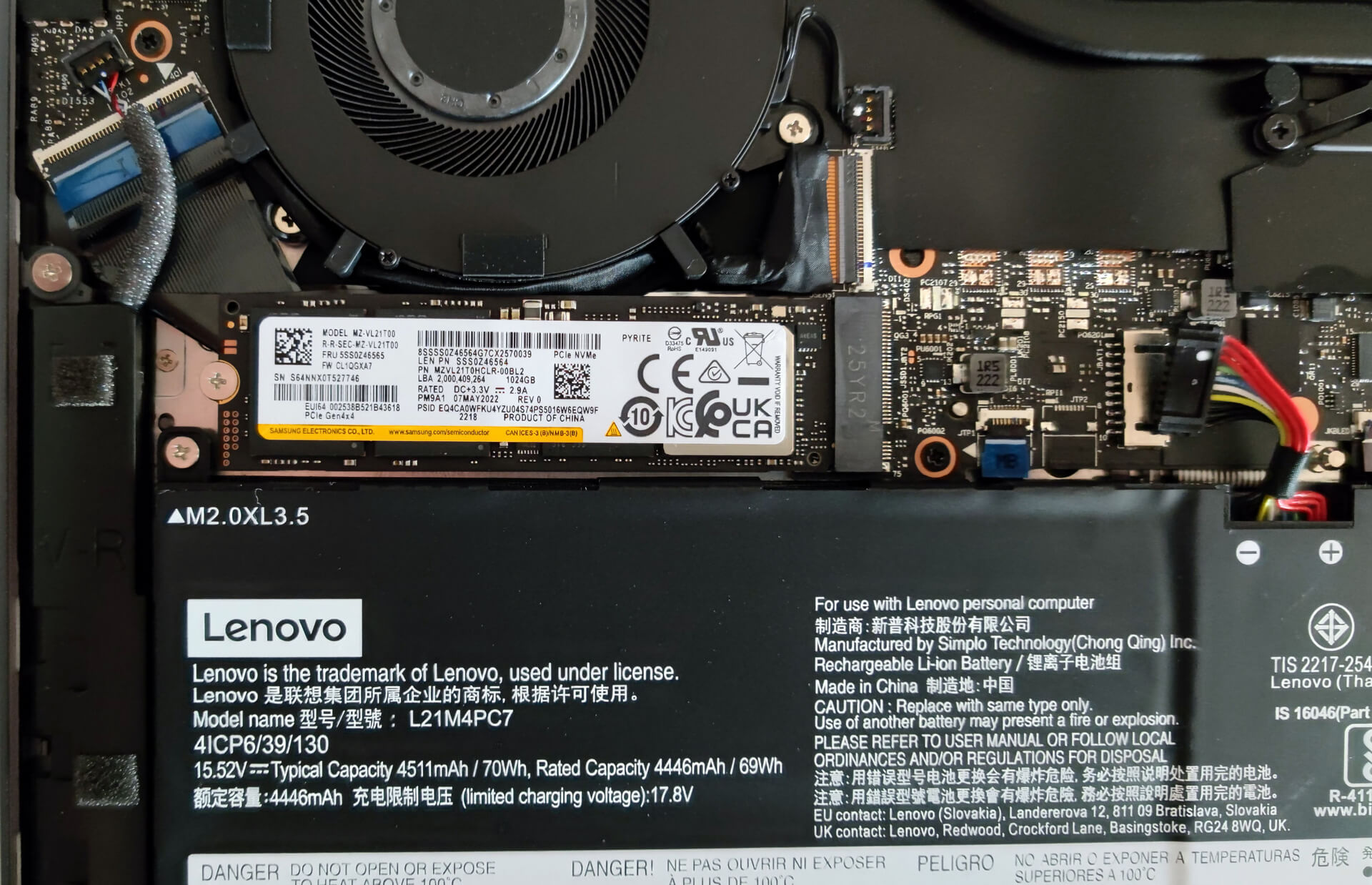
3. Upgrade memory and storage
The memory here is soldered to the motherboard. The device can be configured with up to 32GB of LPDDR5 RAM. For storage, there is one M.2 PCIe x4 slot compatible with Gen 4 SSDs.
4. Cooling system
The cooling solution looks good, it has two big heat pipes, two fans, and a heat spreader over the VRMs.

Check out all Lenovo Yoga Slim 7 Pro X (14″, 2022) prices and configurations in our Specs System, or read more in our In-Depth review.
Lenovo Yoga Slim 7 Pro X (14", 2022) dogłębna recenzja
Dzisiaj zamierzamy zrecenzować Lenovo Yoga Slim 7 Pro X (14″, 2022), a ponieważ mamy artykuł dotyczący rodzeństwa opartego na Intelu, interesujące będzie zobaczenie różnic między tymi dwoma urządzeniami, ponieważ z zewnątrz wyglądają w 99% identycznie.Krótko mówiąc, przed nami kompaktowy laptop z 13,5-calowym wyświetlaczem o wysokiej rozdzielczości, wydajnym sprzętem pod maską i przyzwoicie dużą baterią. Brzmi jak dobra kombinacja dla wielozadaniowych obciążeń - ta maszyna może być codziennym kierowcą, można jej używać jako urządzenia biurowego lub do l[...]
Pros
- Cienka i lekka maszyna
- Mocna aluminiowa obudowa
- Obejmuje 94% gamy kolorów sRGB i ma dokładne odwzorowanie kolorów dzięki naszemu profilowi do gier i projektowania stron internetowych (BOE NE145F8M-N61 (BOEAA8))
- Wysoka rozdzielczość i proporcje 16:10
- Brak PWM (BOE NE145F8M-N61 (BOEAA8))
- 2x USB Type-C
- Bardzo dobra wydajność w swojej klasie
- Kamera internetowa Full HD + rozpoznawanie twarzy IR
- Dobra żywotność baterii
Cons
- Przylutowana pamięć
- Brak gniazda kart SD
 Author: Nikolay Palaozov

![[Czerwiec 2026 r.] Najlepiej sprzedające się marki laptopów w serwisie Amazon Global – bezkonkurencyjna dominacja firmy Apple pod względem liczby sprzedanych egzemplarzy i przychodów](https://laptopmedia.com/wp-content/uploads/2026/07/GLOBAL-Best-Brands-400x225.jpg)
![[Czerwiec 2026] Amazon Global: 10 najlepiej sprzedających się laptopów – nowy MacBook Neo firmy Apple szturmem zdobywa pierwsze miejsce, zmieniając oblicze rynku dzięki przystępnej cenie](https://laptopmedia.com/wp-content/uploads/2026/07/Best-Selling-Laptops-GLOBAL-Top-10-400x225.jpg)
![[Czerwiec 2026] Amazon Global: 10 najlepiej sprzedających się laptopów do gier – model Nitro V 16S AI firmy Acer dominuje pod względem sprzedaży, podczas gdy firma ASUS zajmuje pierwsze miejsce pod względem całkowitych przychodów](https://laptopmedia.com/wp-content/uploads/2026/07/Best-Selling-Gaming-Laptops-GLOBAL-Top-10-400x225.jpg)
![[Czerwiec 2026] Globalny ranking najlepiej sprzedających się kart graficznych do laptopów na Amazonie – NVIDIA RTX 5060 to najlepiej sprzedająca się dedykowana karta graficzna](https://laptopmedia.com/wp-content/uploads/2026/07/Best-Selling-GPUs-GLOBAL-Top-10-400x225.jpg)
![[Czerwiec 2026] Globalny ranking najlepiej sprzedających się procesorów do laptopów na Amazonie – Apple M5 dominuje, a AMD Ryzen 7 260 zdobywa solidny udział w segmencie premium](https://laptopmedia.com/wp-content/uploads/2026/07/Best-Selling-CPUs-GLOBAL-Top-10-400x225.jpg)
