How to open MSI Pulse 15 (B13V) – disassembly and upgrade options
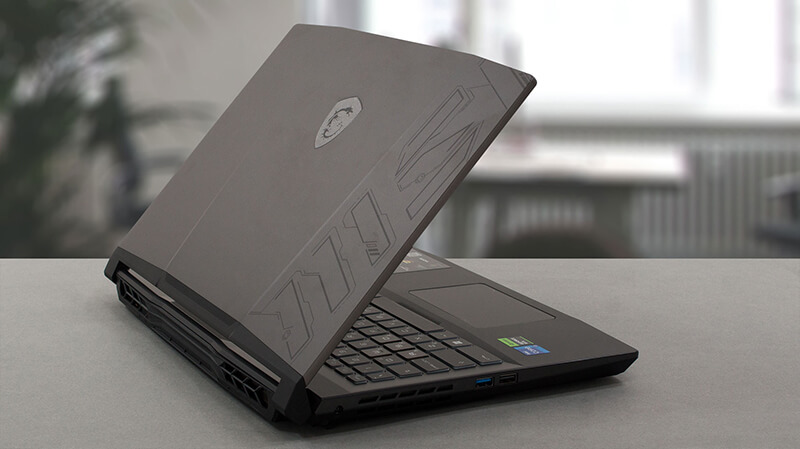
This year’s (2023) MSI Pulse 15 has quite some improvements – a big battery, DDR5 RAM, and capable cooling. Let’s have a look inside.
Check out all MSI Pulse 15 (B13V) prices and configurations in our Specs System, or read more in our In-Depth review.
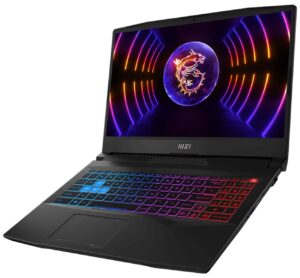
1. Remove the bottom plate
To access this notebook’s internals, you need to undo 13 Phillips-head screws. Then, pry the bottom panel with a plastic tool, and remove it from the device.
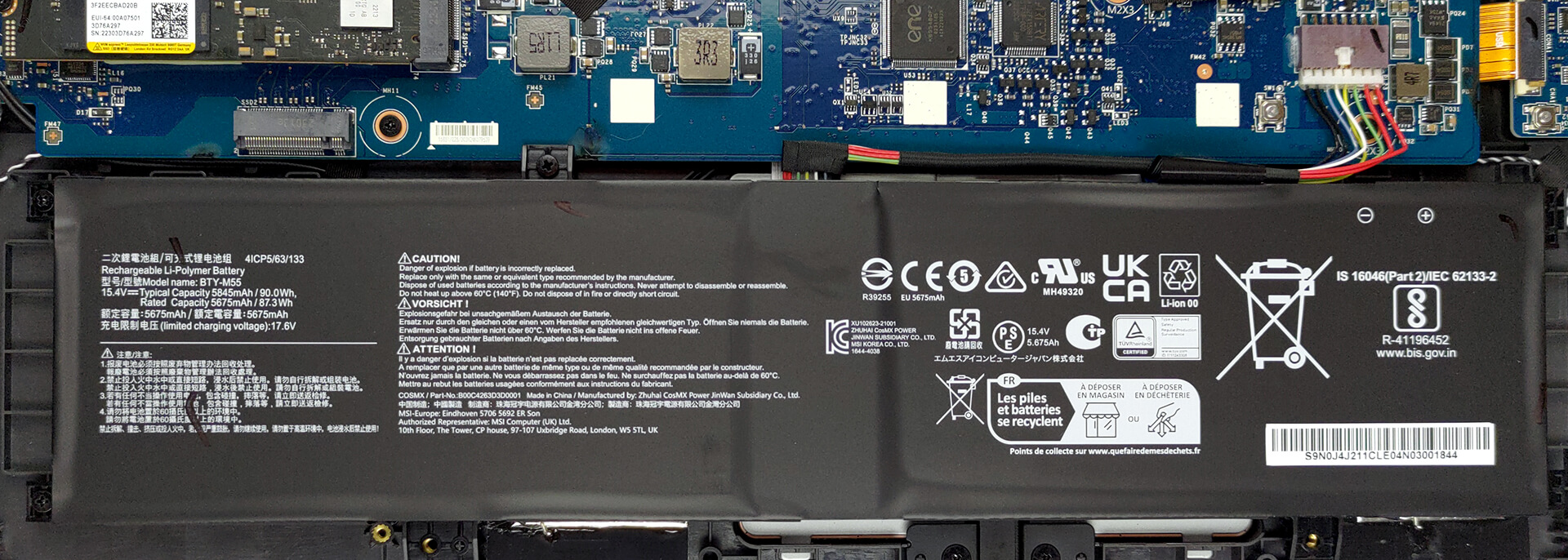
2. Remove the battery
Inside, you get a 90Wh battery pack. To take it out, unplug the connector from the motherboard, and undo the 5 Phillips-head screws, keeping the battery in place.
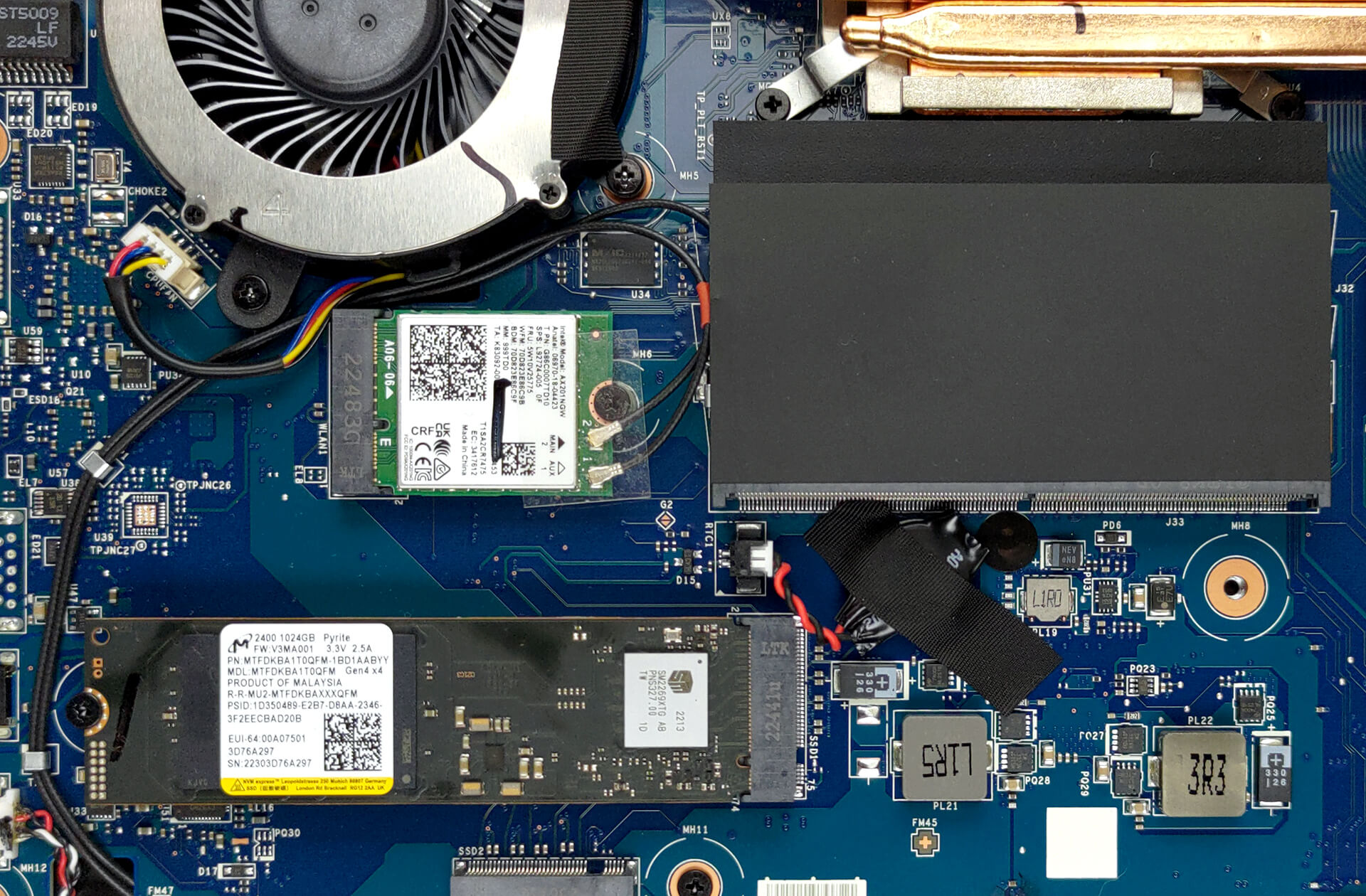
3. Upgrade memory and storage
Thankfully, you get two SODIMM slots, which work with DDR5 RAM. You can fit up to 64GB in total. As for the storage, there is one usable M.2 PCIe x4 slot, which supports Gen 4 SSDs.
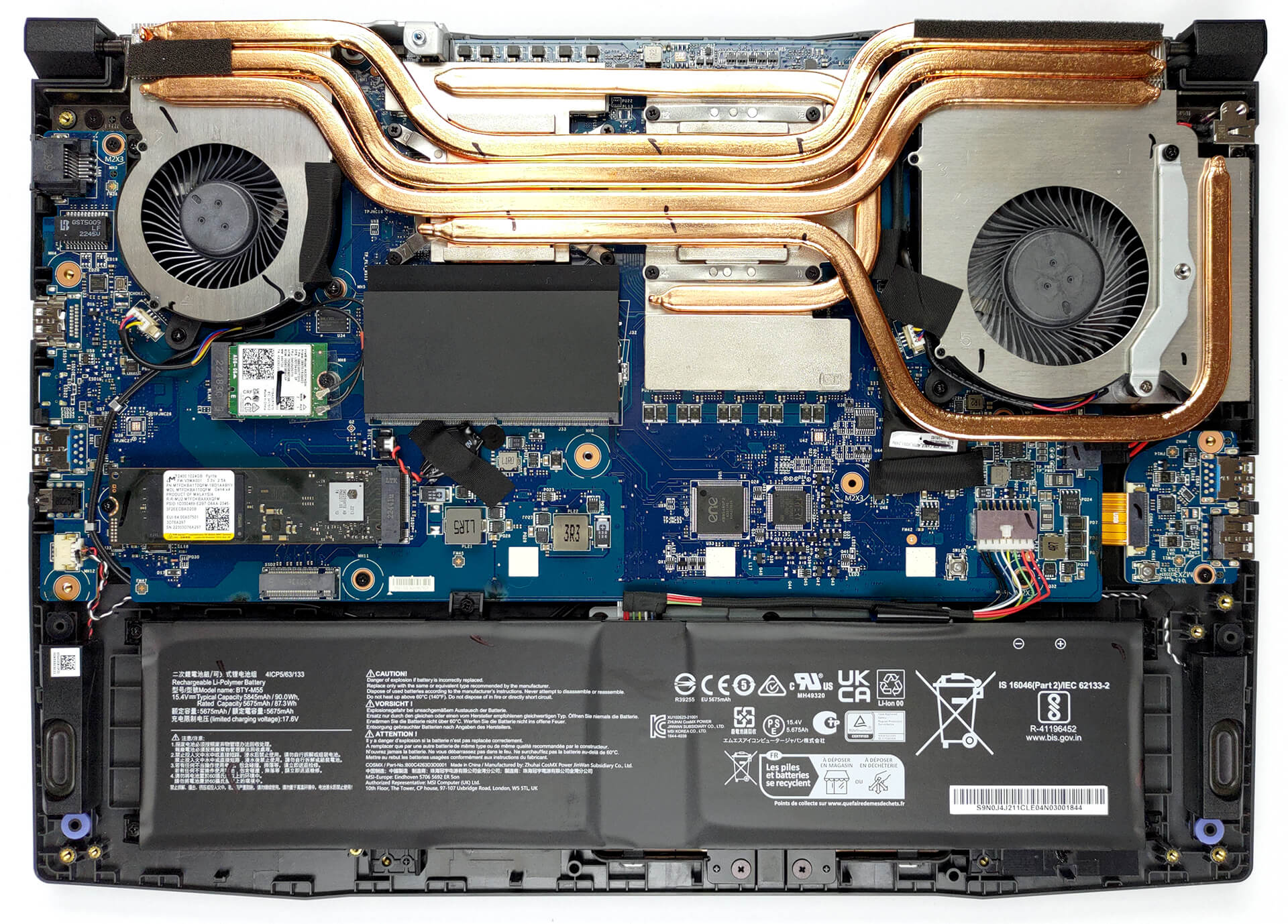
4. Cooling system
Moving to the cooling, we see a total of four heat pipes shared between the CPU and the GPU. There are three heat sinks, and two fans that dissipate the heat, while one heat pipe and a couple of spreaders take care of the graphics memory and the VRMs.

Check out all MSI Pulse 15 (B13V) prices and configurations in our Specs System, or read more in our In-Depth review.
MSI Pulse 15 (B13Vx) dogłębna recenzja
MSI Pulse to laptop, który ma łączyć przystępną cenę z prawdziwą wydajnością. To odróżnia ten produkt od jego bliskiego krewnego - Katany. Oprócz pewnych zmian wizualnych, producent postawił jednak na jeszcze wydajniejszy sprzęt.W porównaniu do Katany, procesor, który otrzymujemy to Intel Core i7-13700H. Ma on pełny pakiet rdzeni P i E, zamiast ograniczonego Core i7-123620H, który można znaleźć w Katanie.Pomoże to zarówno w produktywności, jak i grach, ponieważ nie należy oczekiwać wąskiego gardła. MSI nazywa RTX 4070, który umieszcza wewnątrz tej maszy[...]
Pros
- Całkiem dobra wydajność w grach
- 1x gniazdo M.2 PCIe x4 Gen 4, 2x gniazda DDR5 RAM SODIMM w trybie dwukanałowym
- Pokrywa tylko 99,5% DCI-P3 (Sharp LQ156T1JW04 (SHP153C))
- Częstotliwość odświeżania 240 Hz (Sharp LQ156T1JW04 (SHP153C))
- Brak PWM (Sharp LQ156T1JW04 (SHP153C))
- Przełącznik MUX
- Świetna klawiatura
Cons
- Brak karty SD
- Brak Thunderbolt 4
- Coraz wyższa cena
 Author: Alex Iliev

![[Sierpień 2026] Globalny ranking najlepiej sprzedających się procesorów graficznych do laptopów na Amazonie – Apple nie ma sobie równych, a model RTX 5060 firmy NVIDIA zajmuje pierwsze miejsce w kategorii kart dedykowanych](https://laptopmedia.com/wp-content/uploads/2026/09/Best-Selling-GPUs-GLOBAL-Top-10-400x225.jpg)
![[Sierpień 2026] Globalny ranking najlepiej sprzedających się procesorów do laptopów na Amazonie – Apple dominuje zarówno w segmencie budżetowym, jak i premium: modele A18 Pro i M5 zdecydowanie wyprzedzają Intel i AMD w sierpniu 2026 roku](https://laptopmedia.com/wp-content/uploads/2026/09/Best-Selling-CPUs-GLOBAL-Top-10-400x225.jpg)
![[Sierpień 2026] Amazon Global: 10 najlepiej sprzedających się laptopów – Apple MacBook Neo dominuje w rankingach, podczas gdy niedrogie i średniej klasy laptopy z systemem Windows walczą o udział w rynku](https://laptopmedia.com/wp-content/uploads/2026/09/Best-Selling-Laptops-GLOBAL-Top-10-400x225.jpg)
![[Sierpień 2026 r.] Najlepiej sprzedające się marki laptopów w serwisie Amazon Global – Apple dominuje pod względem przychodów, a HP przoduje pod względem różnorodności modeli](https://laptopmedia.com/wp-content/uploads/2026/09/GLOBAL-Best-Brands-400x225.jpg)
![[Sierpień 2026 r.] Amazon Global: 10 najlepiej sprzedających się laptopów do gier – HP Victus 15 zdobywa pierwsze miejsce, a rankingi zdominowały modele w przystępnej cenie](https://laptopmedia.com/wp-content/uploads/2026/09/Best-Selling-Gaming-Laptops-GLOBAL-Top-10-400x225.jpg)
