Inside Lenovo ThinkPad L13 Yoga Gen 3 – disassembly and upgrade options
Unfortunately, upgradeability is not among this laptop’s strengths.
Check out all Lenovo ThinkPad L13 Yoga Gen 3 prices and configurations in our Specs System or read more in our In-Depth review.
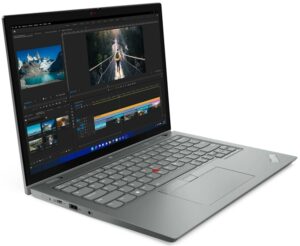
1. Remove the bottom plate
To get inside this device, you first need to remove the pen from its housing. Then, undo all 8 captive Phillips-head screws and pry the bottom panel with a plastic tool.
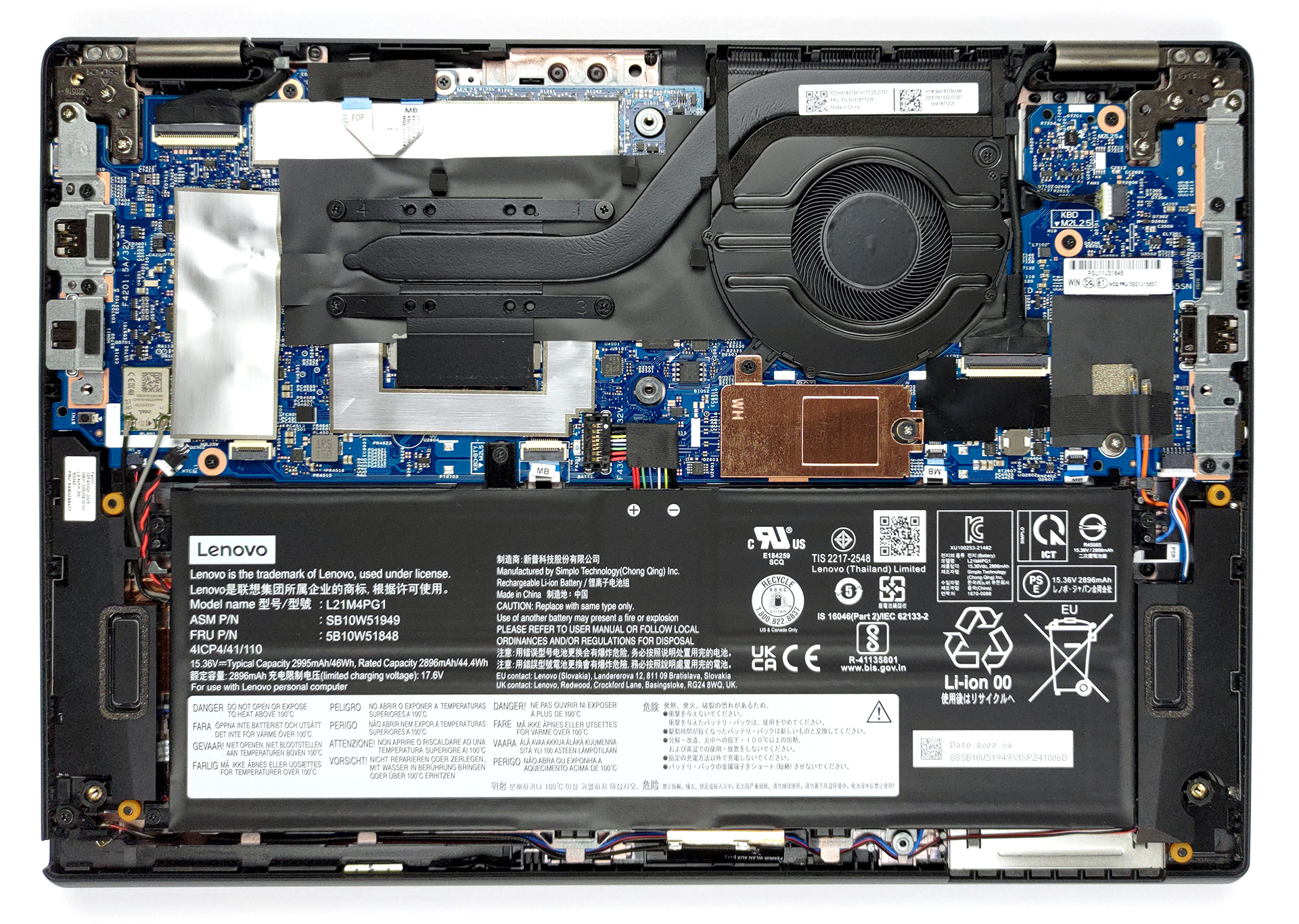
2. Battery
The battery here has a capacity of 46Wh. It lasts for 11 hours of Web browsing, or nearly 7 hours of video playback. It is held in place by 4 Phillips-head screws. To remove it, undo them and unplug the battery connector.
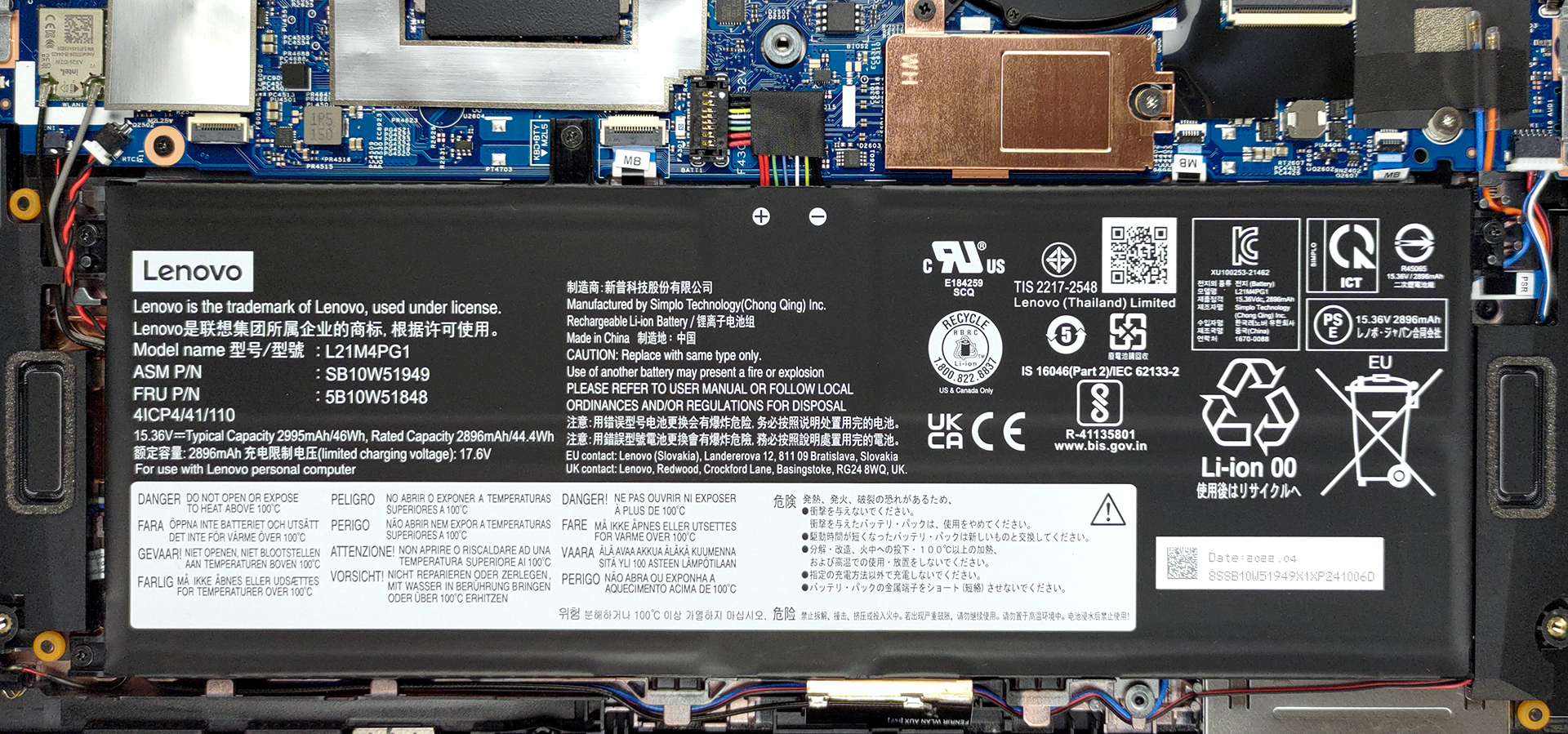
3. Memory and storage
Unfortunately, the memory is soldered to the motherboard. There are configurations with 8, 16, or 32GB of dual-channel DDR4 RAM, working at 3200MHz. Storage-wise, there is one M.2 PCIe x4 slot, which fits 42mm Gen 4 drives.

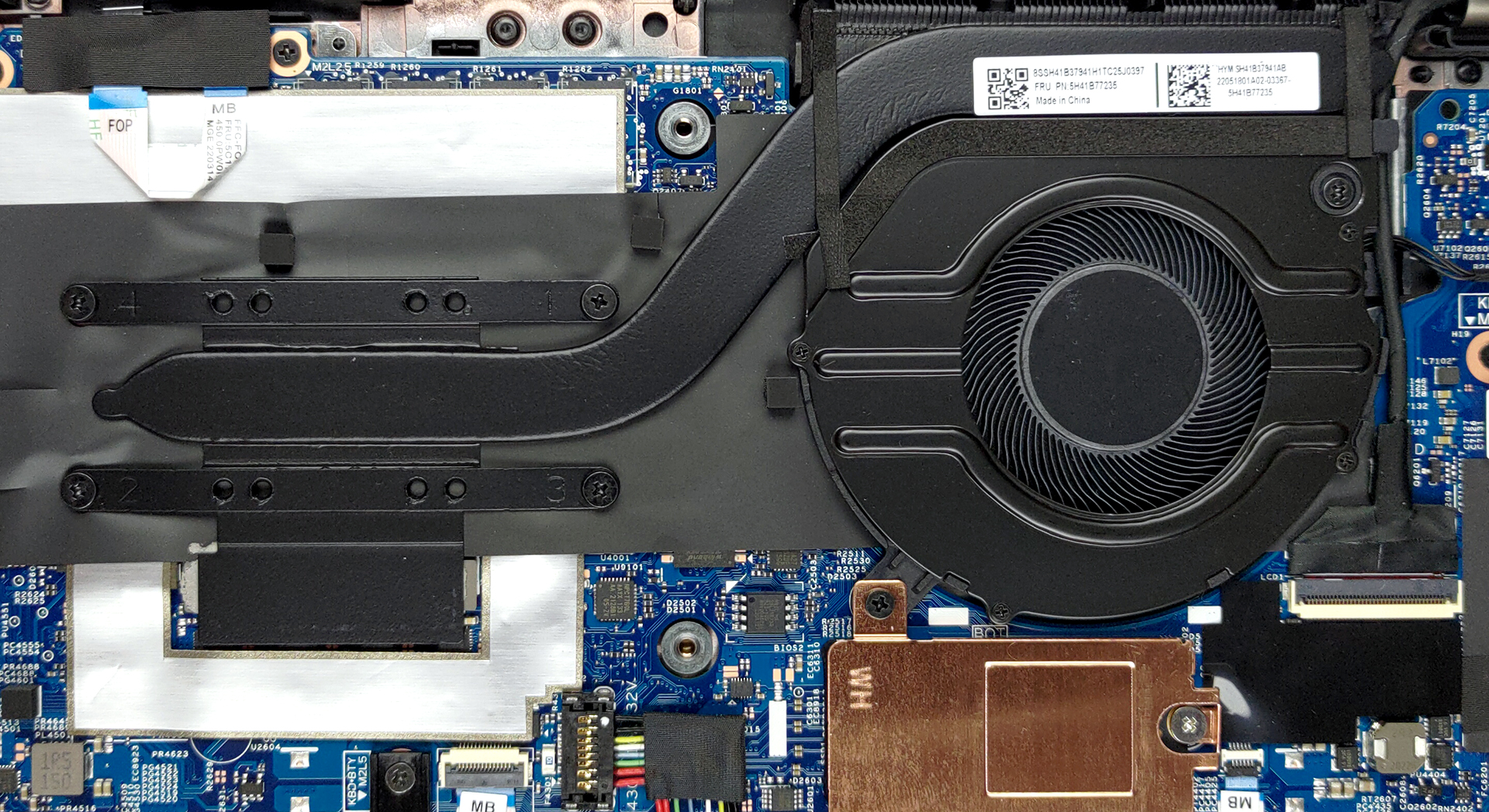
4. Cooling system
The cooling comprises a single heat pipe, a heat spreader for the VRMs, and the eye of Pegasus from Yu Gi Oh.
Check out all Lenovo ThinkPad L13 Yoga Gen 3 prices and configurations in our Specs System or read more in our In-Depth review.
Lenovo ThinkPad L13 Yoga Gen 3 (Intel) dogłębna recenzja
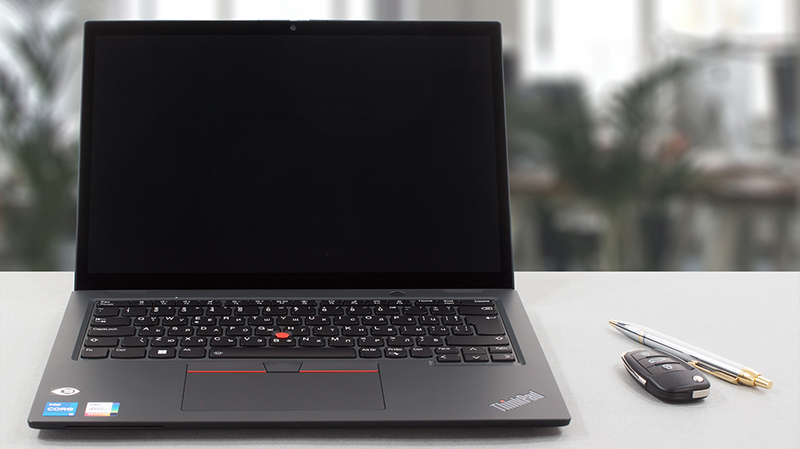
Owning a convertible has become a very viable temptation in the last few years. There have been a lot of solid 2-in-1s, and Lenovo is the creator of some of them. The ThinkPad L13 Yoga Gen 3 will try to be part of that exclusive group.It offers its customers Alder Lake-U processors, a 16:10 touchscreen display, and a dedicated stylus, which has a garage inside the chassis. Of course, you shouldn't fall for empty promises of high performance and good battery life. This is why we are here - to assess the quality of laptops, and tell you which one is worth spending money on.Ultimately, t[...]
Pros
- Included stylus
- IR face recognition + fingerprint reader, privacy shutter, and optional FHD camera
- The display doesn't flicker at any brightness level (BOE NV133WUM-N61 (LEN41A0))
- Thunderbolt 4 and LTE support
- Covers 99% of sRGB and color accuracy is greatly improved with our Gaming and Web design profile (BOE NV133WUM-N61 (LEN41A0))
Cons
- Memory cannot be upgraded
- Not the best cooling solution out there
- Very hot bottom panel during intensive loads
- The chassis is not very structurally sound
 Author: Alex Iliev

![[Czerwiec 2026 r.] Najlepiej sprzedające się marki laptopów w serwisie Amazon Global – bezkonkurencyjna dominacja firmy Apple pod względem liczby sprzedanych egzemplarzy i przychodów](https://laptopmedia.com/wp-content/uploads/2026/07/GLOBAL-Best-Brands-400x225.jpg)
![[Czerwiec 2026] Amazon Global: 10 najlepiej sprzedających się laptopów – nowy MacBook Neo firmy Apple szturmem zdobywa pierwsze miejsce, zmieniając oblicze rynku dzięki przystępnej cenie](https://laptopmedia.com/wp-content/uploads/2026/07/Best-Selling-Laptops-GLOBAL-Top-10-400x225.jpg)
![[Czerwiec 2026] Amazon Global: 10 najlepiej sprzedających się laptopów do gier – model Nitro V 16S AI firmy Acer dominuje pod względem sprzedaży, podczas gdy firma ASUS zajmuje pierwsze miejsce pod względem całkowitych przychodów](https://laptopmedia.com/wp-content/uploads/2026/07/Best-Selling-Gaming-Laptops-GLOBAL-Top-10-400x225.jpg)
![[Czerwiec 2026] Globalny ranking najlepiej sprzedających się kart graficznych do laptopów na Amazonie – NVIDIA RTX 5060 to najlepiej sprzedająca się dedykowana karta graficzna](https://laptopmedia.com/wp-content/uploads/2026/07/Best-Selling-GPUs-GLOBAL-Top-10-400x225.jpg)
![[Czerwiec 2026] Globalny ranking najlepiej sprzedających się procesorów do laptopów na Amazonie – Apple M5 dominuje, a AMD Ryzen 7 260 zdobywa solidny udział w segmencie premium](https://laptopmedia.com/wp-content/uploads/2026/07/Best-Selling-CPUs-GLOBAL-Top-10-400x225.jpg)
