Microsoft Surface Pro 9 – Top 5 Pros and Cons
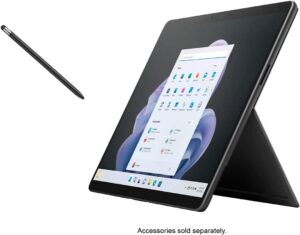
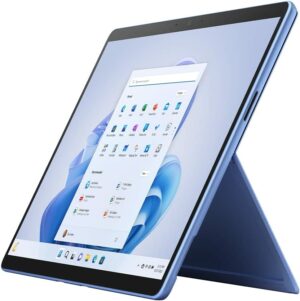
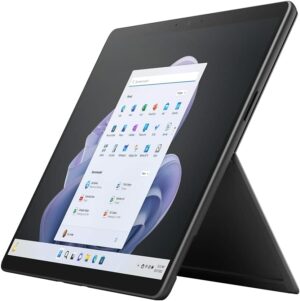
 The notion that tablets will soon replace laptops is already coming true, at least to a small degree. The Microsoft Surface Pro 9 comes as a portable 13-inch tablet with an amazing screen and decent hardware that has enough power to outmatch other tablets when it comes to performance.
Of course, with a tablet form factor, you have to think about maximizing battery life and efficiency, which leads to the use of the Alder Lake U-series from Intel. With a few simple additions and accessories, you can absolutely transform the Surface Pro 9 into a mobile productivity workhorse, while having a portable tablet to use for something other than work.
Today we’re presenting you with LaptopMedia’s top 5 picks about the Microsoft Surface Pro 9.
Microsoft Surface Pro 9: Full Specs / In-depth Review
4 reasons to BUY the Microsoft Surface Pro 9
1. Battery
The Surface Pro 9 has a slightly smaller battery size, downgrading to a 47.7Wh battery pack, which lasts for 10 hours of Web browsing, or 7 hours and 30 minutes of video playback. Compared to last year’s Surface Pro 8, you get more time in web browsing, but less time in video playback.
Now, we conduct the battery tests with the Windows Better performance setting turned on, screen brightness adjusted to 120 nits, and all other programs turned off except for the one we are testing the notebook with. The
Jasność: 180 nitów; Tryb Wyświetlania: SDR
Czas do Pełnego Rozładowania: Wyższy jest Lepszy
Aby symulować rzeczywiste warunki, użyliśmy własnego skryptu do automatycznego przeglądania ponad 70 stron internetowych.
2. Display quality
The 13.0-inch IPS display on the laptop has a 3:2 aspect ratio, a 2.8K resolution, and a 120Hz refresh rate. The panel is amazing for any type of work, offering excellent viewing angles, a peak brightness of 454 nits, and a high contrast ratio of 1320:1. The brightness uniformity is amazing, while also covering 99% of the sRGB color gamut.
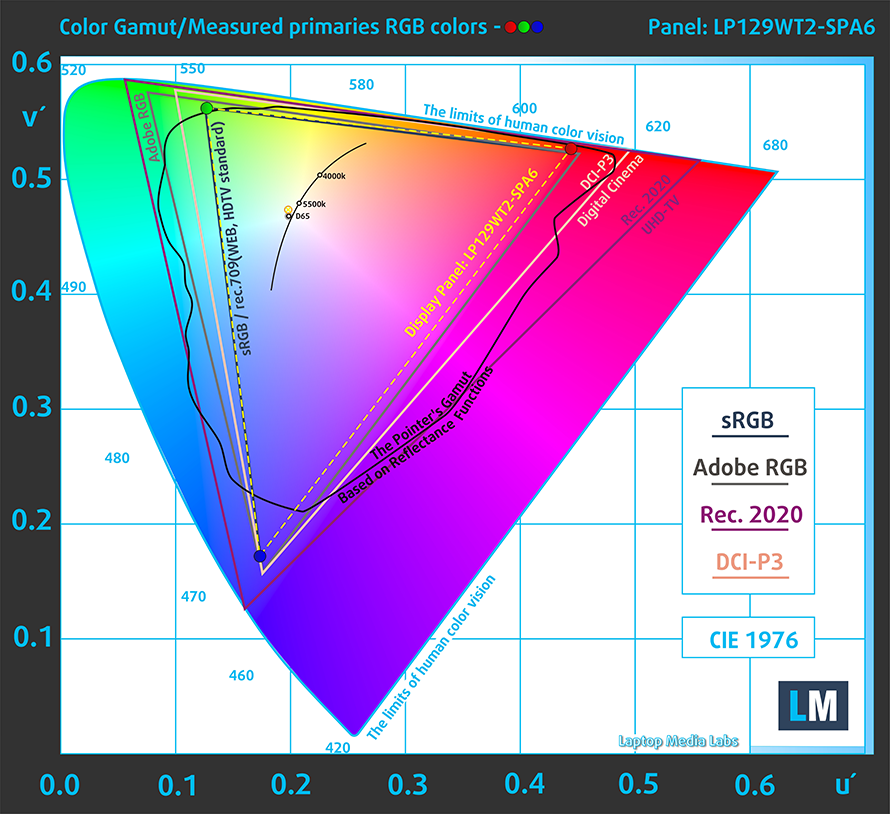
We tested the color accuracy using both the stock settings (left) and while using our Design and Gaming profile (right). Our profile lowers the dE value down to 1.1, which is ideal, as you’re getting accurate colors for both design work and when enjoying watching movies or reading comics.


Buy our profiles
Since our profiles are tailored for each individual display model, this article and its respective profile package are meant for Microsoft Surface Pro 9 configurations with 12.9″ LP129WT2-SPA6.
*Should you have problems with downloading the purchased file, try using a different browser to open the link you’ll receive via e-mail. If the download target is a .php file instead of an archive, change the file extension to .zip or contact us at [email protected].
Read more about the profiles HERE.
Oprócz otrzymywania wydajnych i przyjaznych dla zdrowia profili, kupując produkty LaptopMedia, wspierasz również rozwój naszych laboratoriów, w których testujemy urządzenia w celu tworzenia jak najbardziej obiektywnych recenzji.

Office Work
Office Work powinien być używany głównie przez użytkowników, którzy spędzają większość czasu patrząc na teksty, tabele lub po prostu przeglądając internet. Ten profil ma na celu zapewnienie lepszej wyrazistości i klarowności poprzez utrzymanie płaskiej krzywej gamma (2.20), natywnej temperatury barwowej i percepcyjnie dokładnych kolorów.

Design and Gaming
Ten profil jest przeznaczony dla projektantów, którzy pracują z kolorami zawodowo, a także do gier i filmów. Design and Gaming wykorzystuje panele wyświetlaczy do granic ich możliwości, czyniąc je tak dokładnymi, jak to tylko możliwe w standardzie sRGB IEC61966-2-1 dla stron internetowych i telewizji HD, przy punkcie bieli D65.

Health-Guard
Health-Guard eliminuje szkodliwą modulację szerokości impulsu (PWM) i redukuje negatywne niebieskie światło, które wpływa na nasze oczy i ciało. Ponieważ jest on dostosowany do każdego panelu, udaje mu się utrzymać percepcyjnie dokładne kolory. Health-Guard symuluje papier, dzięki czemu nacisk na oczy jest znacznie zmniejszony.
Zdobądź wszystkie 3 profile z 33% zniżką

3. Performance
The Core i5-1235U performs exceptionally, outscoring most of its competition in both 3D Rendering and Photoshop.
Wyniki pochodzą z testu CPU Cinebench R23 (im wyższy wynik, tym lepiej)
4. Upgradeability
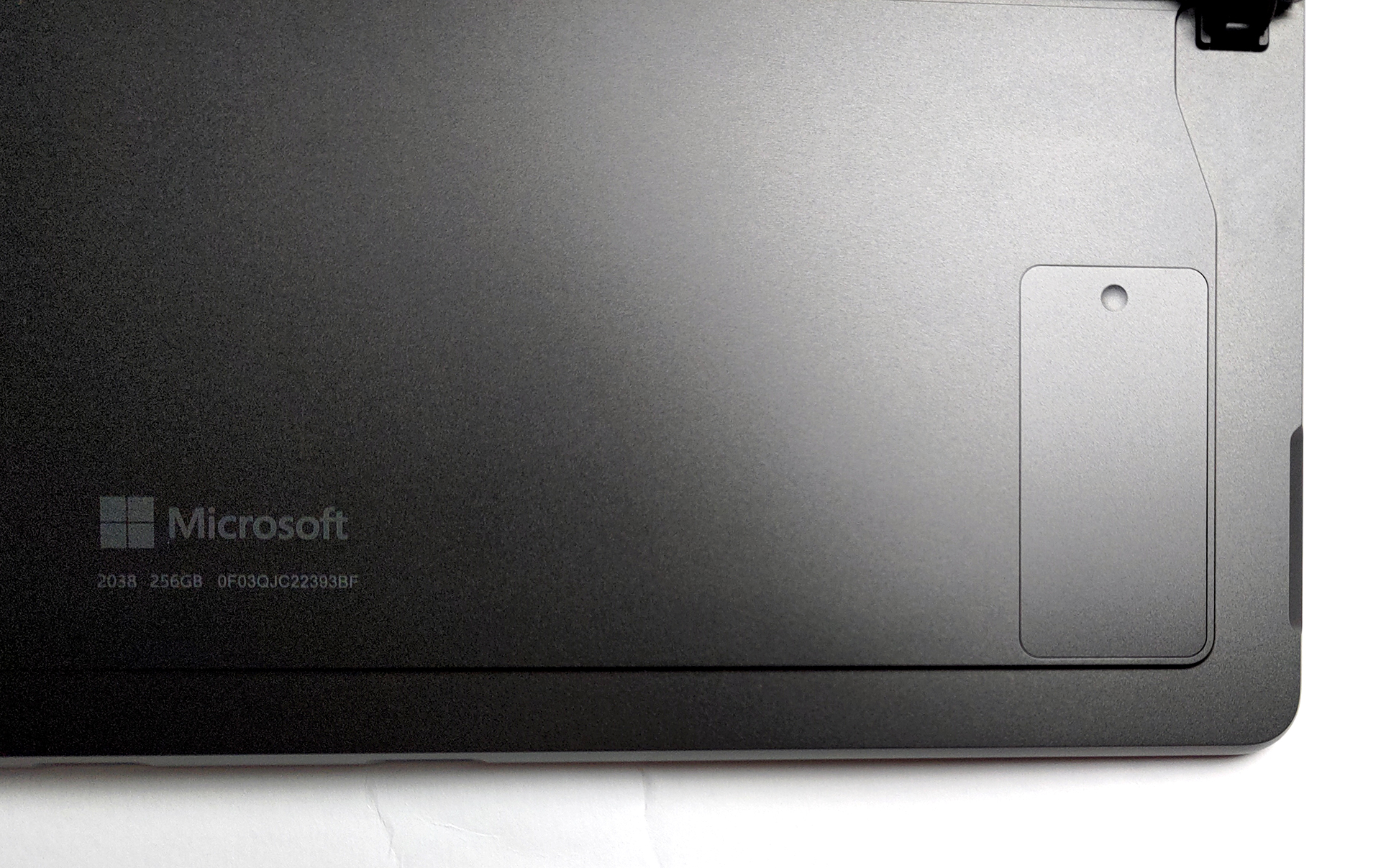
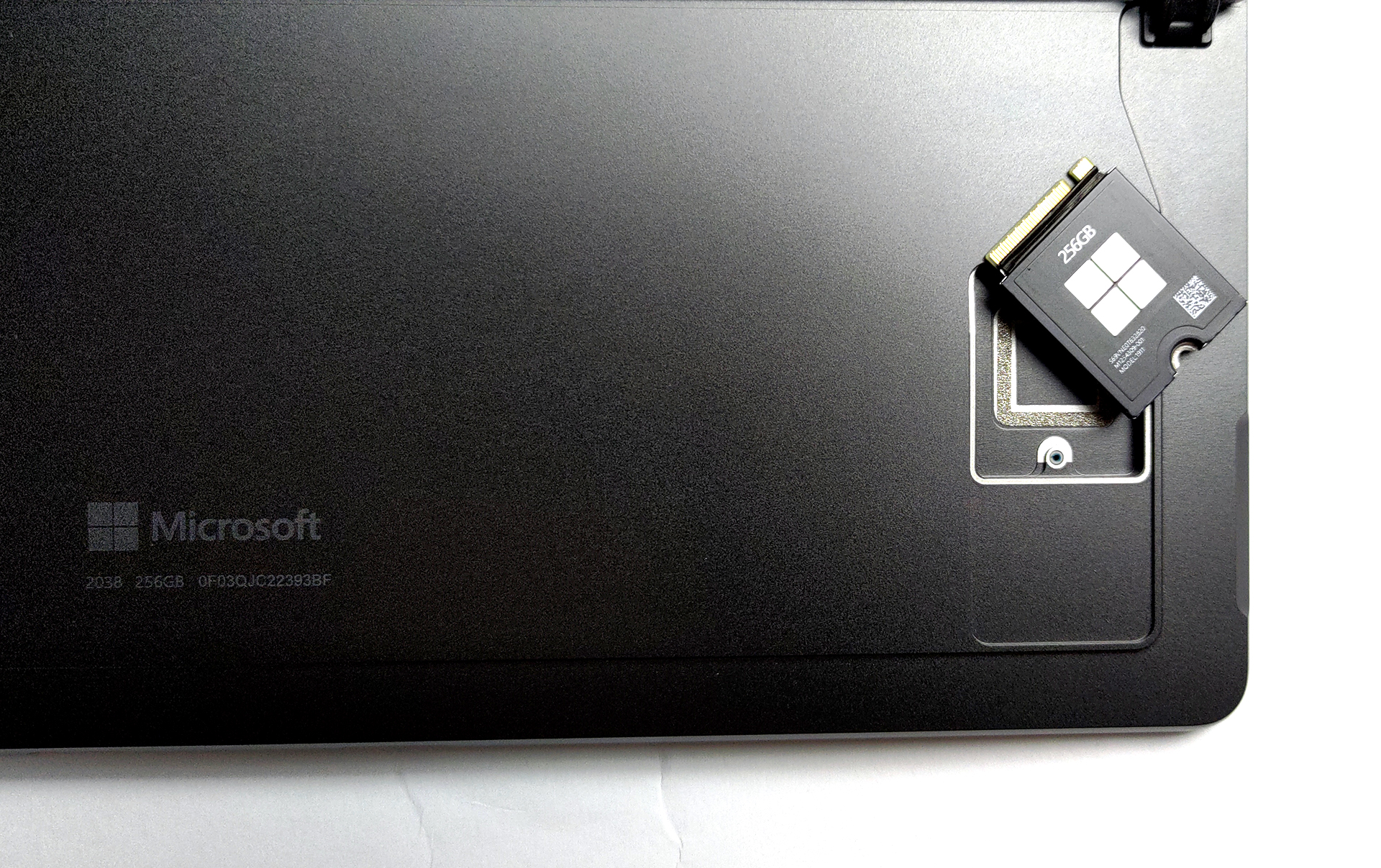
The laptop comes with soldered memory, however, that’s the case with all tablets as well. Thankfully, you’re getting up to 32GB of LPDDR5 memory in quad-channel mode. In terms of storage, there’s a trap door, with a screw, which gives you access to one M.2 slot for 30 mm SSDs.

1 reason NOT to buy the Microsoft Surface Pro 9
1. I/O
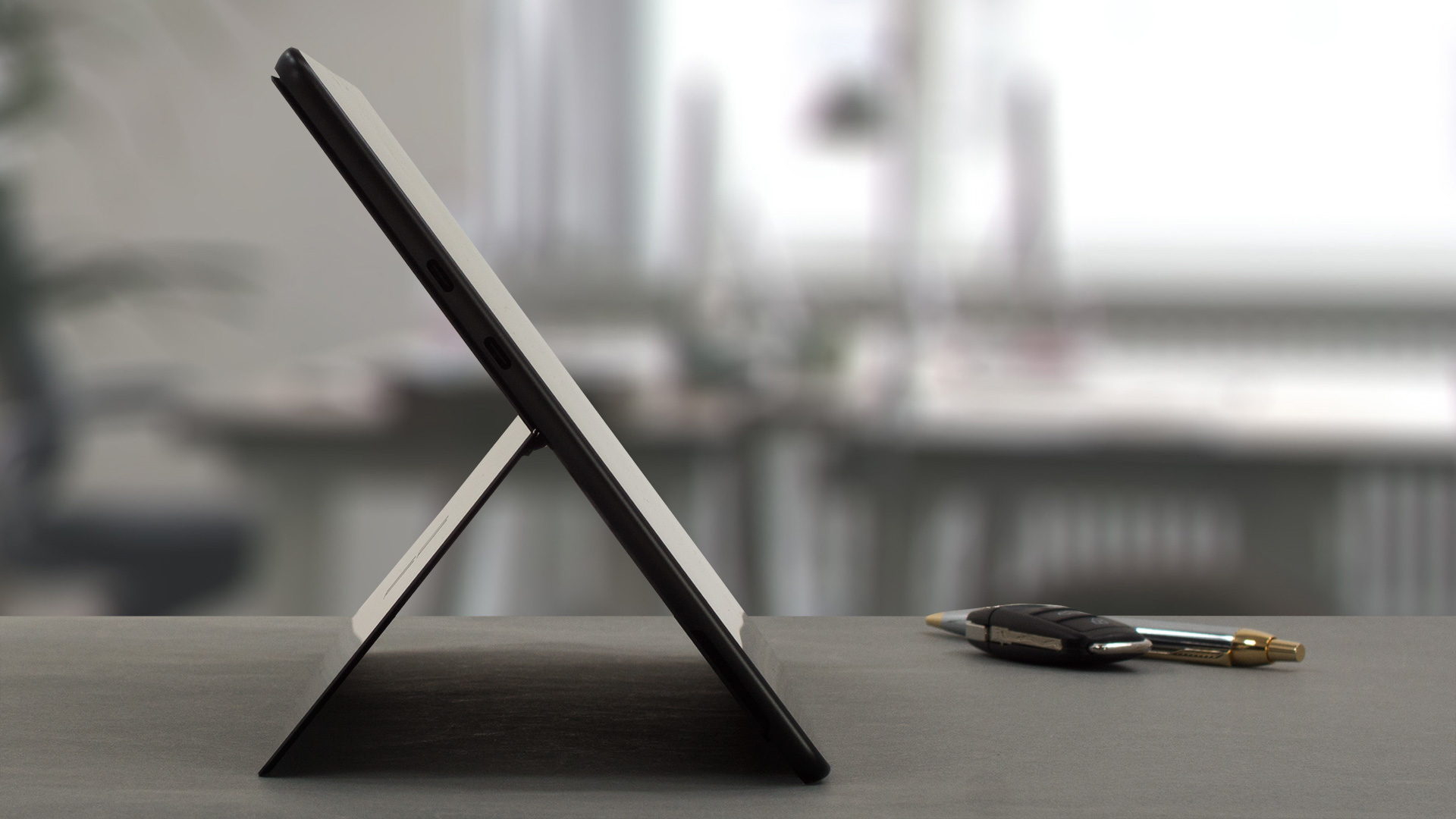
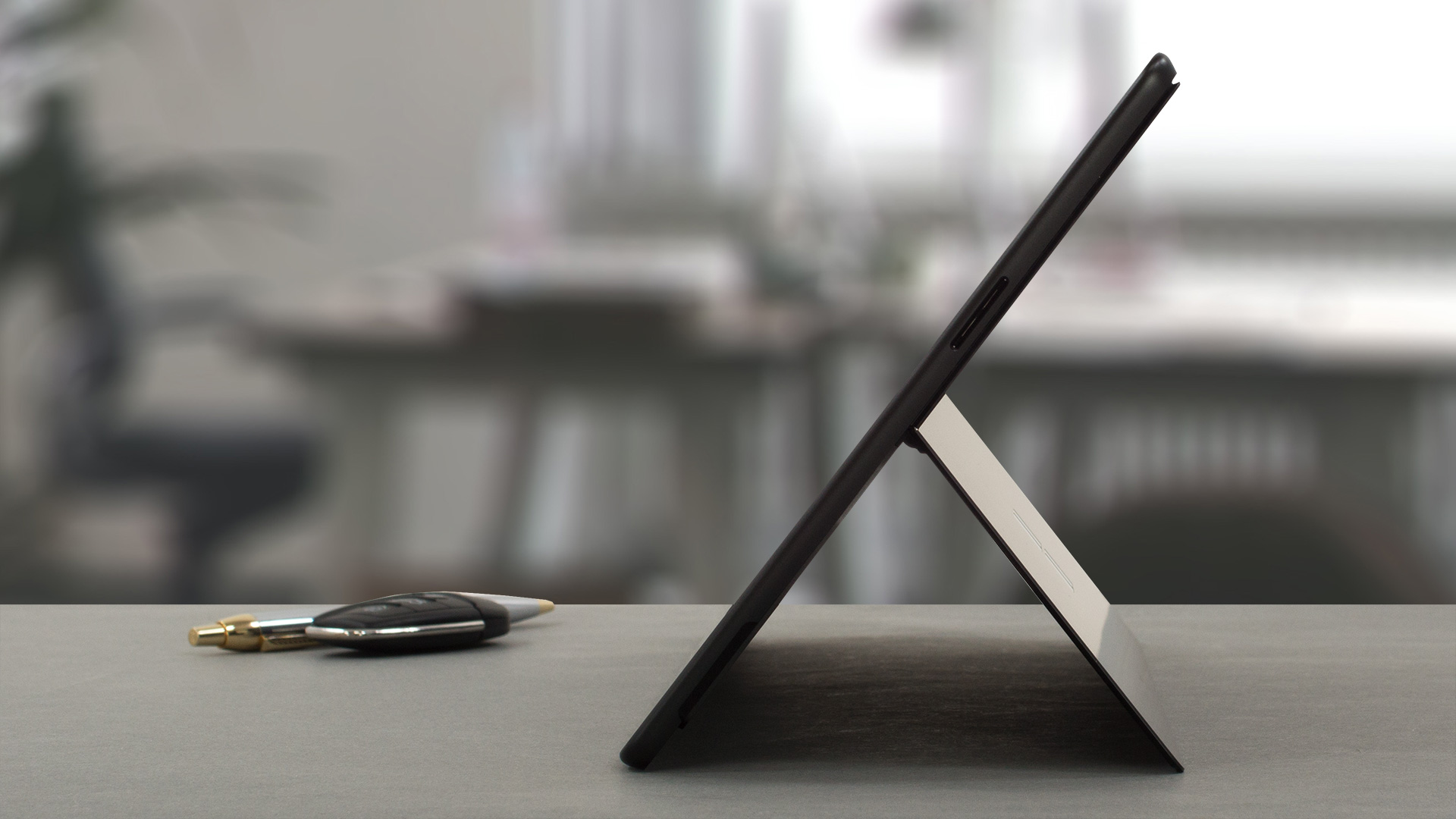
The port selection includes only two Thunderbolt 4 ports and a Surface Connect port for charging. On the bottom, there’s a connector for a Surface keyboard.

All Microsoft Surface Pro 9 configurations:

 Author: Severin Kolakov

![[Wrzesień 2026 r.] Najlepiej sprzedające się marki laptopów w serwisie Amazon Global – firma Apple dominuje na rynku z ponad 70-procentowym udziałem w przychodach](https://laptopmedia.com/wp-content/uploads/2026/10/GLOBAL-Best-Brands-400x225.jpg)
![[Wrzesień 2026] Amazon Global: 10 najlepiej sprzedających się laptopów – MacBook Neo firmy Apple zajmuje pierwsze miejsce, a rynek zdominowały urządzenia z segmentu budżetowego i premium](https://laptopmedia.com/wp-content/uploads/2026/10/Best-Selling-Laptops-GLOBAL-Top-10-400x225.jpg)
![[Wrzesień 2026] Amazon Global: 10 najlepiej sprzedających się laptopów do gier – ASUS ROG Strix G16 dominuje na rynku, osiągając rekordową sprzedaż](https://laptopmedia.com/wp-content/uploads/2026/10/Best-Selling-Gaming-Laptops-GLOBAL-Top-10-400x225.jpg)
![[Wrzesień 2026] Globalny ranking najlepiej sprzedających się procesorów graficznych do laptopów na Amazonie – układ M5 firmy Apple zdecydowanie wyprzedza NVIDIA w segmencie laptopów klasy premium, ale RTX 5060 jest jedynym dedykowanym procesorem graficznym, który znalazł się w pierwszej dziesiątce](https://laptopmedia.com/wp-content/uploads/2026/10/Best-Selling-GPUs-GLOBAL-Top-10-400x225.jpg)
![[Wrzesień 2026] Globalny ranking najlepiej sprzedających się procesorów do laptopów na Amazonie – procesor M5 firmy Apple miażdży Intela, a rynek produktów z wyższej półki staje się areną wyścigu z jednym faworytem](https://laptopmedia.com/wp-content/uploads/2026/10/Best-Selling-CPUs-GLOBAL-Top-10-400x225.jpg)
