Top 5 reasons to BUY or NOT to buy the HP Omen 15 (2021, 15-en1000)
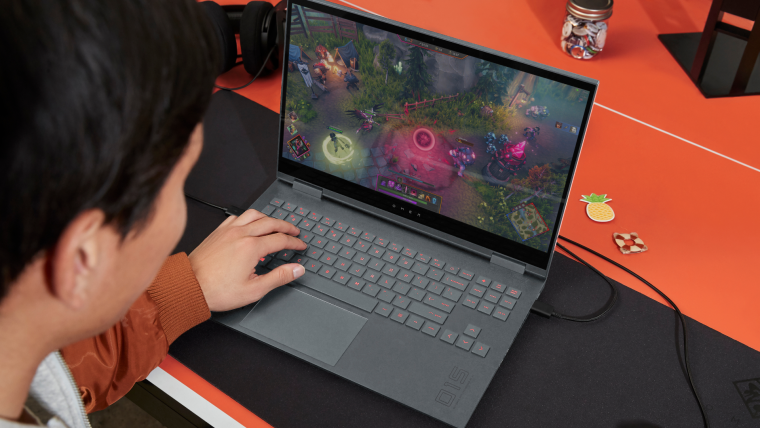 Last year, it felt like the Omen series from HP finally went through the awkward puberty phase and is now a fully developed family of gaming laptops. They are now more stylish, using a more subdued design, which appeals to more people.
The good old black and red aggressive aesthetic isn’t what people want nowadays and we can see why. However, let’s not dwell on the past too much and instead focus on what is ahead of us, and that is a great-looking laptop with plenty of performance under the hood thanks to both Zen 3 and RTX Ampere, in the face of the HP Omen 15 (2021, 15-en1000).
Today we are presenting you with LaptopMedia’s top 5 picks about the HP Omen 15 (2021, 15-en1000).
HP Omen 15 (2021, 15-en1000): Full Specs / In-depth Review
4 reasons to BUY the HP Omen 15 (2021, 15-en1000)
1. Design and build quality
To no surprise, the laptop retains the same design from last year. This is perfect, as well really liked that design, with its aluminum base. Yes, the lid is made of plastic and is quite bendy, but no one will intentionally bend their lid to test its strength. The overall shape of the device is really simple, with sharp edges and flat surfaces. The few bits of color here and there also spice up the whole laptop, giving it a unique visual appeal. The Omen logo on the back has a blueish-green color and looks really good.
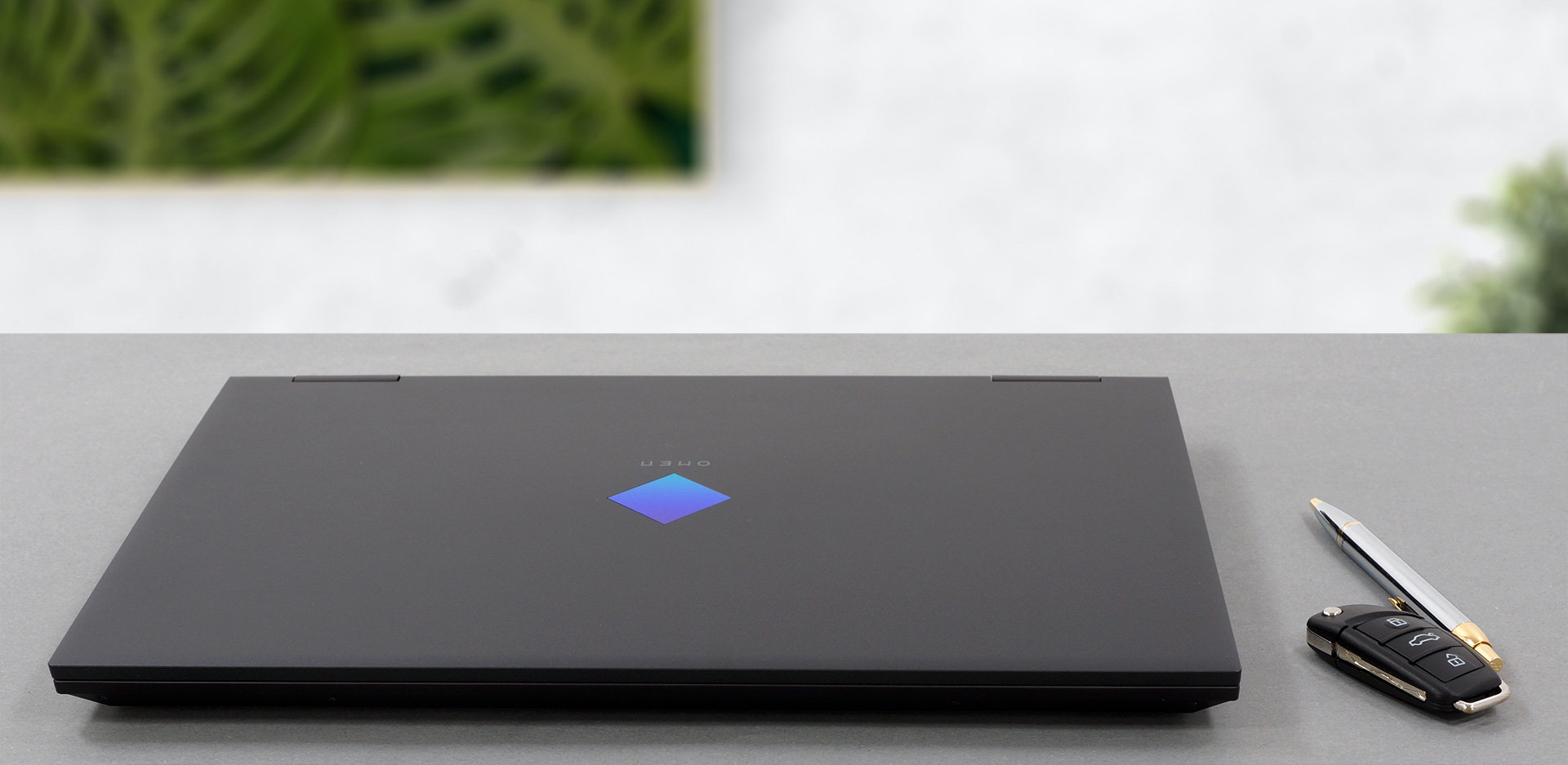
The lid opens easily with a single hand and goes all the way down, allowing you to position the laptop fully laid down. The base looks really great, with a keyboard with decently large keycaps and a fairly large touchpad. The keyboard also gets a backlight, along with long key travel and clicky feedback. The touchpad does lack physical buttons, but the tracking was pretty accurate and the clicking mechanism inside was quite good, as well.

2. Upgradeability
The laptop offers quite a lot of upgradeability, with two SODIMM RAM slots and two M.2 PCIe x4 drives. In total, you can fit up to 64GB of DDR4 memory, working in dual-channel mode.
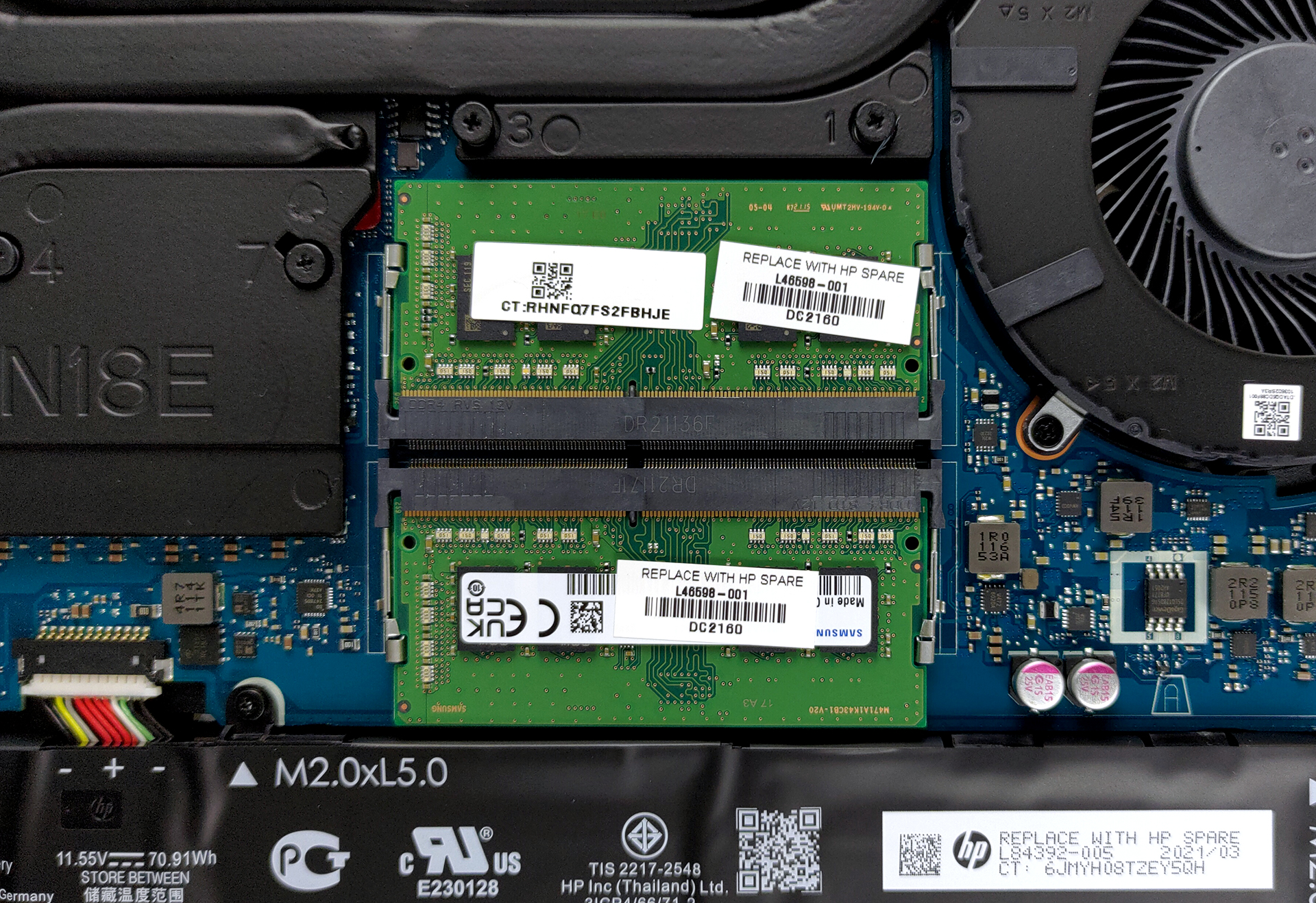
Here is our detailed teardown video, which shows exactly how to get access to the SODIMM and SSD slots.
3. Battery life
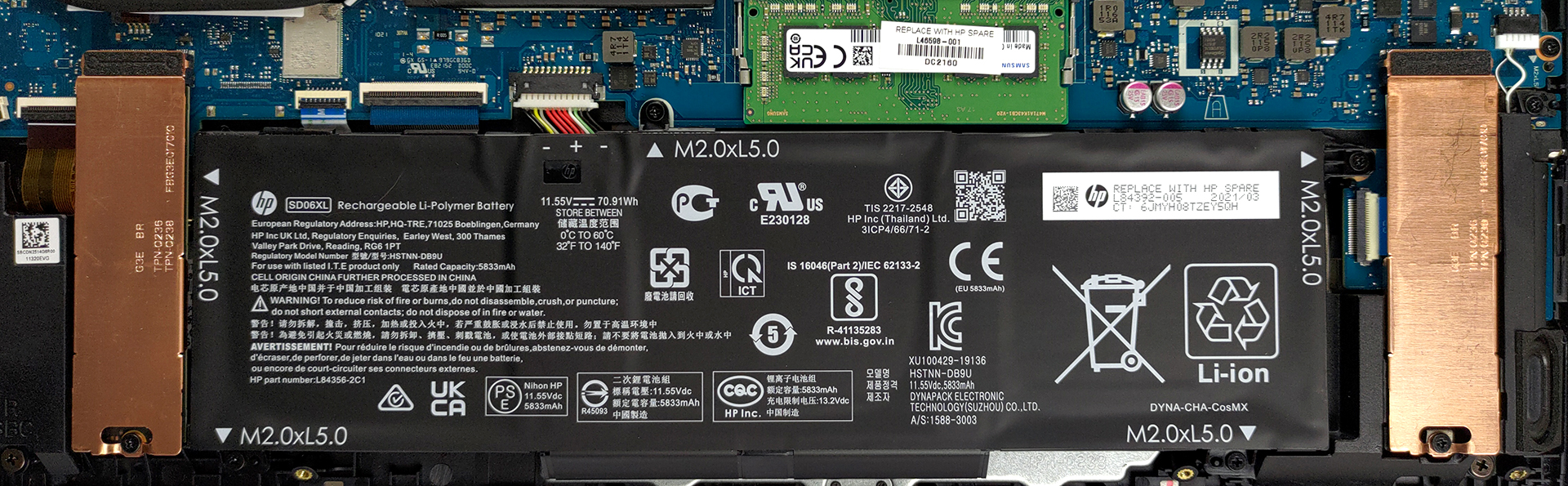
With a battery unit of 70.9Wh, we excepted an above-average battery life, especially considering the powerful hardware that this laptop has. We were smitten by the results of the battery tests, in which the laptop lasted for 11 hours and 7 minutes of Web browsing, and 8 hours and 20 minutes of video playback. Now, we conduct the battery tests with Windows Better performance setting turned on, screen brightness adjusted to 120 nits, and all other programs turned off except for the one we are testing the notebook with.
4. Display quality
The laptop comes with two display choices, both with a Full HD resolution and IPS panels. The first unit has a 60Hz refresh rate, while the second display ups that to 144Hz. Our laptop had the 144Hz screen and it performed quite decently. It had comfortable viewing angles, 336 nits of max brightness in the middle of the screen, 322 nits as an average for the entire display area, and a maximum deviation of 8%. The contrast ratio is a tad low, sitting at 860:1.
Thankfully, the display covers 96% of the sRGB color gamut.
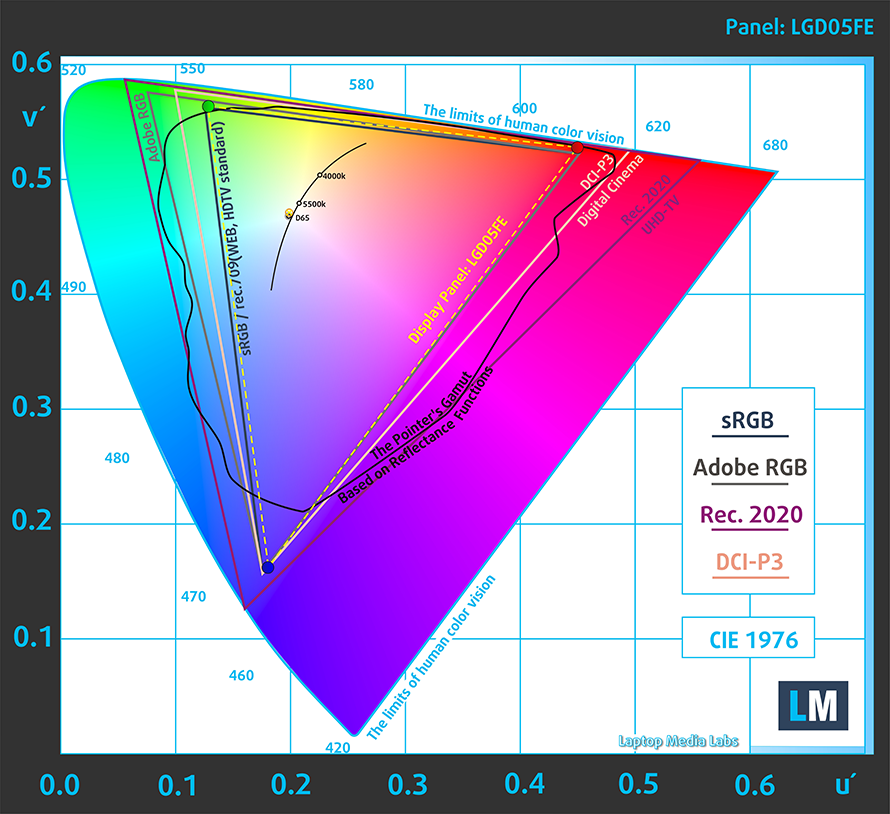
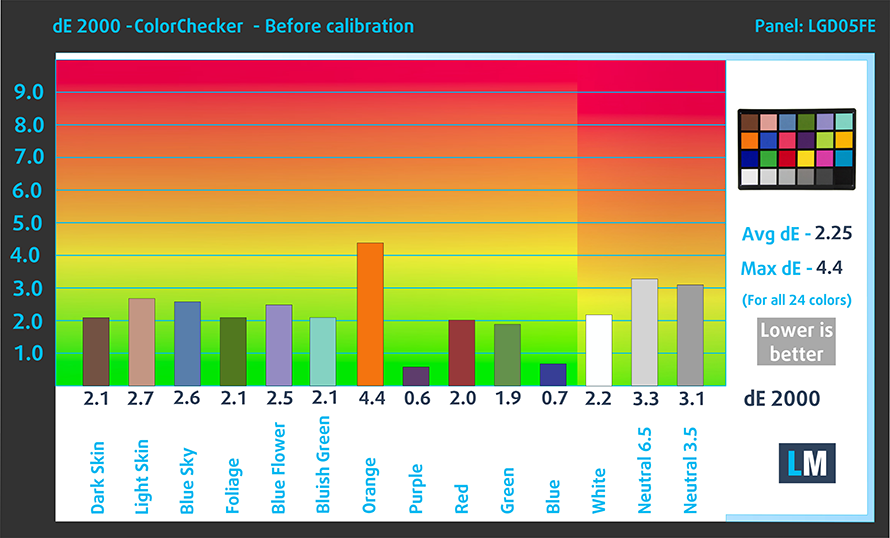
In our color accuracy tests, the panel had a dE value of 2.25 out of the box, which is quite impressive. Once we applied our Design and Gaming profile, the dE value dropped to 0.9, which means that it is essentially ready for color-sensitive work.
Here are the results from the color accuracy test with both the factory settings (left) and with our Design and Gaming profile applied (right).

Buy our profiles
Since our profiles are tailored for each individual display model, this article and its respective profile package are meant for HP Omen 15 (2021, 15-en1000) configurations with 15.6″ 144Hz FHD IPS LGD05FE.
*Should you have problems with downloading the purchased file, try using a different browser to open the link you’ll receive via e-mail. If the download target is a .php file instead of an archive, change the file extension to .zip or contact us at [email protected].
Read more about the profiles HERE.
Oprócz otrzymywania wydajnych i przyjaznych dla zdrowia profili, kupując produkty LaptopMedia, wspierasz również rozwój naszych laboratoriów, w których testujemy urządzenia w celu tworzenia jak najbardziej obiektywnych recenzji.

Office Work
Office Work powinien być używany głównie przez użytkowników, którzy spędzają większość czasu patrząc na teksty, tabele lub po prostu przeglądając internet. Ten profil ma na celu zapewnienie lepszej wyrazistości i klarowności poprzez utrzymanie płaskiej krzywej gamma (2.20), natywnej temperatury barwowej i percepcyjnie dokładnych kolorów.

Design and Gaming
Ten profil jest przeznaczony dla projektantów, którzy pracują z kolorami zawodowo, a także do gier i filmów. Design and Gaming wykorzystuje panele wyświetlaczy do granic ich możliwości, czyniąc je tak dokładnymi, jak to tylko możliwe w standardzie sRGB IEC61966-2-1 dla stron internetowych i telewizji HD, przy punkcie bieli D65.

Health-Guard
Health-Guard eliminuje szkodliwą modulację szerokości impulsu (PWM) i redukuje negatywne niebieskie światło, które wpływa na nasze oczy i ciało. Ponieważ jest on dostosowany do każdego panelu, udaje mu się utrzymać percepcyjnie dokładne kolory. Health-Guard symuluje papier, dzięki czemu nacisk na oczy jest znacznie zmniejszony.
Zdobądź wszystkie 3 profile z 33% zniżką

1 reason NOT to buy the HP Omen 15 (2021, 15-en1000)
1. GPU options
Sadly, HP has chosen to use less powerful versions of the RTX Ampere Graphics cards. The RTX 3070 unit in our laptop has a TDP of 100W. Other manufacturers have been using the 130W version, with the gaming performance taking a hit.
Wyniki pochodzą z testu 3DMark Time Spy (Graphics). Wyższy wynik jest lepszy.
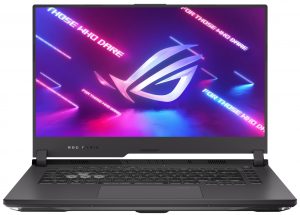
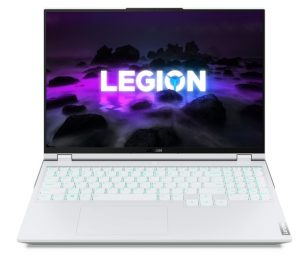
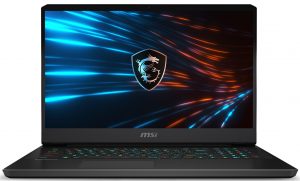
Wyniki pochodzą z benchmarku 3DMark Fire Strike (Graphics) (im wyższy wynik, tym lepiej)
Wyniki pochodzą z benchmarku Unigine Superposition (im wyższy wynik, tym lepiej)
HP OMEN 15 (15-en0000, en1000) Serie
- GPU
- NVIDIA GeForce RTX 3070 (Laptop, 100W) #101 in Top GPUsNVIDIA GeForce RTX 3060 (Laptop, 100W) #114 in Top GPUsNVIDIA GeForce RTX 3060 (Laptop)NVIDIA GeForce RTX 3050 Ti (Laptop)NVIDIA GeForce RTX 2060 (Laptop, 80W) #154 in Top GPUsNVIDIA GeForce GTX 1660 Ti (Laptop) #164 in Top GPUsNVIDIA GeForce GTX 1650 Ti (Laptop) #222 in Top GPUsAMD Radeon RX 6600M #131 in Top GPUs
- Wymiary
- 357.9 x 239.7 x 22.6 mm (14.09" x 9.44" x 0.89")
- Waga
- 2.37 kg (5.2 lbs)
- Cena
- Począwszy od $1099.99
All HP Omen 15 (2021, 15-en1000) configurations:
 Author: Severin Kolakov

![[Lipiec 2026] Globalny ranking najlepiej sprzedających się kart graficznych do laptopów na Amazon – RTX 5060 dominuje w segmencie premium, a Intel nadal króluje w segmencie budżetowym](https://laptopmedia.com/wp-content/uploads/2026/08/Best-Selling-GPUs-GLOBAL-Top-10-400x225.jpg)
![[Lipiec 2026] Globalny ranking najlepiej sprzedających się procesorów do laptopów na Amazonie – Apple dominuje w segmencie premium, a Intel utrzymuje pozycję lidera w klasyfikacji ogólnej](https://laptopmedia.com/wp-content/uploads/2026/08/Best-Selling-CPUs-GLOBAL-Top-10-400x225.jpg)
![[July 2026] Amazon Canada: Top 10 Best-Selling Laptops – Apple MacBook Neo Dominates the Market to Claim the #1 Spot](https://laptopmedia.com/wp-content/uploads/2026/08/Best-Selling-Laptops-CA-Top-10-2-400x225.jpg)
![[July 2026] Best-Selling Laptop Brands on Amazon Japan – HP and Lenovo Dominate Units and Revenue Amid Fierce Competition](https://laptopmedia.com/wp-content/uploads/2026/08/CO.JP-Best-Brands-2-400x225.jpg)
![[July 2026] Amazon Italy: Top 10 Best-Selling Laptops – Apple MacBook Neo Claims the #1 Spot Amid Budget-Friendly Dominance](https://laptopmedia.com/wp-content/uploads/2026/08/Best-Selling-Laptops-IT-Top-10-400x225.jpg)
