Recenzja ASUS TUF Gaming F15 (FX507, 2023) – wyższa cena, ale lepsza wydajność
 Wraz ze wzrostem inflacji, budżetowe notebooki do gier nie są już zbyt przystępne cenowo. Jednak producenci mają swój udział we wzroście cen, wytwarzając te produkty z materiałów wyższej jakości.
Co więcej, NVIDIA i Intel wprowadziły ostatnio niewiarygodnie potężną linię GPU i CPU, ale ponownie – nie są to już okazje, którymi były kiedyś. Z drugiej strony, nawet RTX 4050 (który teraz wreszcie jest wyposażony w 6 GB pamięci GDDR6 VRAM) jest w stanie zmiażdżyć każdą grę w rozdzielczości 1080p i przy maksymalnych ustawieniach.
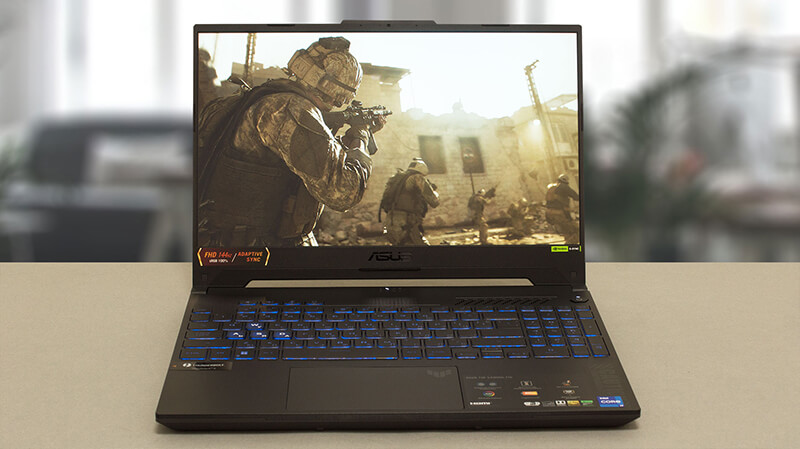
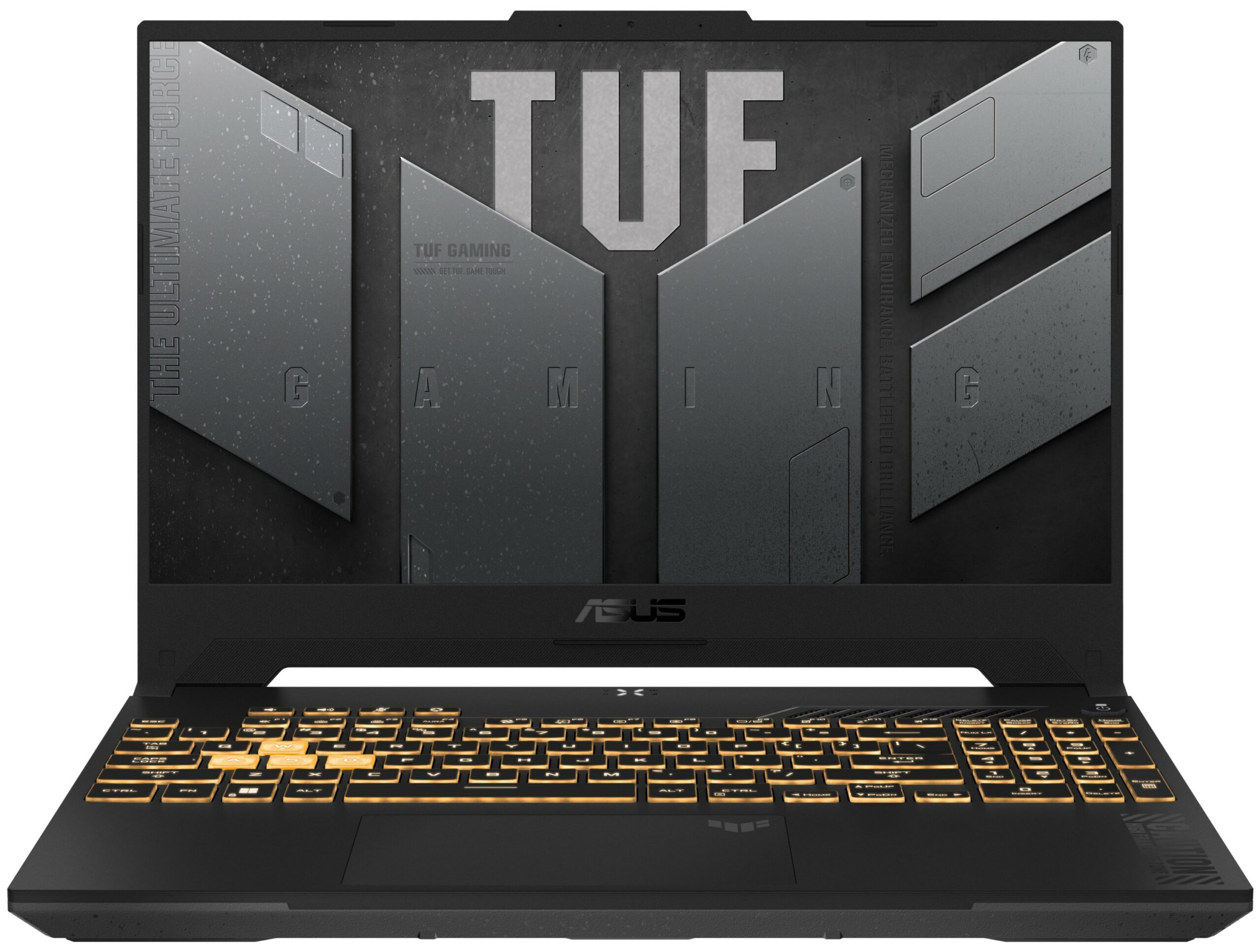
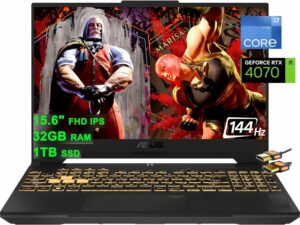
Laptop, o którym dzisiaj porozmawiamy, to ASUS TUF Gaming F15 (FX507, 2023). Wizualnie nie różni się on zbytnio od swojego poprzednika – FX507. Dlatego też jego nazwa jest w zasadzie taka sama.
Istnieją jednak pewne funkcje, które są po prostu niesamowite. Nawet podstawowa opcja wyświetlacza ma teraz pełne pokrycie sRGB (1080p, 144 Hz jednostka IPS), podczas gdy ekran najwyższego poziomu ma rozdzielczość 1440p, działa z częstotliwością 165 Hz, obsługuje G-Sync i pokrywa 100% gamy kolorów DCI-P3 (rzekomo).
Nie wspominając już o takich rzeczach jak MUX Switch. Niemniej jednak, omówimy te szczegóły w dalszej części recenzji, ale zanim do tego dojdziemy, zapoznajmy się z konstrukcją tego notebooka.
Ceny i konfiguracje można sprawdzić w naszym systemie specyfikacji: https://laptopmedia.com/series/asus-tuf-gaming-f15-fx507-2023/
Contents
- Specyfikacja, sterowniki, zawartość pudełka
- Projekt i konstrukcja
- Jakość wyświetlania, wpływ na zdrowie (PWM), dźwięk
- Kup nasze profile
- Wydajność: CPU, GPU, testy gamingowe
- [Przewodnik eBook + Narzędzia] Jak MAKSIMALNIE WYKORZYSTAĆ Swój Laptop
- Temperatury i komfort, żywotność baterii
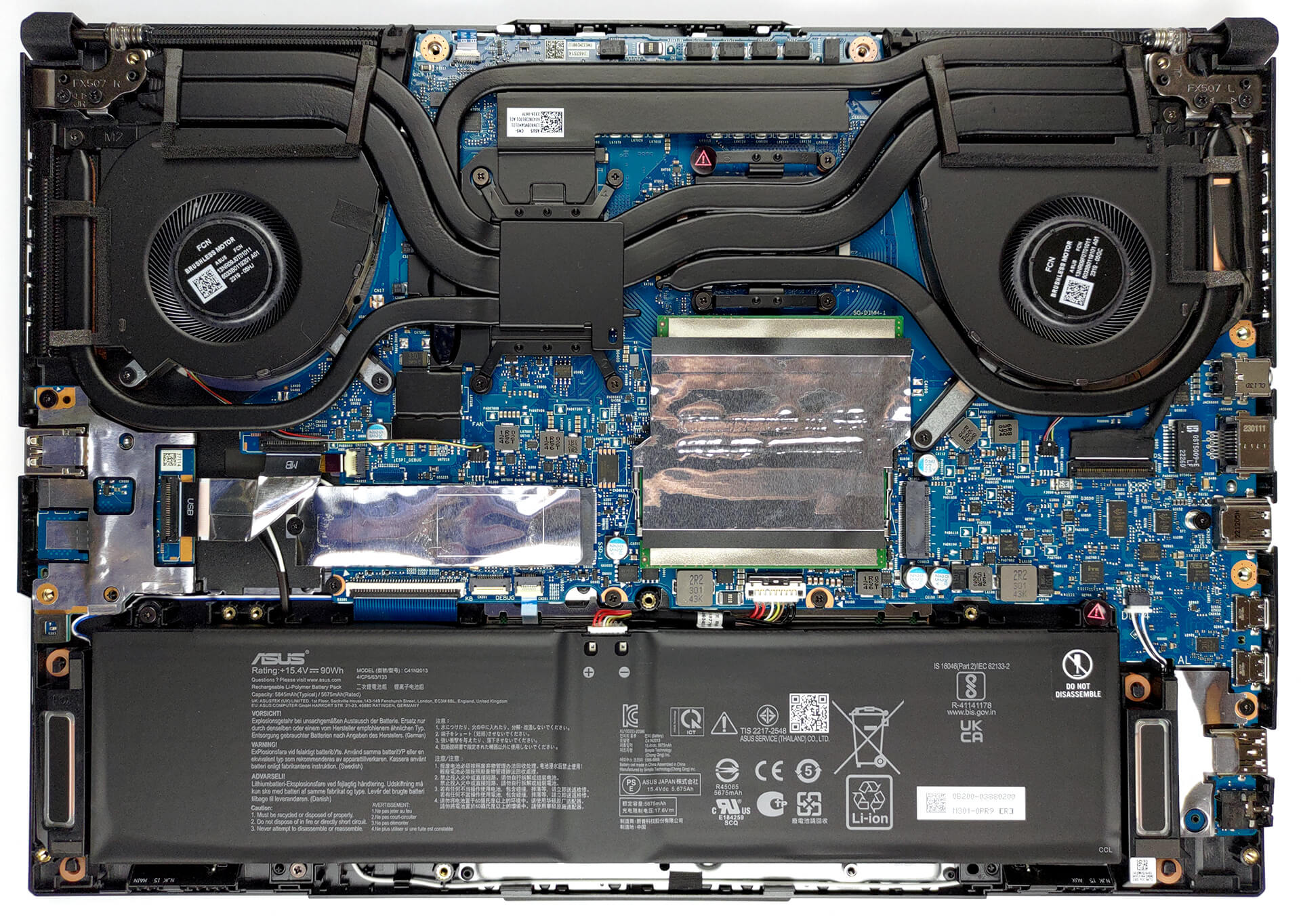
- Demontaż, opcje aktualizacji i konserwacja
- Werdykt
Specyfikacja, sterowniki, zawartość pudełka
ASUS TUF Gaming F15 (FX507, 2023) - Specyfikacja
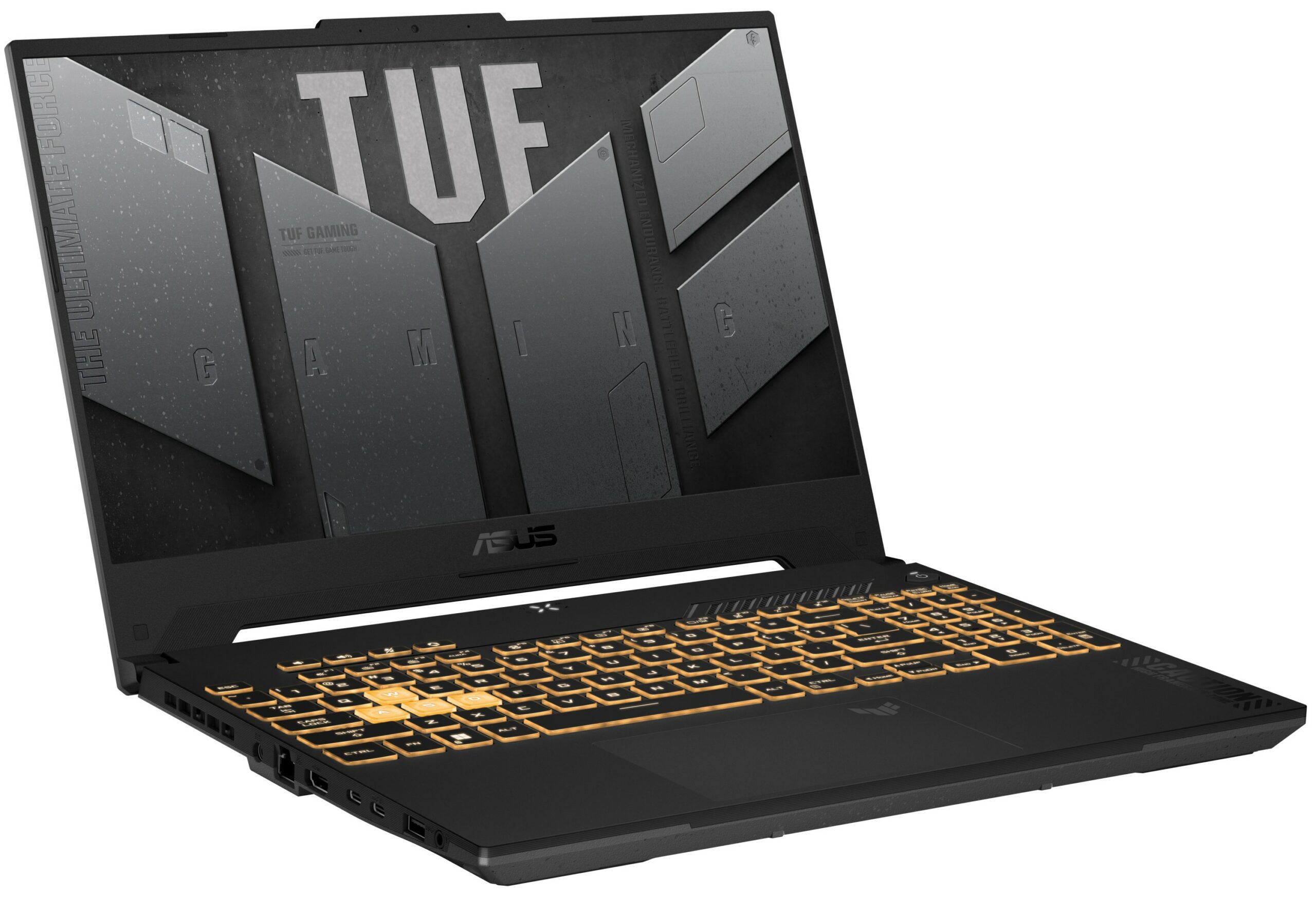
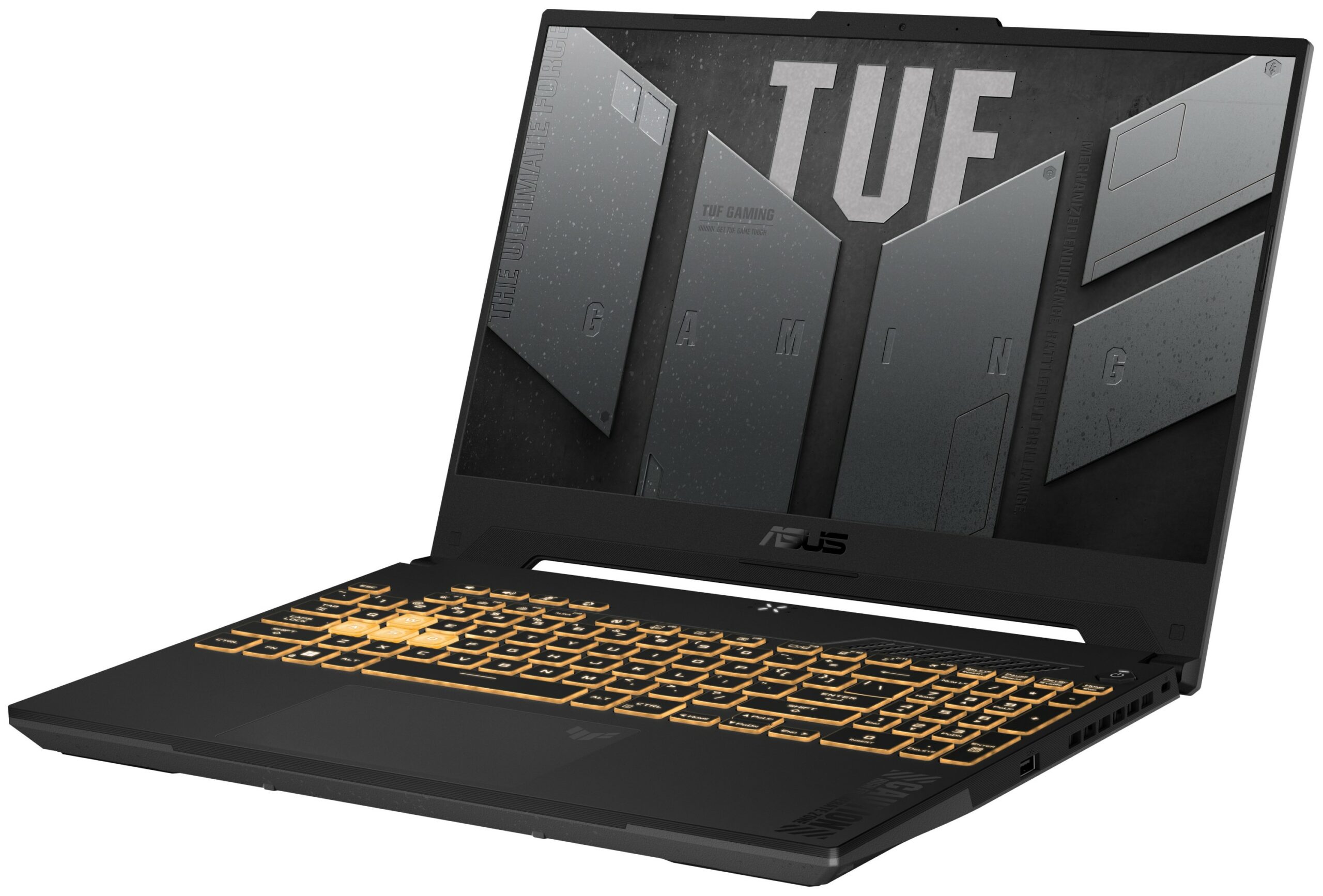
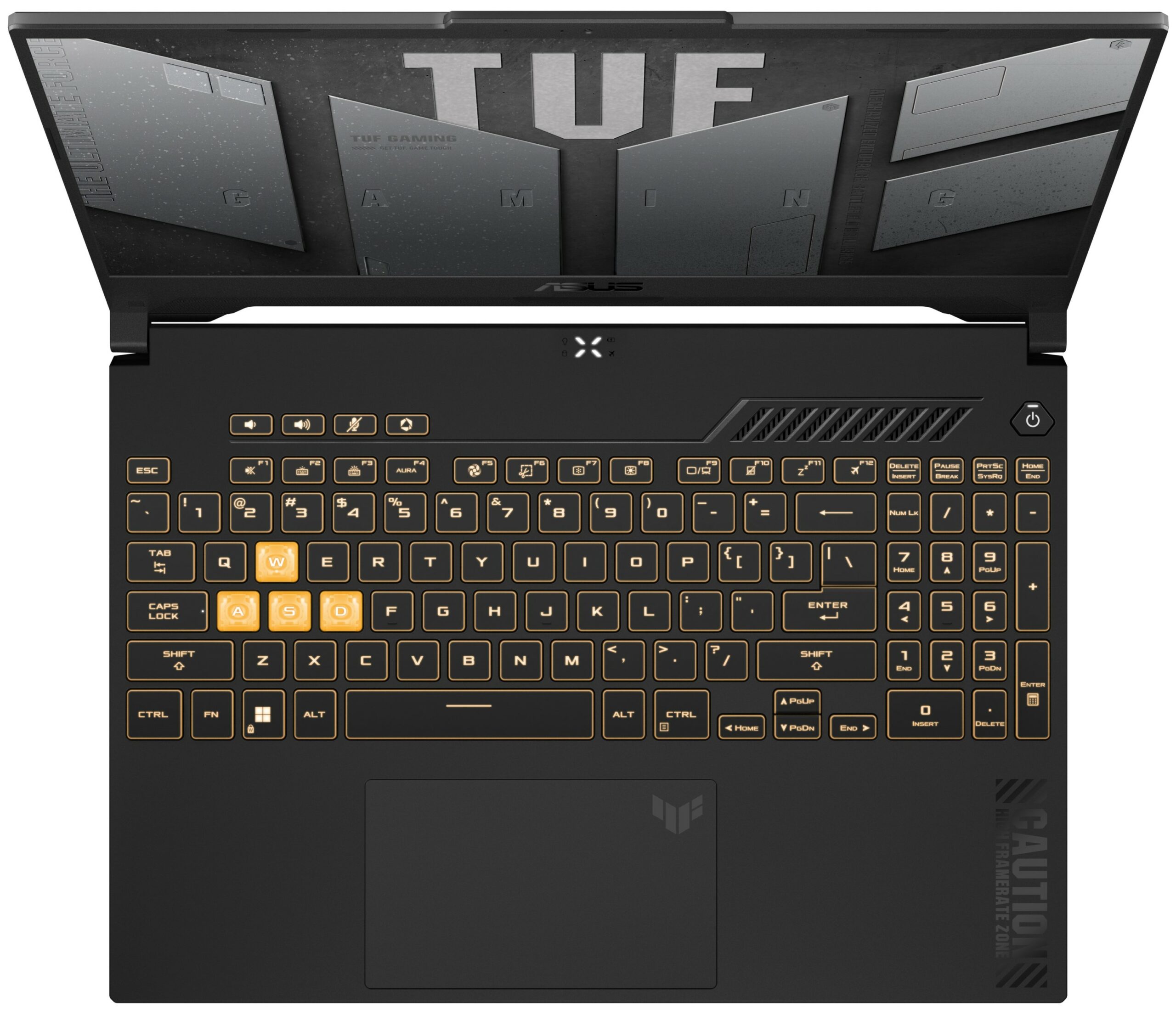
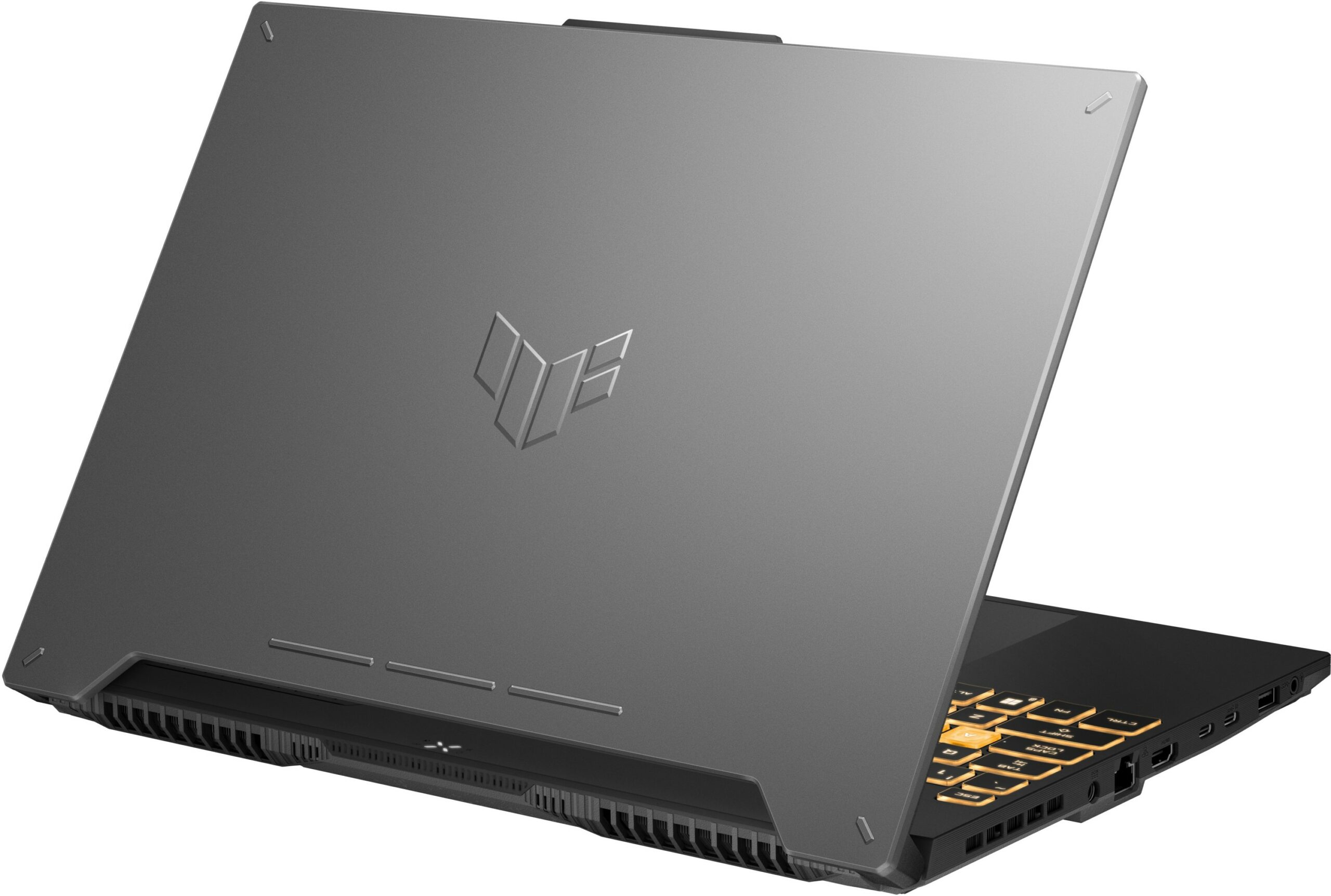

- GPU
- NVIDIA GeForce RTX 4070 (Laptop, 140W) #31 w Top GPU NVIDIA GeForce RTX 4060 (Laptop, 140W) #77 w Top GPU NVIDIA GeForce RTX 4050 (Laptop, 140W) #97 w Top GPU NVIDIA GeForce RTX 3070 (Laptop, 105W) #84 w Top GPU NVIDIA GeForce RTX 3050 (Laptop, 95W) #163 w Top GPU NVIDIA GeForce RTX 3050 (Laptop, 75W) #178 w Top GPU

- HDD/SSD
- do 8000GB SSD + do 1000GB HDD
- Gniazdo M.2
- 2x 2280 PCIe NVMe 4.0 x4 Zobacz zdjęcie
- RAM
- up to 64GB
- System operacyjny
- Windows 11 Home, Windows 10 Pro, Windows 10 Home, Windows 11 Pro, No OS, DOS, Chrome OS, Windows 11
- Bateria
- 90Wh, 4-cell
- Materiał obudowy
- Plastic / Polycarbonate, Aluminum
- Wymiary
- 354 x 251 x 22.4 - 24.9 mm (13.94" x 9.88" x 0.88")
- Waga
- 2.20 kg (4.9 lbs)
- Porty i łączność
- 2x USB Type-A
- 3.2 Gen 1 (5 Gbps)
- 1x USB Type-C
- 3.2 Gen 2 (10 Gbps), Power Delivery (PD), DisplayPort
- 1x USB Type-C
- Thunderbolt 4, DisplayPort
- HDMI
- 2.1
- Czytnik kart
- Ethernet LAN
- 10, 100, 1000 Mbit/s
- Wi-Fi
- 802.11ax
- Bluetooth
- 5.2
- Gniazdo audio
- 3.5mm Combo Jack
- Cechy
- Czytnik linii papilarnych
- Kamera internetowa
- HD
- Podświetlana klawiatura
- optional
- Mikrofon
- Array Microphone with Cortana Support, near field/Far field
- Głośniki
- 2x Stereo Speakers, Dolby Atmos
- Napęd optyczny
- Gniazdo blokady bezpieczeństwa
- Kensington Lock
Wszystkie ASUS TUF Gaming F15 (FX507, 2023) konfiguracje
Sterowniki
Wszystkie sterowniki i programy narzędziowe dla tego notebooka można znaleźć tutaj: https://www.asus.com/laptops/for-gaming/tuf-gaming/asus-tuf-gaming-f15-2023/helpdesk_download/?model2Name=FX507VU
Co znajduje się w pudełku?
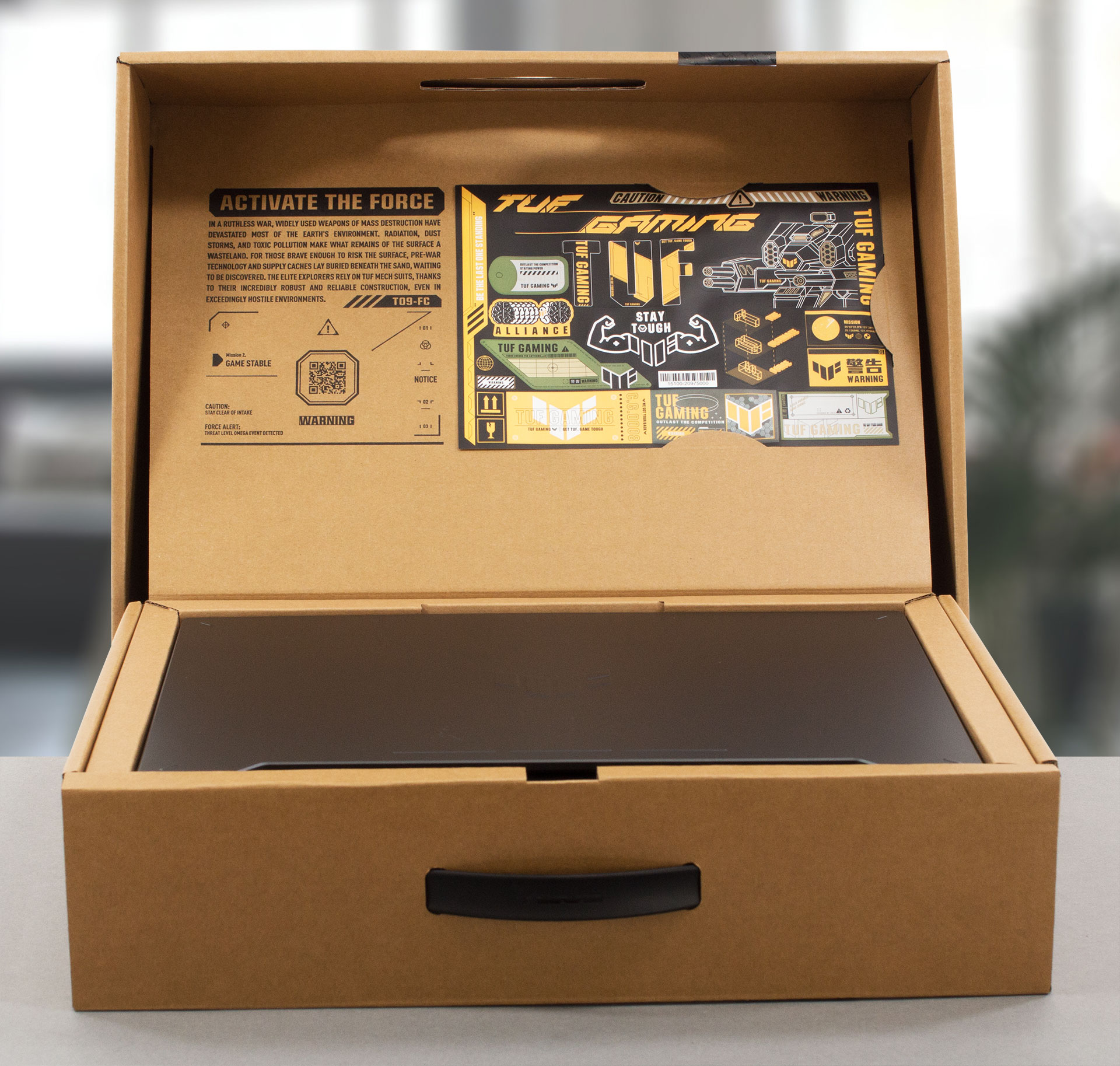
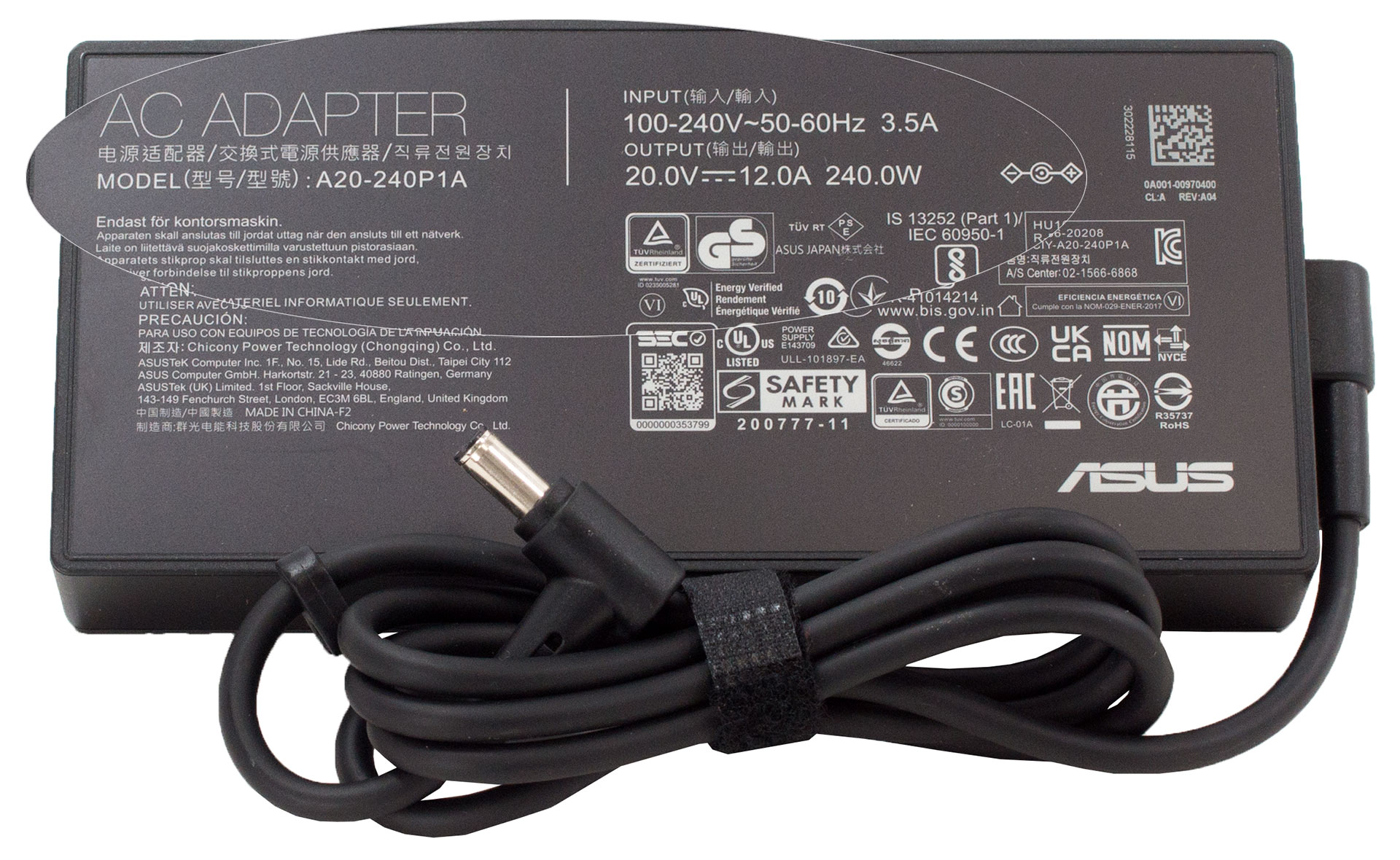
Wewnątrz opakowania znaleźliśmy trochę dokumentacji, ładowarkę 240 W i arkusz z fajnymi naklejkami.
 Author: Alex Iliev
 Author: eng. Kroum NikolovHead of Engineering at LaptopMedia.com, inventor and innovator with 40+ years of experience in electronics and high technology.

![[Sierpień 2026] Globalny ranking najlepiej sprzedających się procesorów graficznych do laptopów na Amazonie – Apple nie ma sobie równych, a model RTX 5060 firmy NVIDIA zajmuje pierwsze miejsce w kategorii kart dedykowanych](https://laptopmedia.com/wp-content/uploads/2026/09/Best-Selling-GPUs-GLOBAL-Top-10-400x225.jpg)
![[Sierpień 2026] Globalny ranking najlepiej sprzedających się procesorów do laptopów na Amazonie – Apple dominuje zarówno w segmencie budżetowym, jak i premium: modele A18 Pro i M5 zdecydowanie wyprzedzają Intel i AMD w sierpniu 2026 roku](https://laptopmedia.com/wp-content/uploads/2026/09/Best-Selling-CPUs-GLOBAL-Top-10-400x225.jpg)
![[Sierpień 2026] Amazon Global: 10 najlepiej sprzedających się laptopów – Apple MacBook Neo dominuje w rankingach, podczas gdy niedrogie i średniej klasy laptopy z systemem Windows walczą o udział w rynku](https://laptopmedia.com/wp-content/uploads/2026/09/Best-Selling-Laptops-GLOBAL-Top-10-400x225.jpg)
![[Sierpień 2026 r.] Najlepiej sprzedające się marki laptopów w serwisie Amazon Global – Apple dominuje pod względem przychodów, a HP przoduje pod względem różnorodności modeli](https://laptopmedia.com/wp-content/uploads/2026/09/GLOBAL-Best-Brands-400x225.jpg)
![[Sierpień 2026 r.] Amazon Global: 10 najlepiej sprzedających się laptopów do gier – HP Victus 15 zdobywa pierwsze miejsce, a rankingi zdominowały modele w przystępnej cenie](https://laptopmedia.com/wp-content/uploads/2026/09/Best-Selling-Gaming-Laptops-GLOBAL-Top-10-400x225.jpg)

Hi, i have a question for you guys. i’m in doubt between buying the Asus TUF f15 with i7-12700H and RTX 4060 or the Acer Nitro 5 An517-55 with i7-12700H and RTX 3060. I read both your review and (also if not with this configurations) i’m concerned about two things: 1-the low CPU performance of the ASUS (i dont understand if they are only for the i7-13th or also for the 12th), and how much they are lowest in comparation of the Acer CPU performance, always with i7-12700H; 2- i compare the two PC and don’t understand how much the… Czytaj więcej »
I will never get an answer right? :’)
Hey, luca, Sorry that it took me ages to write you back. If I have to be completely honest with you, it really depends on what you need the laptop for. Ultimately, the RTX 4060 is the better GPU of the two, and naturally, if both devices share the same processor and price tag, the more viable option would be to go for the RTX 4060 (in this case, the TUF F15). However, you should also consider the display options of the two listings, as well as the battery life. In our experience, the TUF Gaming F15 showed better longevity… Czytaj więcej »
Thanks Alex for the delucidations 🙂
I know this is late but how much is the wattage of the Nitro 5? remember even if its a 4060 if it has a lower wattage over the 3060, the 3060 will outperform the 4060
Salve,
sto cercando un computer per i miei studi in architettura, mi serve un portatile in grado di lavorare bene con programmi di rendering 3d, mi consiglieresti questo computer? grazie mille
Hey. I just got this laptop yesterday and I’m having issues: performance in cb23 and timespy is much worse than I see here. I get 12000 graphic score in timespy, about 1500 / 14500 for cb23 single / multi.
Also in games it heats like to 90-95
same here, did you ever fix it
Hello, I have a question about the RAM.
I have a asus TUF f15 FX507VV-ds91 with a i9 core and RTX4060 and 2x8gig 3200MHz DDR4 so-dimm
I wanted to know if it is possible upgrade this to a DDR5 so-dimm 32g or 64g RAM. I read from the asus website and it does support DDR5 rams but only at 24g RAM. So I am a bit confused on this matter.
Hope to get some clarification and thank you for the informative review
Can you tell me abit more regarding the Hinges’ durability? Do you think that ASUS TUF’s “military grade” laptop hinges are better than other budget laptop such as Acer Nitro, HP Victus, and MSI GF63? I’m really curious about how they compare. Thank you very much in advance!
Displays of Asus laptops with Hans LCD IPS scren give serios eys burn.