Februarie 01, 2024
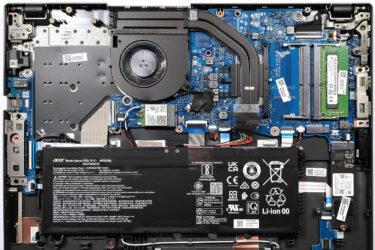
0How to open Acer TravelMate P2 (TMP216-51) – disassembly and upgrade options
Step 1: Accessing the Internal Components Ensure the Acer TravelMate P2 (TMP216-51) is powered off and placed on a soft, clean surface to prevent scratches or damage. Remove the 13 Philips-head screws from the bottom…
Februarie 01, 2024
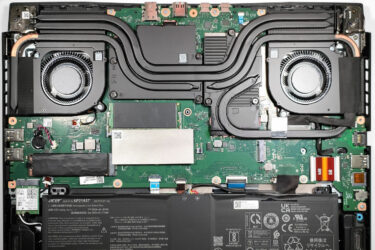
0How to open Acer Nitro 16 (AN16-51) – disassembly and upgrade options
Step 1: Accessing the Acer Nitro 16 (AN16-51) Internals Ensure the Acer Nitro 16 (AN16-51) is powered off and placed on a soft, clean surface to prevent scratches or damage. Remove the 11 Phillips-head screws…
Februarie 01, 2024
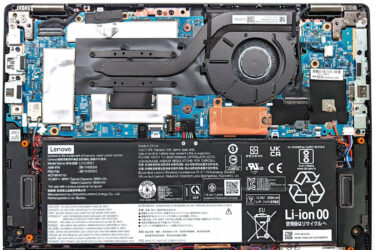
0How to open Lenovo ThinkPad L13 Yoga Gen 4 (Intel) – disassembly and upgrade options
Step 1: Accessing the Internal Components Ensure the Lenovo ThinkPad L13 Yoga Gen 4 (Intel) is powered off and placed on a soft, clean surface to prevent scratches or damage. Remove the 8 captive Phillips-head…
Februarie 01, 2024
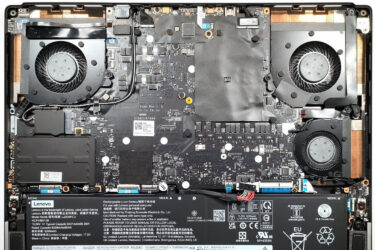
0How to open Lenovo Legion 9i Gen 8 (16, Intel) – disassembly and upgrade options
Step 1: Accessing the Internal Components Ensure the Lenovo Legion 9i Gen 8 (16, Intel) is powered off and placed on a soft, clean surface to prevent scratches or damage. Remove the 8 Phillips-head screws…
Februarie 01, 2024
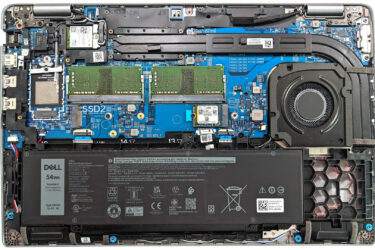
0How to open Dell Latitude 15 5540 – disassembly and upgrade options
Step 1: Opening the Dell Latitude 15 5540 Ensure the Dell Latitude 15 5540 is powered off and placed on a soft, clean surface to prevent scratches or damage. Remove the 8 captive Phillips-head screws…
Februarie 01, 2024
0How to open Lenovo ThinkPad L13 Gen 4 (Intel) – disassembly and upgrade options
Step 1: Accessing the Internal Components Ensure the Lenovo ThinkPad L13 Gen 4 (Intel) is powered off and placed on a soft, clean surface to prevent scratches or damage. Remove the 8 captive Phillips-head screws…
Februarie 01, 2024
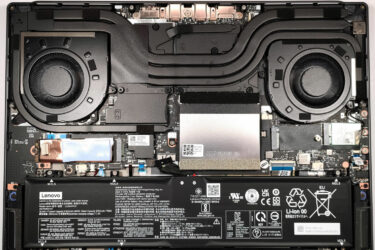
0How to open Lenovo ThinkBook 16p Gen 4 – disassembly and upgrade options
Step 1: Opening the Lenovo ThinkBook 16p Gen 4 Ensure the Lenovo ThinkBook 16p Gen 4 is powered off and placed on a soft, clean surface to prevent scratches or damage. Remove the 8 Torx-head…
Februarie 01, 2024
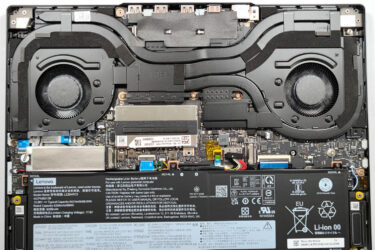
0How to open Lenovo Legion Slim 7i / S7 (16″ Intel, Gen 8) – disassembly and upgrade options
Step 1: Opening the Lenovo Legion Slim 7i / S7 (16″ Intel, Gen 8) Ensure the Lenovo Legion Slim 7i / S7 is powered off and placed on a soft, clean surface to prevent scratches…
Februarie 01, 2024
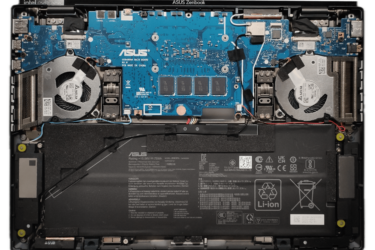
3How to open ASUS Zenbook DUO (UX8406) – disassembly and upgrade options
Step 1: Opening the ASUS Zenbook DUO (UX8406) Power off the ASUS Zenbook DUO (UX8406) and place it on a soft, clean surface to prevent scratches. Remove the 12 Torx-head screws from the laptop’s bottom,…
Februarie 01, 2024
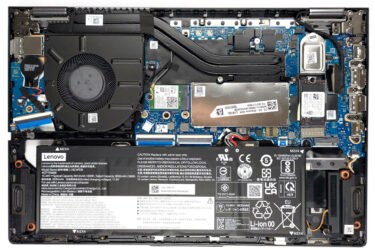
0How to open Lenovo ThinkBook 14s Yoga Gen 3 – disassembly and upgrade options
Step 1: Opening the Lenovo ThinkBook 14s Yoga Gen 3 Ensure the Lenovo ThinkBook 14s Yoga Gen 3 is powered off and placed on a soft, clean surface to prevent scratches or damage. Remove the…
Februarie 01, 2024
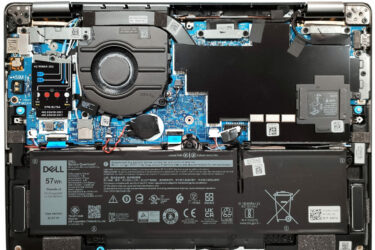
0How to open Dell Latitude 13 7340 – disassembly and upgrade options
Step 1: Opening the Dell Latitude 13 7340 Ensure the Dell Latitude 13 7340 is powered off and placed on a soft, clean surface to prevent scratches or damage. Remove the 8 captive Phillips-head screws…
Februarie 01, 2024
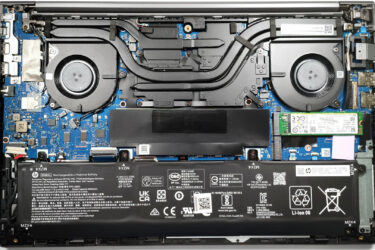
0How to open HP ZBook Power G10 – disassembly and upgrade options
Step 1: Accessing the HP ZBook Power G10 Internals Ensure the HP ZBook Power G10 is powered off and placed on a soft, clean surface to avoid scratches or damage. Undo the 5 Philips-head screws…
Februarie 01, 2024
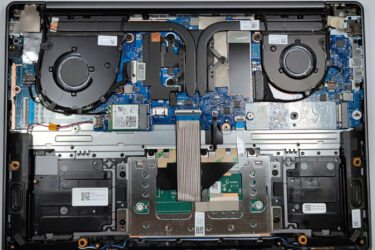
0How to open Lenovo Yoga Slim 6i (14, Gen 8, 14IAP8) – disassembly and upgrade options
Step 1: Removing the Bottom Plate of Lenovo Yoga Slim 6i (14, Gen 8, 14IAP8) Turn off the Lenovo Yoga Slim 6i and place it on a protective surface to prevent damage. Remove the 6…
Februarie 01, 2024
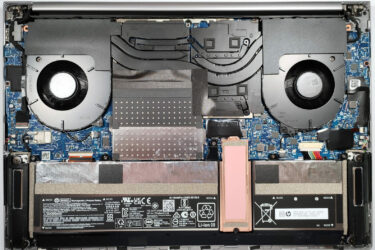
0How to open HP ZBook Studio 16 G10 – disassembly and upgrade options
Step 1: Removing the Bottom Plate of HP ZBook Studio 16 G10 Power off the HP ZBook Studio 16 G10 and place it on a soft surface to prevent any scratches. Locate and remove the…
Februarie 01, 2024
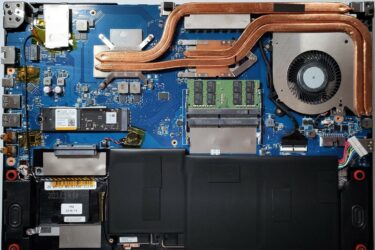
0How to open MSI Thin GF63 (12Vx) – disassembly and upgrade options
Step 1: Accessing the Internal Components Ensure the MSI Thin GF63 (12Vx) is powered off and placed on a soft, clean surface to prevent scratches or damage. Remove the 12 Phillips-head screws from the bottom…
Februarie 01, 2024
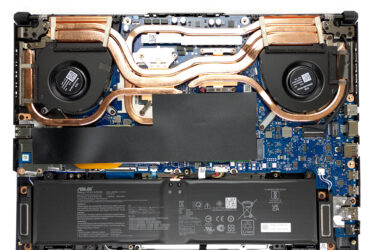
0How to open ASUS TUF Gaming A15 FA507 – disassembly and upgrade options
Step 1: Accessing the Internal Components Ensure the ASUS TUF Gaming A15 FA507 is powered off and placed on a soft, clean surface to prevent scratches or damage. Remove the 12 Phillips-head screws from the…
Februarie 01, 2024
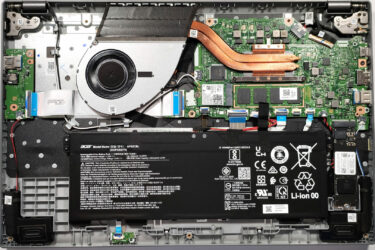
1How to open Acer Aspire 5 (A515-58M) – disassembly and upgrade options
Step 1: Accessing the Internal Components Ensure the Acer Aspire 5 (A515-58M) is powered off and placed on a soft, clean surface to prevent scratches or damage. Remove the 11 Phillips-head screws from the bottom…
Februarie 01, 2024
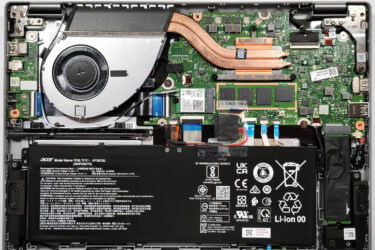
1How to open Acer Aspire 5 (A514-56M) – disassembly and upgrade options
Step 1: Accessing the Internal Components Ensure the Acer Aspire 5 (A514-56M) is powered off and placed on a soft, clean surface to prevent scratches or damage. Remove the 10 Phillips-head screws from the bottom…
Februarie 01, 2024
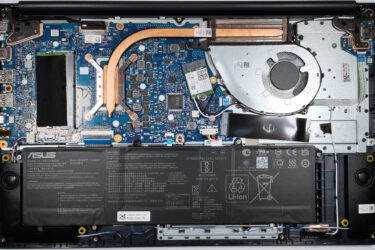
2How to open ASUS Vivobook 15 F1504 (X1504) – disassembly and upgrade options
Step 1: Accessing the Internal Components Ensure the ASUS Vivobook 15 F1504 (X1504) is powered off and placed on a soft, clean surface to prevent scratches or damage. Remove the 10 Phillips-head screws from the…
Februarie 01, 2024
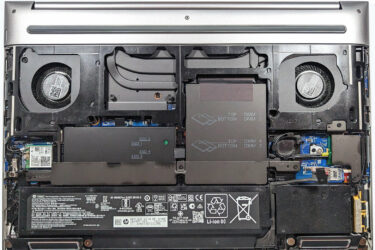
1How to open HP ZBook Fury 16 G10 – disassembly and upgrade options
Step 1: Opening the HP ZBook Fury 16 G10 Position the workstation on a soft, clean surface to prevent scratches. Locate the service door latch in the middle of the bottom side and slide it…


![[August 2026] Clasamentul global al celor mai bine vândute plăci grafice pentru laptopuri de pe Amazon – Apple domină clasamentul, iar modelul RTX 5060 de la NVIDIA ocupă primul loc în clasamentul dedicat](https://laptopmedia.com/wp-content/uploads/2026/09/Best-Selling-GPUs-GLOBAL-Top-10-400x225.jpg)
![[August 2026] Clasamentul global al celor mai bine vândute procesoare pentru laptopuri de pe Amazon – Apple domină atât segmentul economic, cât și cel premium: A18 Pro și M5 surclasează Intel și AMD în august 2026](https://laptopmedia.com/wp-content/uploads/2026/09/Best-Selling-CPUs-GLOBAL-Top-10-400x225.jpg)
![[August 2026] Amazon Global: Top 10 cele mai vândute laptopuri – Apple MacBook Neo domină clasamentul, în timp ce laptopurile Windows din gama economică și de mijloc se luptă pentru volumul vânzărilor](https://laptopmedia.com/wp-content/uploads/2026/09/Best-Selling-Laptops-GLOBAL-Top-10-400x225.jpg)
![[August 2026] Cele mai vândute mărci de laptopuri pe Amazon Global – Apple domină în ceea ce privește veniturile, în timp ce HP se află pe primul loc în ceea ce privește varietatea de modele](https://laptopmedia.com/wp-content/uploads/2026/09/GLOBAL-Best-Brands-400x225.jpg)
![[August 2026] Amazon Global: Top 10 cele mai bine vândute laptopuri pentru jocuri – HP Victus 15 ocupă primul loc, în timp ce modelele accesibile domină clasamentul](https://laptopmedia.com/wp-content/uploads/2026/09/Best-Selling-Gaming-Laptops-GLOBAL-Top-10-400x225.jpg)
