How to open HP ZBook Studio 16 G10 – disassembly and upgrade options
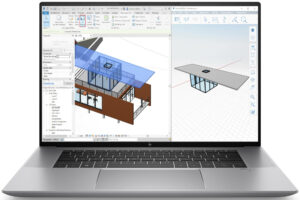
Step 1: Removing the Bottom Plate of HP ZBook Studio 16 G10
- Power off the HP ZBook Studio 16 G10 and place it on a soft surface to prevent any scratches.
- Locate and remove the 5 Torx-head screws, remembering the hidden one beneath the cap in the middle area of the back foot.
- Using a plastic pry tool, begin at one of the speaker cutouts to gently lift and separate the bottom panel from the chassis.
Hint: Approach the prying process with care, especially around the speaker cutouts, to avoid any internal damage.
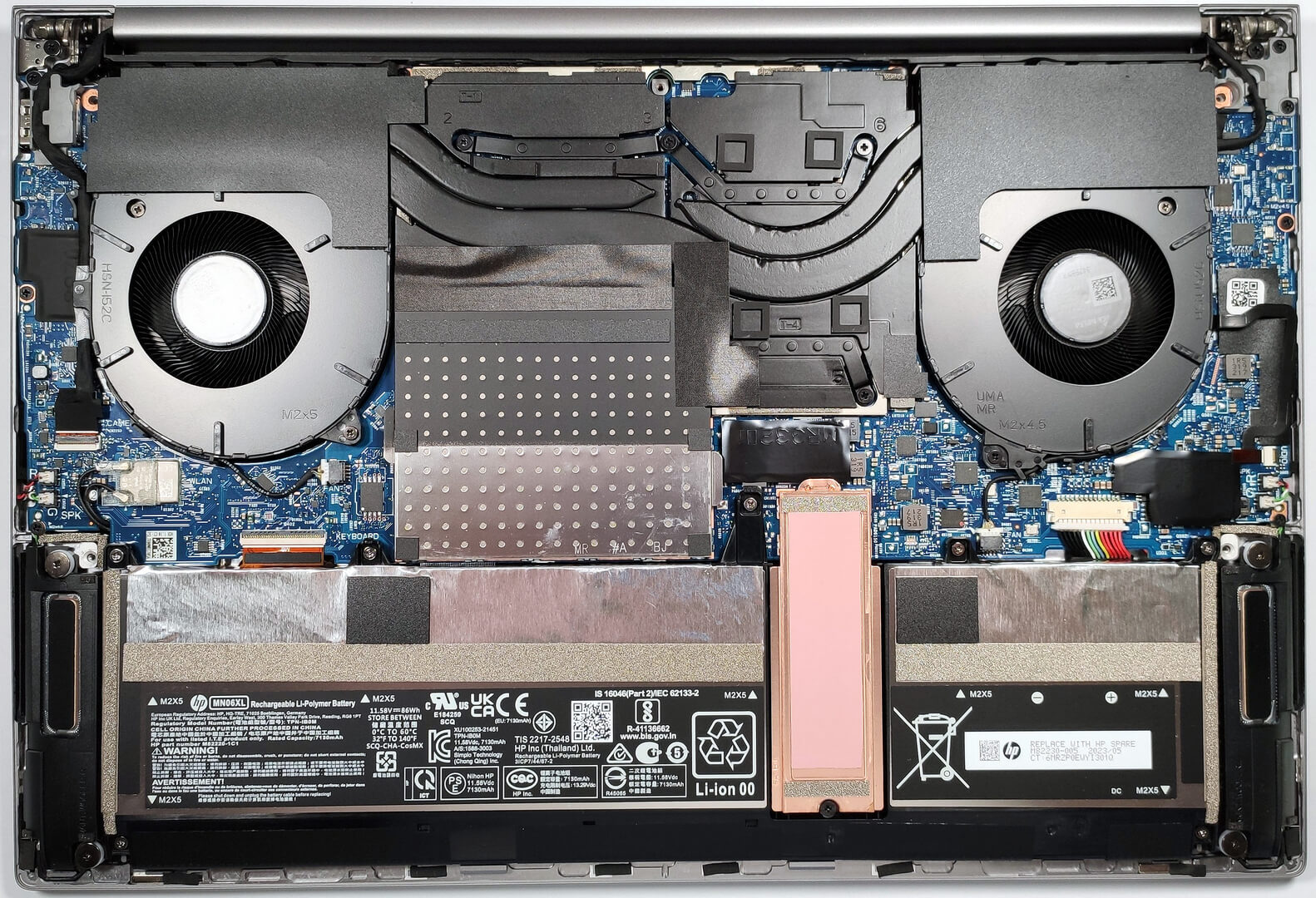
Step 2: Battery Removal
- Firstly, disconnect the battery connector to ensure a safe disassembly process.
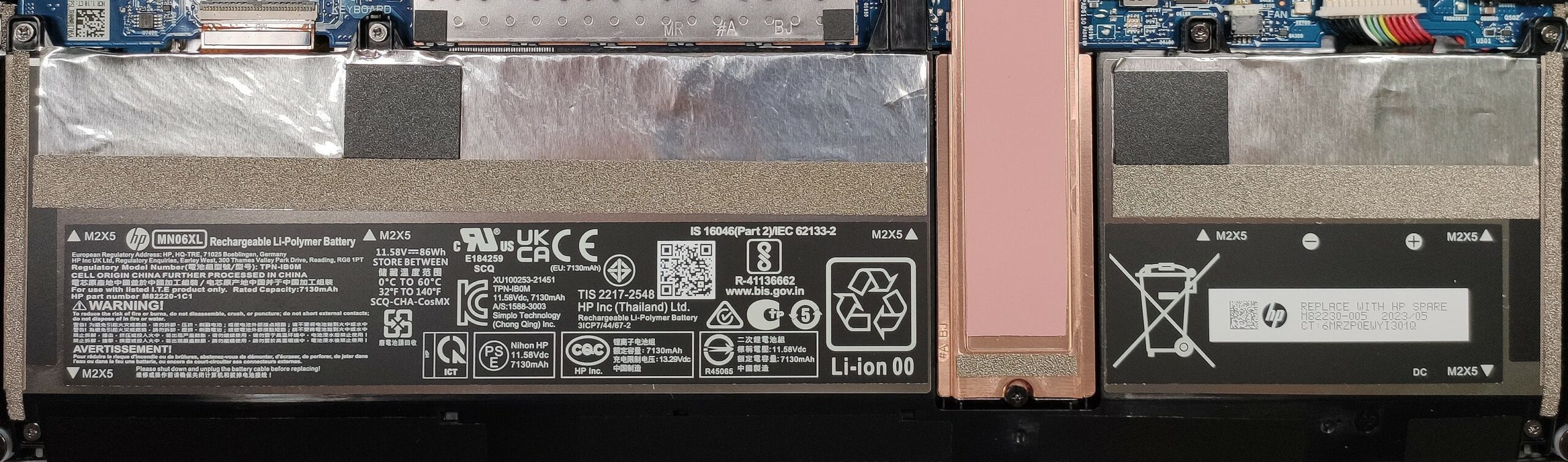
- Then, carefully unscrew the 7 Phillips-head screws securing the 86Wh battery. Note the need to manually raise each screw to fully remove them.
More info: The 86Wh battery boasts an impressive life, supporting up to 25 hours of web browsing and nearly 17 hours of video playback.
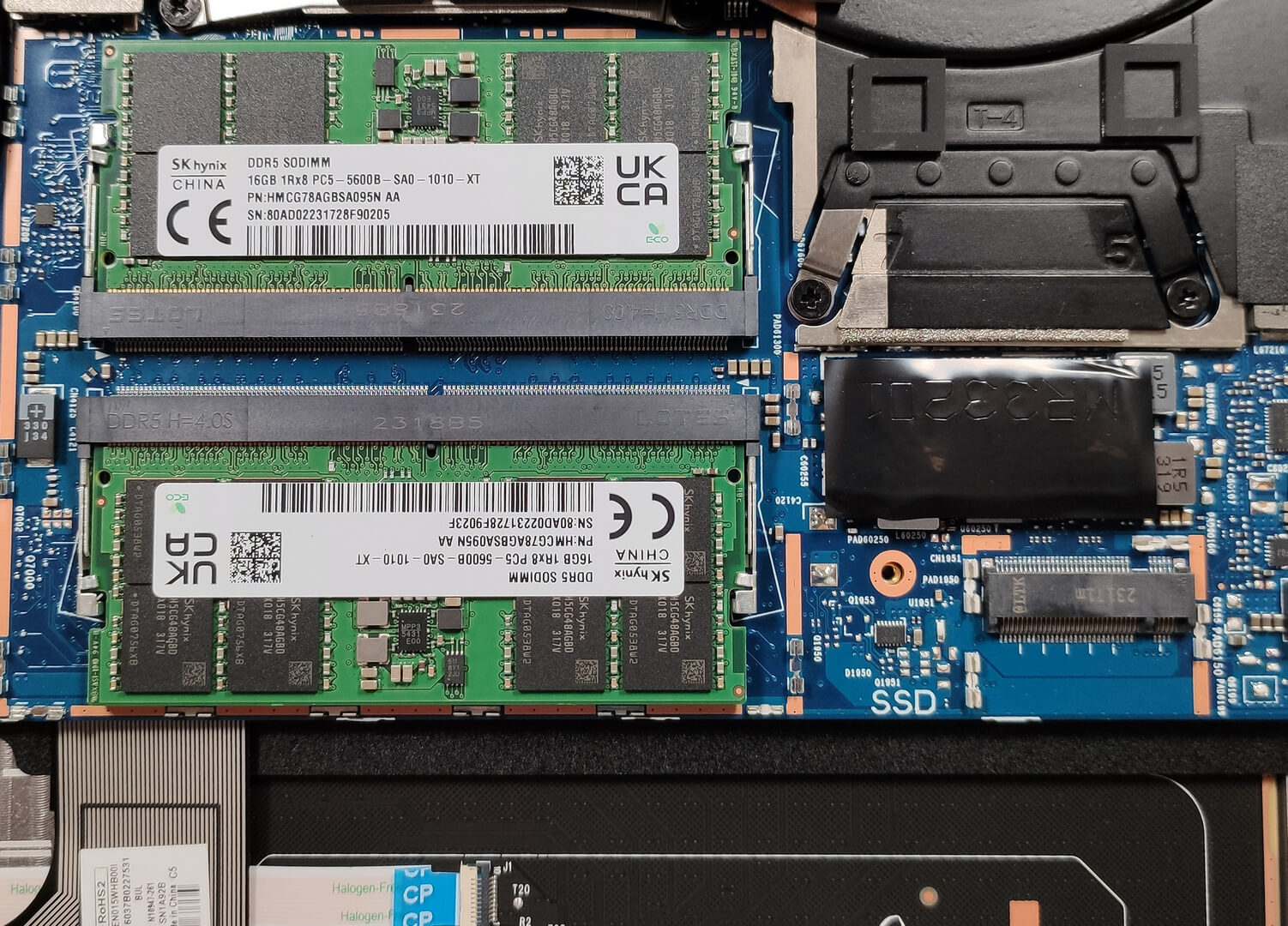
Memory Upgrade
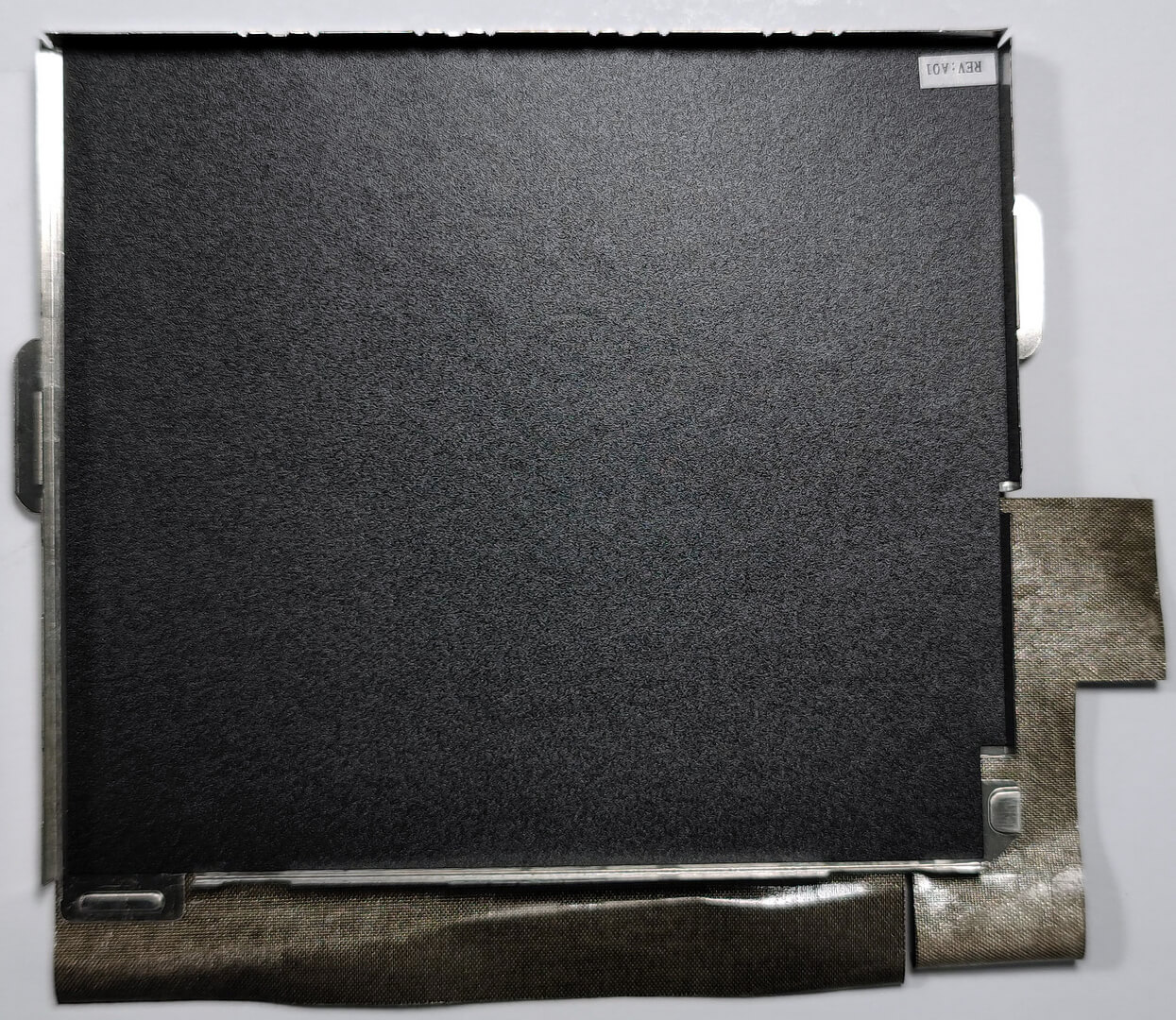
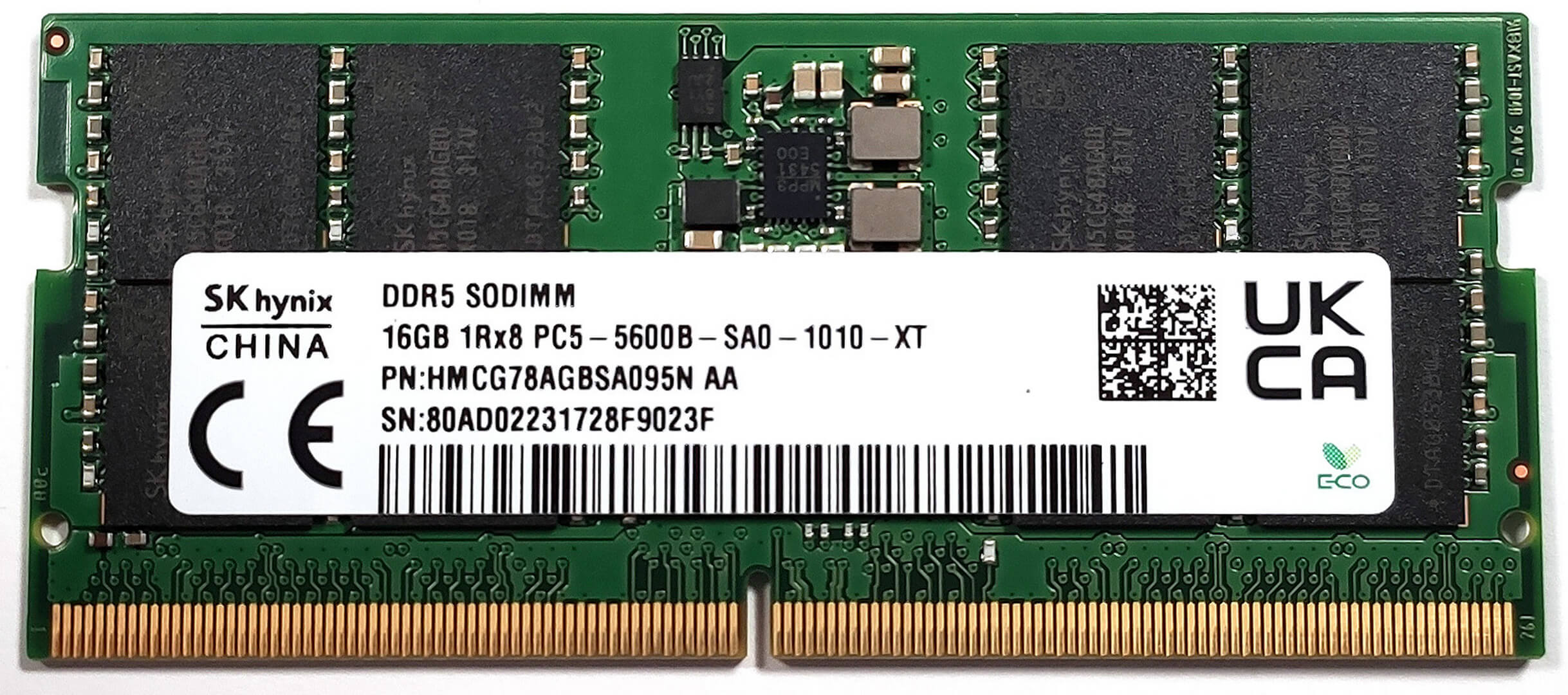
- Locate the two SODIMM slots shielded by a metal shroud, offering support for up to 64GB of DDR5-4800MHz or DDR5-5600MHz memory.
- Consider a memory upgrade to enhance the system’s performance, especially for demanding applications and multitasking.
Upgrade Advice: Enhancing the laptop’s memory can provide a significant boost in overall responsiveness and processing speed. Also, although the manufacturer has officially stated that ZBook Studio 16 G10 supports up to 64GB DDR5 memory, chances are it wouldn’t have issues running up to 96GB DDR5 RAM (2x 48GB).
You can buy DDR5 RAM modules here: Cumpărați de pe Amazon.com (#CommissionsEarned)
Storage Upgrade
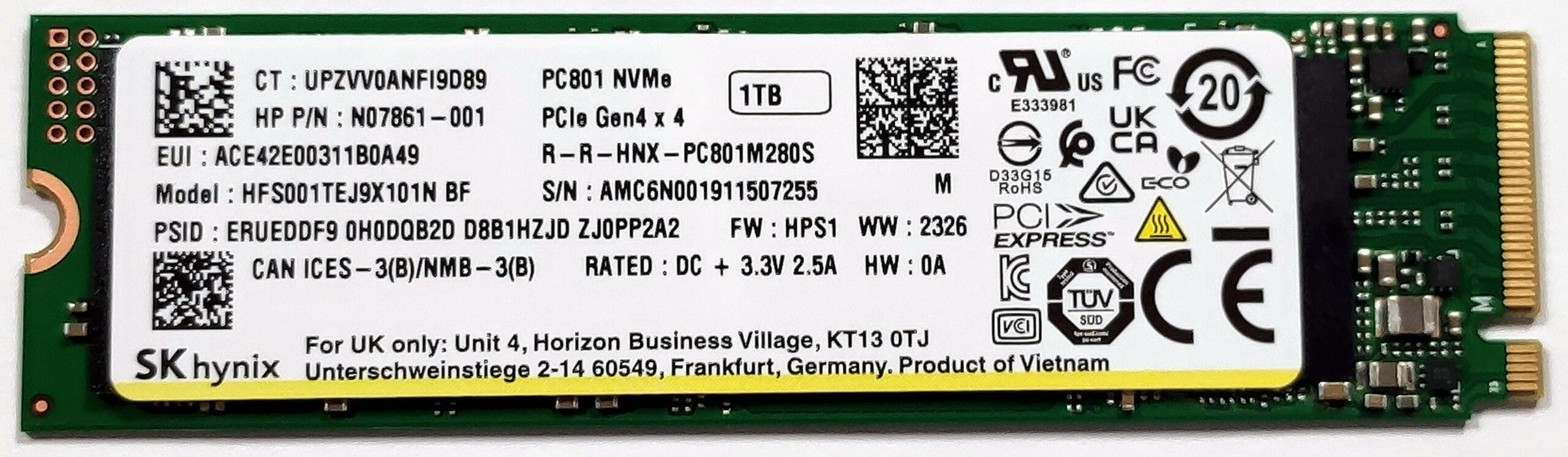
- The laptop includes a single M.2 Gen 4 slot, which also supports SED (self-encrypting drive) SSDs, offering robust security and fast data access.
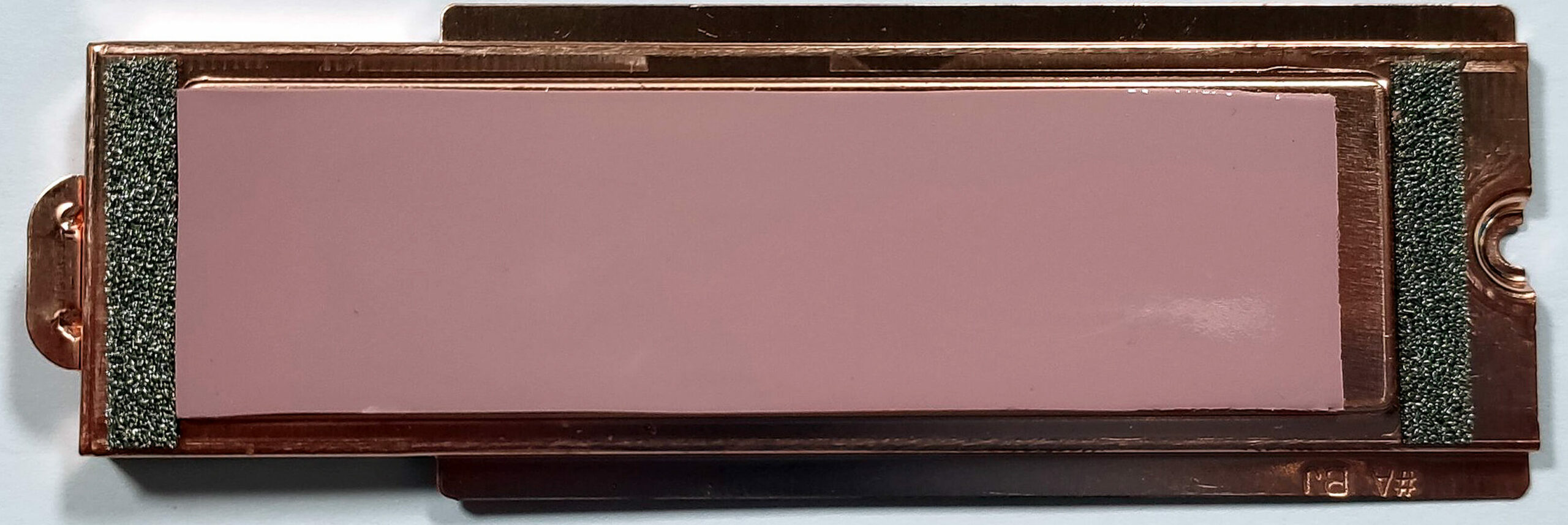
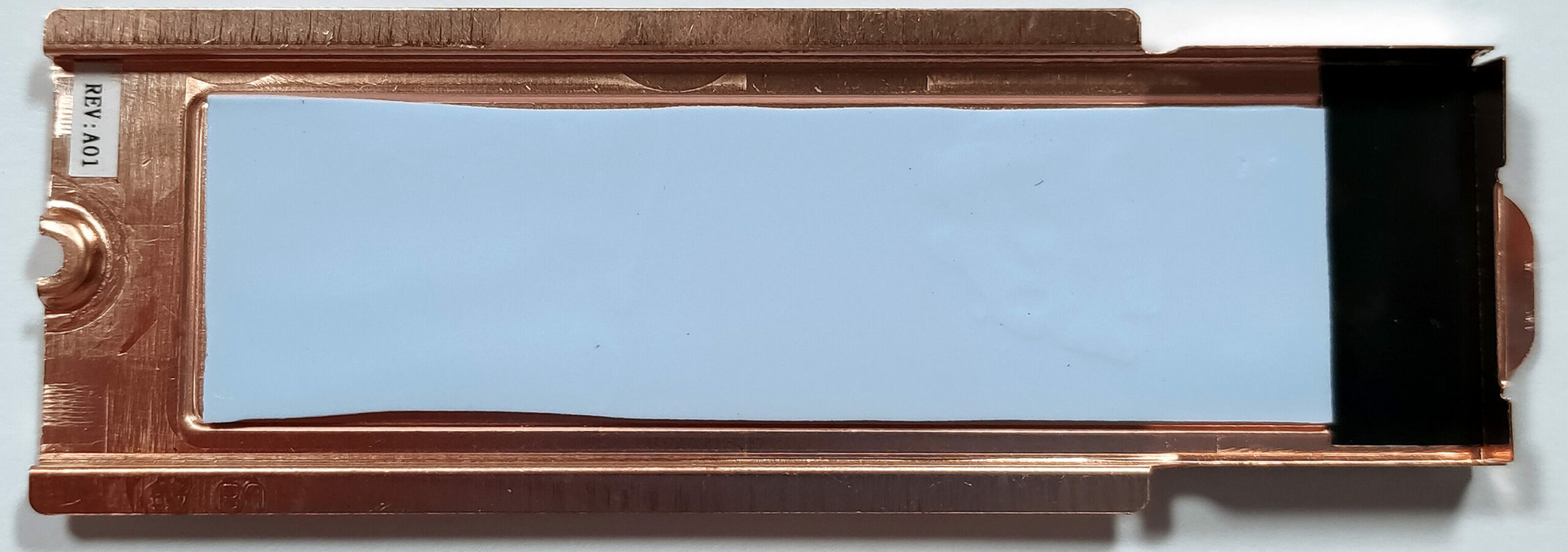
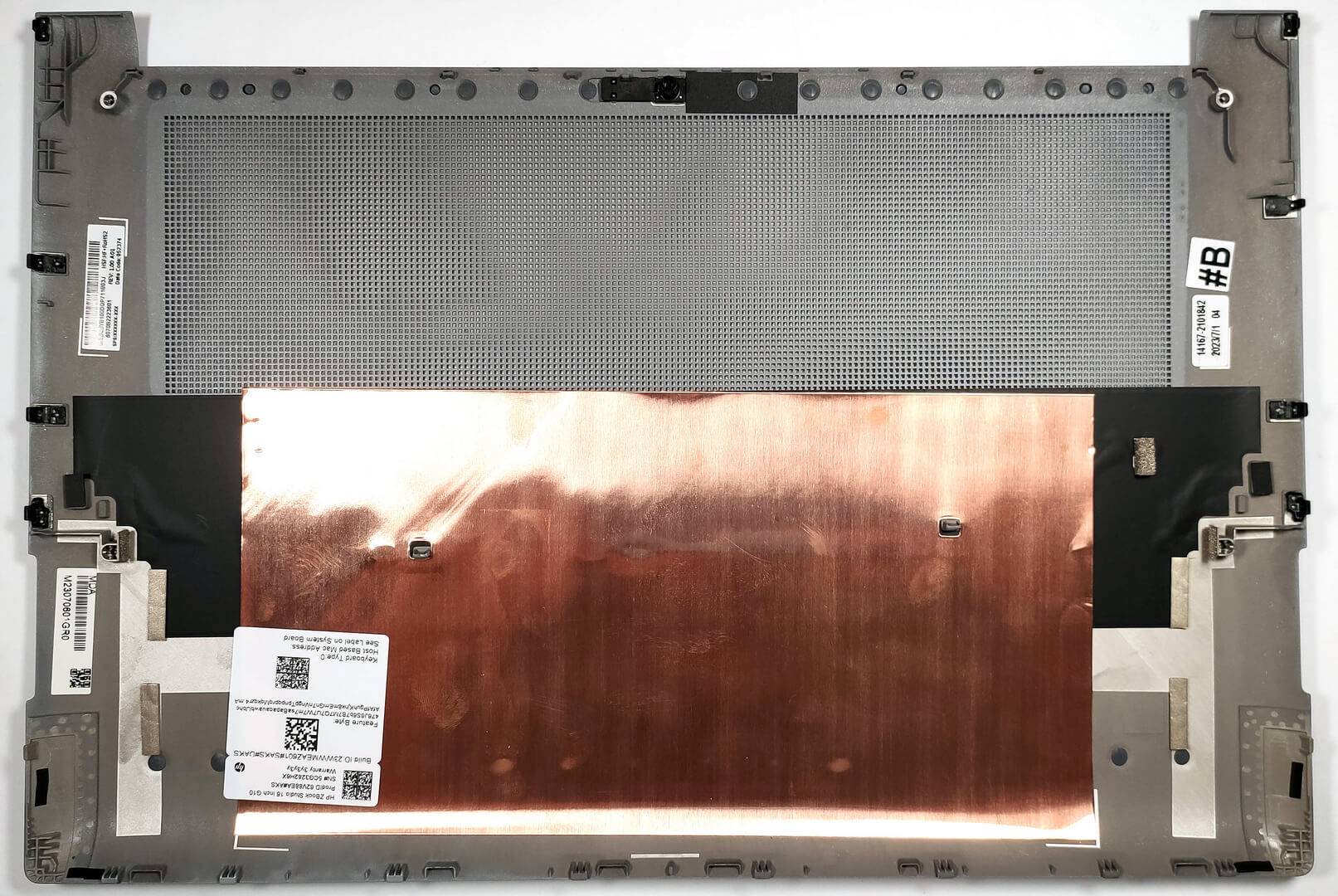
- Note the metal plate covering the NVMe, designed to enhance cooling through contact with a thermal pad and another pad on the inside.
Hint: Don’t forget to check out our Top M.2 SSDs Performance Rankings for insights on the best storage options available.
You can buy Gen 4 M.2 SSD modules here: Cumpărați de pe Amazon.com (#CommissionsEarned)
Step 3: Cooling System Overview
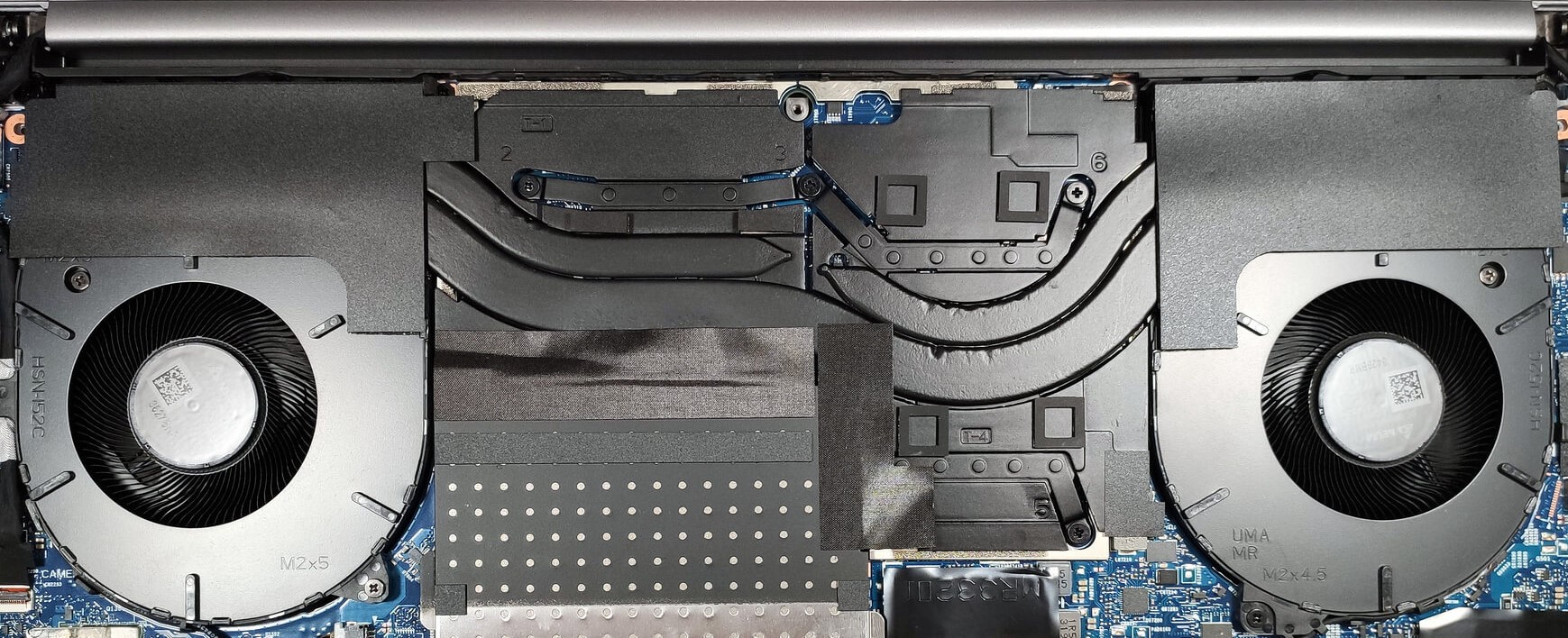
- The HP ZBook Studio 16 G10’s cooling system is meticulously designed with two fans and three heat pipes—one shared between the CPU and GPU, and one dedicated to each chip—alongside two heat sinks and several heat spreaders to efficiently manage thermal output.
More info: This comprehensive cooling strategy ensures the laptop operates smoothly and remains cool, even under intense computational stress, safeguarding performance and longevity.
 Author: Anna Iorgova

![[August 2026] Clasamentul global al celor mai bine vândute plăci grafice pentru laptopuri de pe Amazon – Apple domină clasamentul, iar modelul RTX 5060 de la NVIDIA ocupă primul loc în clasamentul dedicat](https://laptopmedia.com/wp-content/uploads/2026/09/Best-Selling-GPUs-GLOBAL-Top-10-400x225.jpg)
![[August 2026] Clasamentul global al celor mai bine vândute procesoare pentru laptopuri de pe Amazon – Apple domină atât segmentul economic, cât și cel premium: A18 Pro și M5 surclasează Intel și AMD în august 2026](https://laptopmedia.com/wp-content/uploads/2026/09/Best-Selling-CPUs-GLOBAL-Top-10-400x225.jpg)
![[August 2026] Amazon Global: Top 10 cele mai vândute laptopuri – Apple MacBook Neo domină clasamentul, în timp ce laptopurile Windows din gama economică și de mijloc se luptă pentru volumul vânzărilor](https://laptopmedia.com/wp-content/uploads/2026/09/Best-Selling-Laptops-GLOBAL-Top-10-400x225.jpg)
![[August 2026] Cele mai vândute mărci de laptopuri pe Amazon Global – Apple domină în ceea ce privește veniturile, în timp ce HP se află pe primul loc în ceea ce privește varietatea de modele](https://laptopmedia.com/wp-content/uploads/2026/09/GLOBAL-Best-Brands-400x225.jpg)
![[August 2026] Amazon Global: Top 10 cele mai bine vândute laptopuri pentru jocuri – HP Victus 15 ocupă primul loc, în timp ce modelele accesibile domină clasamentul](https://laptopmedia.com/wp-content/uploads/2026/09/Best-Selling-Gaming-Laptops-GLOBAL-Top-10-400x225.jpg)
