Inside ASUS ROG Zephyrus G15 GA503 – disassembly and upgrade options
Well, the ROG Zephyrus G15 is no longer the weirdo of the pack. If not, it is now probably the most viable solution, regarding the price/features/performance ratio.
Check out all ASUS ROG Zephyrus G15 GA503 prices and configurations in our Specs System or read more in our In-Depth review.
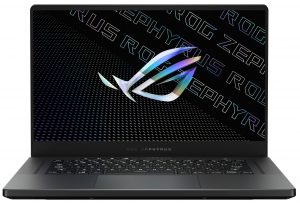
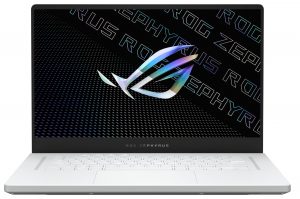
1. Remove the bottom plate
To get inside this notebook, you have to undo a total of 13 Phillips-head screws, three of which are hidden beneath rubber caps. Also, the screw on the bottom right corner is captive and lifts the bottom panel, so you can start the prying process from there.
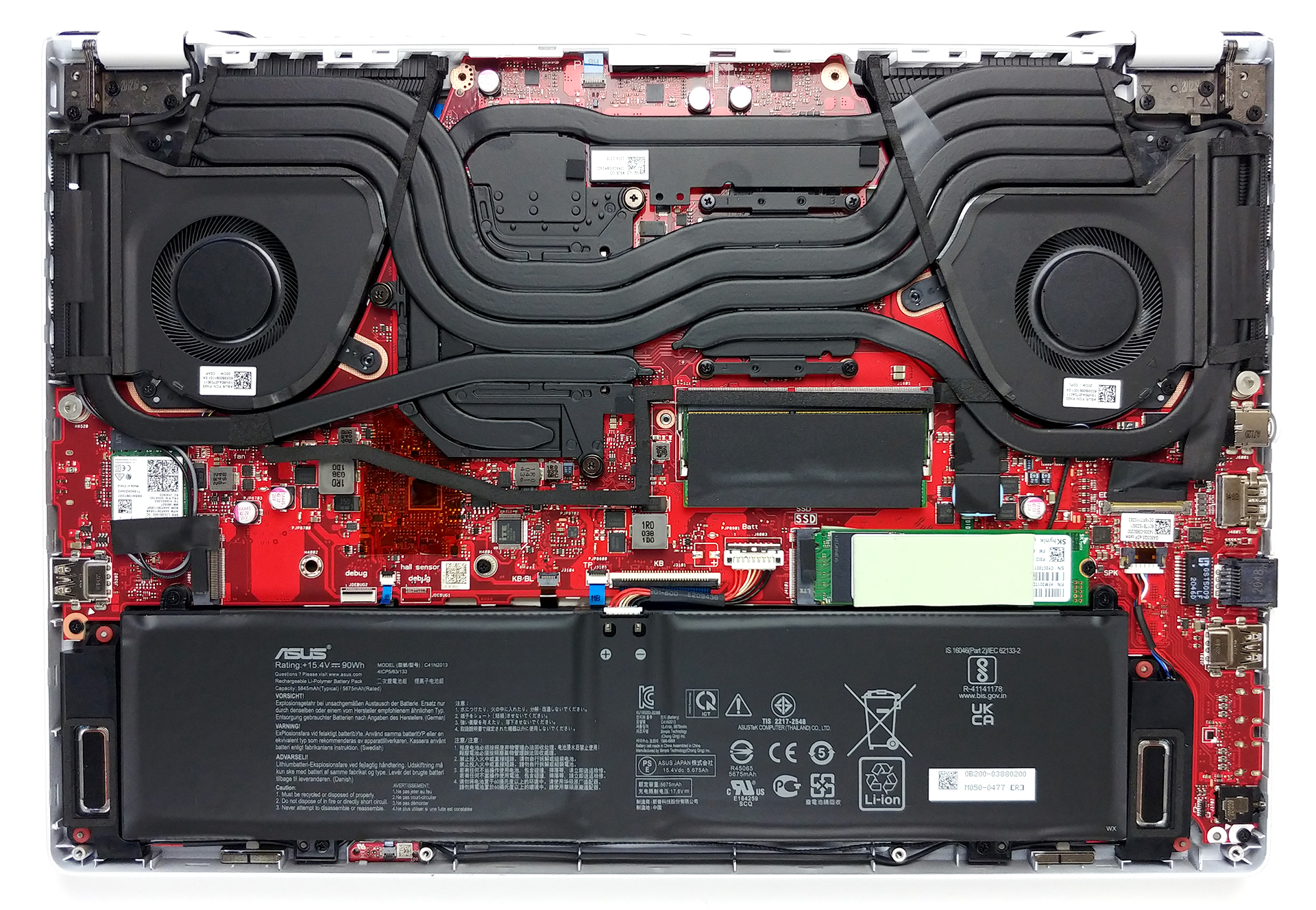
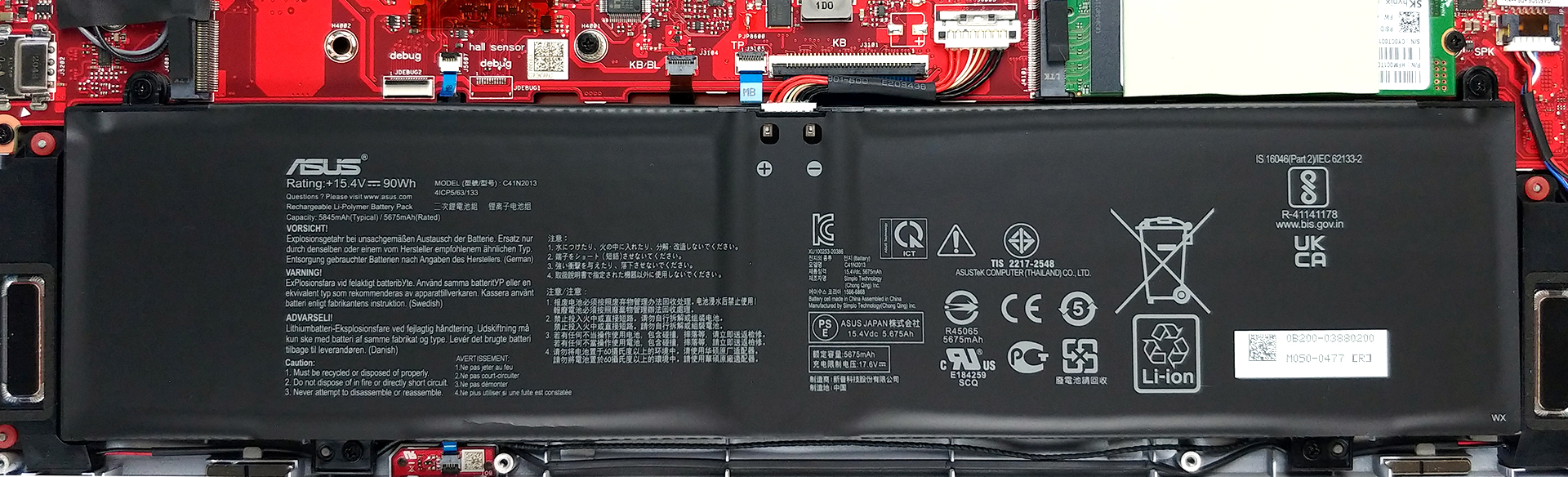
2. Battery
As you can see, the battery pack has an impressive 90Wh capacity.
3. Мemory and storage
Here, the laptop comes with one SODIMM slot for memory upgrades and two M.2 NVMe slots for storage. Interestingly, there are 16GB of soldered RAM, and thanks to the aforementioned slot, you can expand it to a total of 32GB according to ASUS.

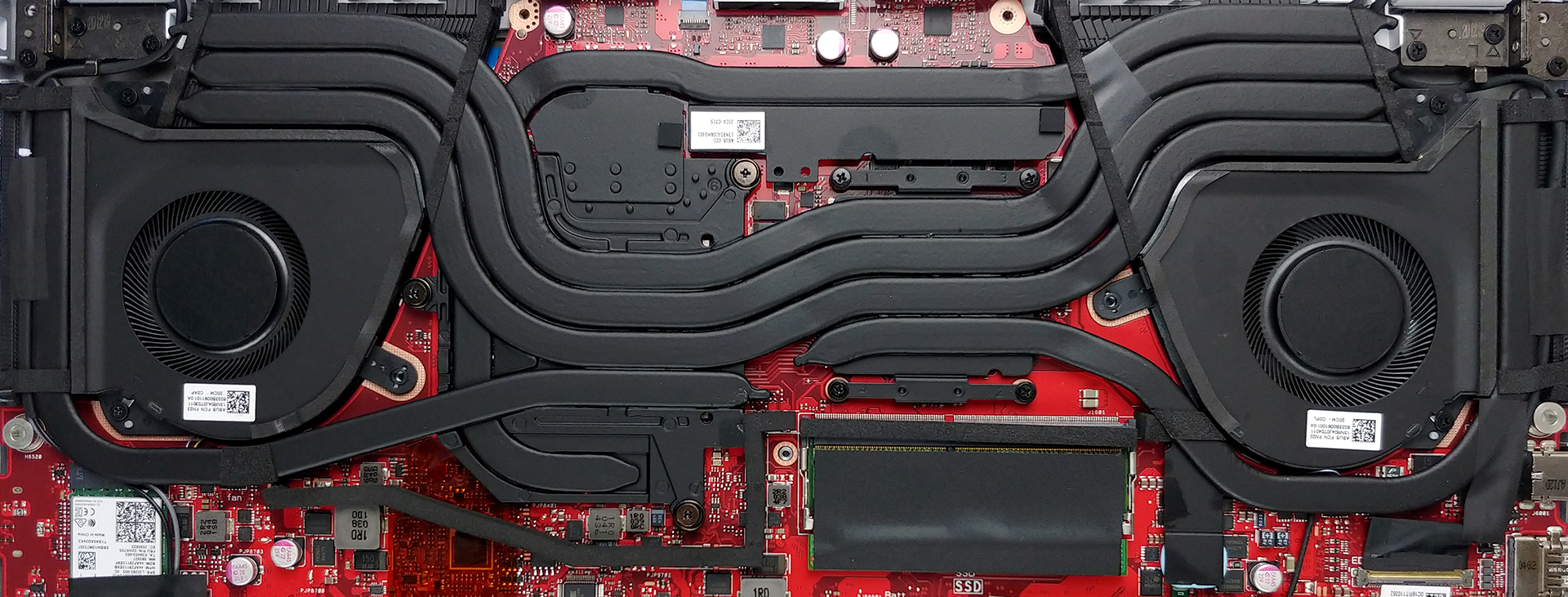
4. Cooling system
The cooling solution comprises three heat pipes shared between the CPU and the GPU with one more dedicated to each of them. Also, there is one additional heat pipe, that takes care of the graphics memory and the VRMs. Keep in mind, that ASUS has supplied the notebook with a total of four heat spreaders, as well as two fans.
Check out all ASUS ROG Zephyrus G15 GA503 prices and configurations in our Specs System or read more in our In-Depth review.
ASUS ROG Zephyrus G15 GA503 recenzie detaliată
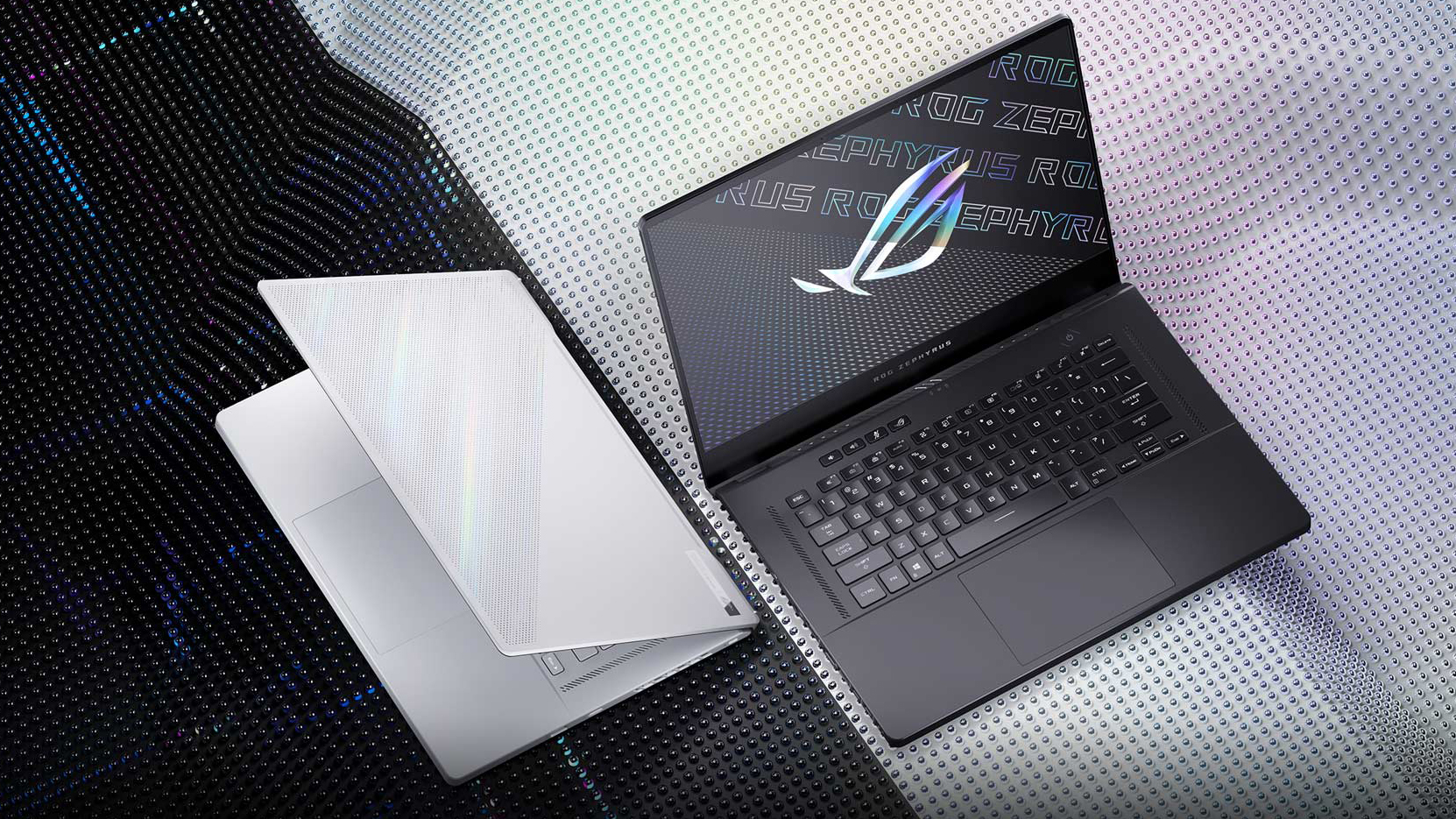
So, this is the third year that ASUS is making an ROG Zephyrus G15. If we have to be honest, the previous two iterations were flawed and didn't deserve their users' attention. However, the GA502 (in both its forms) paved the way for ASUS and AMD's relationship. And the result of this is the ROG Zephyrus G15 GA503, which aims to completely revamp our views on the family of laptops.For starters, it now comes with a Zen 3 portfolio of processors, maxing out with the Ryzen 9 5900HS. Also, on the graphics side, you have the latest and greatest from NVIDIA, in the form of three Ampere GPUs. The[...]
Avantaje
- Fingerprint reader, Wi-Fi 6 support
- Up to 32GB of RAM in dual-channel mode
- Dual NVMe drive support
- PWM-free display (QHD, 165Hz panel)
- Quick pixel response times (QHD, 165Hz panel)
- 100% sRGB coverage + almost full DCI-P3 coverage and great color accuracy thanks to our Gaming and Web design profile (QHD, 165Hz panel)
- The USB Type-C port supports charging, DisplayPort 1.4, and G-Sync
- Extremely powerful CPU and GPU performance
Dezavantaje
- No Thunderbolt support (due to AMD limitations)
- The keyboard has tiny arrow keys
- No NumberPad
 Author: Alex Iliev

![[July 2026] Amazon Canada: Top 10 Best-Selling Laptops – Apple MacBook Neo Dominates the Market to Claim the #1 Spot](https://laptopmedia.com/wp-content/uploads/2026/08/Best-Selling-Laptops-CA-Top-10-2-400x225.jpg)
![[July 2026] Best-Selling Laptop Brands on Amazon Japan – HP and Lenovo Dominate Units and Revenue Amid Fierce Competition](https://laptopmedia.com/wp-content/uploads/2026/08/CO.JP-Best-Brands-2-400x225.jpg)
![[July 2026] Amazon Italy: Top 10 Best-Selling Laptops – Apple MacBook Neo Claims the #1 Spot Amid Budget-Friendly Dominance](https://laptopmedia.com/wp-content/uploads/2026/08/Best-Selling-Laptops-IT-Top-10-400x225.jpg)
![[July 2026] Amazon Italy: Top 5 Best-Selling Gaming Laptops – ASUS V16 Claims the Crown While Mid-Range Powerhouses Dominate Sales](https://laptopmedia.com/wp-content/uploads/2026/08/Best-Selling-Gaming-Laptops-IT-Top-10-400x225.jpg)
![[July 2026] Best-Selling Laptop Brands on Amazon Italy – HP Leads in Volume While Apple Dominates Revenue](https://laptopmedia.com/wp-content/uploads/2026/08/IT-Best-Brands-400x225.jpg)
