Inside ASUS ZenBook 13 UX333 – disassembly and upgrade options
ASUS ZenBook 13 UX333 is probably one of the strongest contenders for the medium budget 13-inch crown. Its main feature is ASUS’ new design, using the so-called ErgoLift hinge, which lifts the device up, enhancing ergonomics and cooling. We found it to affect the thermal efficiency in a good way, but what actually is hiding inside?
Check out all ASUS ZenBook 13 UX333 prices and configurations in our Specs System or read more in our In-depth Review.
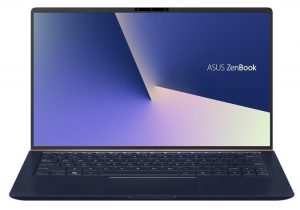
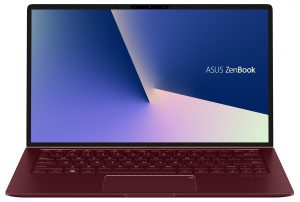
1. Remove the bottom plate
Nothing difficult here, although there is something extraordinary – there are two screws hidden behind the back rubber feet. In order to remove them, without tearing them, you’ll need to pick them up with a plastic pry tool, aiming to keep the glue on to the feet, since it is fairly strong and can damage the rubber if it stays attached to the metal plate.
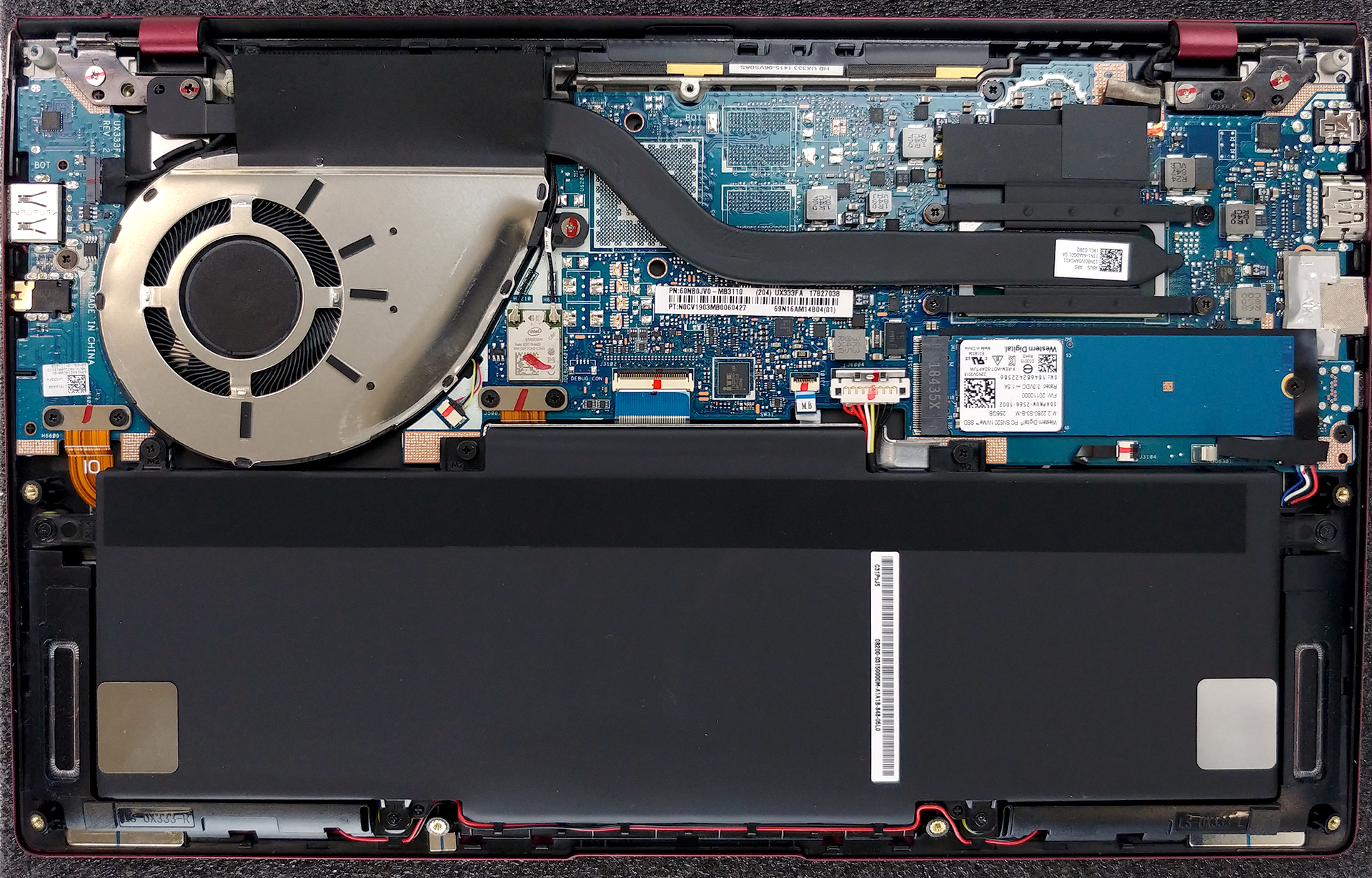
2. Battery
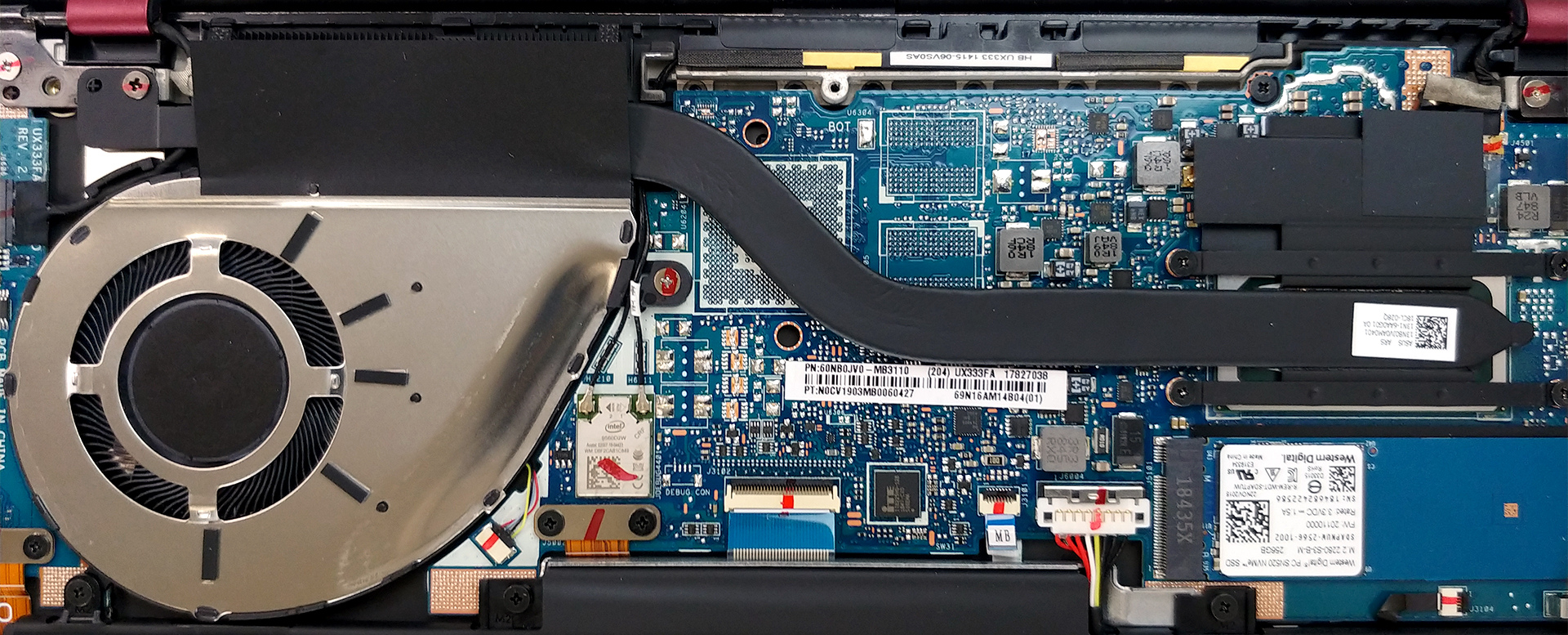
This device has a hefty 50Wh battery pack. It is often for a larger device to be equipped with a smaller battery so props to ASUS for the effort here. According to our tests, it provides the user with 13 hours and a half of web browsing and 10 hours and a half of video playback. However, if you ever want to swap this battery for a fresh one, you need to remove a total of 7 screws. Don’t forget to disconnect the battery connector first, since you don’t want to tear this one. Additionally, you need to work your way around the speaker cables, since they are kept organized by some brackets on the battery assembly.

3. Memory and storage
Sadly, this part of the article holds the major drawback of this device – no RAM improvement options whatsoever – the chips are soldered to the motherboard. You have weighed your options before you buy the laptop. At least you can change the SSD inside the lonely M.2 PCIe x4 slot.
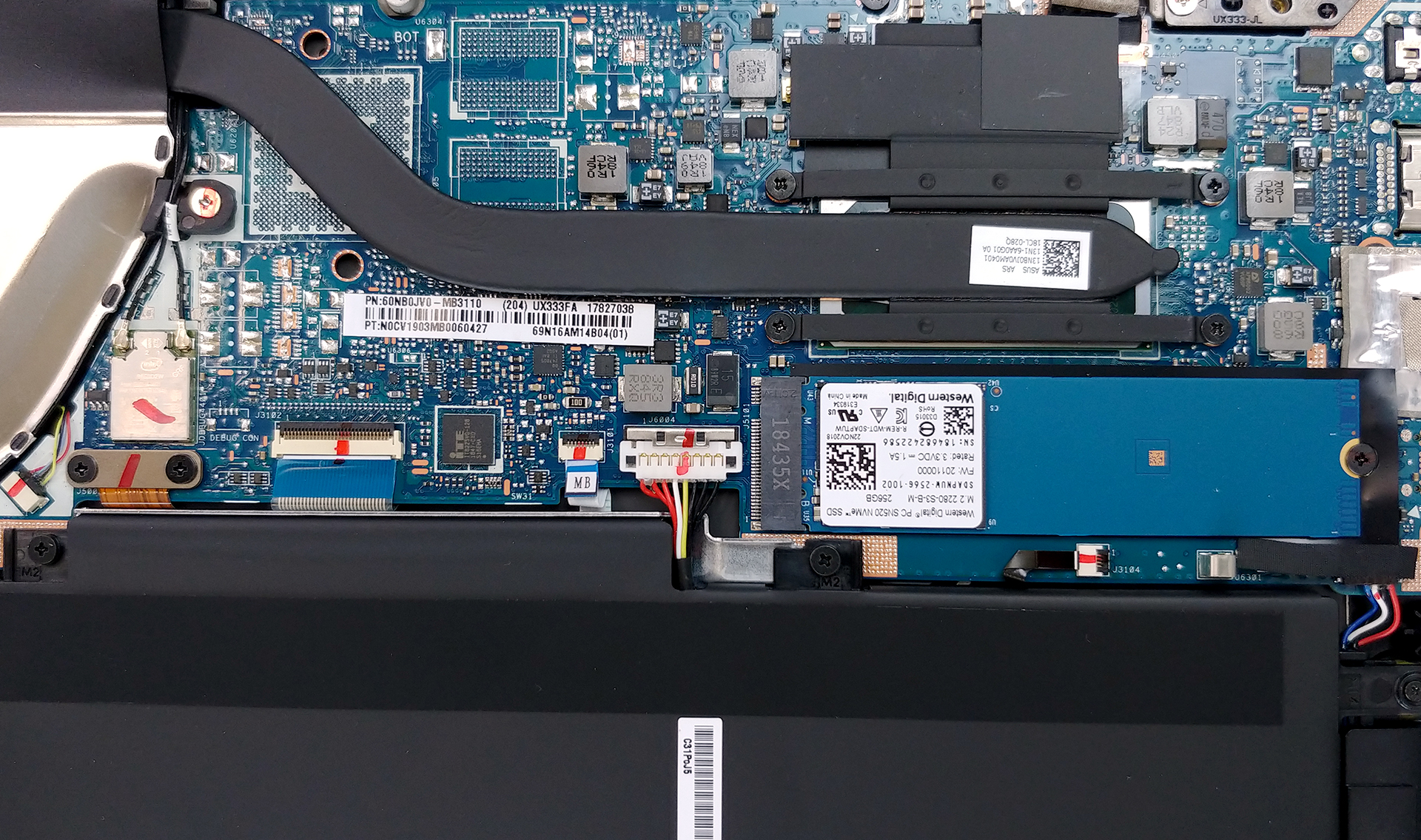
4. Cooling system
As we mentioned, the laptop performs pretty well and is able to utilize its processor up to a very high level. It does so by using a single heat pipe, going directly to the heatsink. However, the magic here is done by providing the fan with extra breathing space from below, as the hinge lifts up the device.
Check out all ASUS ZenBook 13 UX333 prices and configurations in our Specs System or read more in our In-depth Review.
 Author: Alex Iliev

![[August 2026] Clasamentul global al celor mai bine vândute plăci grafice pentru laptopuri de pe Amazon – Apple domină clasamentul, iar modelul RTX 5060 de la NVIDIA ocupă primul loc în clasamentul dedicat](https://laptopmedia.com/wp-content/uploads/2026/09/Best-Selling-GPUs-GLOBAL-Top-10-400x225.jpg)
![[August 2026] Clasamentul global al celor mai bine vândute procesoare pentru laptopuri de pe Amazon – Apple domină atât segmentul economic, cât și cel premium: A18 Pro și M5 surclasează Intel și AMD în august 2026](https://laptopmedia.com/wp-content/uploads/2026/09/Best-Selling-CPUs-GLOBAL-Top-10-400x225.jpg)
![[August 2026] Amazon Global: Top 10 cele mai vândute laptopuri – Apple MacBook Neo domină clasamentul, în timp ce laptopurile Windows din gama economică și de mijloc se luptă pentru volumul vânzărilor](https://laptopmedia.com/wp-content/uploads/2026/09/Best-Selling-Laptops-GLOBAL-Top-10-400x225.jpg)
![[August 2026] Cele mai vândute mărci de laptopuri pe Amazon Global – Apple domină în ceea ce privește veniturile, în timp ce HP se află pe primul loc în ceea ce privește varietatea de modele](https://laptopmedia.com/wp-content/uploads/2026/09/GLOBAL-Best-Brands-400x225.jpg)
![[August 2026] Amazon Global: Top 10 cele mai bine vândute laptopuri pentru jocuri – HP Victus 15 ocupă primul loc, în timp ce modelele accesibile domină clasamentul](https://laptopmedia.com/wp-content/uploads/2026/09/Best-Selling-Gaming-Laptops-GLOBAL-Top-10-400x225.jpg)

can we change the graphics card(gpu). in intel 620 version of this laptop.
i dunno. haha this website is no unused that no one replied for 6 months
Oof true
Hi,
I need to change the wifi card. How do I do ? Thx for your answer.
How do I clear the cmos or find cmos battery on this motherboard?