Lenovo Legion Pro 5 (16″, 2023) review – could not be compromised as hard as they tried
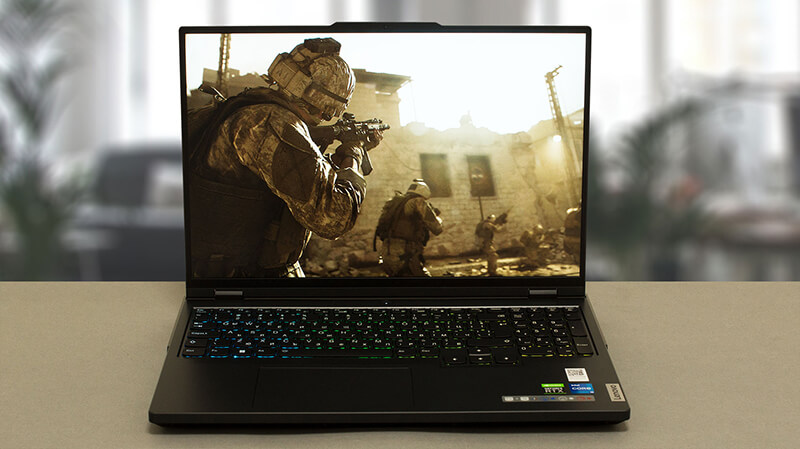 Lenovo’s Legion brand expanded with a couple of “Pro” devices in the last few years. Now, the “Pro” is not only a suffix, indicating a more special regular notebook. Instead, Lenovo focuses on separating the brand as a whole – Legion vs Legion Pro (instead of Legion 5 Pro for example).
No less than a week ago we tested the Legion Pro 7. It is an astonishing piece of hardware. Unfortunately, it has one disturbing flaw – its price is exceptionally high.
On the bright side, Lenovo has an answer. You can get almost all features of the Legion Pro 7, but at a price that doesn’t break the Geneva Convention. Yes, it is still not a budget notebook – for that, look for the IdeaPad Gaming 3 (16″, 2022).
Anyways, let’s focus on the Legion Pro 5 (16″, 2023), which is the hero of today’s review. What makes it different from its predecessor is the fact that it uses the most powerful CPU family Intel has on offer – the HX series. Their TDP is 55W, while the core count of each CPU is higher. You will see what we’re talking about in a minute.
In addition, you can choose from some very powerful GPUs. The range starts with the RTX 4050, and RTX 4060, and finishes with the RTX 4070. All of them have a stated 140W TGP, but this generation of NVIDIA graphics cards is a bit different from this perspective.
What is great, however, is the presence of a MUX switch in all configurations. It connects the display directly to the GPU, which increases performance. Thankfully, both display options here offer a fantastic experience – they are 1600p units with G-Sync support and differ by refresh rate – 165Hz vs 240Hz. For you, we made sure we test the 240Hz variant.
You can check the prices and configurations in our Specs System: https://laptopmedia.com/series/lenovo-legion-5-pro-5i-pro-16%e2%80%b3-intel-2023/
Contents
Specs, Drivers, What’s in the box
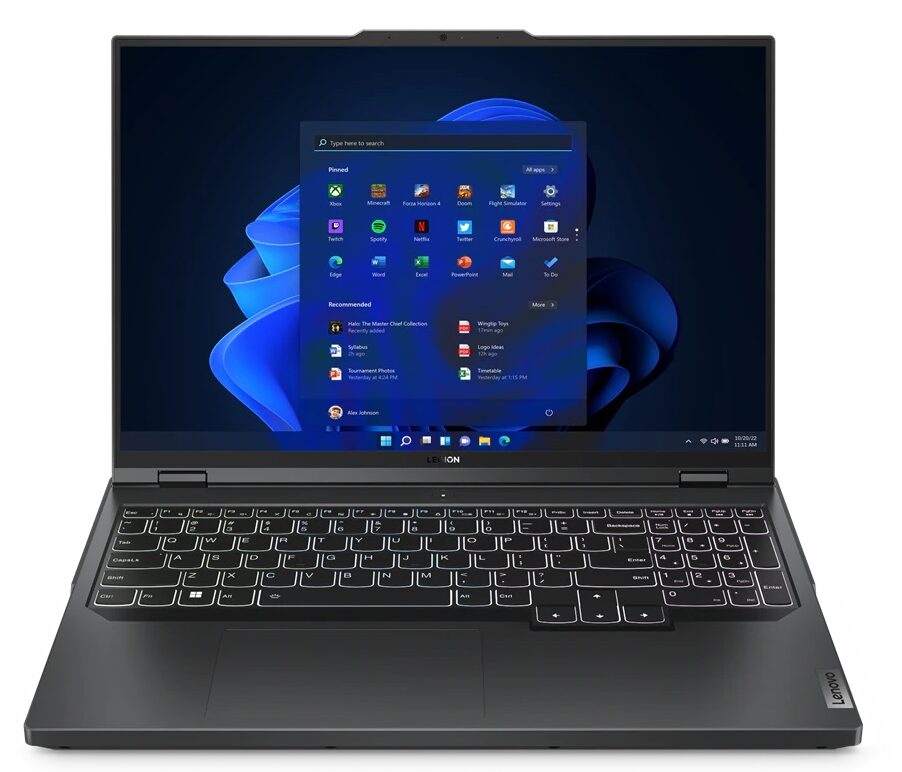
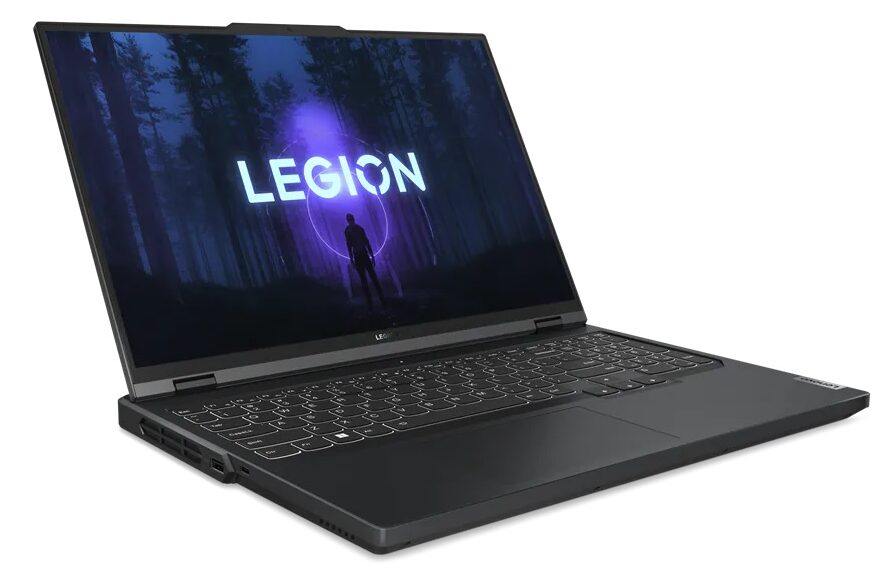
Lenovo Legion Pro 5 / Pro 5i (16″ Intel, 2023) - Specificații
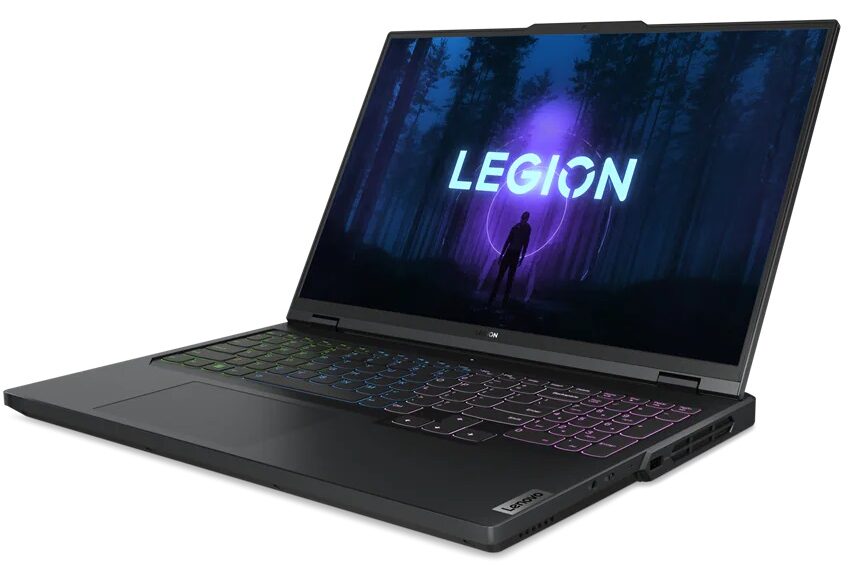
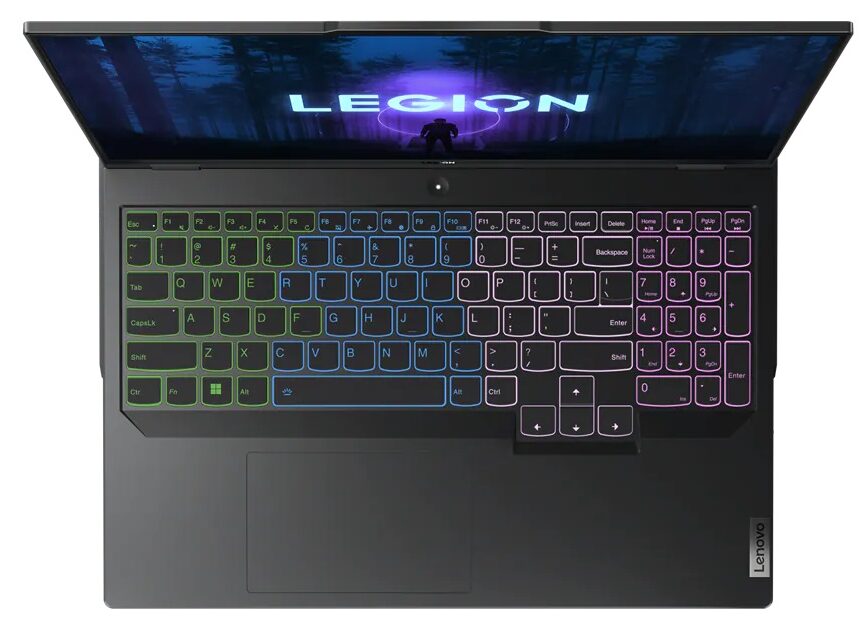
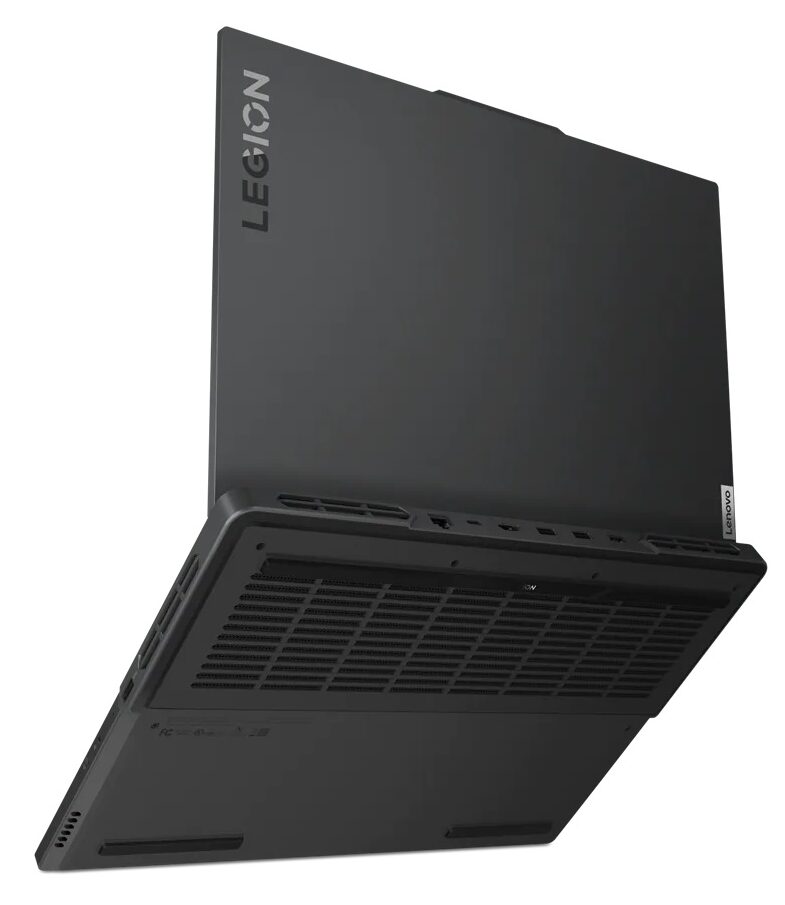

- HDD/SSD
- până la 8000GB SSD
- Slot M.2
- 2x 2280 PCIe NVMe 4.0 x4 Vezi foto
- RAM
- up to 96GB
- SO
- Windows 11 Home, Windows 11 Pro, Windows 10 Home, Windows 11, Windows 10 Pro, No OS, DOS, Chrome OS
- Baterie
- 80Wh, 80Wh, 4-cell
- Material Carcasă
- Plastic / Polycarbonate, Aluminum
- Dimensiuni
- 363.4 x 260.35 x 22.45-26.75 mm (14.31" x 10.25" x 0.88")
- Greutate
- 2.55 kg (5.6 lbs)
- Porturi și conectivitate
- 3x USB Type-A
- 3.2 Gen 1 (5 Gbps)
- 1x USB Type-A
- 3.2 Gen 1 (5 Gbps), Sleep and Charge
- 1x USB Type-C
- 3.2 Gen 2 (10 Gbps), DisplayPort
- 1x USB Type-C
- 3.2 Gen 2 (10 Gbps), Power Delivery (PD), DisplayPort
- HDMI
- 2.1
- Cititor de carduri
- Ethernet LAN
- 10, 100, 1000 Mbit/s
- Wi-Fi
- 802.11ax
- Bluetooth
- 5.1
- Mufă audio
- 3.5mm Combo Jack
- Caracteristici
- Cititor de amprente
- Cameră web
- HD / FHD with E-camera shutter, fixed focus
- Tastatură iluminată
- optional
- Microfon
- Dual Array Microphone
- Difuzoare
- 2x 2W Stereo Speakers, Nahimic Audio
- Unitate optică
Toate Lenovo Legion Pro 5 / Pro 5i (16″ Intel, 2023) configurații
Drivers
All drivers and utilities for this notebook can be found here: https://pcsupport.lenovo.com/us/en/products/laptops-and-netbooks/legion-series/legion-pro-5-16irx8/downloads/driver-list
What’s in the box?
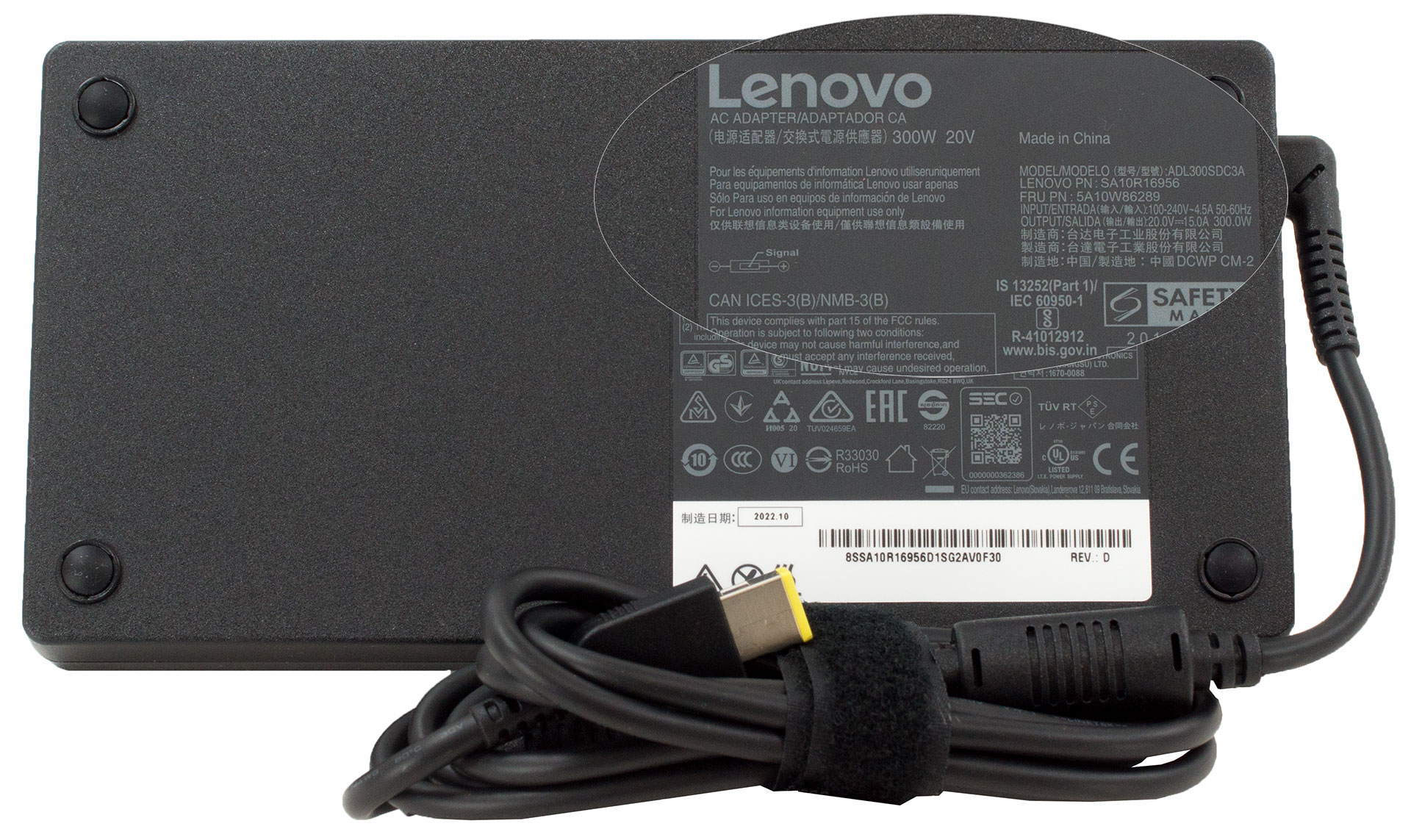
Inside this device’s packaging, we see nothing more than some paperwork, and a 300W charger.
 Author: Alex Iliev
 Author: eng. Kroum NikolovHead of Engineering at LaptopMedia.com, inventor and innovator with 40+ years of experience in electronics and high technology.

![[August 2026] Clasamentul global al celor mai bine vândute plăci grafice pentru laptopuri de pe Amazon – Apple domină clasamentul, iar modelul RTX 5060 de la NVIDIA ocupă primul loc în clasamentul dedicat](https://laptopmedia.com/wp-content/uploads/2026/09/Best-Selling-GPUs-GLOBAL-Top-10-400x225.jpg)
![[August 2026] Clasamentul global al celor mai bine vândute procesoare pentru laptopuri de pe Amazon – Apple domină atât segmentul economic, cât și cel premium: A18 Pro și M5 surclasează Intel și AMD în august 2026](https://laptopmedia.com/wp-content/uploads/2026/09/Best-Selling-CPUs-GLOBAL-Top-10-400x225.jpg)
![[August 2026] Amazon Global: Top 10 cele mai vândute laptopuri – Apple MacBook Neo domină clasamentul, în timp ce laptopurile Windows din gama economică și de mijloc se luptă pentru volumul vânzărilor](https://laptopmedia.com/wp-content/uploads/2026/09/Best-Selling-Laptops-GLOBAL-Top-10-400x225.jpg)
![[August 2026] Cele mai vândute mărci de laptopuri pe Amazon Global – Apple domină în ceea ce privește veniturile, în timp ce HP se află pe primul loc în ceea ce privește varietatea de modele](https://laptopmedia.com/wp-content/uploads/2026/09/GLOBAL-Best-Brands-400x225.jpg)
![[August 2026] Amazon Global: Top 10 cele mai bine vândute laptopuri pentru jocuri – HP Victus 15 ocupă primul loc, în timp ce modelele accesibile domină clasamentul](https://laptopmedia.com/wp-content/uploads/2026/09/Best-Selling-Gaming-Laptops-GLOBAL-Top-10-400x225.jpg)

Some of the Asus laptops with HX Ryzen 7000 and it’s 15W 610M iGPU, only support external monitor when dedicated Nvidia GPU is enabled. This is major flaw when you are on the go and run laptop on battery as HX CPU can’t even go below 8W. I assume running dedicated GPU for external monitor is gonna be 1.5 hour battery life and you can’t use it to give presentation in meeting or conference.
I’ve done hundreds of presentations and never needed or used a gaming laptop. Nor have I been in a situation where there was not a power outlet nearby.
You should really edit this review and change all “Pro 5” with “Pro 5i” since what you reviewed was the Intel version…
Anyway, thanks for the review and I’ll wait for the comparison between the Pro 5i (Gen 8, Intel) and the Pro 5 (Gen 8 AMD), in the regards of the CPU.
The USB-C in the back can be used to charge the laptop? I mean, not for heavy 3D workload, but when used as standard laptop to work with mail and internet?
i think yes , as it supports 140ws charger in the back……its meant so u can use it somewhere where you cant carry a 300w charger