MSI Katana 15 (B13V) review – the generational leap is huge but the price is not very pleasant
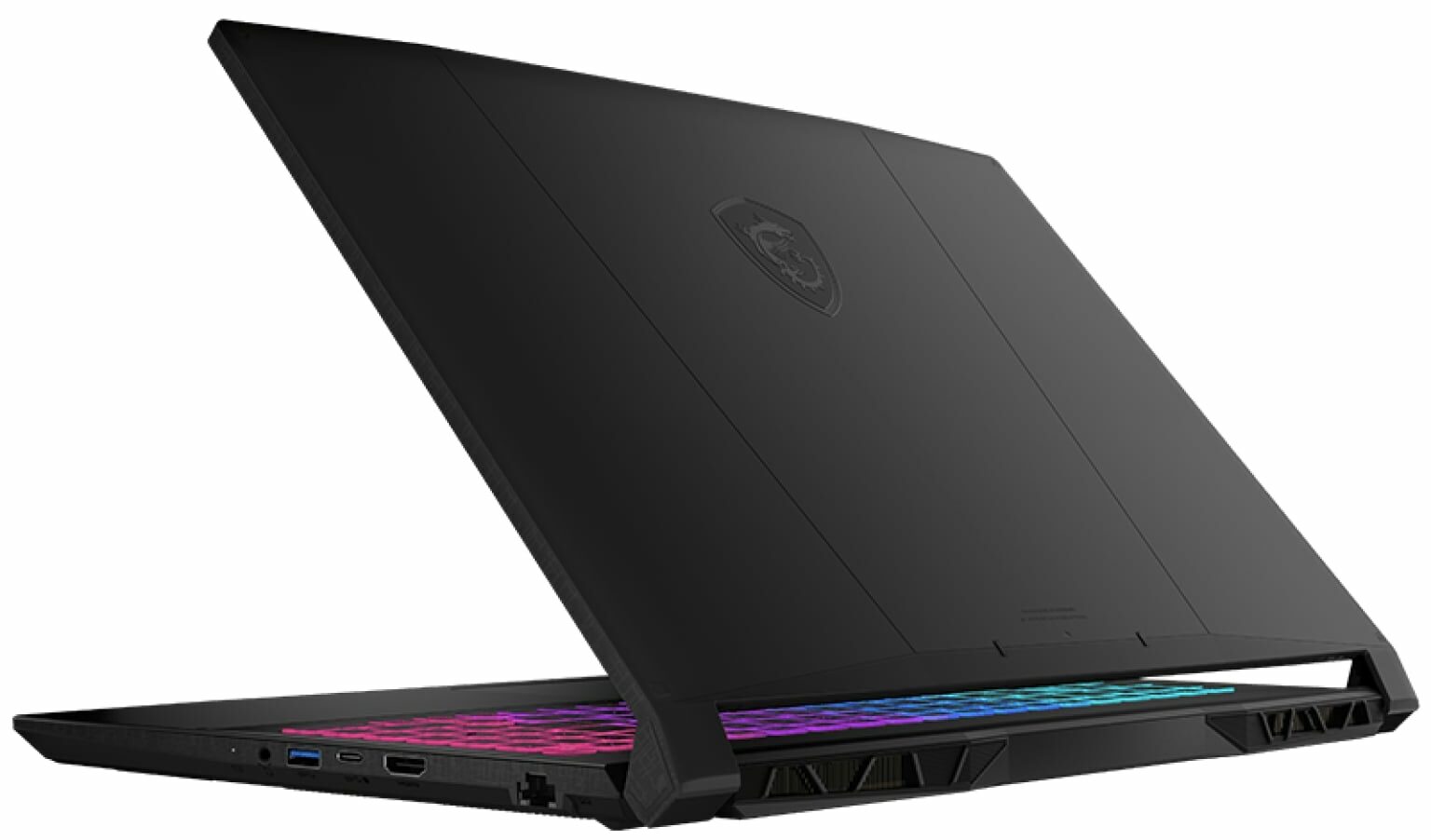
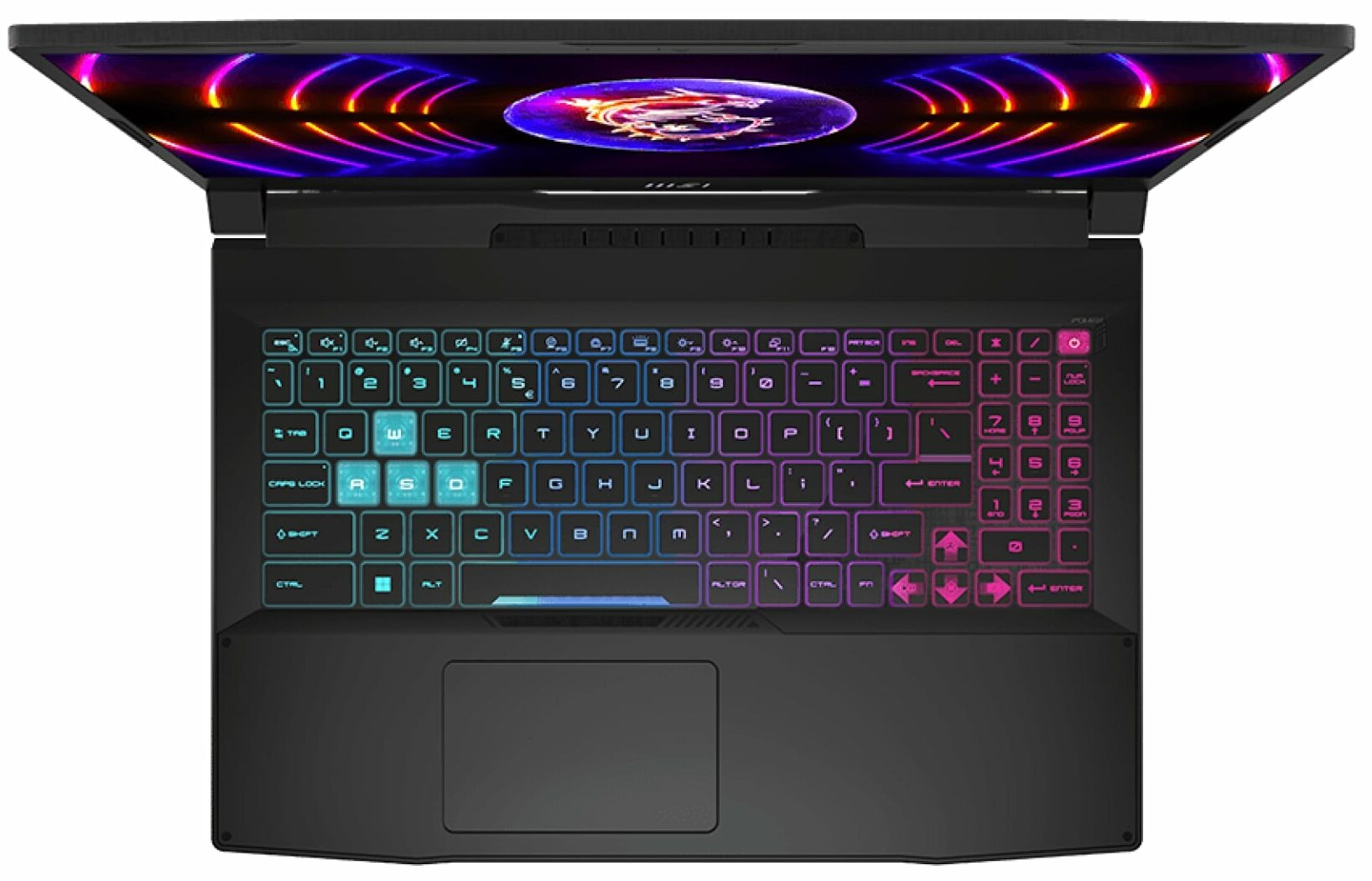
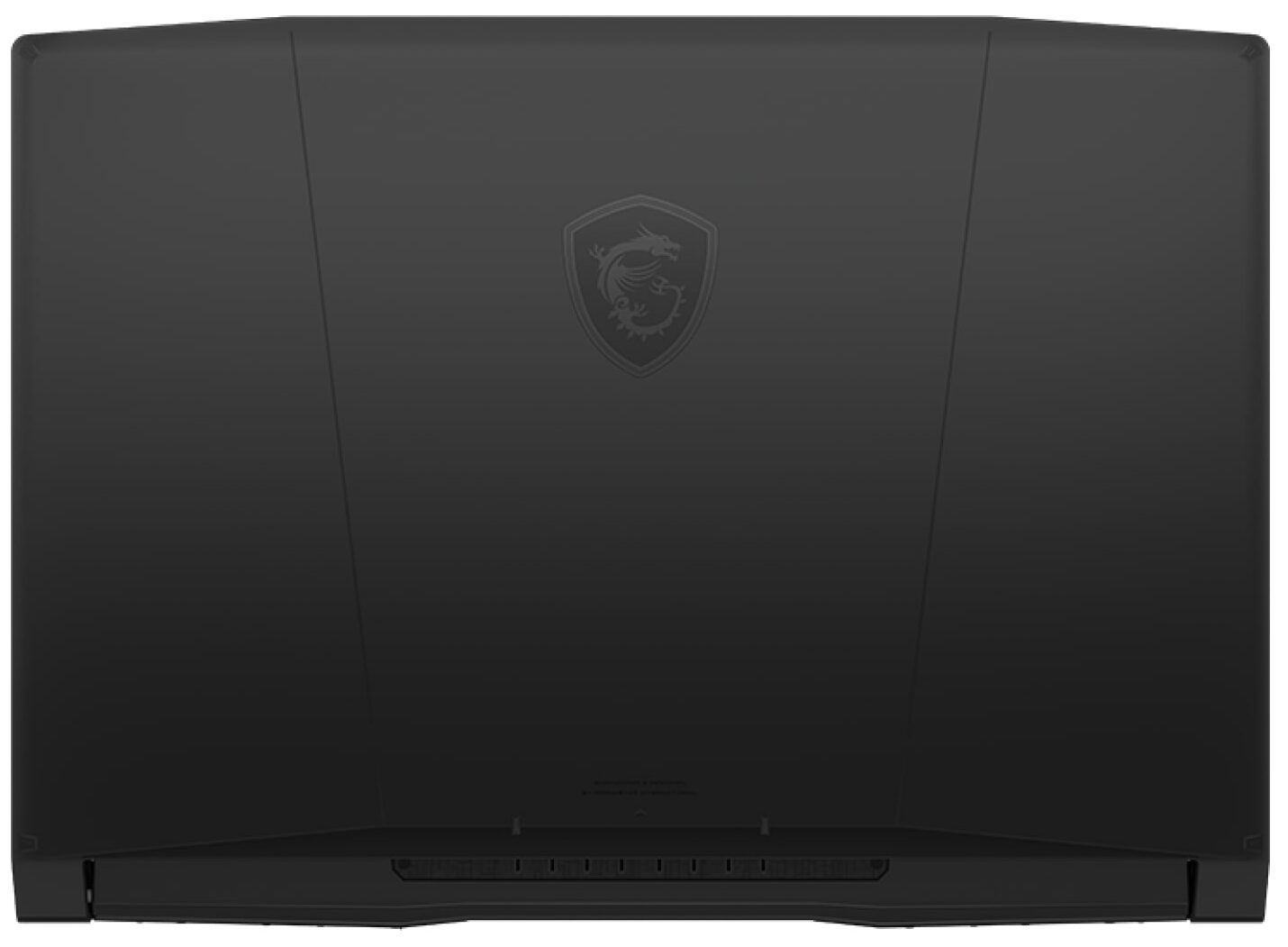
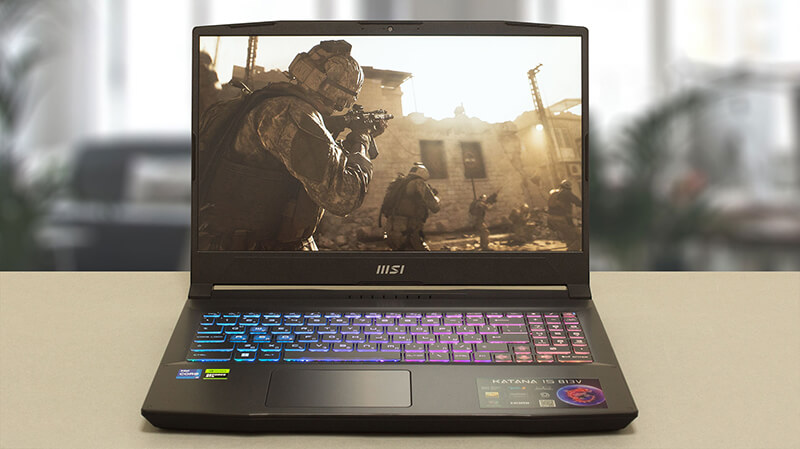 From all of the gibberish on MSI’s official Website, we learn one thing – the Katana is no longer called the GF66. Instead, it follows its weapon cousin – the Sword, in adopting the simpler “15” moniker. This will make the two devices ever so harder to differentiate. However, we are here for only one of them today – the MSI Katana 15 (B13V).
It comes with a 13th Gen Intel processor. While it is the somewhat crippled Core i7-13620H, we have high expectations for its gaming performance. Consisting of 6 P-cores and 4 E-cores, it should be a rather efficient unit.
On the graphics side, you get one of the following GPUs – RTX 4050, RTX 4060, or RTX 4070. All of them have a 105W TGP. Interestingly, the 6GB RTX 4050 is claimed to be faster than the RTX 3060, which is a huge generational leap for NVIDIA.
But does this mean that the MSI Katana 15 (B13V) will now be more expensive than its predecessors? Well, this is precisely what that means. At least for the time being, you will need to allocate a larger portion of your budget, if you want to get the latest and greatest in terms of hardware.
However, this is the case every time a new product hits the market. So if you wait for a couple of months (why not even a year), the prices will reach their adequate levels. But before we talk about even thinking of buying this machine, we have to test it. Let’s take it out of the box, and continue our review.
You can check the prices and configurations in our Specs System: https://laptopmedia.com/series/msi-katana-15-b12ux-b12vx-b13ux-b13vx/
Contents
- Specs, Drivers, What’s in the box
- Design and construction
- Display quality, Health impact (PWM), Sound
- Buy our profiles
- Performance: CPU, GPU, Gaming Tests
- [eBook Guide + Tools] How to MAX OUT your MSI Katana 15 (B13V)
- Temperatures and comfort, Battery Life
- Disassembly, Upgrade options, and Maintenance
- Verdict
Specs, Drivers, What’s in the box
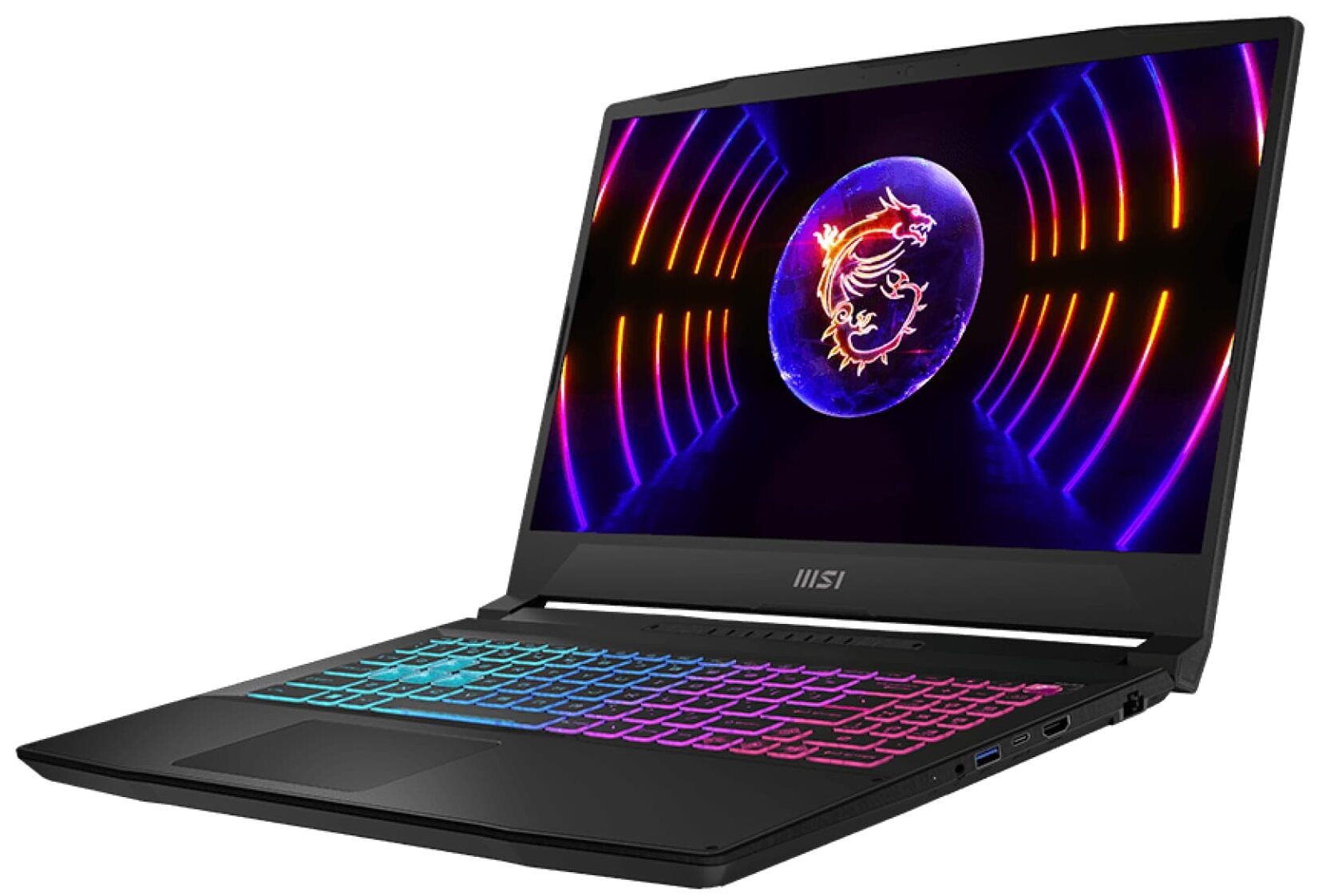
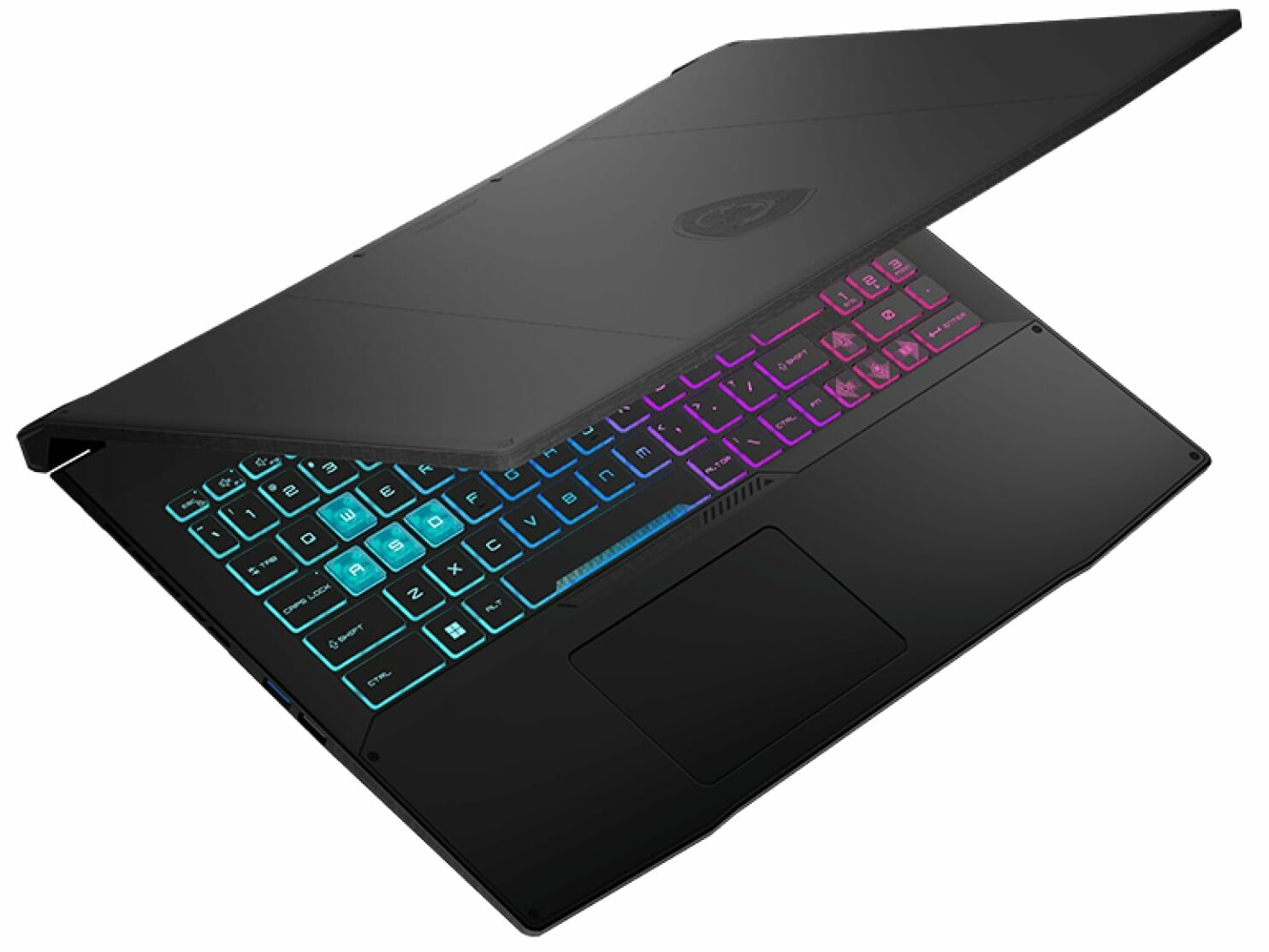
MSI Katana 15 (B12Ux / B12Vx / B13Ux / B13Vx) - Specificații
- CPU
- Intel Core i9-13900H #89 în Top CPU-uri Intel Core i7-13700H #64 în Top CPU-uri Intel Core i7-13620H #95 în Top CPU-uri Intel Core i7-12700H #81 în Top CPU-uri Intel Core i7-12650H #165 în Top CPU-uri Intel Core i5-13500H #91 în Top CPU-uri Intel Core i5-13420H #140 în Top CPU-uri Intel Core i5-12450H #136 în Top CPU-uri
- GPU
- NVIDIA GeForce RTX 4070 (Laptop, 105W) #60 în Top GPU-uri NVIDIA GeForce RTX 4060 (Laptop, 105W) #82 în Top GPU-uri NVIDIA GeForce RTX 4050 (Laptop, 105W) #102 în Top GPU-uri NVIDIA GeForce RTX 3060 (Laptop, 105W) #112 în Top GPU-uri NVIDIA GeForce RTX 3050 (Laptop, 75W, 6GB) #165 în Top GPU-uri

- HDD/SSD
- până la 16000GB SSD
- Slot M.2
- 1x 2280 M.2 PCIe 4.0 x4 + 1x M.2 PCIe 4.0 x4 Vezi foto
- RAM
- up to 64GB
- SO
- Windows 11 Home, Windows 11 Pro, Windows 11, Windows 10 Pro, No OS, DOS, Windows 10 Home
- Baterie
- 53.5Wh, 3-cell, 53.5Wh, 3-cell , 53.5Wh
- Material Carcasă
- Plastic / Polycarbonate
- Dimensiuni
- 359 x 259 x 24.9 mm (14.13" x 10.20" x 0.98")
- Greutate
- 2.25 kg (5 lbs)
- Porturi și conectivitate
- 1x USB Type-A
- 2.0
- 2x USB Type-A
- 3.2 Gen 1 (5 Gbps)
- 1x USB Type-C
- 3.2 Gen 1 (5 Gbps), DisplayPort
- HDMI
- 2.1 (8K@60Hz / 4K@120Hz)
- Cititor de carduri
- Ethernet LAN
- 10, 100, 1000 Mbit/s
- Wi-Fi
- 802.11ax
- Bluetooth
- 5.2
- Mufă audio
- 3.5mm Combo Jack
- Caracteristici
- Cititor de amprente
- Cameră web
- HD
- Tastatură iluminată
- optional
- Microfon
- Difuzoare
- 2x 2W Stereo Speakers, Nahimic Audio
- Unitate optică
- Slot blocare securitate
Toate MSI Katana 15 (B12Ux / B12Vx / B13Ux / B13Vx) configurații
Drivers
All drivers and utilities for this notebook can be found here: https://www.msi.com/Laptop/Katana-15-B13VX/support?sub_product=Katana-15-B13VEK#driver
What’s in the box?
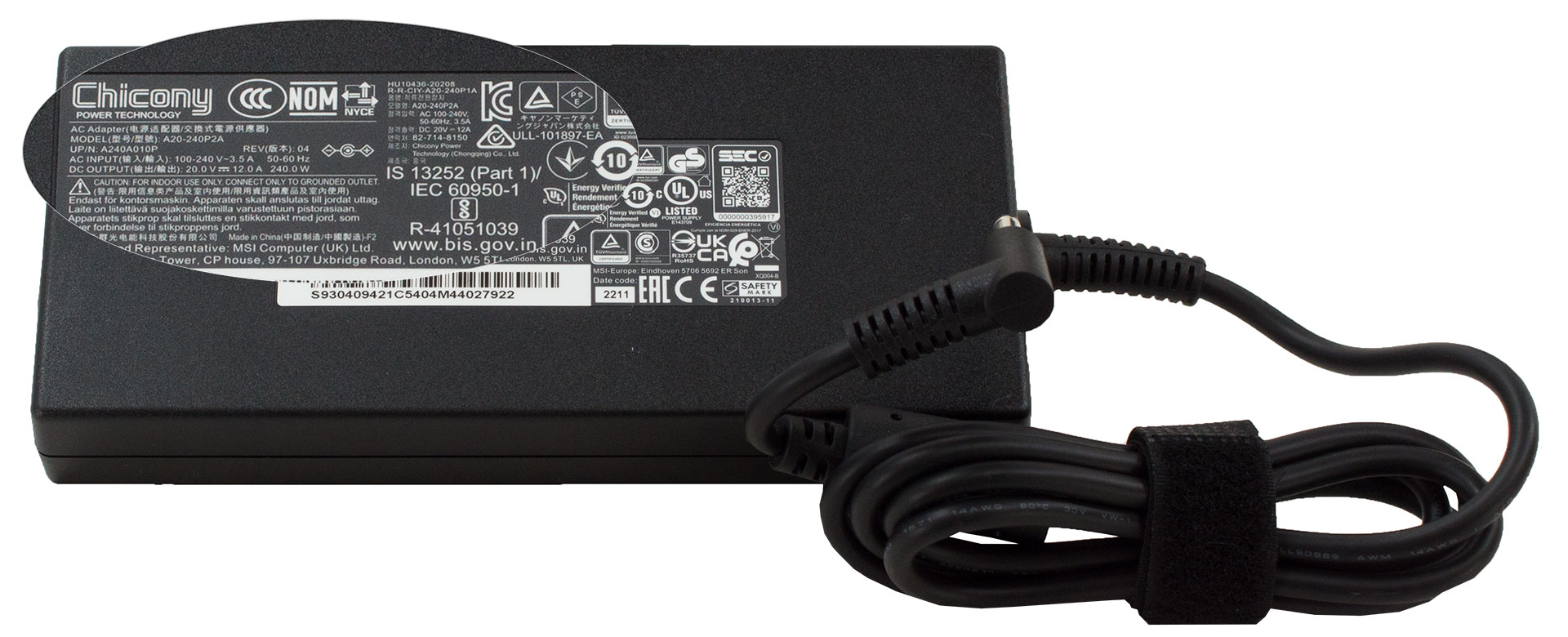
Inside the package, you will get some paper manuals, as well as the power adapter. Even though MSI states that it will ship its notebooks with a 200W unit, we got a 240W one inside the box.
 Author: Alex Iliev
 Author: eng. Kroum NikolovHead of Engineering at LaptopMedia.com, inventor and innovator with 40+ years of experience in electronics and high technology.

![[August 2026] Amazon Global: Top 10 cele mai vândute laptopuri – Apple MacBook Neo domină clasamentul, în timp ce laptopurile Windows din gama economică și de mijloc se luptă pentru volumul vânzărilor](https://laptopmedia.com/wp-content/uploads/2026/09/Best-Selling-Laptops-GLOBAL-Top-10-400x225.jpg)
![[August 2026] Cele mai vândute mărci de laptopuri pe Amazon Global – Apple domină în ceea ce privește veniturile, în timp ce HP se află pe primul loc în ceea ce privește varietatea de modele](https://laptopmedia.com/wp-content/uploads/2026/09/GLOBAL-Best-Brands-400x225.jpg)
![[August 2026] Amazon Global: Top 10 cele mai bine vândute laptopuri pentru jocuri – HP Victus 15 ocupă primul loc, în timp ce modelele accesibile domină clasamentul](https://laptopmedia.com/wp-content/uploads/2026/09/Best-Selling-Gaming-Laptops-GLOBAL-Top-10-400x225.jpg)
![[August 2026] Best-Selling Laptop Brands on Amazon Japan – Apple Dominates Market Share and Revenue Led by Strong Unit Sales](https://laptopmedia.com/wp-content/uploads/2026/09/CO.JP-Best-Brands-1-400x225.jpg)
![[August 2026] Best-Selling Laptop Brands on Amazon USA – Apple Dominates Market Revenue and Volume Despite Lower Model Diversity](https://laptopmedia.com/wp-content/uploads/2026/09/COM-Best-Brands-1-400x225.jpg)

can you charge the laptop by usb-c?
Is there a manual to shows how to dissemble the laptop? NOT a user manual that mentions basic uses of the laptop. But rather a manual that discusses how to remove certain components from the laptop.