How to open Lenovo Legion Pro 7 (16″, 2023) – disassembly and upgrade options
Legion Pro 7 (16″, 2023) offers a good combination of memory and storage upgradeability. However, it sticks with Gen 4 SSDs, where some competitors already offer Gen 5 options.
Check out all Lenovo Legion Pro 7 (16″, 2023) prices and configurations in our Specs System, or read more in our In-Depth review.
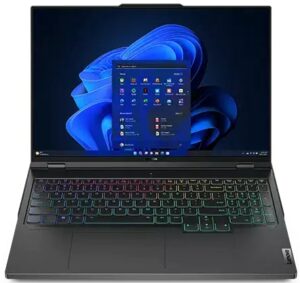
1. Remove the bottom plate
Here, you need to undo 10 Phillips-head screws. After that, pry the bottom panel with a plastic tool. Be careful around the side vents, as you need to pop your tool at 90 degrees.
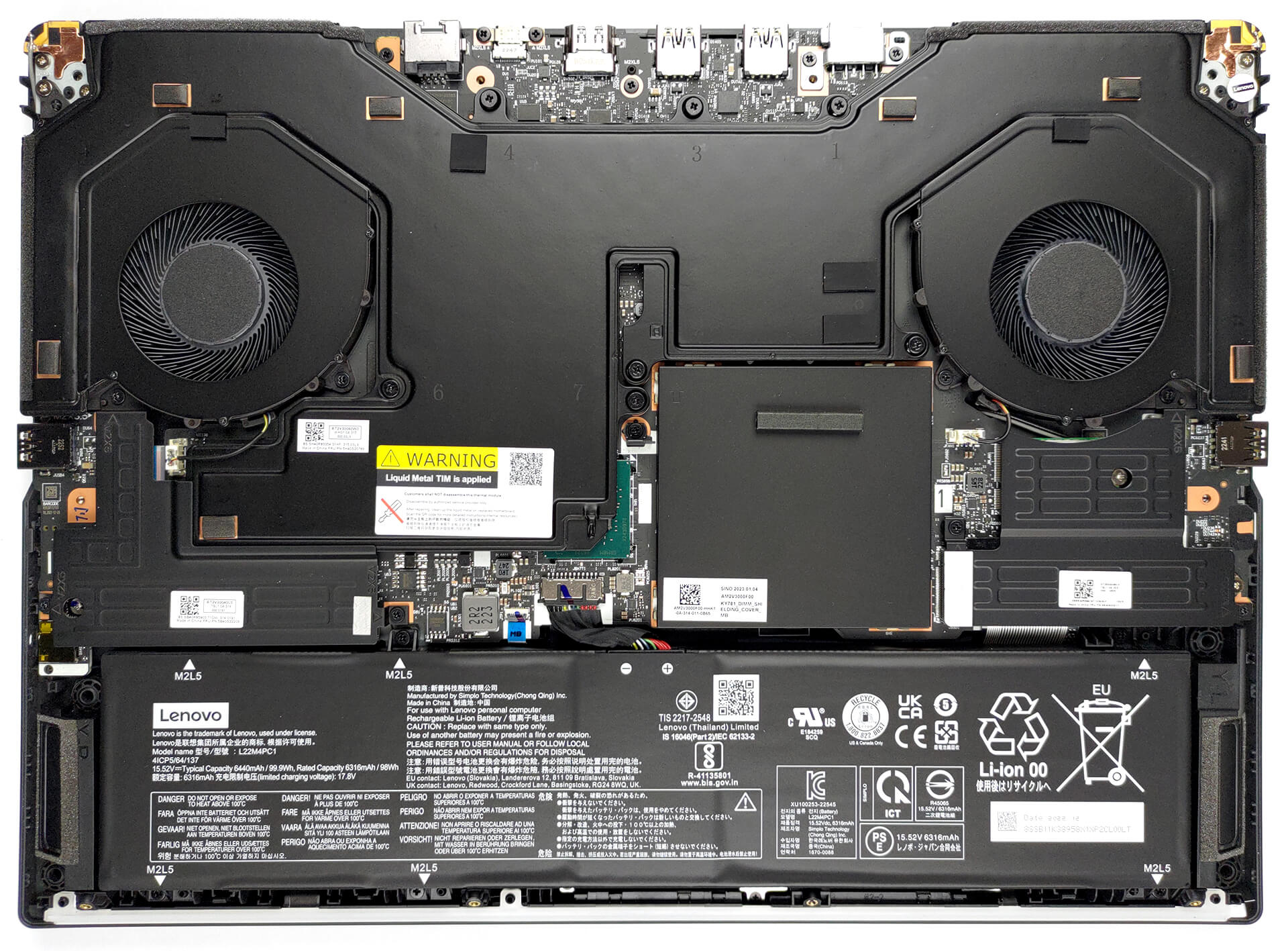
2. Remove the battery
Inside, we find a 99.9Wh battery pack. To continue, remove the two SSD coolers. Then, undo the six Phillips head screws, and unplug the battery connector.
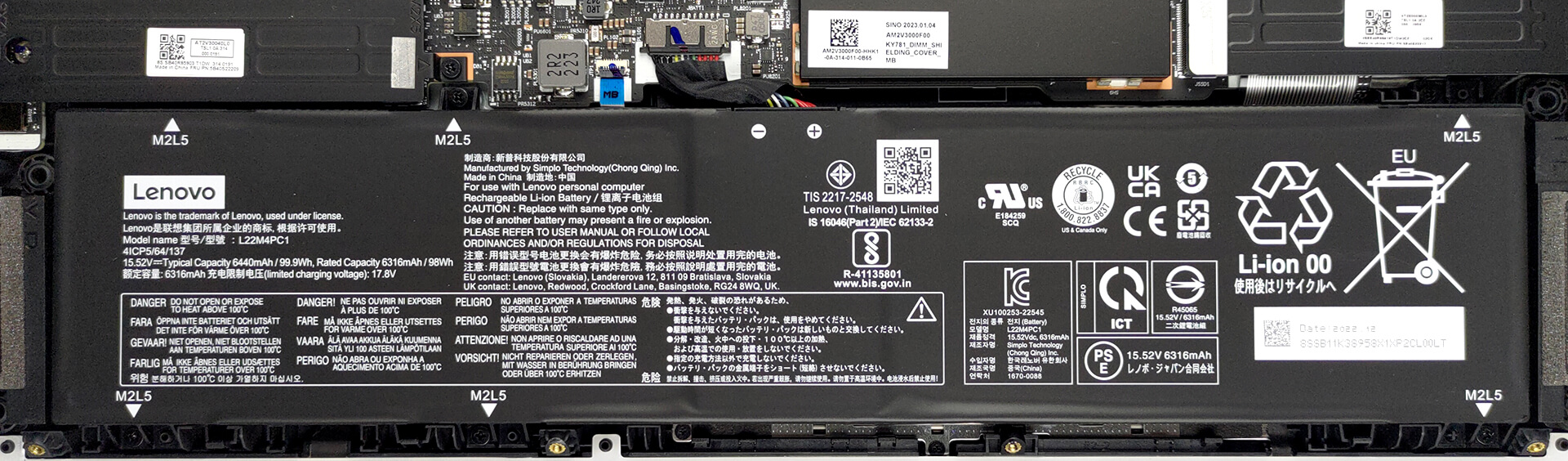
3. Upgrade memory and storage
The memory slots are hidden beneath a metal bracket. Remove it, to access the two DDR5 SODIMMs. They work with 4800MHz and 5600MHz memory modules, and support 6000MHz overclocked RAM. As for storage, you get two M.2 PCIe x4 slots for Gen 4 SSDs.
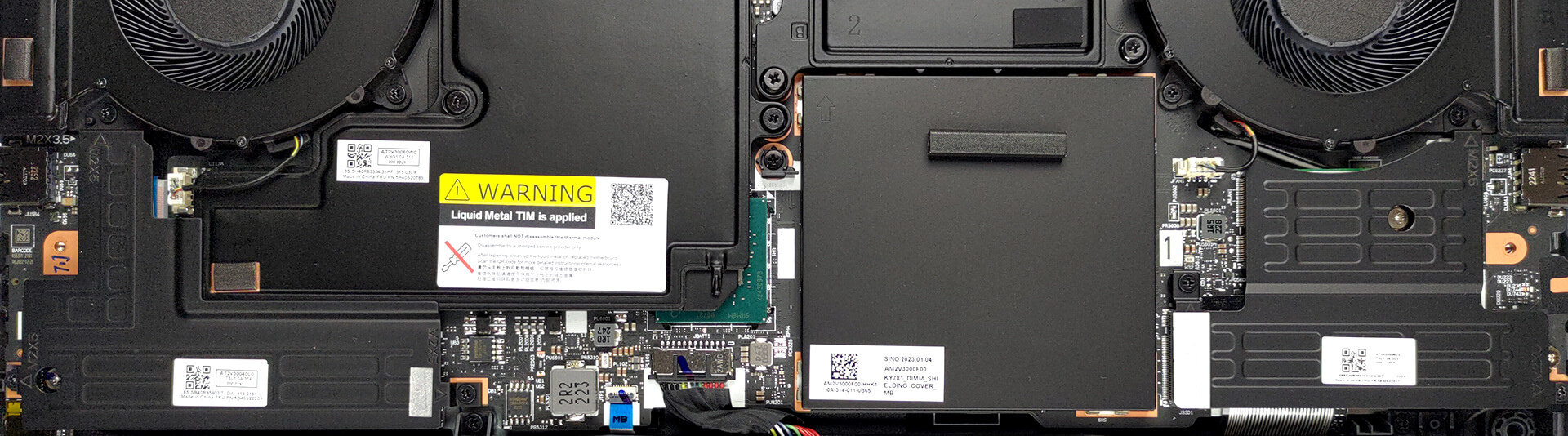
4. Cooling system
Perhaps the most impressive thing on the inside is cooling. It comprises a thick vapor chamber, four heat sinks, and two large fans.

Check out all Lenovo Legion Pro 7 (16″, 2023) prices and configurations in our Specs System, or read more in our In-Depth review.
Lenovo Legion Pro 7i (16" Intel, Gen 8) djupgående recension
Tja, 2023 ska bli ett år då alla går all in. NVIDIA har lanserat en galet snabb serie grafikkort som når extremt höga effektmål. Nu verkar tillverkarna inte vara rädda för att implementera dem i olika formfaktorer.Idag ska vi ta en titt på Lenovo Legion Pro 7 (16", 2023). Detta är ett nytt tillskott till Legion-familjen och upptar för närvarande topplaceringen för premium och awesomeness från varumärket.Som sådan är förväntningarna riktigt höga. Dessutom är dess specifikationer tillräckligt imponerande för att skrämma alla som tror att kraftfulla bärbara dator[...]
Fördelar
- Bright RGB
- Kapabel ångkammarlösning med flytande metall
- 98 % DCI-P3-täckning och korrekt färgåtergivning tack vare vår profil för spel- och webbdesign (MNG007DA2-3 (CSO1628))
- Ingen PWM (MNG007DA2-3 (CSO1628))
- 240 Hz-panelen har mycket snabba svarstider för pixlar (MNG007DA2-3 (CSO1628))
- HDR-, G-Sync- och MUX-omkopplare på kortet
- Stöd för Wi-Fi 6E och 2,5 Gbit Ethernet
- Bra tangentbord och pekplatta
- 2x DDR5 SODIMM + 2x M.2 PCIe x4-kortplatser
Nackdelar
- Högt ljud under spel
- Ingen plats för SD-kort
- Ganska dyr
 Author: Alex Iliev

![[August 2026] Amazon Italy: Top 10 Best-Selling Laptops – Apple MacBook Neo Claims the Crown as Budget and Mid-Range Windows Machines Dominate Volume](https://laptopmedia.com/wp-content/uploads/2026/09/Best-Selling-Laptops-IT-Top-10-400x225.jpg)
![[August 2026] Amazon Italy: Top 7 Best-Selling Gaming Laptops – ASUS V16 Claims the #1 Spot Amid Strong Mid-Range Demand](https://laptopmedia.com/wp-content/uploads/2026/09/Best-Selling-Gaming-Laptops-IT-Top-10-400x225.jpg)
![[August 2026] Best-Selling Laptop Brands on Amazon Italy – Lenovo Dominates Market Share and Revenue Leadership](https://laptopmedia.com/wp-content/uploads/2026/09/IT-Best-Brands-400x225.jpg)
![[August 2026] Amazon India: Top 10 Best-Selling Laptops – Apple MacBook Neo Dominates the Charts with Massive Sales Lead](https://laptopmedia.com/wp-content/uploads/2026/09/Best-Selling-Laptops-IN-Top-10-400x225.jpg)
![[August 2026] Amazon India: Top 10 Best-Selling Gaming Laptops – HP Victus 15 Dominates the Market with Massive Unit Lead](https://laptopmedia.com/wp-content/uploads/2026/09/Best-Selling-Gaming-Laptops-IN-Top-10-400x225.jpg)

I can’t decide if the photos are completely, or just slightly, useless. Not even poorly drawn arrows explaining what “you need to pop your tool at 90 degrees” could possibly mean. I really hate YouTube… Thanks anyway, I guess?