How to open Lenovo ThinkPad P1 Gen 5 – disassembly and upgrade options
As a professional workstation, you expect good upgradeability. However, you should know that it doesn’t support ECC memory. Thankfully, RAID mode is still on the table.
Check out all Lenovo ThinkPad P1 Gen 5 prices and configurations in our Specs System, or read more in our In-Depth review.
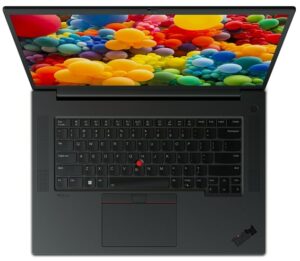
1. Remove the bottom plate
To access this notebook’s internals, you need to undo 7 captive Phillips-head screws. Then, pry the bottom panel, starting from the sides, or the top corners.
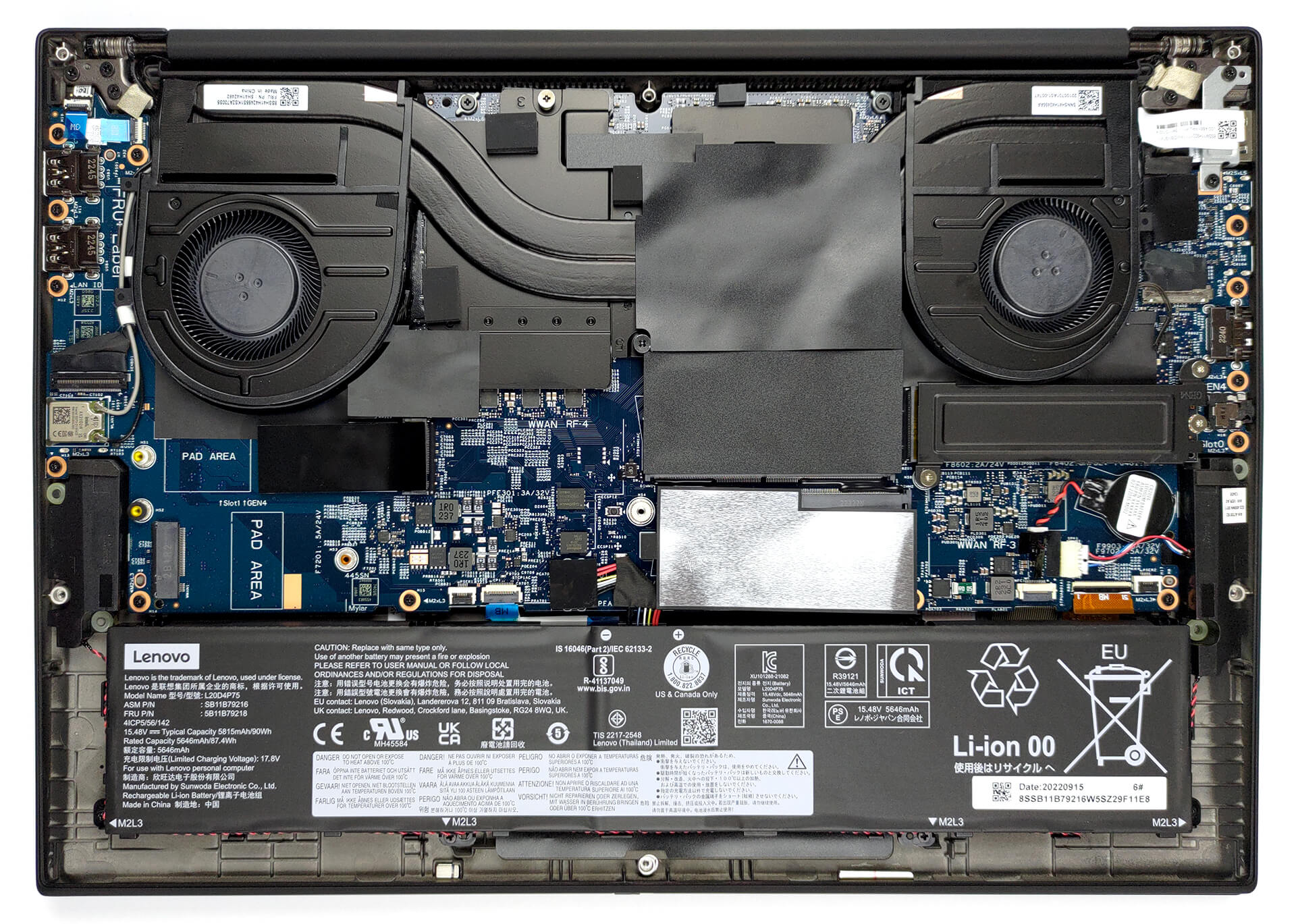
2. Remove the battery
Inside, we find a 90Wh battery pack. It lasts for 15 hours of Web browsing, or 10 hours and 30 minutes of video playback. To remove it, you need to unplug the connector from the motherboard. Then, undo a total of 4 Phillips-head screws, and untangle the speaker cables from the battery housing.
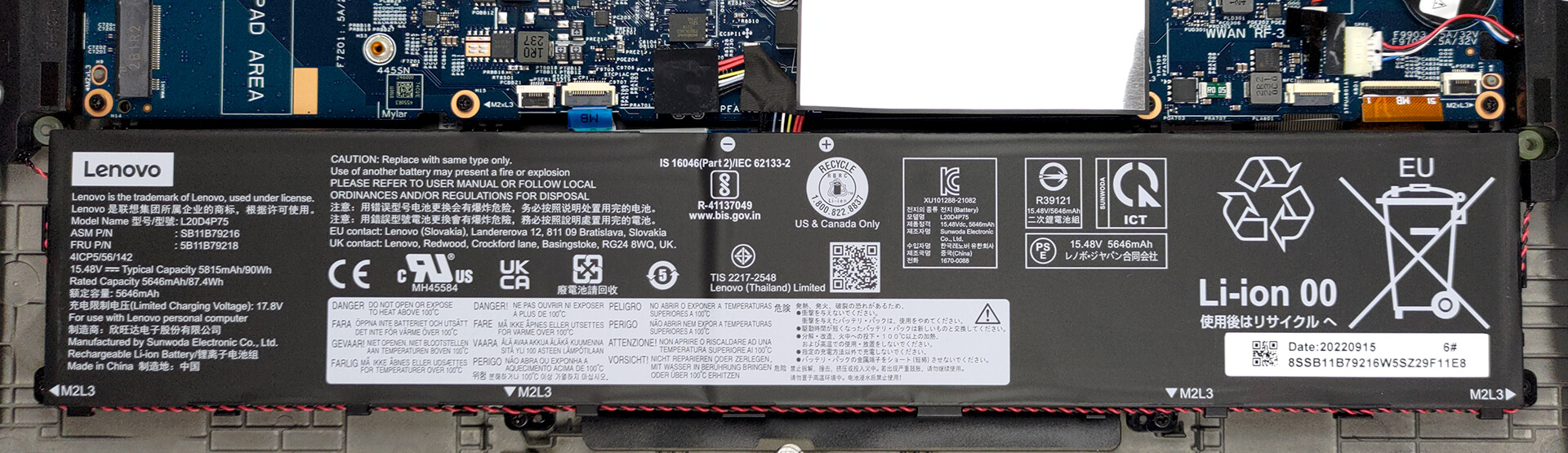
3. Upgrade memory and storage
Here, you get two SODIMM slots for up to 64GB of DDR5 memory, working in dual-channel mode. Some models will come with two M.2 PCIe x4 slots, which support Gen 4 SSDs and RAID mode.

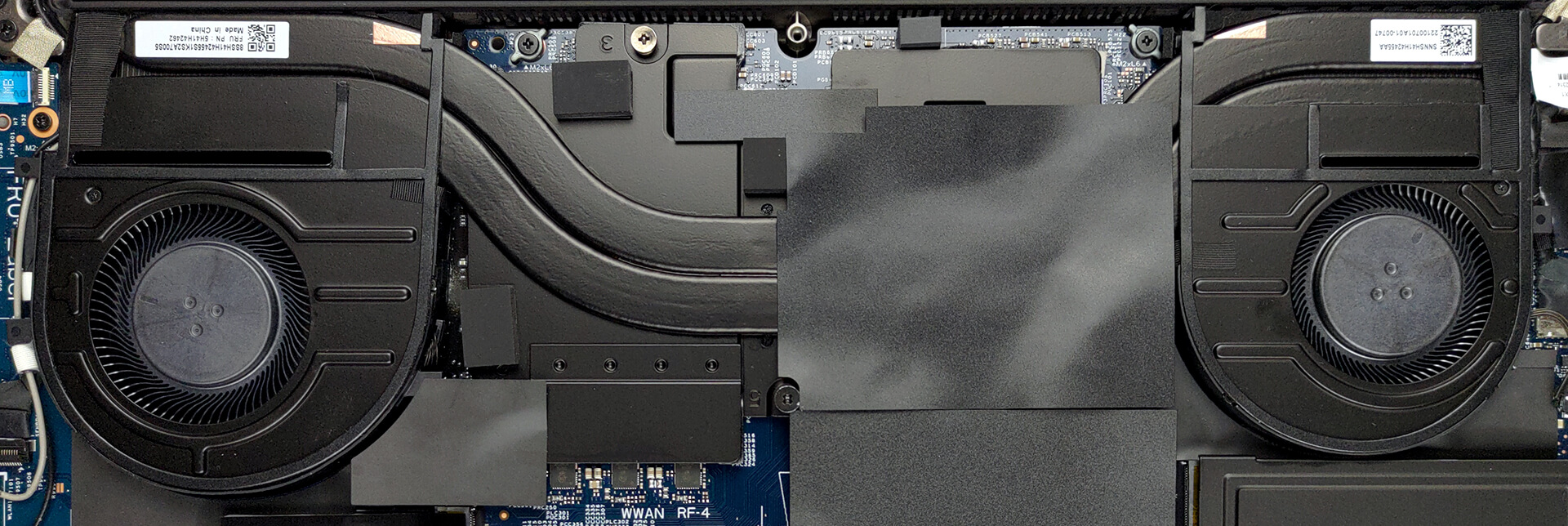
4. Cooling system
Our configuration is equipped with two heat pipes, two fans, and a set of heat spreaders for the graphics memory and the VRMs.
Check out all Lenovo ThinkPad P1 Gen 5 prices and configurations in our Specs System, or read more in our In-Depth review.
Lenovo ThinkPad P1 Gen 5 djupgående recension
The ThinkPad P1 is definitely one of the most interesting laptops you can get from this brand. It has a 16-inch display with a 16:10 aspect ratio and an alleged X-Rite Factory color calibration.In addition to that, it comes with beastly hardware, which maxes out with the Core i9-12900H, and the RTX A5500. This is a professional GPU, which not only has a ton of raw power, but also 16GB of ECC VRAM. Can't get more "Pro" than that!All of this is placed inside the typical industrial-looking, no-nonsense chassis we're all used to. We don't know if it's for the better, but what we can say e[...]
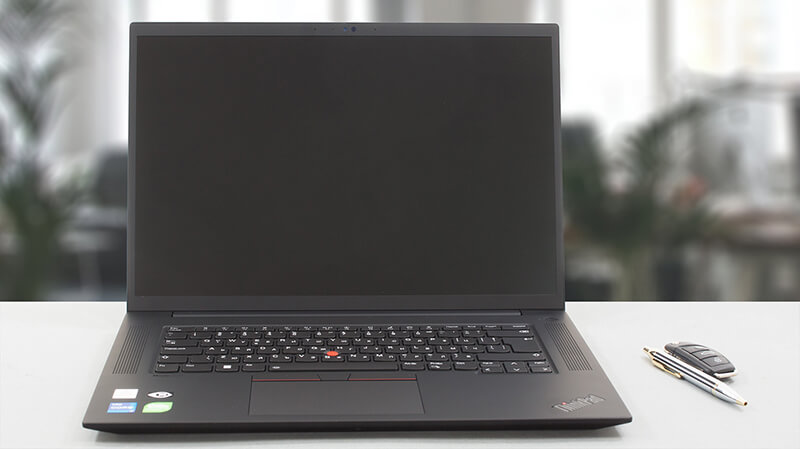
Fördelar
- 2x DDR5 SODIMM + 2x M.2 PCIe x4 Gen 4 with RAID support
- Very good thermals
- No PWM (BOE NE160WUM-N64 (LEN41B5))
- 92% of sRGB coverage and accurate colors with our Gaming and Web design profile (BOE NE160WUM-N64 (LEN41B5))
- Comfortable spill-resistant keyboard
- Good battery life
- 2x Thunderbolt 4, SD card + optional IR face recognition and fingerprint reader
- 5G support
Nackdelar
- High price
- Not perfect GPU utilization
 Author: Alex Iliev

![[Juli 2026] Amazon Global: De 10 mest sålda bärbara datorerna – Apple MacBook Neo toppar listorna medan prisvärda och exklusiva bärbara datorer delar på marknaden](https://laptopmedia.com/wp-content/uploads/2026/08/Best-Selling-Laptops-GLOBAL-Top-10-400x225.jpg)
![[Juli 2026] Amazon Global: De 10 mest sålda spelbärbara datorerna – ASUS ROG Strix G16 dominerar den globala marknaden med rekordhöga försäljningssiffror](https://laptopmedia.com/wp-content/uploads/2026/08/Best-Selling-Gaming-Laptops-GLOBAL-Top-10-400x225.jpg)
![[Juli 2026] Global ranking över de mest sålda bärbara grafikkorten på Amazon – RTX 5060 dominerar premiumsegmentet, Intel är fortfarande ledande i budgetsegmentet](https://laptopmedia.com/wp-content/uploads/2026/08/Best-Selling-GPUs-GLOBAL-Top-10-400x225.jpg)
![[Juli 2026] Global ranking över de bästsäljande bärbara datorprocessorerna på Amazon – Apple dominerar premiumsegmentet, Intel behåller förstaplatsen totalt sett](https://laptopmedia.com/wp-content/uploads/2026/08/Best-Selling-CPUs-GLOBAL-Top-10-400x225.jpg)
![[Juni 2026] De mest sålda bärbara datormärkena på Amazon Global – Apples oöverträffade dominans i antal enheter och omsättning](https://laptopmedia.com/wp-content/uploads/2026/07/GLOBAL-Best-Brands-400x225.jpg)
