Inside HP Victus 16 (16-d1000) – disassembly and upgrade options
HP Victus 16 is a pretty affordable gaming machine. However, it is no slouch when it comes to upgradeability.
Check out all HP Victus 16 (16-d1000) prices and configurations in our Specs System, or read more in our In-Depth review.
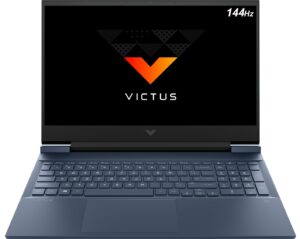
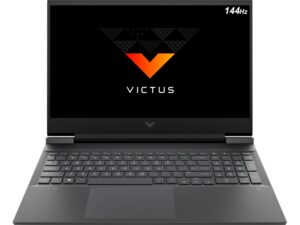
1. Remove the bottom plate
To open this device, you need to undo a total of 8 Phillips-head screws. Then, pry the bottom panel starting from the front.
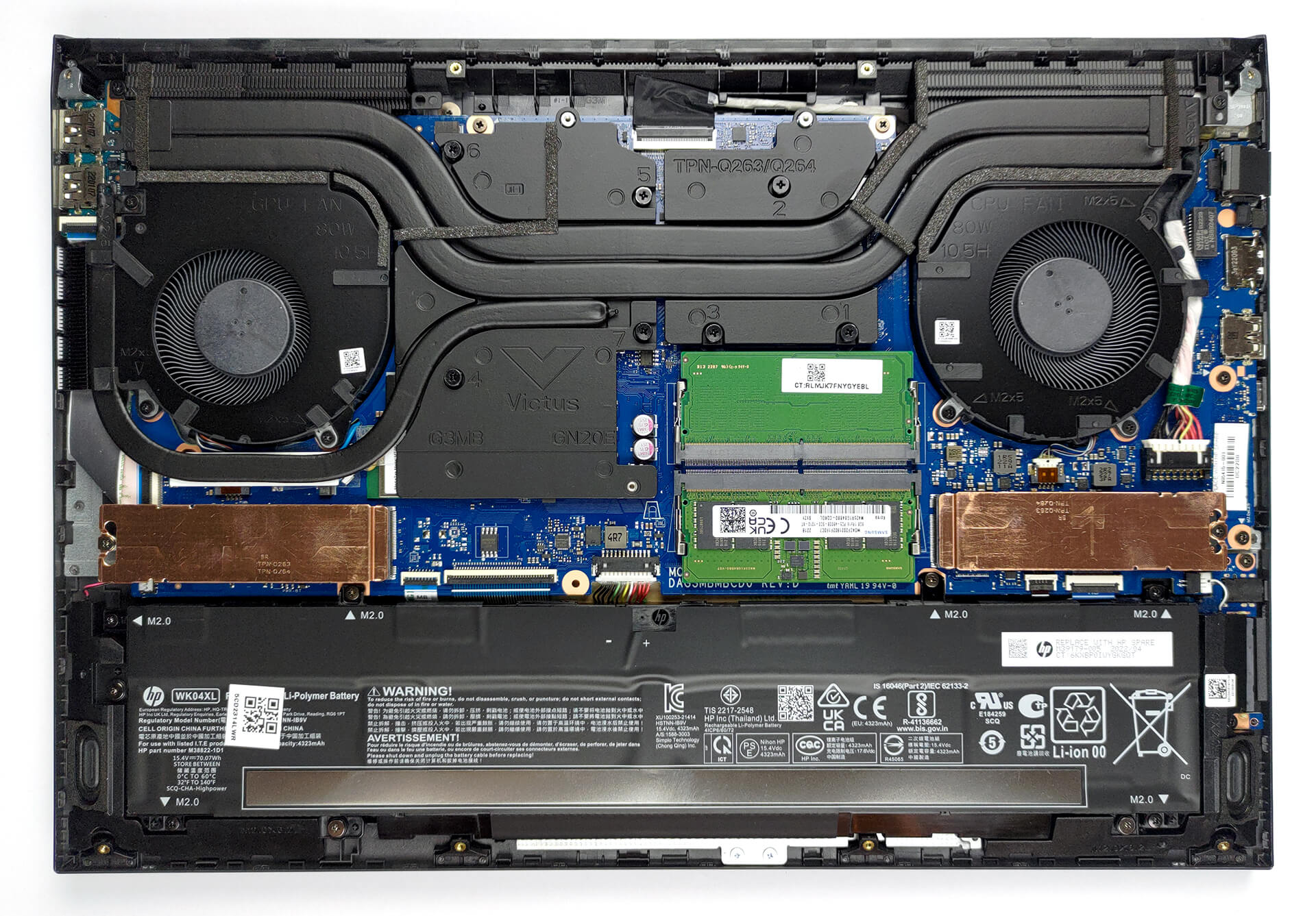
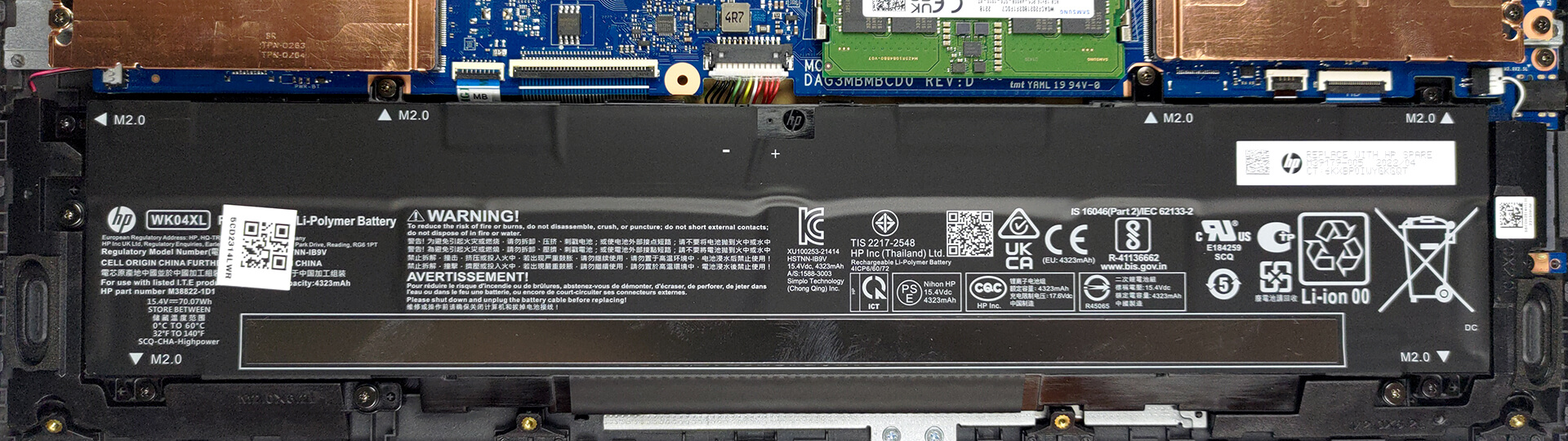
2. Battery
Inside, we find a 70Wh battery pack. It lasts for nearly 10 hours of Web browsing, or about 9 hours of video playback. To take it out, remove the 6 Phillips-head screws that keep it in place, and unplug the battery connector from the motherboard.
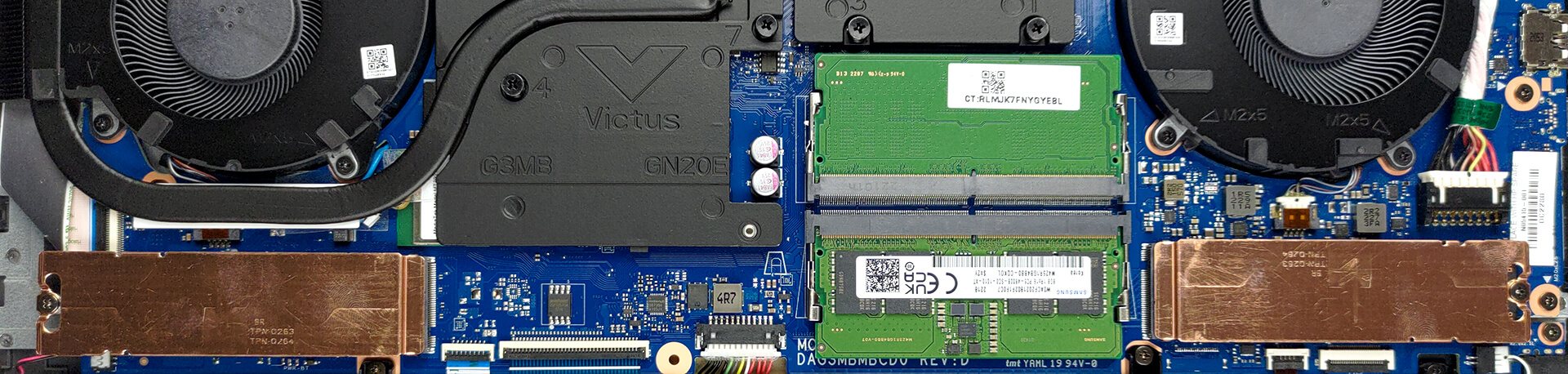
3. Memory and storage
You get two SODIMM slots, which fit DDR5 memory, working at 4800MHz. They also run in dual-channel mode. Storage-wise, there are two M.2 PCIe x4 slots, one of which supports Gen 4 drives.
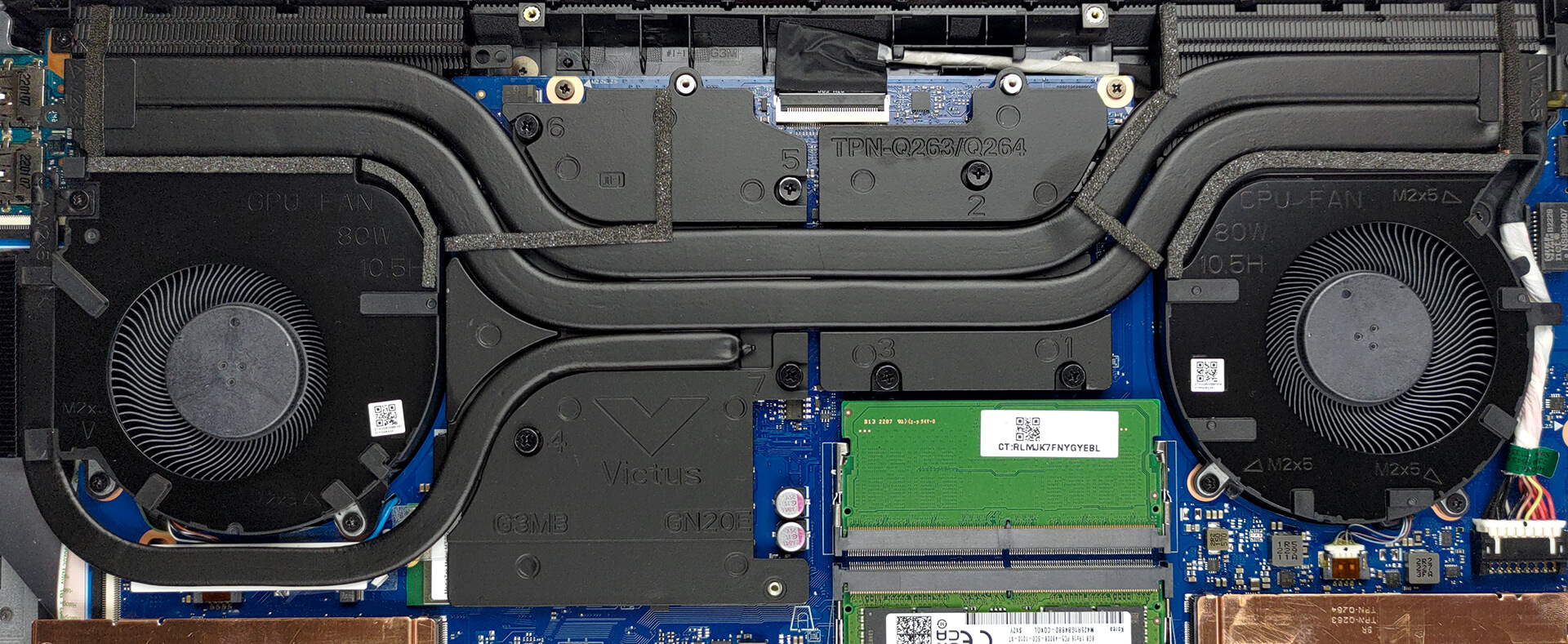
4. Cooling system
Here, the cooling comprises two heat pipes shared between the CPU and the GPU, as well as a third one meant for the graphics card. It also connects to a separate heat sink. Furthermore, two heat spreaders take care of the graphics memory and the VRMs.
Check out all HP Victus 16 (16-d1000) prices and configurations in our Specs System, or read more in our In-Depth review.
HP Victus 16 (16-d1000, e1000) djupgående recension
Medan vissa varumärken har firat sin 30-årsdag i år, är andra tillräckligt unga för att bara accepteras i barnkammaren. Ja, vi talar om Victus-serien från HP. Till en början kanske den framstår som en lite mer premiumbetonad version av Pavilion Gaming-serien, men den strävar efter att vara mycket mer än så.Men fanns det någon anledning för HP att skapa det här varumärket? Svaret på den frågan kanske inte är så optimistiskt som HP skulle ha velat. Men eftersom vi köper alla enheter som vi testar är vi stolta över vårt oberoende. Och det är därför vi kan säga att[...]
Fördelar
- Prisvärd
- Bra tangentbord
- 2x SODIMM DDR5 + 2x M.2-platser (en stöder Gen 4-enheter)
- Hyfsad kylning
- Ingen PWM (BOE0AAD)
- Bra batteritid
- Valfri 144Hz uppdateringsfrekvens med snabba pixelresponstider (BOE0AAD)
Nackdelar
- Låg CPU-prestanda vid långa belastningar
- Ingen Thunderbolt
- Endast 50% sRGB-täckning (BOE0AAD)
- Studsigt lock och inte särskilt bra byggkvalitet i allmänhet
 Author: Alex Iliev

![[Juni 2026] De mest sålda bärbara datormärkena på Amazon Global – Apples oöverträffade dominans i antal enheter och omsättning](https://laptopmedia.com/wp-content/uploads/2026/07/GLOBAL-Best-Brands-400x225.jpg)
![[Juni 2026] Amazon Global: De 10 mest sålda bärbara datorerna – Apples nya MacBook Neo stormar in på första plats och omformar marknaden med sitt överkomliga pris](https://laptopmedia.com/wp-content/uploads/2026/07/Best-Selling-Laptops-GLOBAL-Top-10-400x225.jpg)
![[Juni 2026] Amazon Global: De 10 mest sålda spelbärbara datorerna – Acers Nitro V 16S AI dominerar försäljningen, medan ASUS ligger i topp när det gäller den totala omsättningen](https://laptopmedia.com/wp-content/uploads/2026/07/Best-Selling-Gaming-Laptops-GLOBAL-Top-10-400x225.jpg)
![[Juni 2026] Global ranking över de mest sålda bärbara grafikkorten på Amazon – NVIDIA RTX 5060 är det mest sålda dedikerade grafikkortet](https://laptopmedia.com/wp-content/uploads/2026/07/Best-Selling-GPUs-GLOBAL-Top-10-400x225.jpg)
![[Juni 2026] Global ranking över de mest sålda bärbara datorprocessorerna på Amazon – Apple M5 dominerar, AMD Ryzen 7 260 tar en betydande andel i premiumsegmentet](https://laptopmedia.com/wp-content/uploads/2026/07/Best-Selling-CPUs-GLOBAL-Top-10-400x225.jpg)
