ASUS Vivobook Pro 15 OLED (N6506) recension – grym skärm, hållbart batteri, små kompromisser
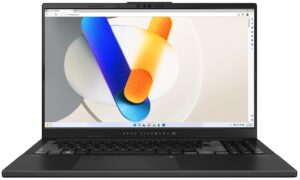
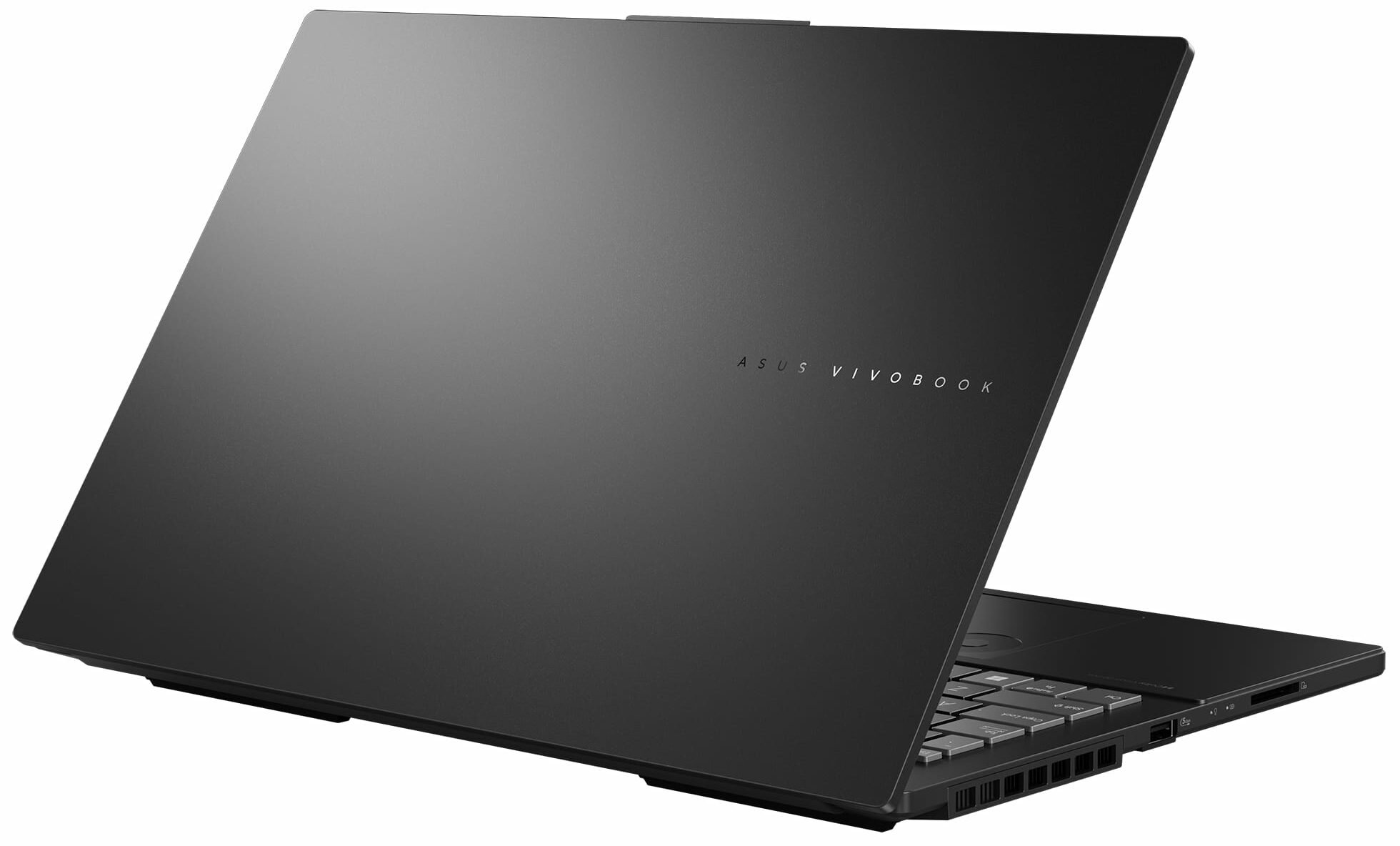
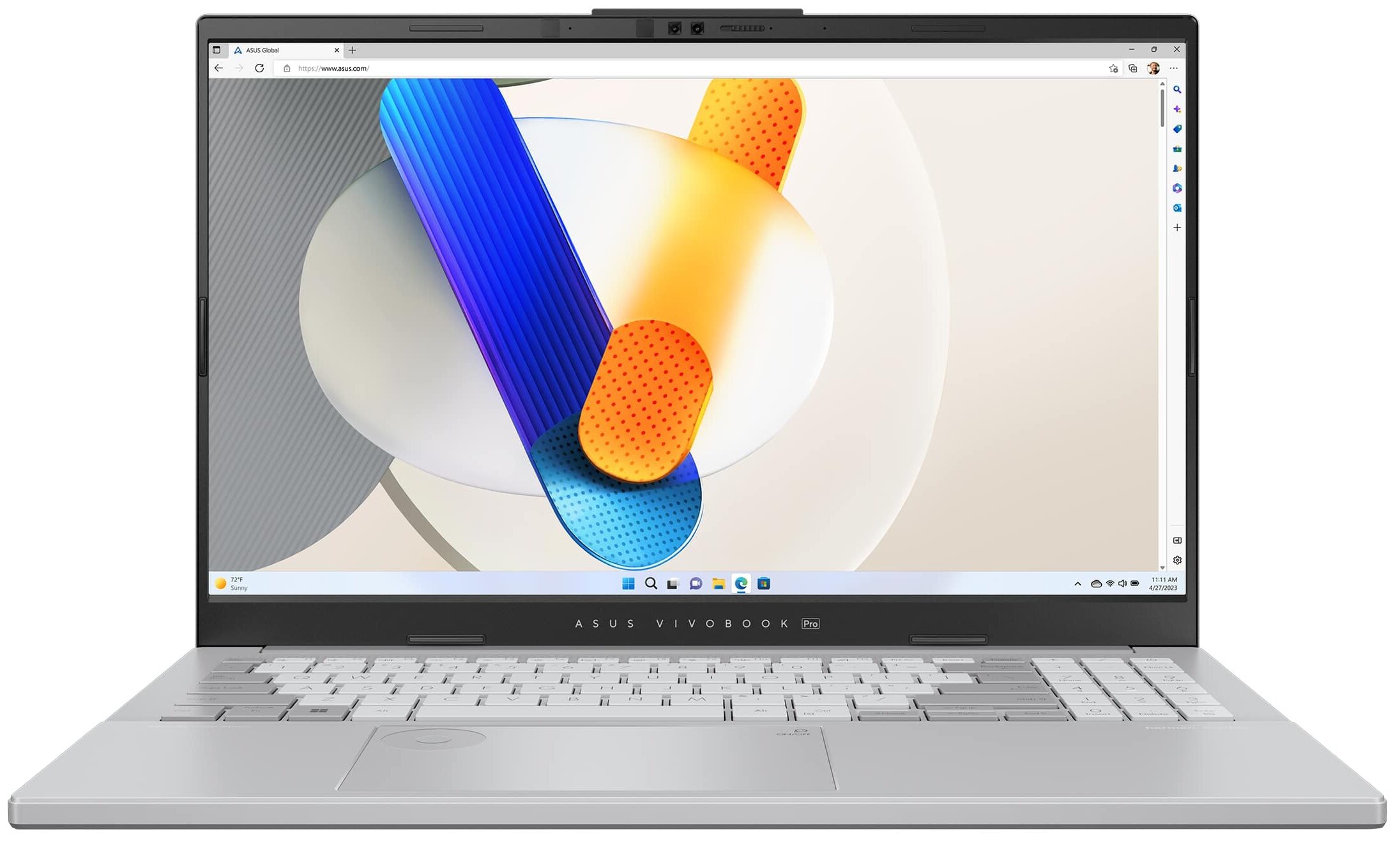
 ASUS Vivobook Pro 15 OLED (N6506) är en enhet som är lämplig för innehållsskapande och spel tack vare sin kraftfulla hårdvara och användbara funktioner. Den välkända ASUS DialPad är här och som alltid är den inbyggd i pekplattan. Du kan använda den när du arbetar med Adobe-appar som Photoshop för att ändra storleken på penseln och teckensnittet, eller så kan du bara öka eller minska volymen på högtalarna. Det ser ganska snyggt ut och i verkligheten är den här funktionen mycket praktisk när du vänjer dig vid den.
Efter jobbet kan du spela lite spel med den här enheten. Hårdvaran är modern och håller måttet för en kapabel multifunktionsmaskin. Du kan välja mellan två Intel Meteor Lake-H-processorer och två NVIDIA RTX 4000 GPU:er. Den mest kraftfulla kombinationen i serien är Core Ultra 9 185H plus GeForce RTX 4060 (bärbar dator). Det finns bara en skärmmodell men du behöver inte mer än så (eller åtminstone tror vi det) eftersom det är en 3K (2880 x 1620) OLED-panel med en uppdateringsfrekvens på 120 Hz.
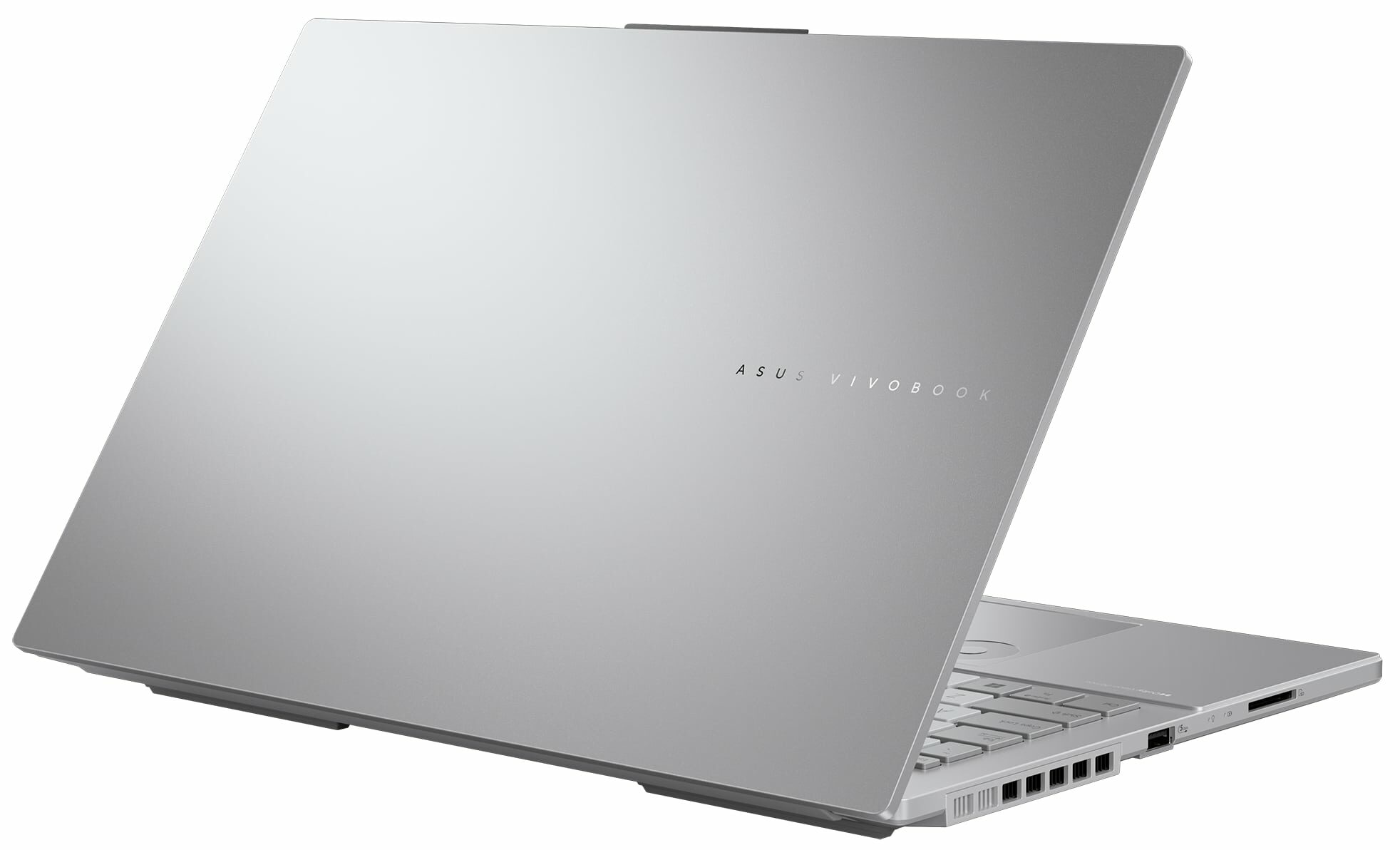
Den bärbara datorn har en MUX-switch som är en typisk gamingfunktion som släpper loss GPU:ns fulla potential när nätadaptern är inkopplad. Portvalet är modernt och den har en Thunderbolt 4-port och en SD 4.0-kortläsare som bör vara ett värdefullt extra för konstnärer och innehållsskapare där ute. Anslutningsmöjligheterna är bra (Wi-Fi 6E + Bluetooth 5.3) och du kan hitta många extrafunktioner i MyASUS-appen, till exempel olika GPU- och fläktlägen samt en “Flicker-Free Dimming”-funktion.
Du kan kontrollera priser och konfigurationer i vårt specifikationssystem: https://laptopmedia.com/series/asus-vivobook-pro-15-oled-n6506/
Contents
- Specifikationer, drivrutiner, vad som ingår i förpackningen
- Design och konstruktion
- Bildskärmskvalitet, Hälsopåverkan (PWM), Ljud
- Köp våra profiler
- Prestanda: CPU, GPU, speltester
- [eBoksguide + Verktyg] Hur du MAXIMERAR din Bärbara Dator
- Temperaturer och komfort, Batteritid, Jämförelse av prestandaförinställningar
- Demontering, uppgraderingsalternativ och underhåll
- Lagringsprestanda
- Dom
Specifikationer, drivrutiner, vad som ingår i förpackningen
ASUS Vivobook Pro 15 OLED (N6506) - Specifikationer






- HDD/SSD
- upp till 8000GB SSD
- M.2-plats
- 2x 2280 M.2 NVMe PCIe 4.0 x4 Se foto
- RAM
- up to 40GB
- OS
- Windows 11 Pro, Windows 11 Home, DOS, Windows 11
- Batteri
- 75Wh, 4-cell, 75Wh, 4-cell
- Kroppsmaterial
- Plastic / Polycarbonate, Aluminum
- Mått
- 355.7 x 235.3 x 19.9 mm (14.00" x 9.26" x 0.78")
- Vikt
- 1.80 kg (4 lbs)
- Portar och anslutningar
- 2x USB Type-A
- 3.2 Gen 1 (5 Gbps)
- 1x USB Type-C
- 3.2 Gen 2 (10 Gbps), Power Delivery (PD), DisplayPort
- 1x USB Type-C
- 4.0, Thunderbolt 4, Power Delivery (PD), DisplayPort
- HDMI
- 2.1
- Kortläsare
- SD (SD, SDHC, SDXC)
- Ethernet LAN
- 10, 100, 1000 Mbit/s
- Wi-Fi
- Wi-Fi 6E
- Bluetooth
- 5.3
- Ljuduttag
- 3.5mm Combo Jack
- Funktioner
- Fingeravtrycksläsare
- optional
- Webbkamera
- 5.0MP with privacy shutter
- Bakgrundsbelyst tangentbord
- Mikrofon
- Array Microphone with Cortana Support
- Högtalare
- Speaker, Smart Amp Technology, harman/kardon
- Optisk enhet
- Säkerhetslås-port
Alla ASUS Vivobook Pro 15 OLED (N6506) konfigurationer

Drivrutiner
Alla drivrutiner och verktyg för den här notebooken hittar du här: https://www.asus.com/laptops/for-home/vivobook/asus-vivobook-pro-15-oled-n6506/helpdesk_knowledge/
Vad finns i förpackningen?
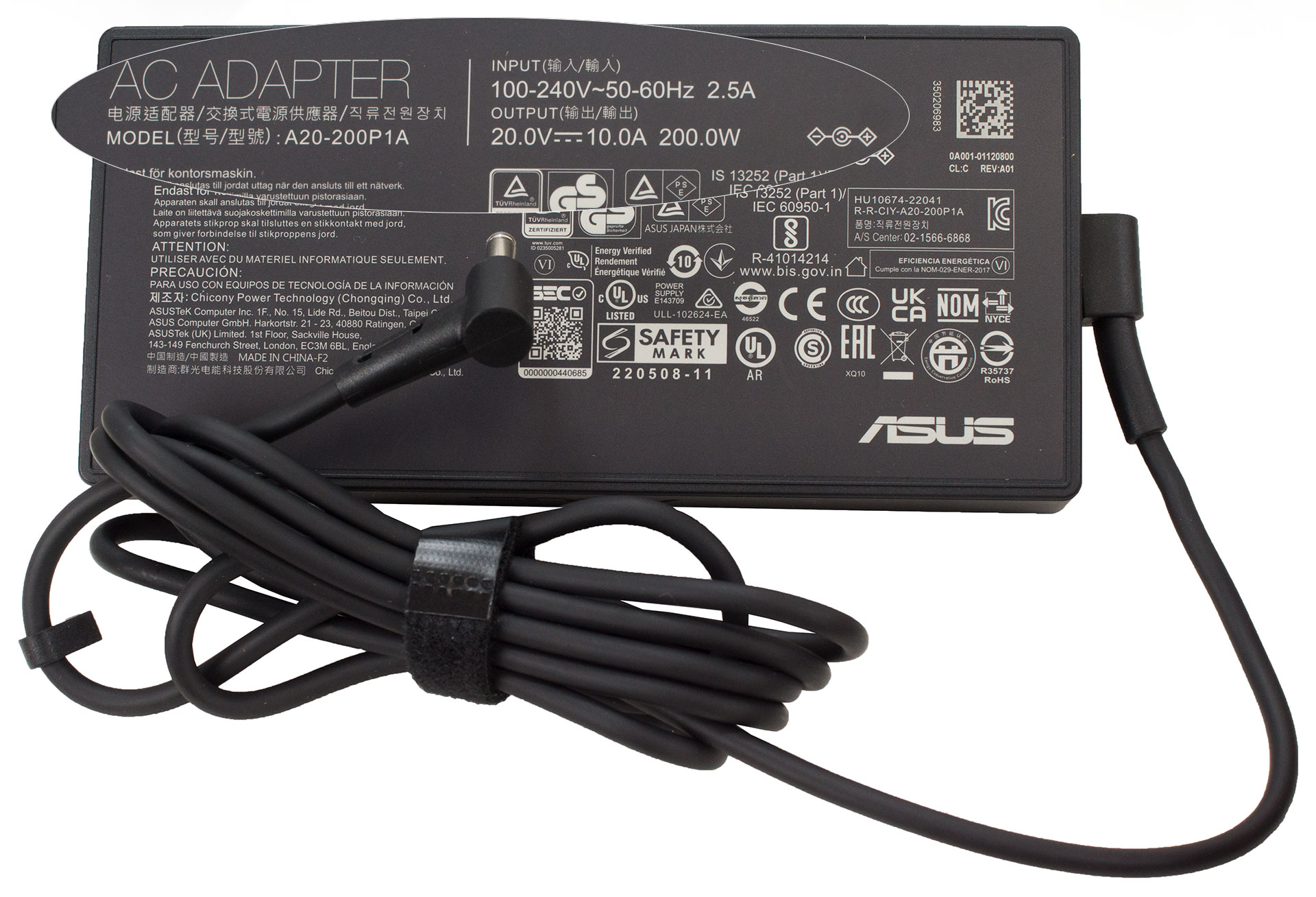
Förpackningen innehåller några handböcker och en 200 W fatadapter. I vissa regioner kan du även hitta en trådbunden optisk mus eller en ryggsäck i paketet.
 Author: Nikolay Palaozov
 Author: eng. Kroum NikolovHead of Engineering at LaptopMedia.com, inventor and innovator with 40+ years of experience in electronics and high technology.

![[Augusti 2026] Global ranking över de bästsäljande grafikkorten för bärbara datorer på Amazon – Apple dominerar, medan NVIDIAs RTX 5060 toppar listan över dedikerade grafikkort](https://laptopmedia.com/wp-content/uploads/2026/09/Best-Selling-GPUs-GLOBAL-Top-10-400x225.jpg)
![[Augusti 2026] Global ranking över de mest sålda bärbara datorprocessorerna på Amazon – Apple dominerar både i budget- och premiumsegmentet: A18 Pro och M5 krossar Intel och AMD i augusti 2026](https://laptopmedia.com/wp-content/uploads/2026/09/Best-Selling-CPUs-GLOBAL-Top-10-400x225.jpg)
![[Augusti 2026] Amazon Global: De 10 bästsäljande bärbara datorerna – Apple MacBook Neo toppar listorna medan prisvärda och mellanklassiga Windows-datorer kämpar om försäljningsvolymen](https://laptopmedia.com/wp-content/uploads/2026/09/Best-Selling-Laptops-GLOBAL-Top-10-400x225.jpg)
![[Augusti 2026] De bästsäljande bärbara datormärkena på Amazon Global – Apple dominerar omsättningen medan HP ligger i topp när det gäller modellutbudet](https://laptopmedia.com/wp-content/uploads/2026/09/GLOBAL-Best-Brands-400x225.jpg)
![[Augusti 2026] Amazon Global: De 10 mest sålda spelbärbara datorerna – HP Victus 15 tar förstaplatsen medan prisvärda modeller dominerar listan](https://laptopmedia.com/wp-content/uploads/2026/09/Best-Selling-Gaming-Laptops-GLOBAL-Top-10-400x225.jpg)

Does the laptop support the installing of a 32GB stick of memory in the sodimm slot or intalling it results in the system not booting up, not recognize the memory or behave strangely? On the zephyrus g14 2022 Asus claims a maximum memory of 32GB but I knew of people reaching 48GB with no problem changing the 16GB stick with a 32GB one.
Thank you in advance.
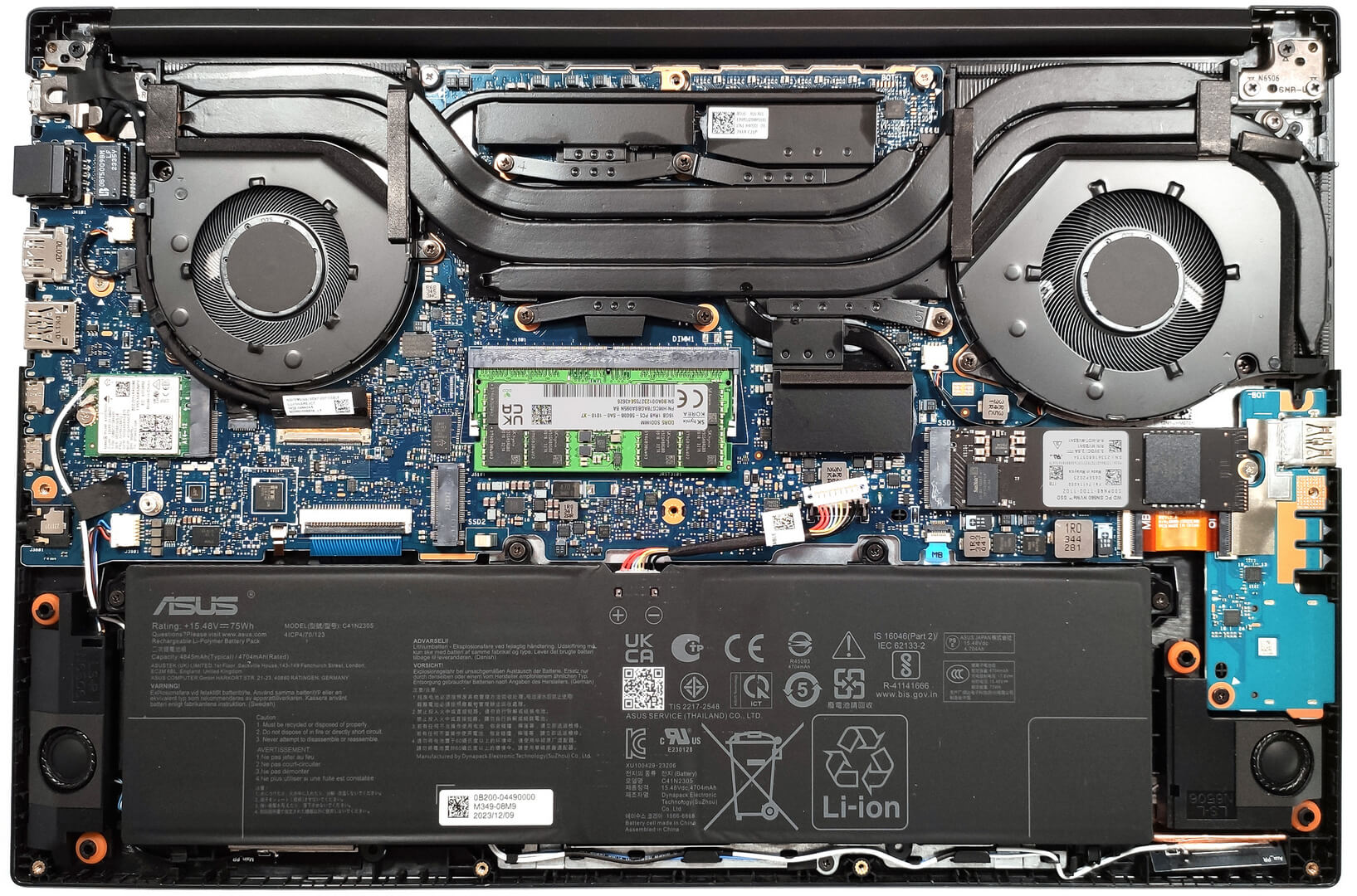
According to ASUS, the maximum amount of RAM supported is 24GB. However, since the CPU can support up to 96GB, the Vivobook Pro 15 OLED likely wouldn’t have issues running with up to 56GB of DDR5-5600MHz RAM (8GB soldered + 48GB in the SODIMM slot).
Yes. But 32GB is a 2 rank memory, so the frequency will be lowered to 4800 and the total speed will be around 40GB/s.
Thank you for such a comprehensive review. I would really appreciate if you could incorporate the fan noise for a normal workload – web browsing, movies, etc. This is often left out in favor of fan noise at full load, which is seldom relevant.
How would you categorize the fan noise under normal office work, please?
It’s basically silent, occasionally there is some fan noise but it’s very quiet. Does get very loud sometimes during intensive workloads, but silent mode should do the trick in most cases.
Is the GPU eco mode disabled when the laptop is connected via the power brick? 🙁
With my current asus laptop I usually always have eco mode on even when connected to power to keep my laptop cool (often have it my lap or chest)
For the display what is the max brightness in HDR (small window and full screen)? Also what is the colour accuracy like in HDR?
Measuring color accuracy in HDR mode is more complex and influenced by various external and internal factors, which is why our current measurements are limited to SDR mode. Additionally, manufacturers typically prioritize more attractive picture over color accuracy in HDR. If you aim for the most realistic colors, working in SDR mode is the better option.
Regarding the size of the white window when measuring screen brightness, we’ve conducted tests with both 10% fill and fullscreen fill. In both cases, the max brightness was similar, just below 400 nits.
Did you really get 25 hours of browser time or is that a mistake?
I have this laptop at idle on minimum brightness consumes about 9 watts, that is about 8 hours of idle time with no applications running.
Any activity increases the consumption and the actual browser time is about 6 hours.
But I have a second module 32 GB, maybe the reason is this, or the drivers are not installed correctly. Installed different Windows builds several times, different drivers – nothing helps.
Hi,
I have this laptop, and with browsing on chrome, I only get 2-3 hours. Could you tell me what settings you are using?
Even though they said 25 hours, 6 hours is still better than the 3 hours that I’m getting.
I’m on silent mode, and it’s fairly new. I usually just use google docs and some other websites like amazon, makerworld, but nothing super power intensive.
Thank you!!
Just use Optimal Operation mode to disconnect Nvidia from the battery (this is crucial) and Standard or Quiet cooler mode.
If only 2-3 hours in this case as well,
1. Look in Task Manager to see which applications are loading the CPU and/or graphics card
2. Install drivers for your laptop from the official Asus website, because other, even newer drivers not from Asus may not work correctly.
Thank you so much for your helpful response! I looked in the Task Manager and found that a few background apps like steam were using a lot of resources, so I just closed out of them, and with a few chrome tabs, I also let MyASUS auto install some drivers, and I’m getting much better battery life! (Nvidia was already disconnected and quiet mode was on before.)
Thanks for your help! I’m getting around an estimate of around 5 hours, seeing that I lost around 50 percent after 3 hours.
Hi,
Please tell me how you got it to 25 hours of battery life!!! I can’t even get 3 hours on this thing and I’m just doing basic web browsing with google docs!
Anything helps!!
Thank you so much!