How to open Acer Predator Helios 18 (PH18-72) – disassembly and upgrade options
#CommissionsEarned

Step 1: Opening the Acer Predator Helios 18 (PH18-72)
- Power off the Acer Predator Helios 18 and place it on a soft, protective surface.
- Remove the 14 Torx-head screws that secure the laptop’s bottom panel.
- Gently lift the backside of the panel by holding the two plastic exhausts. Utilize a plastic pry tool for the left, bottom, and around the LAN port areas to safely detach the panel.
Hint: Exercise caution near the Ethernet connector to prevent damage to the panel.
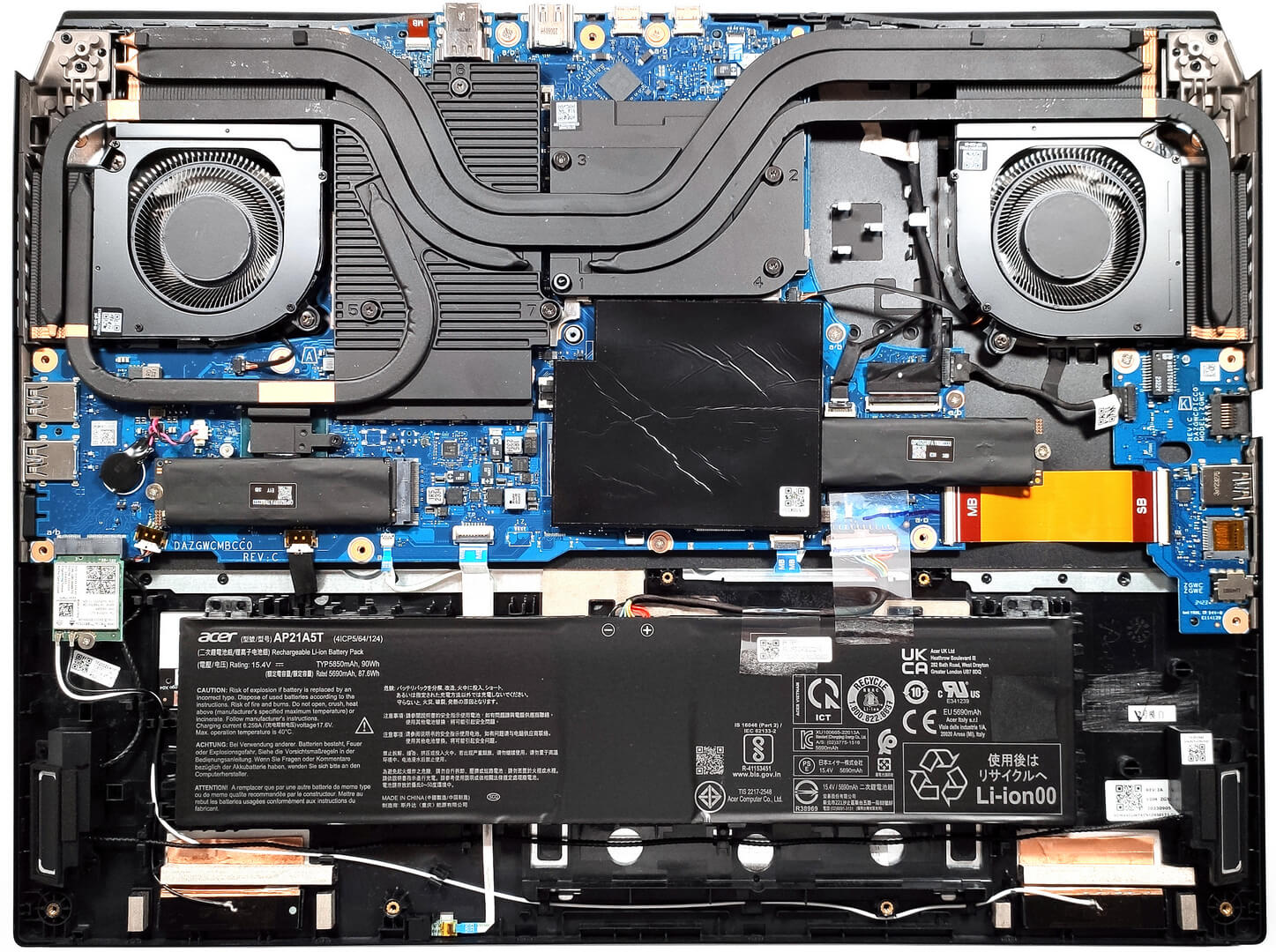
Step 2: Battery Removal
- Disconnect the battery by unplugging its connector from the motherboard.
- Lift and remove the 90Wh battery from its compartment. The battery is not screwed but instead held by a dedicated socket.
More info: The 90Wh battery provides up to 4 hours and 46 minutes of web browsing or 4 hours and 33 minutes of video playback.

Memory Upgrade
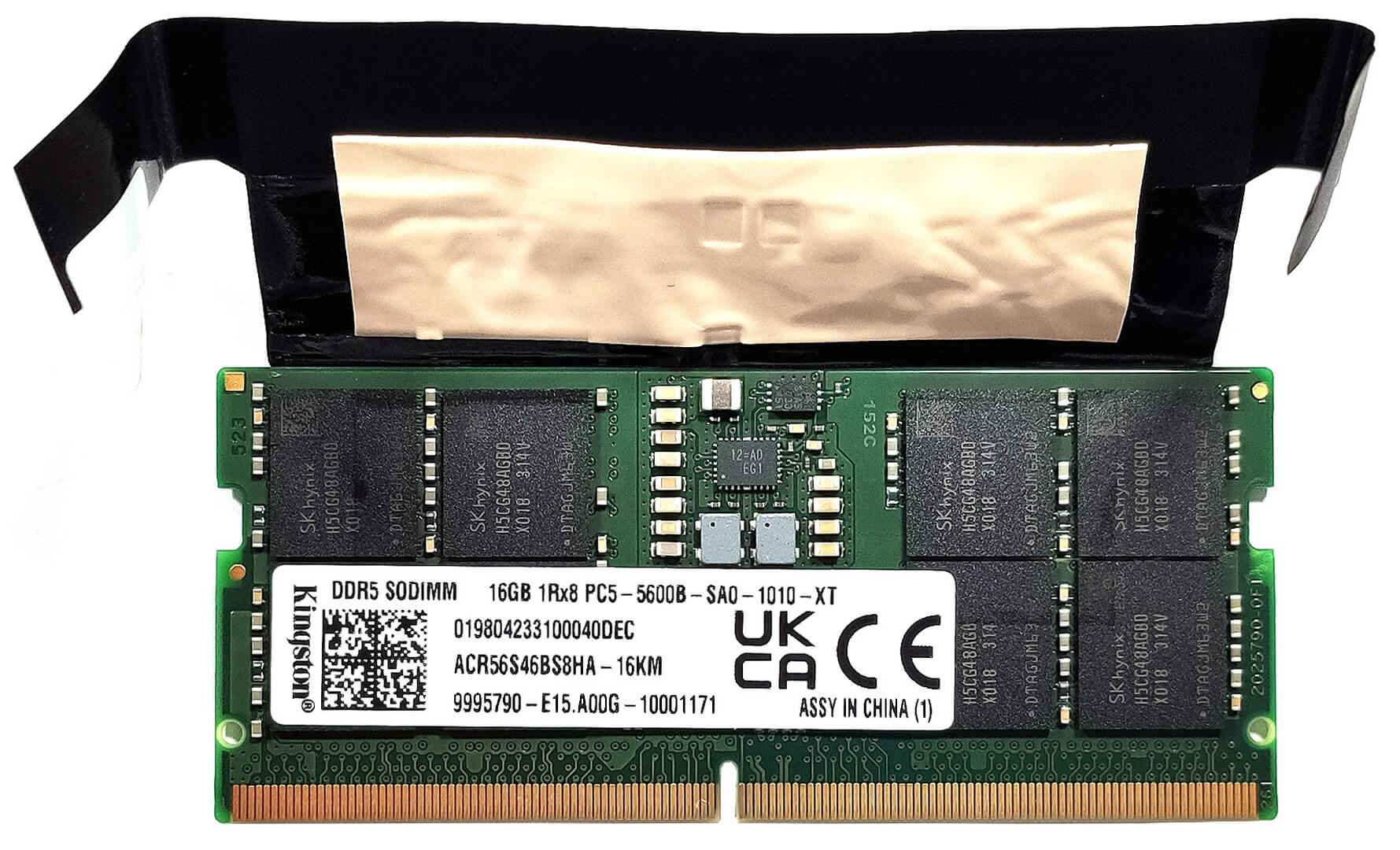
- Identify the two SODIMM slots available for memory upgrades, supporting up to 32GB of DDR5-5600MHz memory in dual-channel mode.
- Note the presence of dedicated thermal pads for each RAM module, enhancing cooling efficiency.
You can buy DDR5 RAM modules here: Buy from Amazon.com (#CommissionsEarned)

Storage Upgrade
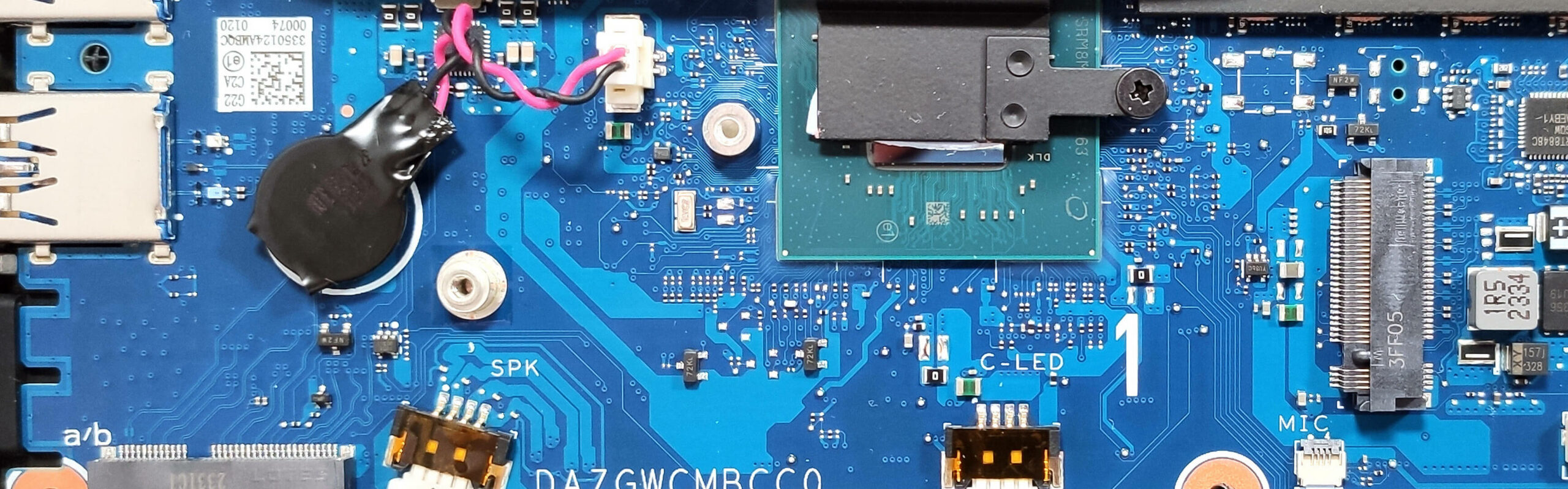
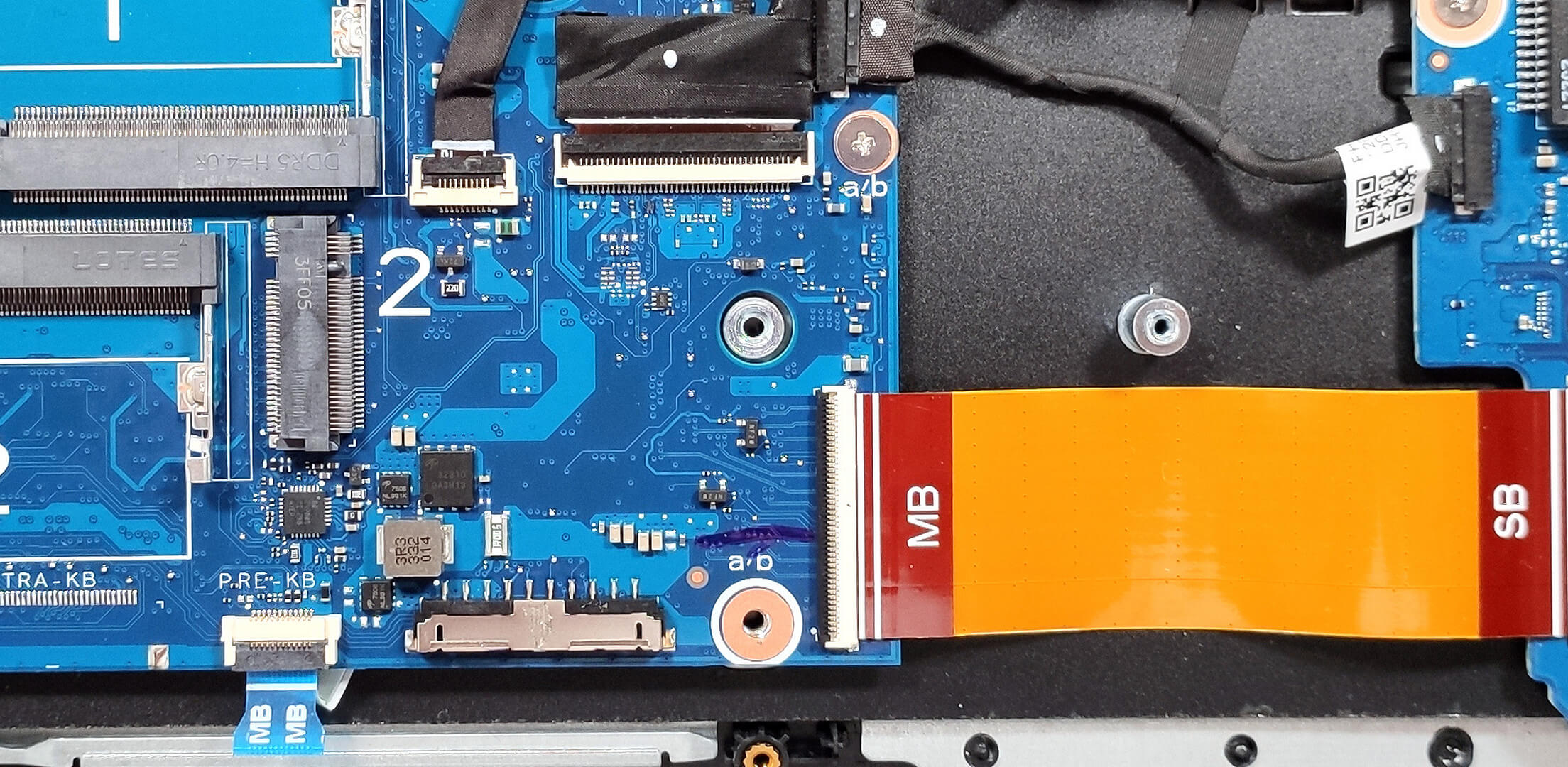
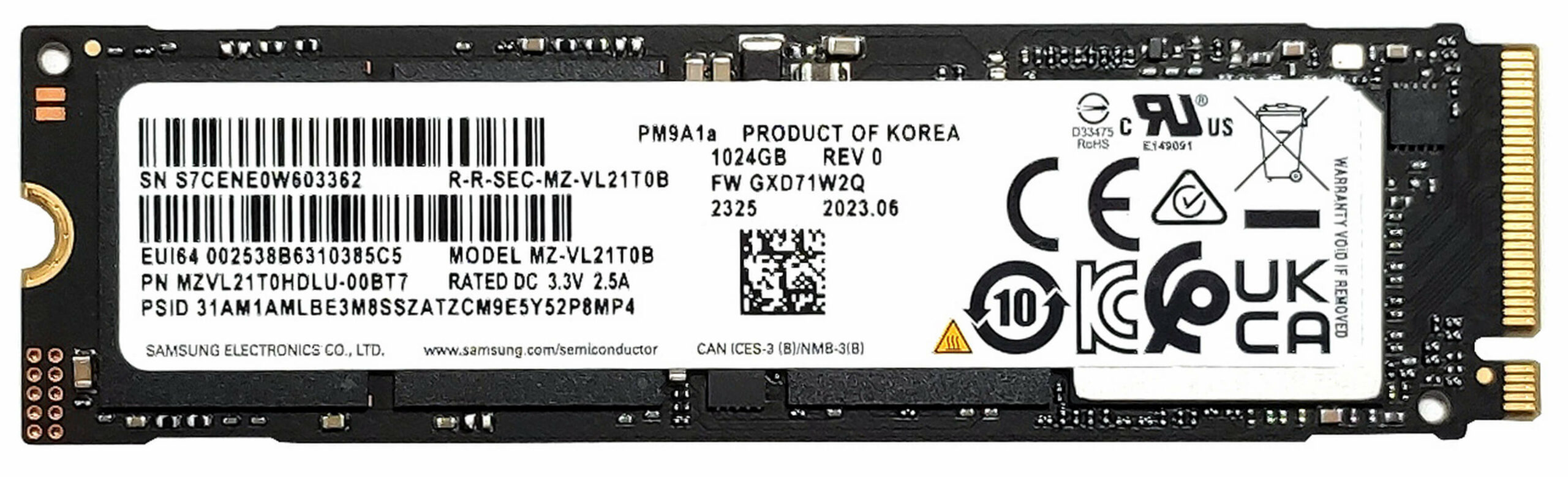
- Locate the two M.2 slots designated for 2280 Gen 4 SSDs. This system allows for substantial storage expansion or enhancements.
- Our configuration includes dual 1TB NVMe drives in RAID 0, providing exceptional performance benchmarks.
- The SSDs and RAM modules are covered in copper foil for optimal thermal management.
Hint: Consider reviewing our Top M.2 SSDs Performance Rankings to select the best storage solution for your needs.
You can buy Gen 4 M.2 SSD modules here: Buy from Amazon.com (#CommissionsEarned)
Step 3: Cooling System Overview
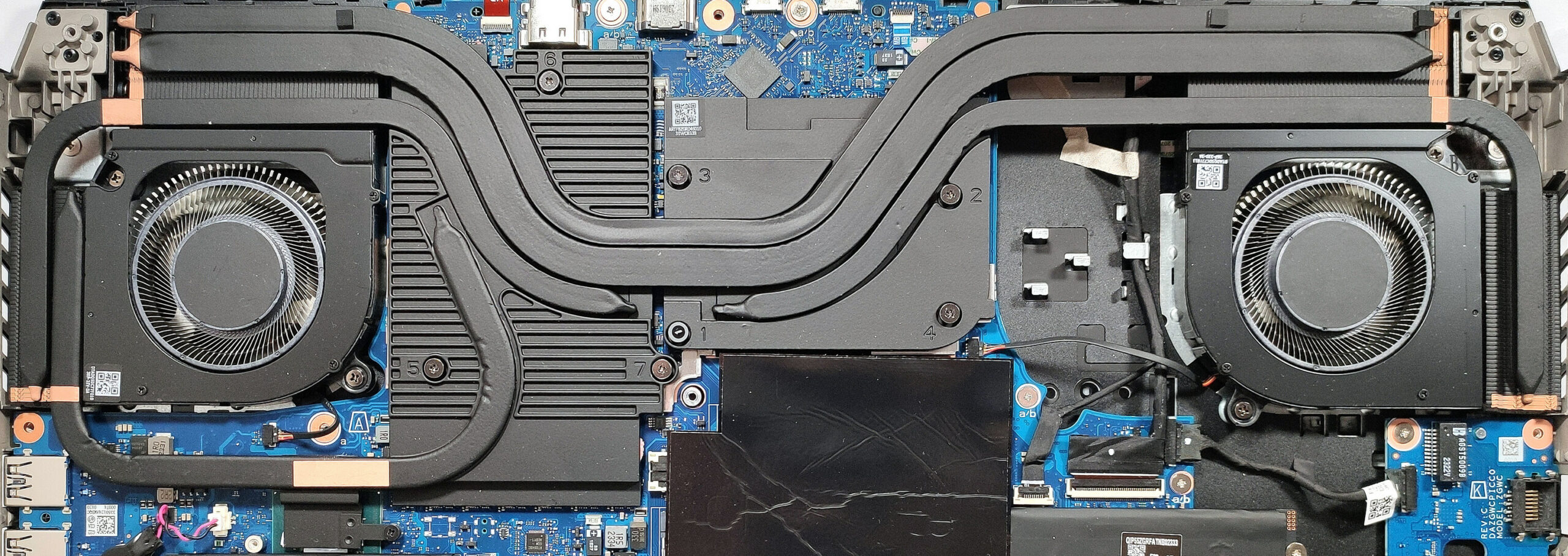
- The Acer Predator Helios 18 is equipped with an advanced cooling system featuring two Aeroblade 3D fans, multiple heat pipes, and large metal plates for efficient heat dissipation.
- Liquid metal is preapplied to the CPU to further enhance thermal conductivity.
- The innovative rectangular vector heat pipes expand the contact surface, improving heat transfer from critical components.
#CommissionsEarned
 Author: Anna Iorgova
Subscribe
0 Comments


![[July 2026] Global Ranking of Best-Selling Laptop GPUs on Amazon – RTX 5060 Dominate Premium, Intel Still Rules Budget](https://laptopmedia.com/wp-content/uploads/2026/08/Best-Selling-GPUs-GLOBAL-Top-10-400x225.jpg)
![[July 2026] Global Ranking of Best-Selling Laptop CPUs on Amazon – Apple Dominates Premium, Intel Holds Overall Crown](https://laptopmedia.com/wp-content/uploads/2026/08/Best-Selling-CPUs-GLOBAL-Top-10-400x225.jpg)
![[July 2026] Amazon Canada: Top 10 Best-Selling Laptops – Apple MacBook Neo Dominates the Market to Claim the #1 Spot](https://laptopmedia.com/wp-content/uploads/2026/08/Best-Selling-Laptops-CA-Top-10-2-400x225.jpg)
![[July 2026] Best-Selling Laptop Brands on Amazon Japan – HP and Lenovo Dominate Units and Revenue Amid Fierce Competition](https://laptopmedia.com/wp-content/uploads/2026/08/CO.JP-Best-Brands-2-400x225.jpg)
![[July 2026] Amazon Italy: Top 10 Best-Selling Laptops – Apple MacBook Neo Claims the #1 Spot Amid Budget-Friendly Dominance](https://laptopmedia.com/wp-content/uploads/2026/08/Best-Selling-Laptops-IT-Top-10-400x225.jpg)
