Top 5 reasons to BUY or NOT buy the HP 15 (15-db1000)
 The HP 15 (15-db1000) is an affordable device that can be configured with a large variety of efficient AMD Ryzen 2000 and 3000 15W processors (and even some Stoney Ridge CPUs). The price tag of this notebook is definitely one of its strong key-selling points. Unfortunately, you can have it with TN panels only but it is what it is – the low price needs some sacrifices.
There are some dedicated GPU options (starting from Radeon 520 with 2GB of GDDR5 memory and up to Radeon 530 with 4GB of GDDR5) but if we have to be honest, the AMD RX VEGA 8 / 10 are powerful-enough for casual and light games. If you haven’t already checked our in-depth analysis regarding this device you can find it here.
Here are our Top 5 picks about the HP 15 (15-db1000).
You can check the prices and configurations in our Specs System: https://laptopmedia.com/series/hp-15-15-db0000-db1000/
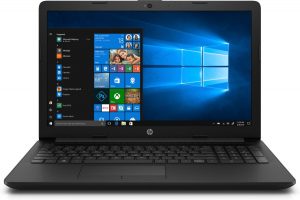
3 reasons to BUY the HP 15 (15-db1000)
1. Cool and quiet under load
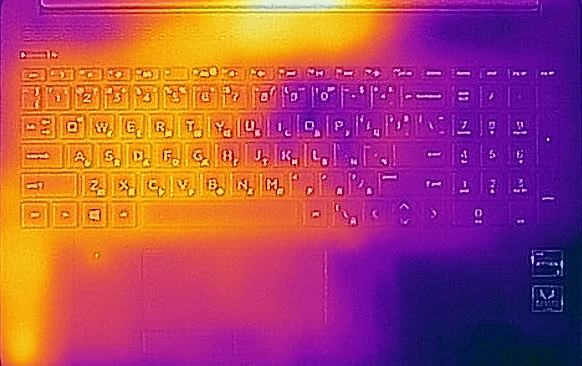
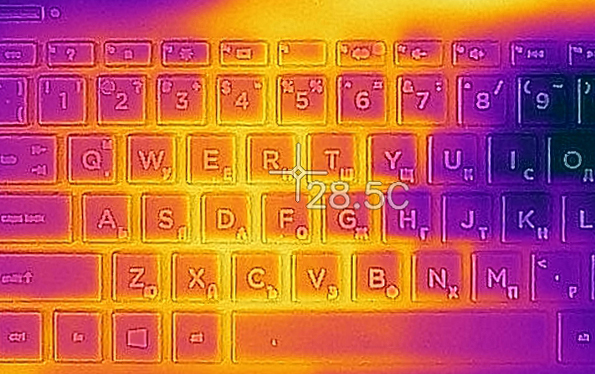
Our test device is equipped with an AMD Ryzen 3 3200U. It has 2 cores and 4 threads and the machine is really cool under load, perhaps the coolest one that we have ever tested – its shell reached 28.5°C under heavy stress. This Ryzen CPU is efficient and dissipates less heat and that’s why the fan is relaxed all the time – and that means a silent laptop.
2. Nice keyboard
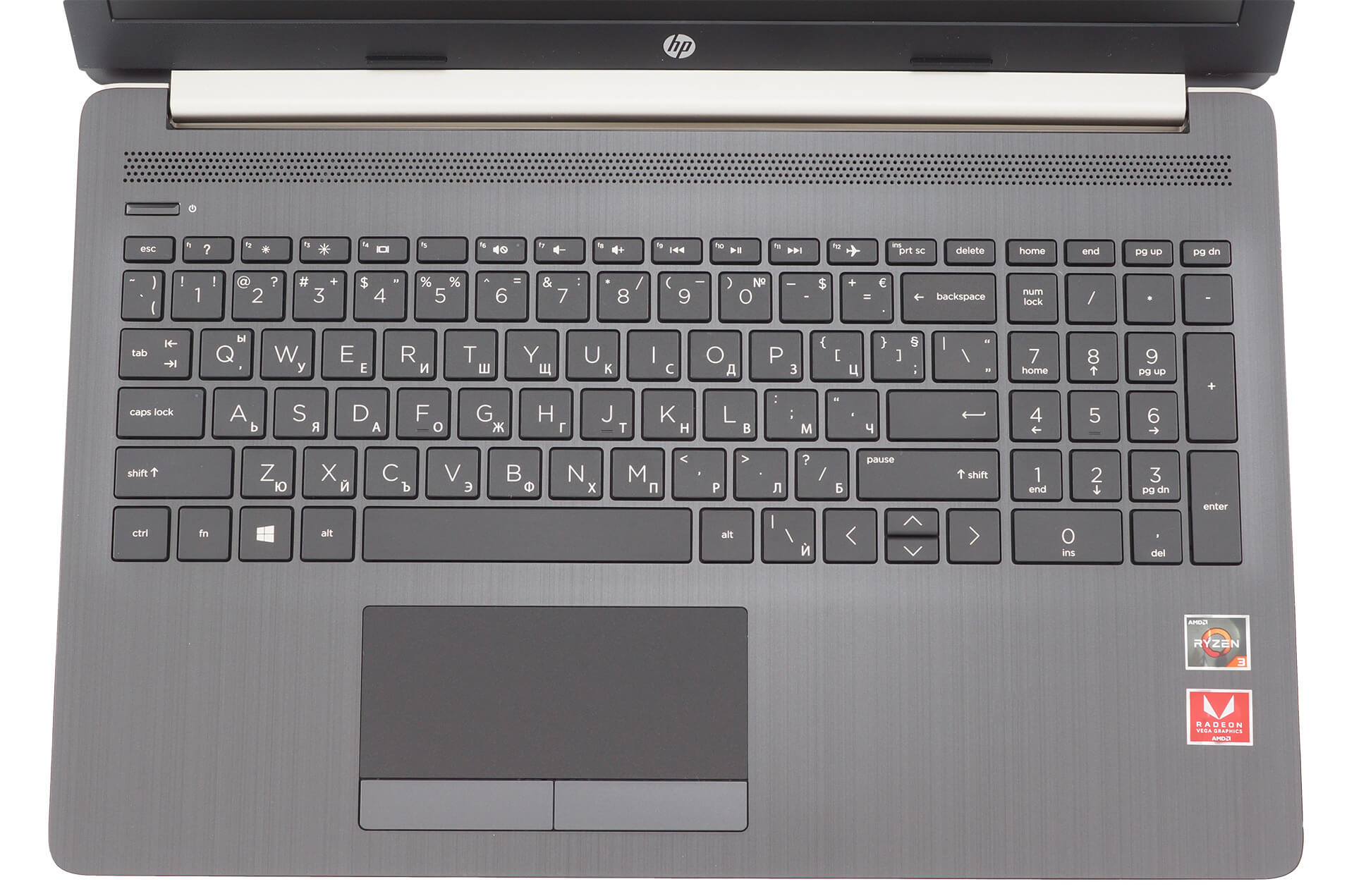
If you plan to use your laptop for a lot of long typing sessions, we can inform you that this one has a really good keyboard. The keycaps have long key travel and clicky feedback, and for the accountants – there is a NumberPad section too.
3. Upgradability
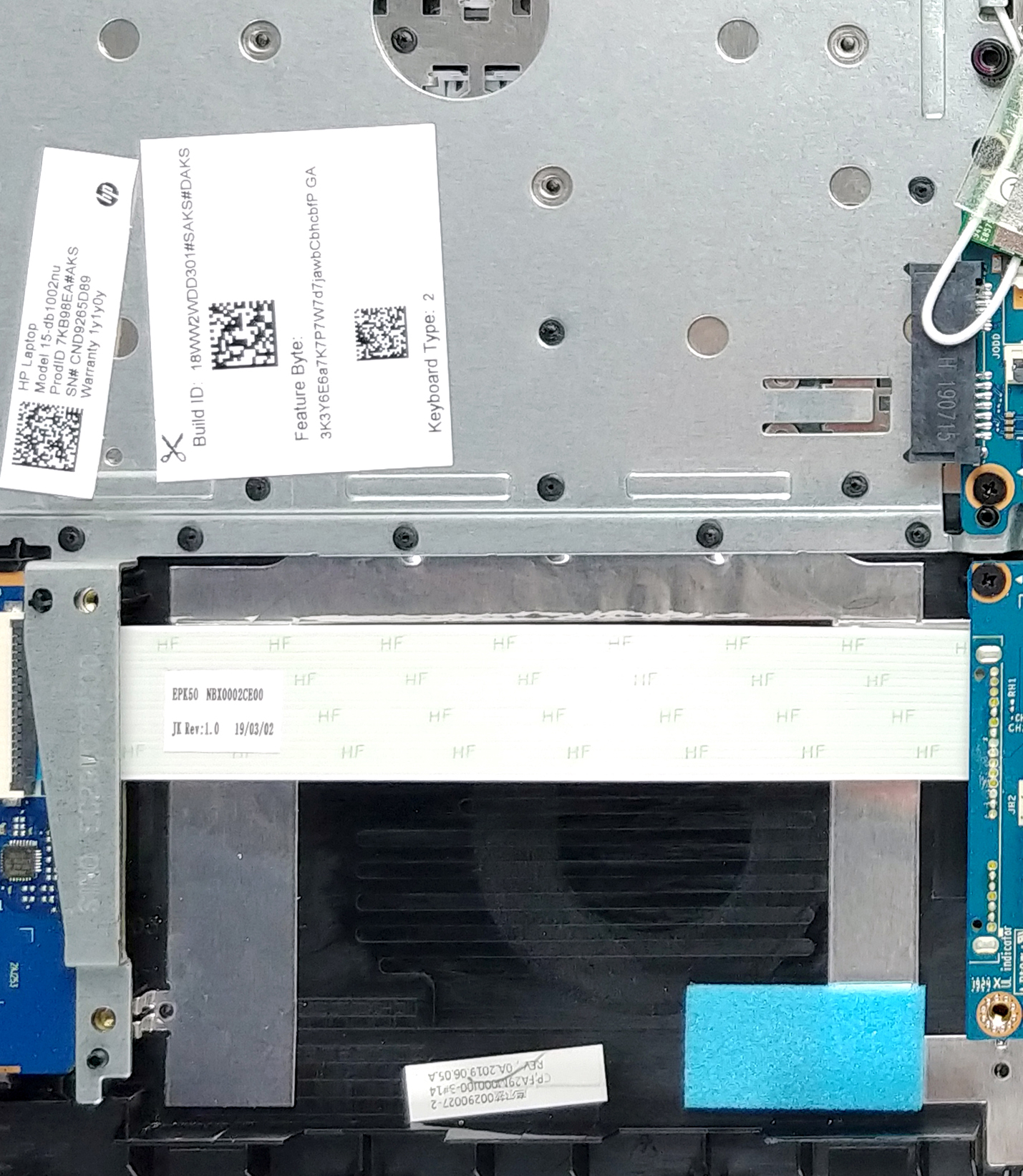
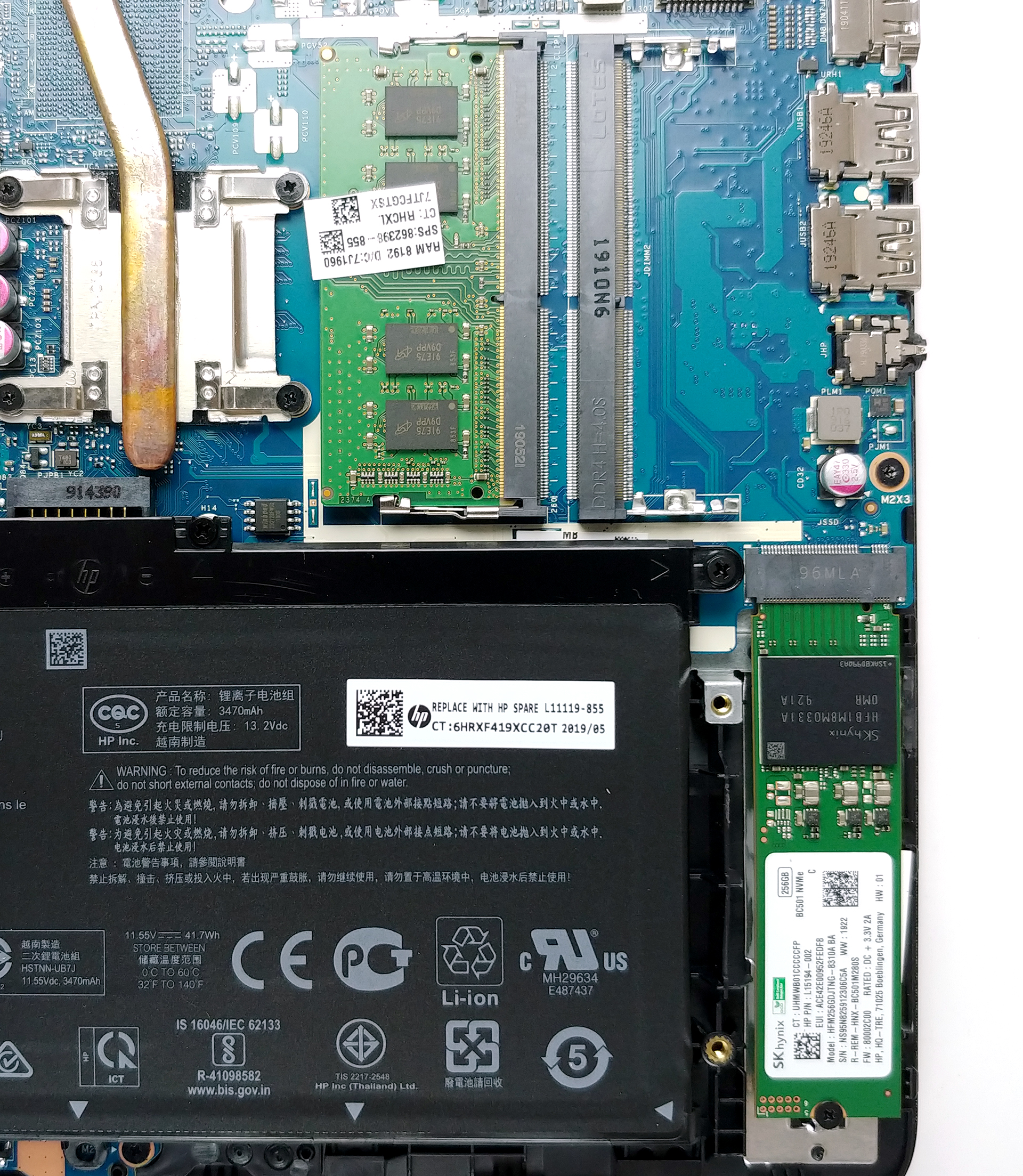
There are two RAM slots (the memory can be upgraded up to 16GB in total), one 2.5″ SATA drive slot, and an M.2 (it supports PCIe and SATA drives). Those are pretty good upgradability options for such an affordable device, nice. Oh, yes, and the memory isn’t soldered, unlike some modern thin laptops.
2 reasons not to BUY the HP 15 (15-db1000)
1. Bad screen
The TN panel (BOE NT156FHM-N41 BOE0687) has a low contrast ratio – 290:1, bad viewing angles, and unpleasant sRGB color coverage of just 50%.

1. Not-so-good build quality
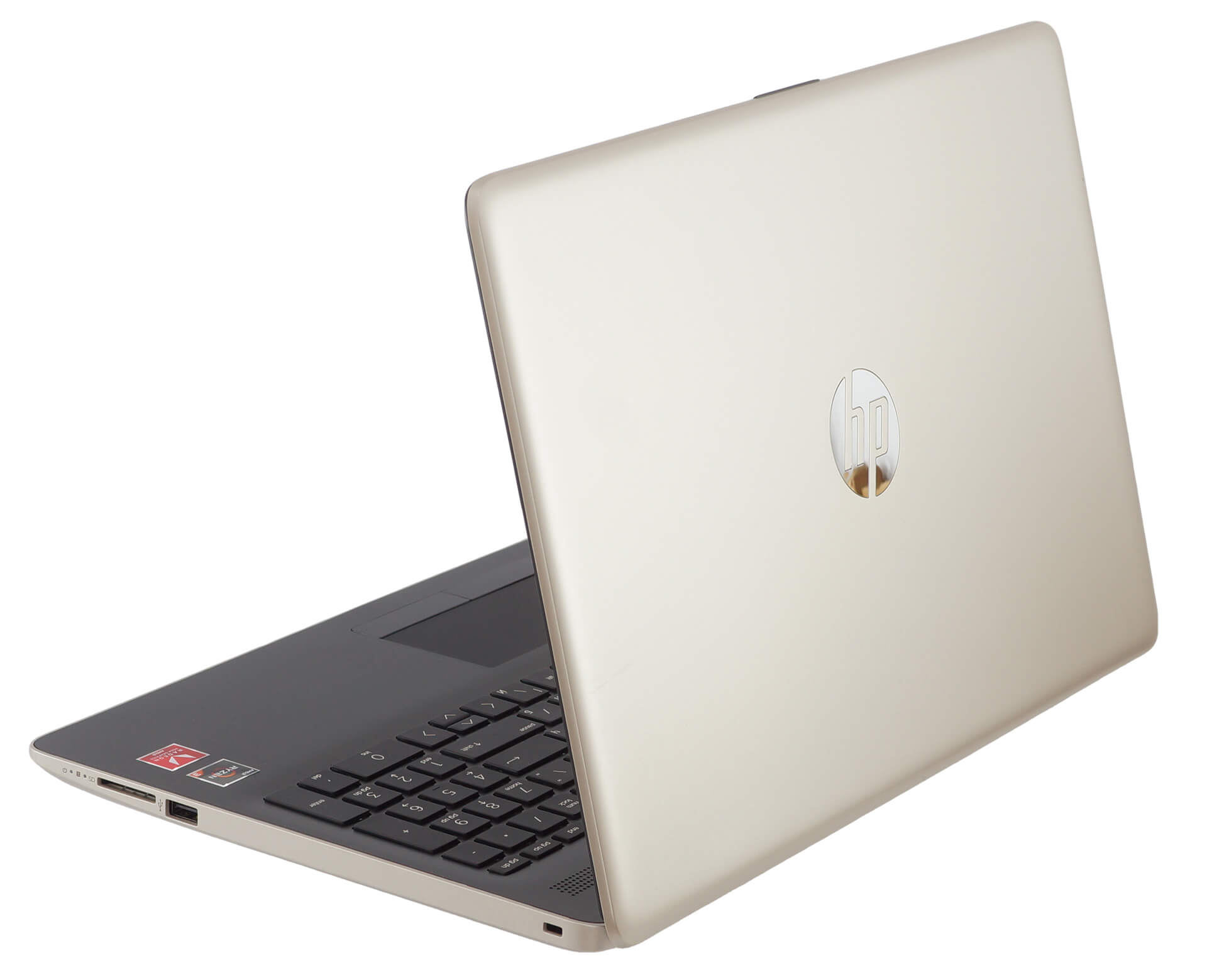
Low price, cheap materials, low build quality – and nowadays that’s (maybe) the only way for the manufacturers to achieve a low price tag for a particular device without sacrificing the quality of the internals. In our case, the HP 15 (15-db1000) is entirely made of plastic and that’s why there are some squeak sounds if you twist it a bit and the bezels around the display are thick.
 Author: Nikolay Palaozov

![[June 2026] Best-Selling Laptop Brands on Amazon Global – Apple’s Unrivaled Dominance in Units and Revenue](https://laptopmedia.com/wp-content/uploads/2026/07/GLOBAL-Best-Brands-400x225.jpg)
![[June 2026] Amazon Global: Top 10 Best-Selling Laptops – Apple’s New MacBook Neo Storms to #1, Reshaping the Market with Affordability](https://laptopmedia.com/wp-content/uploads/2026/07/Best-Selling-Laptops-GLOBAL-Top-10-400x225.jpg)
![[June 2026] Amazon Global: Top 10 Best-Selling Gaming Laptops – Acer’s Nitro V 16S AI Dominates Sales, While ASUS Leads Overall Revenue](https://laptopmedia.com/wp-content/uploads/2026/07/Best-Selling-Gaming-Laptops-GLOBAL-Top-10-400x225.jpg)
![[June 2026] Global Ranking of Best-Selling Laptop GPUs on Amazon – NVIDIA RTX 5060 is the Top-Selling Dedicated GPU](https://laptopmedia.com/wp-content/uploads/2026/07/Best-Selling-GPUs-GLOBAL-Top-10-400x225.jpg)
![[June 2026] Global Ranking of Best-Selling Laptop CPUs on Amazon – Apple M5 Dominates, AMD Ryzen 7 260 Gets Solid Premium Share](https://laptopmedia.com/wp-content/uploads/2026/07/Best-Selling-CPUs-GLOBAL-Top-10-400x225.jpg)

Was considering a series of budget HP 17 like this, but their TN SVA+ screen was the deal breaker. Decided to spend a bit more on the beautiful Dell Inspiron 17 3793 instead, coz of the beautiful IPS screen. Bought a cheapo $15 cooling pad to keep temps down. If and when GeForce NOW arrives here in SG, I’d be happily playing Cyberpunk 2077 with ray-tracing ON at max settings on this budget laptop that has no discrete graphics. LOL