How to open HP EliteBook 640 G10 – disassembly and upgrade options
#CommissionsEarned
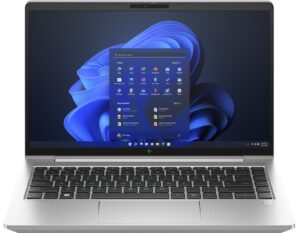
Step 1: Accessing the Internal Components
- Ensure the HP EliteBook 640 G10 is powered off and placed on a soft, clean surface to prevent scratches or damage.
- Undo the 5 captive Phillips-head screws on the bottom of the laptop. These screws will stay attached to the bottom panel, minimizing the risk of loss.
- Lift the bottom panel near one of the top corners to create a slight gap, then use a thin plastic tool to pry the corner. Continue prying along all sides of the device to fully remove the panel.
Hint: Be gentle when prying to avoid damaging the internal clips or the laptop casing.

Step 2: Removing the Battery
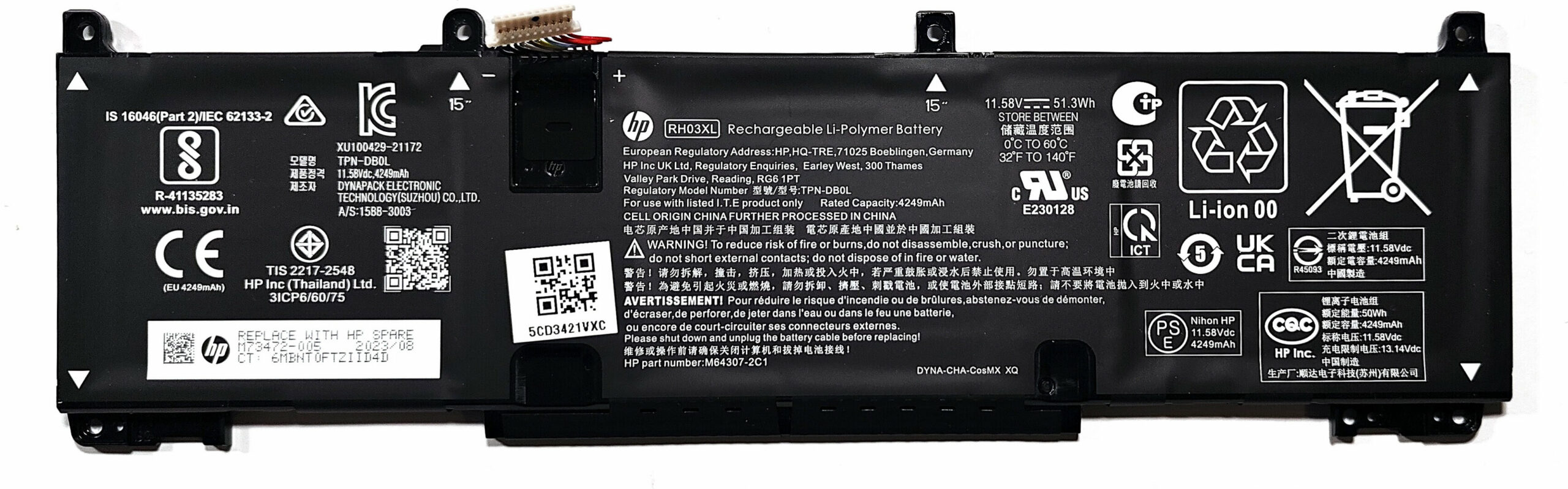
- Disconnect the battery by unplugging its connector from the motherboard.
- Remove the four Phillips-head screws securing the battery to the chassis, then lift the 51.3Wh battery from the device.
Caution: Handle the battery and its connector with care to avoid any damage.
More info: The 51.3Wh battery provides up to 12 hours and 30 minutes of web browsing or 9 hours and 5 minutes of video playback, offering solid battery life for extended use.
Memory Upgrade
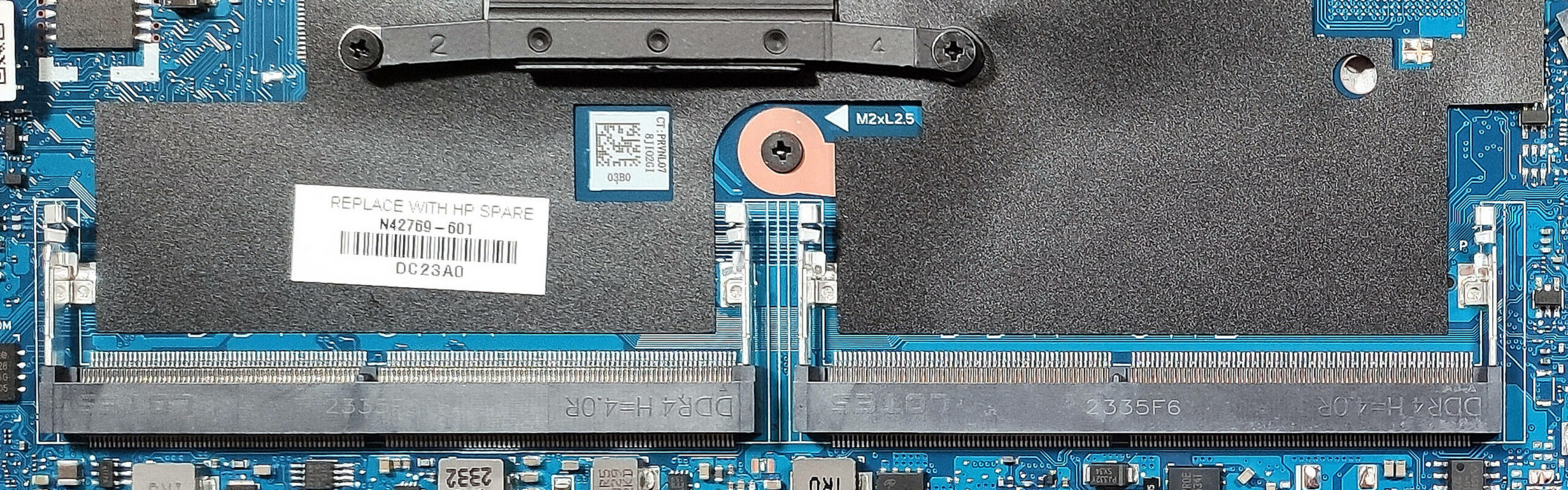
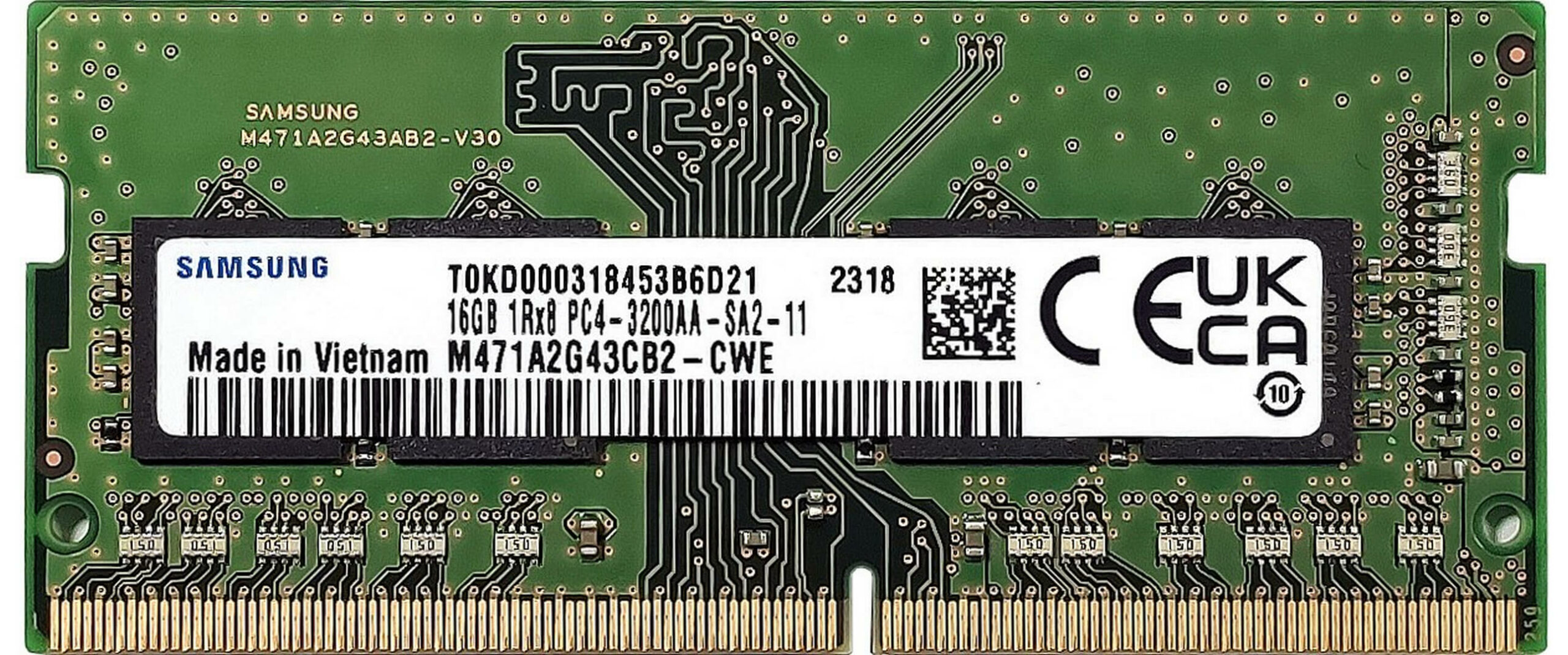
- Locate the two SODIMM slots available for memory upgrades.
- Install up to 64GB of DDR4-3200MHz RAM in dual-channel mode for enhanced performance.
Hint: Ensuring both RAM slots are filled can optimize the laptop’s performance through dual-channel mode.
You can buy DDR4 RAM modules here: Amazon.com'dan satın al (#CommissionsEarned)
Storage Upgrade
- Identify the two M.2 slots for storage expansion. The slot on the left side of the battery is suitable for 2230 SSDs or a WWAN card for optional LTE connectivity, while the second slot supports 2280 Gen 4 NVMe SSDs.
You can buy Gen 4 M.2 SSD modules here: Amazon.com'dan satın al (#CommissionsEarned)
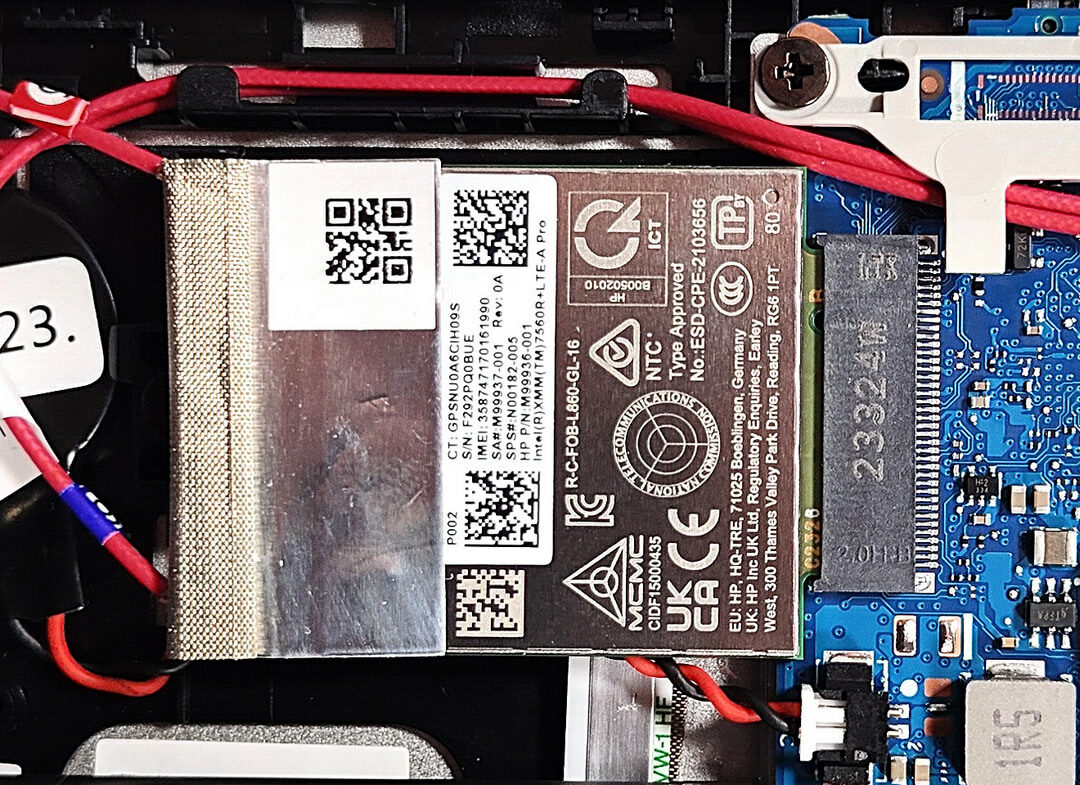
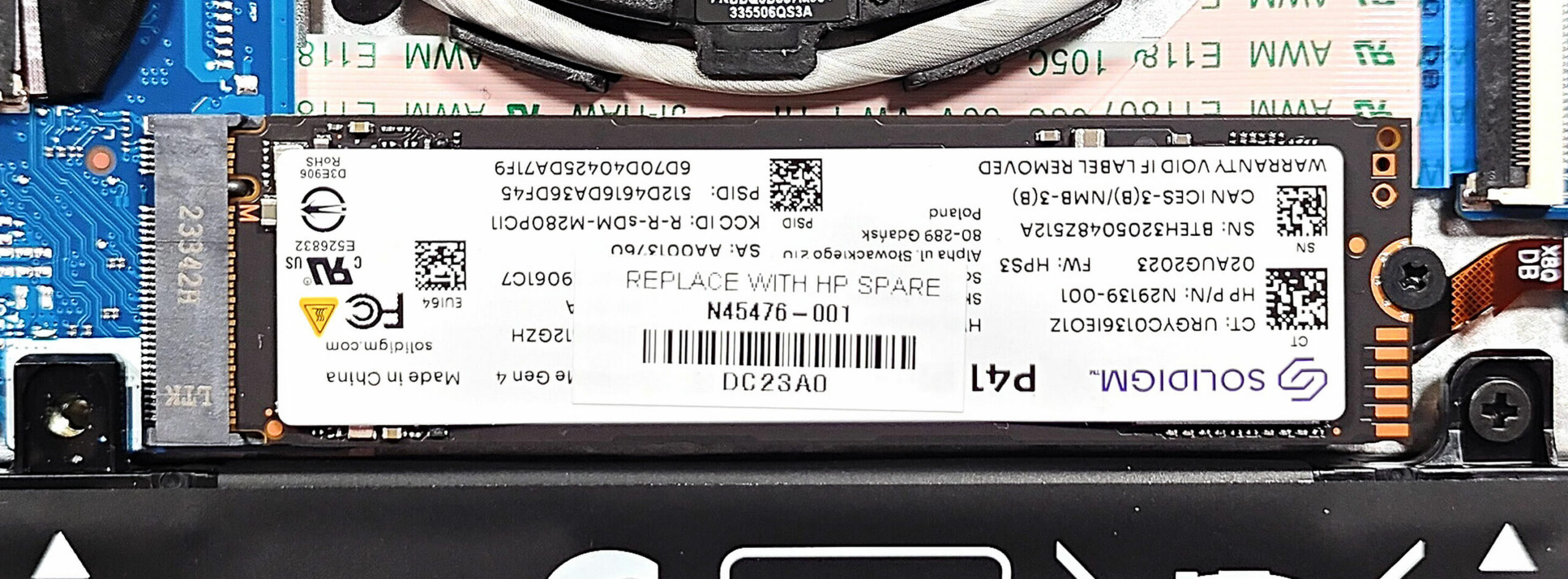
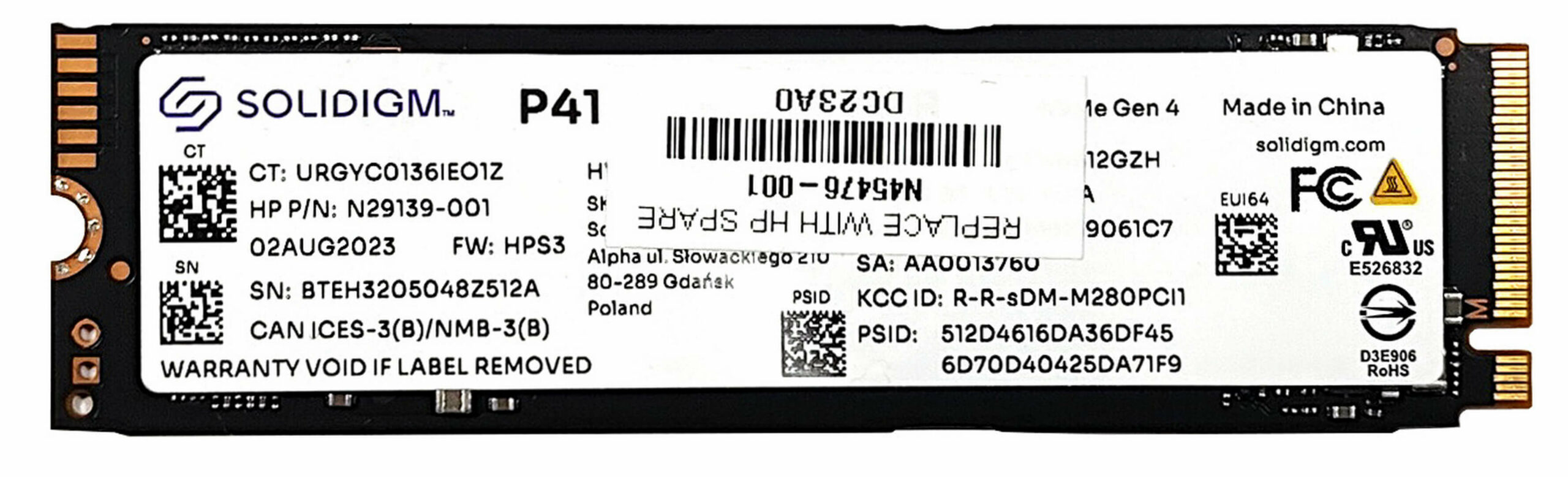
Step 3: Examining the Cooling System
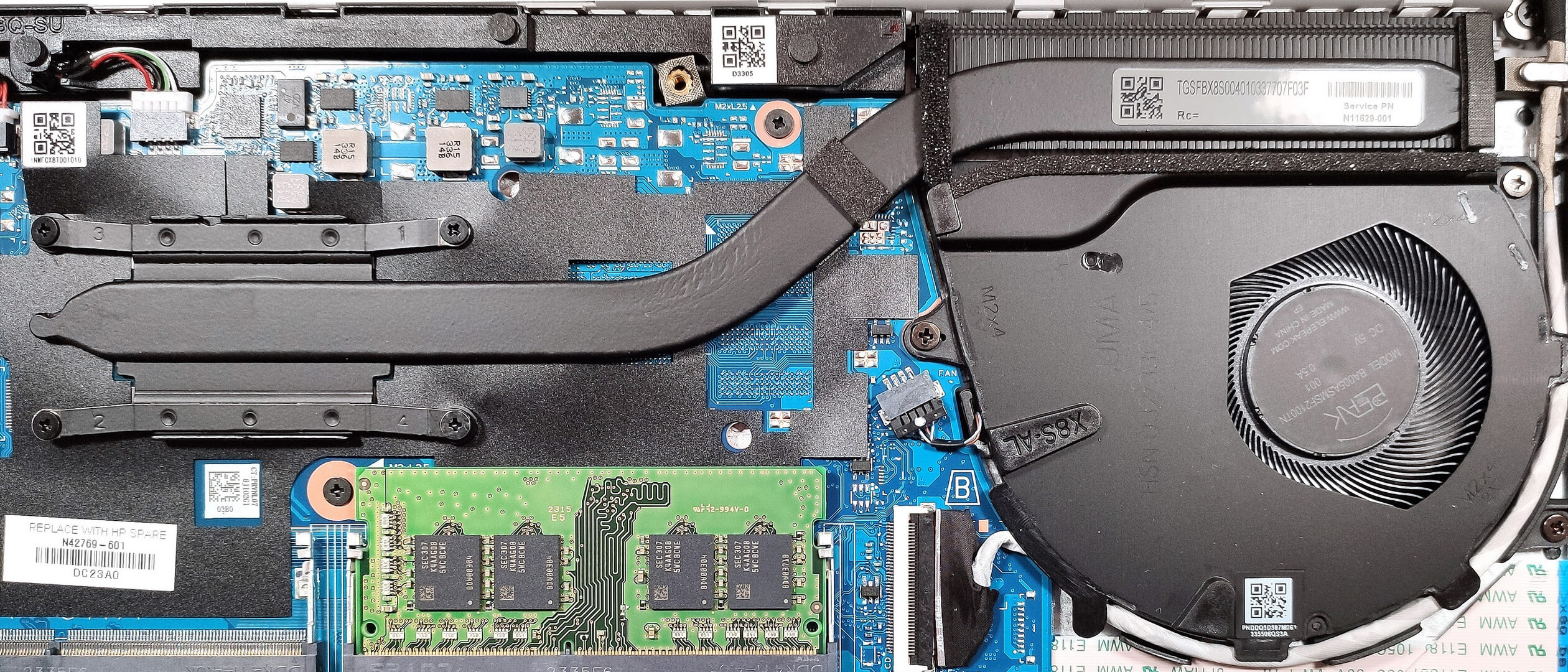
- Inspect the cooling system, which includes one large fan, a heat pipe, a top-mounted heat sink, and a heat spreader, designed to efficiently manage the thermal output of the laptop.
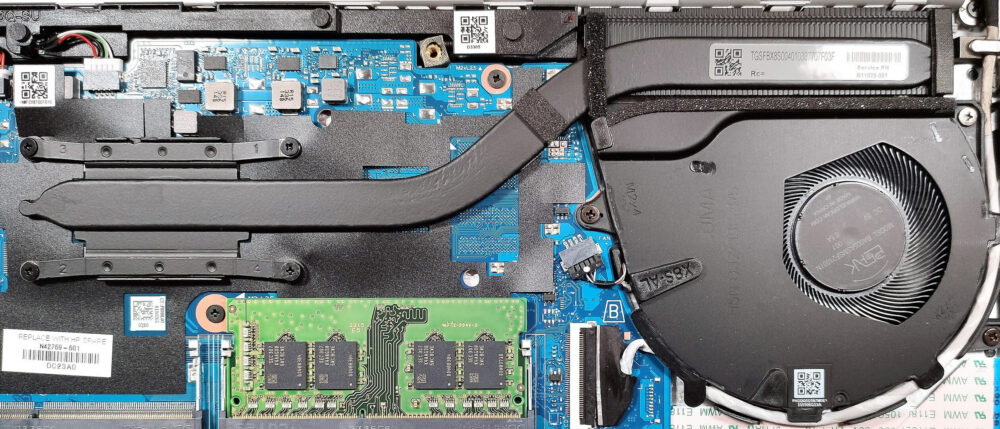
#CommissionsEarned
 Author: Anna Iorgova
Abone Ol
0 Comments


![[Ağustos 2026] Amazon’da En Çok Satan Dizüstü Bilgisayar GPU’larının Küresel Sıralaması – Apple Liderliğini Sürdürüyor, NVIDIA’nın RTX 5060 Modeli Özel GPU Sıralamasında Zirvede](https://laptopmedia.com/wp-content/uploads/2026/09/Best-Selling-GPUs-GLOBAL-Top-10-400x225.jpg)
![[Ağustos 2026] Amazon’da En Çok Satan Dizüstü Bilgisayar İşlemcilerinin Küresel Sıralaması – Apple Hem Ekonomik Hem de Üst Sınıf Segmentte Hakimiyet Kuruyor: A18 Pro ve M5, Ağustos 2026’da Intel ve AMD’yi Geride Bıraktı](https://laptopmedia.com/wp-content/uploads/2026/09/Best-Selling-CPUs-GLOBAL-Top-10-400x225.jpg)
![[Ağustos 2026] Amazon Global: En Çok Satan 10 Dizüstü Bilgisayar – Apple MacBook Neo Listelerin Zirvesinde Yer Alırken, Ekonomik ve Orta Sınıf Windows Dizüstü Bilgisayarlar Satış Hacmi İçin Rekabet Ediyor](https://laptopmedia.com/wp-content/uploads/2026/09/Best-Selling-Laptops-GLOBAL-Top-10-400x225.jpg)
![[Ağustos 2026] Amazon Global’de En Çok Satan Dizüstü Bilgisayar Markaları – Apple Gelirde Liderken, HP Model Çeşitliliği Konusunda Önde](https://laptopmedia.com/wp-content/uploads/2026/09/GLOBAL-Best-Brands-400x225.jpg)
![[Ağustos 2026] Amazon Global: En Çok Satan 10 Oyun Dizüstü Bilgisayarı – HP Victus 15 Birinci Sırayı Aldı; Listeyi Uygun Fiyatlı Modeller Hakimiyetine Aldı](https://laptopmedia.com/wp-content/uploads/2026/09/Best-Selling-Gaming-Laptops-GLOBAL-Top-10-400x225.jpg)
