How to open MSI Vector GP78 HX (13V) – disassembly and upgrade options
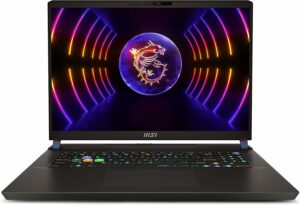
Opening the Laptop
- Undo the 13 Phillips-head screws securing the bottom panel of the laptop.
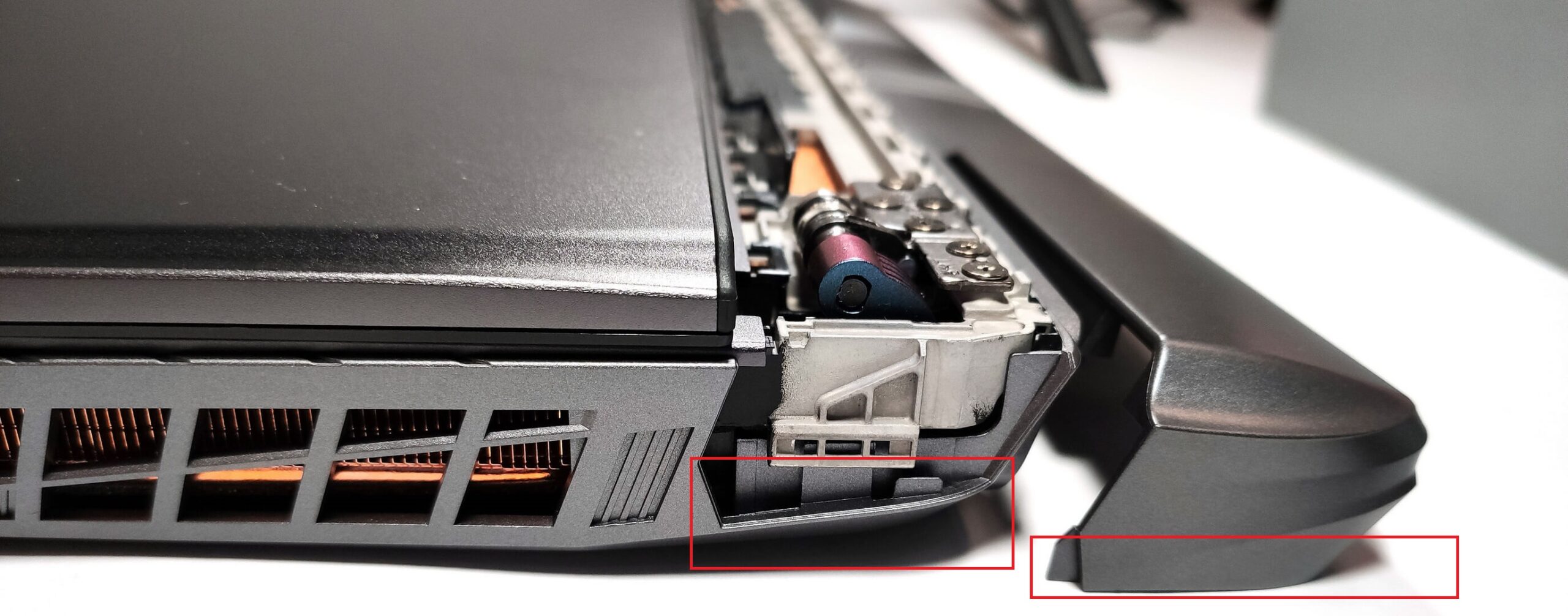
- Flip the laptop to remove the back plastic shroud behind the lid, starting from one of the sides close to the bottom panel, working your way around the backside.
- Lift the hinge cover away from the laptop.
- With the laptop lid open, use a plastic pry tool to carefully separate the bottom plate from the chassis.
- Flip the machine upside down and raise the bottom plate by holding firmly the two exhaust vents on the back.
Caution: Be careful not to damage the internal components or the clips that hold the bottom panel in place during the process.

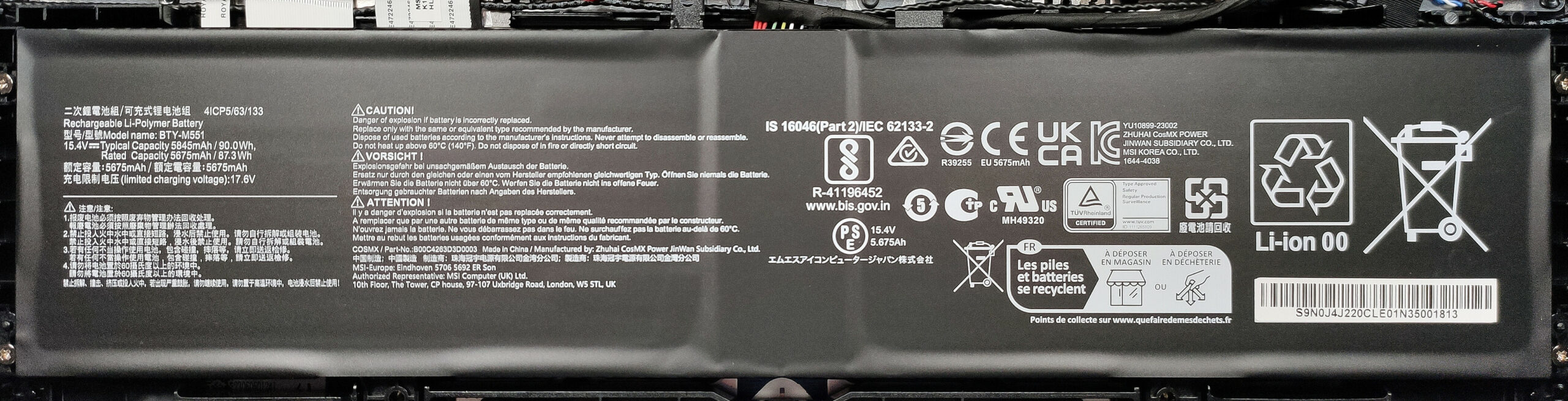
Removing the Battery
- Disconnect the battery connector to prevent short circuits.
- Undo the four Phillips-head screws fixing the battery to the base.
- Remove the battery from its compartment.
More info: The laptop comes with a 90Wh battery, capable of 5 hours and 33 minutes of web browsing or 4 hours and 32 minutes of video playback.
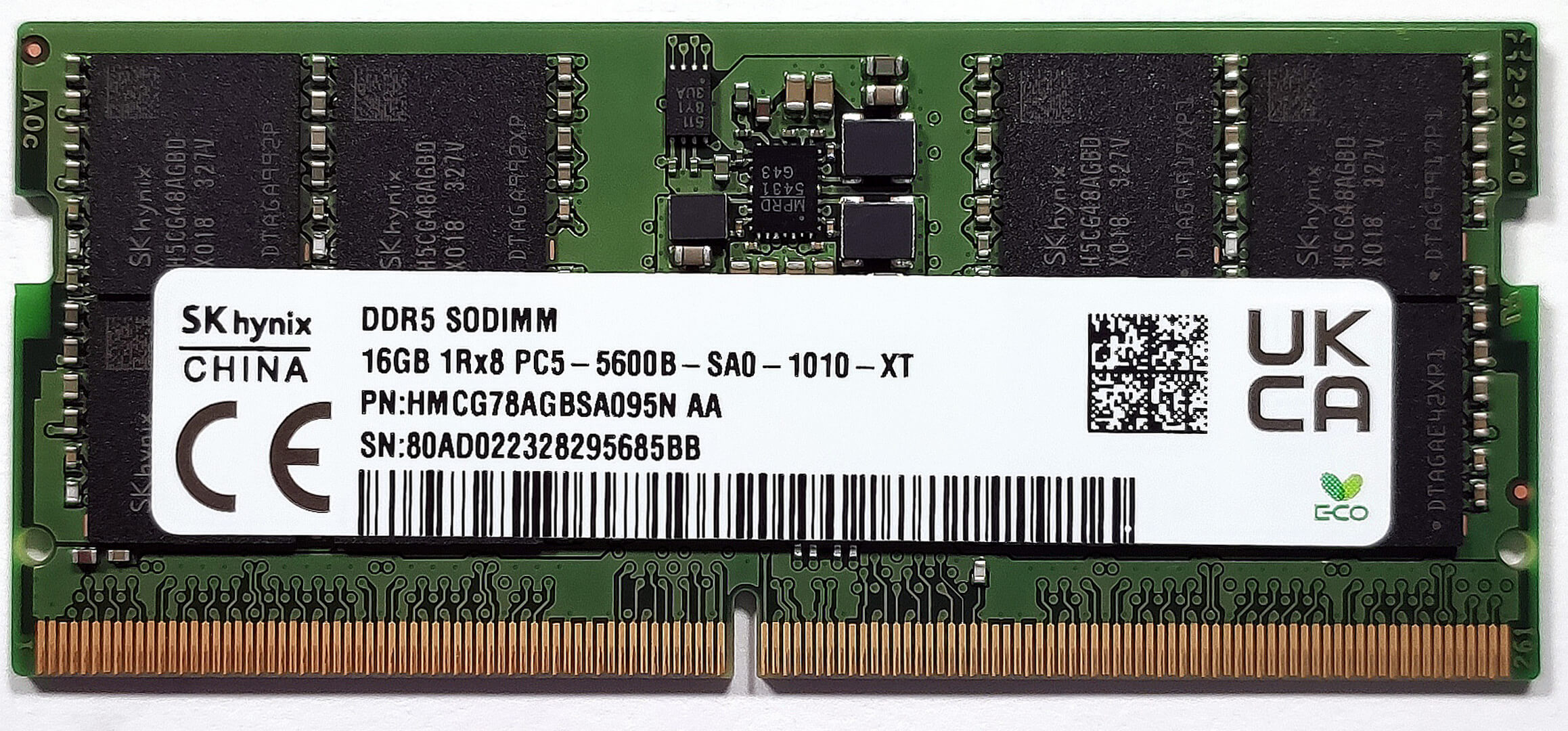
Upgrading the RAM
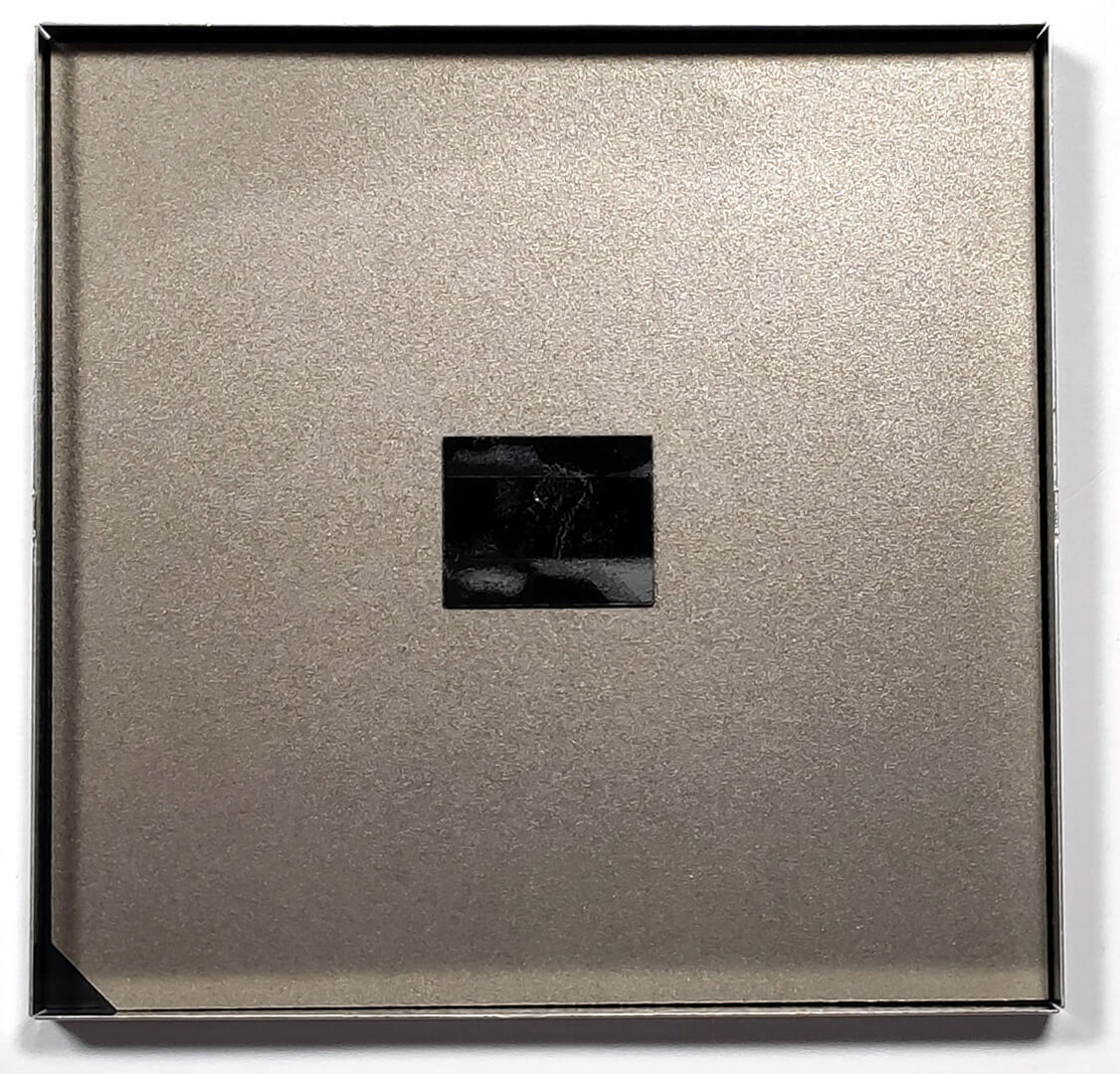
- Locate the protective metal cover above the RAM section. Gently remove it, being cautious of the glue holding it to the plastic parts of the slots.
- Install up to 64GB of DDR5-5600MHz memory in the two SODIMM slots for dual-channel mode.
More info: The laptop supports up to 64GB of DDR5-5600MHz RAM in dual-channel, ensuring high-speed performance for demanding applications.

Upgrading the SSD
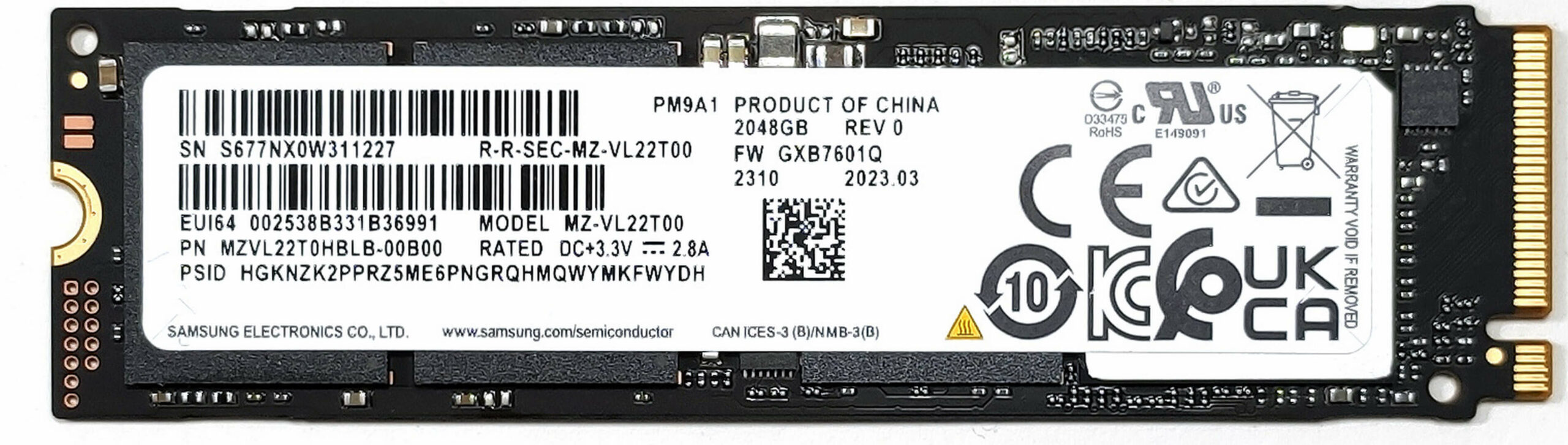
- Identify the two M.2 slots – one compatible with Gen 4 and the other with Gen 5 NVMe SSDs.
- For both slots, carefully remove the existing SSD by undoing its securing screw.
- Install the new SSD(s) and secure them with the screws. Make sure the cooling pads are properly placed to manage heat.
More info: The system offers dual M.2 slots for storage expansion, accommodating both Gen 4 and Gen 5 NVMes, enhanced by thick cooling pads for optimal thermal management.
Cooling System Maintenance
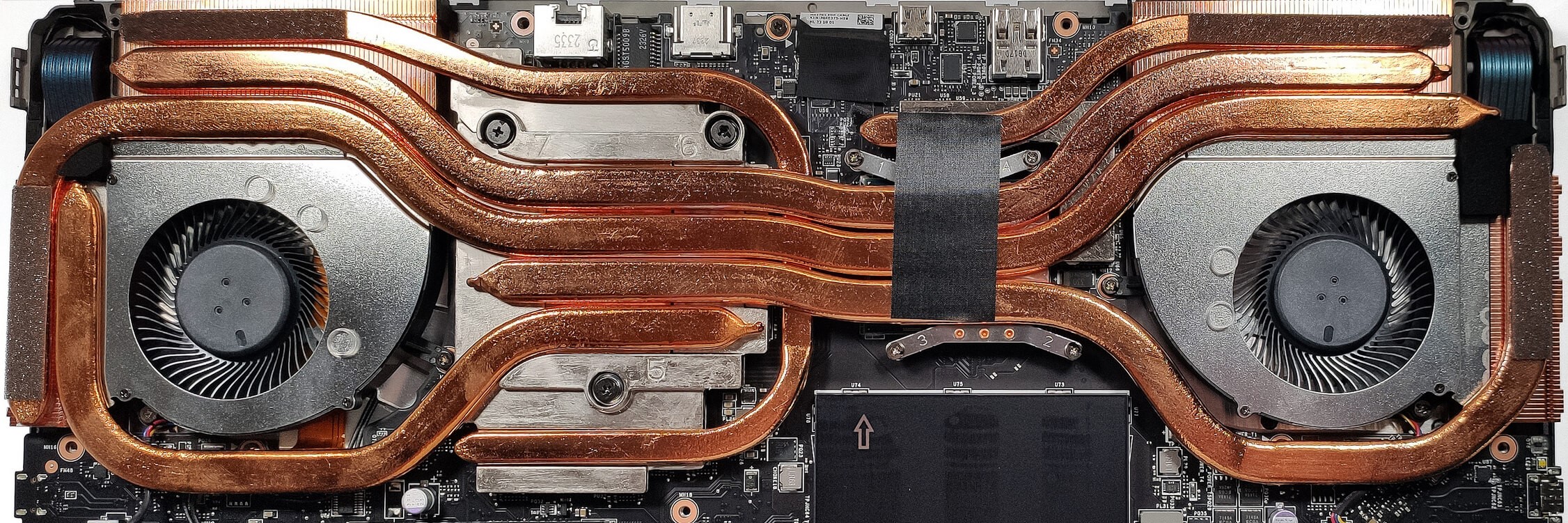
- The cooling system includes two fans, five heat pipes, and four big heat sinks, with additional heat spreaders for the GPU.
- To maintain or replace thermal paste, carefully disassemble the cooling components, starting with the fans and then the heat pipes.
- Clean the components with compressed air and apply new thermal paste where necessary.
- Reassemble the cooling system, ensuring all parts are securely reattached.
Caution: Handle the thermal paste application carefully to ensure optimal thermal contact and prevent overheating.
More info: The elaborate cooling system is designed to efficiently manage the heat output of both the CPU and GPU, ensuring stable performance even under heavy loads.
 Author: Anna Iorgova

![[Ağustos 2026] Amazon’da En Çok Satan Dizüstü Bilgisayar GPU’larının Küresel Sıralaması – Apple Liderliğini Sürdürüyor, NVIDIA’nın RTX 5060 Modeli Özel GPU Sıralamasında Zirvede](https://laptopmedia.com/wp-content/uploads/2026/09/Best-Selling-GPUs-GLOBAL-Top-10-400x225.jpg)
![[Ağustos 2026] Amazon’da En Çok Satan Dizüstü Bilgisayar İşlemcilerinin Küresel Sıralaması – Apple Hem Ekonomik Hem de Üst Sınıf Segmentte Hakimiyet Kuruyor: A18 Pro ve M5, Ağustos 2026’da Intel ve AMD’yi Geride Bıraktı](https://laptopmedia.com/wp-content/uploads/2026/09/Best-Selling-CPUs-GLOBAL-Top-10-400x225.jpg)
![[Ağustos 2026] Amazon Global: En Çok Satan 10 Dizüstü Bilgisayar – Apple MacBook Neo Listelerin Zirvesinde Yer Alırken, Ekonomik ve Orta Sınıf Windows Dizüstü Bilgisayarlar Satış Hacmi İçin Rekabet Ediyor](https://laptopmedia.com/wp-content/uploads/2026/09/Best-Selling-Laptops-GLOBAL-Top-10-400x225.jpg)
![[Ağustos 2026] Amazon Global’de En Çok Satan Dizüstü Bilgisayar Markaları – Apple Gelirde Liderken, HP Model Çeşitliliği Konusunda Önde](https://laptopmedia.com/wp-content/uploads/2026/09/GLOBAL-Best-Brands-400x225.jpg)
![[Ağustos 2026] Amazon Global: En Çok Satan 10 Oyun Dizüstü Bilgisayarı – HP Victus 15 Birinci Sırayı Aldı; Listeyi Uygun Fiyatlı Modeller Hakimiyetine Aldı](https://laptopmedia.com/wp-content/uploads/2026/09/Best-Selling-Gaming-Laptops-GLOBAL-Top-10-400x225.jpg)
