Acer Predator Helios 300 (PH317-56) – Top 5 Pros and Cons
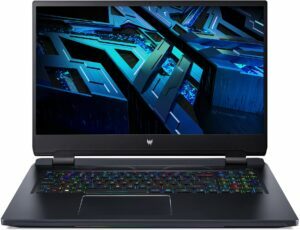
 One of the last gaming notebooks to embrace minimalism, we have to agree that the Predator Helios 300 has done so remarkably well. It hasn’t gone all out, like the Lenovo or HP options, but has stricken a balance between gaming and office features.
It’s not all about design, however, with the Predator delivering big when it comes to hardware, sporting the Core i7-12700H, which is the new CPU king, along with several high-powered RTX 30-series GPUs, which have very high TGPs.
Today we are giving you a quick overview of the Acer Predator Helios 300 (PH317-56).
Acer Predator Helios 300 (PH317-56): Full Specs / In-depth Review
4 reasons to BUY the Acer Predator Helios 300 (PH317-56)
1. Design and build quality
The laptop is fully made out of metal, which means that you basically get a tank with a Predator logo on top. It is one of the most durable laptops that we have tested at the office. The lid is more muted, with sharp edges, rounded corners, and the aforementioned logo. The base offers the same qualities as well, while the rear end is by far where you see the most aggressive characteristics, with huge air vents on the left and right sides.
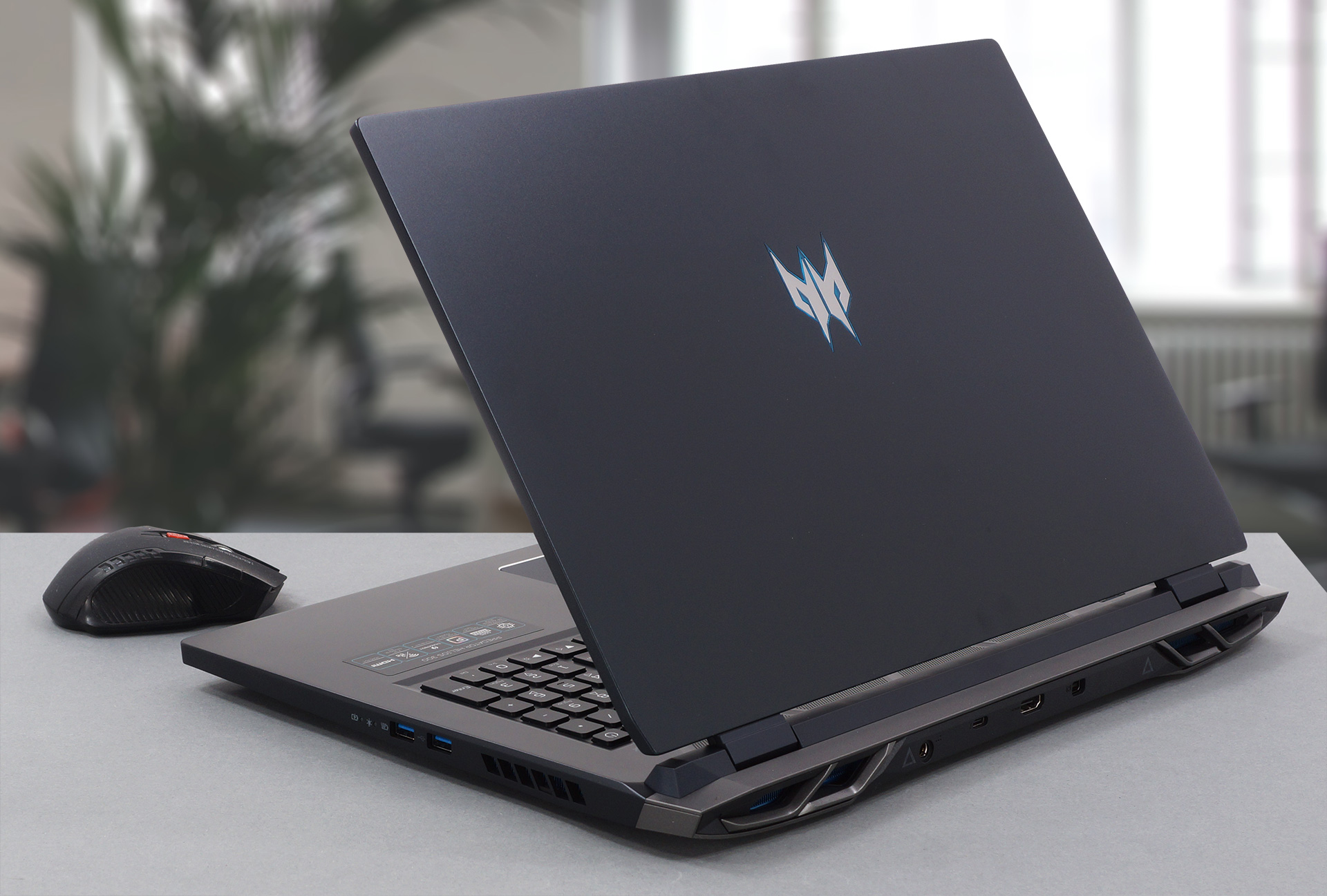
Moving to the base, we see a grill on top, along with a Turbo key which pushes the cooling to the limits. The keyboard has delegated space for all the keys, including the NumPad and the Arrow keys. The unit itself is very comfortable for both gaming and typing, delivering key travel and feedback for days. Below the keyboard sits a glass-covered touchpad and a chamfered edge, which offers really smooth gliding and accurate tracking.

2. Upgradeability
Being a large machine, there are 0 issues with the upgradeability. The laptop offers two SODIMM slots and two M.2 PCIe slots, which can handle up to 64GB of DDR5 RAM and PCIe Gen 4 SSDs, respectively.
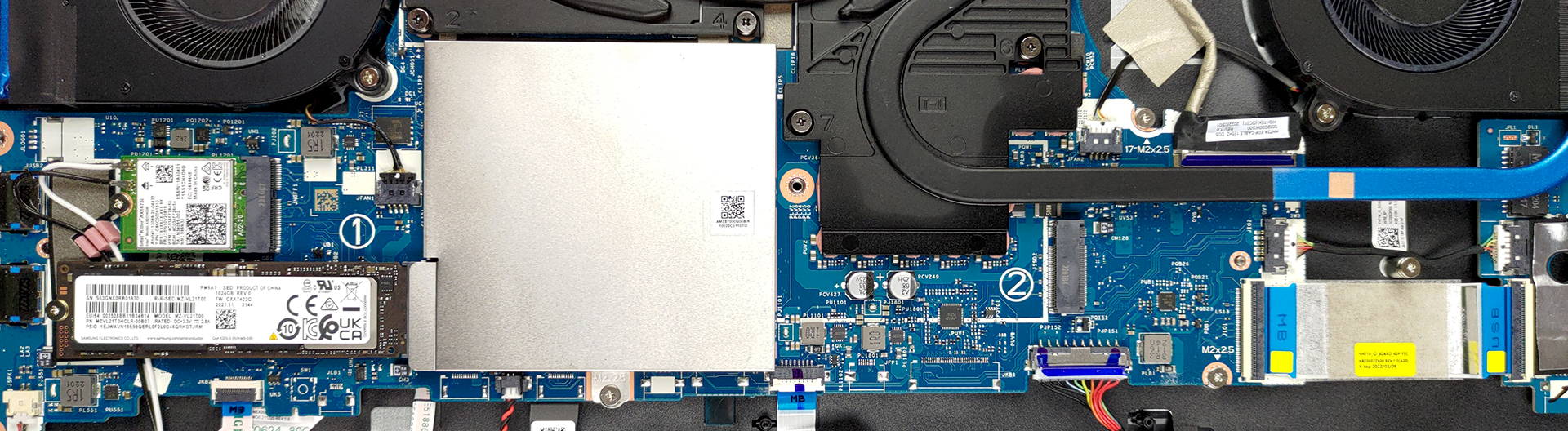
Here is our detailed teardown video, which shows how to access both the RAM and Storage slots.
3. Display quality
There are three display options, with two FHD IPS panels with either a 144Hz or 165Hz refresh rate. The third panel has the same 165Hz refresh rate but increases its resolution to QHD. We tested the latter option, which delivers excellent viewing angles, a max brightness of 374 nits in the middle of the screen, 347 nits as an average for the entire area of the panel, and a max deviation of 15%, which is a bit high. However, the panel makes up for it by offering 100% sRGB and 99% DCI-P3 coverage.
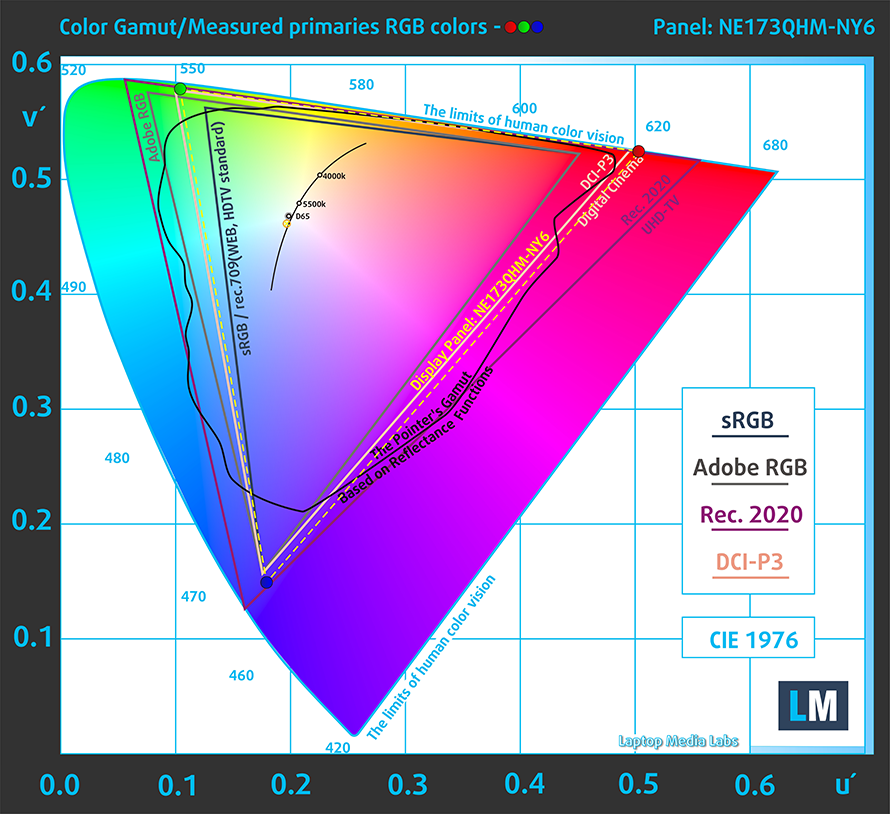
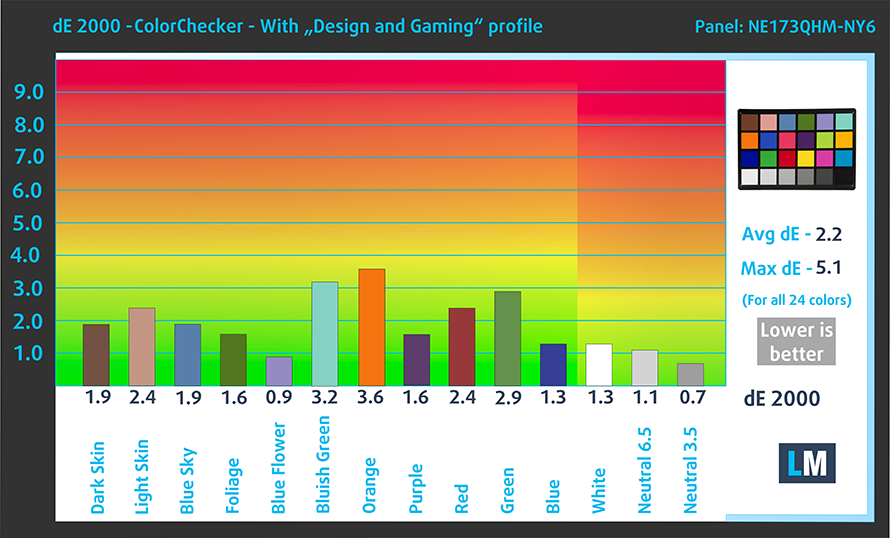
The accuracy doesn’t improve much with our Design and Gaming profile, but we still managed to get it lower. Here are the results of our test with the stock settings (left) and with our profile applied (right), resulting in a dE value of 2.2.

Buy our profiles
Since our profiles are tailored for each individual display model, this article and its respective profile package are meant for Acer Predator Helios 300 (PH317-56) configurations with 17.3″ Quad HD IPS BOE NE173QHM-NY6 (BOE0A1A).
*Should you have problems with downloading the purchased file, try using a different browser to open the link you’ll receive via e-mail. If the download target is a .php file instead of an archive, change the file extension to .zip or contact us at [email protected].
Read more about the profiles HERE.
Verimli ve sağlık dostu profiller almanın yanı sıra, LaptopMedia'nın ürünlerini satın alarak, mümkün olan en objektif incelemeleri üretmek için cihazları test ettiğimiz laboratuvarlarımızın gelişimini de desteklemiş olursunuz.

Ofis Çalışması
Ofis Çalışması, çoğunlukla metinlere, tablolara bakan veya sadece gezinen kullanıcılar tarafından kullanılmalıdır. Bu profil, düz bir gama eğrisi (2.20), doğal renk sıcaklığı ve algısal olarak doğru renkler tutarak daha iyi ayırt edilebilirlik ve netlik sunmayı amaçlamaktadır.

Tasarım ve Oyun
Bu profil, renklerle profesyonel olarak çalışan tasarımcılara ve aynı zamanda oyunlara ve filmlere yöneliktir. Tasarım ve Oyun, ekran panellerini sınırlarına kadar zorlayarak Web ve HDTV için sRGB IEC61966-2-1 standardında, D65 beyaz noktasında mümkün olduğunca doğru olmalarını sağlar.

Health-Guard
Health-Guard, zararlı Darbe Genişlik Modülasyonunu (PWM) ortadan kaldırır ve gözlerimizi ve vücudumuzu etkileyen negatif Mavi Işığı azaltır. Her panel için özel olarak uyarlandığından, renkleri algısal olarak doğru tutmayı başarır. Health-Guard kağıdı simüle eder, böylece gözlerdeki baskı büyük ölçüde azalır.
3 profili de %33 indirimle alın

4. Cooling and Performance
The cooling solution on the inside is pretty powerful, with four very long heat pipes, which go around the entire area of the motherboard. Some parts of them are also painted in blue, reflecting the blue PCB. There are two shared heat pipes between the CPU and GPU, while both of them get one separate heat pipe each.

Performance
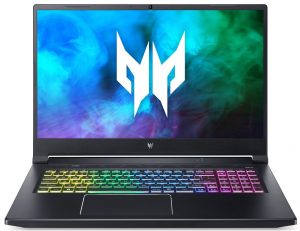
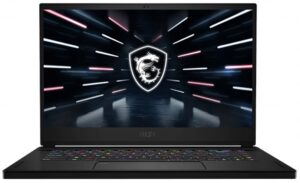
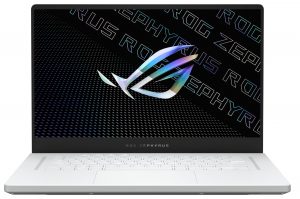
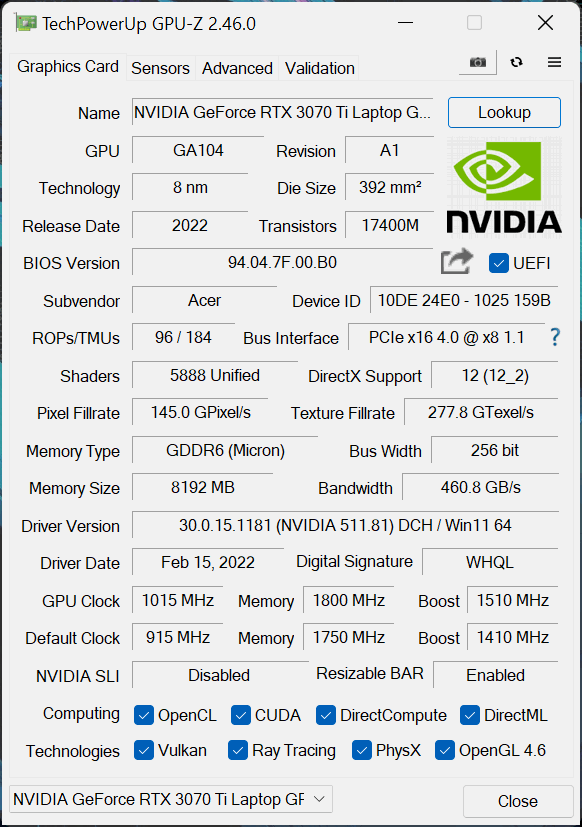
With a Core i7-12700H and an RTX 3070 Ti (150W), the laptop is a monstrosity, completely eliminating the need of spending more money for a “flagship” product, be it from Acer or from any other brand. Here we have results of the device against other new gaming laptops featuring Alder Lake, Tiger Lake, and Zen 3 in action.
CPU benchmarks
Sonuçlar Cinebench R23 CPU testinden alınmıştır (puan ne kadar yüksek olursa o kadar iyidir)
GPU benchmarks
Sonuçlar 3DMark Time Spy (Grafik) testindendir. Yüksek olan daha iyidir.
Sonuçlar 3DMark Fire Strike (Grafik) benchmark testindendir (puan ne kadar yüksek olursa o kadar iyidir)
Sonuçlar 3DMark Wild Life Extreme Unlimited testindendir. Yüksek olan daha iyidir.
Sonuçlar Unigine Superposition benchmark testindendir (puan ne kadar yüksek olursa o kadar iyidir)
Gaming tests

| Metro Exodus | Full HD, Low (Check settings) | Full HD, High (Check settings) | Full HD, Extreme (Check settings) |
|---|---|---|---|
| Average FPS | 163 fps | 97 fps | 49 fps |

| Borderlands 3 | Full HD, Medium (Check settings) | Full HD, High (Check settings) | Full HD, Badass (Check settings) |
|---|---|---|---|
| Average fps | 138 fps | 116 fps | 97 fps |

| Tom Clancy’s Ghost Recon Wildlands | Full HD, High (Check settings) | Full HD, Very High (Check settings) | Full HD, Ultra (Check settings) |
|---|---|---|---|
| Average | 141 fps | 124 fps | 83 fps |

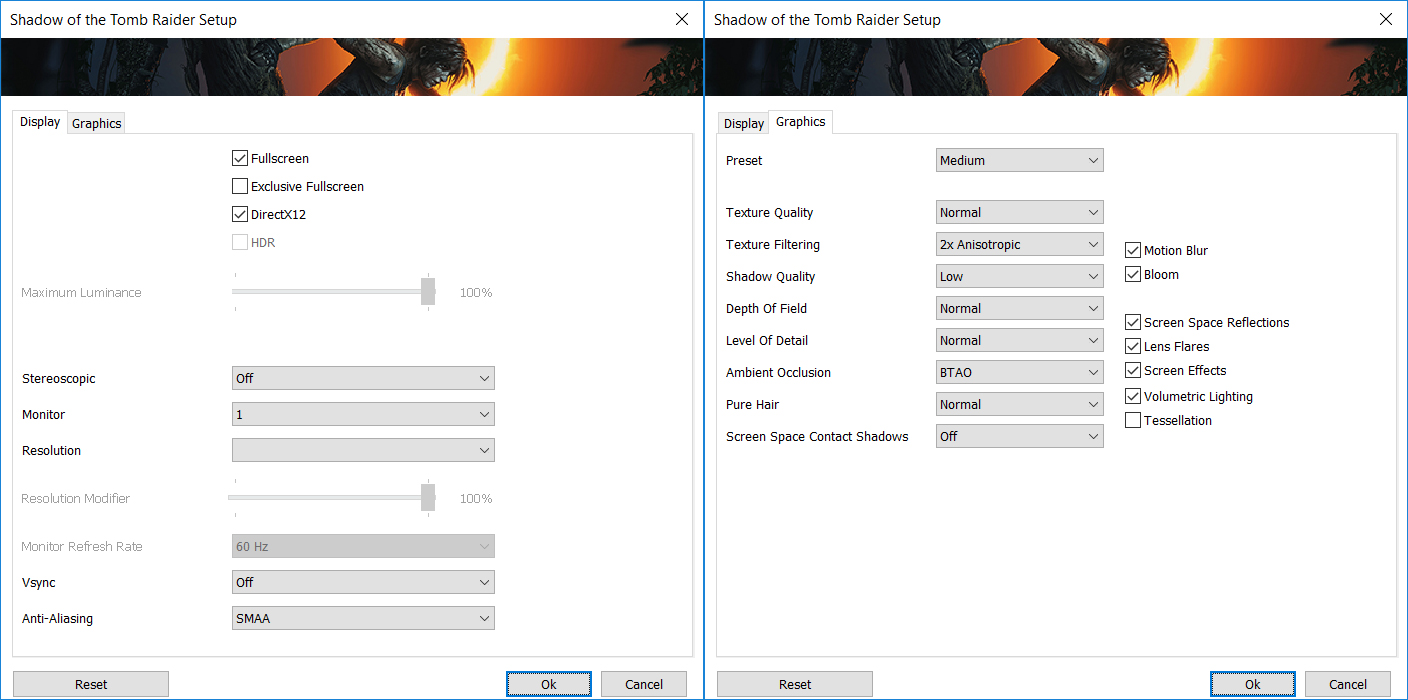
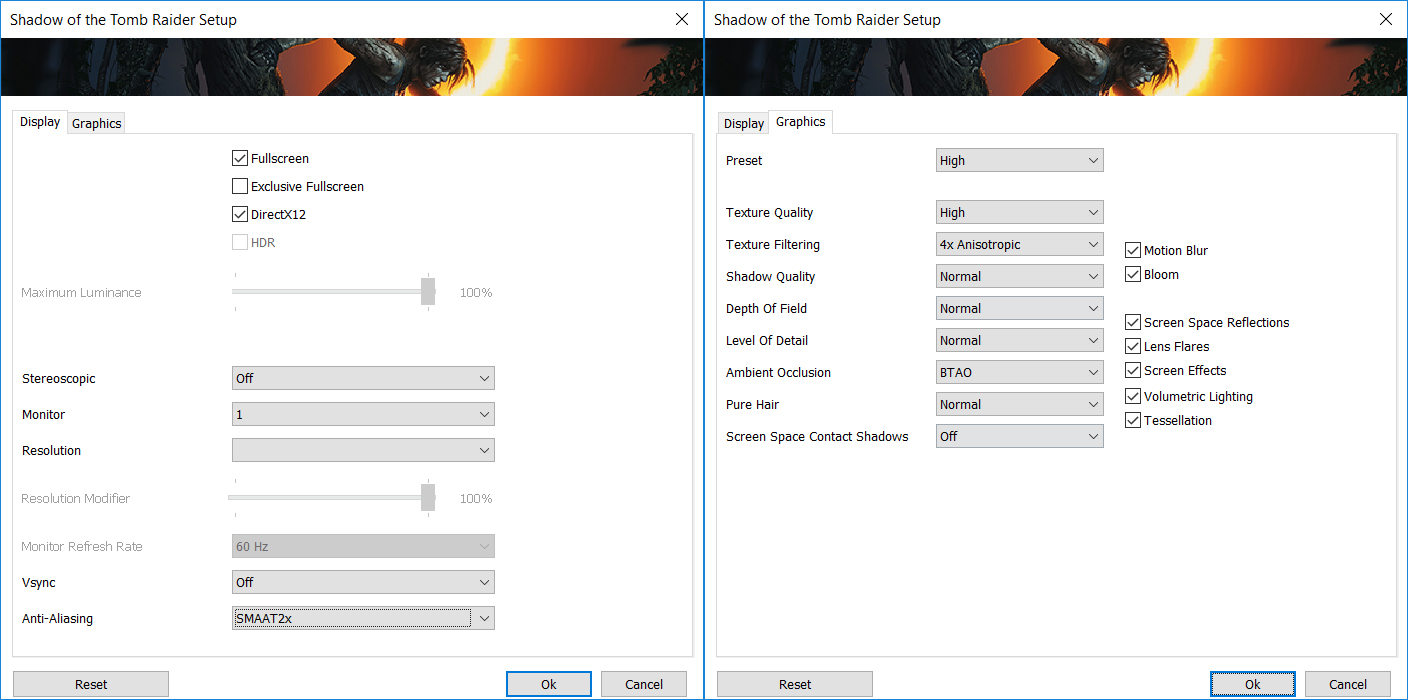
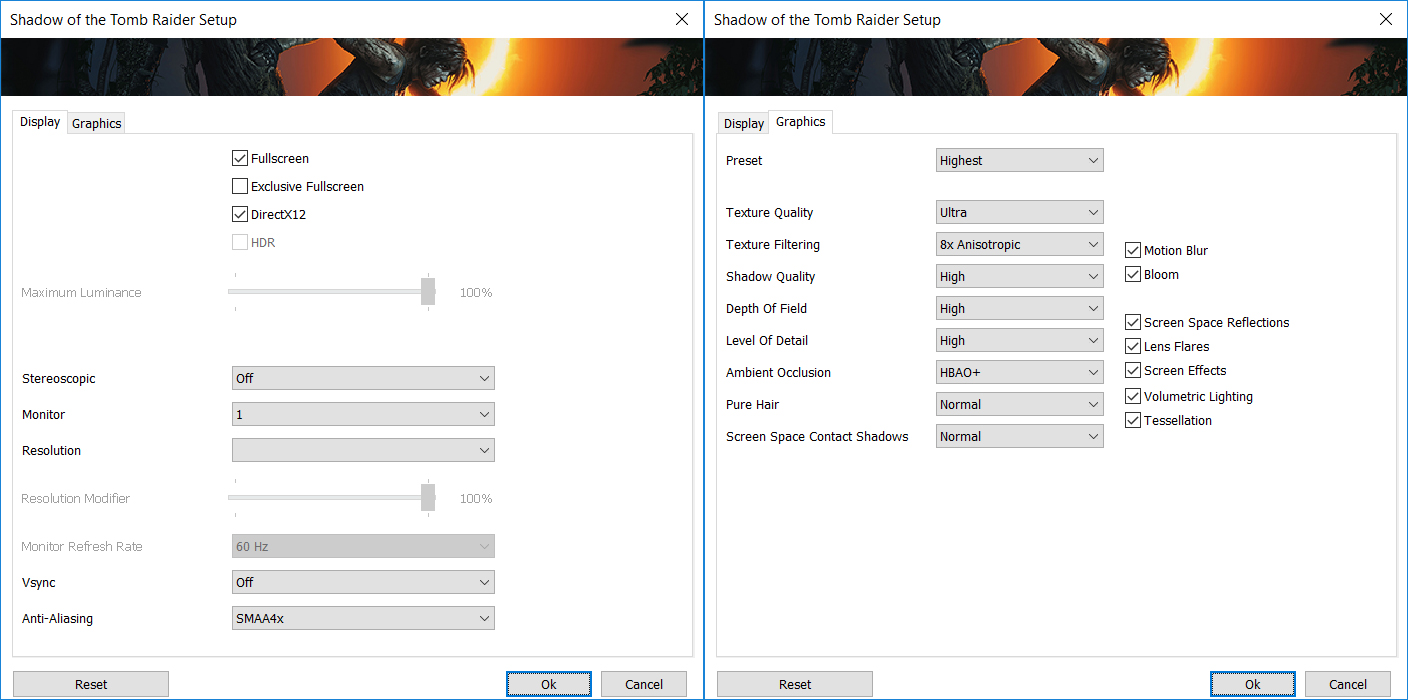
| Shadow of the Tomb Raider (2018) | Full HD, Medium (Check settings) | Full HD, High (Check settings) | Full HD, Highest (Check settings) |
|---|---|---|---|
| Average | 149 fps | 145 fps | 107 fps |
1 reason NOT to buy the Acer Predator Helios 300 (PH317-56)
1. Battery life
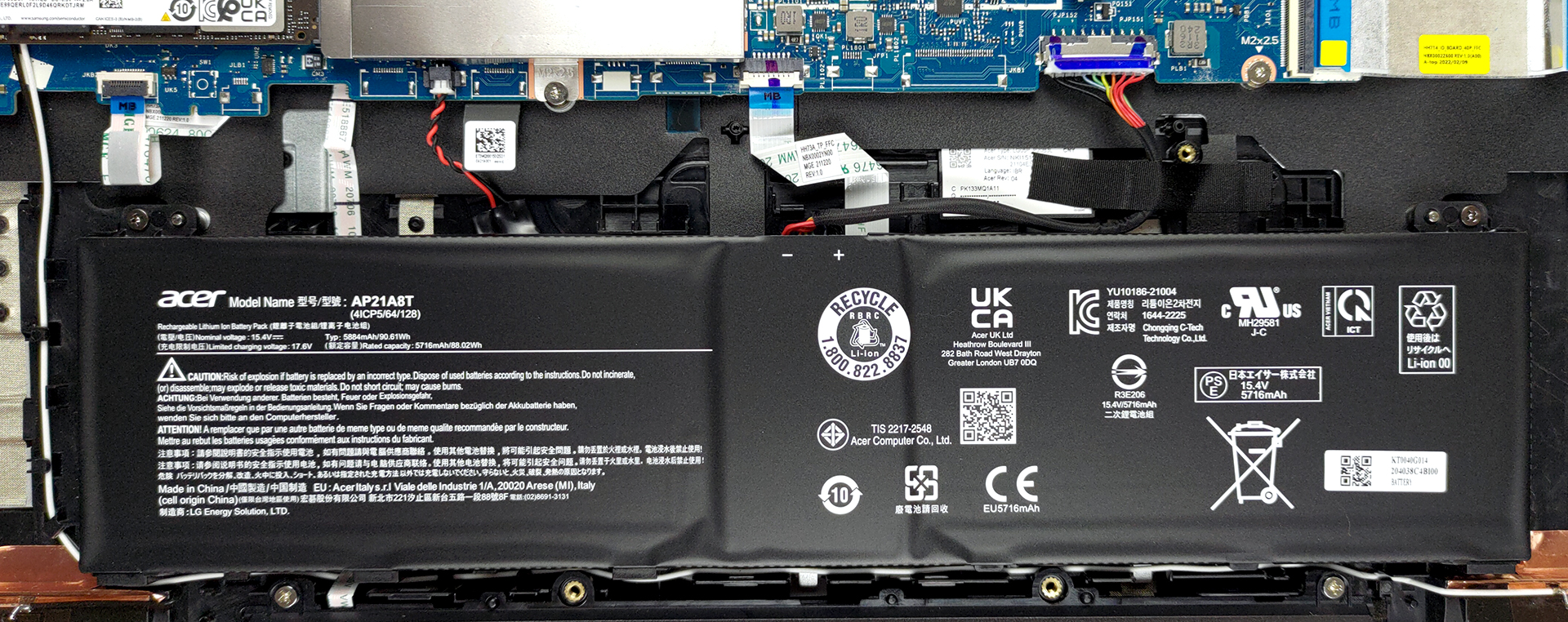
There is a pretty large 90Wh 4-cell unit inside, but the components are still so power-hungry, that they manage to drain it relatively quickly. The laptop lasts for 7 hours and 5 minutes of Web browsing, or 6 hours and 48 minutes of video playback. Now, we conduct the battery tests with the Windows Better performance setting turned on, screen brightness adjusted to 120 nits, and all other programs turned off except for the one we are testing the notebook with.
All Acer Predator Helios 300 (PH317-56) configurations:
 Author: Severin Kolakov

![[Haziran 2026] Amazon Global’de En Çok Satan Dizüstü Bilgisayar Markaları – Apple’ın Satış Adedi ve Gelir Açısından Rakipsiz Hakimiyeti](https://laptopmedia.com/wp-content/uploads/2026/07/GLOBAL-Best-Brands-400x225.jpg)
![[Haziran 2026] Amazon Global: En Çok Satan 10 Dizüstü Bilgisayar – Apple’ın Yeni MacBook Neo, 1. Sıraya Fırtına Gibi Yükseldi; Uygun Fiyatıyla Pazarı Yeniden Şekillendiriyor](https://laptopmedia.com/wp-content/uploads/2026/07/Best-Selling-Laptops-GLOBAL-Top-10-400x225.jpg)
![[Haziran 2026] Amazon Global: En Çok Satan 10 Oyun Dizüstü Bilgisayarı – Acer’ın Nitro V 16S AI modeli satışlarda başı çekerken, ASUS toplam gelirde lider konumda](https://laptopmedia.com/wp-content/uploads/2026/07/Best-Selling-Gaming-Laptops-GLOBAL-Top-10-400x225.jpg)
![[Haziran 2026] Amazon’da En Çok Satan Dizüstü Bilgisayar GPU’larının Küresel Sıralaması – NVIDIA RTX 5060, en çok satan özel amaçlı GPU’dur](https://laptopmedia.com/wp-content/uploads/2026/07/Best-Selling-GPUs-GLOBAL-Top-10-400x225.jpg)
![[Haziran 2026] Amazon’da En Çok Satan Dizüstü Bilgisayar İşlemcilerinin Küresel Sıralaması – Apple M5 Liderlik Yapıyor, AMD Ryzen 7 260 Üst Sınıf Segmentte Sağlam Bir Pay Elde Ediyor](https://laptopmedia.com/wp-content/uploads/2026/07/Best-Selling-CPUs-GLOBAL-Top-10-400x225.jpg)

Merci pour cette article vraiment très intéressant, je suis cependant étonné de votre delta E, j’ai relevé le mien calibré avec i1Display Pro inférieur à 1 en réglage BT709.
Sinon pourriez vous préciser les réglages pour obtenir la durée maximale sur batterie ?
Merci