How to open HP Victus 15 (15-fb0000) – disassembly and upgrade options
As a gaming device, the Victus 15 (15-fb0000) provides the “mandatory” upgradeability options such as two SODIMM slots for memory.
Check out all HP Victus 15 (15-fb0000) prices and configurations in our Specs System, or read more in our In-Depth review.
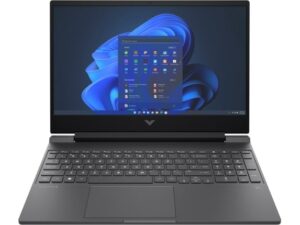
1. Remove the bottom plate
This notebook’s bottom panel is held in place by 7 Phillips-head screws. After you undo them, pry the panel with a plastic tool, and lift it away from the chassis.
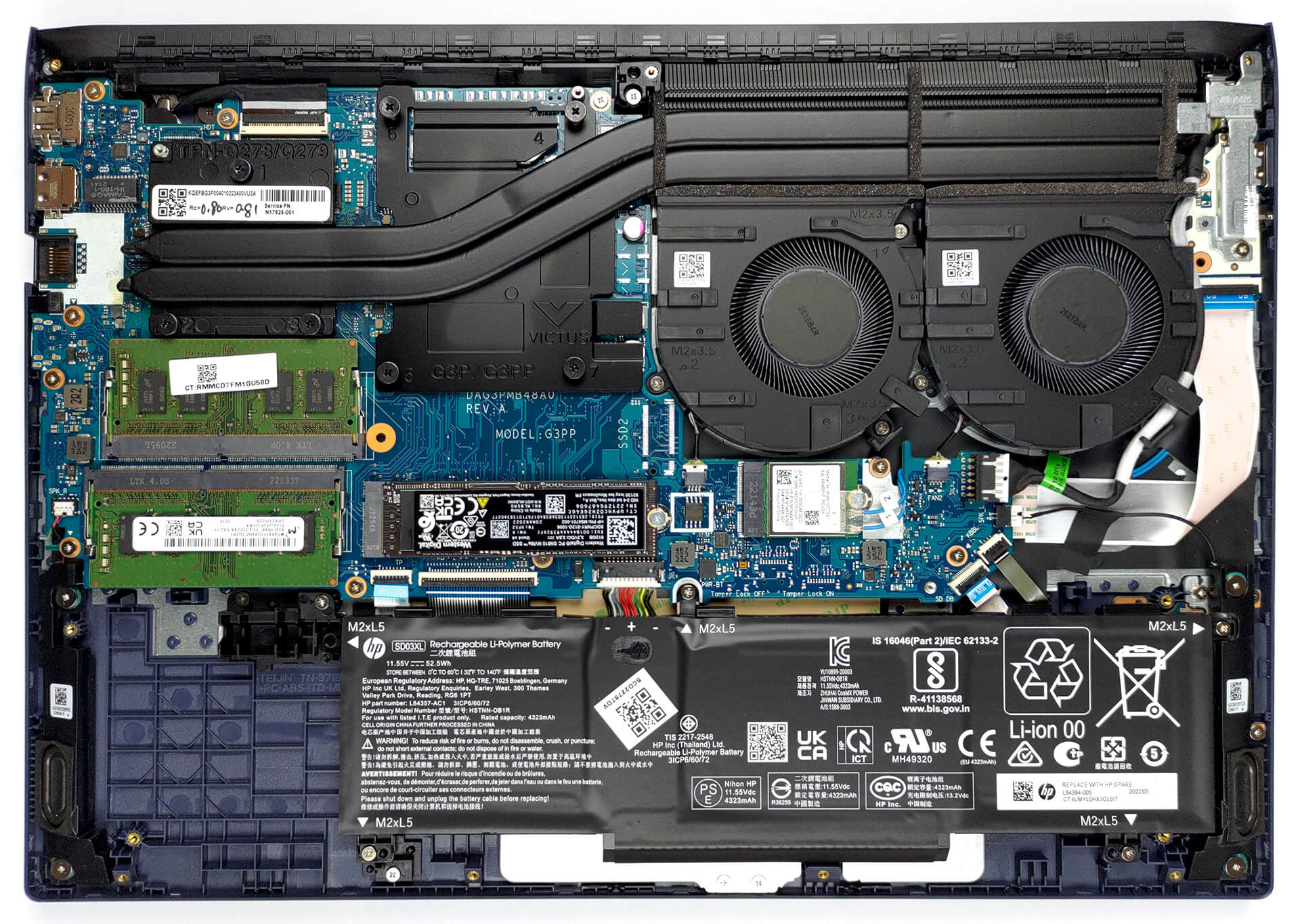
2. Remove the battery
Here, the 52.5Wh battery lasts for 11 hours and 30 minutes of Web browsing, or 9 hours of video playback. To take it out, you need to undo four Phillips-head screws. Before you do that, unplug the connector from the motherboard.
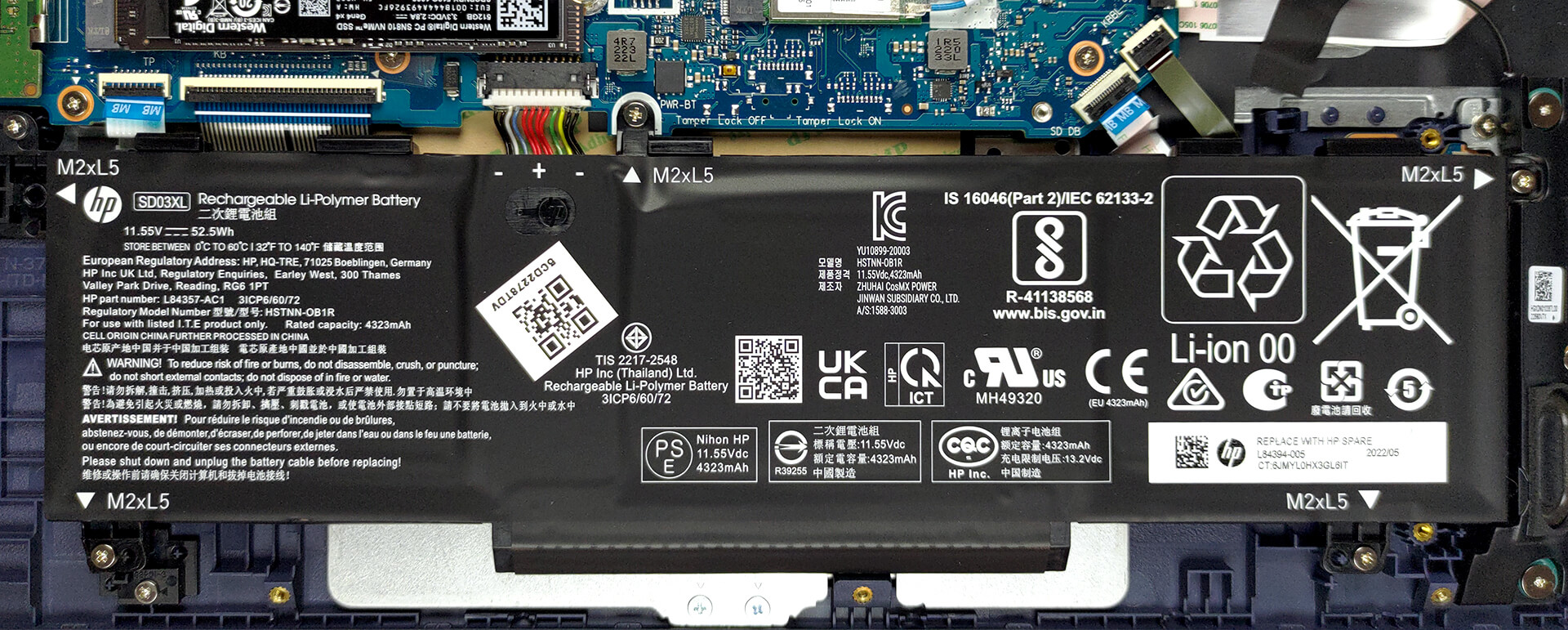
3. Upgrade memory and storage
Here, you get two SODIMM slots for memory. They support DDR4 RAM, working at 3200MHz. As for the storage, you get one M.2 PCIe x4 slot. It only fits Gen 3 SSDs.

4. Cooling system
Cooling-wise, there are two heat pipes, connected to a huge heat sink. There, two fans blow the heat away from the chassis. As usual, the VRMs and the graphics memory get cooled by a couple of heat spreaders.

Check out all HP Victus 15 (15-fb0000) prices and configurations in our Specs System, or read more in our In-Depth review.
HP Victus 15 (15-fa0000, fb0000, fa1000, fb1000) derinlemesine inceleme
Even though Victus is not HP's most affordable gaming brand, it actually presents you with the best offers. And a little something tells us that it won't be only seasonal.In fact, the Victus 15 (15-fb0000) can be your best way to enter the gaming world. In particular, the 15-fb0000 comes with AMD CPUs from the last generation - Ryzen 5 5600H, and Ryzen 7 5800H. This is great, because these processors are still very powerful, and are pretty easy to cool.Graphics-wise, your choices are a bit limited. You won't be able to get anything more powerful than an RTX 3050 Ti. However, even the [...]
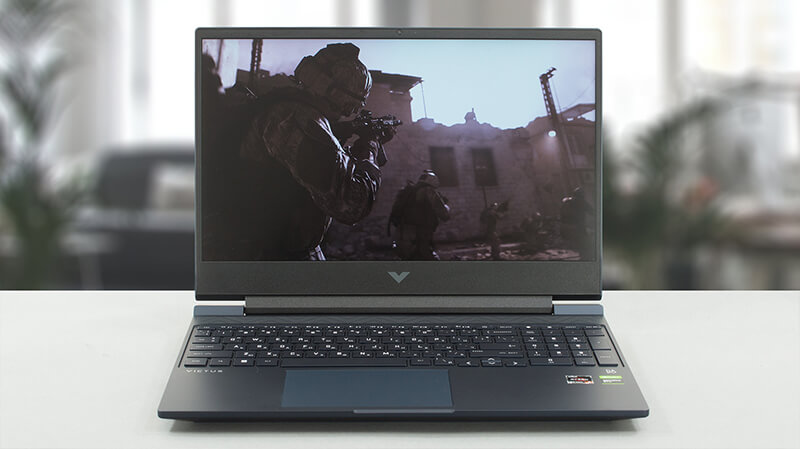
Artıları
- Fantastic price
- Good keyboard
- 2x SODIMM DDR4 + 1x M.2 slots (one supports Gen 4 drives)
- Good cooling
- Decent battery life
- Quick pixel response times (AUO AUO3B9C)
- No PWM (AUO AUO3B9C)
Eksileri
- Narrow viewing angles (AUO AUO3B9C)
- Only 52% sRGB coverage (AUO AUO3B9C)
- Flimsy hinges, resulting in a bouncy lid
 Author: Alex Iliev

![[Temmuz 2026] Amazon’da En Çok Satan Dizüstü Bilgisayar Grafik Kartlarının Küresel Sıralaması – RTX 5060, Üst Sınıf Segmentte Hakimiyet Kurarken, Intel Hala Ekonomik Segmentte Lider](https://laptopmedia.com/wp-content/uploads/2026/08/Best-Selling-GPUs-GLOBAL-Top-10-400x225.jpg)
![[Temmuz 2026] Amazon’da En Çok Satan Dizüstü Bilgisayar İşlemcilerinin Küresel Sıralaması – Apple, Üst Sınıf Segmentte Liderlik Yaparken, Intel Genel Sıralamada Birinci Sırayı Koruyor](https://laptopmedia.com/wp-content/uploads/2026/08/Best-Selling-CPUs-GLOBAL-Top-10-400x225.jpg)
![[July 2026] Amazon Canada: Top 10 Best-Selling Laptops – Apple MacBook Neo Dominates the Market to Claim the #1 Spot](https://laptopmedia.com/wp-content/uploads/2026/08/Best-Selling-Laptops-CA-Top-10-2-400x225.jpg)
![[July 2026] Best-Selling Laptop Brands on Amazon Japan – HP and Lenovo Dominate Units and Revenue Amid Fierce Competition](https://laptopmedia.com/wp-content/uploads/2026/08/CO.JP-Best-Brands-2-400x225.jpg)
![[July 2026] Amazon Italy: Top 10 Best-Selling Laptops – Apple MacBook Neo Claims the #1 Spot Amid Budget-Friendly Dominance](https://laptopmedia.com/wp-content/uploads/2026/08/Best-Selling-Laptops-IT-Top-10-400x225.jpg)
