Inside Dell Vostro 14 5410 – disassembly and upgrade options
Despite its competitive price tag, the Vostro 14 5410 offers a good amount of upgrade options.
Check out all Dell Vostro 14 5410 prices and configurations in our Specs System or read more in our In-Depth review.
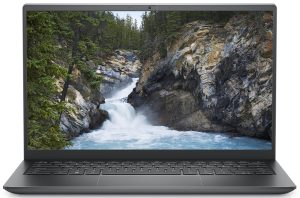
1. Remove the bottom plate
To take this laptop apart, you need to undo 7 Phillips-head screws. Two of them are captive, and help you with the prying process. After you are done, lift the bottom panel from the chassis.
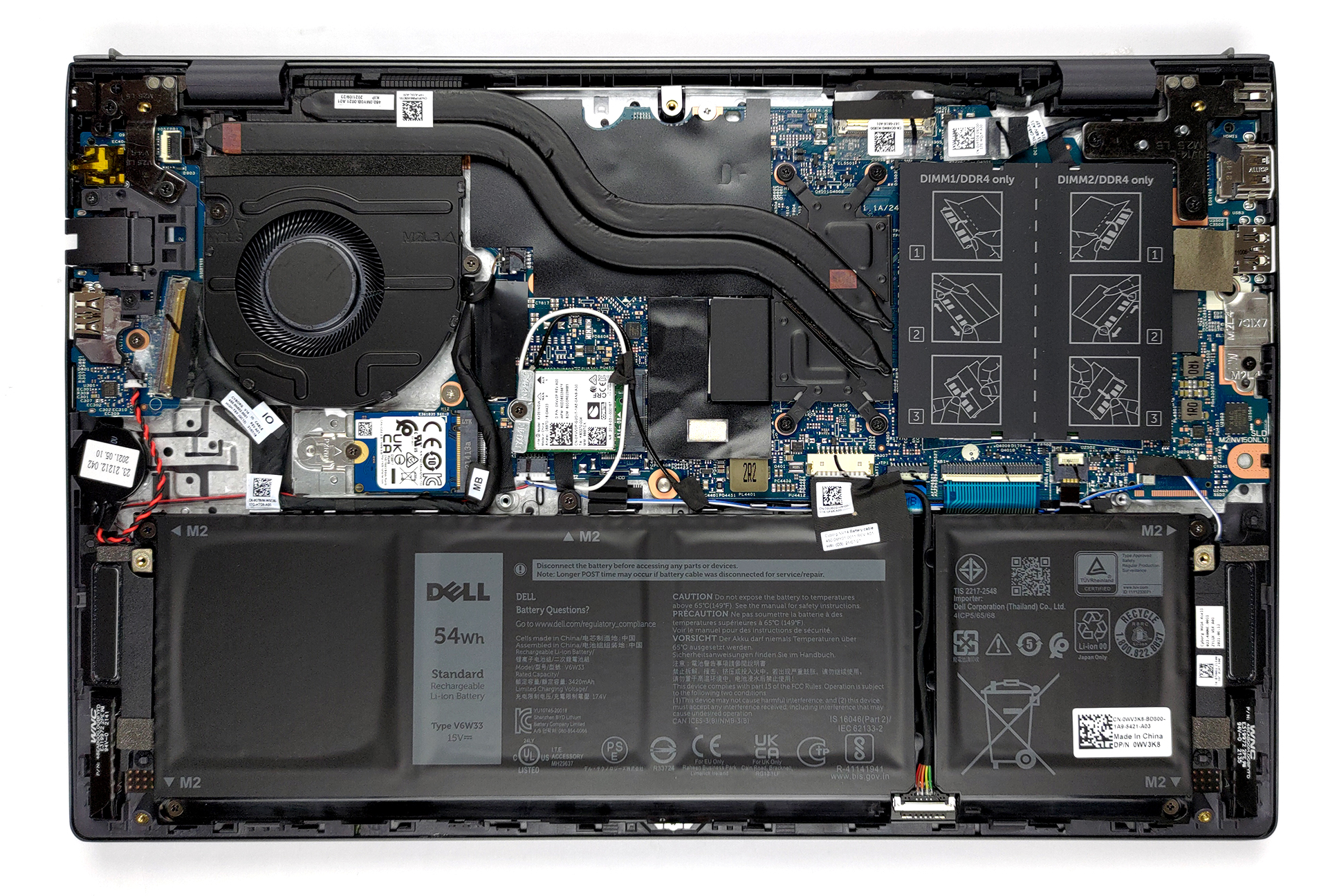
2. Battery
Inside, we see a 54Wh battery pack. Dell also sells the notebook with a 41Wh unit. Nevertheless, our device managed more than 12 hours of Web browsing or nearly 11 hours of video playback. To take the battery out of the device, you first need to unplug the battery connector. Then, undo all 5 Phillips-head screws, holding it in place.
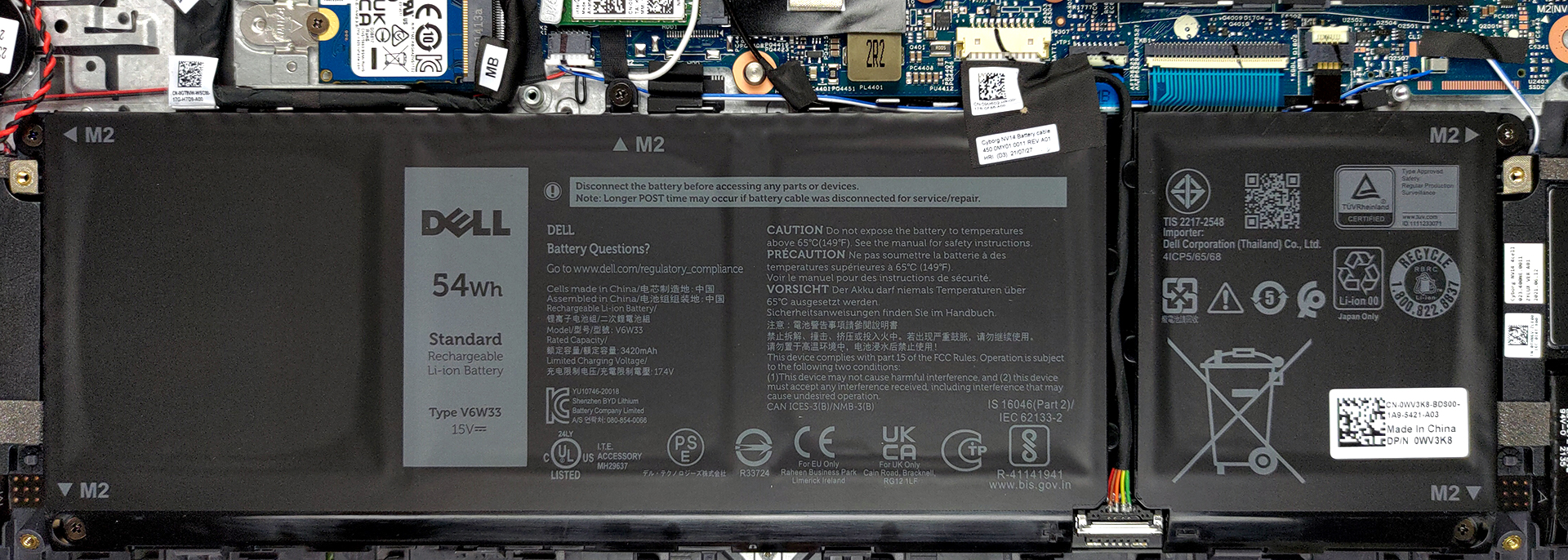
3. Memory and storage
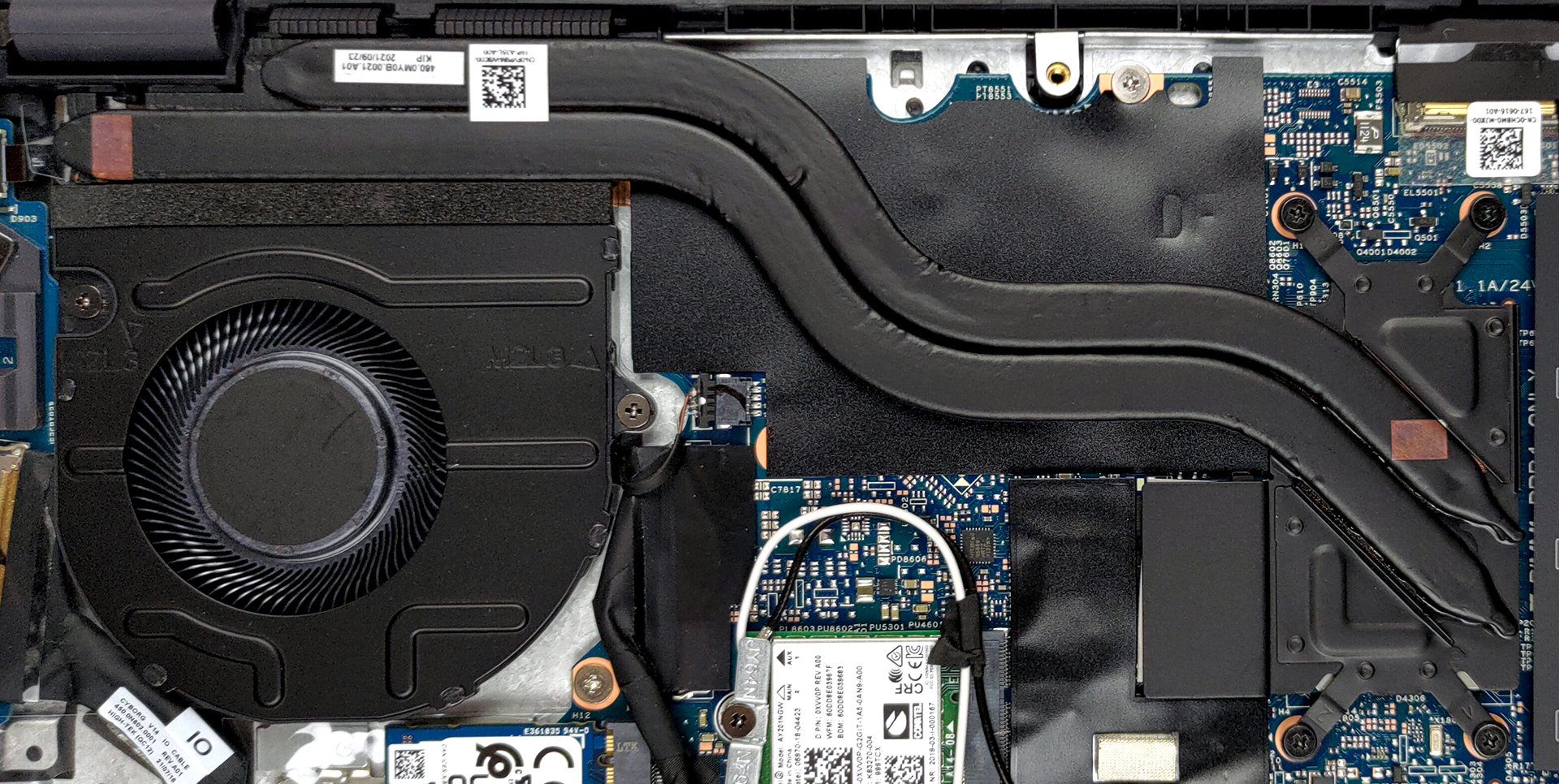
Here, we see two SODIMM slots, which work in dual-channel mode. According to Dell, the maximum supported memory is 32GB in total. As for the storage, there is one M.2 PCIe x4 slot.

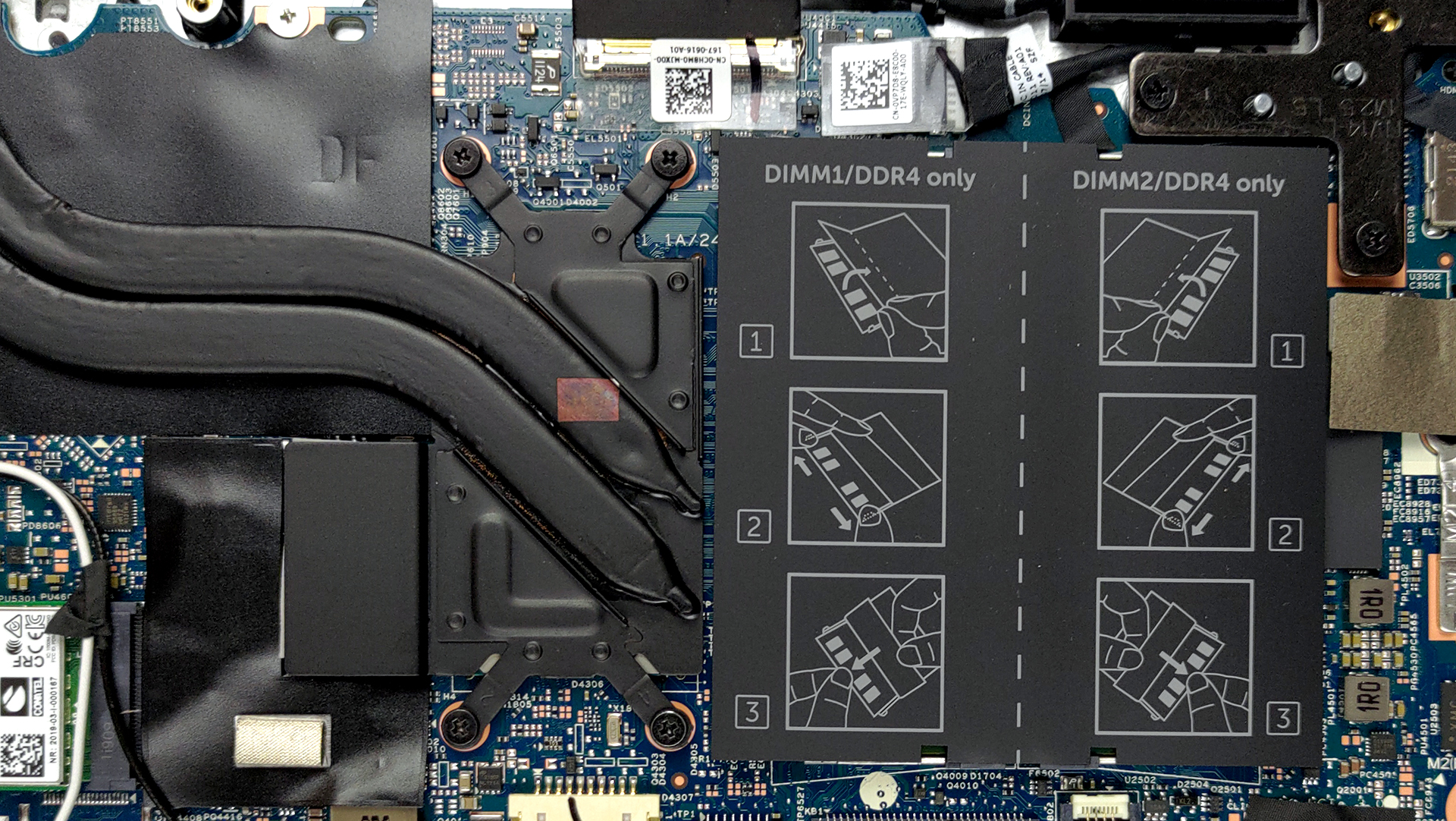
4. Cooling system
Cooling-wise, there are two heat pipes, connected to a medium-sized heat sink. The fan here is also of medium size.
Check out all Dell Vostro 14 5410 prices and configurations in our Specs System or read more in our In-Depth review.
Dell Vostro 14 5410 (i7) derinlemesine inceleme
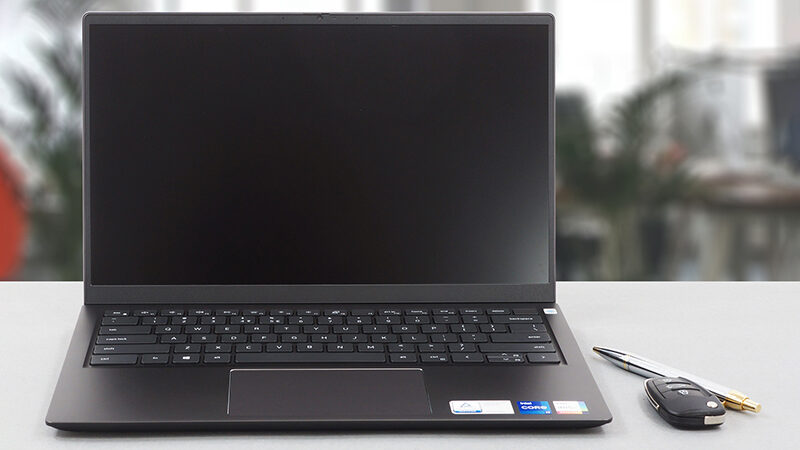
It is good that manufacturers figured out they can use more powerful hardware for their office devices. With that said, the Vostro 14 5410 is a bit more than an office laptop. It has the looks, the build, and the power to take you a long way.For instance, Dell has chosen to use Tiger Lake-H35 CPUs instead of the Tiger Lake-U series. This provides a higher short-term boost and sustained frequencies. Of course, this all depends on the cooling system of the laptop, which we are going to be evaluating later in the review.To be honest, the Vostro series gave us one of the more impressive n[...]
Artıları
- Thunderbolt 4 (on Core i7 models), MicroSD card slot, and a well-populated I/O
- Two RAM SODIMM slots, and PCIe x4 support for storage
- Thin and light body
- PWM-free display (BOE BOE0948)
- Covers 97% of sRGB (BOE BOE0948)
- Good battery life
Eksileri
- Performance not matching the expectations
- Color accuracy is off (BOE BOE0948)
- Not the best cooling
 Author: Alex Iliev

![[Ağustos 2026] Amazon’da En Çok Satan Dizüstü Bilgisayar GPU’larının Küresel Sıralaması – Apple Liderliğini Sürdürüyor, NVIDIA’nın RTX 5060 Modeli Özel GPU Sıralamasında Zirvede](https://laptopmedia.com/wp-content/uploads/2026/09/Best-Selling-GPUs-GLOBAL-Top-10-400x225.jpg)
![[Ağustos 2026] Amazon’da En Çok Satan Dizüstü Bilgisayar İşlemcilerinin Küresel Sıralaması – Apple Hem Ekonomik Hem de Üst Sınıf Segmentte Hakimiyet Kuruyor: A18 Pro ve M5, Ağustos 2026’da Intel ve AMD’yi Geride Bıraktı](https://laptopmedia.com/wp-content/uploads/2026/09/Best-Selling-CPUs-GLOBAL-Top-10-400x225.jpg)
![[Ağustos 2026] Amazon Global: En Çok Satan 10 Dizüstü Bilgisayar – Apple MacBook Neo Listelerin Zirvesinde Yer Alırken, Ekonomik ve Orta Sınıf Windows Dizüstü Bilgisayarlar Satış Hacmi İçin Rekabet Ediyor](https://laptopmedia.com/wp-content/uploads/2026/09/Best-Selling-Laptops-GLOBAL-Top-10-400x225.jpg)
![[Ağustos 2026] Amazon Global’de En Çok Satan Dizüstü Bilgisayar Markaları – Apple Gelirde Liderken, HP Model Çeşitliliği Konusunda Önde](https://laptopmedia.com/wp-content/uploads/2026/09/GLOBAL-Best-Brands-400x225.jpg)
![[Ağustos 2026] Amazon Global: En Çok Satan 10 Oyun Dizüstü Bilgisayarı – HP Victus 15 Birinci Sırayı Aldı; Listeyi Uygun Fiyatlı Modeller Hakimiyetine Aldı](https://laptopmedia.com/wp-content/uploads/2026/09/Best-Selling-Gaming-Laptops-GLOBAL-Top-10-400x225.jpg)
