Inside HP EliteBook x360 1040 G8 – disassembly and upgrade options
Although HP provides good upgrade options on most of their EliteBook devices, the x360 1040 G8 is not one of them.
Check out all HP EliteBook x360 1040 G8 prices and configurations in our Specs System or read more in our In-Depth review.
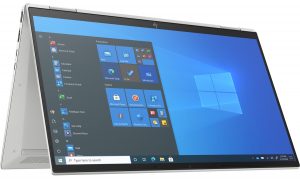
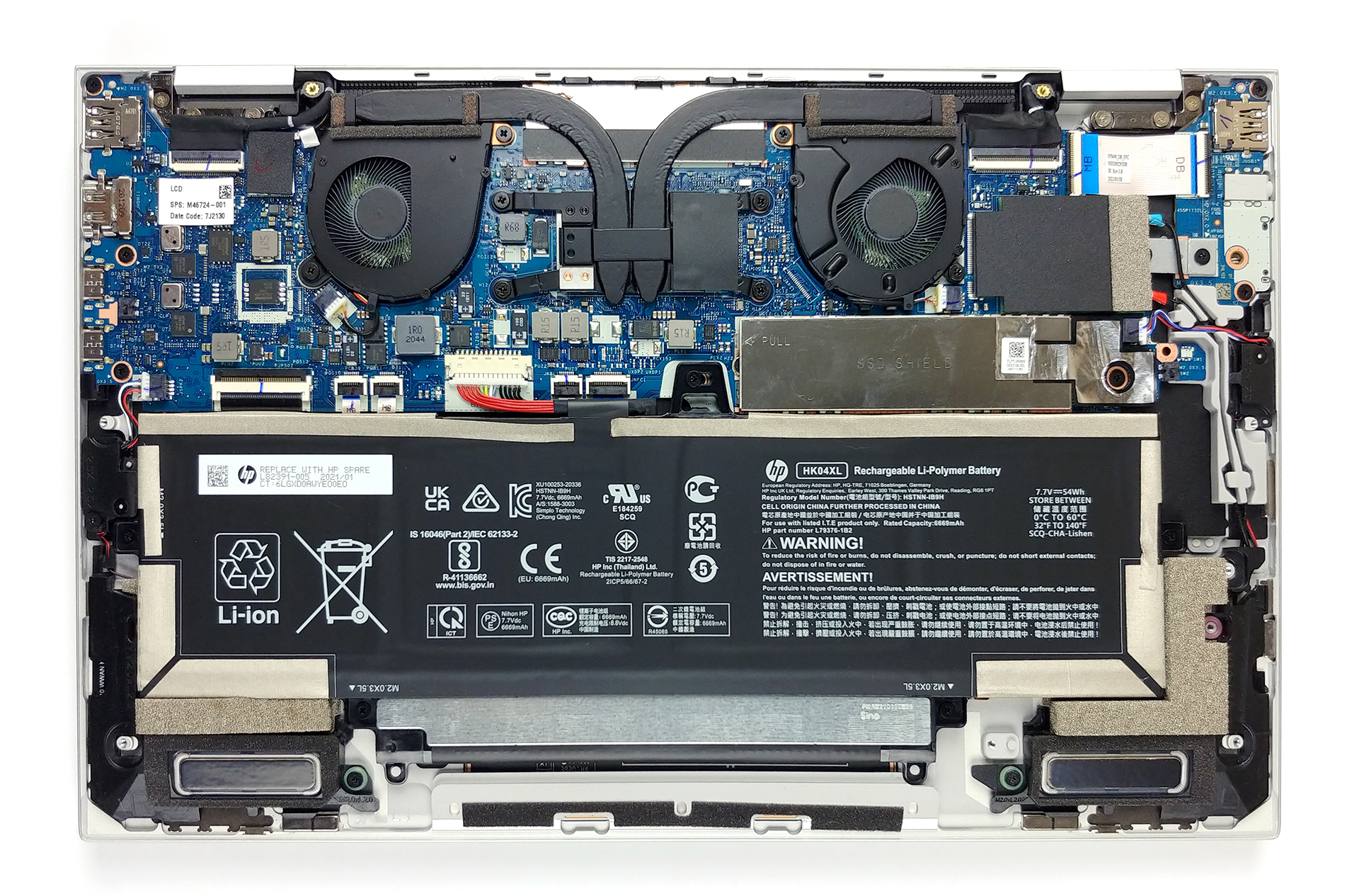
1. Remove the bottom plate and battery
Taking apart this laptop is as easy as undoing five Torx-head screws and prying the bottom panel with a plastic tool.
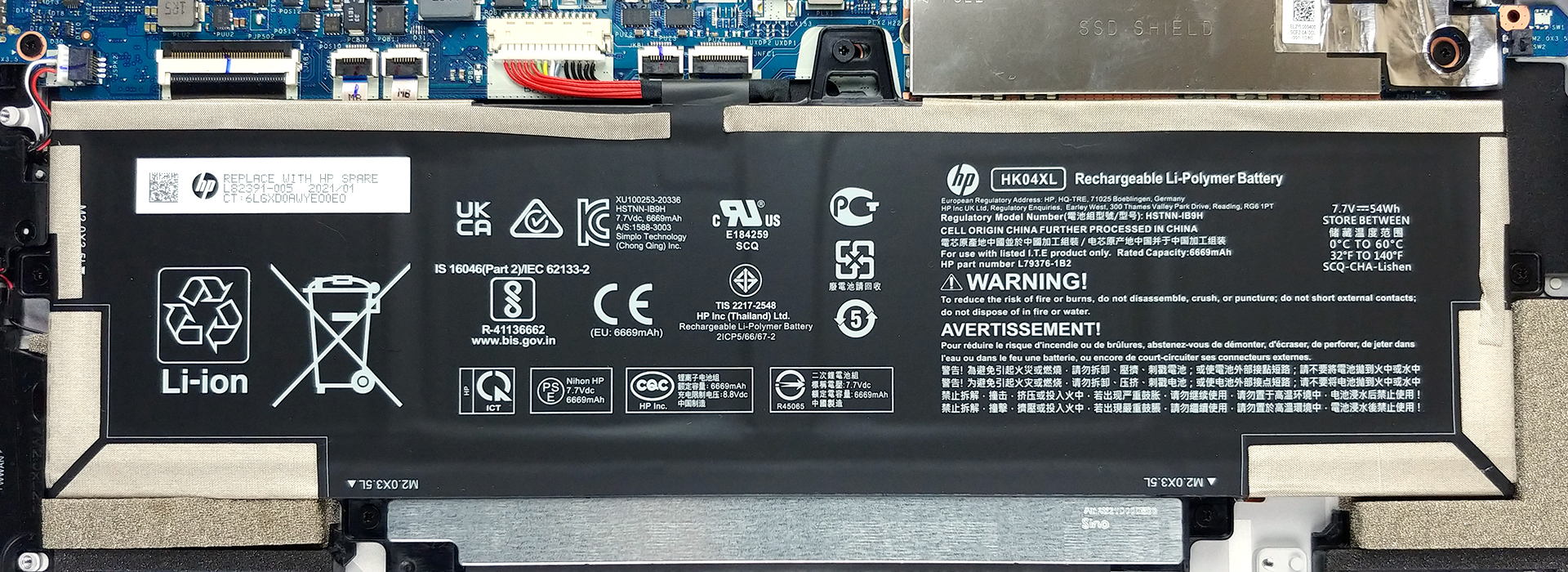
2. Battery
In this case, the battery pack has a capacity of 54Wh. Please, make sure you unplug the battery connector before you do anything on the inside.
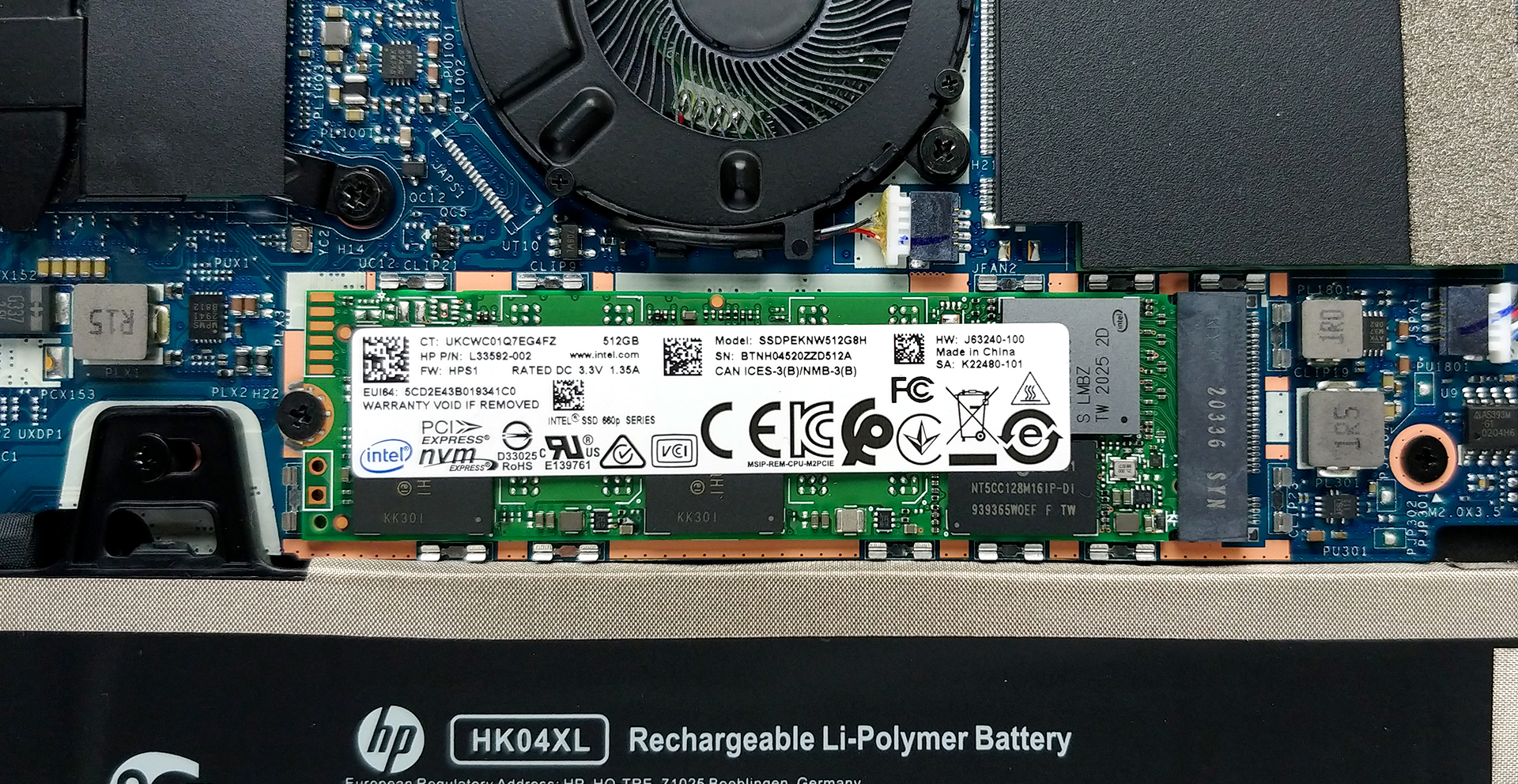
3. Мemory and storage
Unfortunately, but unsurprisingly, the memory here is soldered to the motherboard. With that said, the laptop comes in configurations including 8, 16, or 32GB of LPDDR4 RAM, all working in dual-channel mode. Storage-wise, there is a single M.2 PCIe x4 slot, hidden by a metal bracket.
4. Cooling system
Looking at the cooling solution, we see two heat pipes leading to a pair of heat sinks. Perhaps the most controversial part of this system is the fans, which are really small and have a very thin profile.
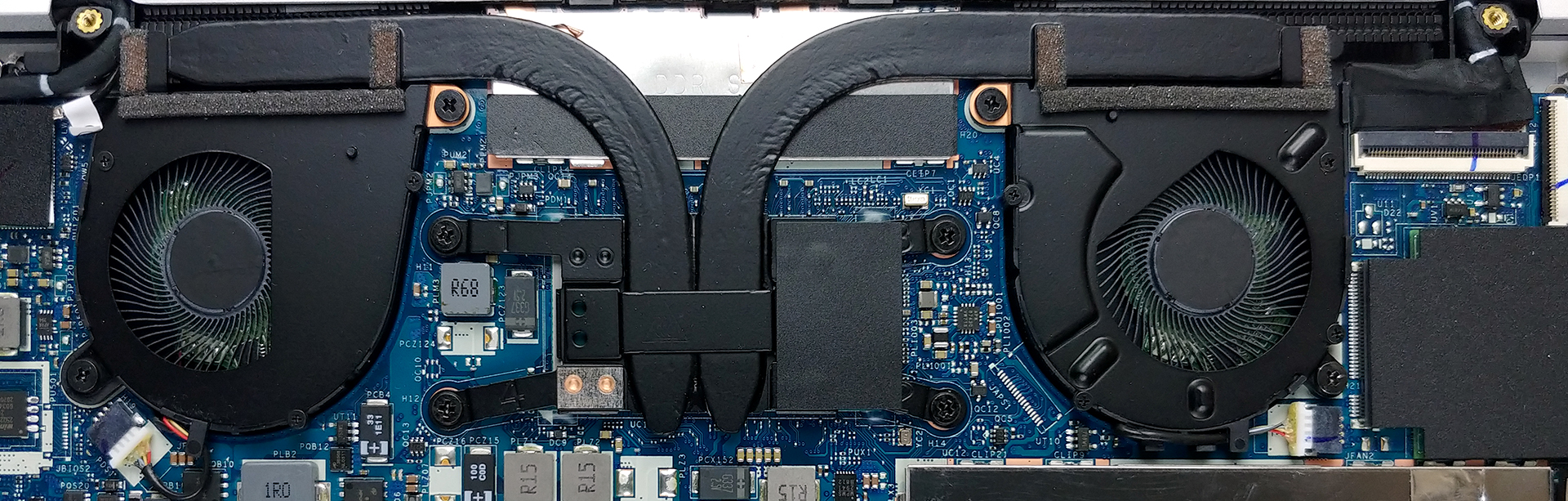
Check out all HP EliteBook x360 1040 G8 prices and configurations in our Specs System or read more in our In-Depth review.
HP EliteBook x360 1040 G8 derinlemesine inceleme
The premium convertible market targets a very narrow and specific niche of people. What they ultimately need is supreme security, uncompromised stability, and performance to be able to do pretty much all your work on the go. Let's not forget that as a 2-in-1, it has to provide an accurate color representation, so that you can show your clients the most true-to-life image.So, as you can see, this is not an ordinary target group, and the HP EliteBook x360 1040 G8 has to be uncompromised in every direction to be competitive.First of all, it comes equipped with the best Intel can provide [...]
Artıları
- Slim design with strong chassis.
- Covers 89% of sRGB colors and has a great color accuracy when our Gaming and Web design profile is present (IVO X140NVFC R0 (IVO8C78))
- Very good battery life
- Two Thunderbolt 4 ports and an LTE card slot
- Supports PCIe x4 M.2 SSDs
- Doesn't use PWM for brightness adjustment (IVO X140NVFC R0 (IVO8C78))
- IR face recognition + fingerprint reader + a proximity sensor that detects your presence + NFC connectivity
- Optional Sure View system for the privacy of your work (IVO X140NVFC R0 (IVO8C78))
- HP Rechargeable Active Pen inside the box
Eksileri
- Memory is soldered to the motherboard
- Lacks an SD card slot
 Author: Alex Iliev

![[Ağustos 2026] Amazon Global: En Çok Satan 10 Dizüstü Bilgisayar – Apple MacBook Neo Listelerin Zirvesinde Yer Alırken, Ekonomik ve Orta Sınıf Windows Dizüstü Bilgisayarlar Satış Hacmi İçin Rekabet Ediyor](https://laptopmedia.com/wp-content/uploads/2026/09/Best-Selling-Laptops-GLOBAL-Top-10-400x225.jpg)
![[Ağustos 2026] Amazon Global’de En Çok Satan Dizüstü Bilgisayar Markaları – Apple Gelirde Liderken, HP Model Çeşitliliği Konusunda Önde](https://laptopmedia.com/wp-content/uploads/2026/09/GLOBAL-Best-Brands-400x225.jpg)
![[Ağustos 2026] Amazon Global: En Çok Satan 10 Oyun Dizüstü Bilgisayarı – HP Victus 15 Birinci Sırayı Aldı; Listeyi Uygun Fiyatlı Modeller Hakimiyetine Aldı](https://laptopmedia.com/wp-content/uploads/2026/09/Best-Selling-Gaming-Laptops-GLOBAL-Top-10-400x225.jpg)
![[August 2026] Best-Selling Laptop Brands on Amazon Japan – Apple Dominates Market Share and Revenue Led by Strong Unit Sales](https://laptopmedia.com/wp-content/uploads/2026/09/CO.JP-Best-Brands-1-400x225.jpg)
![[August 2026] Best-Selling Laptop Brands on Amazon USA – Apple Dominates Market Revenue and Volume Despite Lower Model Diversity](https://laptopmedia.com/wp-content/uploads/2026/09/COM-Best-Brands-1-400x225.jpg)
