Microsoft Surface Pro 8 – Top 5 Pros and Cons
 Every year we get closer and closer to living in a world where desktop or laptop computers become more and more replaceable. Advancements in microprocessors and technologies have allowed us to have very powerful components fit into tablets and smartphones, thus them being able to handle heavier workloads.
While we’re not there just yet, we can have a glimpse of that with the Microsoft Surface Pro 8, which comes with enough performance to emulate some parts of that experience, with its Tiger Lake U-series processors providing enough power for quick video edits and rendering work.
Today we are presenting you with LaptopMedia’s top 5 picks about the Microsoft Surface Pro 8.
Microsoft Surface Pro 8: Full Specs / In-depth Review
3 reasons to BUY the Microsoft Surface Pro 8
1. Design and build quality
Right from the start, we see improvement in the visual department, which also affects usability. The new notebook has significantly thinner bezels, resulting in a larger working area with a smaller footprint. The sides are rounded towards the display and there are vents around a large part of the perimeter, resulting in good airflow. The device comes with a hybrid aluminum/plastic body since antenna lines can’t travel through metal. Fortunately, the plastic is only used for a small part of the chassis. The design retains the kickstand, which also bears the Microsoft brand. In terms of portability, the device weighs only 0.89 kg and has a profile of 9.3 mm.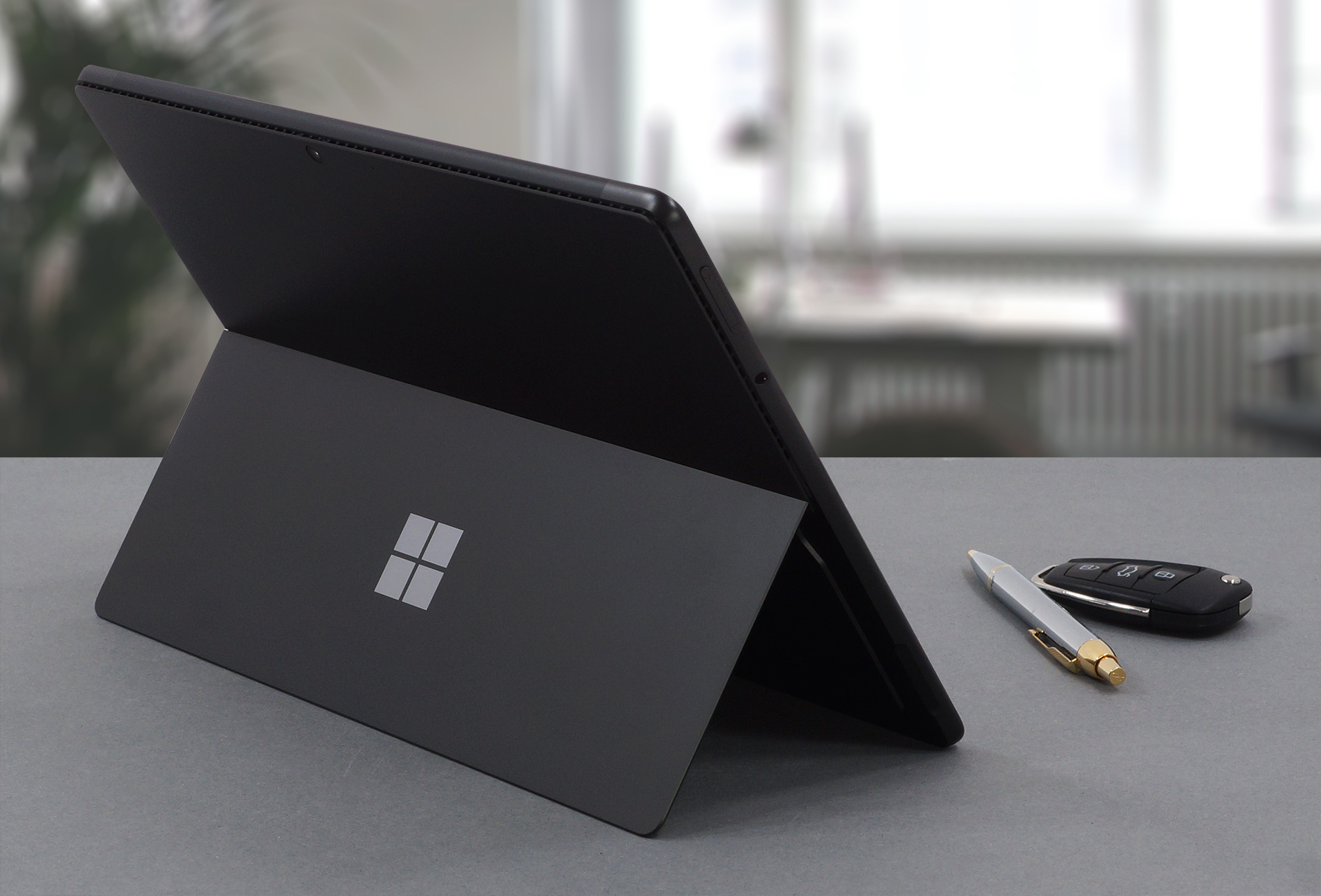
2. Display quality
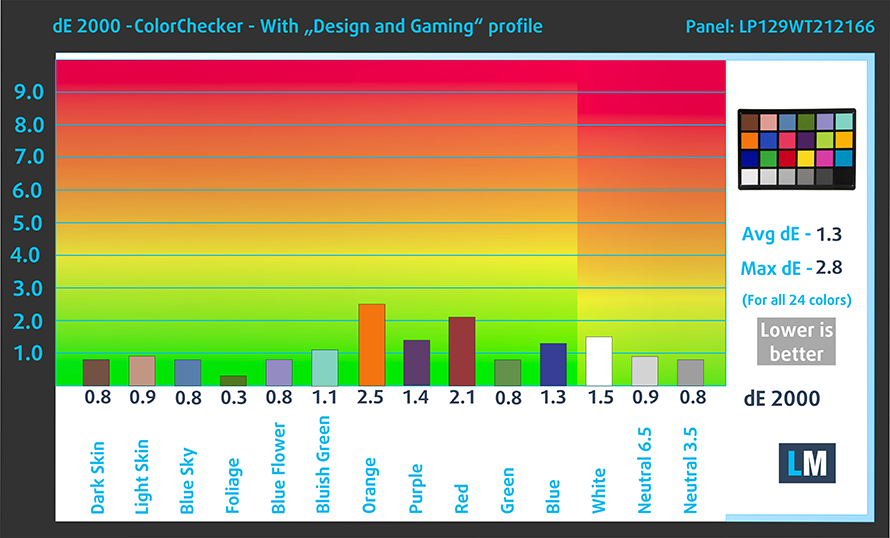
The laptop uses a 12.9-inch IPS Pixelsense display with a resolution of 2880 x 1920. It comes with excellent viewing angles, a max brightness of 464 nits in the middle of the screen and 477 nits as an average for the whole area, with a maximum deviation of 11%. The contrast ratio is also quite high at 1370:1. The panel covers 92% of the sRGB color gamut and reaches very good accuracy with our Design and Gaming profile, delivering a dE value of 1.3.
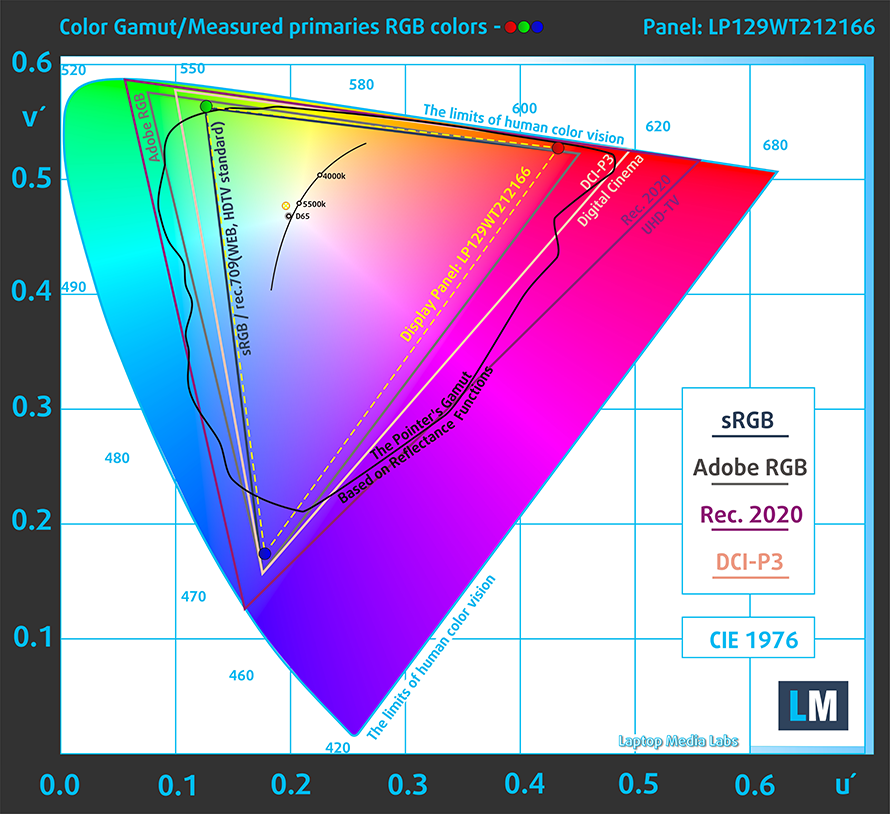
Here are the results of our test with the stock settings (left) and with our profile applied (right).

Buy our profiles
Since our profiles are tailored for each individual display model, this article and its respective profile package are meant for Microsoft Surface Pro 8 configurations with 12.9″ LP129WT212166 (INT3480).
*Should you have problems with downloading the purchased file, try using a different browser to open the link you’ll receive via e-mail. If the download target is a .php file instead of an archive, change the file extension to .zip or contact us at [email protected].
Read more about the profiles HERE.
Verimli ve sağlık dostu profiller almanın yanı sıra, LaptopMedia'nın ürünlerini satın alarak, mümkün olan en objektif incelemeleri üretmek için cihazları test ettiğimiz laboratuvarlarımızın gelişimini de desteklemiş olursunuz.

Ofis Çalışması
Ofis Çalışması, çoğunlukla metinlere, tablolara bakan veya sadece gezinen kullanıcılar tarafından kullanılmalıdır. Bu profil, düz bir gama eğrisi (2.20), doğal renk sıcaklığı ve algısal olarak doğru renkler tutarak daha iyi ayırt edilebilirlik ve netlik sunmayı amaçlamaktadır.

Tasarım ve Oyun
Bu profil, renklerle profesyonel olarak çalışan tasarımcılara ve aynı zamanda oyunlara ve filmlere yöneliktir. Tasarım ve Oyun, ekran panellerini sınırlarına kadar zorlayarak Web ve HDTV için sRGB IEC61966-2-1 standardında, D65 beyaz noktasında mümkün olduğunca doğru olmalarını sağlar.

Health-Guard
Health-Guard, zararlı Darbe Genişlik Modülasyonunu (PWM) ortadan kaldırır ve gözlerimizi ve vücudumuzu etkileyen negatif Mavi Işığı azaltır. Her panel için özel olarak uyarlandığından, renkleri algısal olarak doğru tutmayı başarır. Health-Guard kağıdı simüle eder, böylece gözlerdeki baskı büyük ölçüde azalır.
3 profili de %33 indirimle alın

3. Battery life
The device offers a 51.5Wh battery pack, which is a nice number considering the high-resolution display. With that said, our tests showed that the laptop lasts for 8 hours and 49 minutes of Web browsing, or 7 hours and 56 minutes of video playback. This is done with the Windows Better performance setting turned on, screen brightness adjusted to 120 nits and all other programs turned off except for the one we are testing the notebook with.
Parlaklık: 180 nit; Ekran Modu: SDR
Tam Deşarj Süresi: Yüksek Olan Daha İyidir
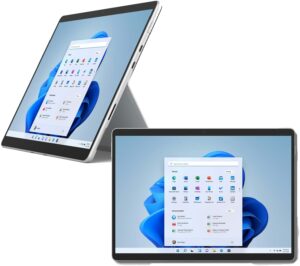
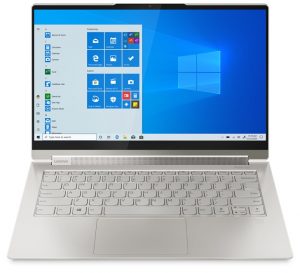
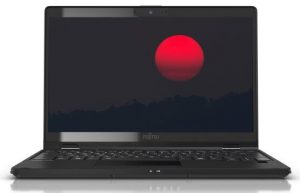
Gerçek hayat koşullarını simüle etmek için 70'ten fazla web sitesinde otomatik web taraması için kendi komut dosyamızı kullandık.
2 reasons NOT to buy the Microsoft Surface Pro 8
1. I/O
The I/O comes with two Thunderbolt 4 ports and a 3.5 mm audio jack. There are no expandable storage options.




2. Upgradeability
Since this is a tablet, you can’t disassemble it or upgrade the memory. On the outside, there isn’t a MicroSD card slot, which would have been the minimal effort from Microsoft. However, we have to give it to them for implementing quad-channel LPDDR4x memory.
All Microsoft Surface Pro 8 configurations:
 Author: Severin Kolakov

![[Eylül 2026] Amazon Global’de En Çok Satan Dizüstü Bilgisayar Markaları – Apple, %70’in Üzerinde Gelir Payıyla Pazara Hakim Oluyor](https://laptopmedia.com/wp-content/uploads/2026/10/GLOBAL-Best-Brands-400x225.jpg)
![[Eylül 2026] Amazon Global: En Çok Satan 10 Dizüstü Bilgisayar – Apple’ın MacBook Neo’su 1. Sırayı Aldı; Ekonomik ve Üst Sınıf Cihazlar Piyasayı Hakimiyet Altına Aldı](https://laptopmedia.com/wp-content/uploads/2026/10/Best-Selling-Laptops-GLOBAL-Top-10-400x225.jpg)
![[Eylül 2026] Amazon Global: En Çok Satan 10 Oyun Dizüstü Bilgisayarı – ASUS ROG Strix G16, Rekor Kıran Satış Rakamlarıyla Pazara Hakim Oluyor](https://laptopmedia.com/wp-content/uploads/2026/10/Best-Selling-Gaming-Laptops-GLOBAL-Top-10-400x225.jpg)
![[Eylül 2026] Amazon’da En Çok Satan Dizüstü Bilgisayar GPU’larının Küresel Sıralaması – Apple’ın M5 yongası, üst düzey dizüstü bilgisayarlarda NVIDIA’yı geride bıraktı; ancak ilk 10’a giren tek özel amaçlı GPU, RTX 5060 oldu](https://laptopmedia.com/wp-content/uploads/2026/10/Best-Selling-GPUs-GLOBAL-Top-10-400x225.jpg)
![[Eylül 2026] Amazon’da En Çok Satan Dizüstü Bilgisayar İşlemcilerinin Küresel Sıralaması – Premium Pazar Tek Bir Markanın Hakimiyetine Girerken Apple’ın M5’i Intel’i Geride Bıraktı](https://laptopmedia.com/wp-content/uploads/2026/10/Best-Selling-CPUs-GLOBAL-Top-10-400x225.jpg)
