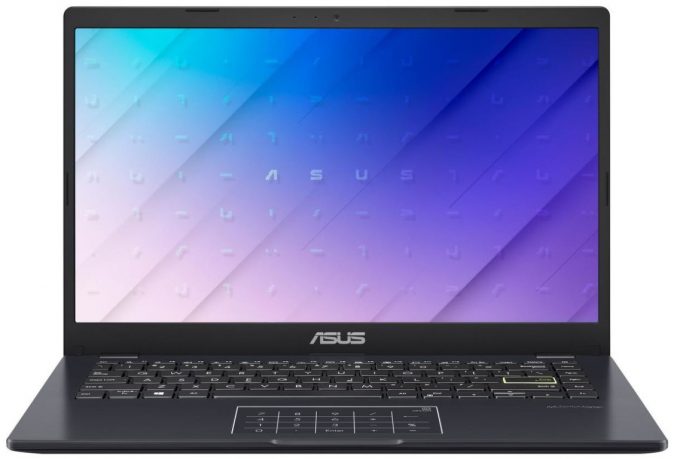
ASUS E410
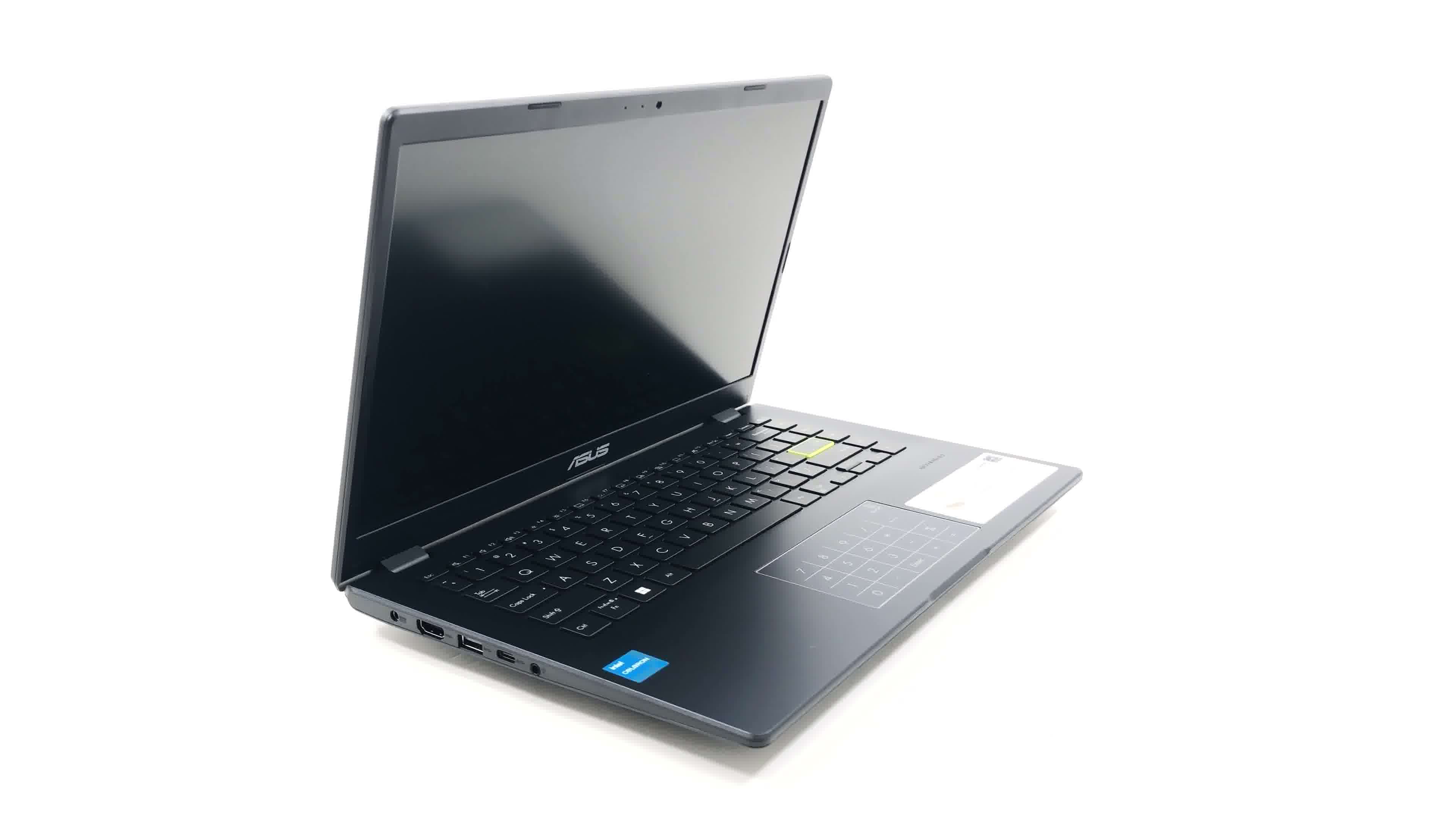

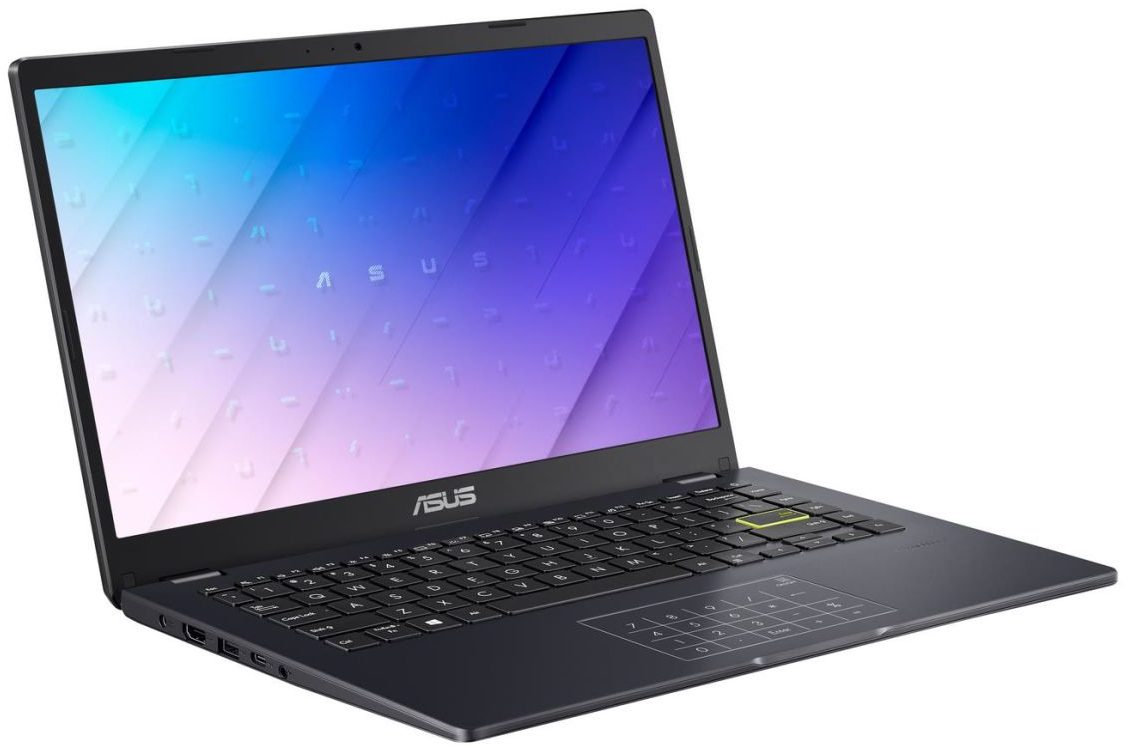
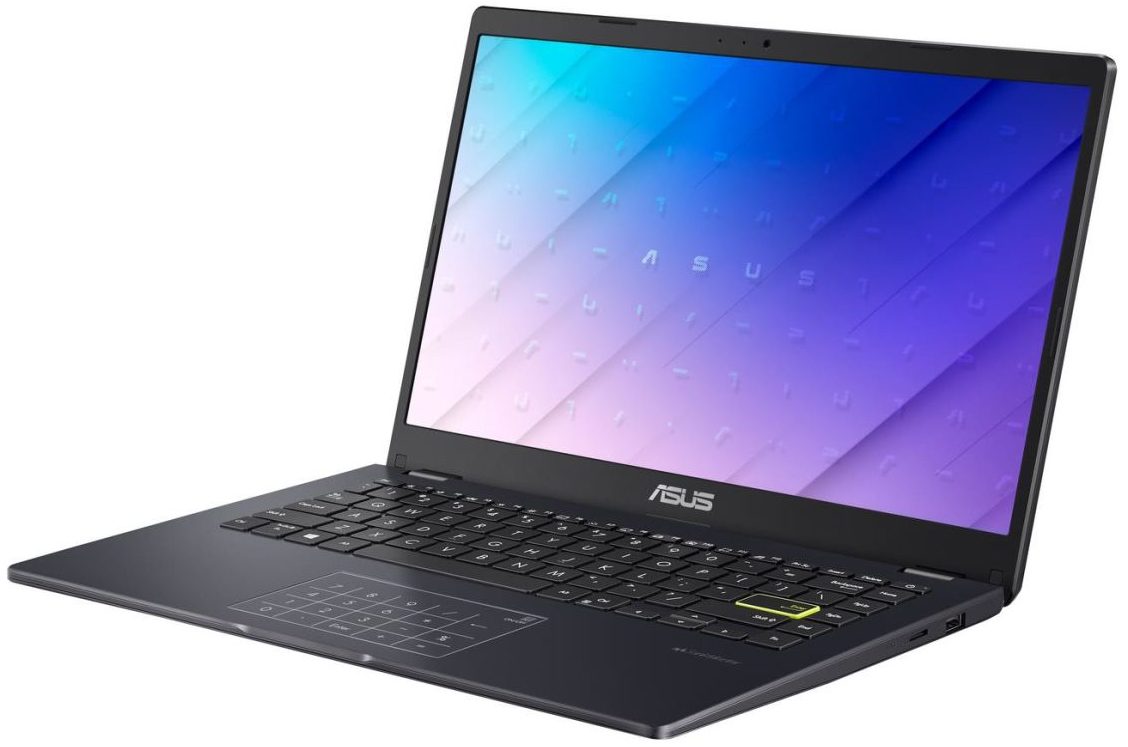
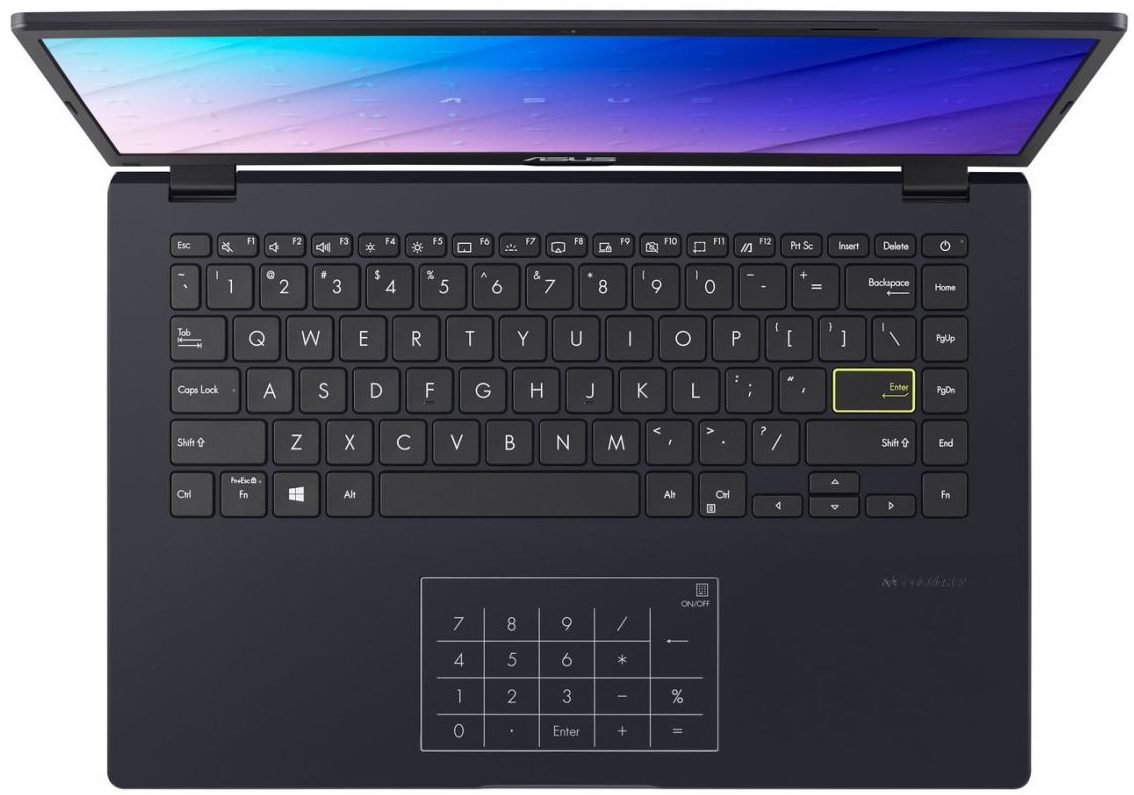
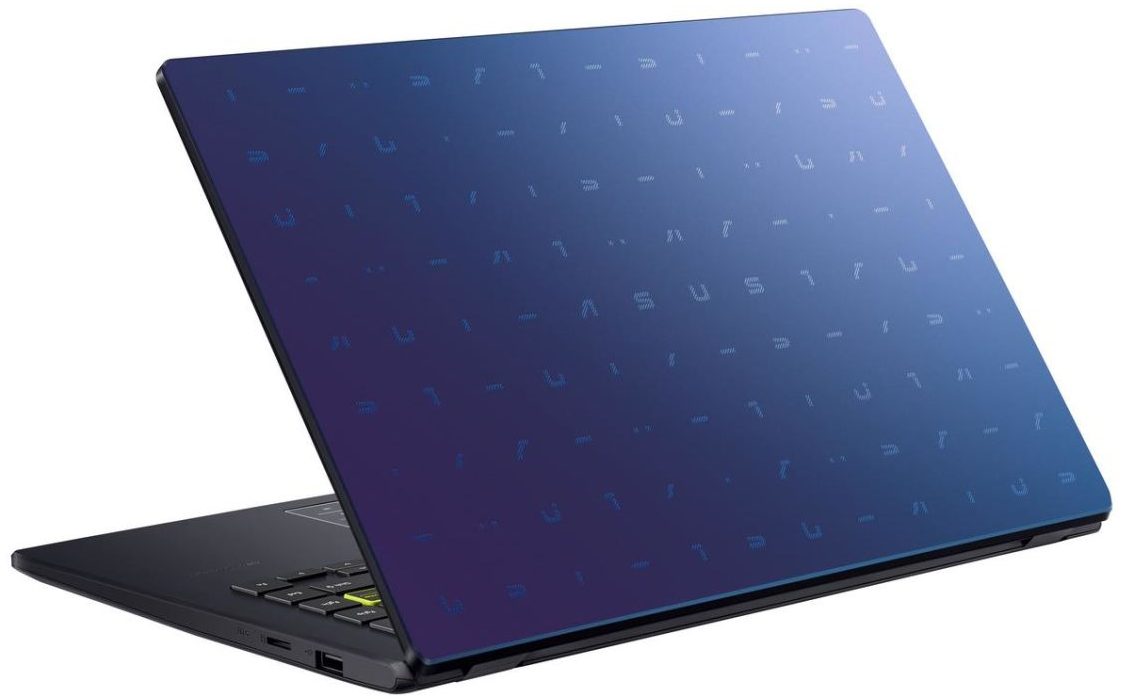
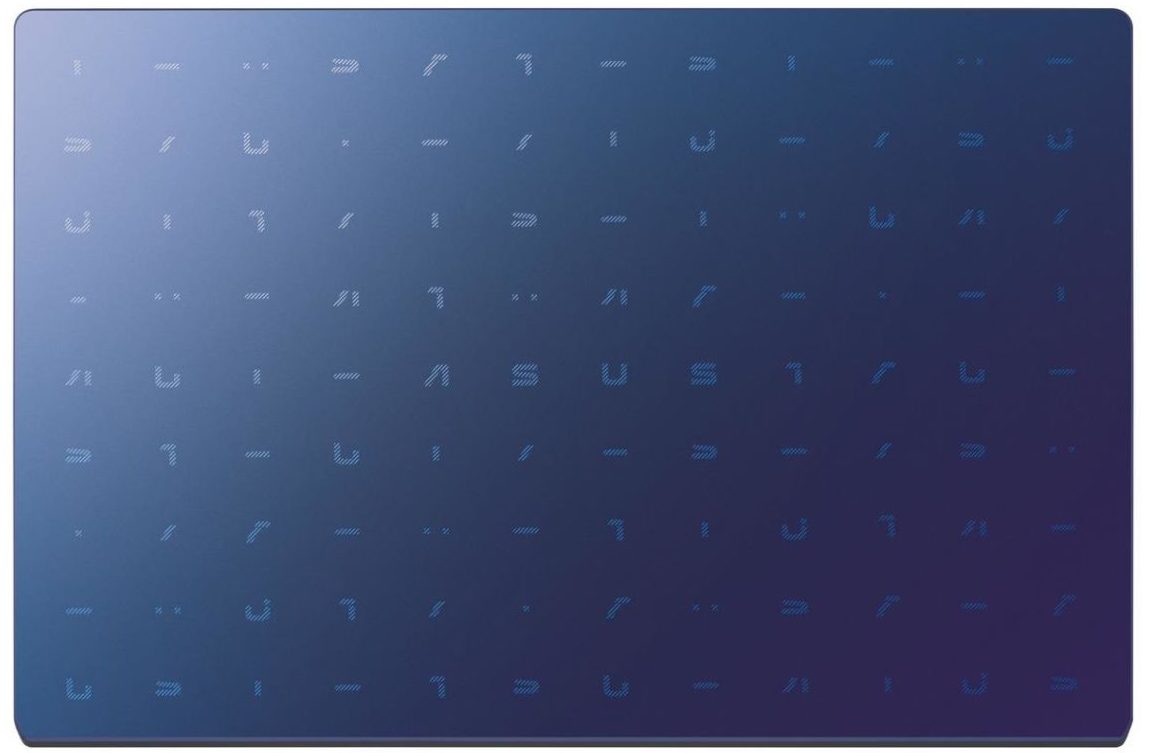
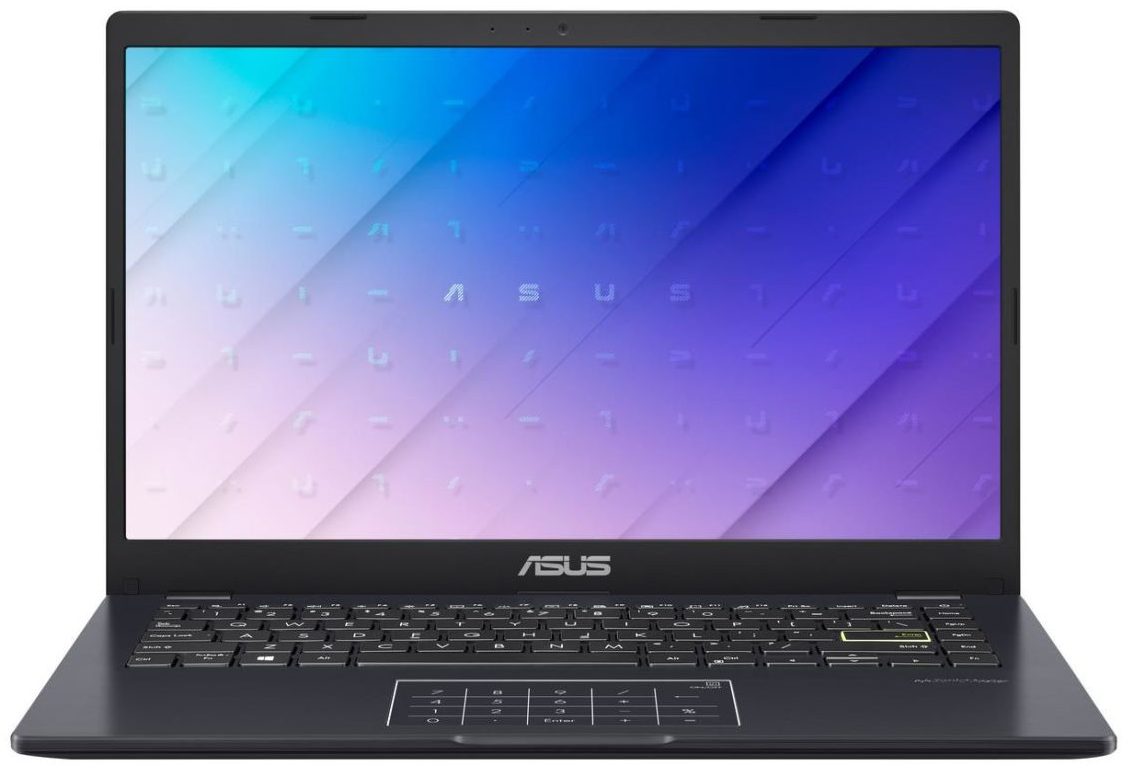
- Yayınlanma Tarihi: 04 Feb 2025
- Intel Pentium Silver N6000
- Intel UHD Graphics (Jasper Lake 32 EU)
- 14.0”, Full HD (1920 x 1080), TN
- 320GB SSD
- 4GB RAM
- 1.30 kg (2.9 lbs)
ASUS E410 (L410) derinlemesine inceleme
Right at the start of this review, we have to tell you that you need to adjust your expectations with the price tag of this notebook. The ASUS E410 is not your average Zenbook or ROG device. Instead, it is aimed at people, who need a first laptop (including children), or individuals, who cannot [...]
Tüm incelemeyi oku
İnceleme
ASUS E410 derinlemesine inceleme
Right at the start of this review, we have to tell you that you need to adjust your expectations with the price tag of this notebook. The ASUS E410 is not your average Zenbook or ROG device. Instead, it is aimed at people, who need a first laptop (including children), or individuals, who cannot afford to spend lots of money on the bare minimum.One would think that this is the easiest notebook to make in a manufacturer's lineup. However, we would argue that it is the hardest one - premium devices and heavy-duty gaming machines require a lot of R&D money, but at the end of the day, they allow for high margins, whereas here - the bar is really low.This means that ASUS (in this case), needs to make the best it can do with the said budget, and then, multiply it by millions of sold [...]
Tüm incelemeyi okuArtıları
- Very affordable
- 1x M.2 NVMe slot
- Silent during any workload
- No PWM (BOE NT140FHM-N44 (BOE07F6))
- NumberPad touchpad and backlit keyboard
Eksileri
- No MicroSD card slot
- Covers only 53% of the sRGB gamut (BOE NT140FHM-N44 (BOE07F6))
- Narrow viewing angles and poor contrast ratio (BOE NT140FHM-N44 (BOE07F6))
- Celeron CPUs are really slow
Sökme, bakım ve yükseltme seçenekleri
Probably without any surprise, the ASUS E410 doesn't offer good upgradeability. You have to be aware that some models feature eMMC flash memory, and might not have an SSD slot whatsoever.Check out all ASUS E410 prices and configurations in our Specs System, or read more in our In-Depth review.1. Remove the bottom plate To open this device, you need to undo 10 Phillips-head screws. Then, pry the bottom panel with a plastic tool, starting from the front corners.2. Remove the battery Inside, we see a 42Wh battery pack. To remove it, unplug the battery connector, and undo the[...]
Daha fazlasını oku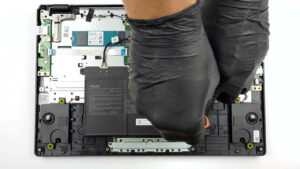
Ekran: 14.0-inch, 1920 x 1080, TN
- İsim
- BOE NT140FHM-N44 (BOE07F6)
- Diyagonal
- 14.0"
- Piksel yoğunluğu
- 157.35 ppi
- Parlaklık
- 260 cd/m2
- sRGB
- 52%
- Panel Tipi
- TN
- Çözünürlük
- 1920 x 1080
- "Retina" Olduğu Mesafe
- 22 inches (56 cm)
- Kontrast
- 260:1
- dE Color Checker
- 13 4.3

Şunun için profillerimizi satın alın BOE NT140FHM-N44 (BOE07F6)
Verimli ve sağlık dostu profiller almanın yanı sıra, LaptopMedia'nın ürünlerini satın alarak, mümkün olan en objektif incelemeleri üretmek için cihazları test ettiğimiz laboratuvarlarımızın gelişimini de desteklemiş olursunuz.

Ofis Çalışması
Ofis Çalışması, çoğunlukla metinlere, tablolara bakan veya sadece gezinen kullanıcılar tarafından kullanılmalıdır. Bu profil, düz bir gama eğrisi (2.20), doğal renk sıcaklığı ve algısal olarak doğru renkler tutarak daha iyi ayırt edilebilirlik ve netlik sunmayı amaçlamaktadır.

Tasarım ve Oyun
Bu profil, renklerle profesyonel olarak çalışan tasarımcılara ve aynı zamanda oyunlara ve filmlere yöneliktir. Tasarım ve Oyun, ekran panellerini sınırlarına kadar zorlayarak Web ve HDTV için sRGB IEC61966-2-1 standardında, D65 beyaz noktasında mümkün olduğunca doğru olmalarını sağlar.

Health-Guard
Health-Guard, zararlı Darbe Genişlik Modülasyonunu (PWM) ortadan kaldırır ve gözlerimizi ve vücudumuzu etkileyen negatif Mavi Işığı azaltır. Her panel için özel olarak uyarlandığından, renkleri algısal olarak doğru tutmayı başarır. Health-Guard kağıdı simüle eder, böylece gözlerdeki baskı büyük ölçüde azalır.