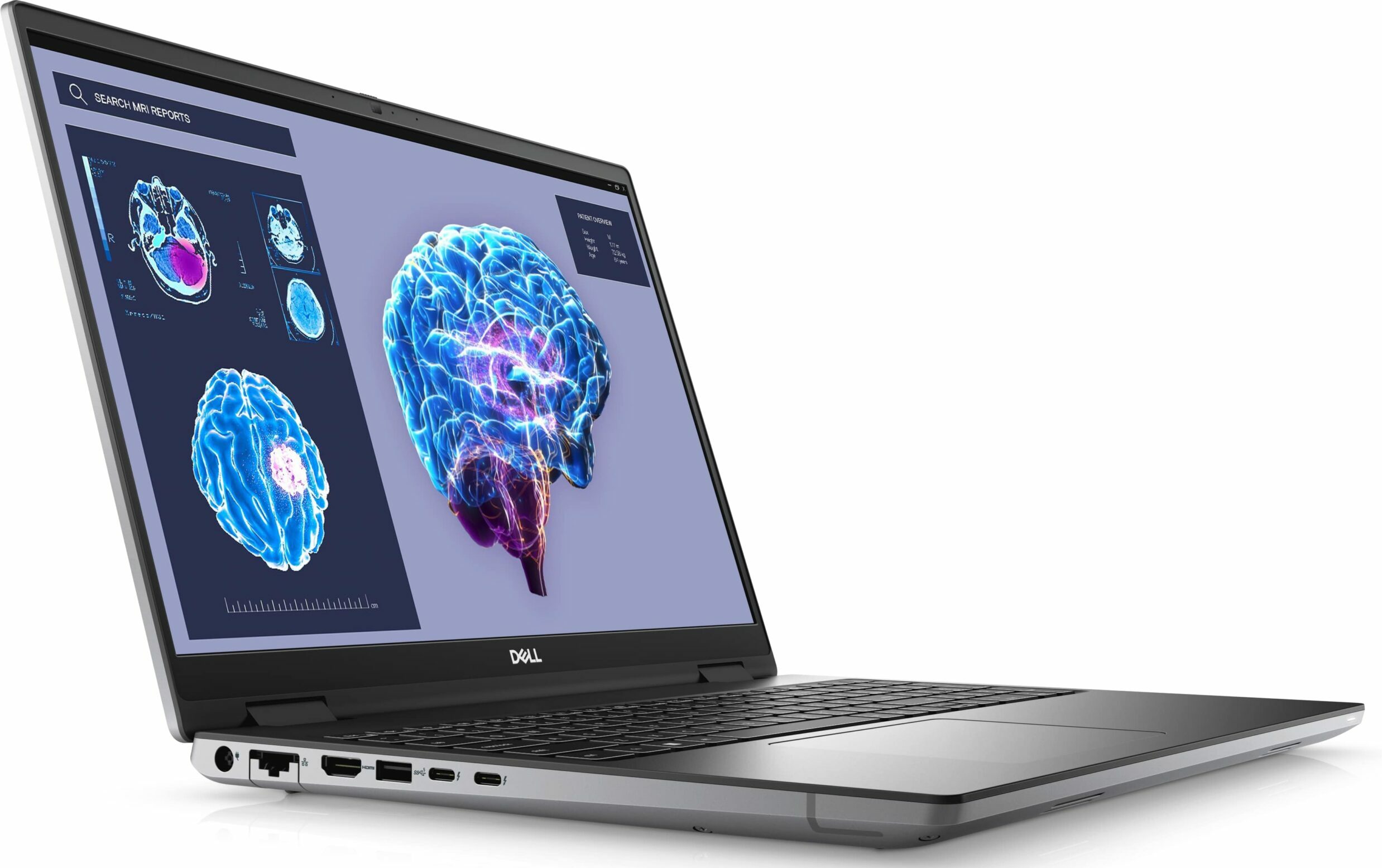
Dell Precision 7680



- Yayınlanma Tarihi: 09 Jun 2023
- Intel Core i7-13850HX
- NVIDIA RTX A1000 (Laptop)
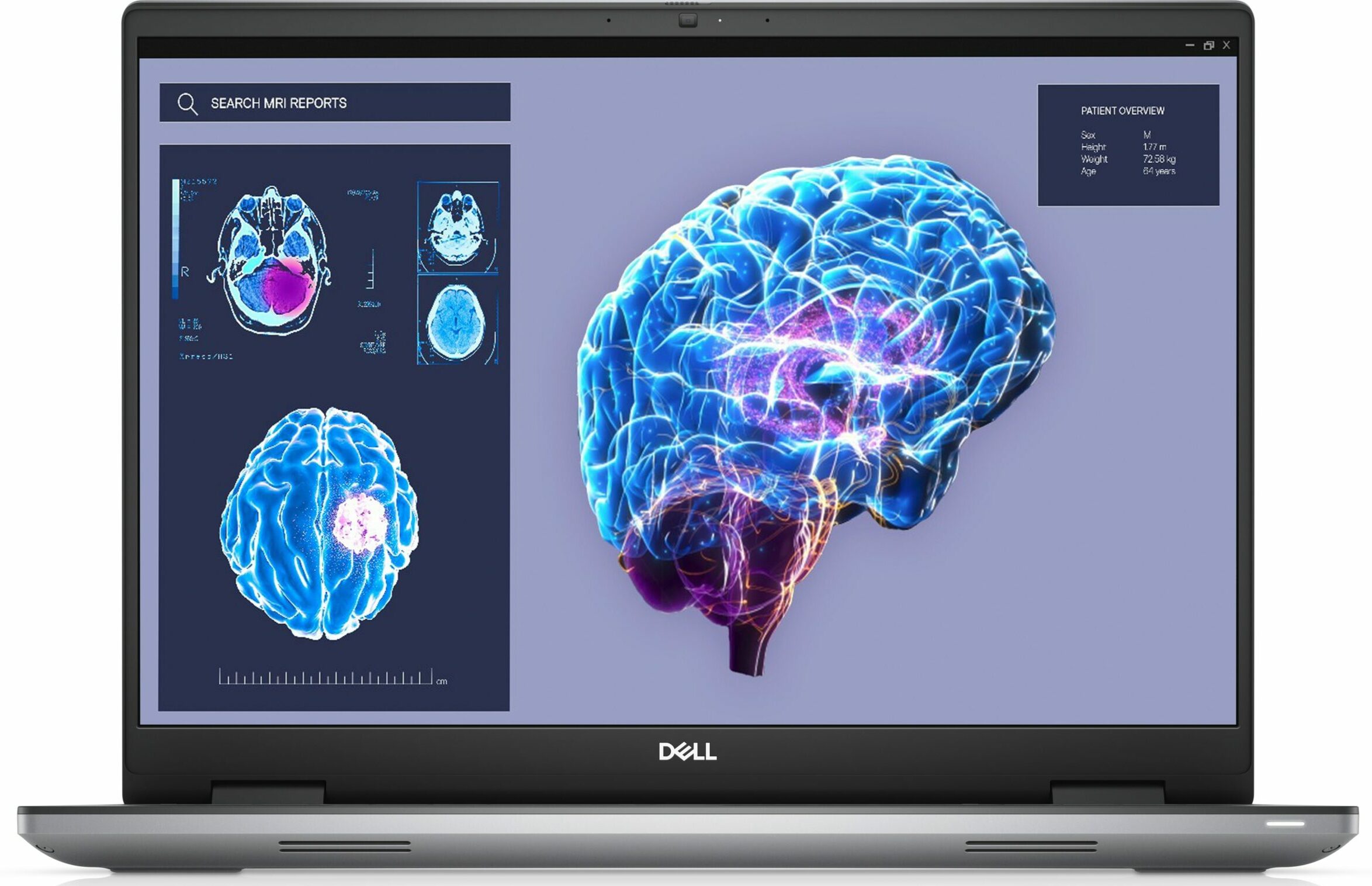
- 16.0”, WUXGA (1920 x 1200), IPS
- 512GB SSD
- 32GB RAM
- 2.60 kg (5.7 lbs)
Dell Precision 16 7680 derinlemesine inceleme
In the modern laptop world, there are ordinary notebooks, gaming devices, and then there are workstations. They range from the least expensive thing that will get the job done, to a mini powerhouse that is easily comparable to a desktop system. Today, we have one such notebook, which is called the [...]
Tüm incelemeyi oku

İnceleme
Dell Precision 7680 derinlemesine inceleme
In the modern laptop world, there are ordinary notebooks, gaming devices, and then there are workstations. They range from the least expensive thing that will get the job done, to a mini powerhouse that is easily comparable to a desktop system.Today, we have one such notebook, which is called the Dell Precision 16 7680. It comes with a 16-inch display, and contrary to what we expected, is not that bulky. Oftentimes, when someone needs a powerful machine for work, they settle for a gaming machine, because it is similarly powerful, but comes at a far more convincing price tag.However, choosing a workstation ensures you get the pro-grade hardware you need to effortlessly run your professional software. After all, there are a bunch of certifications, besides the support guarantees you[...]
Tüm incelemeyi okuArtıları
- Up to 128GB of DDR5 (CAMM) + two M.2 slots
- Capable hardware
- Fingerprint reader + optional IR face recognition and 5G connectivity
- SD card reader + 2x Thunderbolt 4 + HDMI 2.1
- Packs good security features
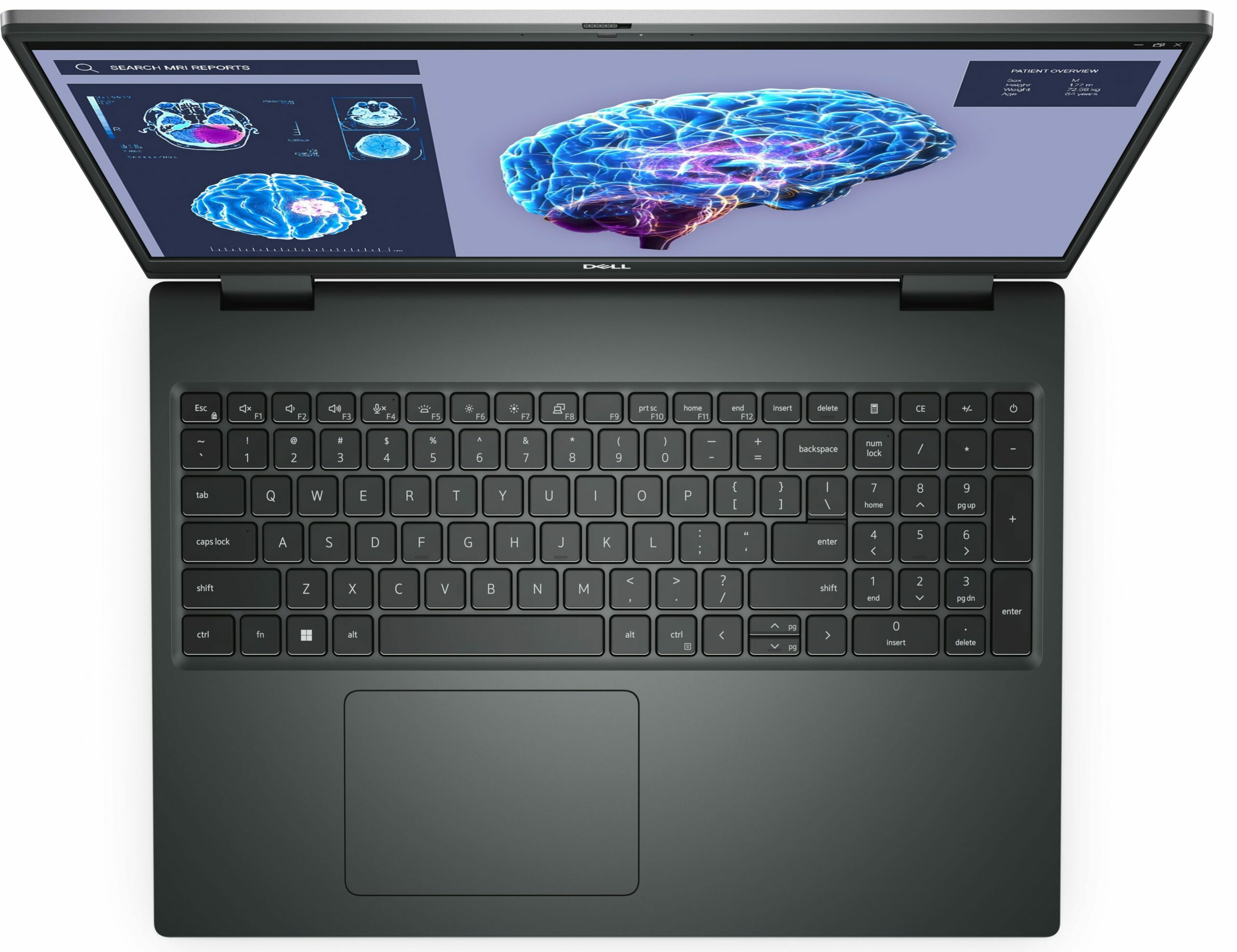
- Great spill-resistant keyboard and touchpad
Eksileri
- High price
- Horrendous battery life
- Gets really warm even on idle
Sökme, bakım ve yükseltme seçenekleri
1. Accessing the Service Cover - The laptop comes with a designated service cover for quick access. - Simply pop it open to gain access to one of the M.2 PCIe x4 slots.2. Removing the Bottom Panel - First, ensure the device is powered off and disconnected from any power source. - Undo the six captive Phillips-head screws using a screwdriver. - Gently pry the bottom panel using a plastic tool. Start from the edges and work your way around. - Carefully lift the panel away from the chassis.3. Battery Removal - Begin by unplugging the battery connector from the motherboard[...]
Daha fazlasını oku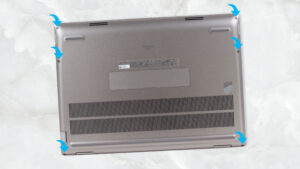
Ekran: 16.0-inch, 1920 x 1200, IPS
- İsim
- AUO 8G0JV-B160UAN (AUO31A6)
- Diyagonal
- 16.0"
- Piksel yoğunluğu
- 141.51 ppi
- Parlaklık
- 587 cd/m2
- sRGB
- 100%
- Panel Tipi
- IPS
- Çözünürlük
- 1920 x 1200
- "Retina" Olduğu Mesafe
- 24 inches (62 cm)
- Kontrast
- 1280:1
- dE Color Checker
- 2.7 0.7

Şunun için profillerimizi satın alın AUO 8G0JV-B160UAN (AUO31A6)
Verimli ve sağlık dostu profiller almanın yanı sıra, LaptopMedia'nın ürünlerini satın alarak, mümkün olan en objektif incelemeleri üretmek için cihazları test ettiğimiz laboratuvarlarımızın gelişimini de desteklemiş olursunuz.

Ofis Çalışması
Ofis Çalışması, çoğunlukla metinlere, tablolara bakan veya sadece gezinen kullanıcılar tarafından kullanılmalıdır. Bu profil, düz bir gama eğrisi (2.20), doğal renk sıcaklığı ve algısal olarak doğru renkler tutarak daha iyi ayırt edilebilirlik ve netlik sunmayı amaçlamaktadır.

Tasarım ve Oyun
Bu profil, renklerle profesyonel olarak çalışan tasarımcılara ve aynı zamanda oyunlara ve filmlere yöneliktir. Tasarım ve Oyun, ekran panellerini sınırlarına kadar zorlayarak Web ve HDTV için sRGB IEC61966-2-1 standardında, D65 beyaz noktasında mümkün olduğunca doğru olmalarını sağlar.

Health-Guard
Health-Guard, zararlı Darbe Genişlik Modülasyonunu (PWM) ortadan kaldırır ve gözlerimizi ve vücudumuzu etkileyen negatif Mavi Işığı azaltır. Her panel için özel olarak uyarlandığından, renkleri algısal olarak doğru tutmayı başarır. Health-Guard kağıdı simüle eder, böylece gözlerdeki baskı büyük ölçüde azalır.





