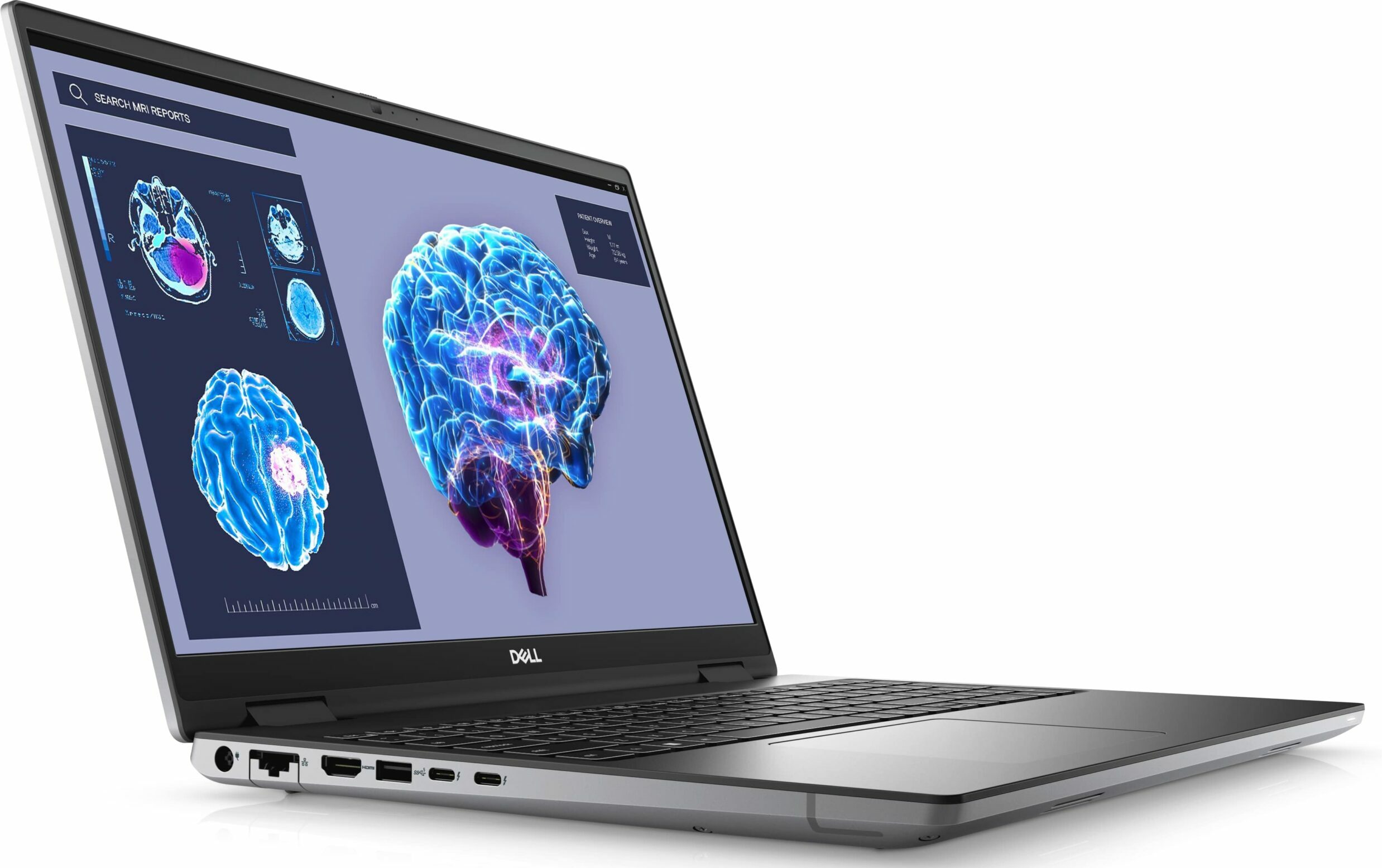
Dell Precision 7680



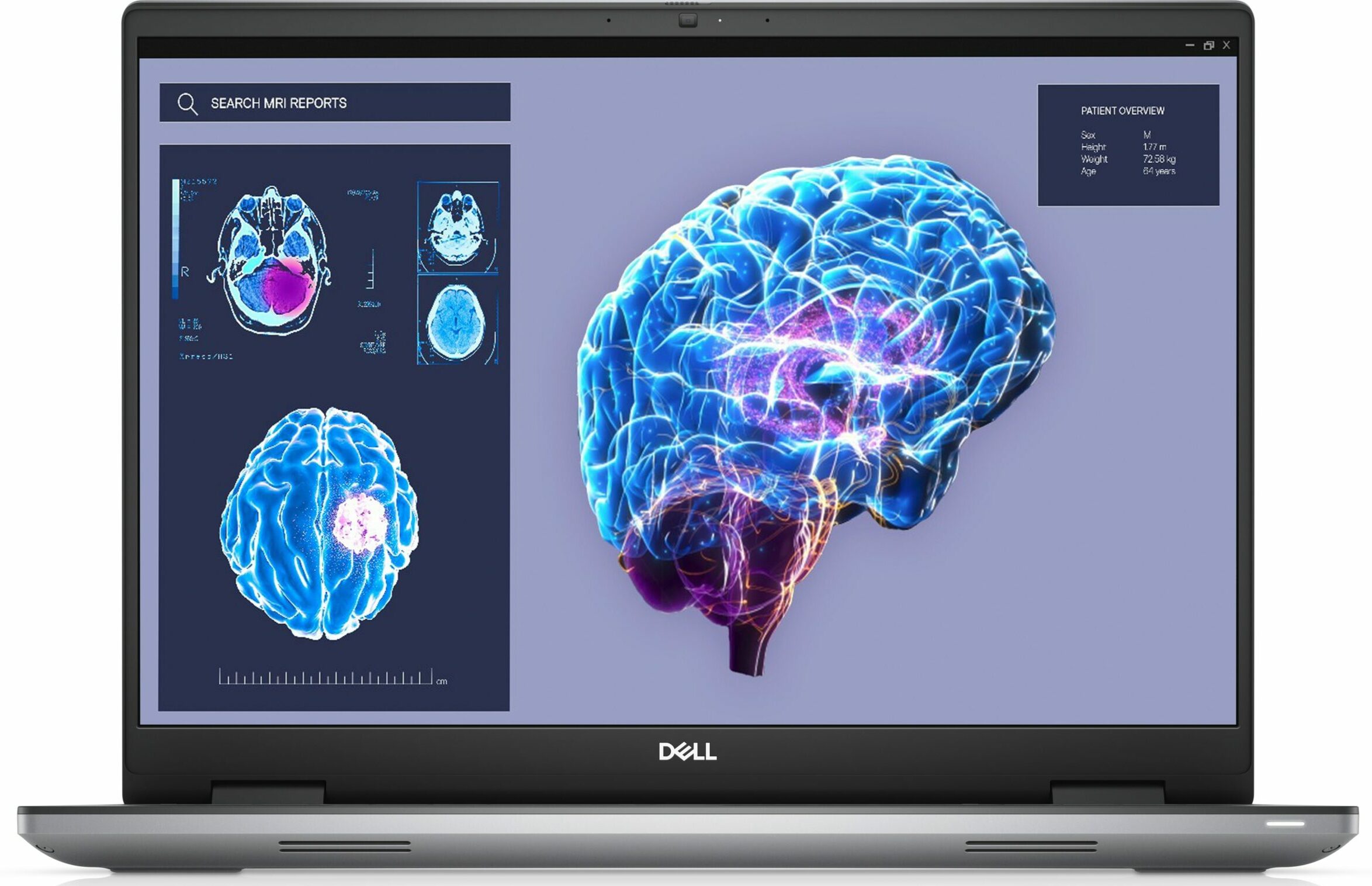
- Yayınlanma Tarihi: 09 Jun 2023
- Intel Core i7-13850HX
- NVIDIA RTX A1000 (Laptop)
- 16.0”, WUXGA (1920 x 1200), IPS
- 512GB SSD
- 32GB RAM
- 2.60 kg (5.7 lbs)
Dell Precision 16 7680 derinlemesine inceleme
In the modern laptop world, there are ordinary notebooks, gaming devices, and then there are workstations. They range from the least expensive thing that will get the job done, to a mini powerhouse that is easily comparable to a desktop system. Today, we have one such notebook, which is called the [...]
Tüm incelemeyi oku

Özellikler

- HDD/SSD
- 512GB SSD
- M.2 Yuvası
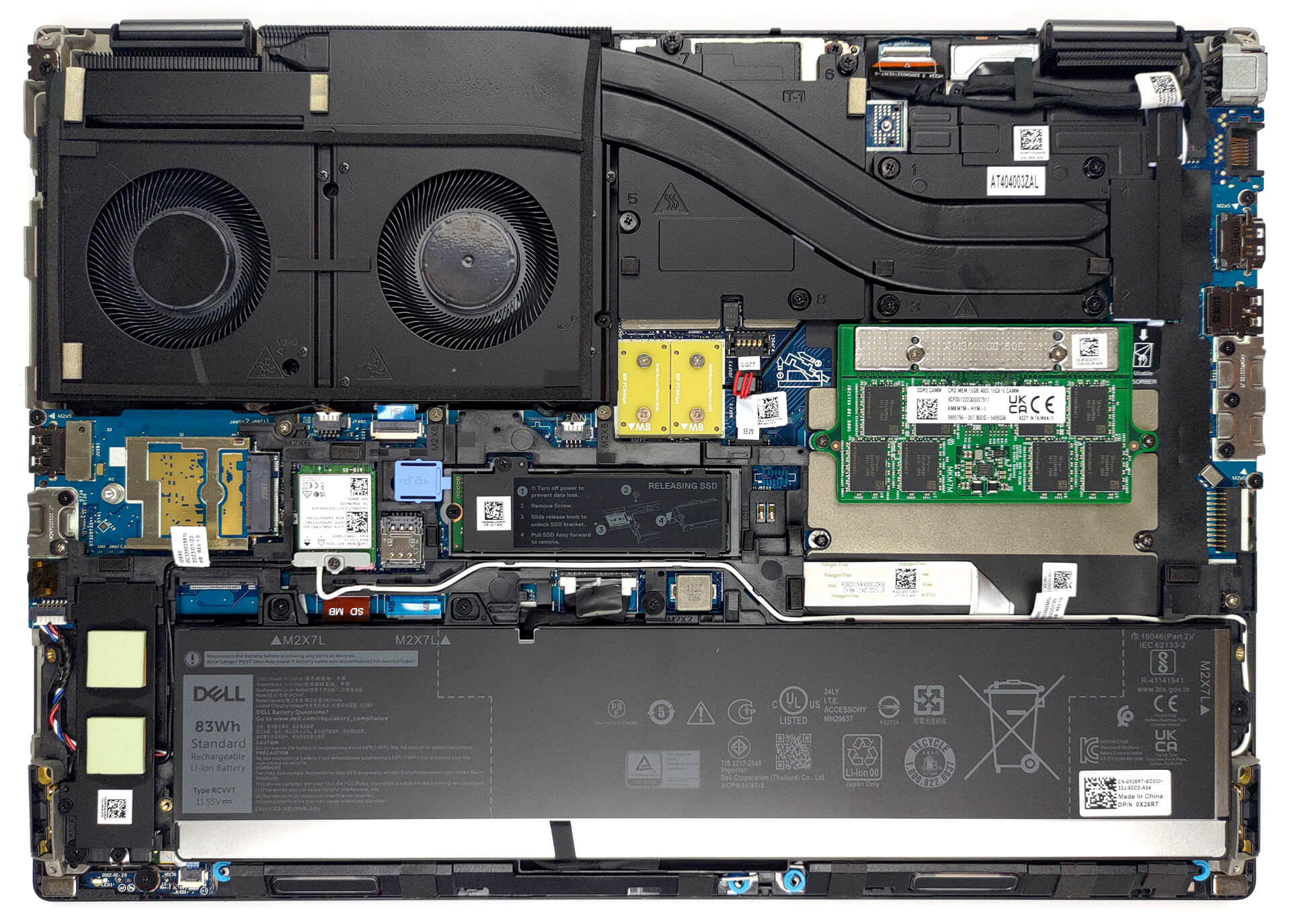
- 2x 2280 M.2 NVMe PCIe 4.0 x4 Fotoğrafı gör
- RAM
- 32GB RAM
- OS
- Windows 11 Pro
- Gövde Malzemesi
- Alüminyum
- Boyutlar
- 356 x 258.34 x 22.30 - 23.20 mm (14.02" x 10.17" x 0.88")
- Ağırlık
- 2.60 kg (5.7 lbs)
- Portlar ve bağlantı
- 1x USB Type-A
- 3.2 Gen 1 (5 Gbps)
- 1x USB Type-A
- 3.2 Gen 1 (5 Gbps), Sleep and Charge
- 1x USB Type-C
- 3.2 Gen 2 (10 Gbps), DisplayPort
- 2x USB Type-C
- Thunderbolt 4
- HDMI
- 2.1
- Kart Okuyucu
- SD (SD, SDHC, SDXC)
- Ethernet LAN
- 10, 100, 1000 Mbit/s
- Wi-Fi
- 802.11ax
- Bluetooth
- 5.3
- Audio jack
- 3.5mm Combo Jack
- Özellikler
- Parmak izi okuyucu
- Web kamerası
- FHD IR
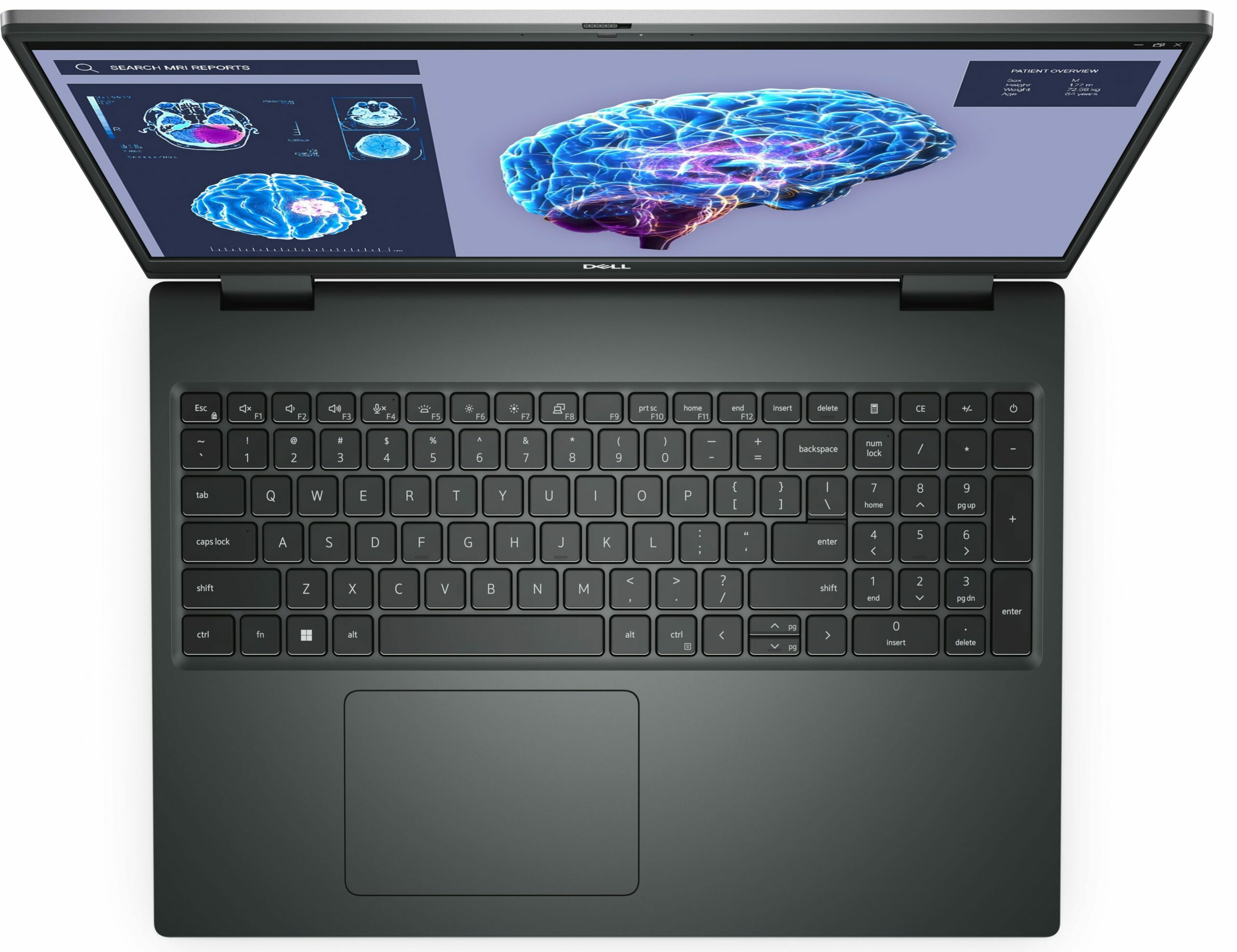
- Arkadan aydınlatmalı klavye
- Mikrofon
- Dual Digital Array Microphones
- Hoparlörler
- 2x 2W Stereo Speakers
- Güvenlik Kilidi yuvası
- Wedge Lock
Taşınabilirlik
İnceleme
Dell Precision 7680 derinlemesine inceleme
In the modern laptop world, there are ordinary notebooks, gaming devices, and then there are workstations. They range from the least expensive thing that will get the job done, to a mini powerhouse that is easily comparable to a desktop system.Today, we have one such notebook, which is called the Dell Precision 16 7680. It comes with a 16-inch display, and contrary to what we expected, is not that bulky. Oftentimes, when someone needs a powerful machine for work, they settle for a gaming machine, because it is similarly powerful, but comes at a far more convincing price tag.However, choosing a workstation ensures you get the pro-grade hardware you need to effortlessly run your professional software. After all, there are a bunch of certifications, besides the support guarantees you[...]
Tüm incelemeyi okuArtıları
- Up to 128GB of DDR5 (CAMM) + two M.2 slots
- Capable hardware
- Fingerprint reader + optional IR face recognition and 5G connectivity
- SD card reader + 2x Thunderbolt 4 + HDMI 2.1
- Packs good security features
- Great spill-resistant keyboard and touchpad
Eksileri
- High price
- Horrendous battery life
- Gets really warm even on idle
Sökme, bakım ve yükseltme seçenekleri
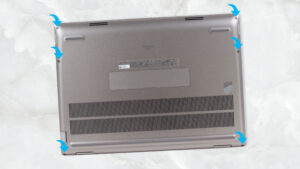
1. Accessing the Service Cover - The laptop comes with a designated service cover for quick access. - Simply pop it open to gain access to one of the M.2 PCIe x4 slots.2. Removing the Bottom Panel - First, ensure the device is powered off and disconnected from any power source. - Undo the six captive Phillips-head screws using a screwdriver. - Gently pry the bottom panel using a plastic tool. Start from the edges and work your way around. - Carefully lift the panel away from the chassis.3. Battery Removal - Begin by unplugging the battery connector from the motherboard[...]
Daha fazlasını oku