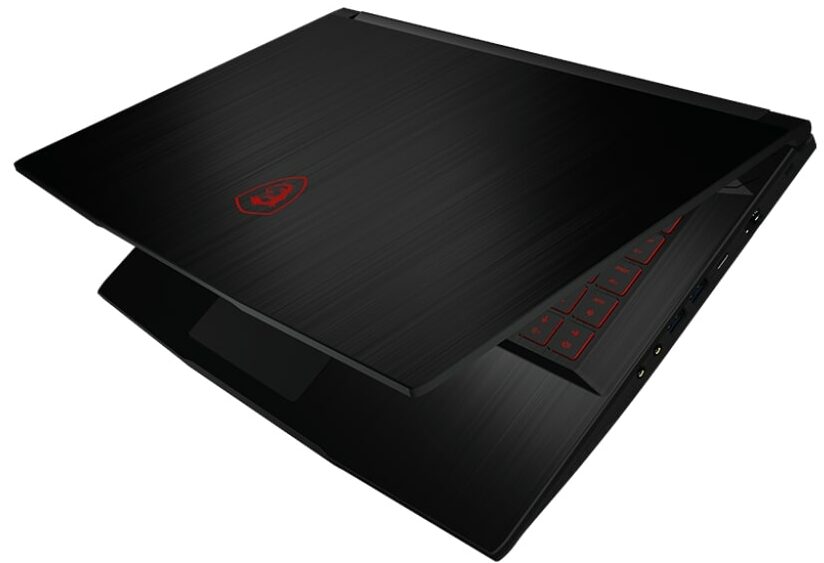
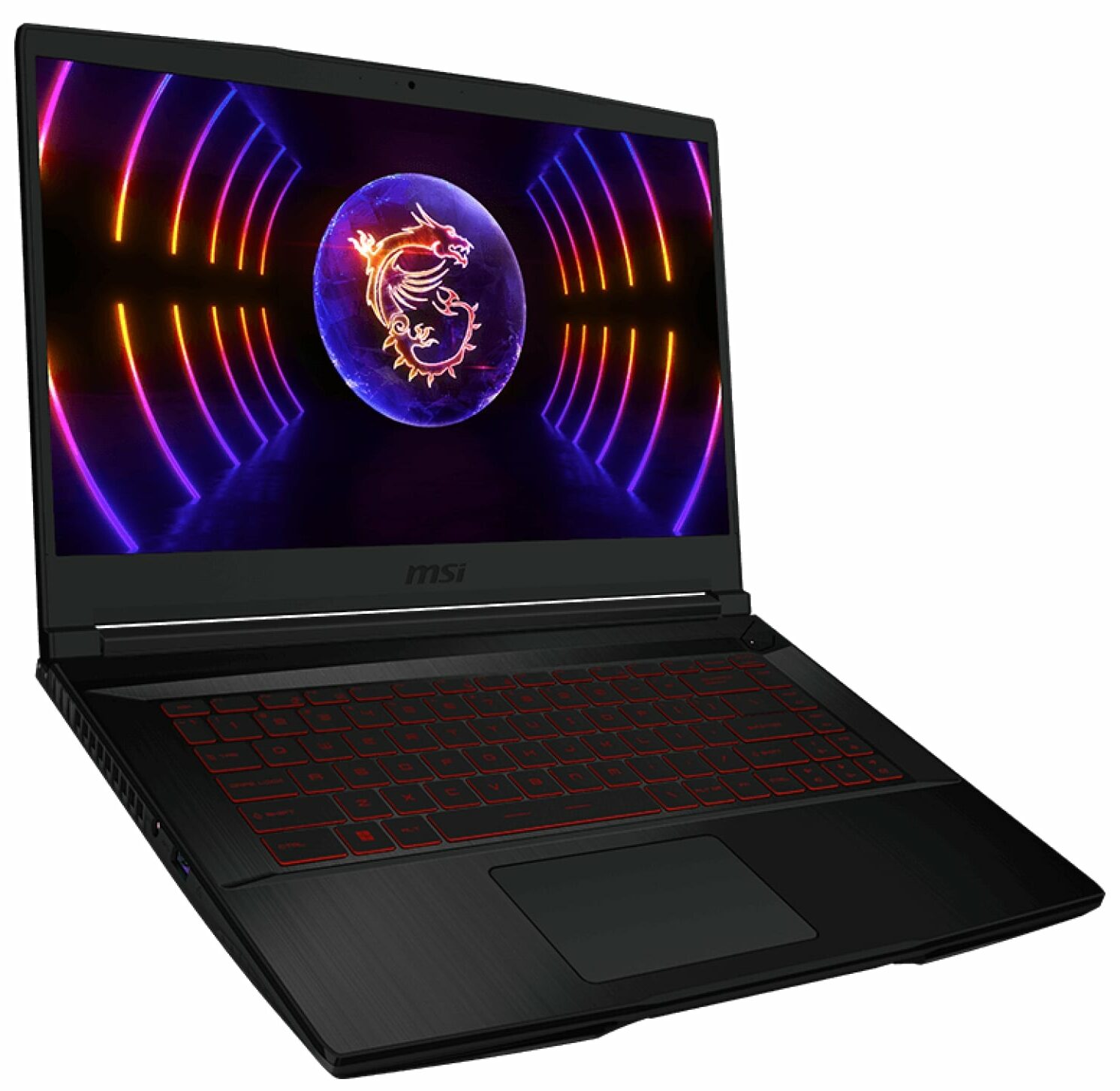
MSI Thin GF63
_000052.jpg)


- Yayınlanma Tarihi: 24 Oct 2023
- Intel Core i7-12650H
- NVIDIA GeForce RTX 4050 (Laptop, 45W)
- 15.6”, Full HD (1920 x 1080), 144 Hz, IPS
- 2000GB SSD
- 64GB DDR4
- 1.86 kg (4.1 lbs)
MSI Thin GF63 (12Vx) derinlemesine inceleme
In the last few years, finding a decent gaming laptop that isn't expensive is a hard job. One of the possible offerings is the MSI Thin GF63 (12V). The manufacturer has made a lot of right choices in order to keep the end price as low as possible. This machine can be configured with Intel Alder [...]
Tüm incelemeyi oku

Özellikler

- HDD/SSD
- 2TB SSD
- M.2 Yuvası
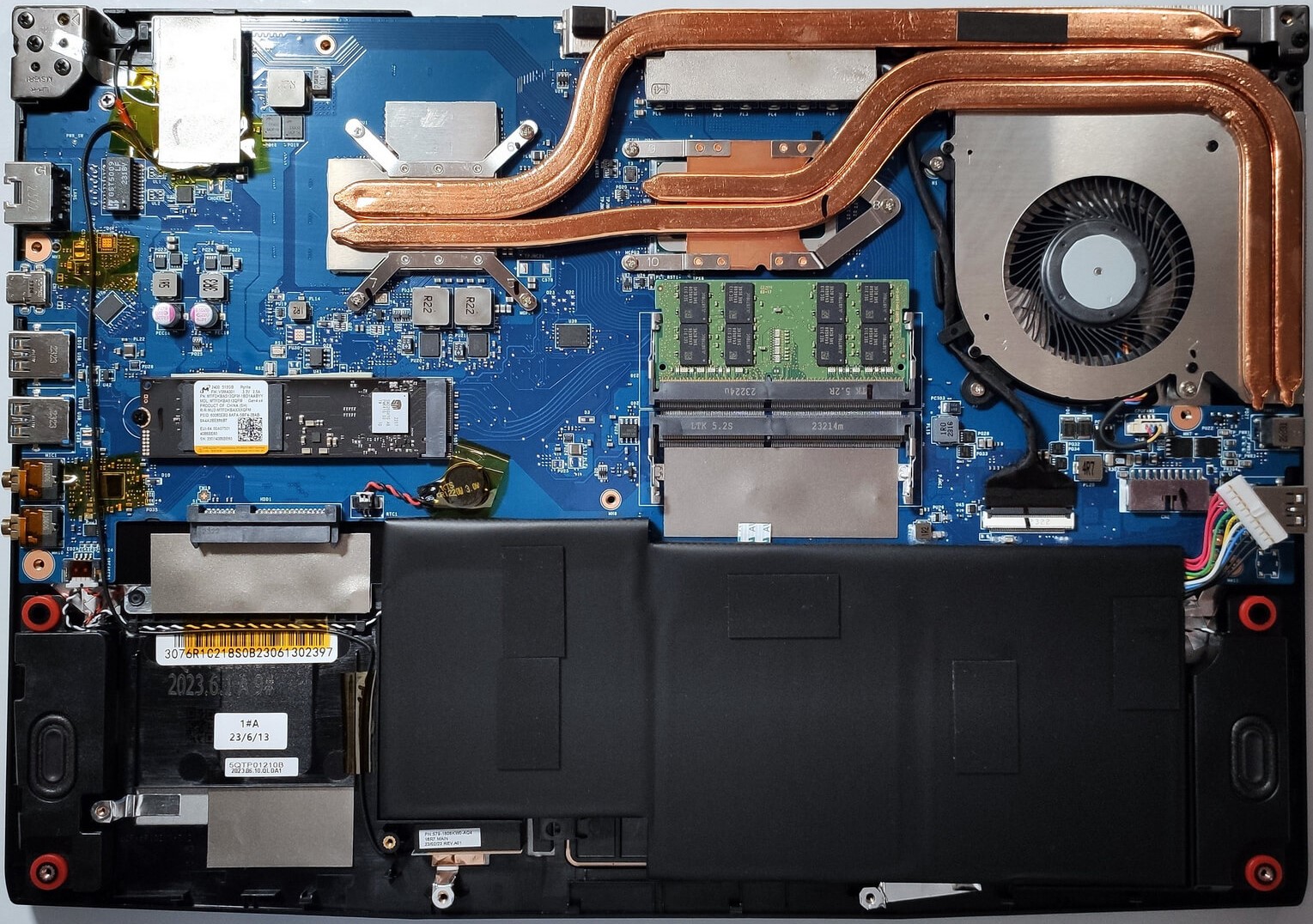
- 1x 2280 M.2 NVMe PCIe 4.0 x4 + 1x SATA Fotoğrafı gör
- RAM
- 64GB DDR4
- OS
- Windows 11 Pro
- Gövde Malzemesi
- Plastik / Polikarbonat, Alüminyum
- Boyutlar
- 359 x 254 x 21.7 mm (14.13" x 10.00" x 0.85")
- Ağırlık
- 1.86 kg (4.1 lbs)
- Portlar ve bağlantı
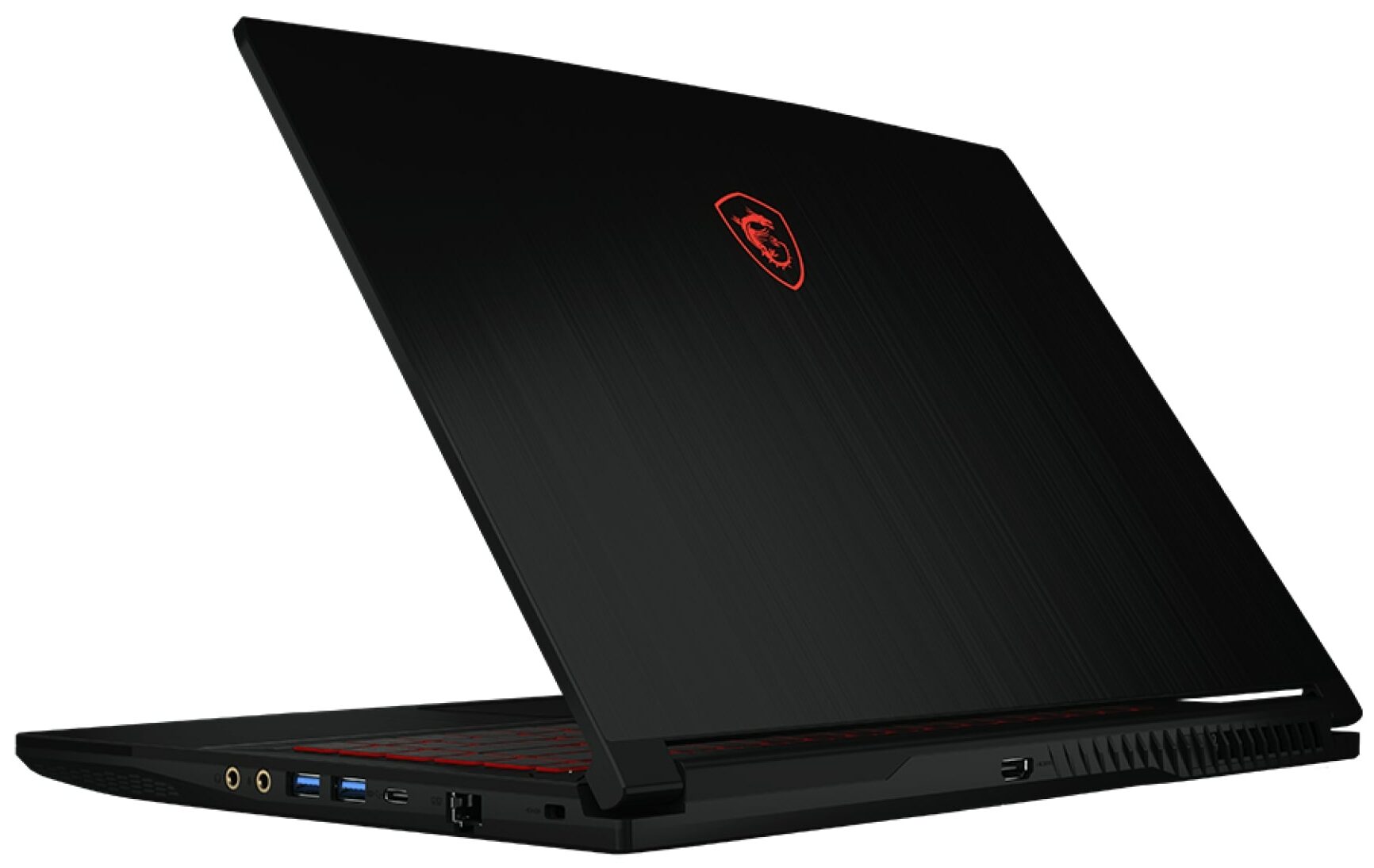
- 3x USB Type-A
- 3.2 Gen 1 (5 Gbps)
- 1x USB Type-C
- 3.2 Gen 1 (5 Gbps), DisplayPort
- HDMI
- 1.4
- Kart Okuyucu
- Ethernet LAN
- 10, 100, 1000 Mbit/s
- Wi-Fi
- 802.11ax
- Bluetooth
- 5.2
- Audio jack
- 3.5mm Combo Jack
- Özellikler
- Parmak izi okuyucu
- Web kamerası
- HD
- Arkadan aydınlatmalı klavye
- Mikrofon
- Hoparlörler
- 2x 2W Stereo Speakers, Nahimic 3
- Optik sürücü
- Güvenlik Kilidi yuvası
- Hediyeler
- PDG HDMI Cable
Taşınabilirlik
İnceleme
MSI Thin GF63 derinlemesine inceleme
In the last few years, finding a decent gaming laptop that isn't expensive is a hard job. One of the possible offerings is the MSI Thin GF63 (12V). The manufacturer has made a lot of right choices in order to keep the end price as low as possible.This machine can be configured with Intel Alder Lake-H CPUs which isn't bad at all. These chips still pack plenty of power but they cost less than their new Raptor Lake siblings. The laptop relies on DDR4 memory which is another cost-saving method. Given the choice of mid-range GeForce RTX 4000 GPUs with very modest TGPs, the old RAM version shouldn't be much of a problem / bottleneck.There is just one display model but since it's an IPS variant with a high refresh rate, we can call it a day. MSI mentions that the cooler solution of this m[...]
Tüm incelemeyi okuArtıları
- Decent gaming performance
- 1x M.2 PCIe x4 Gen 4 slot, 1x SATA slot, and 2x DDR5 RAM SODIMM slots in dual channel
- 144Hz refresh rate (AUO B156HAN15.1 (AUOD0A2))
- No PWM (AUO B156HAN15.1 (AUOD0A2))
- Good and quiet keyboard
- Adequate build quality
Eksileri
- No SD card and No Thunderbolt 4
- All ports are rated at 5GBps
- Covers only 54% of sRGB (AUO B156HAN15.1 (AUOD0A2))
- The touchpad quality is questionable
- The fan has a weird temperature hysteresis in idle
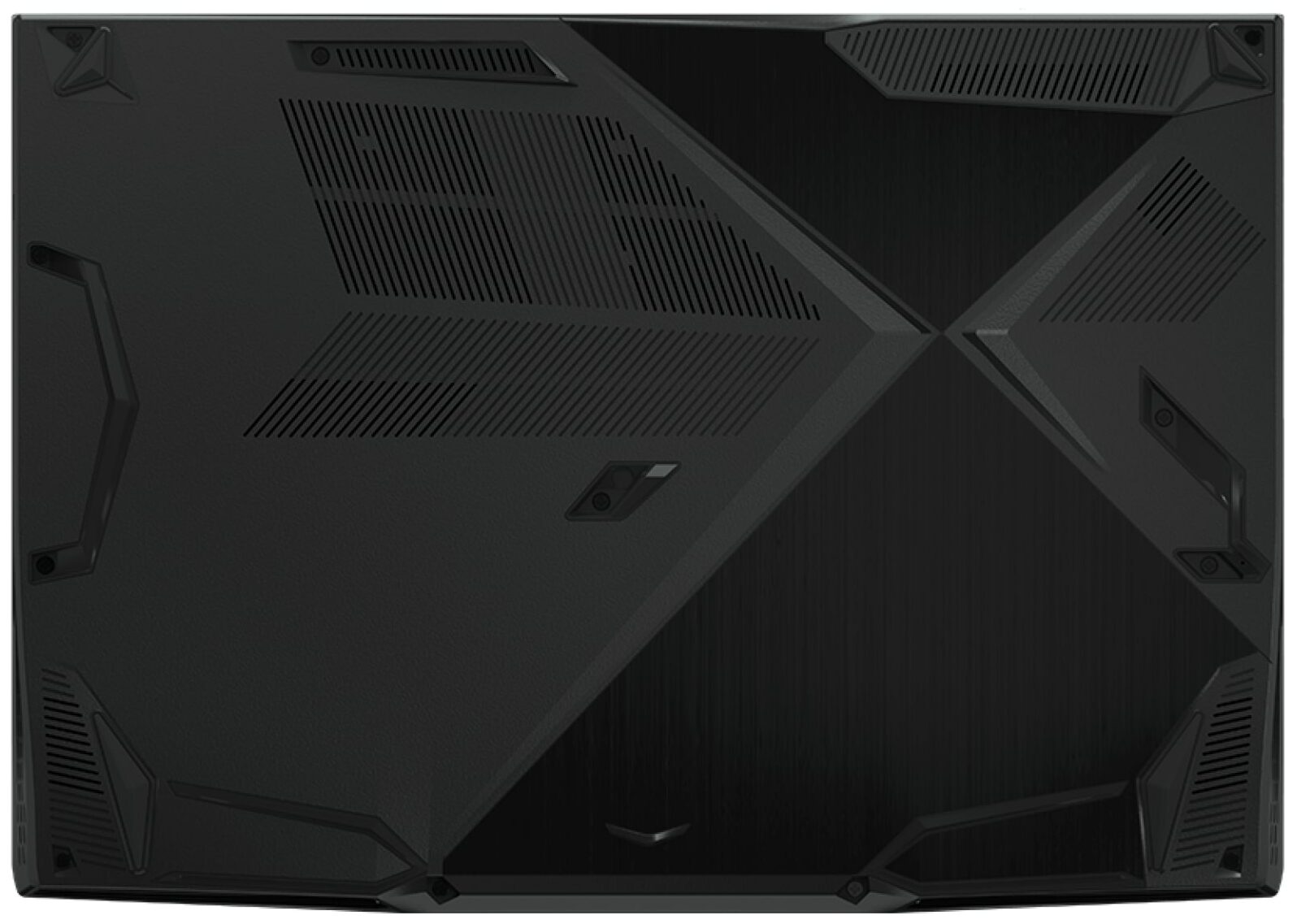
- The removal of the bottom plate is complicated
- The battery is glued to the base
Sökme, bakım ve yükseltme seçenekleri
Step 1: Accessing the Internal ComponentsEnsure the MSI Thin GF63 (12Vx) is powered off and placed on a soft, clean surface to prevent scratches or damage. Remove the 12 Phillips-head screws from the bottom of the laptop. Begin the prying process from the front of the device, carefully working your way around, and leave the back side for the end. Flip the laptop to pop up the small cap behind the lid, then use a plastic tool to pry the last section.Hint: Proceed with caution to avoid damaging the internal clips or the laptop casing.Step 2: Removing the Battery [...]
Daha fazlasını oku