Dell Latitude 14 5440 review – surprisingly good
Design and construction
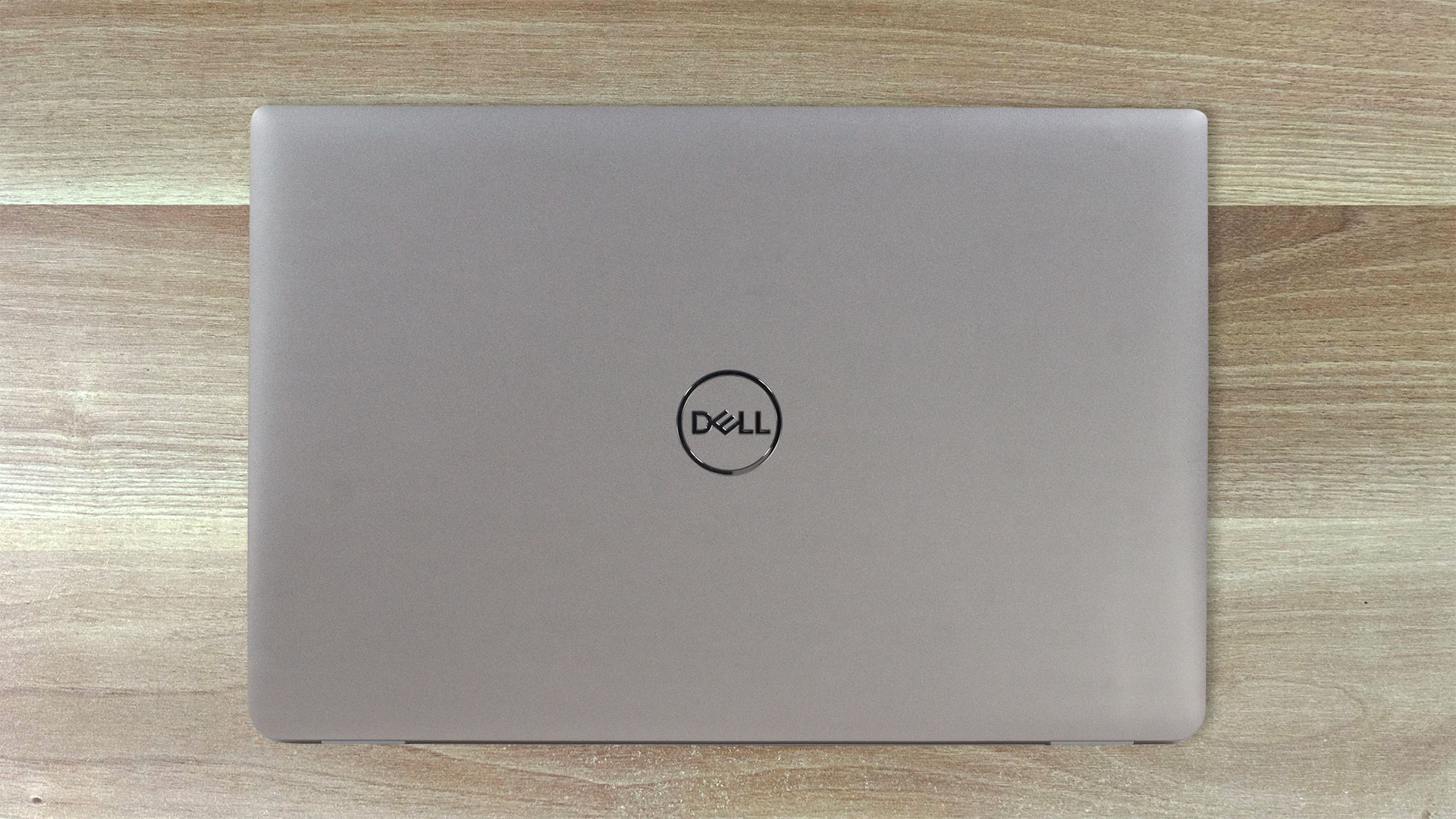
The design of the Dell Latitude 14 5440 is unintrusive and clean. We didn’t find exact info regarding the build materials, but we are pretty sure that most of the chassis is made of plastic. On the positive side, the weight is low – 1.39 kilos. With a 19.06 – 21.04 mm profile, the notebook isn’t among the thinnest 14-incher. Still, the lid doesn’t feel too flexy and the base is solid for the most part. The zone below the keyboard can be bent slightly but there is no flex during typing which is okay.
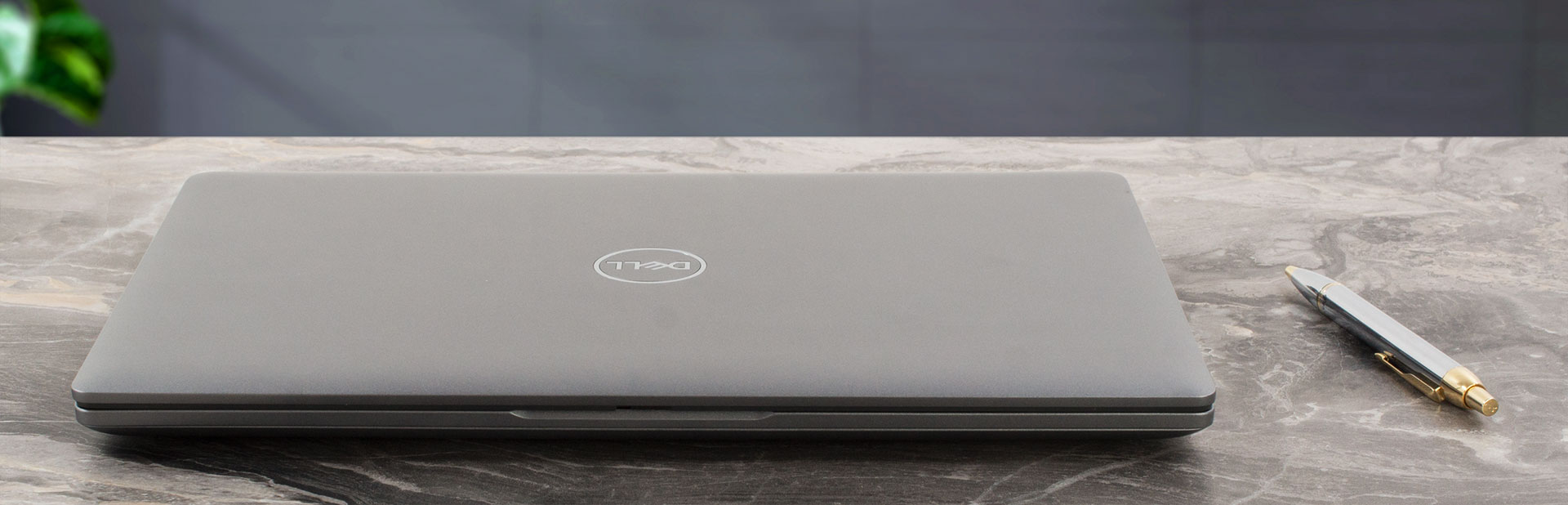
You can’t open the lid with one hand because the hinges are too stiff.
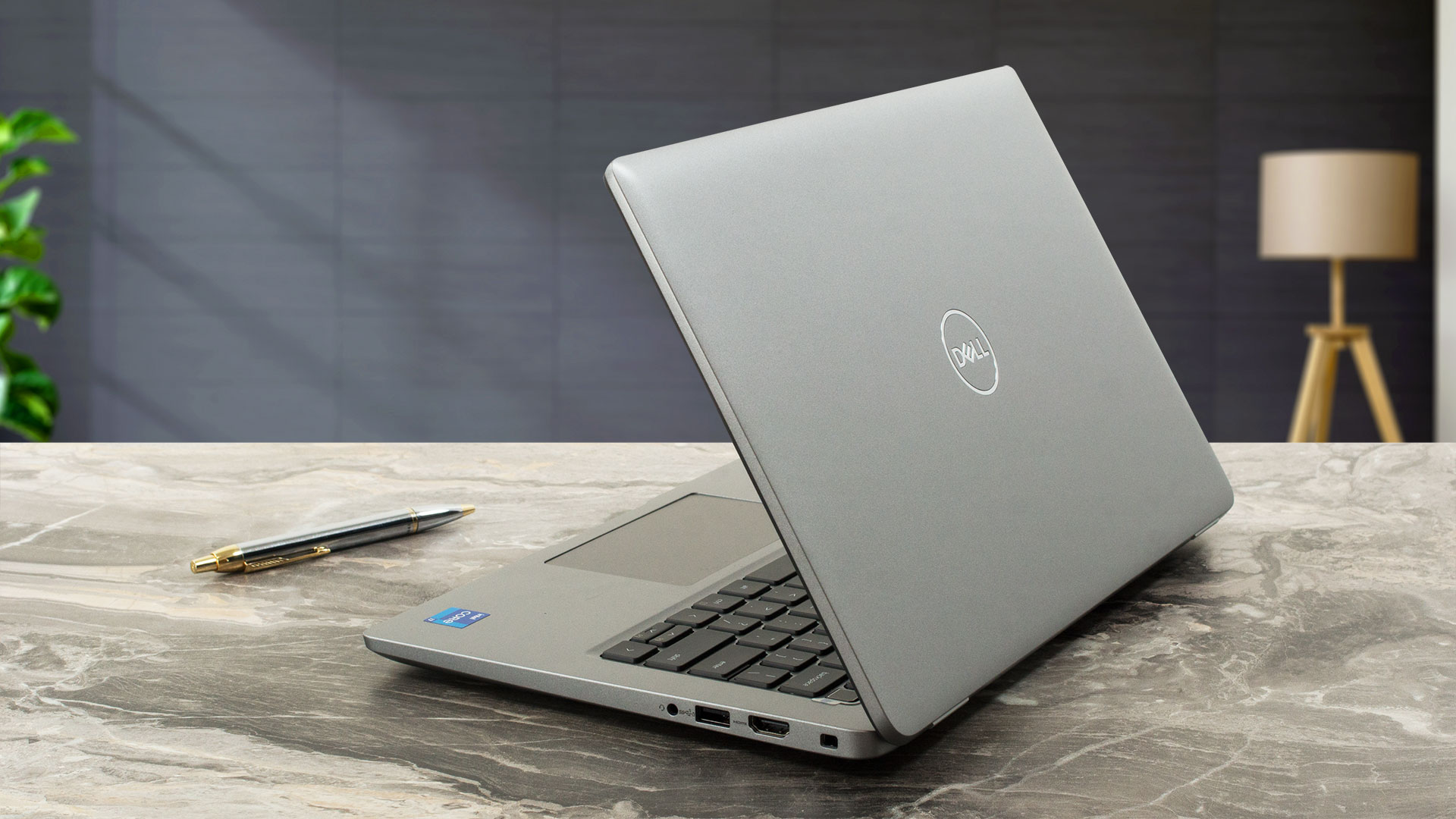
The side bezels are thin but we can’t say the same for the top and the lower one.
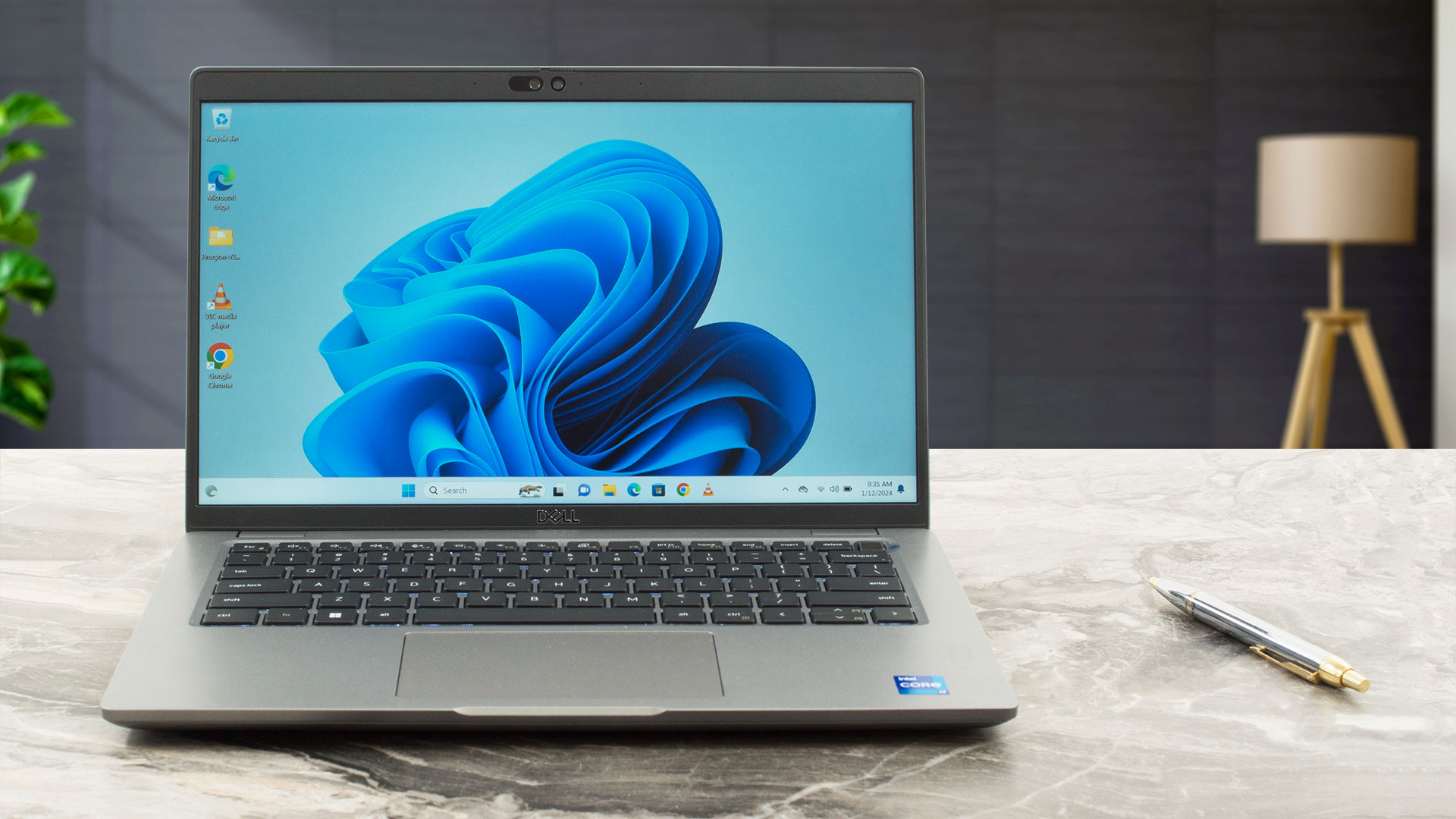
Three 1080p Web camera models are available and the good news is that all have a privacy shutter. You can get an IR version or the fancy IR model with an Ambient Light Sensor, Presence Detection, and Intelligent Privacy. The top dog offers features such as “Onlooker detection” (the display will become texturized if someone is having a look at the info on your screen) and “Look Away Detect” (if you aren’t looking at the panel, the brightness will be lower and this enhances the battery life).

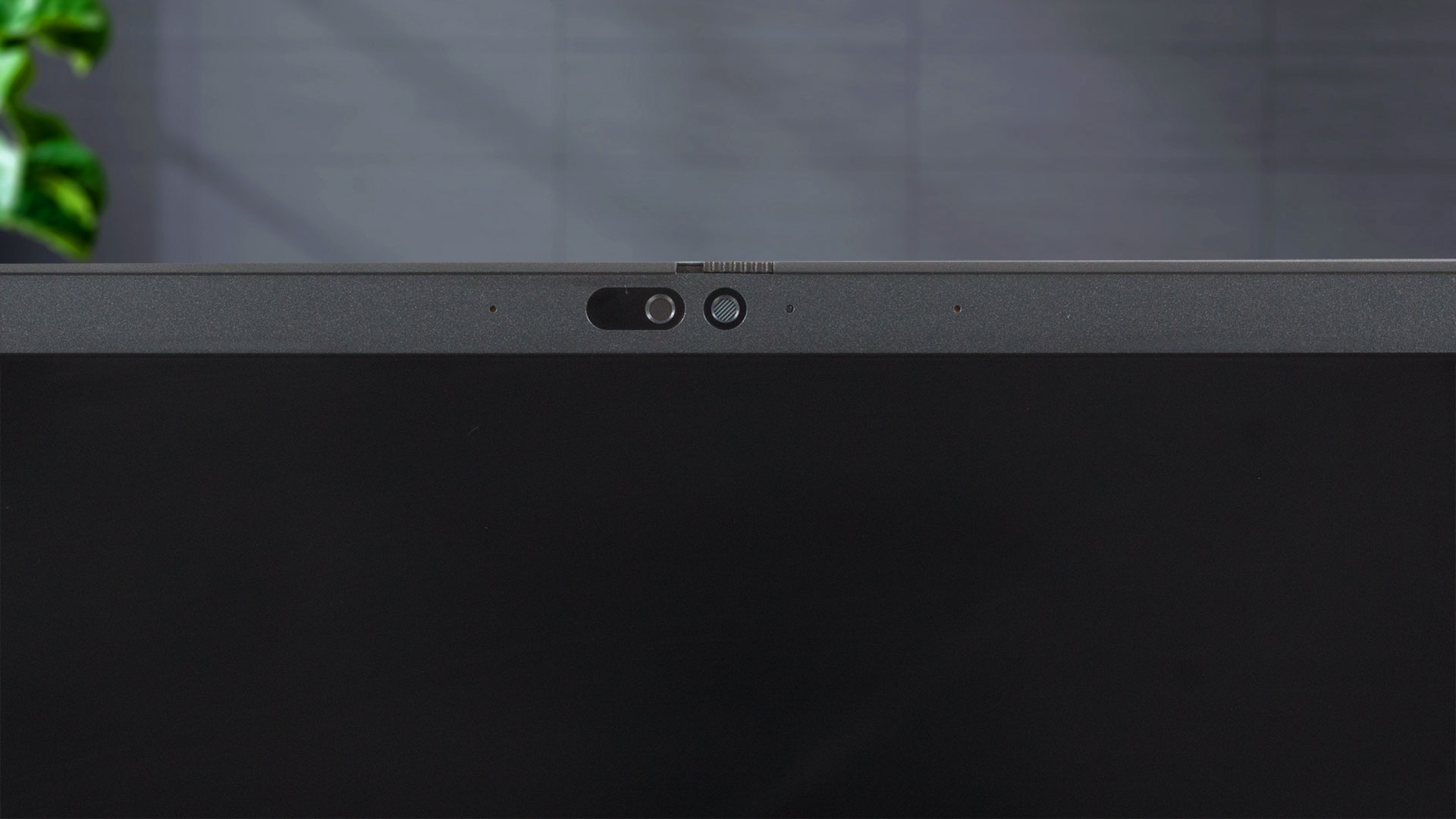
The notebook can lay fully flat. The lid has a lever design so the back of the base is lifted when the angle of opening is bigger than 90 degrees. There are two small rubber feet on the lower side of the lid to prevent scratches when the chassis is raised.

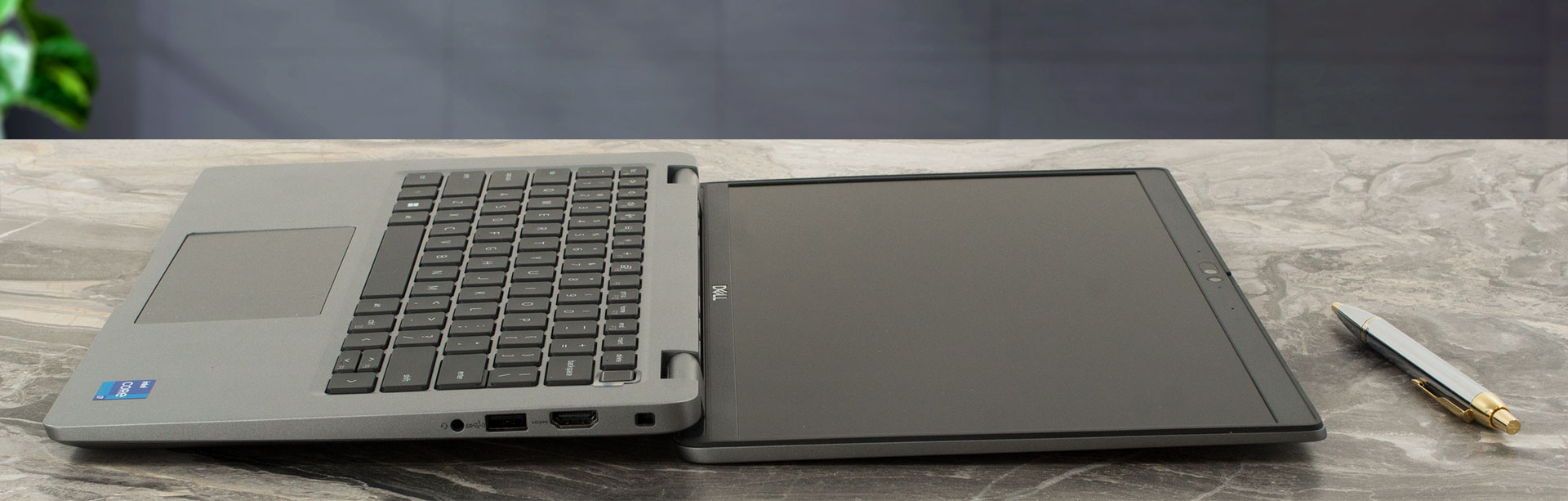

The keyboard is comfortable for typing thanks to the long key travel and the clicky feedback of the keycaps (that are notably audible on press). The optional fingerprint reader is built into the power button. Our main complaint here is the half-sized “Up” and “Down” Arrow keys. The touchpad is a bit small for our liking but it’s smooth and its clicks are pleasantly quiet. The accuracy is above average.

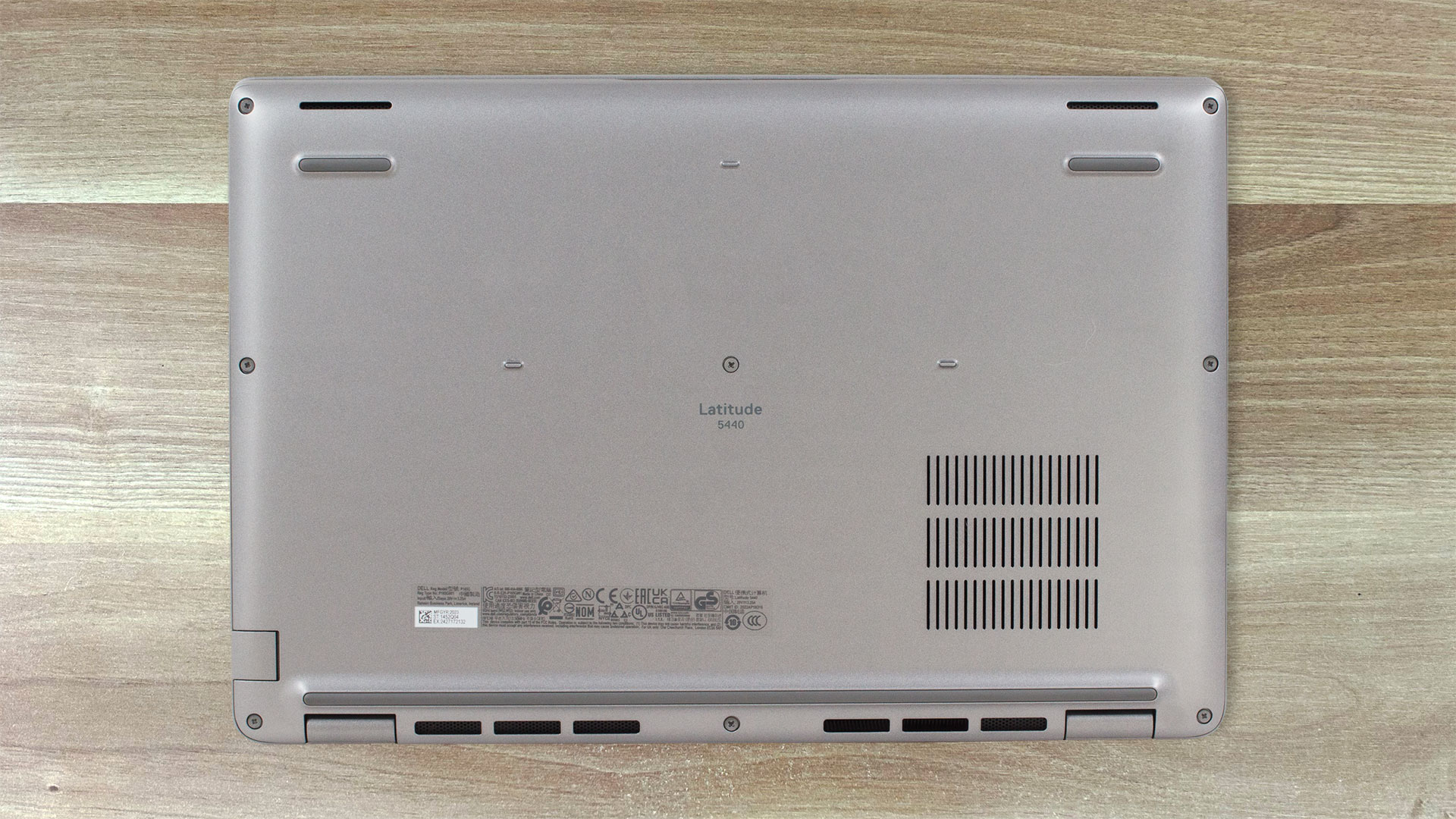
The bottom plate is the home of two speaker cutouts, three rubber feet, and a small ventilation grill placed right above the fan. The heat is guided through a vent on the back and that’s why a bit of hot air is reaching the display when the CPU is under heavy stress.
Ports
On the left side, there is a LAN, a USB Type-A 3.2 (Gen. 1) port, two Thunderbolt 4 / USB4 40 Gbps ports (with power delivery and DisplayPort 1.4 capabilities), and an optional nano-SIM slot. On the right, we can see a security lock slot, an HDMI 2.0, a USB Type-A 3.2 (Gen. 1) port that supports the PowerShare function, and an Audio combo jack.


 Author: Nikolay Palaozov
 Author: eng. Kroum NikolovHead of Engineering at LaptopMedia.com, inventor and innovator with 40+ years of experience in electronics and high technology.

![[Temmuz 2026] Amazon’da En Çok Satan Dizüstü Bilgisayar Grafik Kartlarının Küresel Sıralaması – RTX 5060, Üst Sınıf Segmentte Hakimiyet Kurarken, Intel Hala Ekonomik Segmentte Lider](https://laptopmedia.com/wp-content/uploads/2026/08/Best-Selling-GPUs-GLOBAL-Top-10-400x225.jpg)
![[Temmuz 2026] Amazon’da En Çok Satan Dizüstü Bilgisayar İşlemcilerinin Küresel Sıralaması – Apple, Üst Sınıf Segmentte Liderlik Yaparken, Intel Genel Sıralamada Birinci Sırayı Koruyor](https://laptopmedia.com/wp-content/uploads/2026/08/Best-Selling-CPUs-GLOBAL-Top-10-400x225.jpg)
![[July 2026] Amazon Canada: Top 10 Best-Selling Laptops – Apple MacBook Neo Dominates the Market to Claim the #1 Spot](https://laptopmedia.com/wp-content/uploads/2026/08/Best-Selling-Laptops-CA-Top-10-2-400x225.jpg)
![[July 2026] Best-Selling Laptop Brands on Amazon Japan – HP and Lenovo Dominate Units and Revenue Amid Fierce Competition](https://laptopmedia.com/wp-content/uploads/2026/08/CO.JP-Best-Brands-2-400x225.jpg)
![[July 2026] Amazon Italy: Top 10 Best-Selling Laptops – Apple MacBook Neo Claims the #1 Spot Amid Budget-Friendly Dominance](https://laptopmedia.com/wp-content/uploads/2026/08/Best-Selling-Laptops-IT-Top-10-400x225.jpg)

Dell’s battery life is so horrible. I will be very happy if it lasted 2 hours. We have several Latitudes and Precision laptops.
Très mauvais produit.
Au bout de 6 mois touche E du clavier illisible car peinture partie. Pas pris en charge par la garantie!
A déconseiller