HP ZBook Fury 16 G10 review – near-silent powerful workstation that is built like a tank
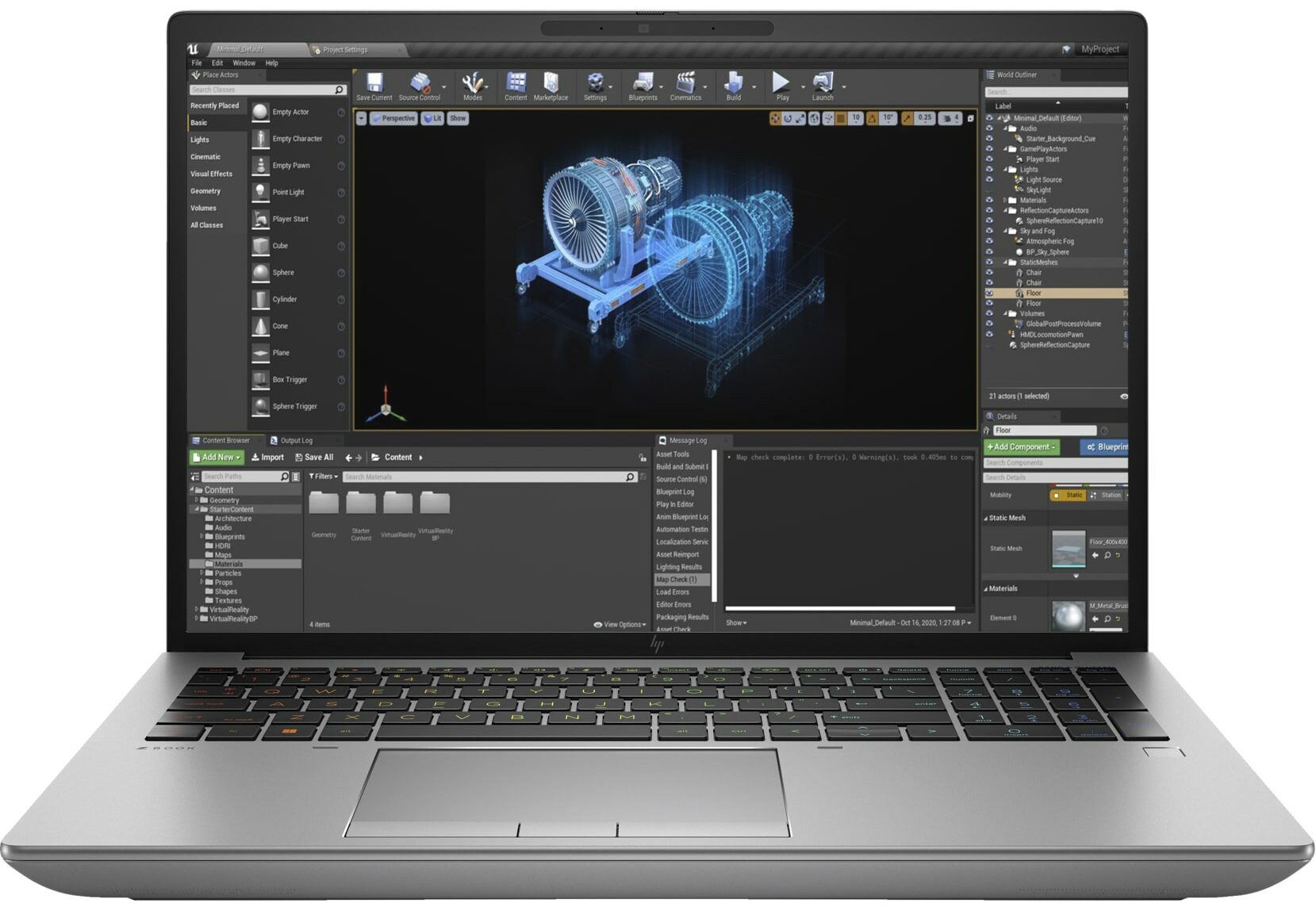
 If you need a capable mobile workstation for long and heavy workloads like 4K / 8K video editing or 3D rendering, your choice is kind of limited because these devices aren’t as common as gaming laptops. Still, the HP ZBook Fury 16 G10 definitely falls into the category of machines meant for heavy-duty usage. Of course, it’s not a thin and light notebook because its main purpose is to deliver desktop-like performance. In most cases, a laptop like this sits on a desk and the charger is always plugged in for maximum power under any kind of load.
This gadget is offered with high-end hardware. This includes Intel 13th Gen Raptor Lake HX CPUs and NVIDIA RTX Ada Generation laptop GPUs. The top one is the RTX 5000 Ada Generation which is based on the AD103 chip just like the mobile GeForce RTX 4090. The most powerful CPU option is the 24-core Core i9-13950HX.
Strangely, HP claims that the base display option is a 1080p 15.6″ IPS unit. The other panels are 16″ models. The so-called DreamColor Display boasts a 3840 x 2400 resolution and 120Hz refresh rate. There is an OLED touchscreen with the same resolution. We bought a laptop with a more modest 1200p 60Hz display. If security is important to you, the manufacturer offers a SureView-enabled screen – the panel will become tinted with a touch of a button when viewed from the left or the right.
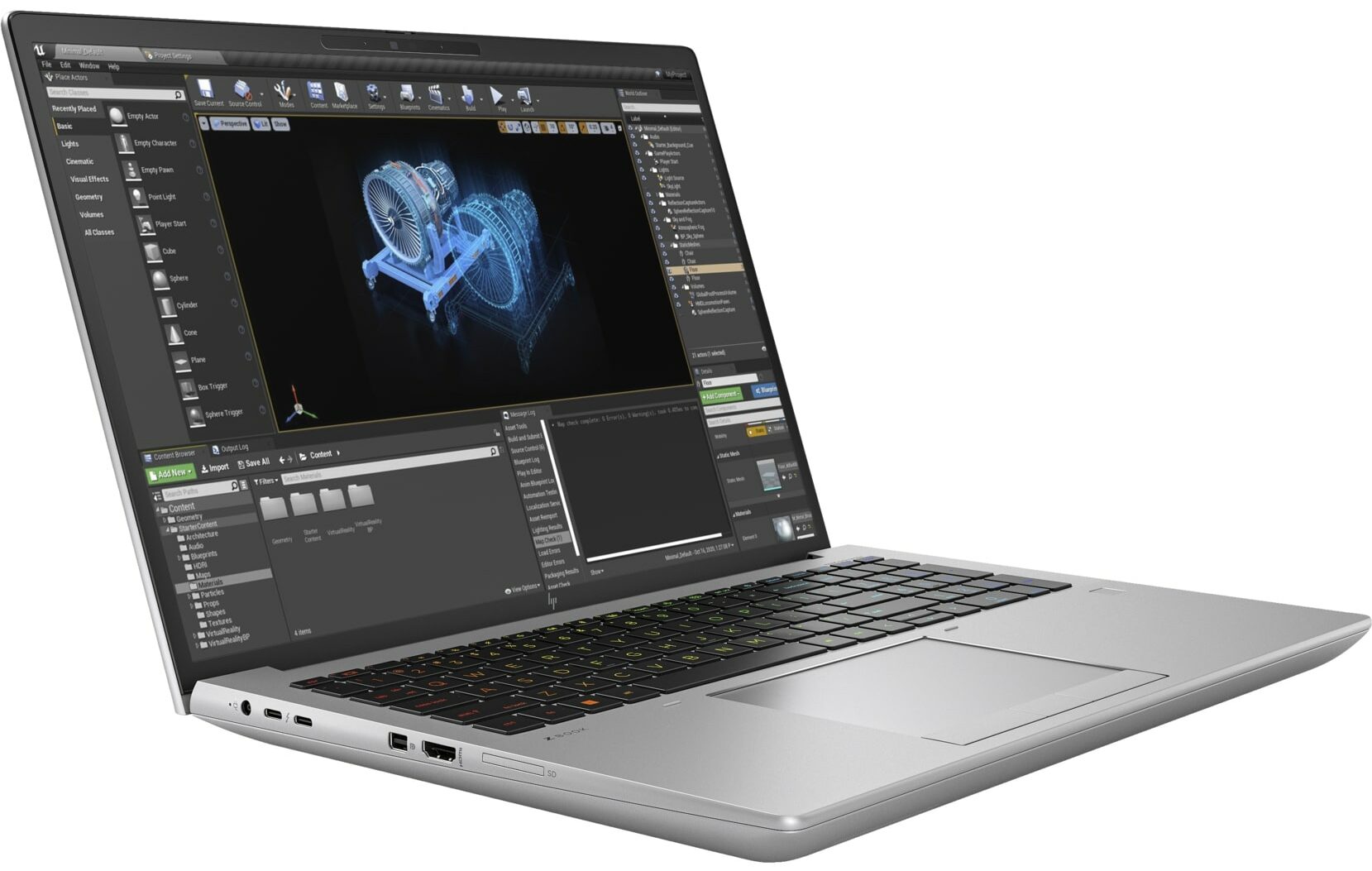
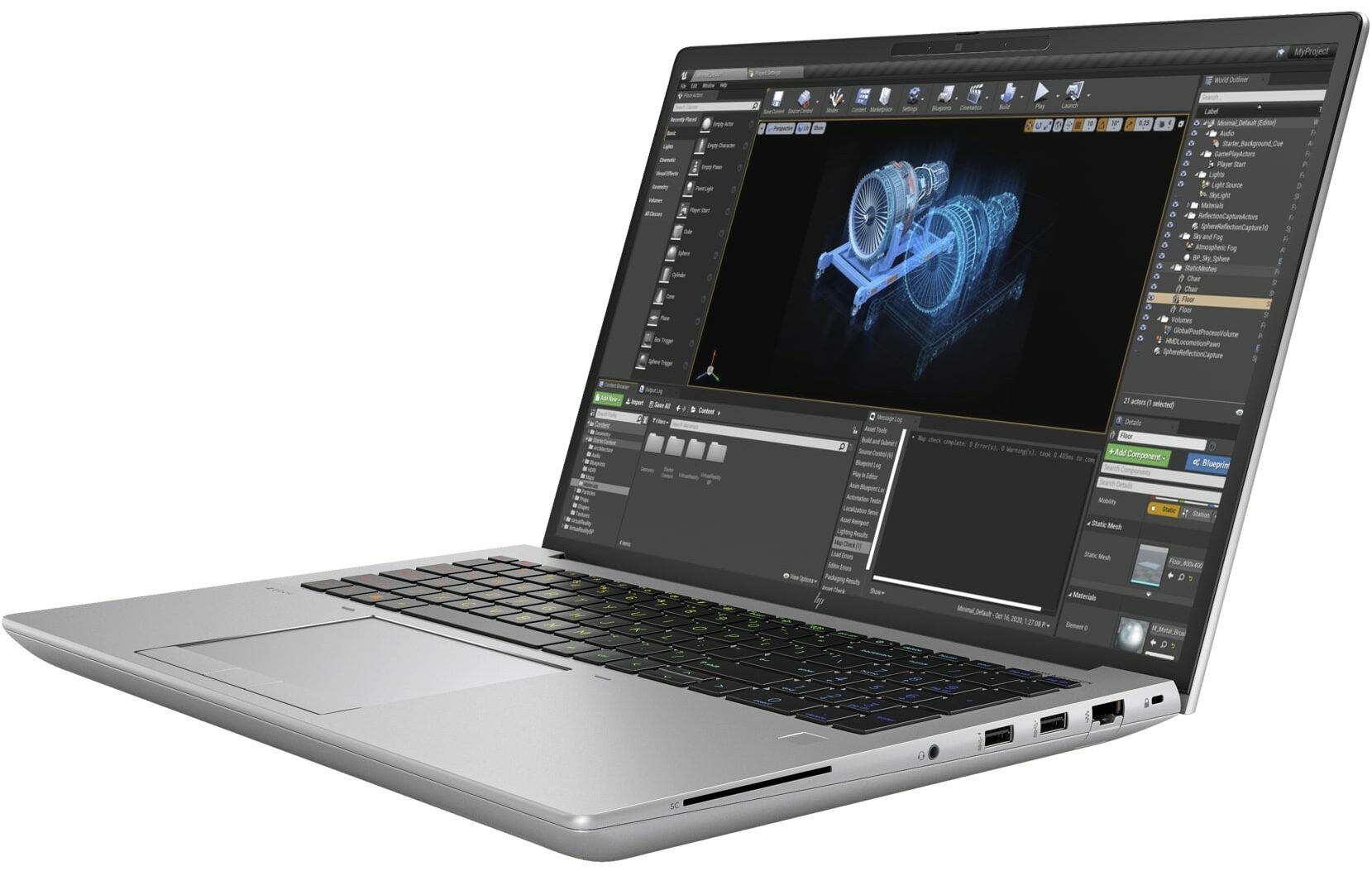
It’s not a surprise that an expensive powerhouse like this one is loaded with features (some of them are optional) – like a great I/O, an IR camera, fingerprint reader, backlit keyboard, tamper lock, self-healing bios, dTPM 2.0 chip, LTE / 5G module, NFC, etc.
You can check the prices and configurations in our Specs System: https://laptopmedia.com/series/hp-zbook-fury-16-g10/
Contents
- Specs, Drivers, What’s in the box
- Design and construction
- Display quality, Health impact (PWM), Sound
- Buy our profiles
- Performance: CPU, GPU, Gaming Tests
- [eBook Guide + Tools] How to MAX OUT your Laptop
- Temperatures and comfort, Battery Life
- Disassembly, Upgrade options, and Maintenance
- Storage performance
- Verdict
Specs, Drivers, What’s in the box
HP ZBook Fury 16 G10 - Özellikler
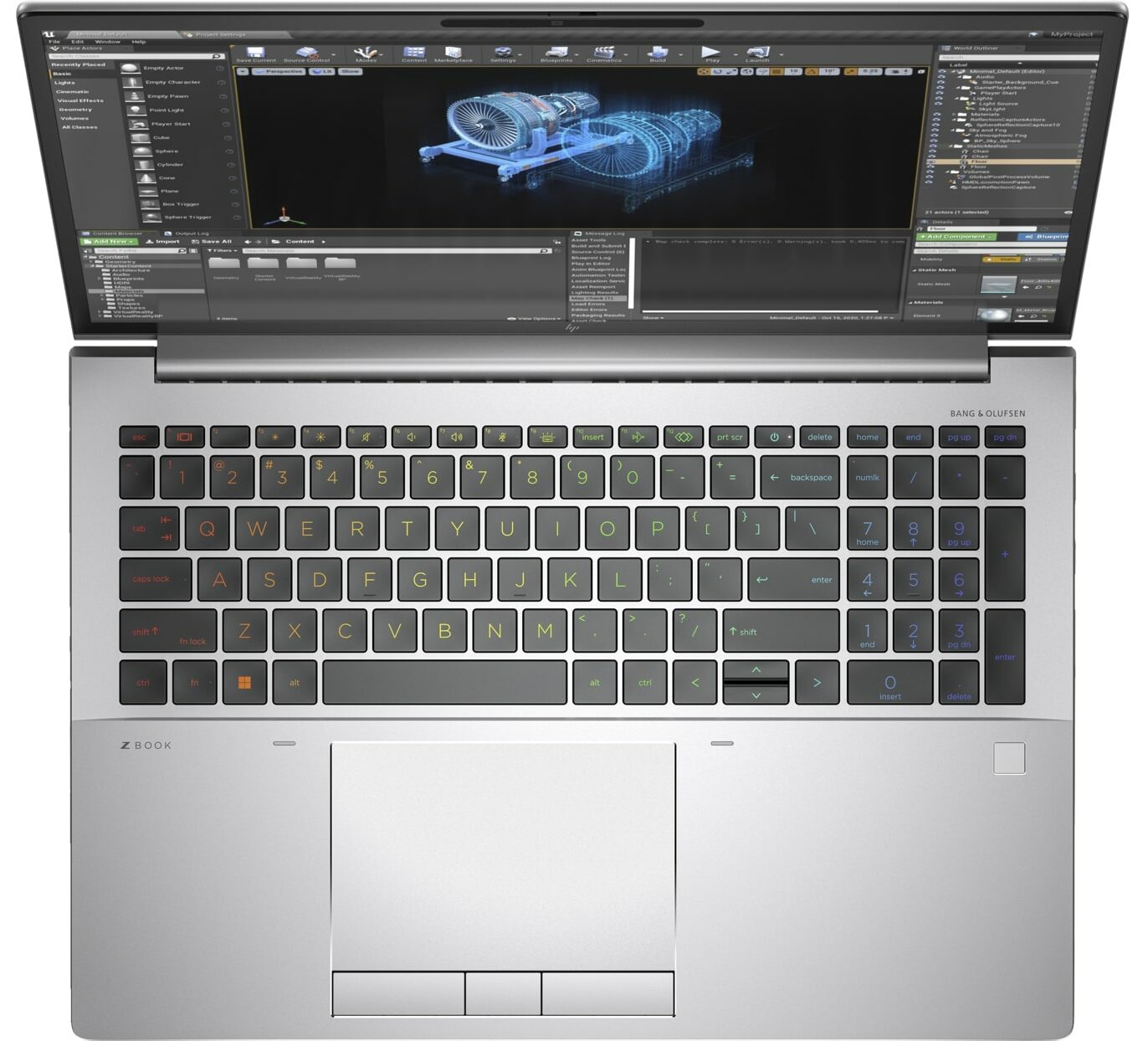
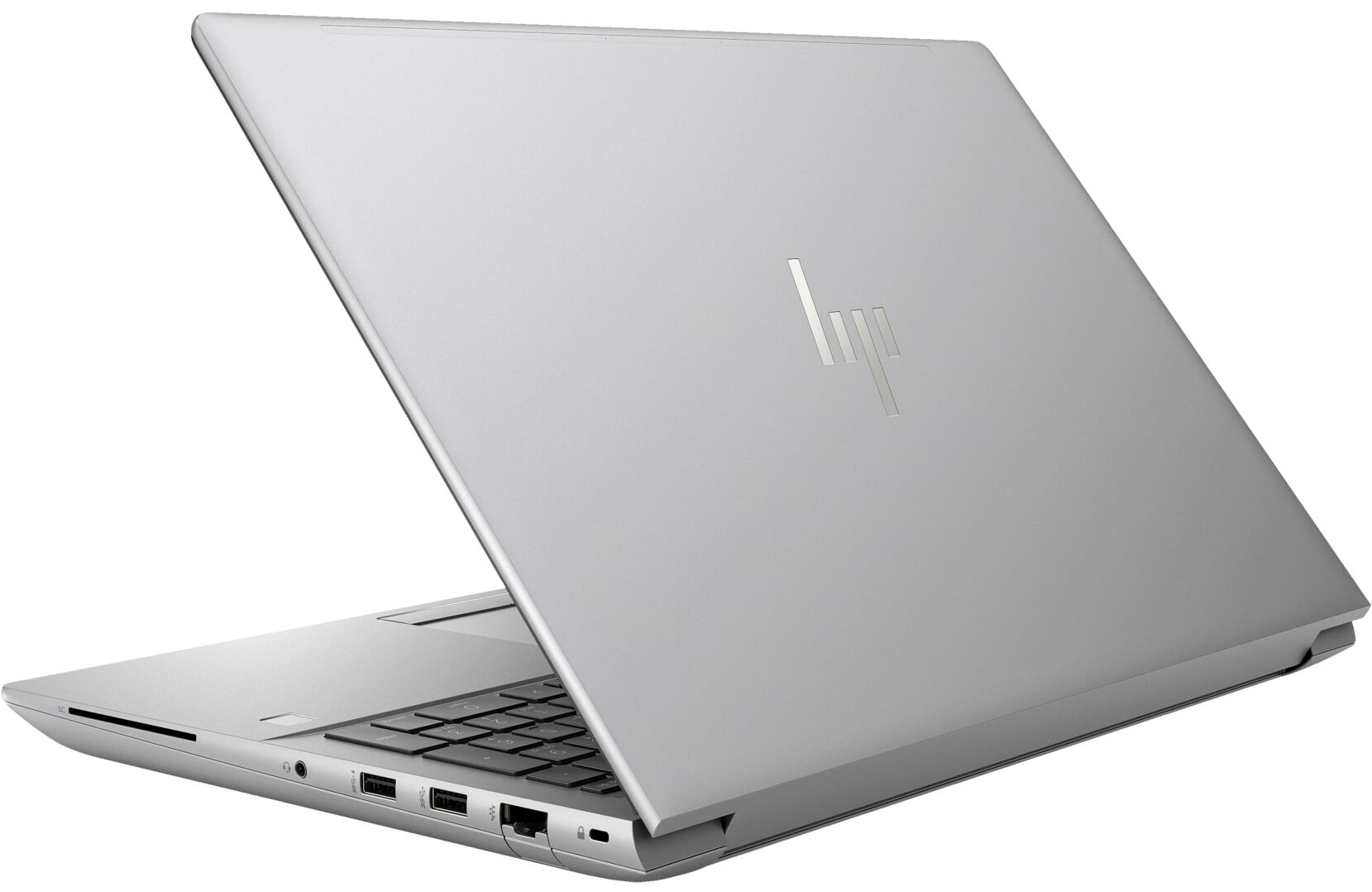
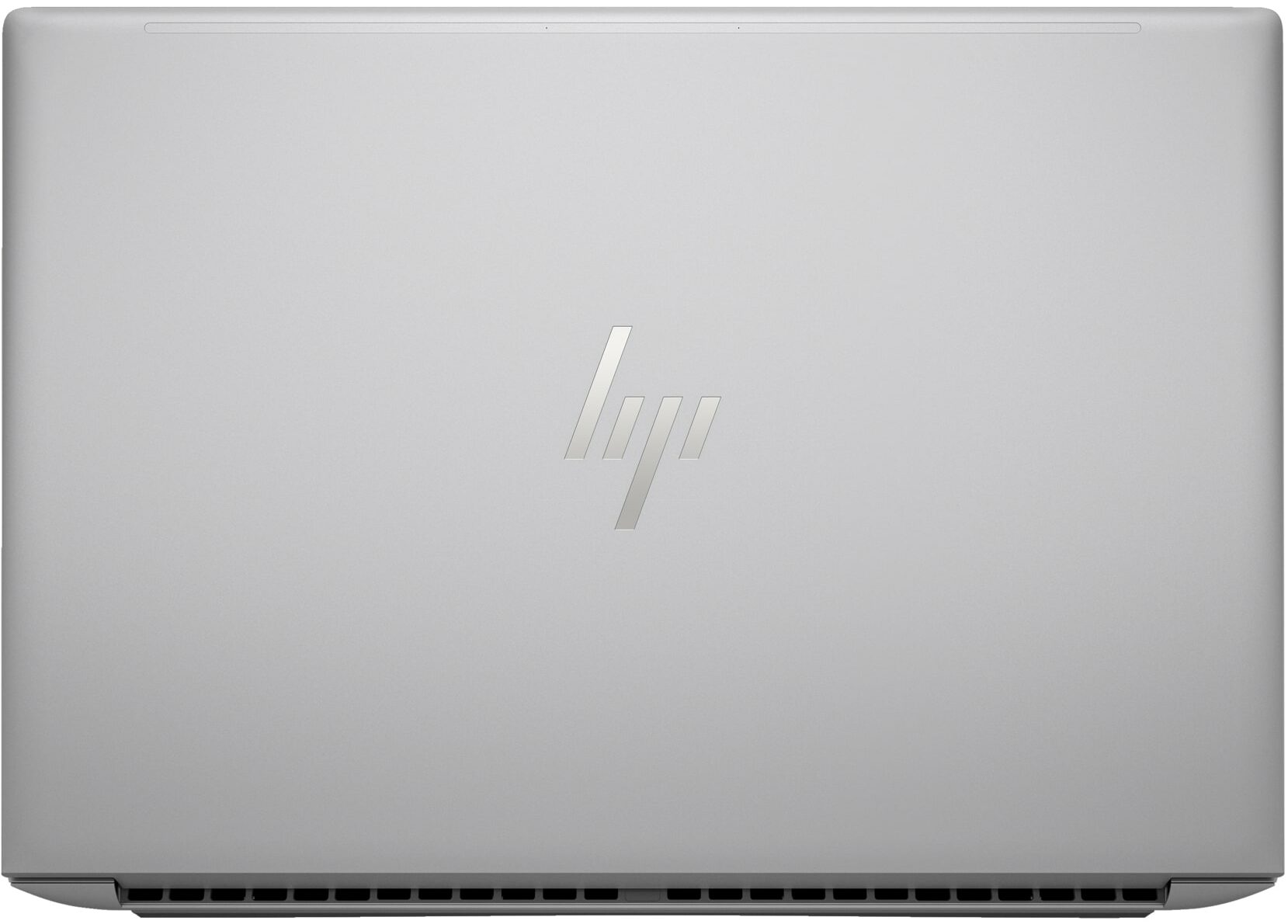
- GPU
- NVIDIA RTX 2000 Ada Generation (65W) #85 En İyi GPU'lar arasında Intel UHD Graphics 770 #312 En İyi GPU'lar arasındaNVIDIA RTX A2000 (Laptop) NVIDIA RTX A1000 (Laptop) NVIDIA RTX 5000 Ada Generation (Laptop) NVIDIA RTX 4000 Ada Generation (Laptop) NVIDIA RTX 3500 Ada Generation (Laptop) NVIDIA RTX 3000 Ada Generation (Laptop) NVIDIA RTX 2000 Ada Generation (Laptop) NVIDIA GeForce RTX 4090 (Laptop)

- HDD/SSD
- kadar 2000GB SSD + kadar 1000GB HDD
- M.2 Yuvası
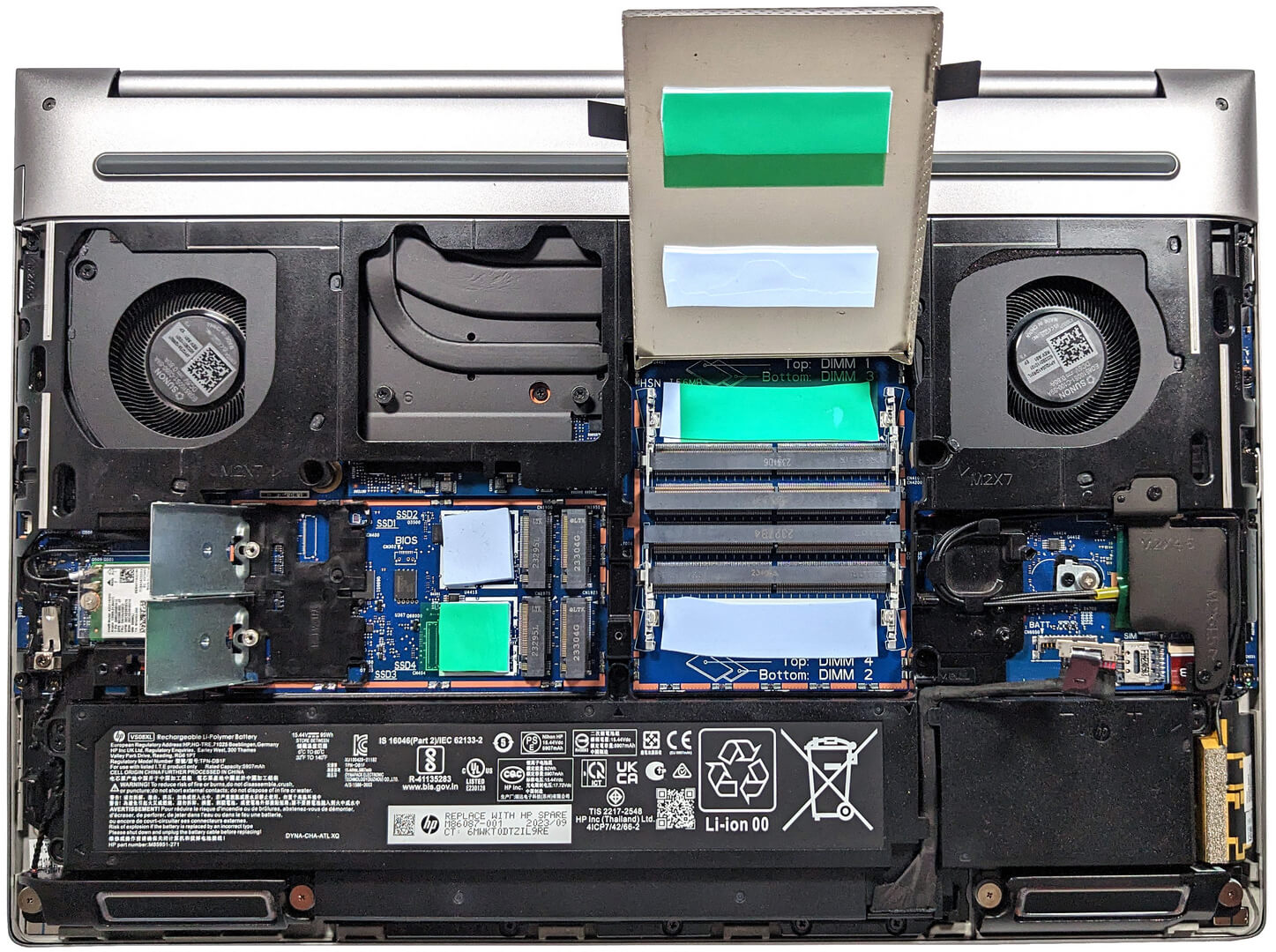
- 4x 2280 M.2 NVMe PCIe 4.0 x4 Fotoğrafı gör
- RAM
- up to 128GB
- İS
- Windows 11 Pro, Windows 11 Home, DOS
- Pil
- 95Wh, 95Wh, 8-cell
- Gövde Malzemesi
- Aluminum
- Boyutlar
- 362.96 x 250.69 x 27.7 - 28.60 mm (14.29" x 9.87" x 1.09")
- Ağırlık
- 2.35 kg (5.2 lbs)
- Portlar ve bağlantı
- 1x USB Type-A
- 3.2 Gen 1 (5 Gbps)
- 1x USB Type-A
- 3.2 Gen 1 (5 Gbps), Sleep and Charge
- 2x USB Type-C
- 4.0, Thunderbolt 4, Power Delivery (PD), DisplayPort, Sleep and Charge
- HDMI
- 2.1
- Displayport mini
- Kart Okuyucu
- SD (SD, SDHC, SDXC)
- Ethernet LAN
- 10, 100, 1000 Mbit/s
- Wi-Fi
- 802.11ax
- Bluetooth
- 5.2
- Ses jakı
- 3.5mm Combo Jack
- Özellikler
- Parmak izi okuyucu
- optional
- Web kamerası
- 5MP IR auto tracking camera
- Arkadan aydınlatmalı klavye
- optional
- Mikrofon
- HP World Facing dual array digital microphones
- Hoparlörler
- 2x Stereo Speakers with discrete amps, Audio by Bang & Olufsen
- Optik sürücü
- optional
- Güvenlik Kilidi yuvası
- Nano Security Lock
Tümü HP ZBook Fury 16 G10 yapılandırmalar
Drivers
All drivers and utilities for this notebook can be found here: https://support.hp.com/us-en/drivers/hp-zbook-fury-16-g10-mobile-workstation-pc/2101628542
What’s in the box?
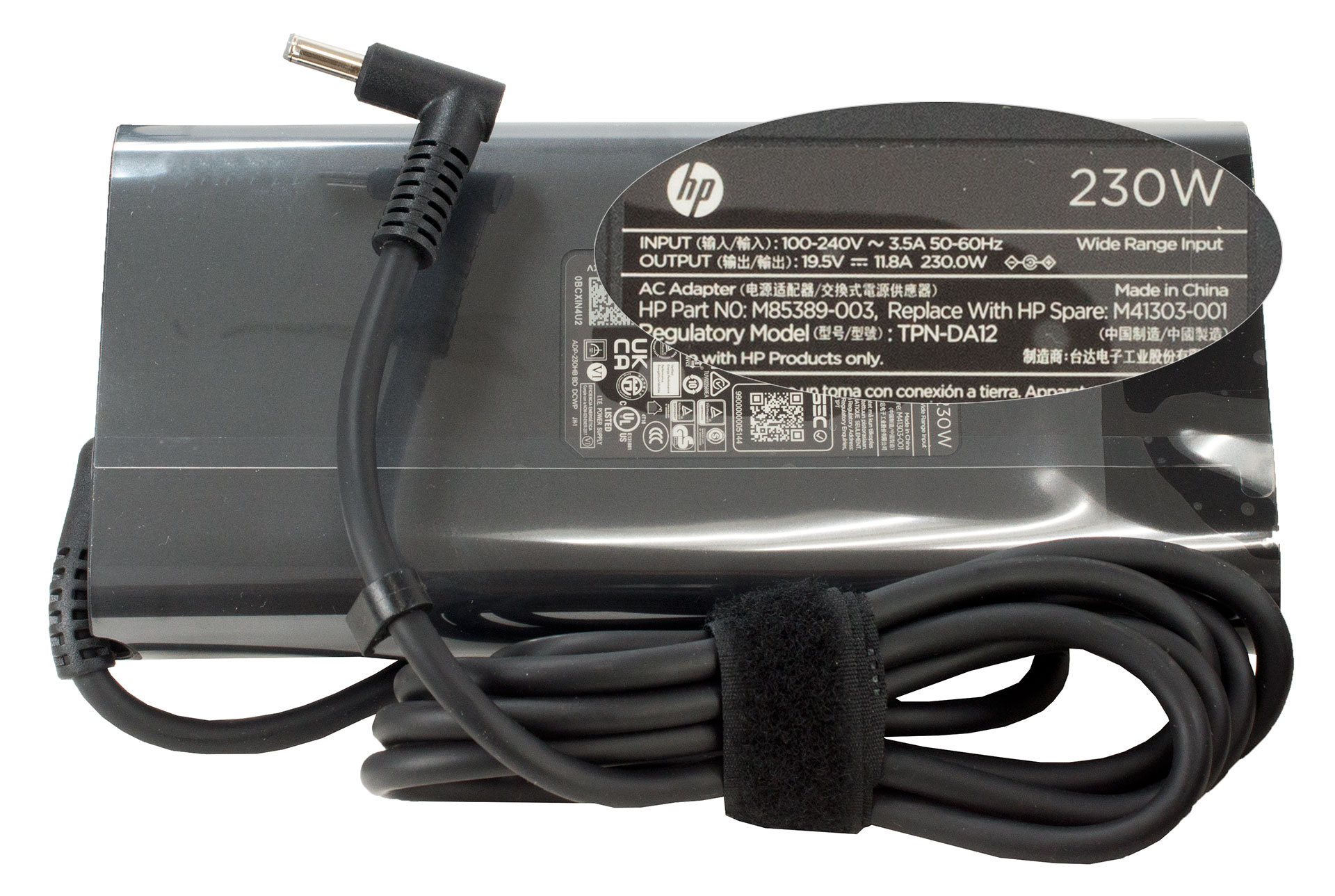
Inside the box, we found some manuals and the laptop itself. Depending on the device’s power, the barrel plug adaptor can be a 150W, 200W, or 230W model.
 Author: Nikolay Palaozov
 Author: eng. Kroum NikolovHead of Engineering at LaptopMedia.com, inventor and innovator with 40+ years of experience in electronics and high technology.

![[Ağustos 2026] Amazon’da En Çok Satan Dizüstü Bilgisayar GPU’larının Küresel Sıralaması – Apple Liderliğini Sürdürüyor, NVIDIA’nın RTX 5060 Modeli Özel GPU Sıralamasında Zirvede](https://laptopmedia.com/wp-content/uploads/2026/09/Best-Selling-GPUs-GLOBAL-Top-10-400x225.jpg)
![[Ağustos 2026] Amazon’da En Çok Satan Dizüstü Bilgisayar İşlemcilerinin Küresel Sıralaması – Apple Hem Ekonomik Hem de Üst Sınıf Segmentte Hakimiyet Kuruyor: A18 Pro ve M5, Ağustos 2026’da Intel ve AMD’yi Geride Bıraktı](https://laptopmedia.com/wp-content/uploads/2026/09/Best-Selling-CPUs-GLOBAL-Top-10-400x225.jpg)
![[Ağustos 2026] Amazon Global: En Çok Satan 10 Dizüstü Bilgisayar – Apple MacBook Neo Listelerin Zirvesinde Yer Alırken, Ekonomik ve Orta Sınıf Windows Dizüstü Bilgisayarlar Satış Hacmi İçin Rekabet Ediyor](https://laptopmedia.com/wp-content/uploads/2026/09/Best-Selling-Laptops-GLOBAL-Top-10-400x225.jpg)
![[Ağustos 2026] Amazon Global’de En Çok Satan Dizüstü Bilgisayar Markaları – Apple Gelirde Liderken, HP Model Çeşitliliği Konusunda Önde](https://laptopmedia.com/wp-content/uploads/2026/09/GLOBAL-Best-Brands-400x225.jpg)
![[Ağustos 2026] Amazon Global: En Çok Satan 10 Oyun Dizüstü Bilgisayarı – HP Victus 15 Birinci Sırayı Aldı; Listeyi Uygun Fiyatlı Modeller Hakimiyetine Aldı](https://laptopmedia.com/wp-content/uploads/2026/09/Best-Selling-Gaming-Laptops-GLOBAL-Top-10-400x225.jpg)

Thanks for the comprehensive review, it’s one of the few quality reviews out there. I’m glad HP kept the physical touchpad buttons. I suppose the laptop designers have no idea how IMPORTANT these physical buttons can be to the design & engineering industries (e.g. architectural and urban design, and perhaps the entire creative industry). We need the middle button to quickly pan/rotate views in 3D modelling / simulation software, and the physical left/right keys for fast, precise clicking without any sluggishness / accidental clicking and dragging. Not everyone wants to carry around a mouse and separate keyboard. After all, this is… Devamını oku »
I don´t think people are doing 3d modeling at a café or in a plane, and need full control of the camera all the time. They have a standard usb mouse or a 3d connexion if they need that feature. I get it, I’use middle mouse drag and even more complex gestures in SideFX Houdini, but when you’re on your laptop on the go, you do with what you have.