Lenovo Legion Pro 5i (16, Gen 9) review – Top Performer with Color-Accurate Display and Impressive Battery
Temperatures and comfort, Battery Life
Max CPU load
In this test we use 100% on the CPU cores, monitoring their frequencies and chip temperature. The first column shows a computer’s reaction to a short load (2-10 seconds), the second column simulates a serious task (between 15 and 30 seconds), and the third column is a good indicator of how good the laptop is for long loads such as video rendering.
Average P-core frequency; Average E-core frequency; CPU temp.; Package Power
| Intel Core i7-14700HX (55W TDP) | 0:02 – 0:10 sec | 0:15 – 0:30 sec | 10:00 – 15:00 min |
|---|---|---|---|
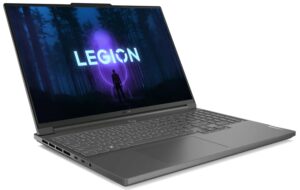
| Lenovo Legion Pro 5i (16″, Gen 9) | 3.73 GHz @ 3.28 GHz @ 82°C @ 179W | 3.57 GHz @ 3.19 GHz @ 87°C @ 164W | 3.34 GHz @ 2.91 GHz @ 83°C @ 130W |
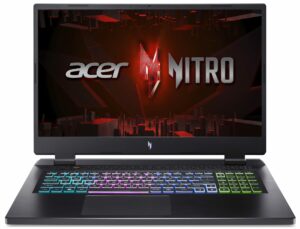
| Acer Nitro 16 (AN16-72) | 3.73 GHz @ 3.09 GHz @ 72°C @ 157W | 3.69 GHz @ 3.04 GHz @ 85°C @ 157W | 3.24 GHz @ 2.68 GHz @ 74°C @ 100W |
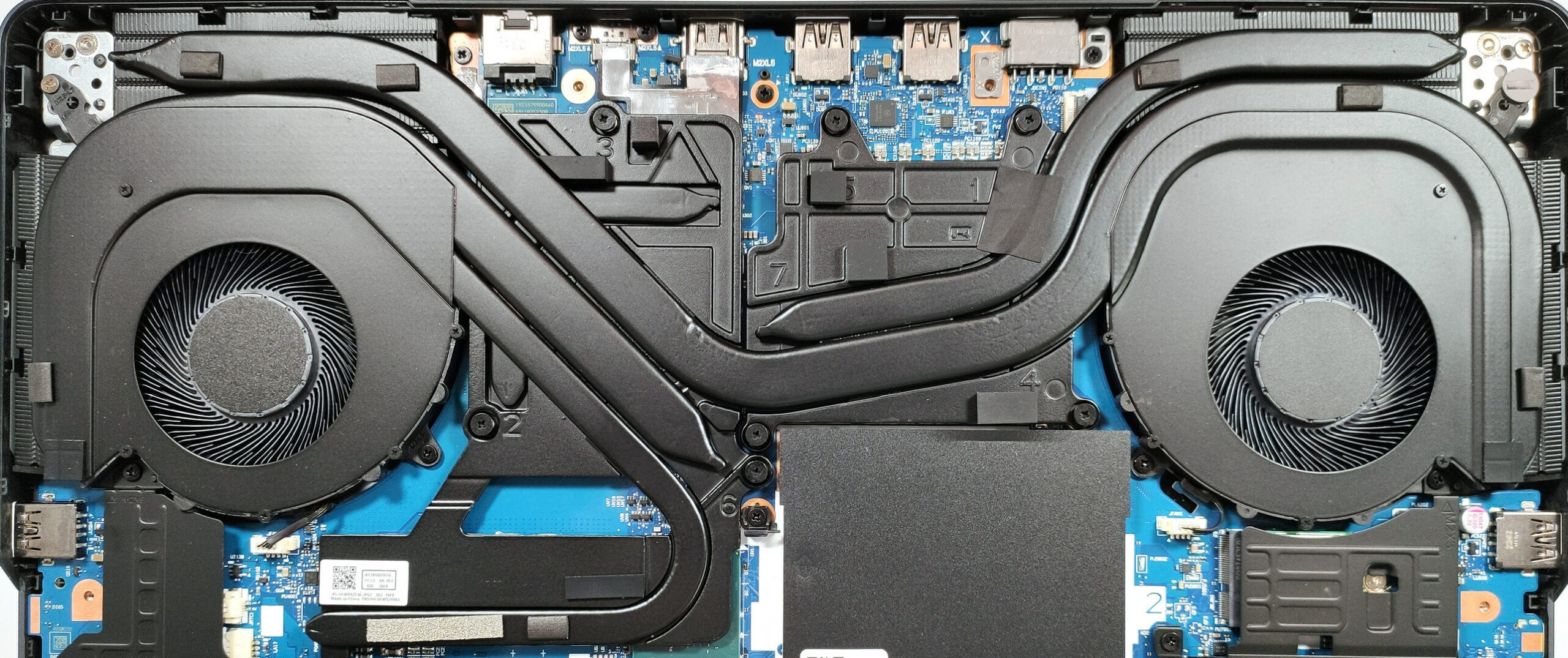
The 28-thread Core i7-14700HX is a serious challenge for every cooling solution. The thermal system of the Legion Pro 5i (16″, Gen 9) is doing a great job because the CPU can sustain impressively high clocks even in long periods of 100% load.
Real-life gaming
| NVIDIA GeForce RTX 4070 | GPU frequency/ Core temp (after 2 min) | GPU frequency/ Core temp (after 30 min) |
|---|---|---|
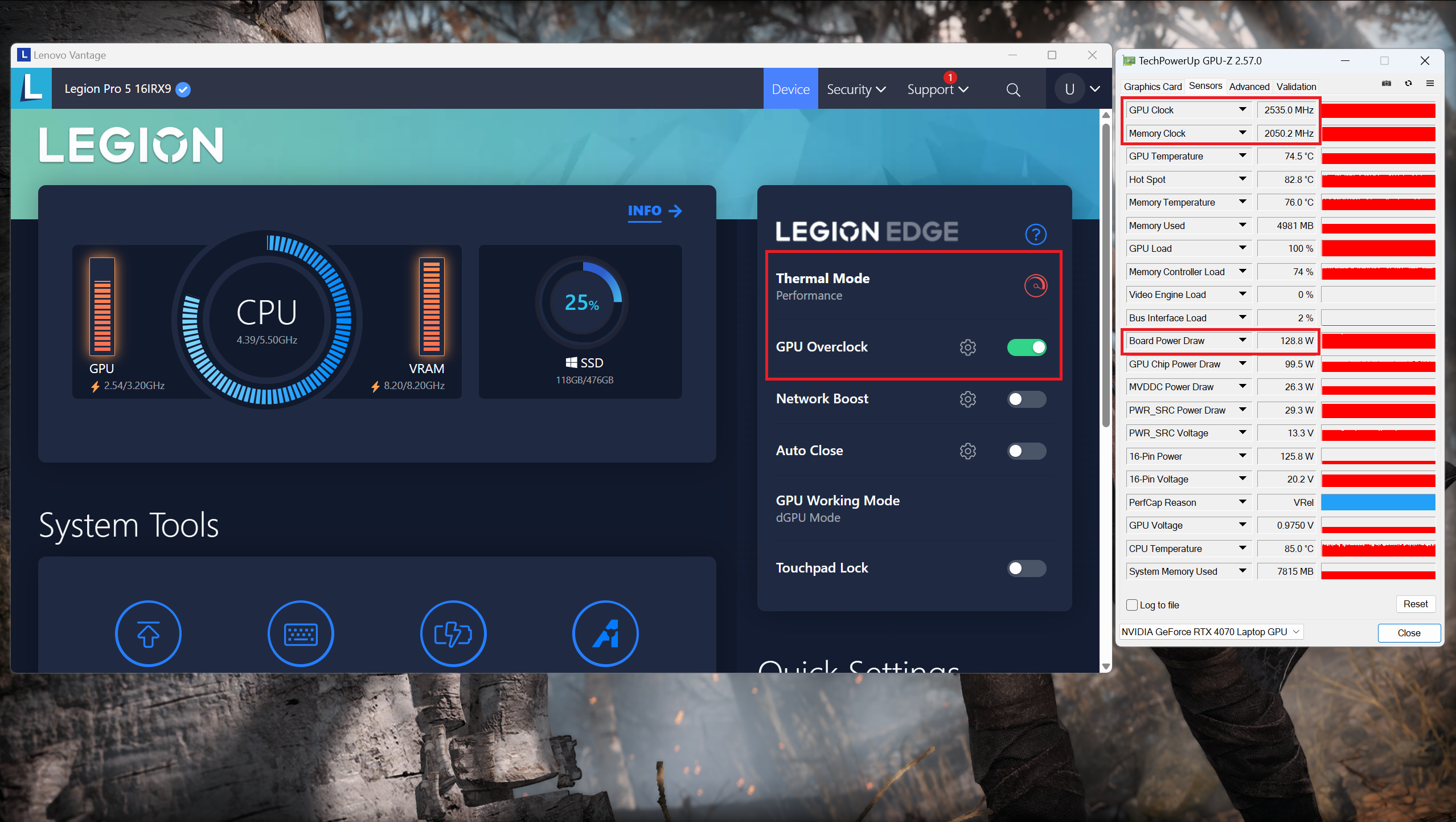
| Lenovo Legion Pro 5i (16″, Gen 9) | 2535 MHz @ 74°C @ 129W | 2535 MHz @ 75°C @ 130W |
| Acer Nitro 17 (AN17-41) “Turbo” preset | 2535 MHz @ 66°C @ 121W | 2535 MHz @ 67°C @ 122W |
| Acer Nitro 17 (AN17-41) “Performance” preset | 2475 MHz @ 72°C @ 123W | 2475 MHz @ 73°C @ 123W |
The GeForce RTX 4070 can maintain 2535 MHz and 130W after 30 minutes of gaming. The Nitro 17 (AN17-41) can achieve the same core clock in “Turbo” mode but the Acer laptop is notably noisier than the Legion Pro 5i.
Comfort during full load
Just like many other Lenovo gaming laptops, you can find three performance presets alongside a “Custome Mode” in the Lenovo Vantage app. During gaming, the fan noise is average (in “Performance” mode) which is okay for such a notebook. In this case, the keyboard feels slightly warm to the touch. Since it’s not scorching hot, you can use the board comfortably for long hours of gaming.

The “Hybrid iGPU-only” mode is the right choice when the charger isn’t connected. The” dGPU-only” mode is suitable for gaming when you need the full power of the video card.


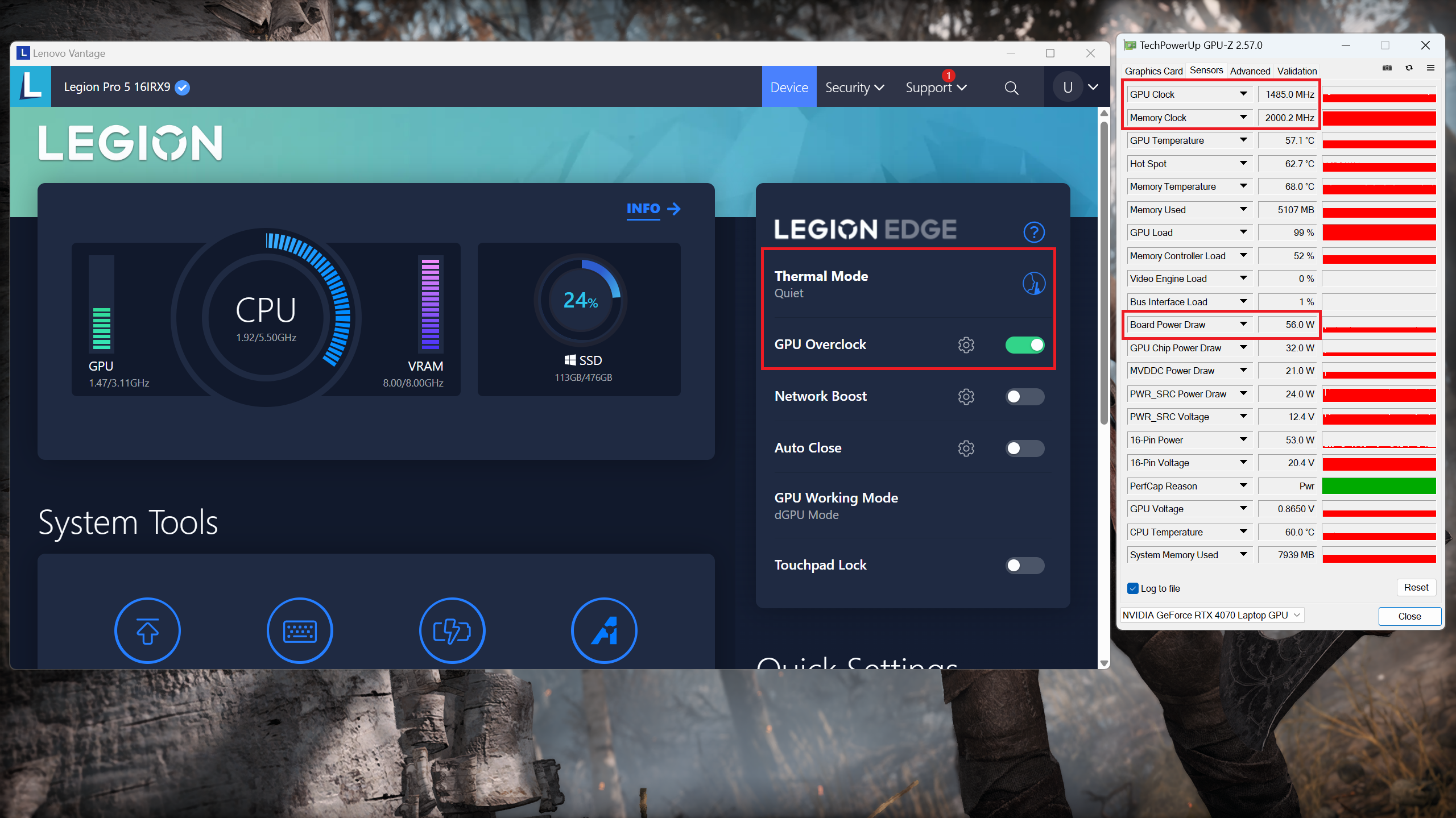
The “Performance” preset offers ~130W TGP and you get ~80W plus lower noise levels if you switch down to the “Balanced” preset. The “Quiet” mode with its 56W power limit is appropriate for not-so-demanding games. In this scenario, the fans are quiet.
 Gaming “Performance”
 Gaming “Balanced”
 Gaming “Quiet”
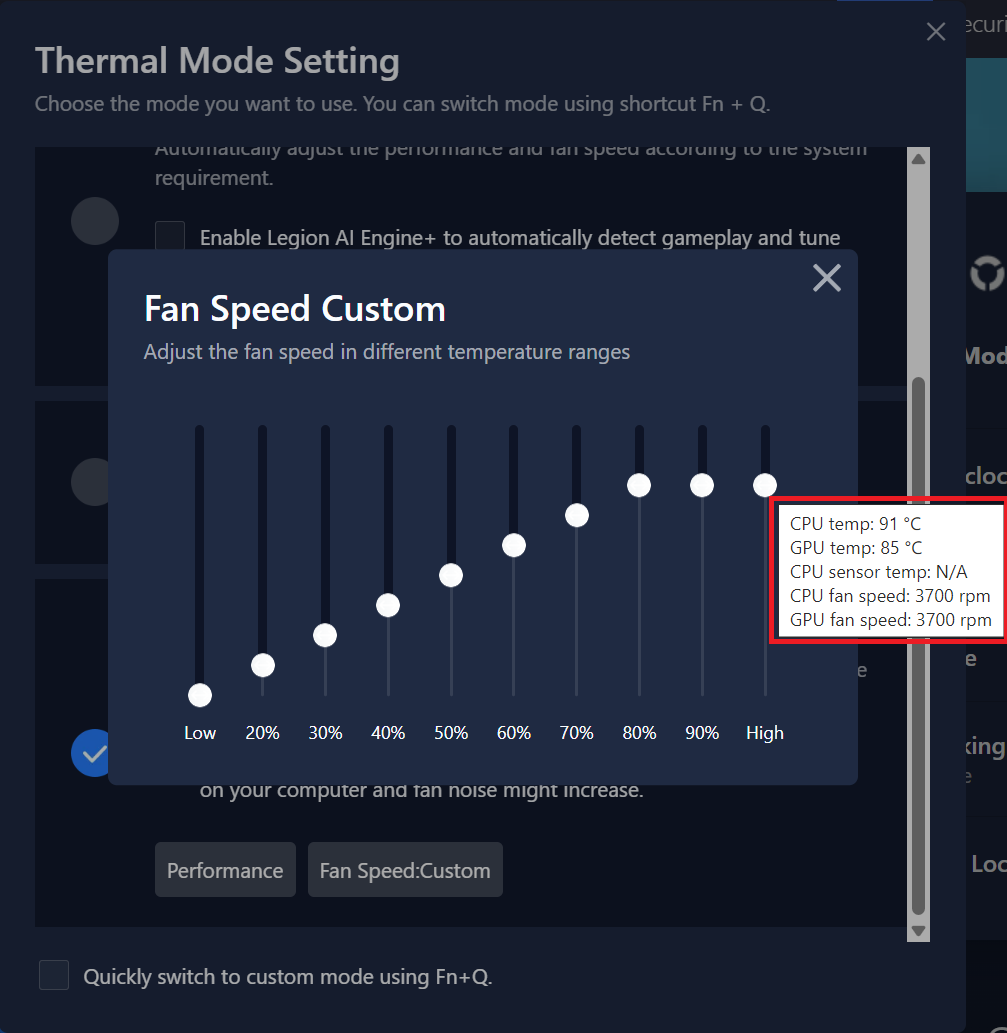
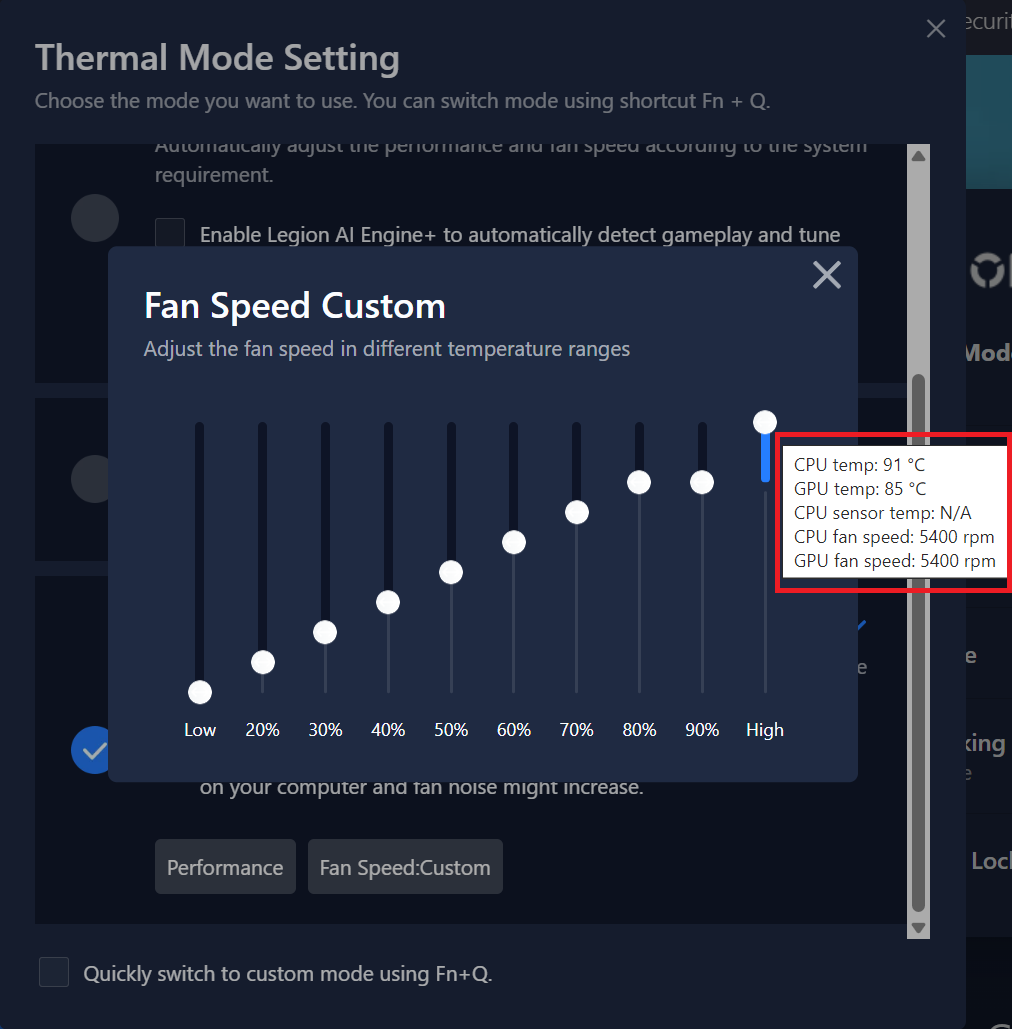
You can manually bump the fans to 5400RPM if you want to lower the temperatures of the internals. In auto mode, the fans can reach ~ 3700 RPM.
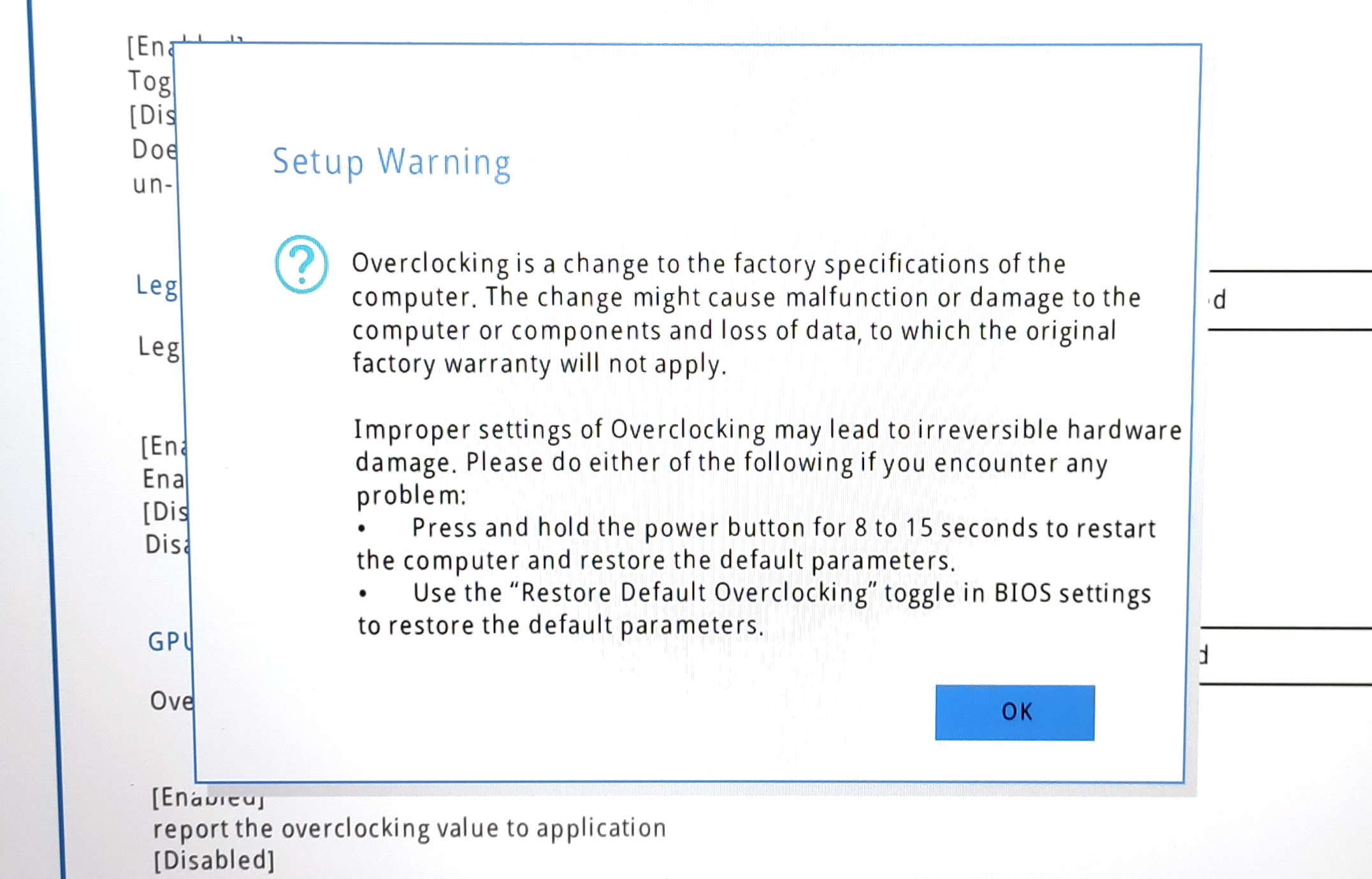
If you enable the “Legion Optimization” in the BIOS, the “CPU Overclock” function will pop up in the Lenovo Vantage software. This will allow you to undervolt the CPU to lower its temperatures and power consumption. Of course, you can try to overclock the chip as well.


Battery
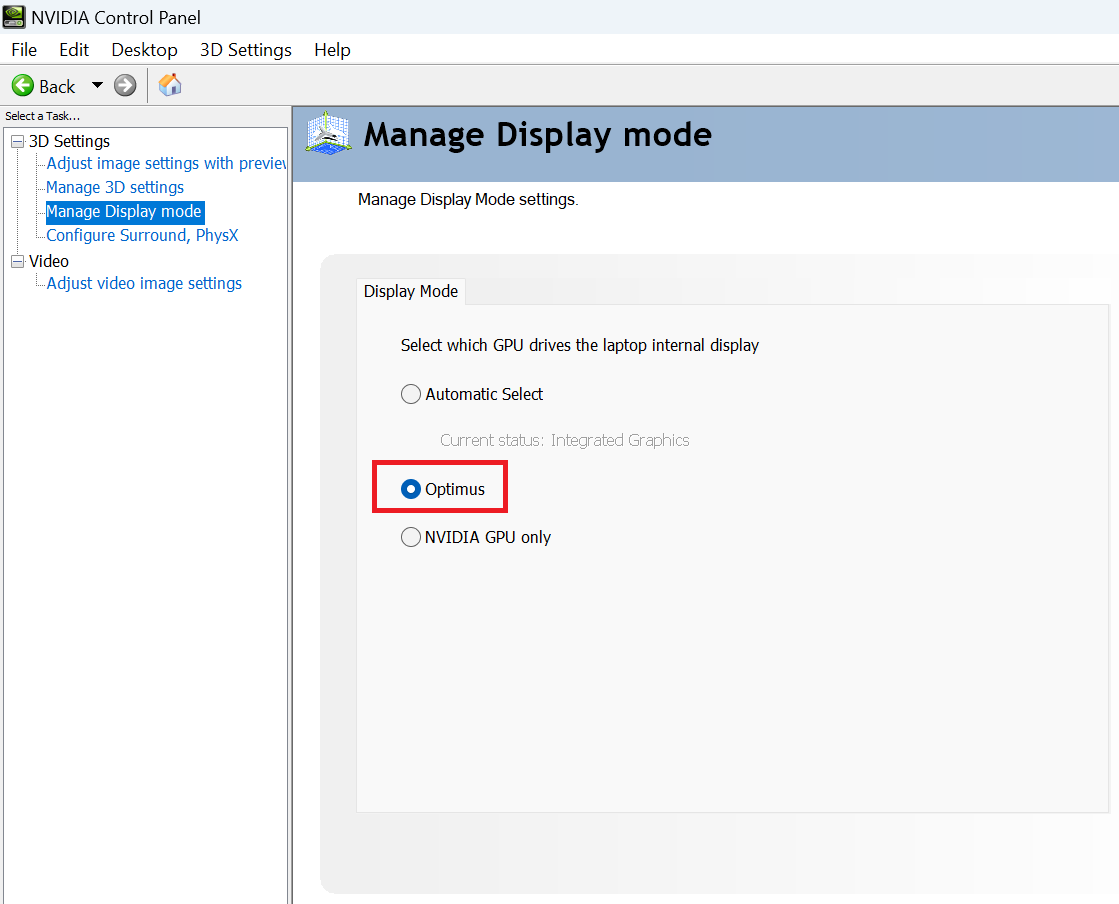
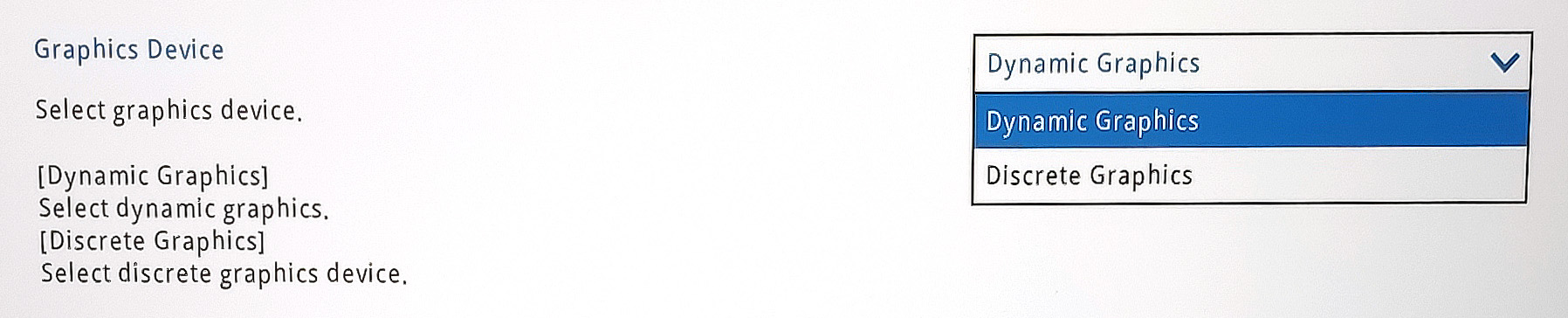
Now, we conduct the battery tests with the Windows Better performance setting turned on, screen brightness adjusted to 120 nits, and all other programs turned off except for the one we are testing the notebook with. The battery is an 80Wh model that lasts for 12 hours and 30 minutes of Web browsing or 5 hours and 53 minutes of video playback. To achieve that, you have to select the “Dynamic Graphics mode” in the BIOS and the “Optimus” Display Mode in the NVIDIA Control Panel in order to use the iGPU. Then, select the “Balance” preset, turn on the “Adaptive Refresh Rate” function, and select the iGPU-only mode in the Lenovo Vantage app. Last but not least, apply the “Balanced” preset in the Windows “Power & Battery” menu.


Parlaklık: 180 nit; Ekran Modu: SDR
Tam Deşarj Süresi: Yüksek Olan Daha İyidir
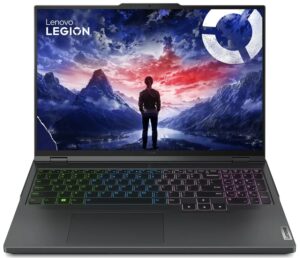
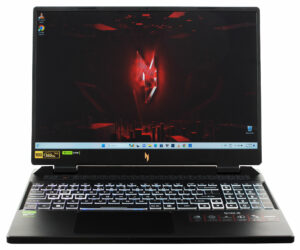
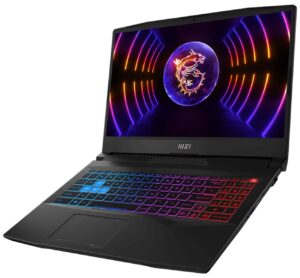
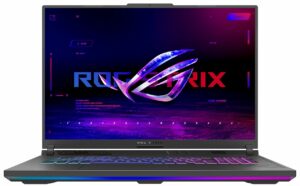
Gerçek hayat koşullarını simüle etmek için 70'ten fazla web sitesinde otomatik web taraması için kendi komut dosyamızı kullandık.
 Author: Nikolay Palaozov
 Author: eng. Kroum NikolovHead of Engineering at LaptopMedia.com, inventor and innovator with 40+ years of experience in electronics and high technology.

![[Temmuz 2026] Amazon’da En Çok Satan Dizüstü Bilgisayar Grafik Kartlarının Küresel Sıralaması – RTX 5060, Üst Sınıf Segmentte Hakimiyet Kurarken, Intel Hala Ekonomik Segmentte Lider](https://laptopmedia.com/wp-content/uploads/2026/08/Best-Selling-GPUs-GLOBAL-Top-10-400x225.jpg)
![[Temmuz 2026] Amazon’da En Çok Satan Dizüstü Bilgisayar İşlemcilerinin Küresel Sıralaması – Apple, Üst Sınıf Segmentte Liderlik Yaparken, Intel Genel Sıralamada Birinci Sırayı Koruyor](https://laptopmedia.com/wp-content/uploads/2026/08/Best-Selling-CPUs-GLOBAL-Top-10-400x225.jpg)
![[July 2026] Amazon Canada: Top 10 Best-Selling Laptops – Apple MacBook Neo Dominates the Market to Claim the #1 Spot](https://laptopmedia.com/wp-content/uploads/2026/08/Best-Selling-Laptops-CA-Top-10-2-400x225.jpg)
![[July 2026] Best-Selling Laptop Brands on Amazon Japan – HP and Lenovo Dominate Units and Revenue Amid Fierce Competition](https://laptopmedia.com/wp-content/uploads/2026/08/CO.JP-Best-Brands-2-400x225.jpg)
![[July 2026] Amazon Italy: Top 10 Best-Selling Laptops – Apple MacBook Neo Claims the #1 Spot Amid Budget-Friendly Dominance](https://laptopmedia.com/wp-content/uploads/2026/08/Best-Selling-Laptops-IT-Top-10-400x225.jpg)
