Lenovo V15 Gen 4 review – is AMD the way to go?
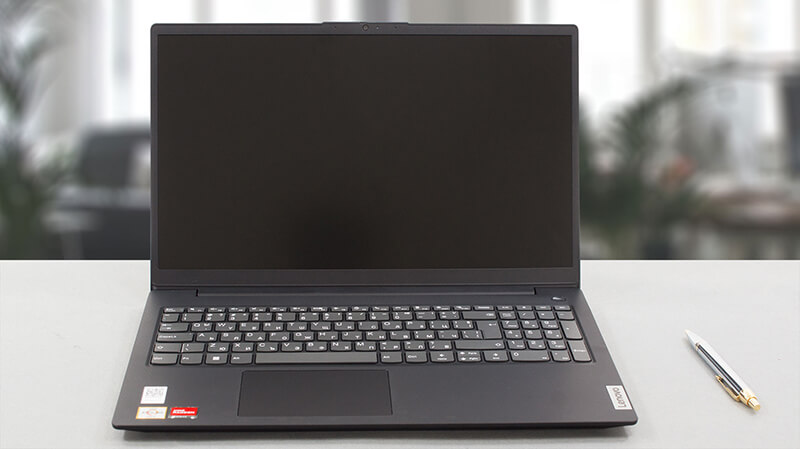 As one of the least expensive offerings from the manufacturer, the Lenovo V15 Gen 4 is poised to tackle the neverending critique of people like us. However, its simplicity and low price will attract significantly more customers, than its possible disadvantages ever would.
Today, we are going to review this laptop, putting its hardware through a bunch of tests. The unit we got in our office is the AMD version of the model. It can be found with either an Athlon Silver, Athlon Gold, Ryzen 3 7320U, or Ryzen 5 7520U. As you can tell, there is quite a difference between the lowest-tier, and the highest-tier option, which could be essential at the end of the day.
In addition to that, you will find a laptop with a 1080p display. Unfortunately, a TN option is inevitable at this price range, however, there is an IPS unit as well. If you can afford it, definitely go for the IPS option.
Of course, this is if we think you would have any reason to get this device in the first place. Let’s take a moment to look at the specs sheet before we pop its box open and see what we got inside.
You can check the prices and configurations in our Specs System: https://laptopmedia.com/series/lenovo-v15-gen-4-amd/
Contents
Specs, Drivers, What’s in the box
Lenovo V15 Gen 4 (AMD) - Özellikler
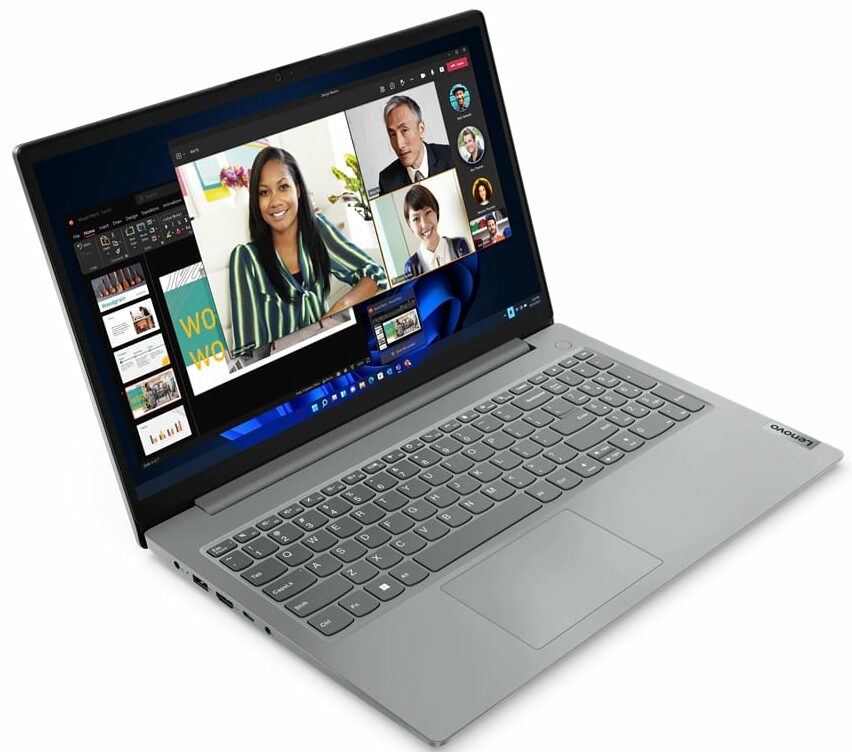
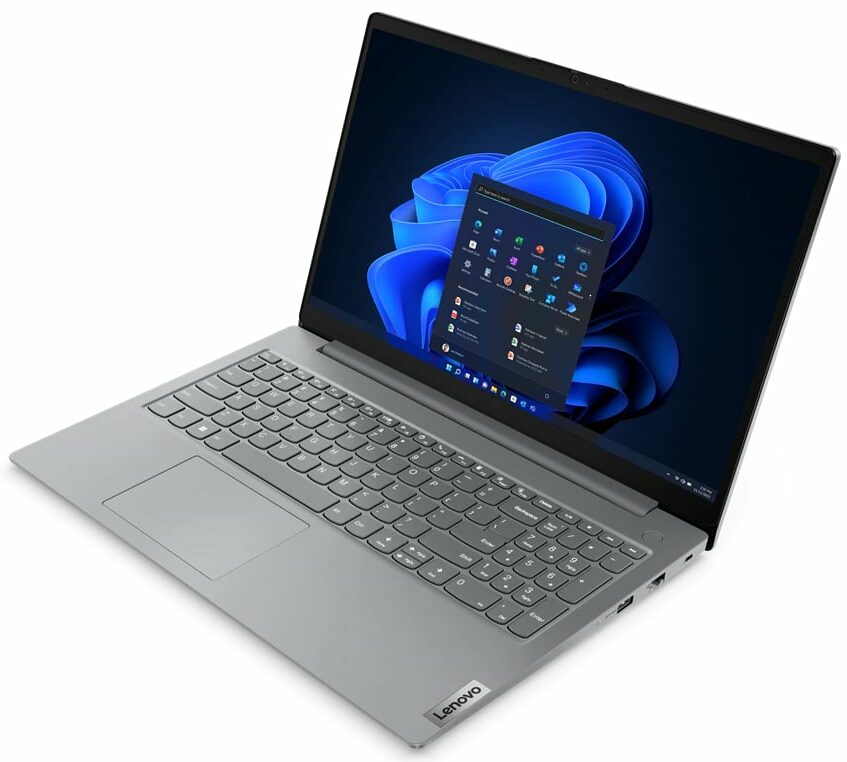
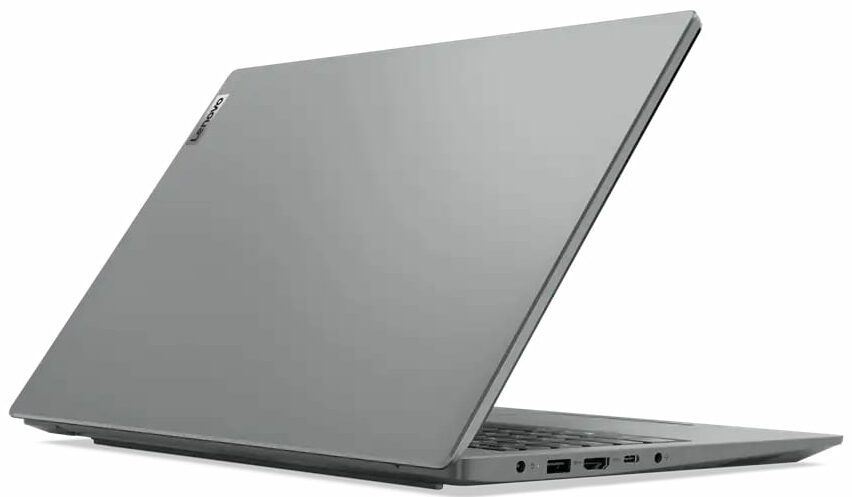
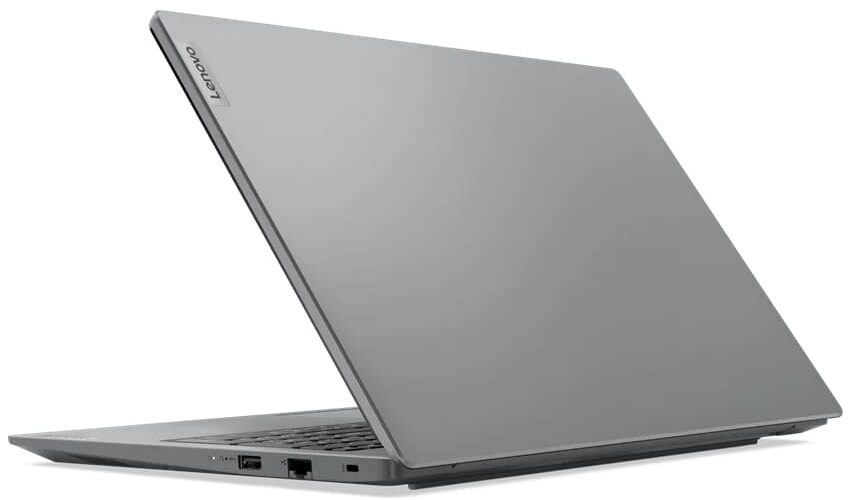
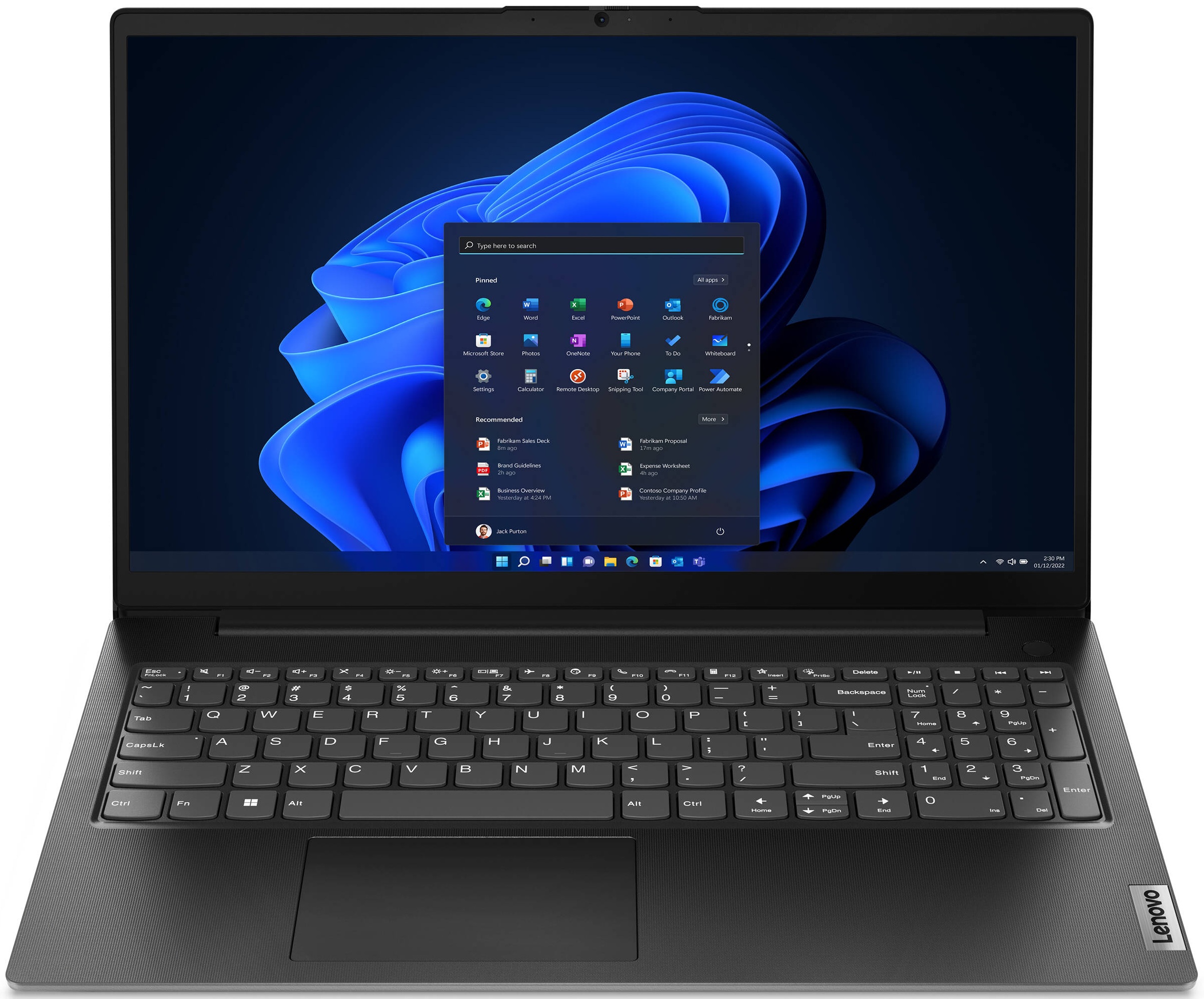
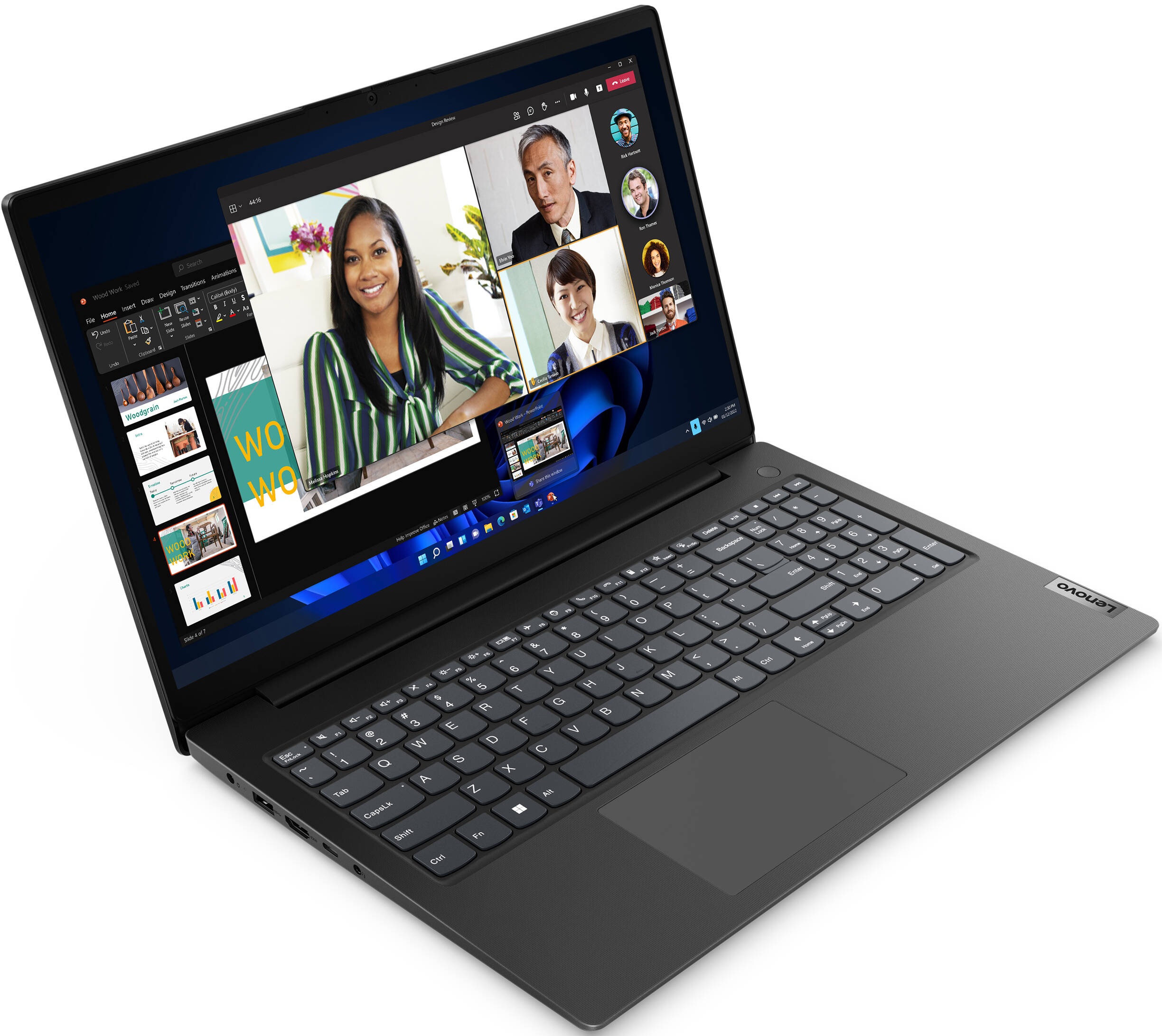
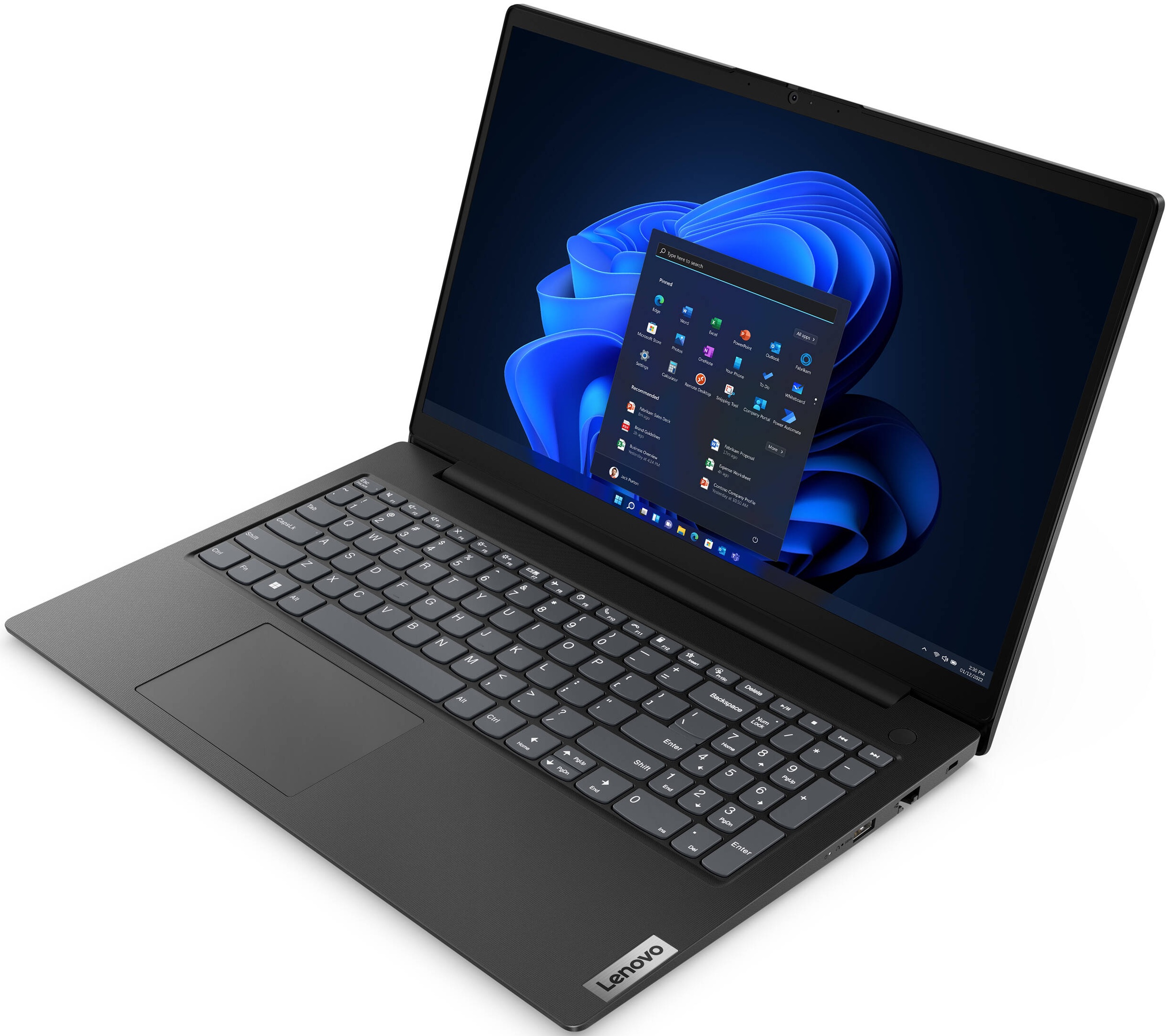
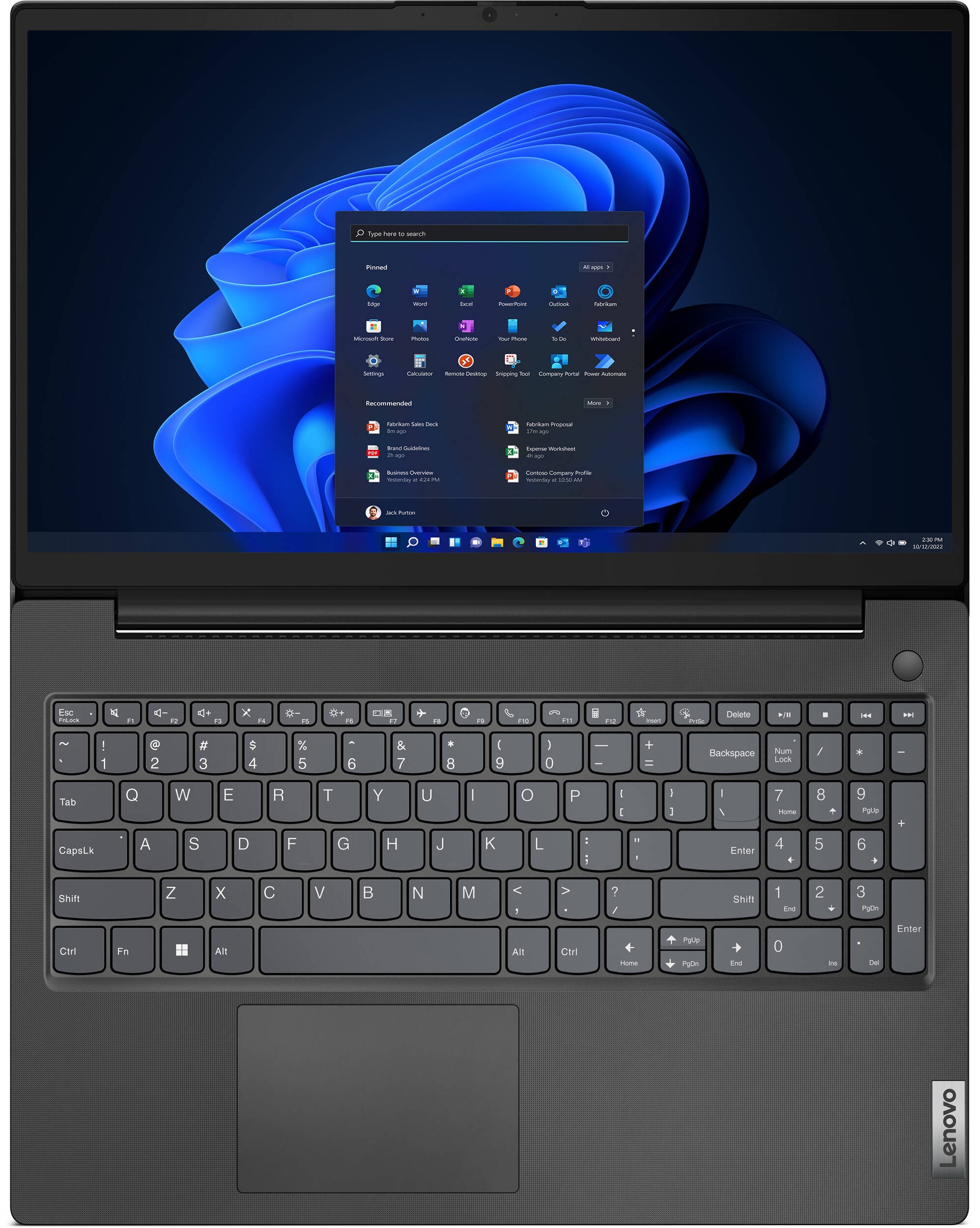
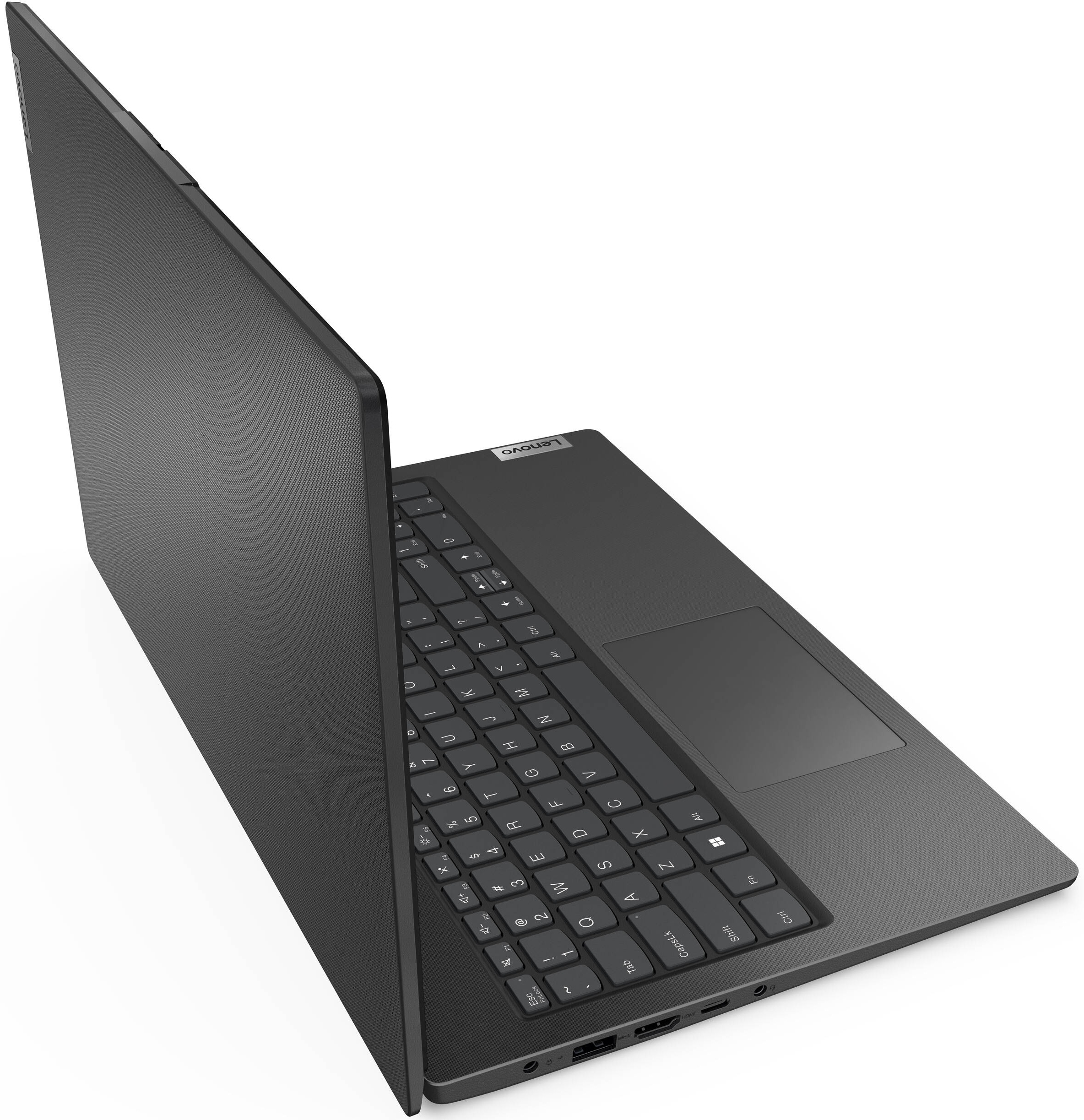
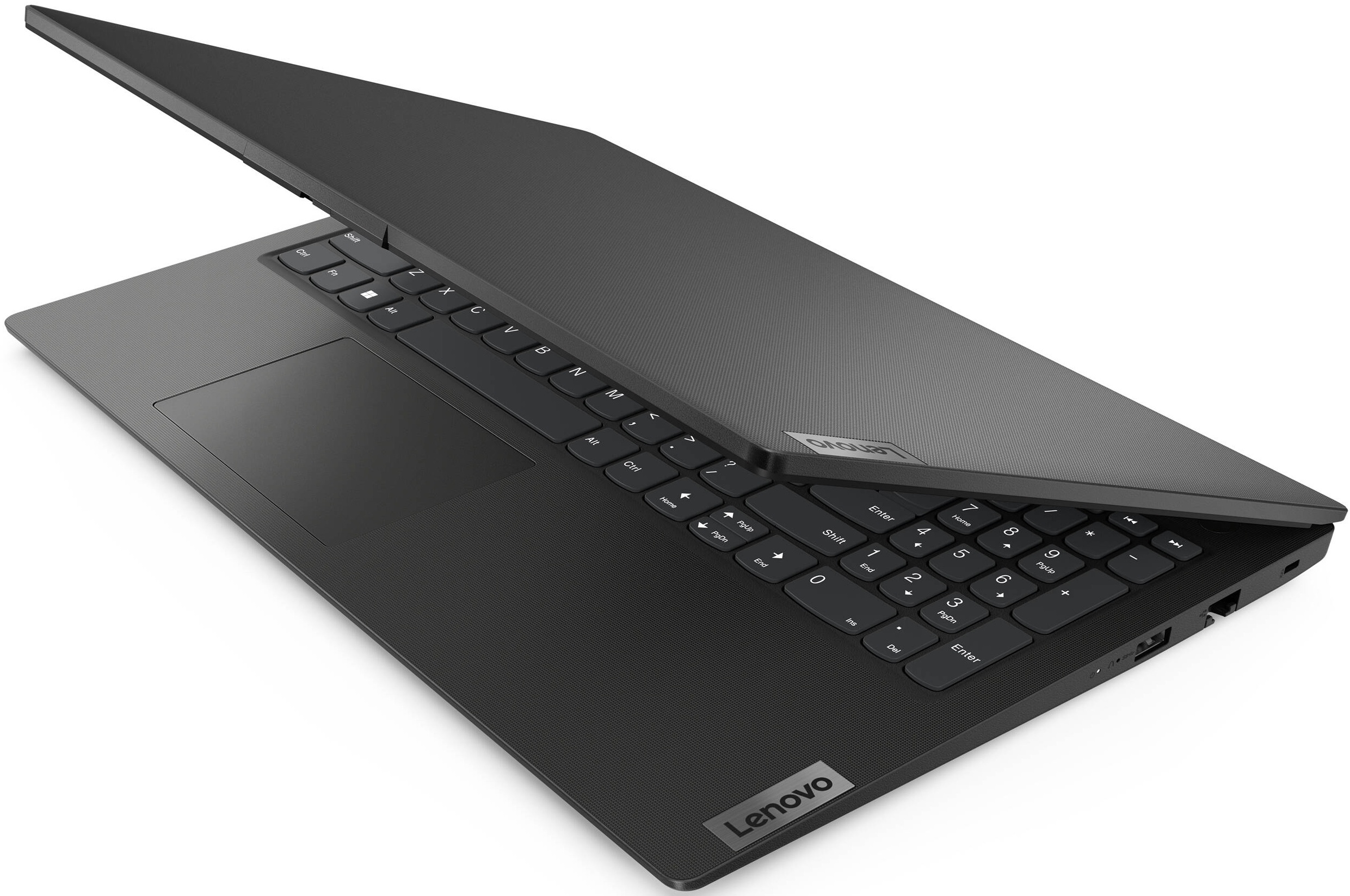
- CPU
- Intel Core i5-13420H #140 En İyi CPU'lar arasında AMD Ryzen 7 7735HS #103 En İyi CPU'lar arasında AMD Ryzen 7 7730U #144 En İyi CPU'lar arasında AMD Ryzen 5 7530U #178 En İyi CPU'lar arasında AMD Ryzen 5 7520U #207 En İyi CPU'lar arasındaAMD Ryzen 7 5825U AMD Ryzen 5 7430U AMD Ryzen 3 7330U AMD Ryzen 3 7320U AMD Athlon Silver 7120U AMD Athlon Gold 7220U AMD Athlon Gold 3150U
- GPU
- Intel UHD Graphics Xe G4 (48EU) #313 En İyi GPU'lar arasında AMD Radeon RX Vega 8 (R4000/5000, 15W) #310 En İyi GPU'lar arasında AMD Radeon RX Vega 7 (R4000/5000, 15W) #321 En İyi GPU'lar arasında AMD Radeon RX Vega 6 (R4000/5000, 15W) #329 En İyi GPU'lar arasında AMD Radeon RX Vega 3 #335 En İyi GPU'lar arasında AMD Radeon 660M #271 En İyi GPU'lar arasında AMD Radeon 610M #330 En İyi GPU'lar arasındaAMD Radeon 610

- HDD/SSD
- kadar 4000GB SSD + kadar 500GB HDD
- M.2 Yuvası
- 1x 2242 M.2 NVMe PCIe 3.0 x2 Fotoğrafı gör
- RAM
- up to 64GB
- İS
- Windows 11 Pro, Windows 11 Home, Windows 10 Pro, Windows 10 Home, No OS, DOS
- Pil
- 47Wh, 38Wh, 38Wh
- Gövde Malzemesi
- Plastic / Polycarbonate
- Boyutlar
- 359.2 x 235.8 x 19.9 mm (14.14" x 9.28" x 0.78")
- Ağırlık
- 1.65 kg (3.6 lbs)
- Portlar ve bağlantı
- 2x USB Type-A
- 3.2 Gen 1 (5 Gbps)
- 1x USB Type-C
- 3.2 Gen 1 (5 Gbps), Power Delivery (PD), DisplayPort
- HDMI
- 1.4b
- Kart Okuyucu
- Ethernet LAN
- 10, 100, 1000 Mbit/s
- Wi-Fi
- 802.11ax
- Bluetooth
- 5.1
- Ses jakı
- 3.5mm Combo Jack
- Özellikler
- Parmak izi okuyucu
- optional
- Web kamerası
- HD with privacy shutter, fixed focus
- Arkadan aydınlatmalı klavye
- optional
- Mikrofon
- Dual Microphone Array
- Hoparlörler
- 2x 1.5W Stereo Speakers, Dolby Audio
- Optik sürücü
- Güvenlik Kilidi yuvası
- Kensington Nano Lock
Tümü Lenovo V15 Gen 4 (AMD) yapılandırmalar
Drivers
All drivers and utilities for this notebook can be found here: https://pcsupport.lenovo.com/us/en/products/laptops-and-netbooks/lenovo-v-series-laptops/lenovo-v15-g4-amn/downloads/driver-list
What’s in the box?
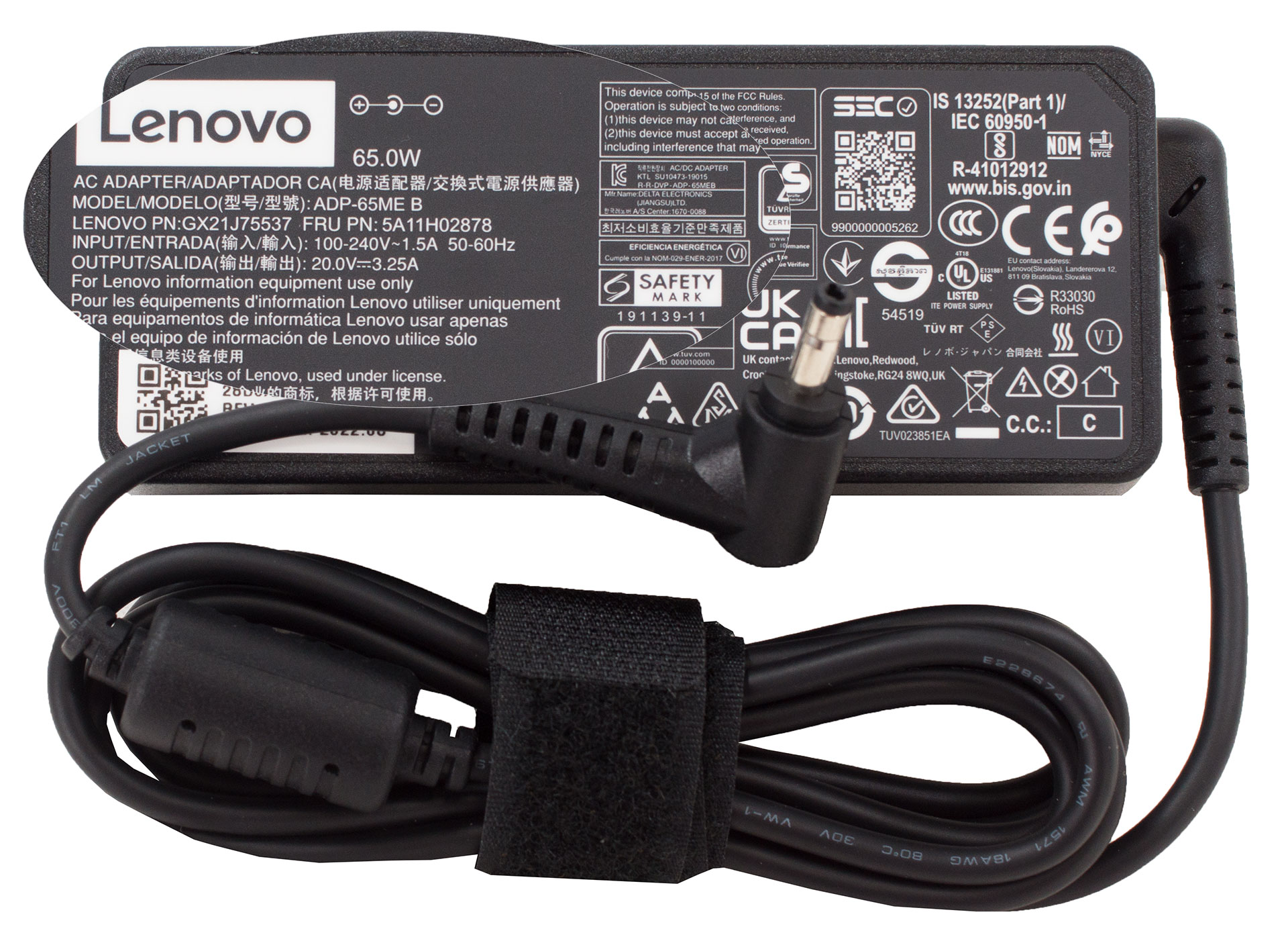
Inside the package, we find some boring paperwork, as well as a 65W charger.
 Author: Alex Iliev
 Author: eng. Kroum NikolovHead of Engineering at LaptopMedia.com, inventor and innovator with 40+ years of experience in electronics and high technology.

![[Ağustos 2026] Amazon’da En Çok Satan Dizüstü Bilgisayar GPU’larının Küresel Sıralaması – Apple Liderliğini Sürdürüyor, NVIDIA’nın RTX 5060 Modeli Özel GPU Sıralamasında Zirvede](https://laptopmedia.com/wp-content/uploads/2026/09/Best-Selling-GPUs-GLOBAL-Top-10-400x225.jpg)
![[Ağustos 2026] Amazon’da En Çok Satan Dizüstü Bilgisayar İşlemcilerinin Küresel Sıralaması – Apple Hem Ekonomik Hem de Üst Sınıf Segmentte Hakimiyet Kuruyor: A18 Pro ve M5, Ağustos 2026’da Intel ve AMD’yi Geride Bıraktı](https://laptopmedia.com/wp-content/uploads/2026/09/Best-Selling-CPUs-GLOBAL-Top-10-400x225.jpg)
![[Ağustos 2026] Amazon Global: En Çok Satan 10 Dizüstü Bilgisayar – Apple MacBook Neo Listelerin Zirvesinde Yer Alırken, Ekonomik ve Orta Sınıf Windows Dizüstü Bilgisayarlar Satış Hacmi İçin Rekabet Ediyor](https://laptopmedia.com/wp-content/uploads/2026/09/Best-Selling-Laptops-GLOBAL-Top-10-400x225.jpg)
![[Ağustos 2026] Amazon Global’de En Çok Satan Dizüstü Bilgisayar Markaları – Apple Gelirde Liderken, HP Model Çeşitliliği Konusunda Önde](https://laptopmedia.com/wp-content/uploads/2026/09/GLOBAL-Best-Brands-400x225.jpg)
![[Ağustos 2026] Amazon Global: En Çok Satan 10 Oyun Dizüstü Bilgisayarı – HP Victus 15 Birinci Sırayı Aldı; Listeyi Uygun Fiyatlı Modeller Hakimiyetine Aldı](https://laptopmedia.com/wp-content/uploads/2026/09/Best-Selling-Gaming-Laptops-GLOBAL-Top-10-400x225.jpg)

hey, thanks for this review, a reasonable laptop that a lot of people are actually considering to buy.
Bonjour. e viens de faire ‘acquisition de ce Lenovo après décès du précédent (un Lenovo G580) à l’âge vénérable de 13ans. Pour le moment, si les bases sont réunies pour une utilisation quotidienne standard de bureautique, je constate que la batterie est trèèèès loin de me satisfaire. Celle-ci est défectueuse dès les premiers jours. Après une charge à zéro, impossible de la recharger, et comme c’est une batterie intégrée, impossible d’en recommander juste une nouvelle, il va me falloir ouvrir la bête. Mon vieux Lenovo passé sous Linux me manque…
Bonjour, J’ai eu le même problème assez rapidement après l’achat de cet ordinateur, impossible de le recharger, le témoin de tension ne s’allumait plus. Avant d’envisager de retourner au magasin où je l’avais acheté j’ai fouiné sur le site Lenovo, et j’ai fini par réussir à résoudre le problème. J’ai réalisé différentes manœuvres mais je crois me souvenir que celle qui a été décisive est un appui prolongé sur le bouton de démarrage (comme si ça réalisait un reste du circuit d’alimentation). Je me demande si ça ne pourrait pas venir du logiciel Lenovo avantage, qui gère notamment les options… Devamını oku »
My only regret is that AMD still pushing the limits with these ancient zen 2 cores. The models with 13th gen i3 Intel seems to be the better and cheaper option nowadays. Although at the time of writing of this article, AMD was the reasonable choice.