MSI Katana 15 (B13V) review – the generational leap is huge but the price is not very pleasant
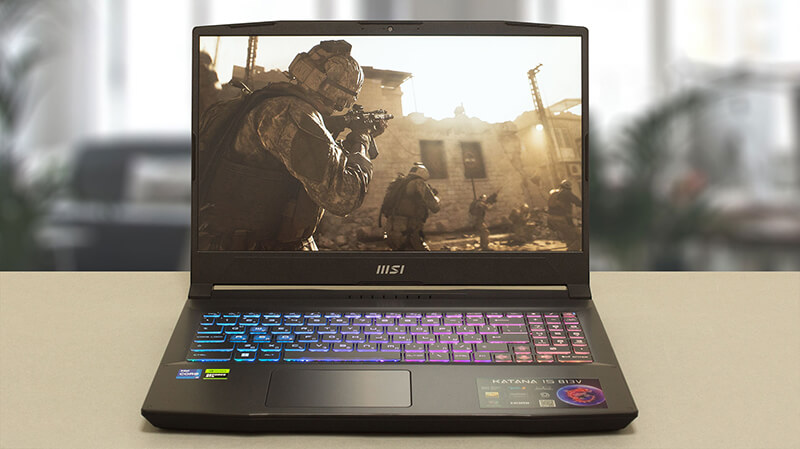 From all of the gibberish on MSI’s official Website, we learn one thing – the Katana is no longer called the GF66. Instead, it follows its weapon cousin – the Sword, in adopting the simpler “15” moniker. This will make the two devices ever so harder to differentiate. However, we are here for only one of them today – the MSI Katana 15 (B13V).
It comes with a 13th Gen Intel processor. While it is the somewhat crippled Core i7-13620H, we have high expectations for its gaming performance. Consisting of 6 P-cores and 4 E-cores, it should be a rather efficient unit.
On the graphics side, you get one of the following GPUs – RTX 4050, RTX 4060, or RTX 4070. All of them have a 105W TGP. Interestingly, the 6GB RTX 4050 is claimed to be faster than the RTX 3060, which is a huge generational leap for NVIDIA.
But does this mean that the MSI Katana 15 (B13V) will now be more expensive than its predecessors? Well, this is precisely what that means. At least for the time being, you will need to allocate a larger portion of your budget, if you want to get the latest and greatest in terms of hardware.
However, this is the case every time a new product hits the market. So if you wait for a couple of months (why not even a year), the prices will reach their adequate levels. But before we talk about even thinking of buying this machine, we have to test it. Let’s take it out of the box, and continue our review.
You can check the prices and configurations in our Specs System: https://laptopmedia.com/series/msi-katana-15-b12ux-b12vx-b13ux-b13vx/
Contents
- Specs, Drivers, What’s in the box
- Design and construction
- Display quality, Health impact (PWM), Sound
- Buy our profiles
- Performance: CPU, GPU, Gaming Tests
- [eBook Guide + Tools] How to MAX OUT your MSI Katana 15 (B13V)
- Temperatures and comfort, Battery Life
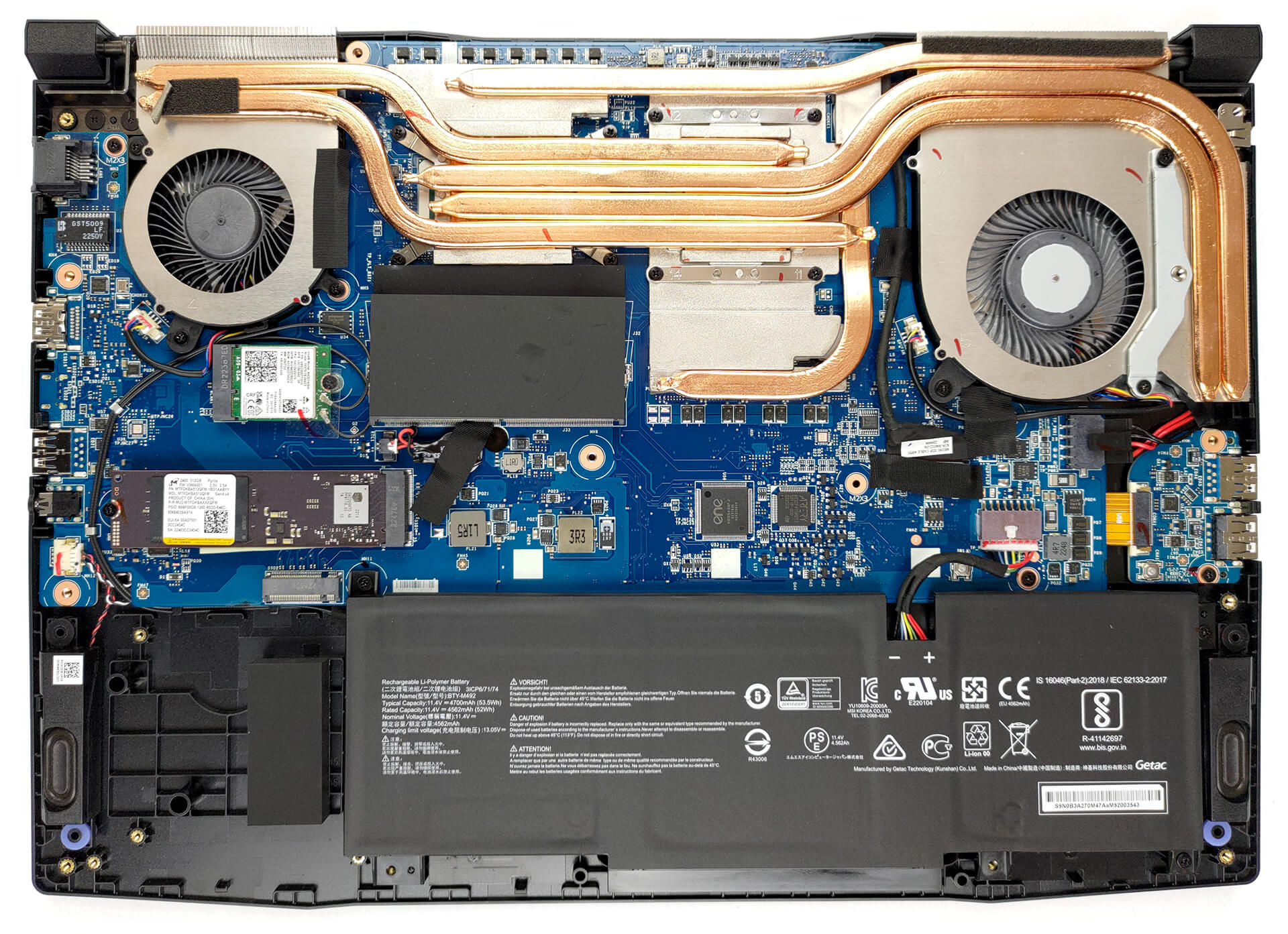
- Disassembly, Upgrade options, and Maintenance
- Verdict
Specs, Drivers, What’s in the box
MSI Katana 15 (B12Ux / B12Vx / B13Ux / B13Vx) - Özellikler
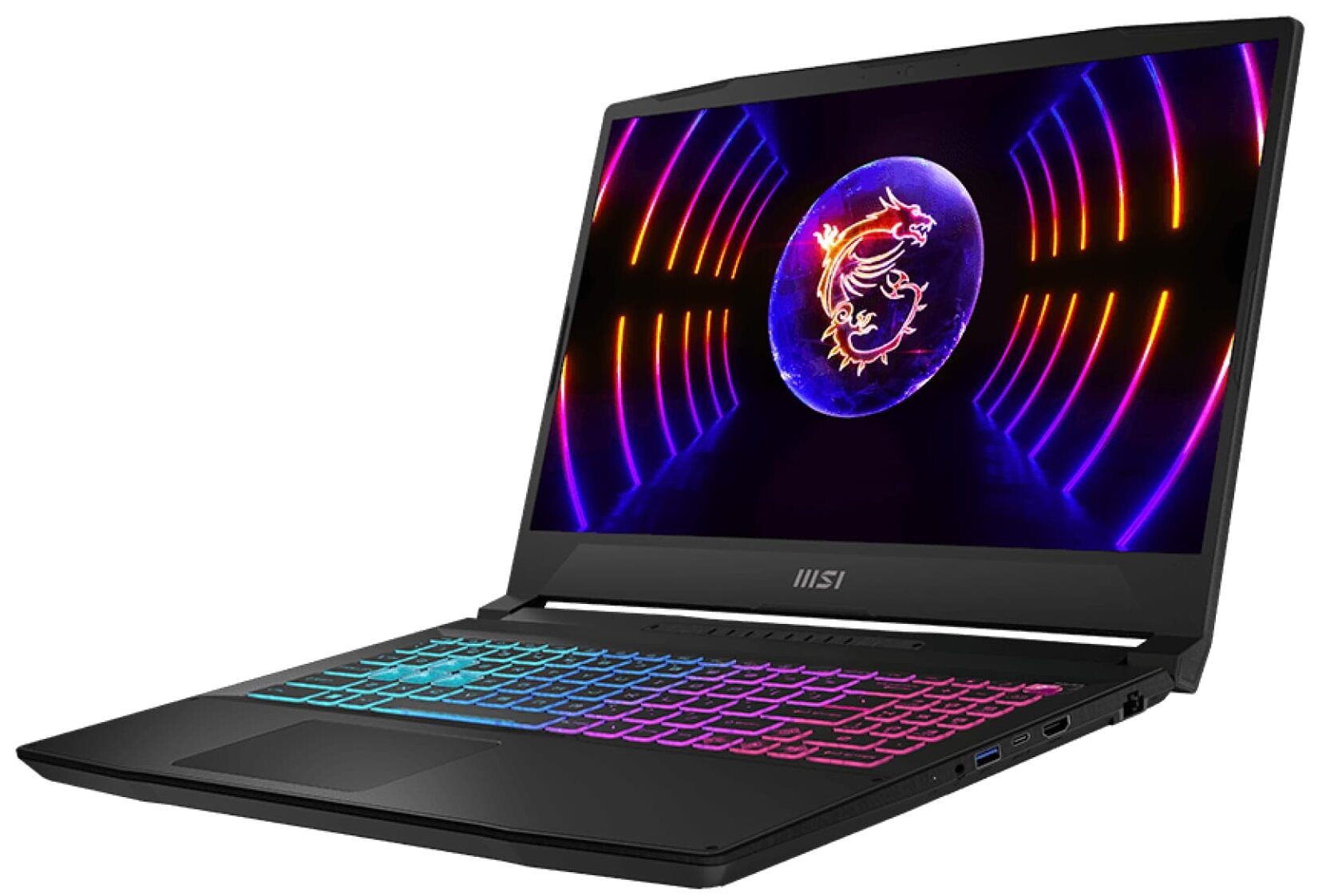
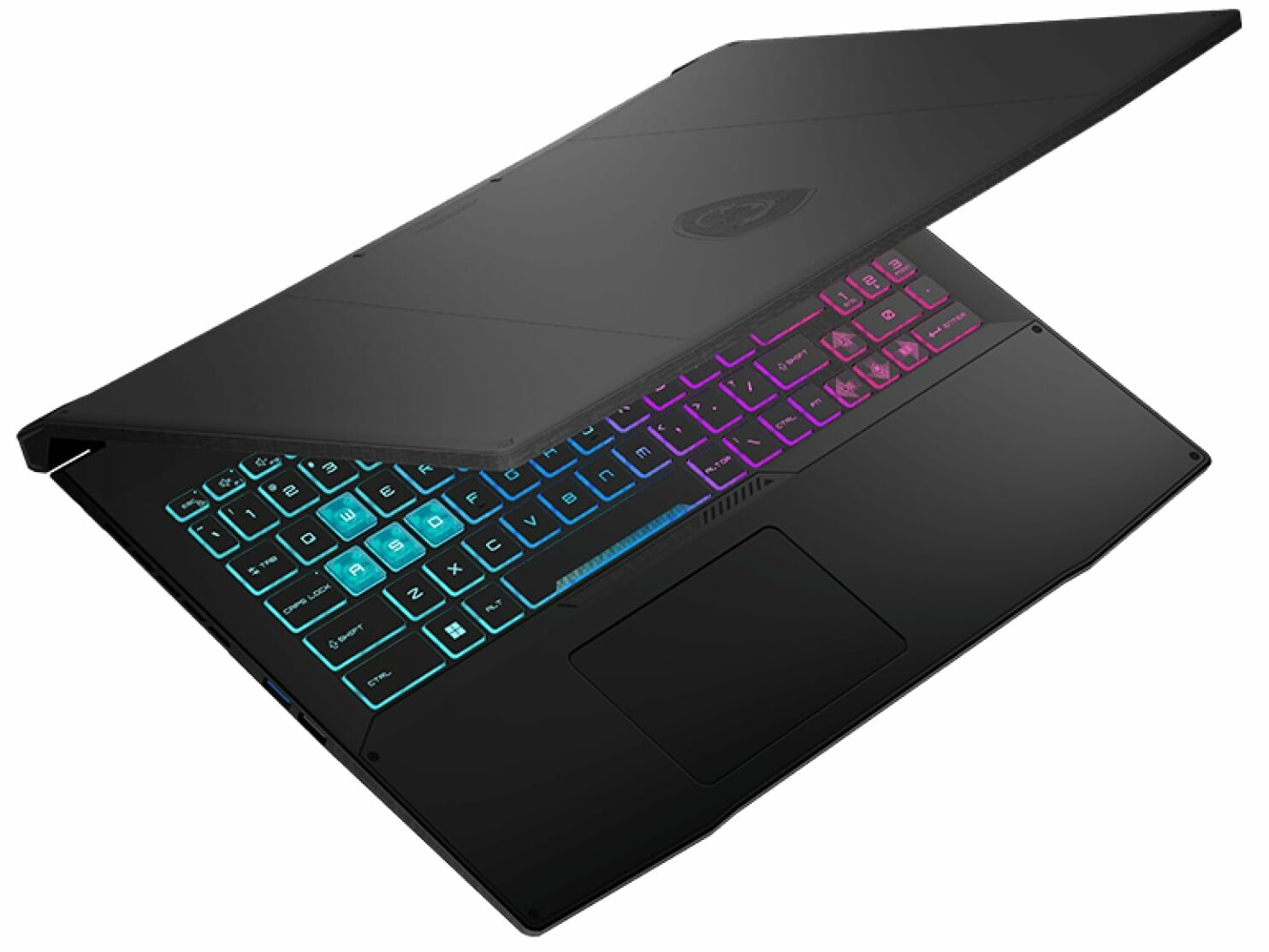
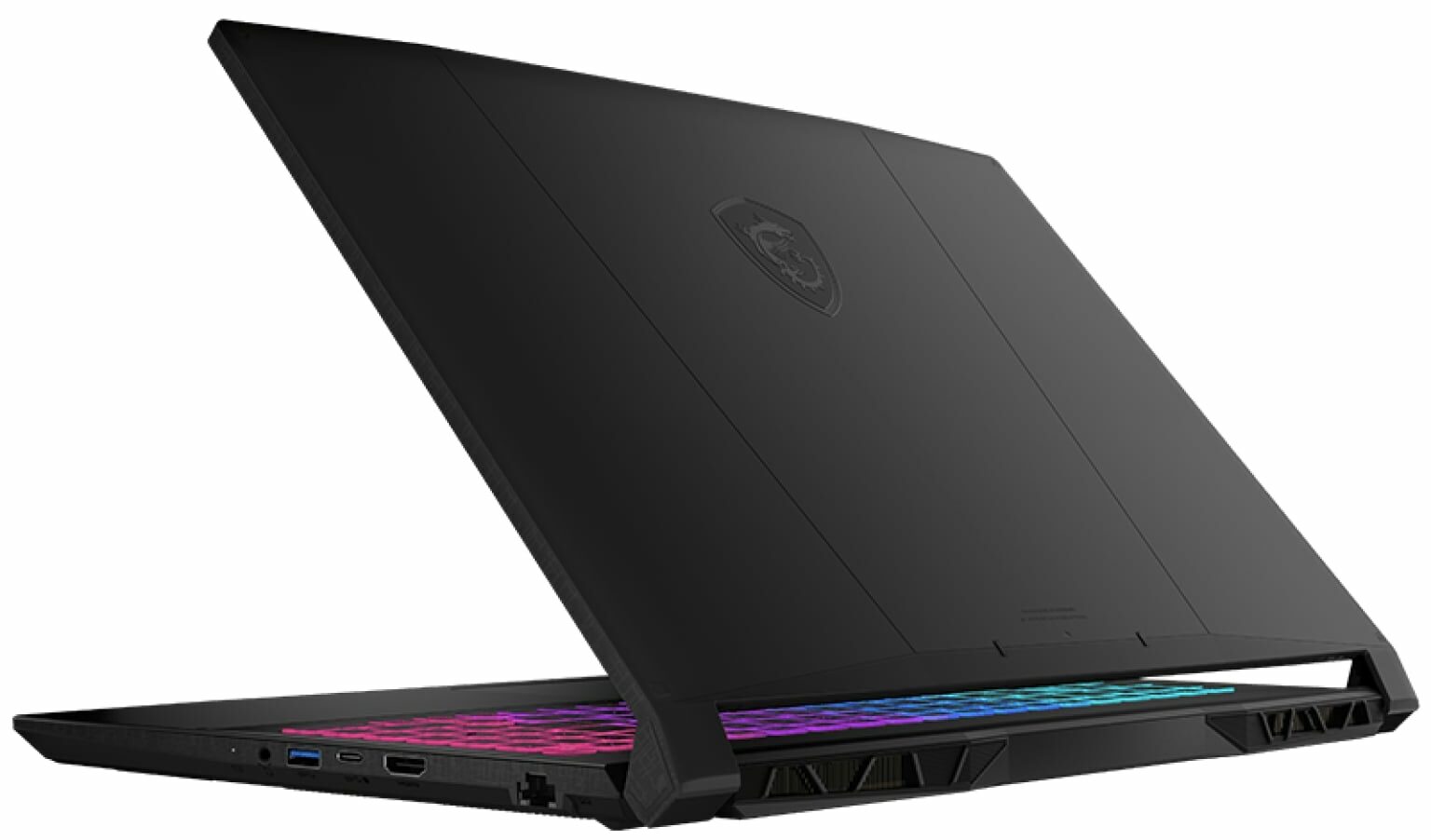
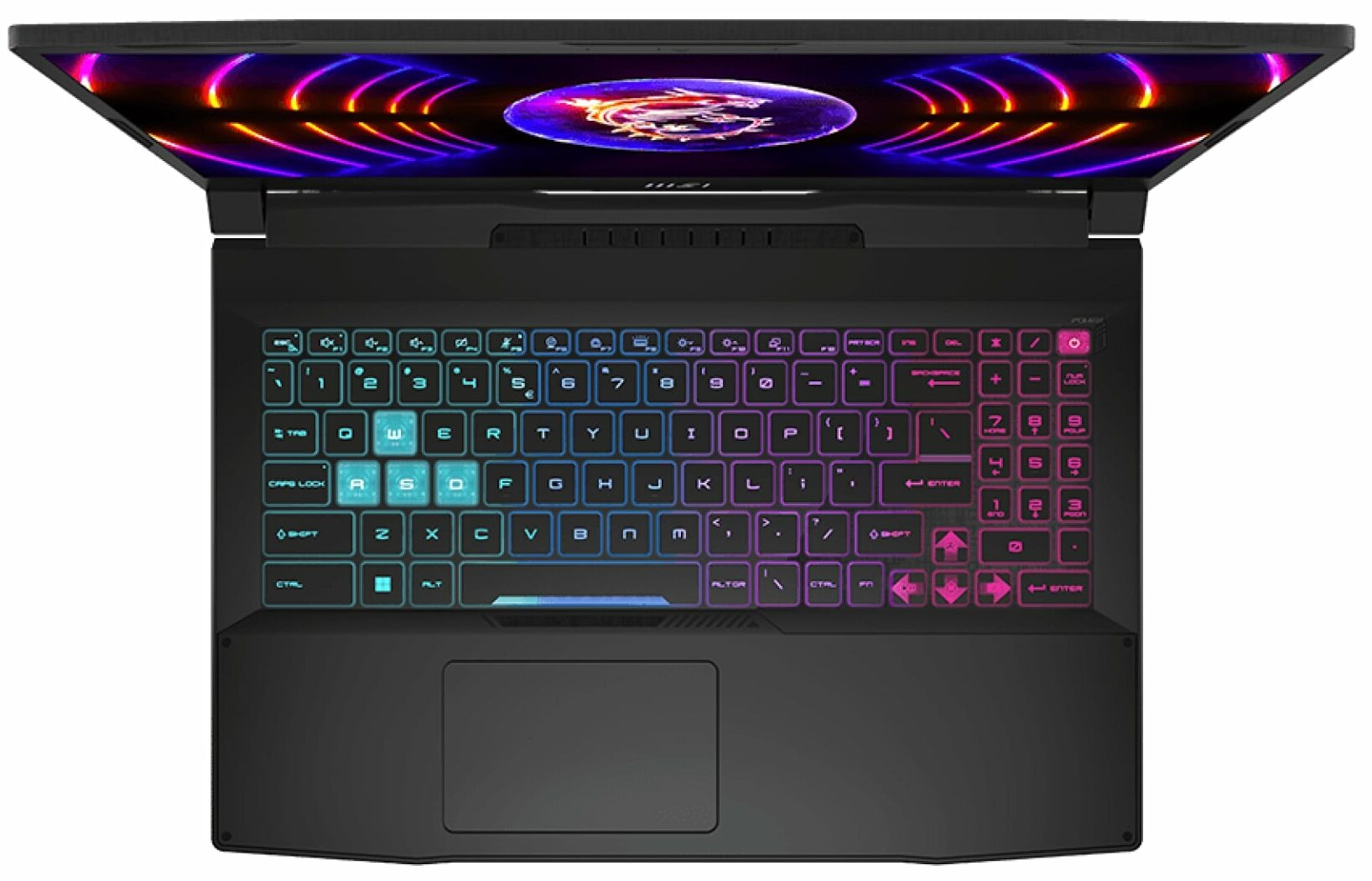
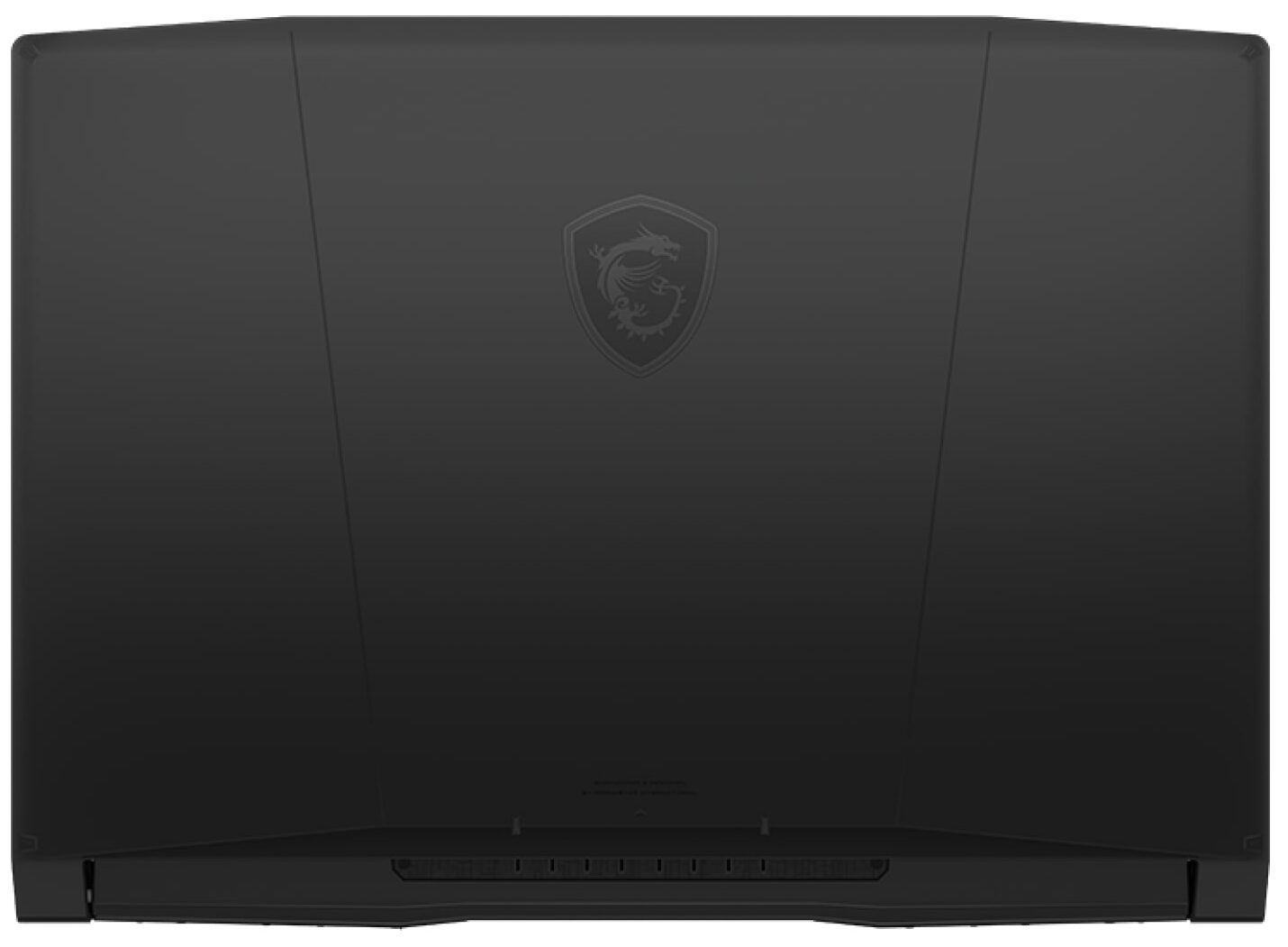
- CPU
- Intel Core i9-13900H #89 En İyi CPU'lar arasında Intel Core i7-13700H #64 En İyi CPU'lar arasında Intel Core i7-13620H #95 En İyi CPU'lar arasında Intel Core i7-12700H #81 En İyi CPU'lar arasında Intel Core i7-12650H #165 En İyi CPU'lar arasında Intel Core i5-13500H #91 En İyi CPU'lar arasında Intel Core i5-13420H #140 En İyi CPU'lar arasında Intel Core i5-12450H #136 En İyi CPU'lar arasında
- GPU
- NVIDIA GeForce RTX 4070 (Laptop, 105W) #60 En İyi GPU'lar arasında NVIDIA GeForce RTX 4060 (Laptop, 105W) #82 En İyi GPU'lar arasında NVIDIA GeForce RTX 4050 (Laptop, 105W) #102 En İyi GPU'lar arasında NVIDIA GeForce RTX 3060 (Laptop, 105W) #112 En İyi GPU'lar arasında NVIDIA GeForce RTX 3050 (Laptop, 75W, 6GB) #165 En İyi GPU'lar arasında

- HDD/SSD
- kadar 16000GB SSD
- M.2 Yuvası
- 1x 2280 M.2 PCIe 4.0 x4 + 1x M.2 PCIe 4.0 x4 Fotoğrafı gör
- RAM
- up to 64GB
- İS
- Windows 11 Home, Windows 11 Pro, Windows 11, Windows 10 Pro, No OS, DOS, Windows 10 Home
- Pil
- 53.5Wh, 3-cell, 53.5Wh, 3-cell , 53.5Wh
- Gövde Malzemesi
- Plastic / Polycarbonate
- Boyutlar
- 359 x 259 x 24.9 mm (14.13" x 10.20" x 0.98")
- Ağırlık
- 2.25 kg (5 lbs)
- Portlar ve bağlantı
- 1x USB Type-A
- 2.0
- 2x USB Type-A
- 3.2 Gen 1 (5 Gbps)
- 1x USB Type-C
- 3.2 Gen 1 (5 Gbps), DisplayPort
- HDMI
- 2.1 (8K@60Hz / 4K@120Hz)
- Kart Okuyucu
- Ethernet LAN
- 10, 100, 1000 Mbit/s
- Wi-Fi
- 802.11ax
- Bluetooth
- 5.2
- Ses jakı
- 3.5mm Combo Jack
- Özellikler
- Parmak izi okuyucu
- Web kamerası
- HD
- Arkadan aydınlatmalı klavye
- optional
- Mikrofon
- Hoparlörler
- 2x 2W Stereo Speakers, Nahimic Audio
- Optik sürücü
- Güvenlik Kilidi yuvası
Tümü MSI Katana 15 (B12Ux / B12Vx / B13Ux / B13Vx) yapılandırmalar
Drivers
All drivers and utilities for this notebook can be found here: https://www.msi.com/Laptop/Katana-15-B13VX/support?sub_product=Katana-15-B13VEK#driver
What’s in the box?
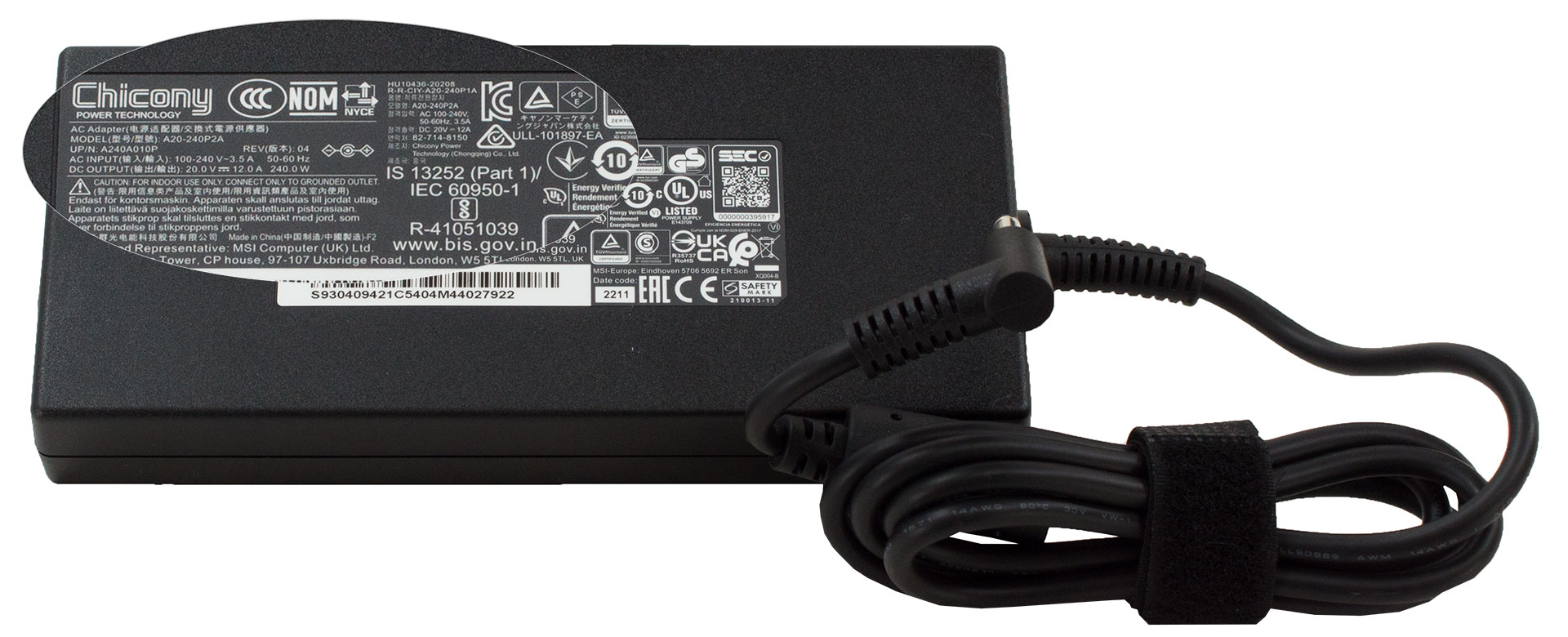
Inside the package, you will get some paper manuals, as well as the power adapter. Even though MSI states that it will ship its notebooks with a 200W unit, we got a 240W one inside the box.
 Author: Alex Iliev
 Author: eng. Kroum NikolovHead of Engineering at LaptopMedia.com, inventor and innovator with 40+ years of experience in electronics and high technology.

![[Ağustos 2026] Amazon Global: En Çok Satan 10 Dizüstü Bilgisayar – Apple MacBook Neo Listelerin Zirvesinde Yer Alırken, Ekonomik ve Orta Sınıf Windows Dizüstü Bilgisayarlar Satış Hacmi İçin Rekabet Ediyor](https://laptopmedia.com/wp-content/uploads/2026/09/Best-Selling-Laptops-GLOBAL-Top-10-400x225.jpg)
![[Ağustos 2026] Amazon Global’de En Çok Satan Dizüstü Bilgisayar Markaları – Apple Gelirde Liderken, HP Model Çeşitliliği Konusunda Önde](https://laptopmedia.com/wp-content/uploads/2026/09/GLOBAL-Best-Brands-400x225.jpg)
![[Ağustos 2026] Amazon Global: En Çok Satan 10 Oyun Dizüstü Bilgisayarı – HP Victus 15 Birinci Sırayı Aldı; Listeyi Uygun Fiyatlı Modeller Hakimiyetine Aldı](https://laptopmedia.com/wp-content/uploads/2026/09/Best-Selling-Gaming-Laptops-GLOBAL-Top-10-400x225.jpg)
![[August 2026] Best-Selling Laptop Brands on Amazon Japan – Apple Dominates Market Share and Revenue Led by Strong Unit Sales](https://laptopmedia.com/wp-content/uploads/2026/09/CO.JP-Best-Brands-1-400x225.jpg)
![[August 2026] Best-Selling Laptop Brands on Amazon USA – Apple Dominates Market Revenue and Volume Despite Lower Model Diversity](https://laptopmedia.com/wp-content/uploads/2026/09/COM-Best-Brands-1-400x225.jpg)

can you charge the laptop by usb-c?
Is there a manual to shows how to dissemble the laptop? NOT a user manual that mentions basic uses of the laptop. But rather a manual that discusses how to remove certain components from the laptop.