ASUS X543
ASUS X543 - Specs
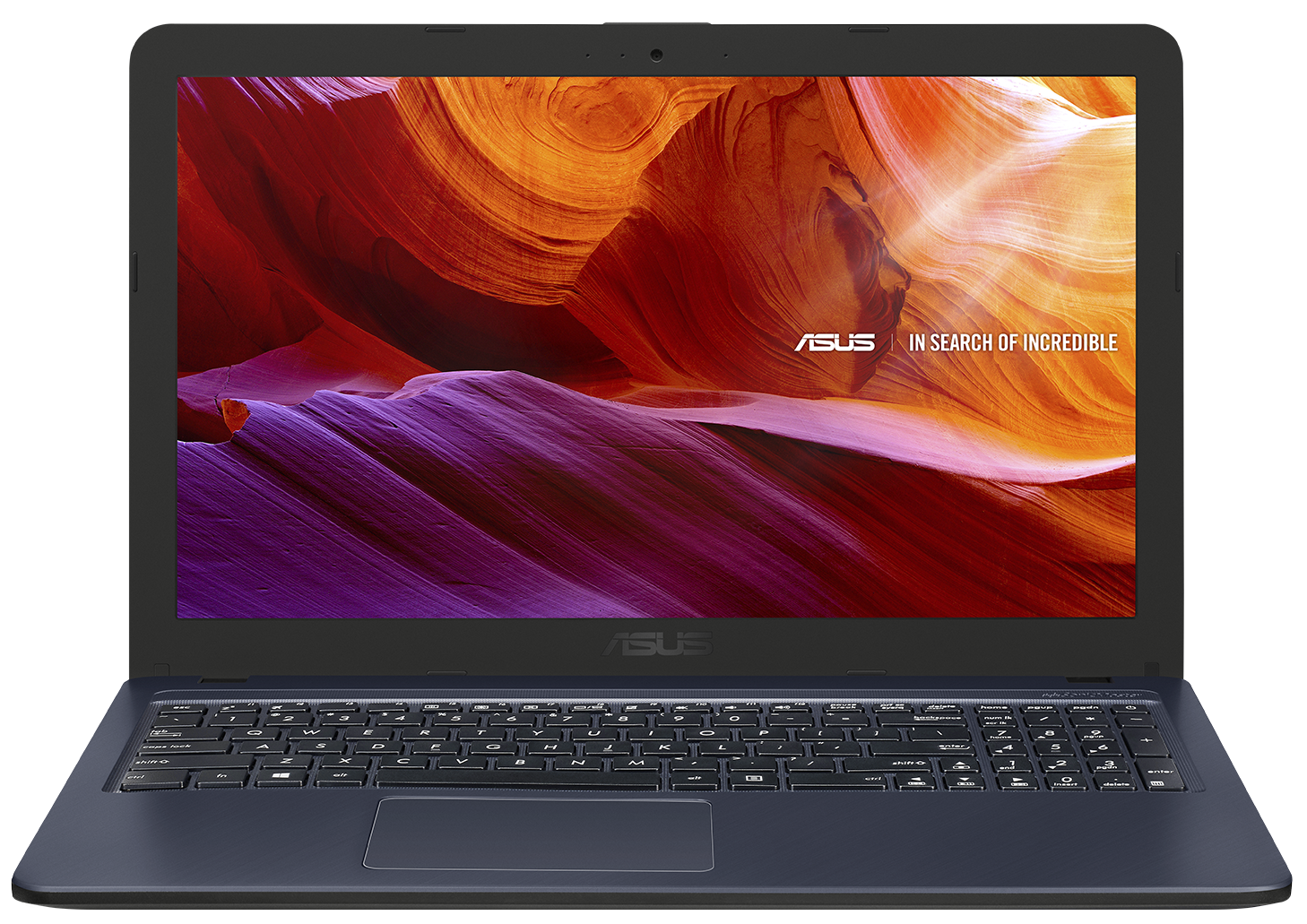
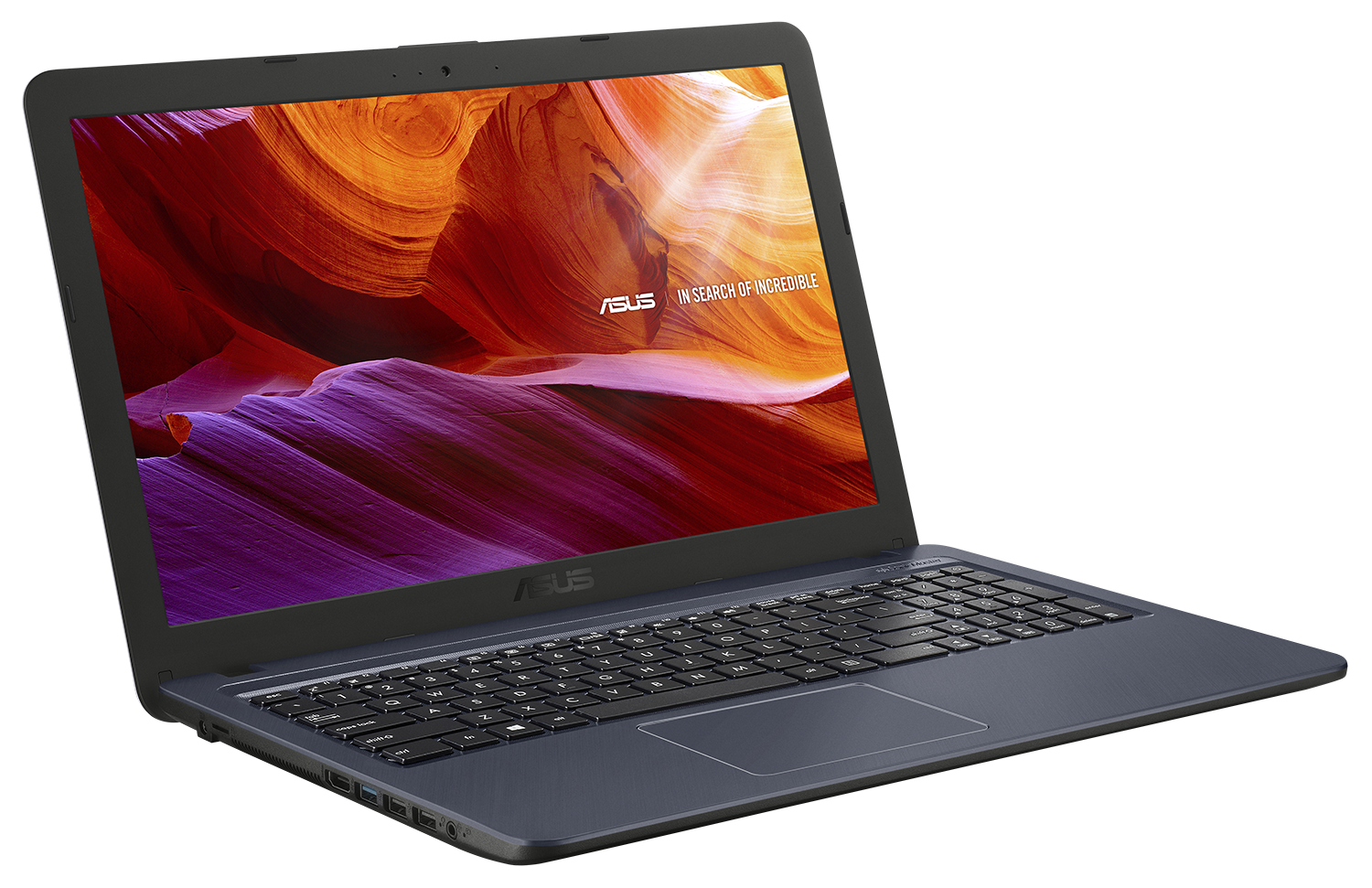
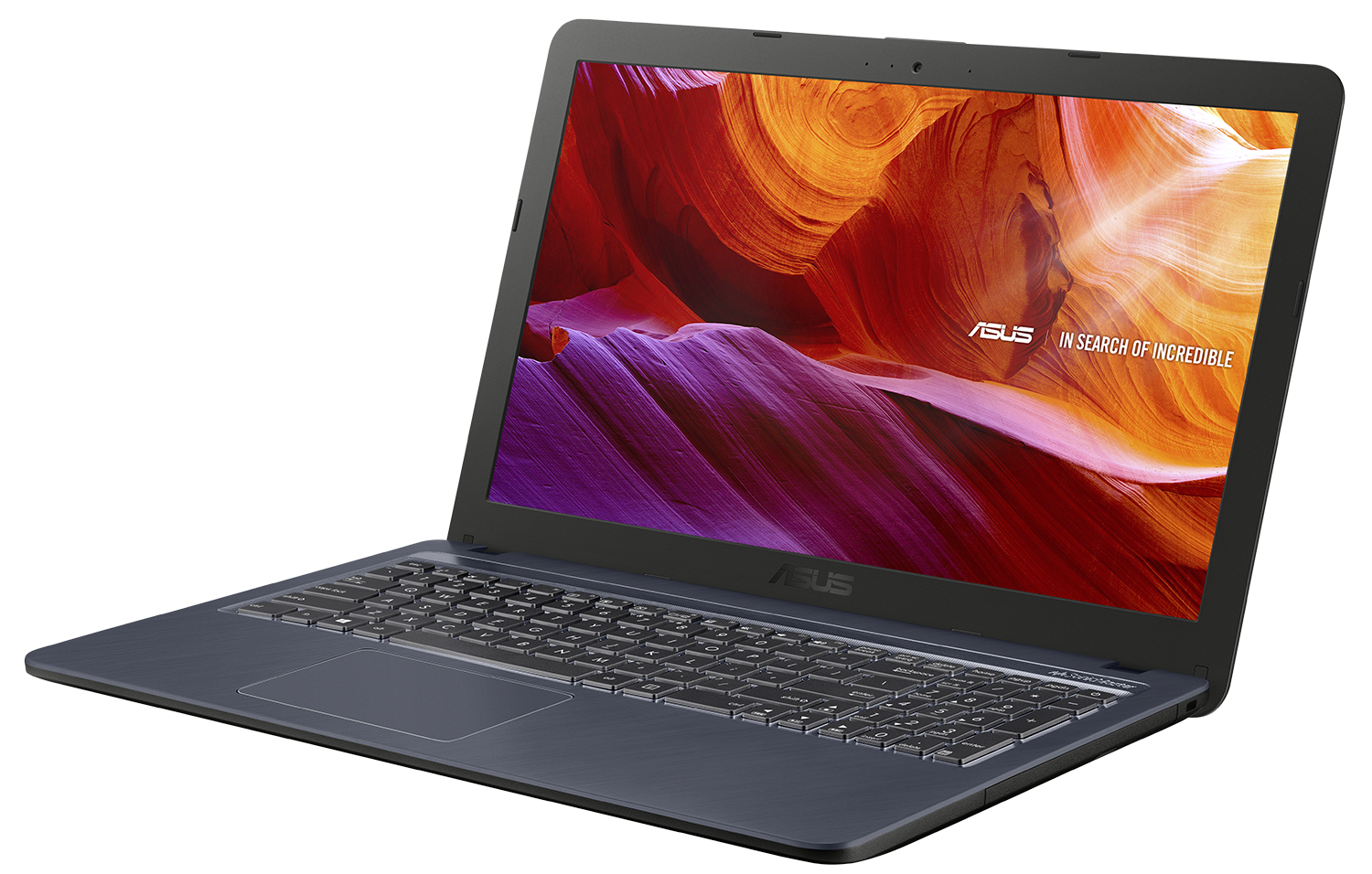
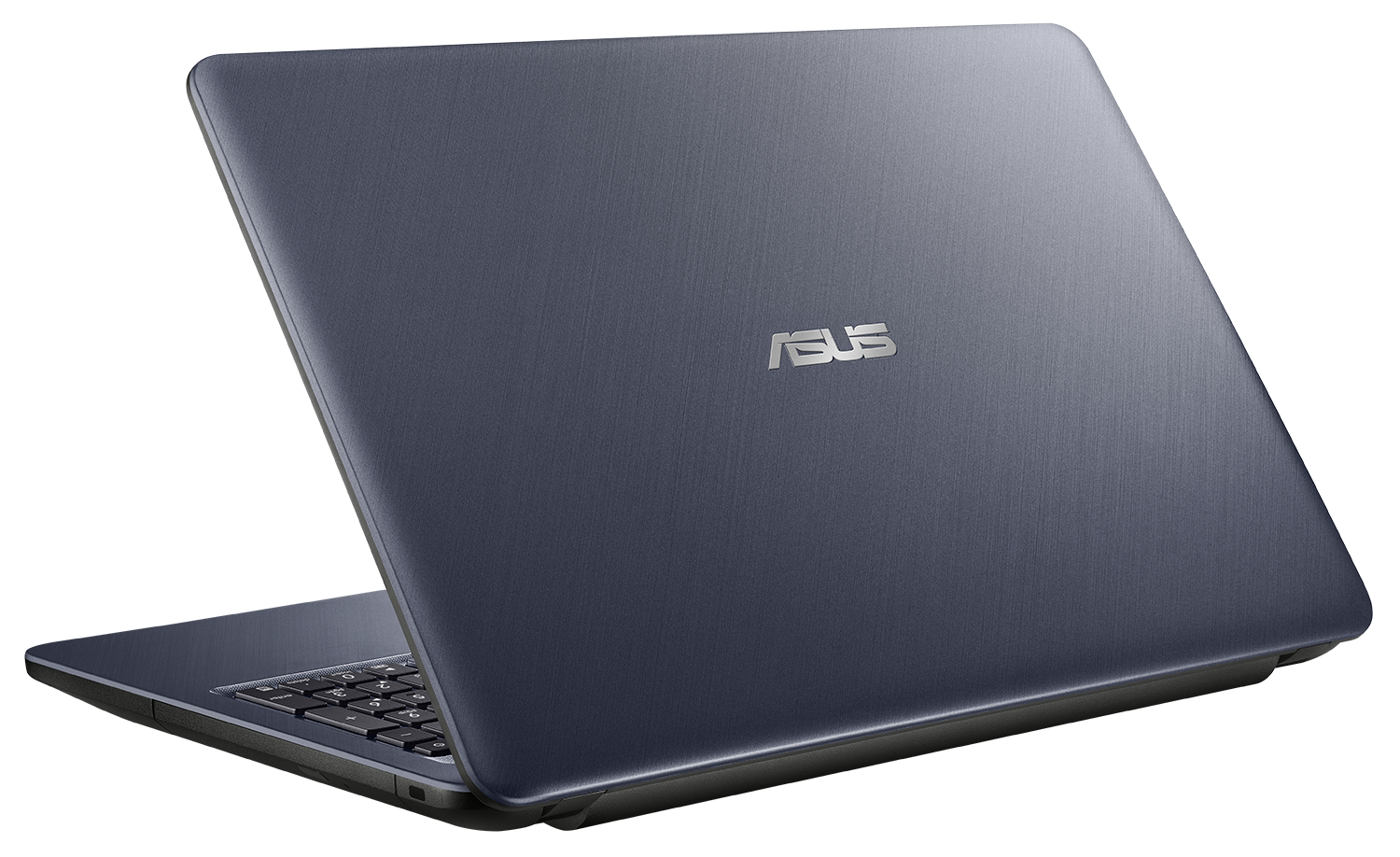
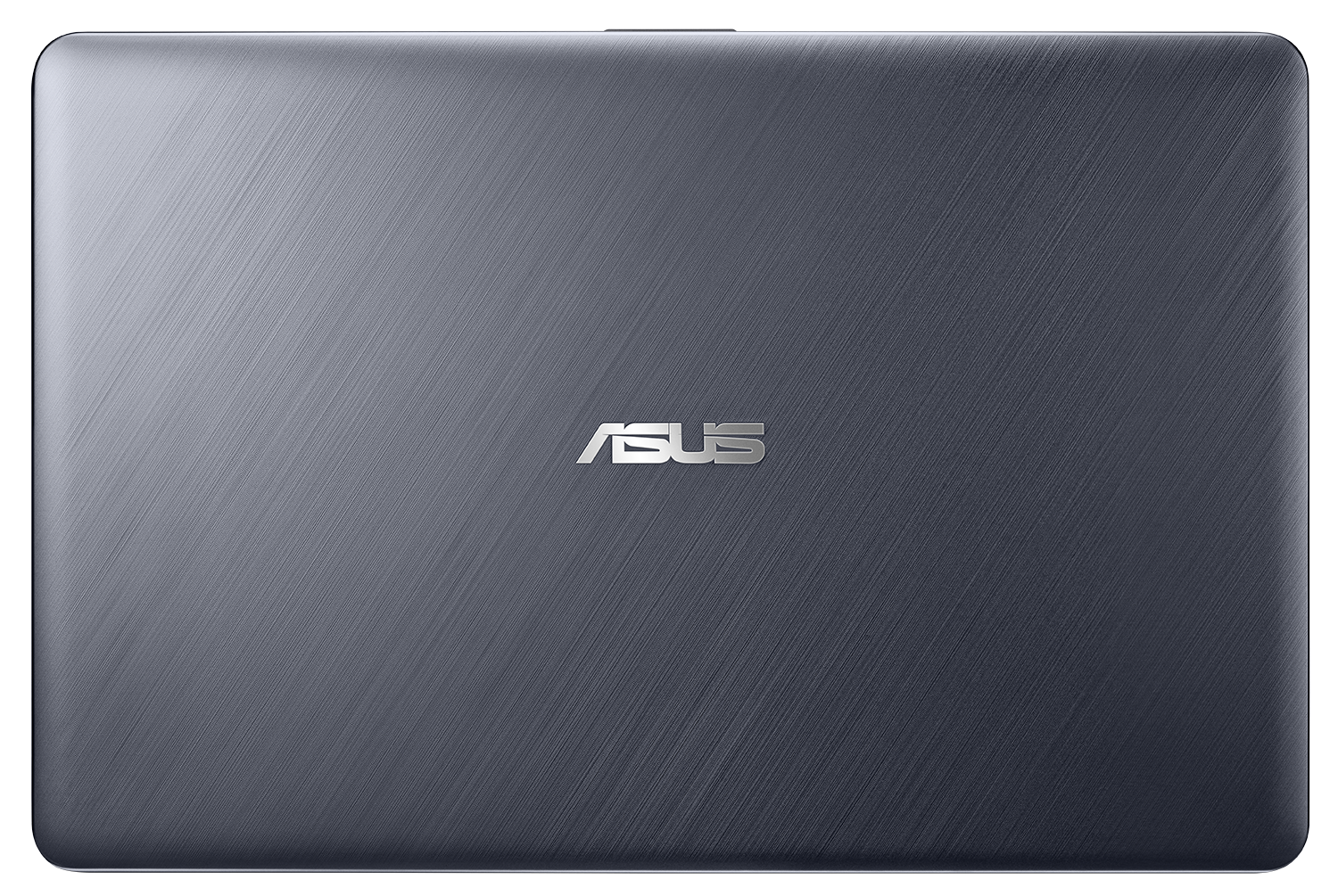
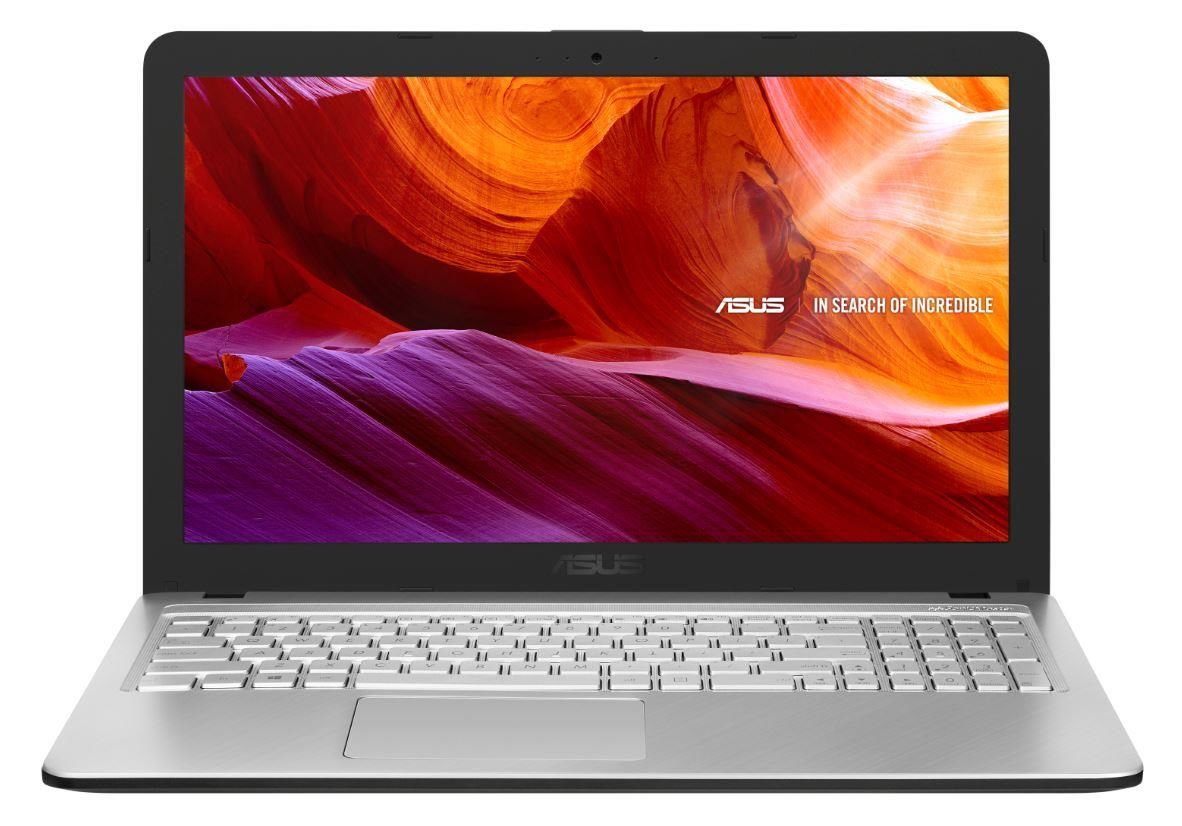
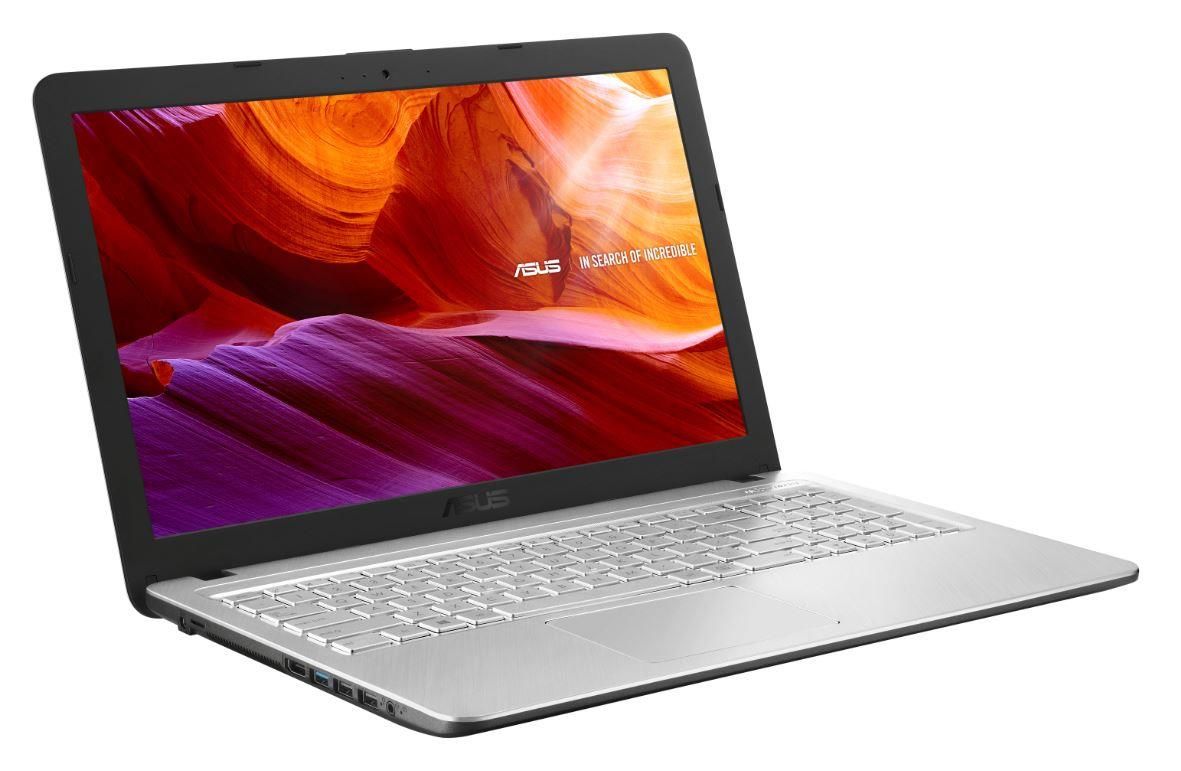

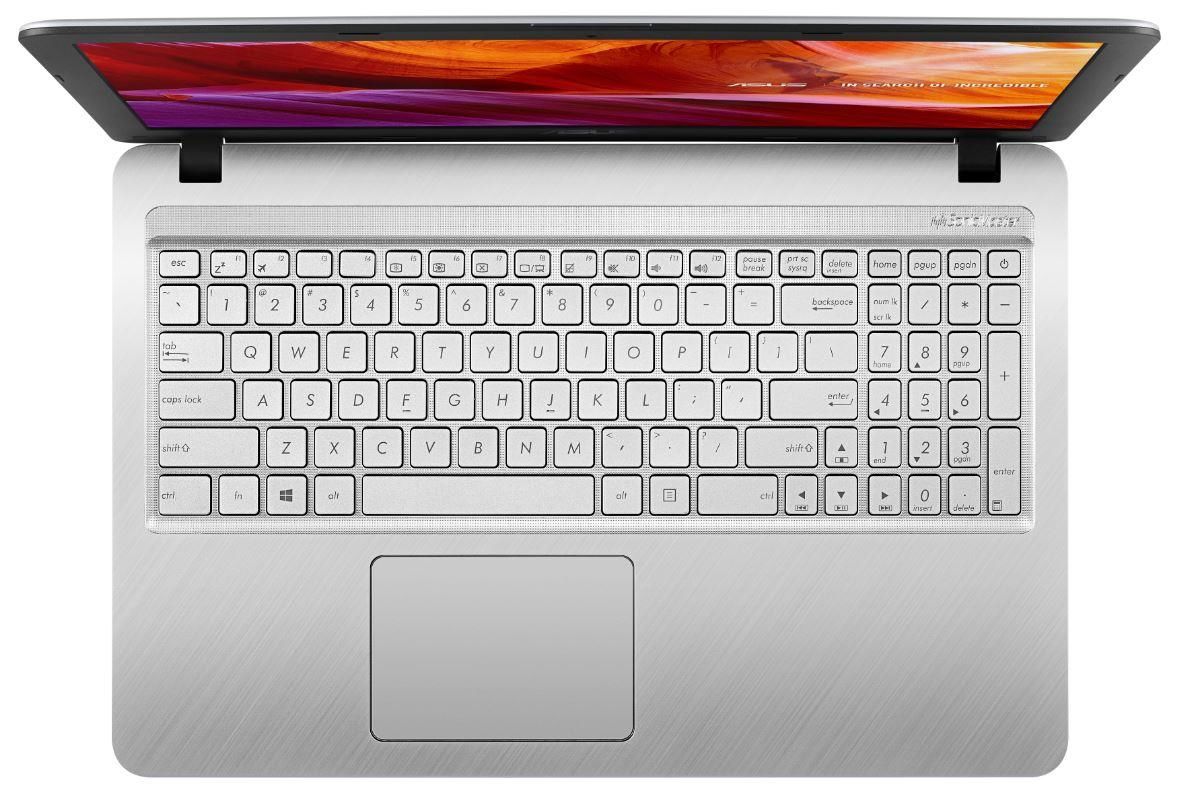
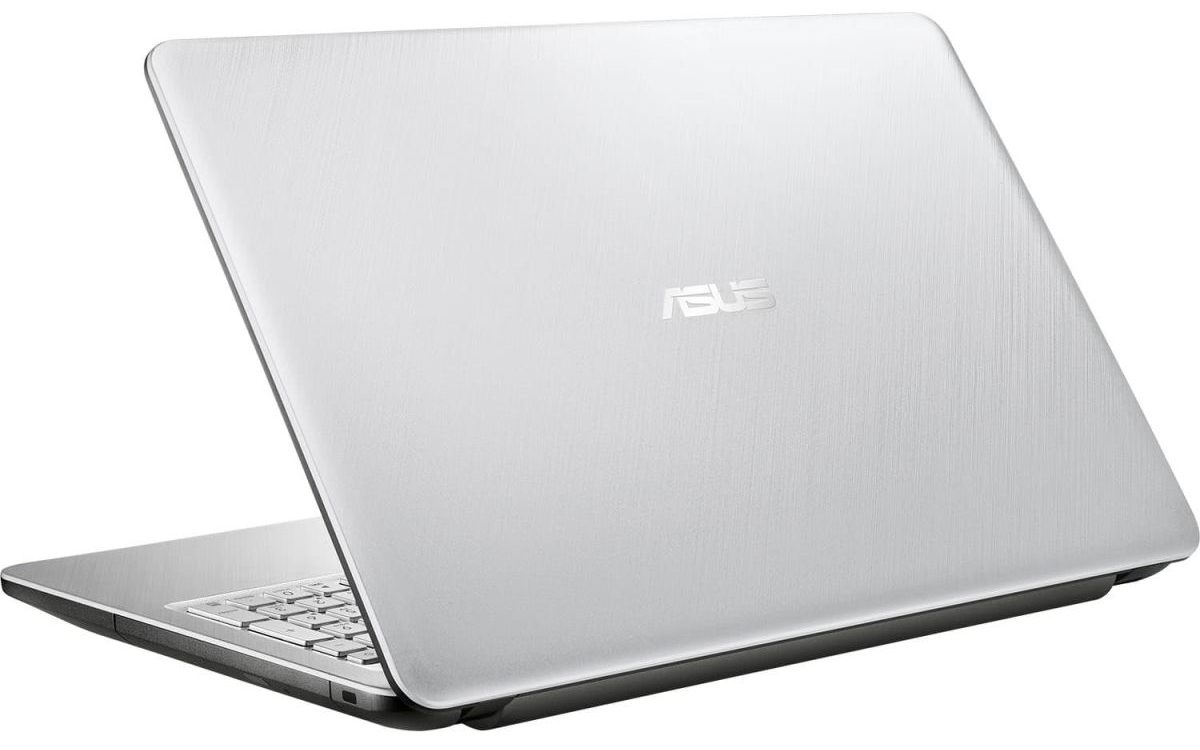

- GPU
- NVIDIA GeForce MX110 (2GB GDDR5) #335 in Top GPUs Intel UHD Graphics 620 #343 in Top GPUs Intel UHD Graphics 605 #366 in Top GPUs Intel UHD Graphics 600 #367 in Top GPUs Intel HD Graphics 620 #352 in Top GPUs AMD Radeon R5 (Stoney Ridge) #360 in Top GPUsIntel HD Graphics (Cherry Trail) AMD Radeon R4

- HDD/SSD
- up to 1000GB SSD + up to 1000GB HDD
- RAM
- up to 12GB
- OS
- Windows 10 Home, Linux, No OS
- Battery
- 33Wh, 3-cell
- Body material
- Plastic / Polycarbonate
- Dimensions
- 381 x 251 x 27.2 mm (15.00" x 9.88" x 1.07")
- Weight
- 1.90 kg (4.2 lbs)
- Ports and connectivity
- 2x USB Type-A
- 2.0
- 1x USB Type-A
- 3.2 Gen 1 (5 Gbps)
- HDMI
- Card reader
- microSD
- Wi-Fi
- 802.11ac
- Bluetooth
- 4.2
- Audio jack
- 3.5 mm combo
- Features
- Fingerprint reader
- Web camera
- VGA
- Backlit keyboard
- Microphone
- Analog
- Speakers
- 2x 2W, ASUS SonicMaster Technology
- Optical drive
- Security Lock slot
All ASUS X543 configurations
Buy our profiles for BOE NT156FHM-N41 / 15.6”, Full HD (1920 x 1080), TN
In addition to receiving efficient and health-friendly profiles, by buying LaptopMedia's products you also support the development of our labs, where we test devices in order to produce the most objective reviews possible.

Office Work / Web Design
If your field is office work or web design, or you just want your monitor's color set to be as accurate as possible for the Internet color space, this profile will prove to be useful.

Gaming and Movie Nights
We developed this profile especially for games and movies. It makes fine nuances in dark scenes easier to discern during long sessions in front of the display.

Health-Guard
This profile reduces the negative impact of Pulse-Width Modulation (PWM) and the Blue Light spectrum, while keeping colors perceptually accurate for this panel.
Get all 3 profiles with 33% discount

CPU performance
Here you can find the price/performance difference between all the CPUs that come in the ASUS X543 series.
Results are from the Cinebench R23 CPU test (the higher the score, the better)
GPU performance
Here you can find the price/performance difference between all the GPUs that come in the ASUS X543 series.
The results are from 3DMark Time Spy (Graphics). Higher is better.
ASUS X543 in-depth review
Nowadays, it's easier than ever to get an everyday notebook for a very symbolic price. Yes, many of the gaming and ultra-secure business laptops may set you back a couple of thousand bucks (sometimes even more), but what if you need a device for your daily computing needs? Nothing too fancy - browse the Web, watch a movie or your favorite TV series, or just text your friends.Ultimately, this means you don't need super-powerful hardware - a simple Pentium Silver N5000 with its integrated graphics card would do the job. And while our unit is equipped with just 4GB of RAM, we strongly sugges[...]
Pros
- Extremely low price
- Decent keyboard
- Three USB ports (one 3.0) and a MicroSD card reader
- Extremely efficient hardware
- Full HD resolution and quick response times (BOE NT156FHM-N41)
Cons
- Dated design (yet somewhat stylish)
- Covers only 50% of sRGB (BOE NT156FHM-N41)
- Poor viewing angles and contrast ratio (BOE NT156FHM-N41)
- Lacks a USB Type-C port
- Uses PWM for all brightness levels, except the maximum (although the high frequency makes it far less harmful) (BOE NT156FHM-N41)


![[September 2026] Best-Selling Laptop Brands on Amazon Global – Apple Dominates the Market with Over 70% Revenue Share](https://laptopmedia.com/wp-content/uploads/2026/10/GLOBAL-Best-Brands-400x225.jpg)
![[September 2026] Amazon Global: Top 10 Best-Selling Laptops – Apple’s MacBook Neo Claims the #1 Spot as Budget and Premium Devices Dominate](https://laptopmedia.com/wp-content/uploads/2026/10/Best-Selling-Laptops-GLOBAL-Top-10-400x225.jpg)
![[September 2026] Amazon Global: Top 10 Best-Selling Gaming Laptops – ASUS ROG Strix G16 Dominates the Market with Record-Breaking Unit Sales](https://laptopmedia.com/wp-content/uploads/2026/10/Best-Selling-Gaming-Laptops-GLOBAL-Top-10-400x225.jpg)
![[September 2026] Global Ranking of Best-Selling Laptop GPUs on Amazon – Apple’s M5 Chip Obliterates NVIDIA in Premium Laptops, But the RTX 5060 Is the Only Dedicated GPU to Crack the Top 10](https://laptopmedia.com/wp-content/uploads/2026/10/Best-Selling-GPUs-GLOBAL-Top-10-400x225.jpg)
![[September 2026] Global Ranking of Best-Selling Laptop CPUs on Amazon – Apple’s M5 Crushes Intel as Premium Market Becomes a One-Horse Race](https://laptopmedia.com/wp-content/uploads/2026/10/Best-Selling-CPUs-GLOBAL-Top-10-400x225.jpg)
