Published:
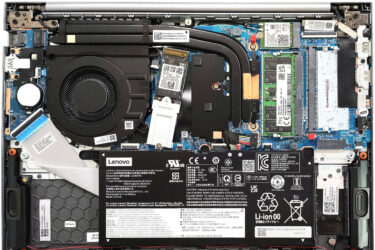
0How to open Lenovo ThinkBook 14 Gen 7 (Intel) – disassembly and upgrade options
Opening the Device Hint: Ensure the laptop is powered off and disconnected from any power source before starting. Undo the nine Phillips-head screws on the bottom of the laptop. Note that the screws on the…
Published:
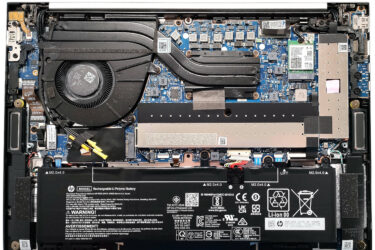
0How to open HP EliteBook 840 G11 – disassembly and upgrade options
Opening the Device Hint: Ensure the laptop is powered off and disconnected from any power source before starting. Undo the five Phillips-head screws on the bottom of the laptop. Use a lever tool to pop…
Published:
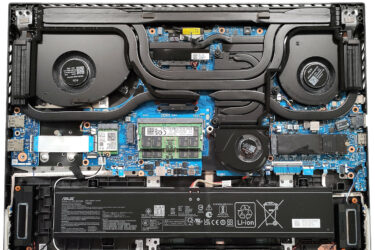
0How to open ASUS ROG Strix G18 (G814, 2024) – disassembly and upgrade options
Opening the Device Hint: Ensure the laptop is powered off and disconnected from any power source before starting. Undo the eleven captive Phillips-head screws on the bottom of the laptop. Lift the panel using the…
Published:
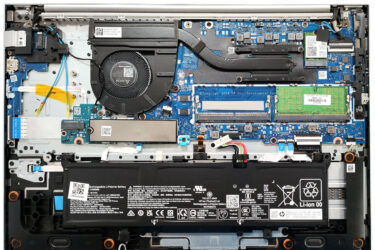
0How to open HP EliteBook 660 G11 – disassembly and upgrade options
Hint: Ensure the laptop is powered off and disconnected from any power source before starting. Undo the five captive Phillips-head screws on the bottom of the laptop. Pry the back panel near the top two…
Published:
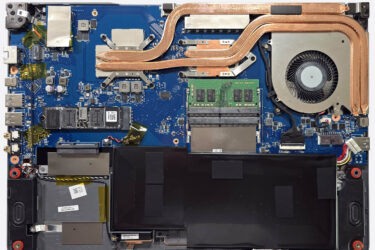
2How to open MSI Thin 15 B12U – disassembly and upgrade options
Opening the Device Hint: Ensure the laptop is powered off and disconnected from any power source before starting. Undo the twelve Phillips-head screws on the bottom panel of the laptop. Use a thin plastic tool…
Published:
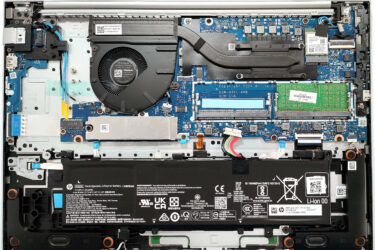
0How to open HP ProBook 460 G11 – disassembly and upgrade options
Hint: Before starting, ensure the laptop is powered off and disconnected from any power source. Undo the 5 captive Phillips-head screws on the back of the laptop. Use a thin plastic tool to pry…
Published:
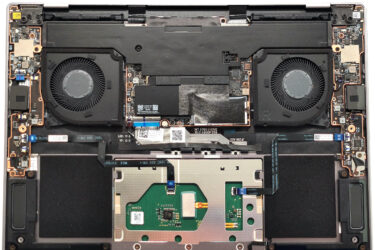
0How to open Lenovo Thinkbook 13x Gen 4 – disassembly and upgrade options
Opening the Lenovo Thinkbook 13x Gen 4 Undo the six Torx-head screws on the bottom panel. Lift one of the top edges with a lever tool or your thumb to create a gap. Insert a…
Published:
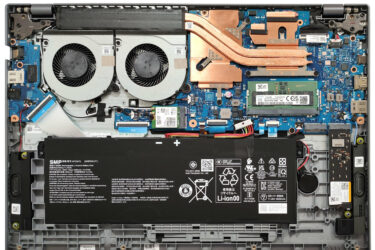
0How to open Acer Aspire 16 (A16-51GM) – disassembly and upgrade options
Opening the Device Undo the 10 Philips-head screws securing the bottom panel. Lift the top two edges using a thin plastic tool, keeping the plastic inserted into the chassis. Raise the zones behind the hinges…
Published:
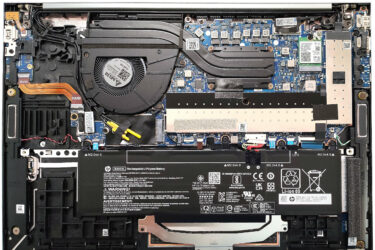
0How to open HP EliteBook 860 G11 – disassembly and upgrade options
Opening the HP EliteBook 860 G11 Undo the 5 Phillips-head screws on the bottom panel. Use a lever tool to pop the zones close to the top two edges and lift the middle of the…
Published:
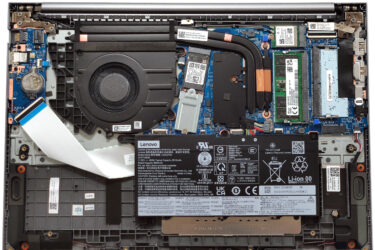
0How to open Lenovo ThinkBook 16 Gen 7 – disassembly and upgrade options
Opening the Device Undo the 9 Phillips-head screws securing the bottom panel. The top and middle screws are captive. Use a thin plastic tool to pop the upper corners and fully pry the back. Work…
Published:
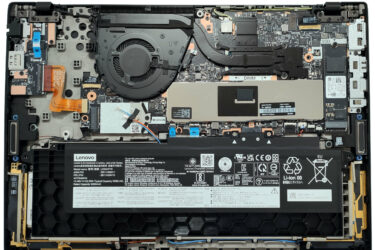
0How to open Lenovo ThinkPad T16 Gen 3 – disassembly and upgrade options
Opening the Lenovo ThinkPad T16 Gen 3 Undo the seven captive Phillips-head screws. Use a lever tool to pop the two zones behind the hinges. Pry the rear and sides of the laptop. It’s…
Published:
1How to open HP ProBook 465 G11 – disassembly and upgrade options
Opening the Device Undo the 5 captive Phillips-head screws securing the bottom panel. Lift the two areas close to the top two corners behind the hinge cover to fully pop the rear. Then, pry the…
Published:
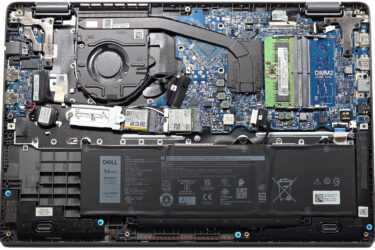
0How to open Dell Latitude 3550 – disassembly and upgrade options
Opening the Device Undo the 9 captive Phillips-head screws on the bottom panel. The screws in the top corners will lift the panel slightly, making the disassembly easier. Use a lever tool to pop…
Published:
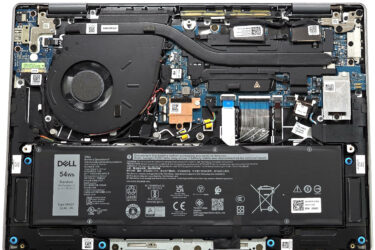
0How to open Dell Latitude 7455 – disassembly and upgrade options
Opening the Device Undo the 7 Phillips-head screws securing the bottom panel. The screws in the top two edges are captive and will lift the panel up slightly. Pry the sides and the front with…
Published:
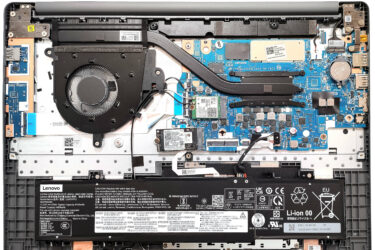
0How to open Lenovo IdeaPad Slim 3 16″ (Gen 9, 16IRU9) – disassembly and upgrade options
Opening the Lenovo IdeaPad Slim 3 16″ (Gen 9, 16IRU9) Undo the 10 Phillips-head screws on the bottom panel. Insert a thin plastic tool in the top two corners and begin popping the sides…
Published:
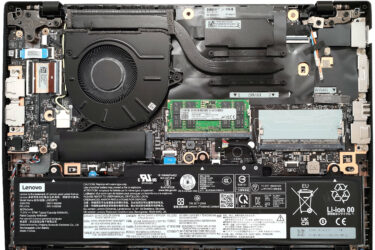
0How to open Lenovo ThinkPad L14 Gen 5 – disassembly and upgrade options
Opening the Lenovo ThinkPad L14 Gen 5 Undo 10 captive Phillips-head screws and eject the SIM card tray on the back. Pop the zones behind the hinges using a lever tool. Pry the back…
Published:
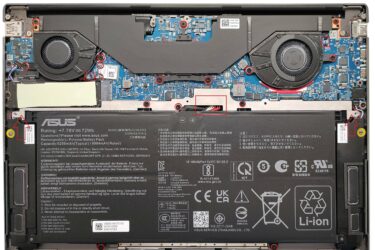
4How to open ASUS Zenbook S 14 UX5406 – disassembly and upgrade options
Opening the Device Undo the 10 Torx-head screws securing the bottom panel. If you’re confident, the easiest way to start is from the cutouts. Insert a thin plastic tool at a 45-degree angle, with the…
Published:
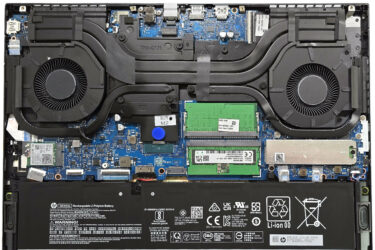
0How to open HP OMEN Transcend 16 (16-u0000) – disassembly and upgrade options
Opening the Device Undo the 6 Phillips-head screws on the bottom panel. Insert a thin plastic tool horizontally between the main body and the bottom plate, starting from either the back or the front. Pop…
Published:
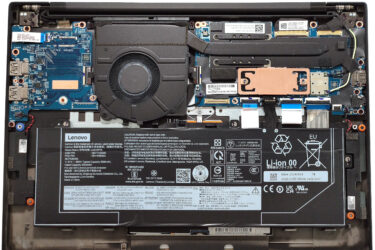
0How to open Lenovo ThinkPad T14s Gen 6 (14″ Snapdragon) – disassembly and upgrade options
Opening the Device Undo the five captive Phillips-head screws on the bottom panel. Use a thin plastic tool to pop the top two edges. Pry the sides and the front, then raise the back to…
Published:
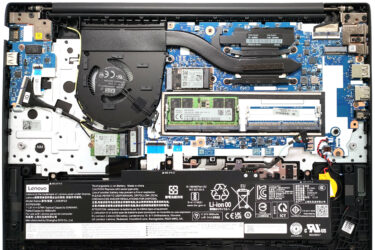
0How to open Lenovo ThinkPad E16 Gen 2 – disassembly and upgrade options
Opening the Device Undo the seven captive Phillips-head screws on the bottom panel. Insert a thin plastic tool into one of the top corners to create a gap in the rear and pop the panel.…




