Inside ASUS X554L – disassembly, internal photos and upgrade options
We recently got our hands on the new budget-friendly everyday notebook from ASUS – the X554L. The notebook not only offers good hardware for the price, but it’s also easy to maintain and disassemble. Keep on reading to find out what the upgrade options are.
1. Removing the keyboard
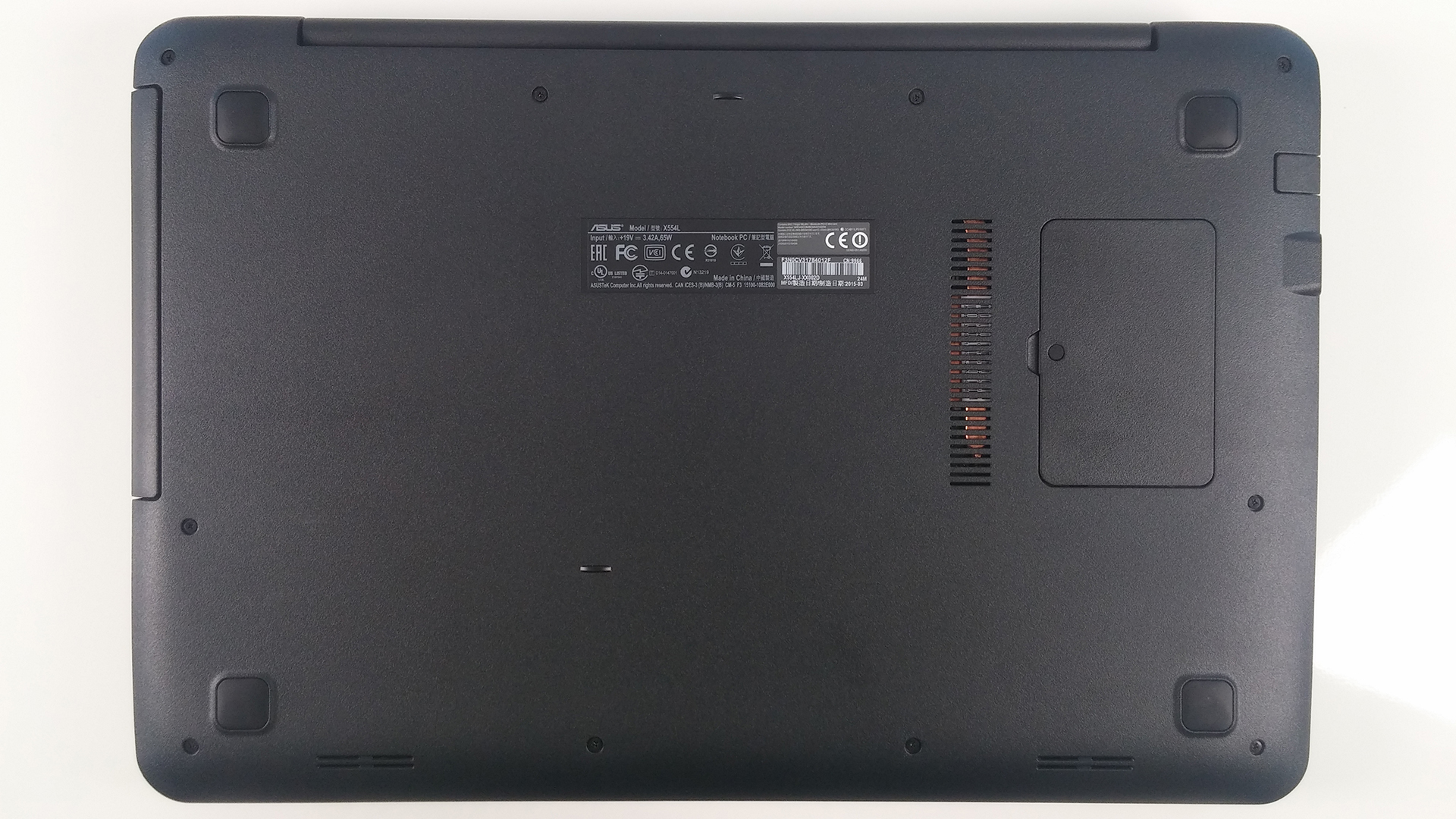
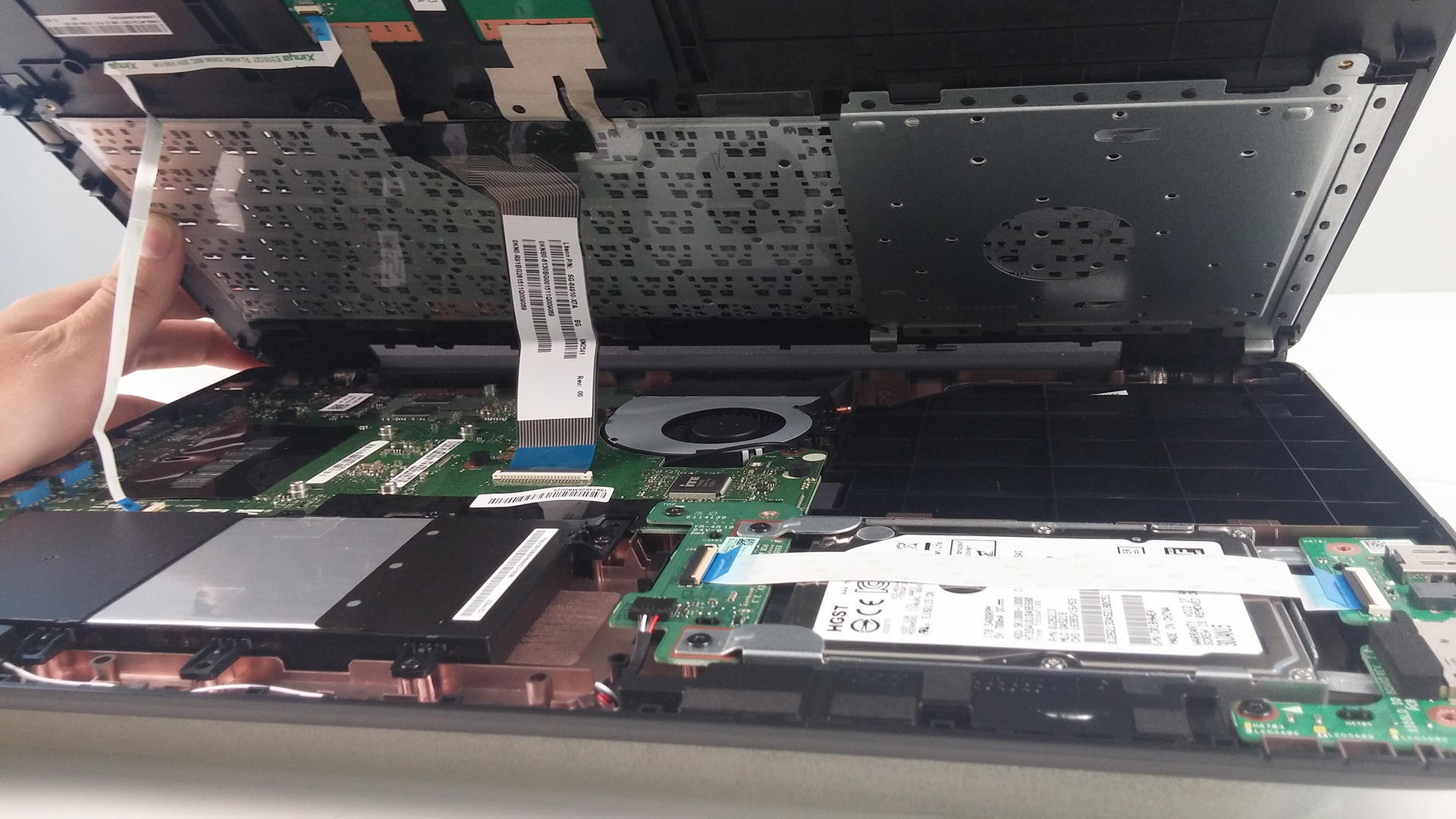
Firstly, you have to take off all the screws from the bottom of the machine, but only if you want to access all the internals. But if you are aiming at upgrading your RAM, you can only remove the small plastic cover on the right. Under it, you will find only one RAM chip slot. After all the screws are removed, continue with popping out the keyboard with some kind of plastic tool for example and be careful with the two cables attached once you open the keyboard piece.
2. Upgrade options
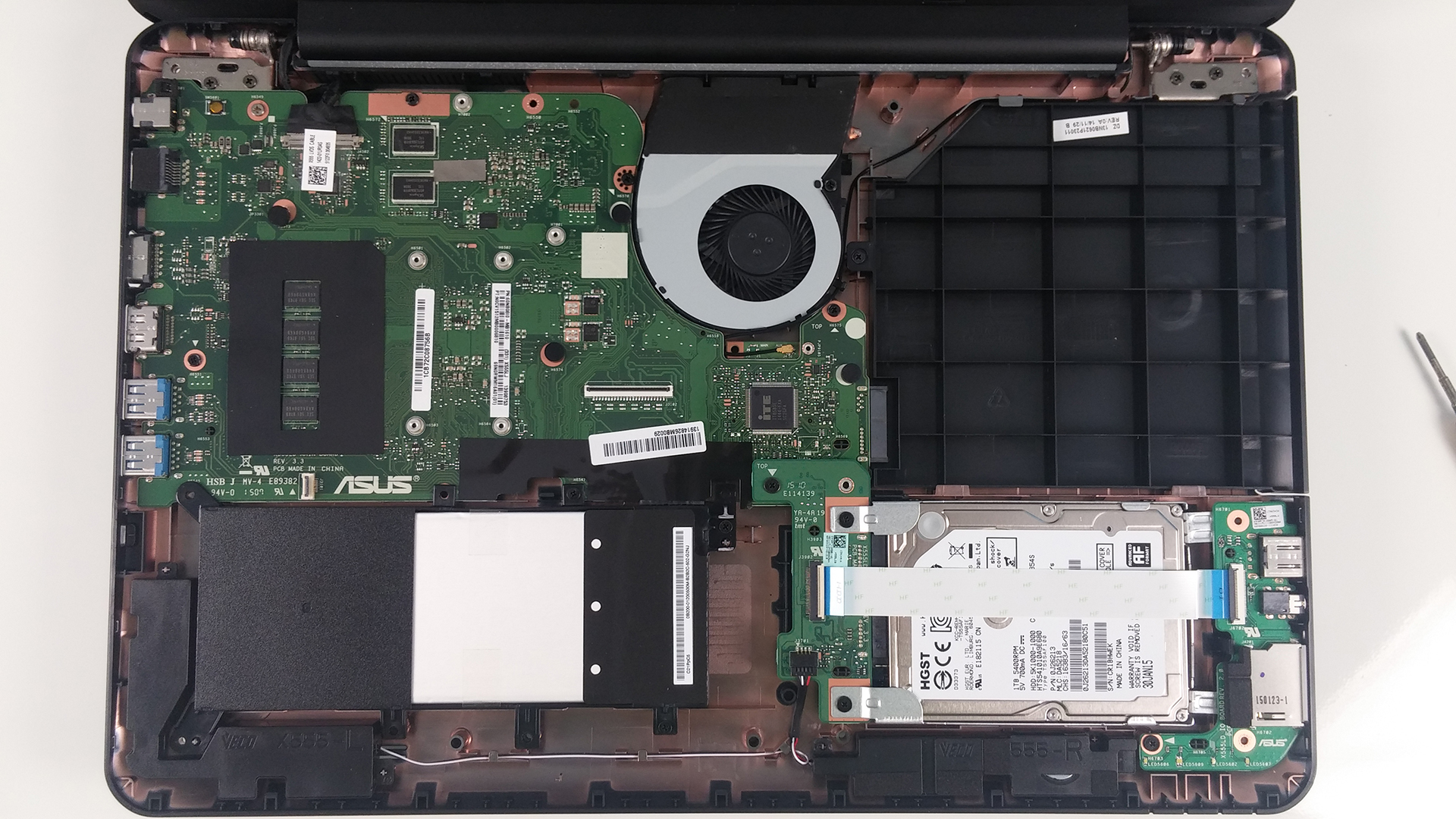
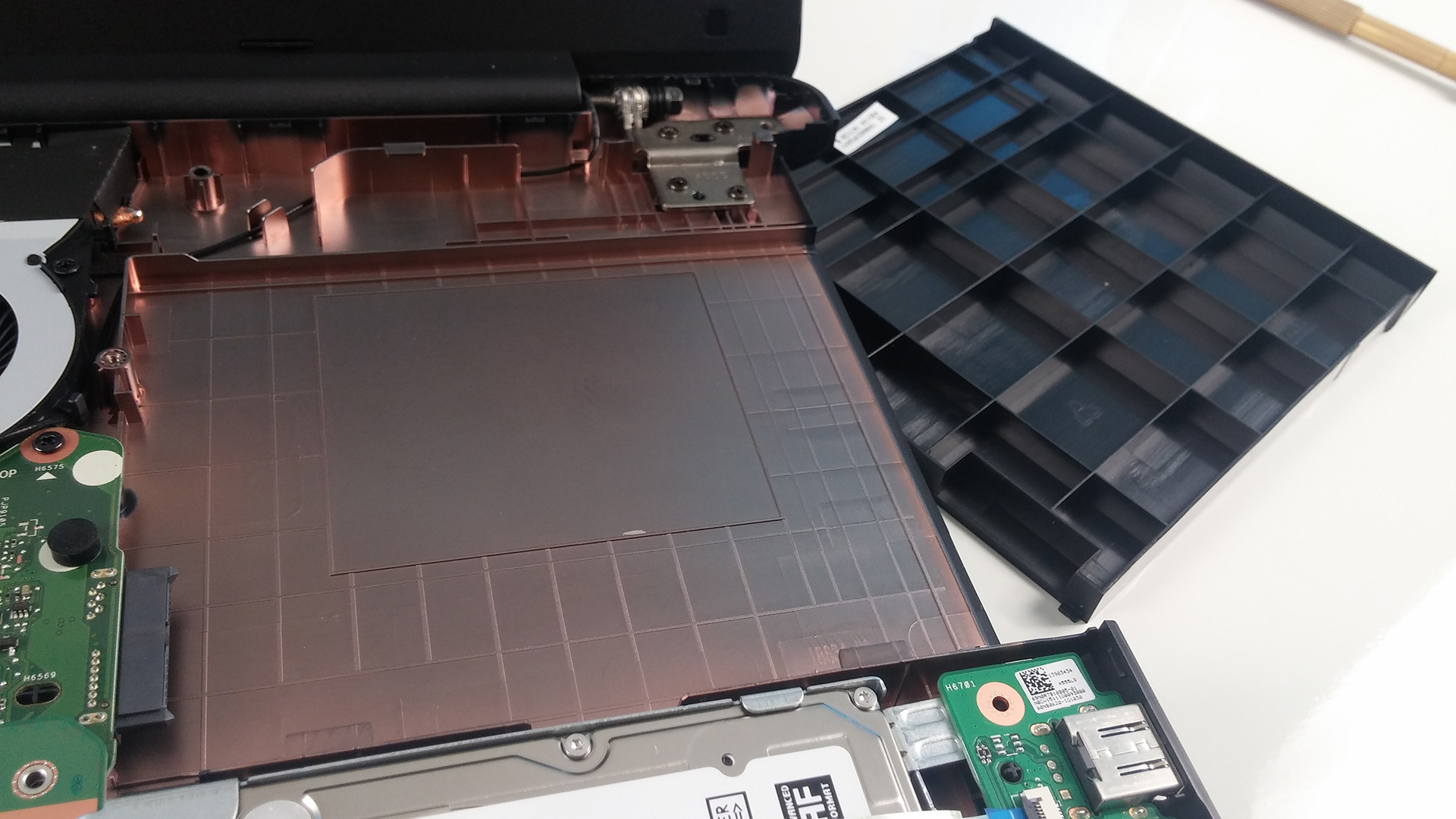
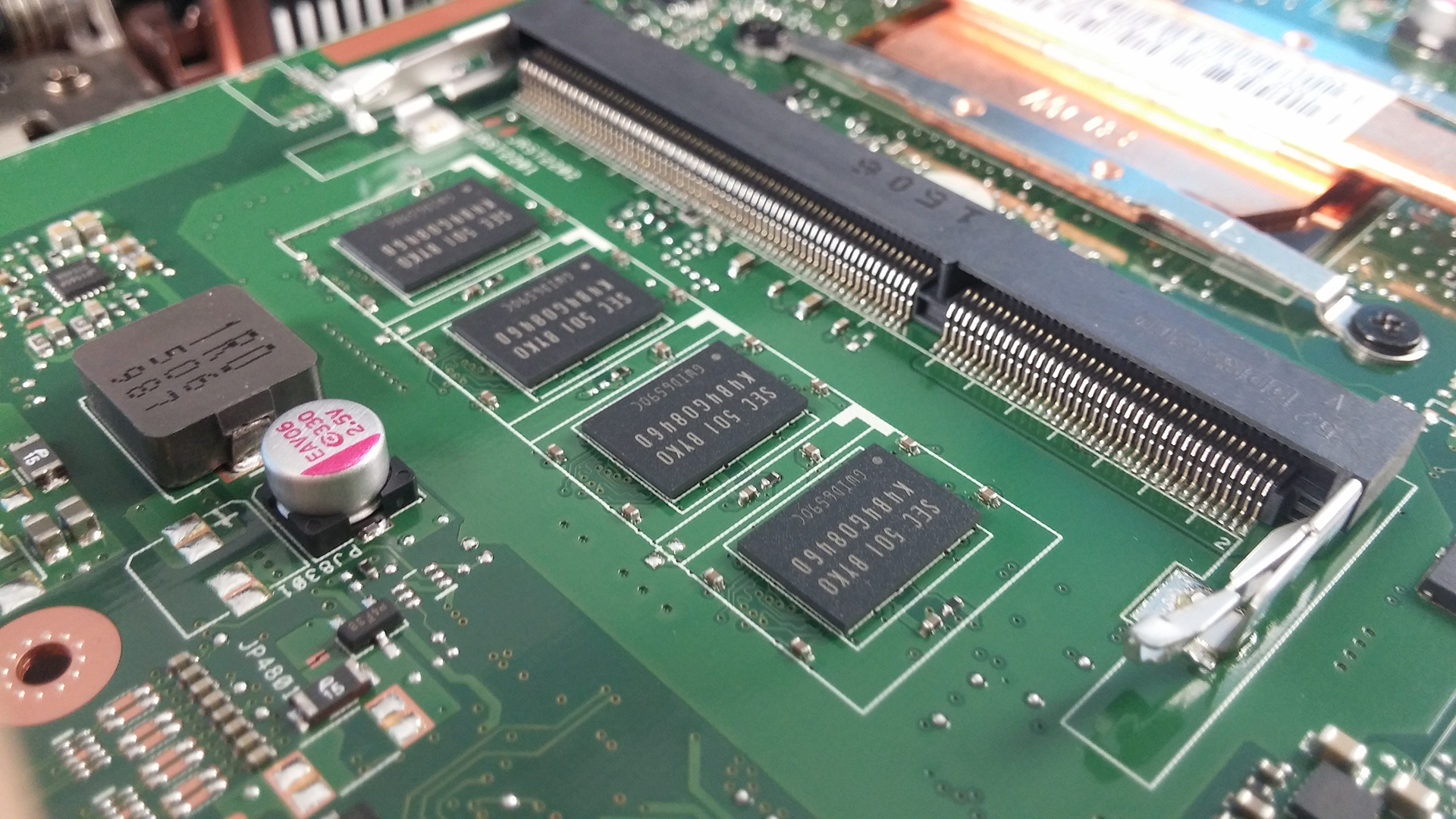
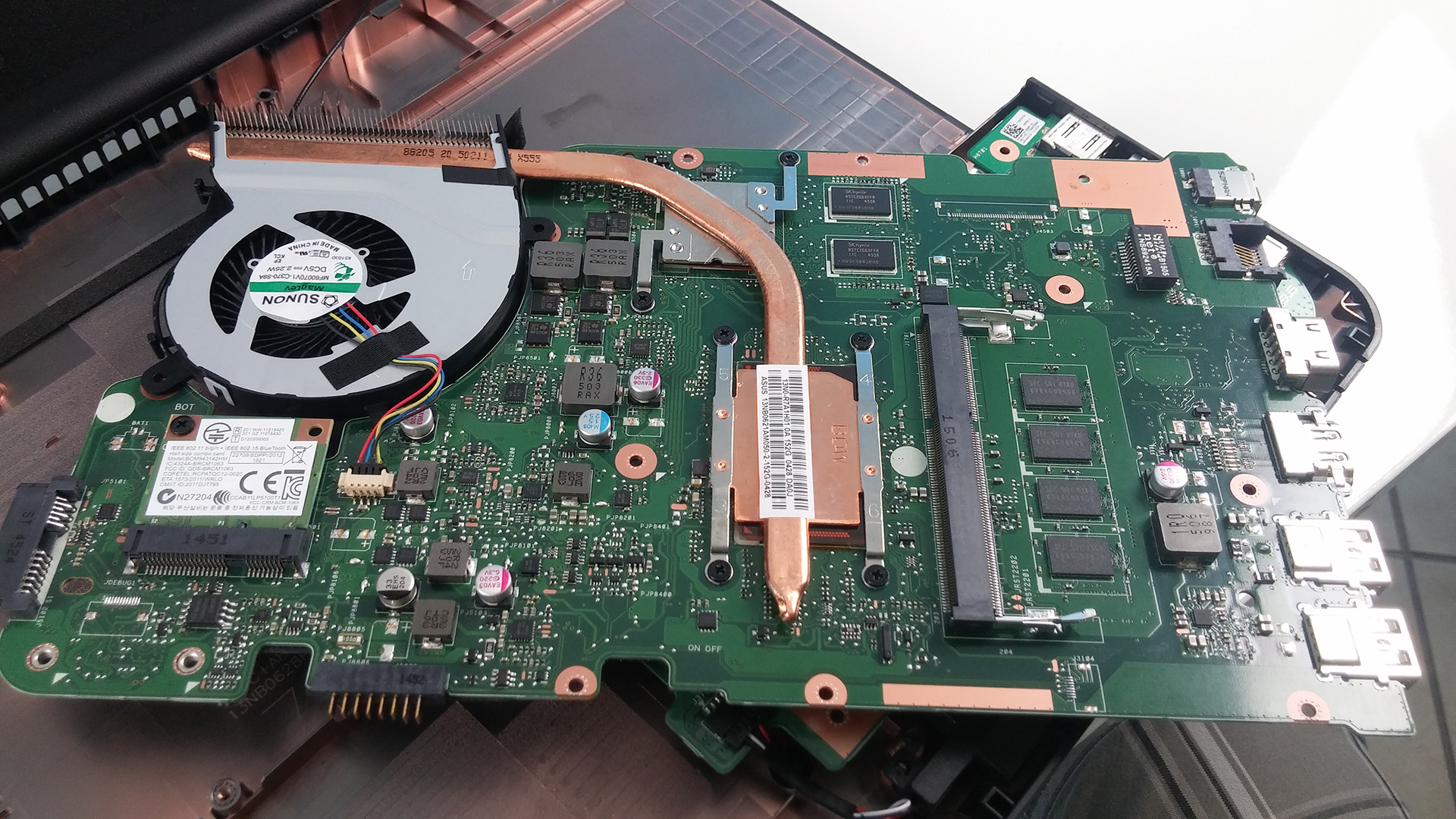
You are limited with one 2.5″ HDD/SSD slot that in our case is occupied by 1TB HDD (5400 rpm) manufactured by HGST (Western Digital). Also, our configuration lacks optical drive and you can easily add another HDD or SSD for extra storage since no M.2 SSD slot is present here. Another interesting fact, the included 4GB of RAM is soldered to the motherboard so you are left with only one slot at your disposal as mention earlier.

3. Battery, Wi-Fi and fan cleaning
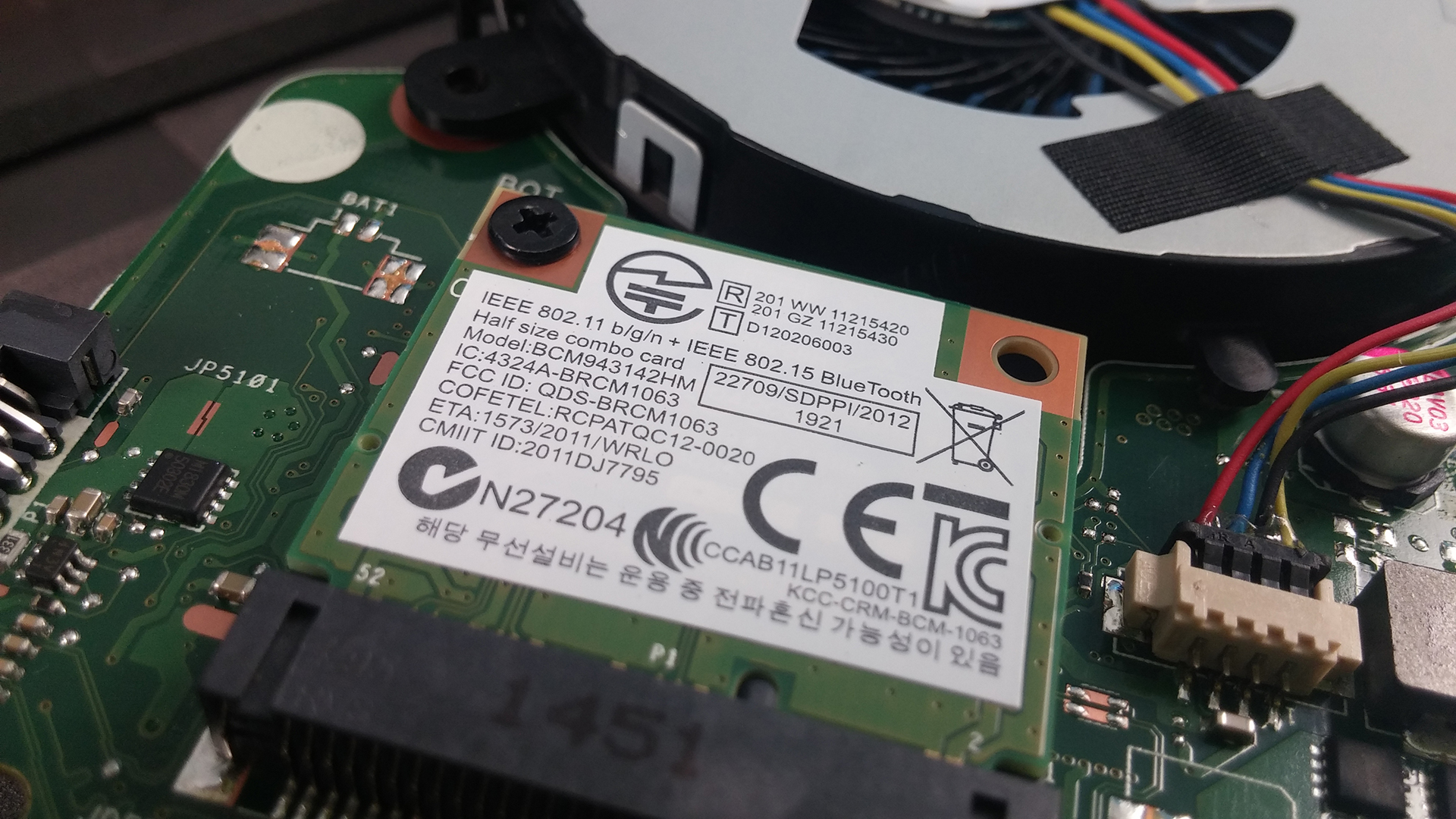
A few more screws hold the mainboard to the chassis and by removing them you can access the Wi-Fi module from Broadcom with model number BCM943142HM and the CPU fan located at the back of the motherboard. As for the battery, only three bolts hold it. The battery is in-house made by ASUS rated at 37 Wh.


 Author: Rossen Pandev

![[2026年6月] 亚马逊全球畅销笔记本电脑品牌——苹果在销量和营收方面均占据无可匹敌的统治地位](https://laptopmedia.com/wp-content/uploads/2026/07/GLOBAL-Best-Brands-400x225.jpg)
![[2026年6月] 亚马逊全球:笔记本电脑销量前十名——苹果新款MacBook Neo强势登顶,以亲民价格重塑市场格局](https://laptopmedia.com/wp-content/uploads/2026/07/Best-Selling-Laptops-GLOBAL-Top-10-400x225.jpg)
![[2026年6月] 亚马逊全球:十大畅销游戏笔记本电脑——宏碁Nitro V 16S AI销量领跑,华硕总营收居首](https://laptopmedia.com/wp-content/uploads/2026/07/Best-Selling-Gaming-Laptops-GLOBAL-Top-10-400x225.jpg)
![[2026年6月] 亚马逊全球畅销笔记本电脑显卡排行榜——NVIDIA RTX 5060 位居专用显卡销量榜首](https://laptopmedia.com/wp-content/uploads/2026/07/Best-Selling-GPUs-GLOBAL-Top-10-400x225.jpg)
![[2026年6月] 亚马逊全球畅销笔记本电脑CPU排行榜——苹果M5占据主导地位,AMD锐龙7 260在高端市场占据稳固份额](https://laptopmedia.com/wp-content/uploads/2026/07/Best-Selling-CPUs-GLOBAL-Top-10-400x225.jpg)

Please, where is the bios battery? The date isn’t OK and, sometimes, my OS disk isn’t recognized. I heard this is because the bios battery is low wrong. But I can’t find the bios battery. Please, help me. Thanks in advance.
the BIOS battery is encapsulated and soldered to the mainboard.
where can we buy a motherboard replacement for ASUS 6554L
Can i upgrade my asus x455l gpu?
What are the battery pin outs I cannot find anywhere
Where are the bios chip?