Dell Inspiron 15 3582 review – a parade of colors
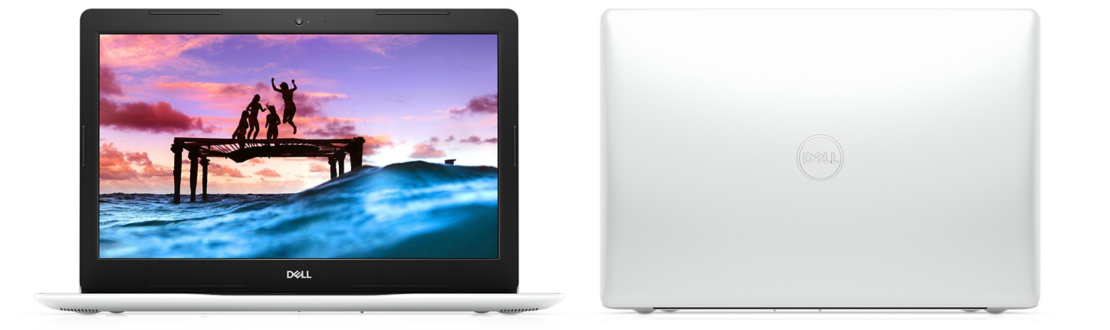
Perhaps it won’t come as a surprise when we say that Inspiron 15 3582’s main appeal is its price. When you consider the fact that it has a pretty bulky body for 2020, a rather modest package – in the face of the Pentium Silver N5000 and an all-plastic build, you would think that there is little to like here.
Well, that’s what we thought initially, as well. On another note, it comes with TN panels only, which furthermore worsens the situation for this machine. However, try thinking differently. This is a laptop for people, that need one, but don’t have the funds to get something powerful and obnoxious. Come and see with us, if there is something more than this laptop can provide its owner with.
You can check the prices and configurations in our Specs System: https://laptopmedia.com/series/dell-inspiron-15-3582/

Contents
Specs Sheet
Dell Inspiron 15 3582 - 规格

- HDD/SSD
- 高达 1000GB SSD + 高达 2000GB HDD
- RAM
- up to 32GB
- 操作系统
- Windows 10 Home, No OS, Windows 11 Home, Windows 10 Pro, Windows 10 S, Linux
- 电池
- 42Wh, 3-cell
- 尺寸
- 380 x 258 x 20 mm (14.96" x 10.16" x 0.79")
- 重量
- 2.00 kg (4.4 lbs)
- 端口和连接
- 2x USB Type-A
- 3.2 Gen 1 (5 Gbps)
- 1x USB Type-A
- 2.0
- HDMI
- 1.4b
- 读卡器
- SD
- 以太网 LAN
- 10/100 Mbps
- Wi-Fi
- 802.11ac
- 蓝牙
- 5.0
- 音频插孔
- 3.5 mm combo
- 功能
- 指纹识别器
- optional
- 网络摄像头
- HD
- 背光键盘
- optional
- 麦克风
- 扬声器
- 2x 2W
- 光驱
- optional
- 安全锁槽
全部 Dell Inspiron 15 3582 配置
What’s in the box?
Expectedly, the packaging this laptop comes in is not really blockbusting. Just a simple cardboard box, housing some paper manuals, and a 45W power brick.

Design and construction
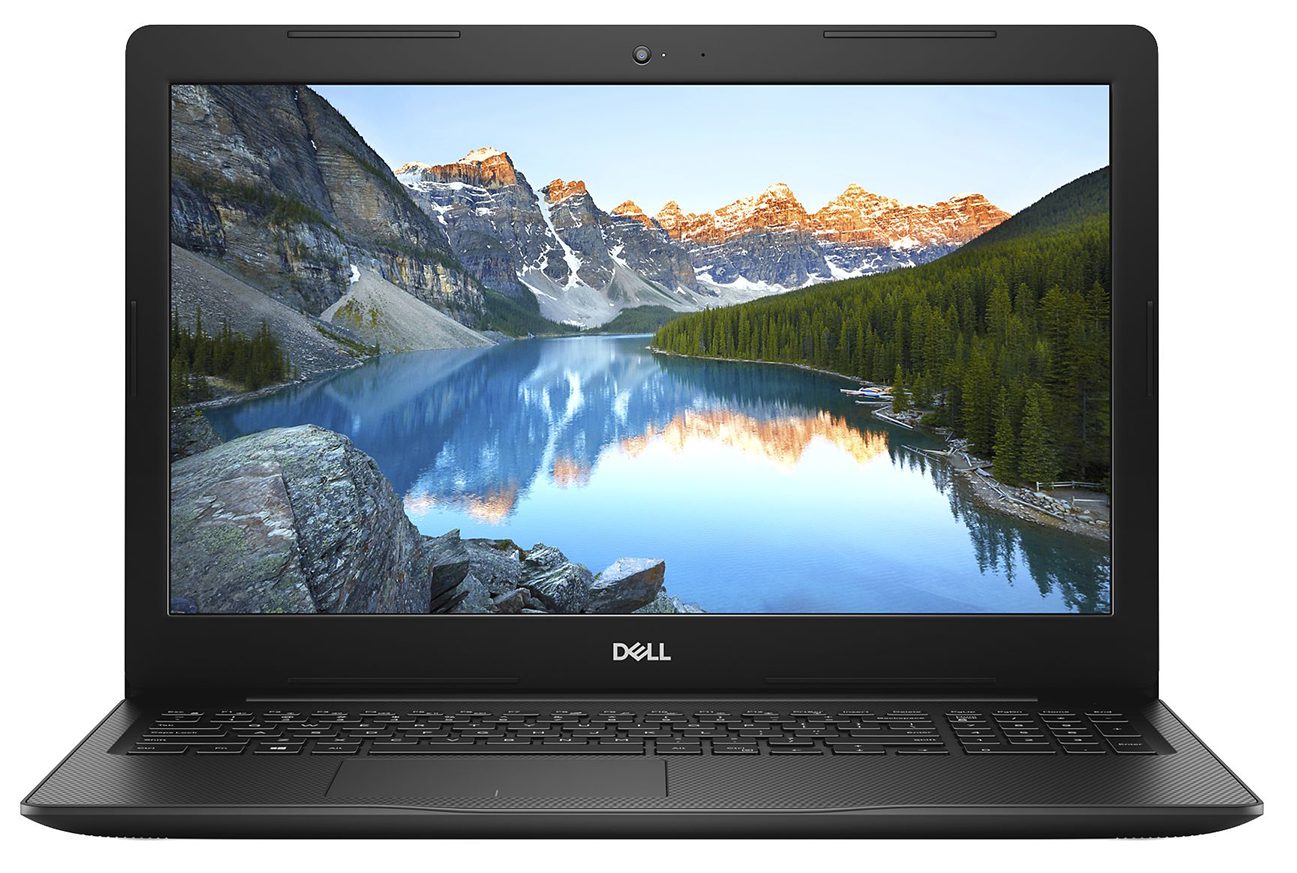
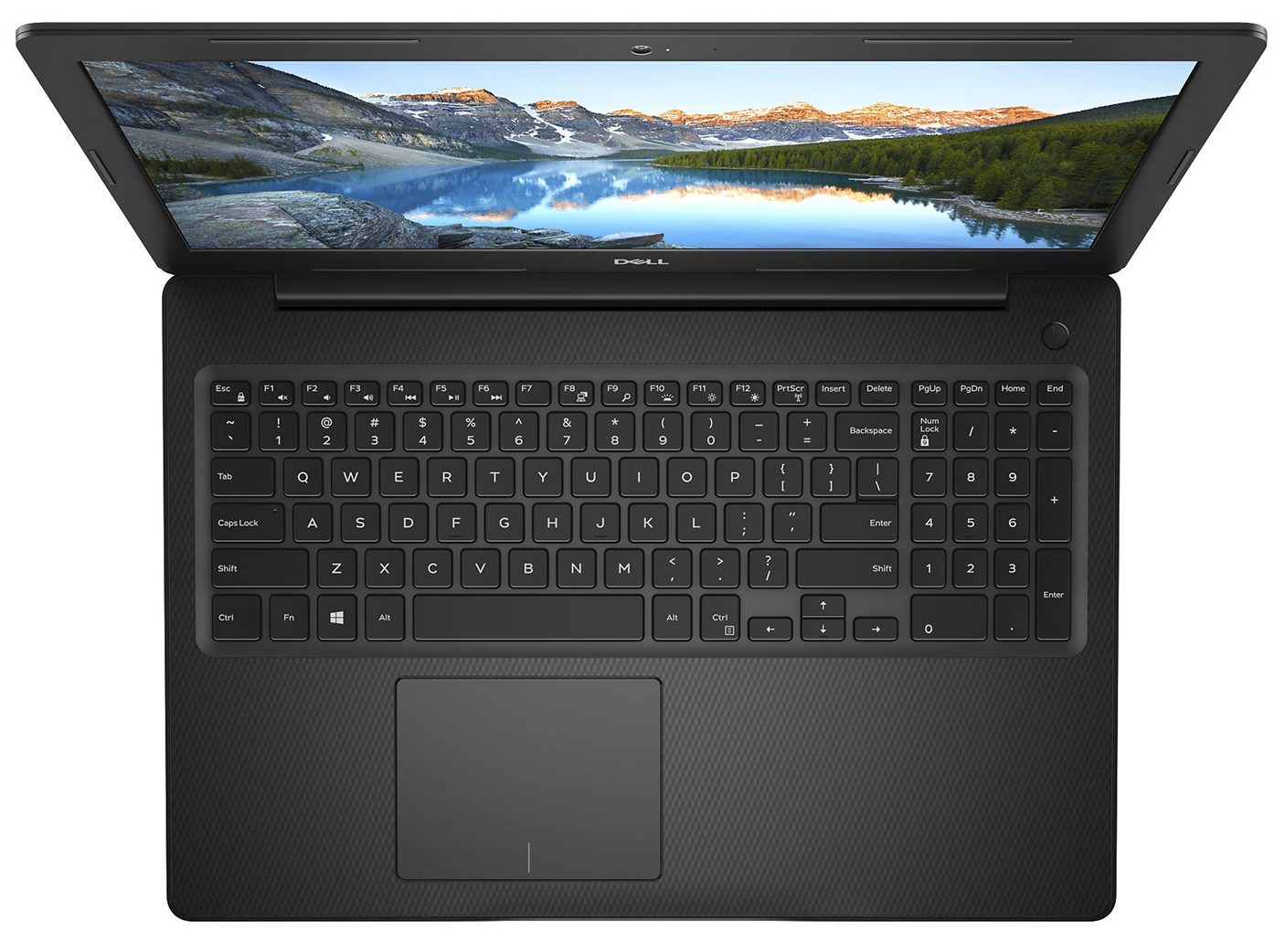
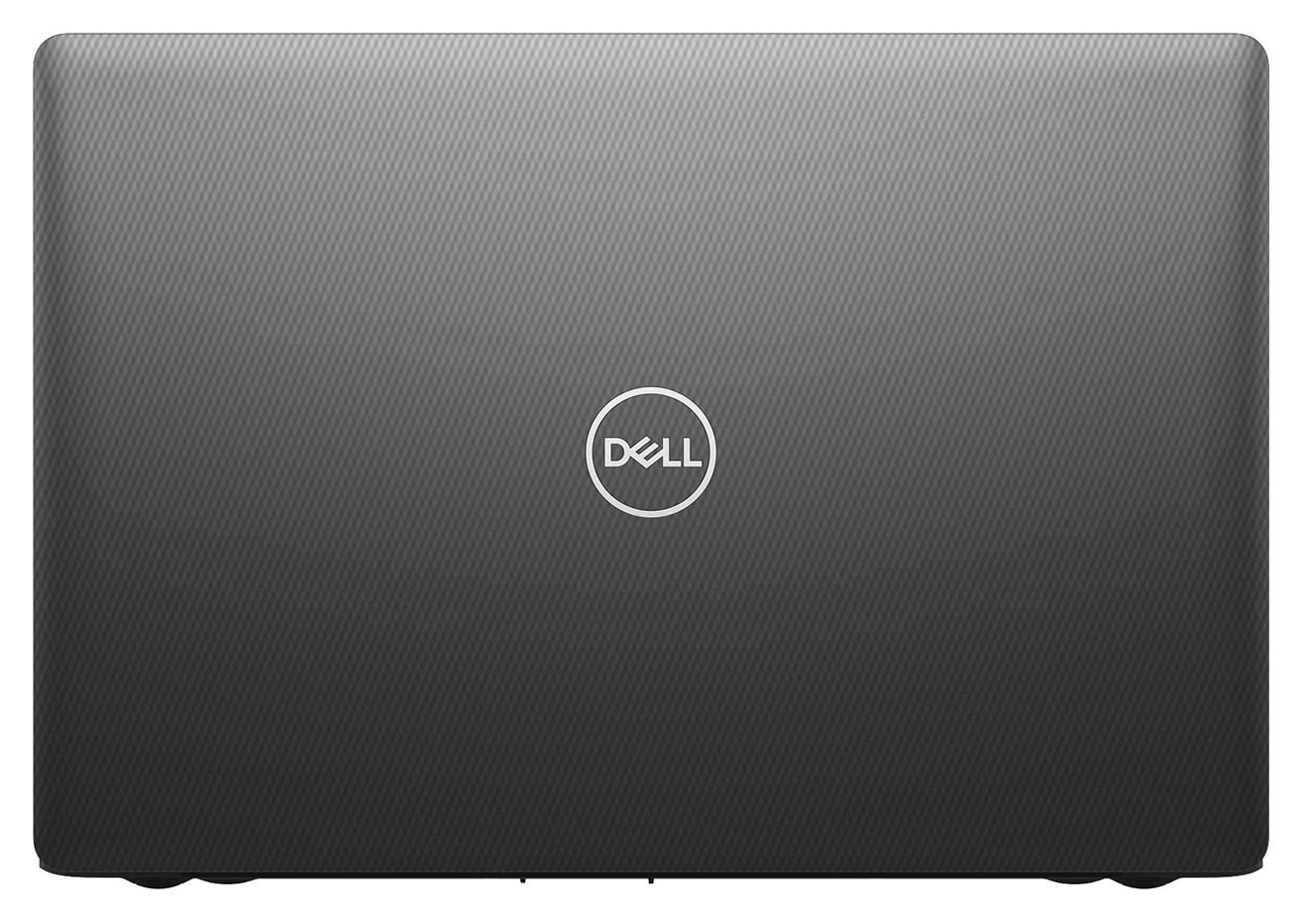
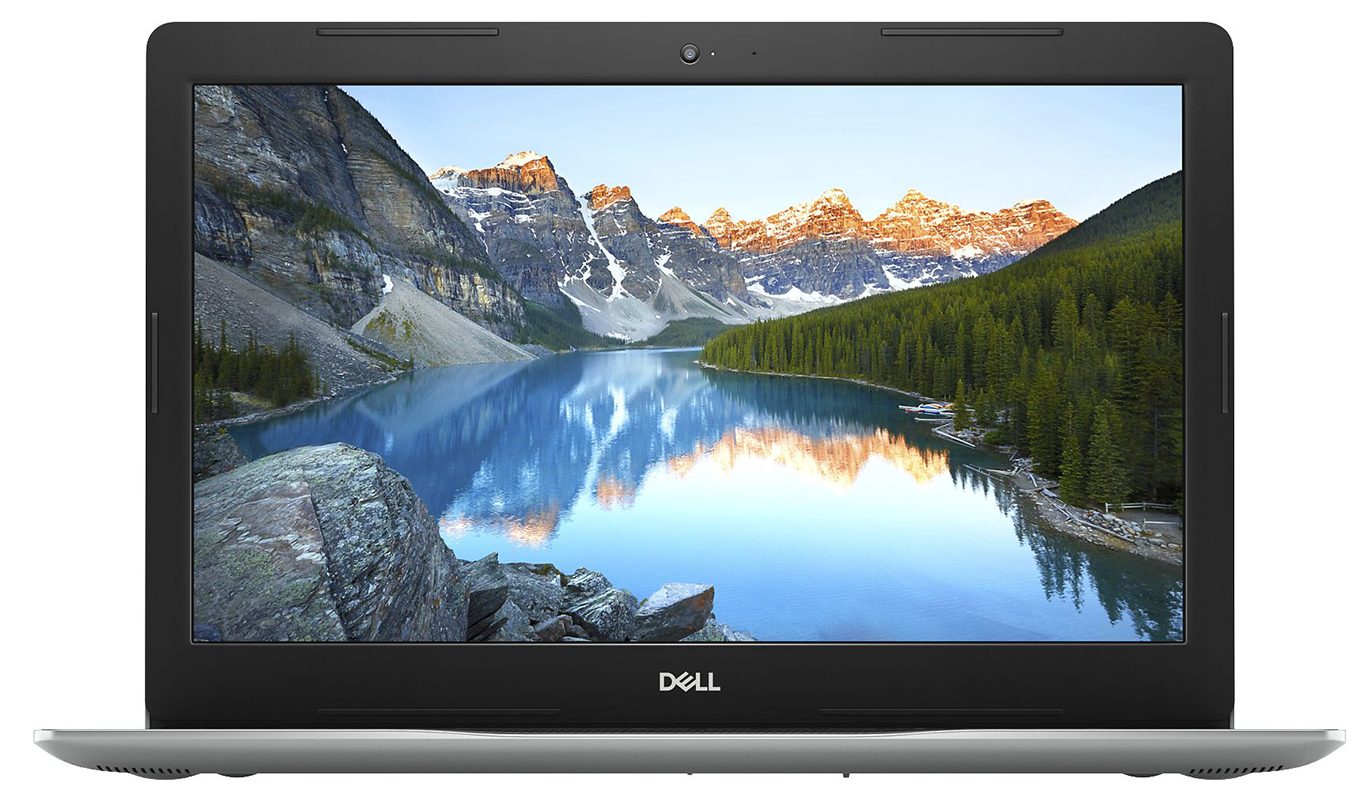
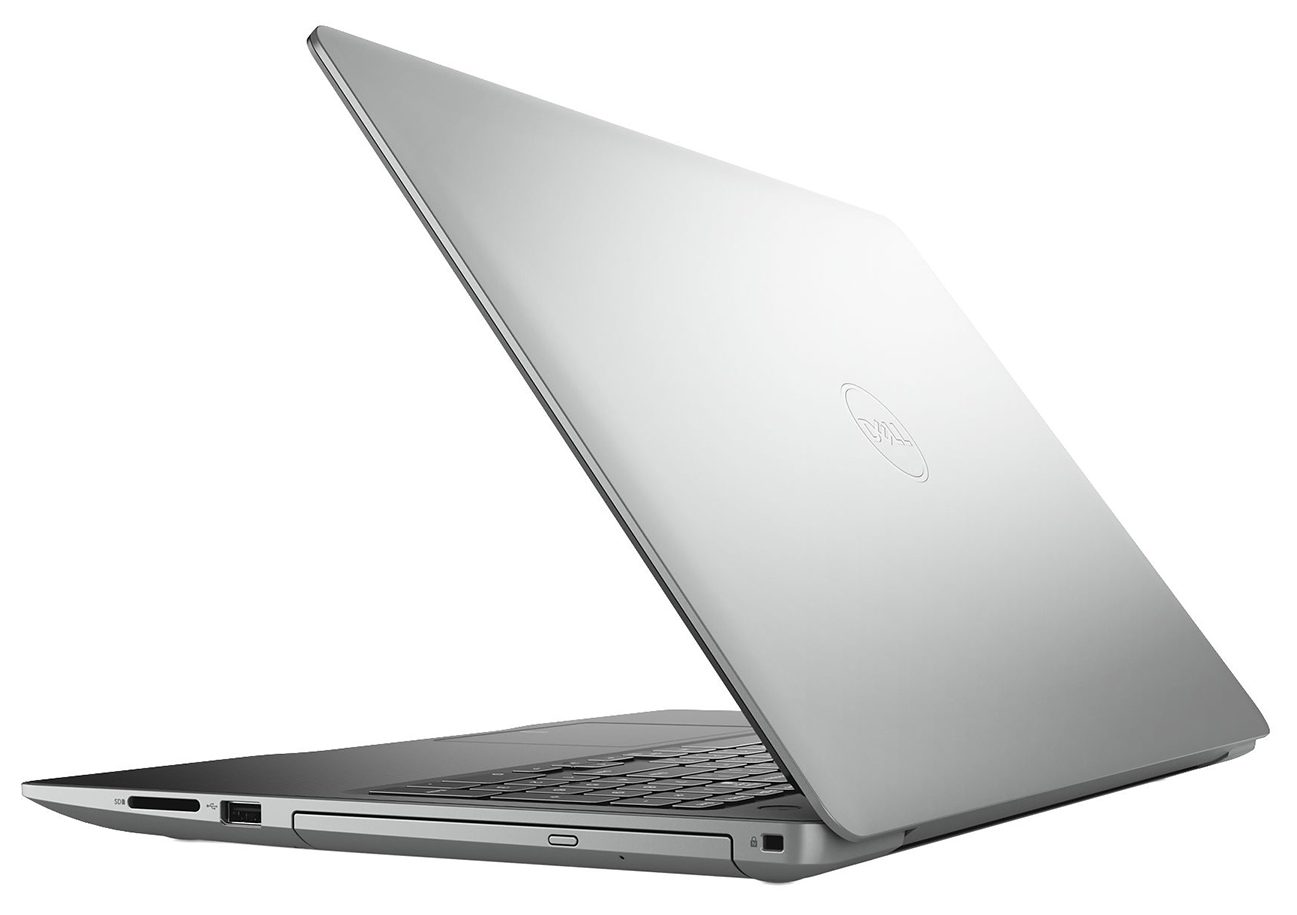
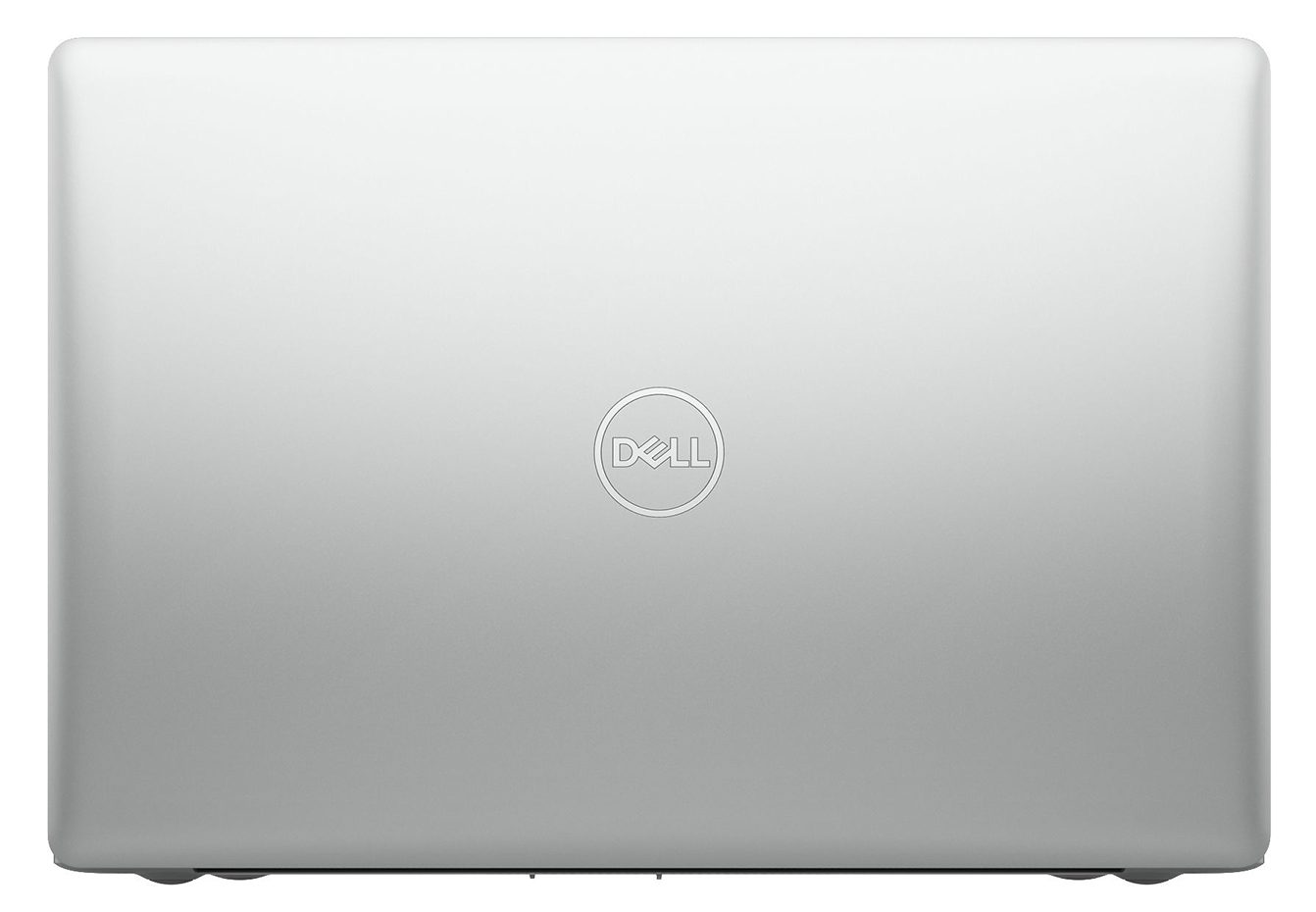
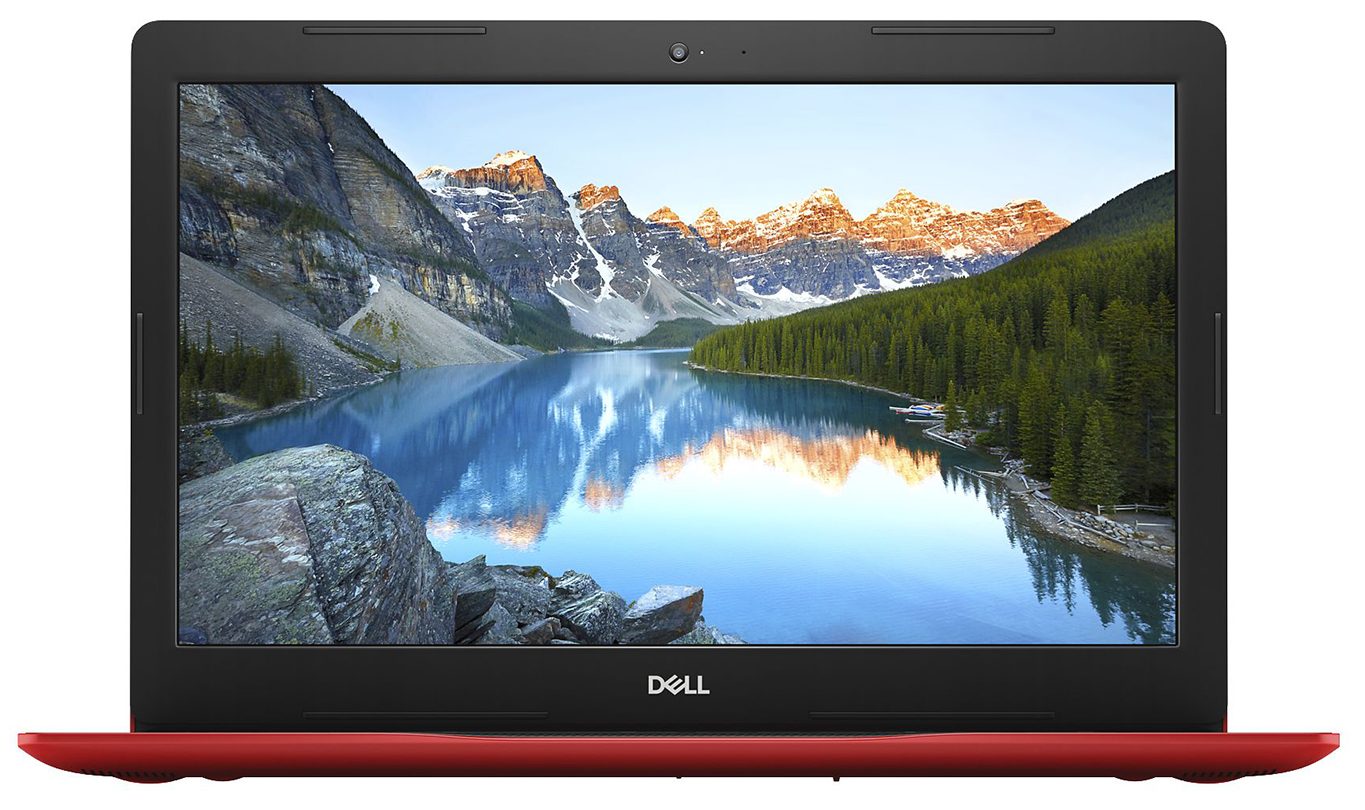
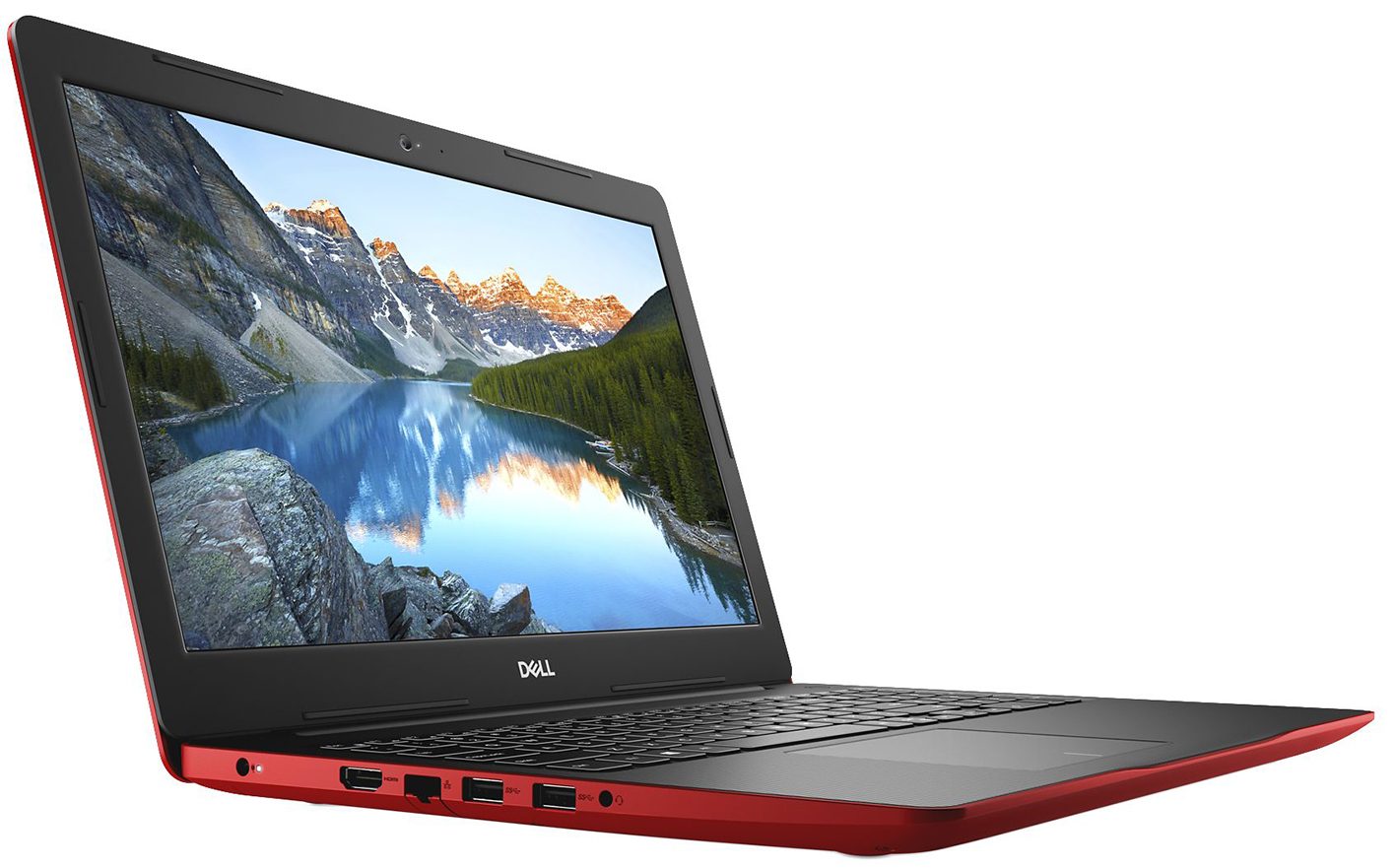
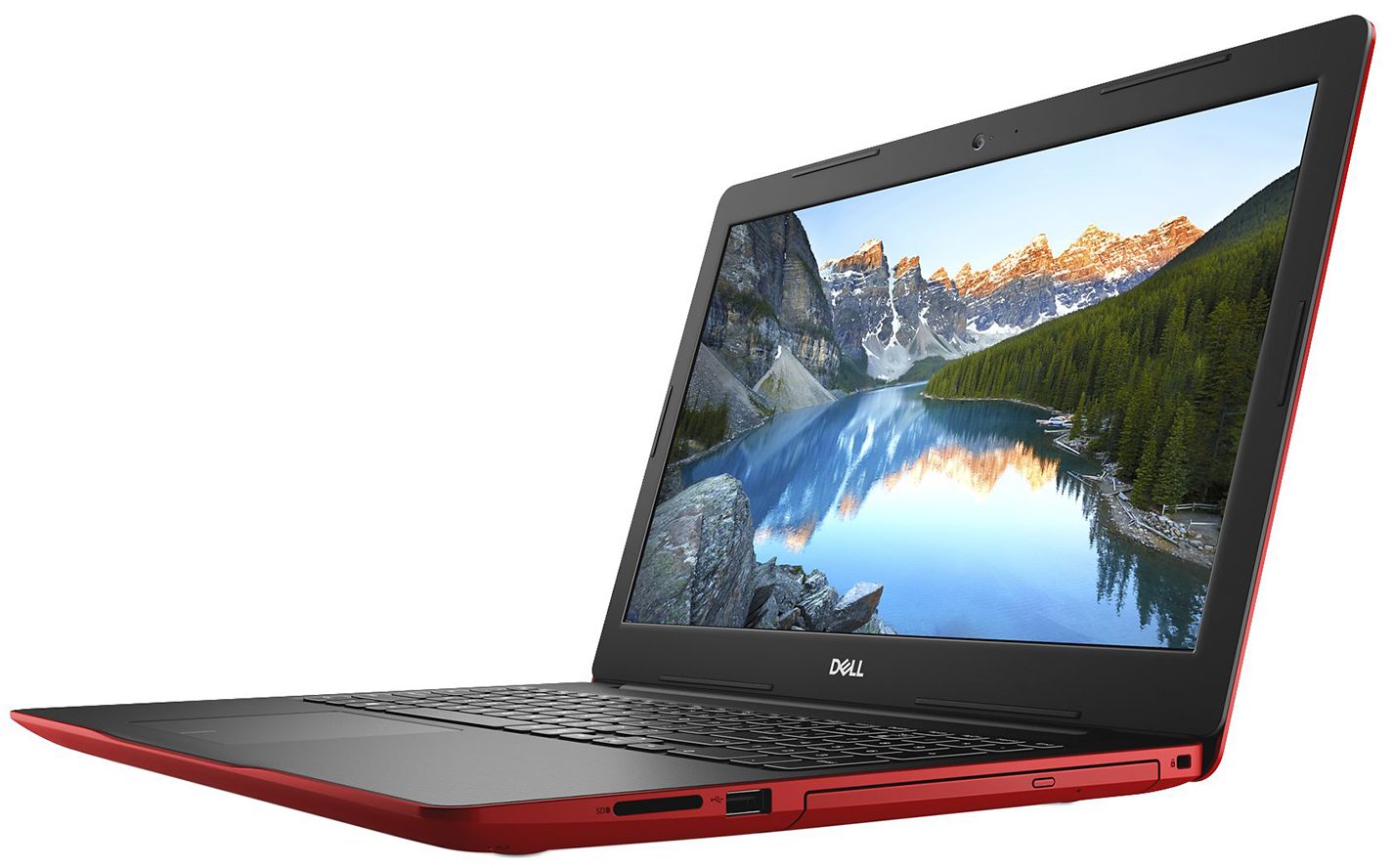
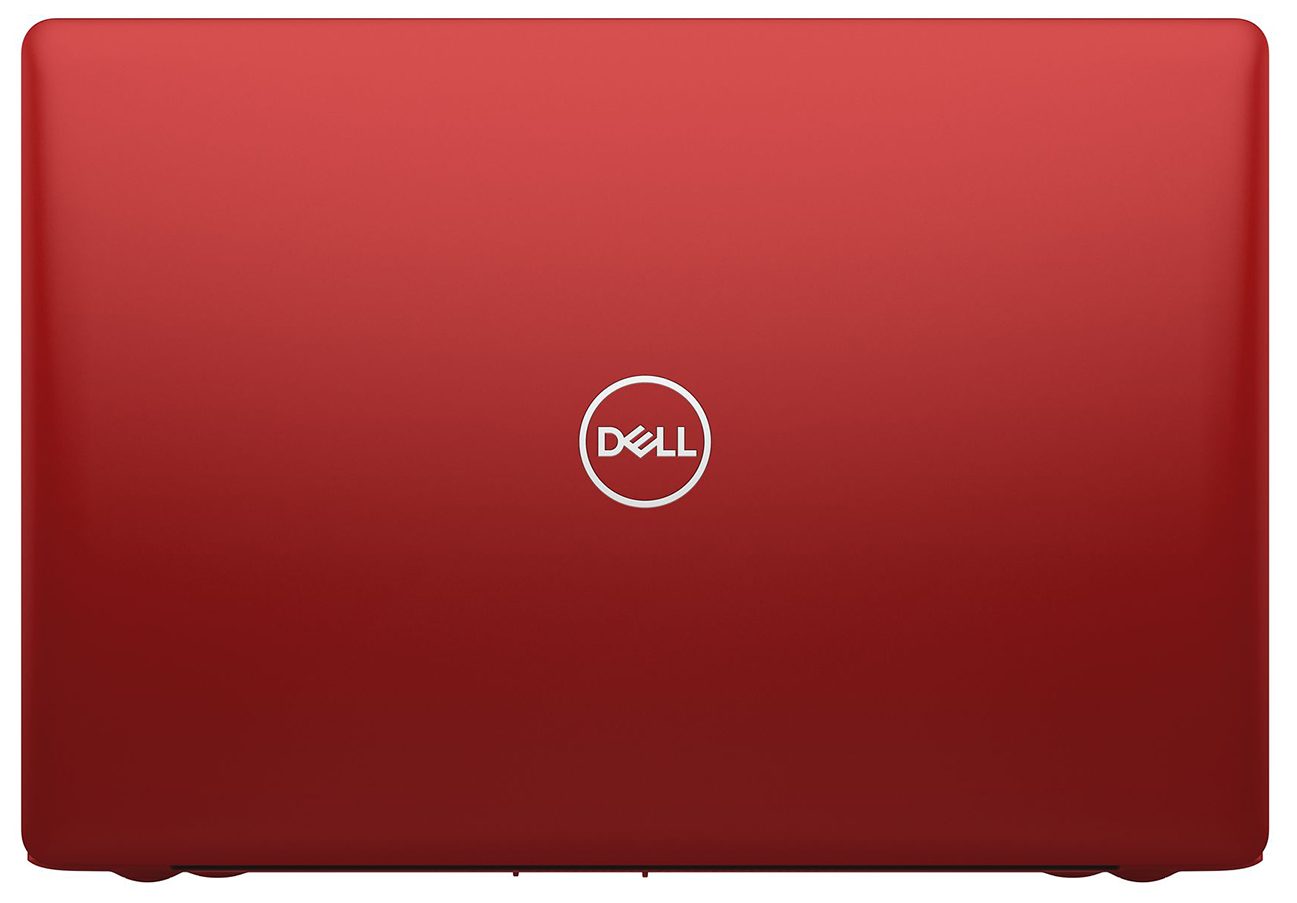
As we mentioned, the chassis is entirely made out of plastic. The only metal you can see is the MacBook you’ve placed on top of it. Additionally, it has a height of 20.7-22.7mm and a weight of 2.28kg. These measurements are for devices featuring an optical drive. Otherwise, the profile would be slightly thinner, while the weight would be 2.00 kg. Now, here comes the fun part. This laptop can be bought in four different colors. They range from the unimpressive black and silver to white and vibrant blue. According to Dell, this should let you express yourself more easily.
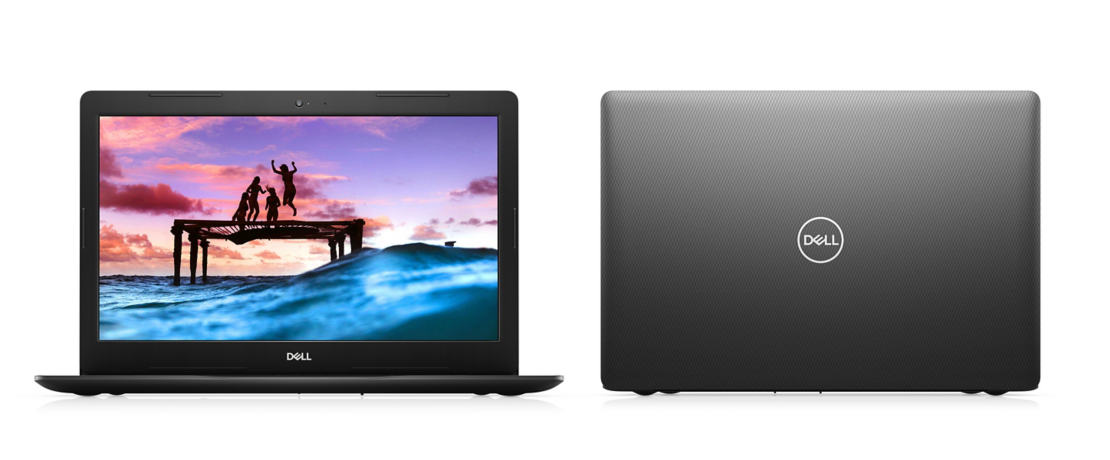

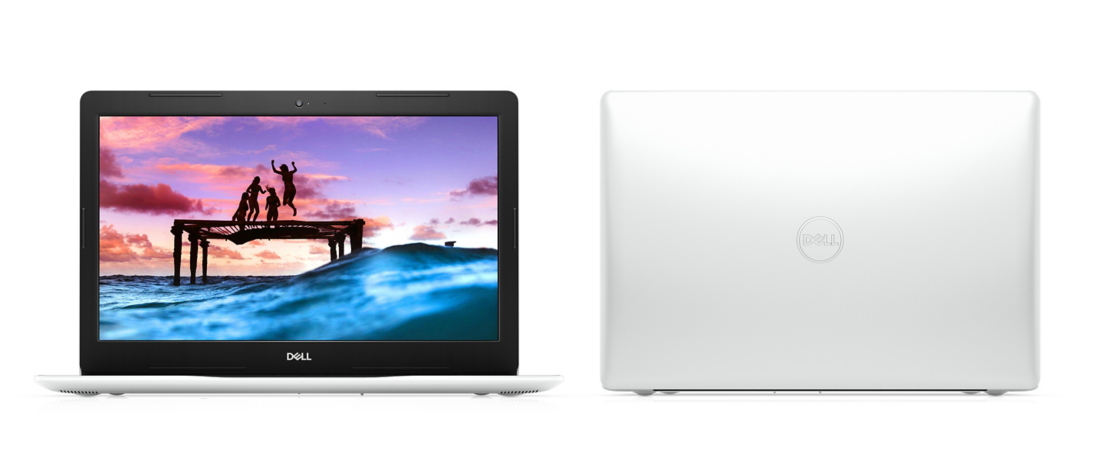

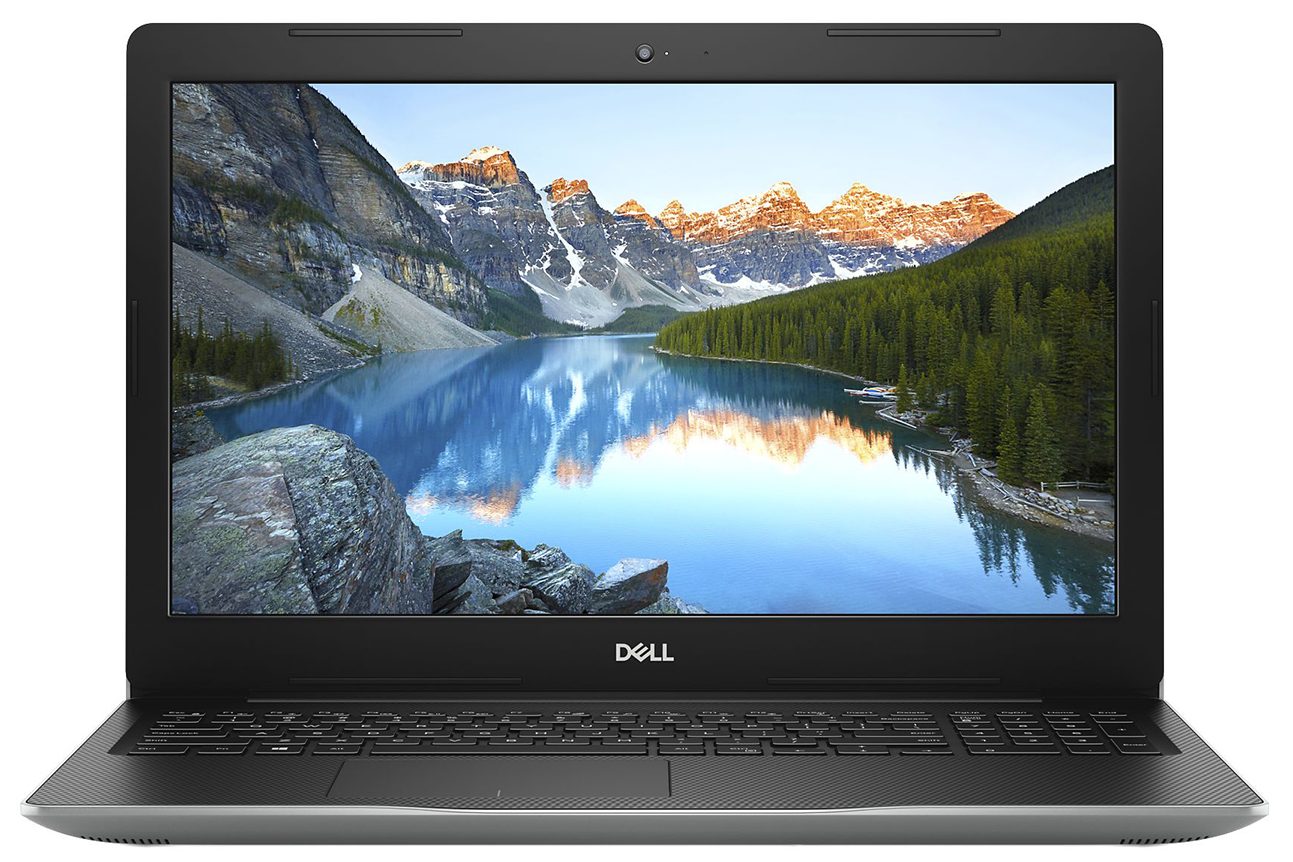
Now, opening the lid with a single hand is not an option here. Additionally, the bezels all around the screen are very big, which results in the overall footprint of the notebook.

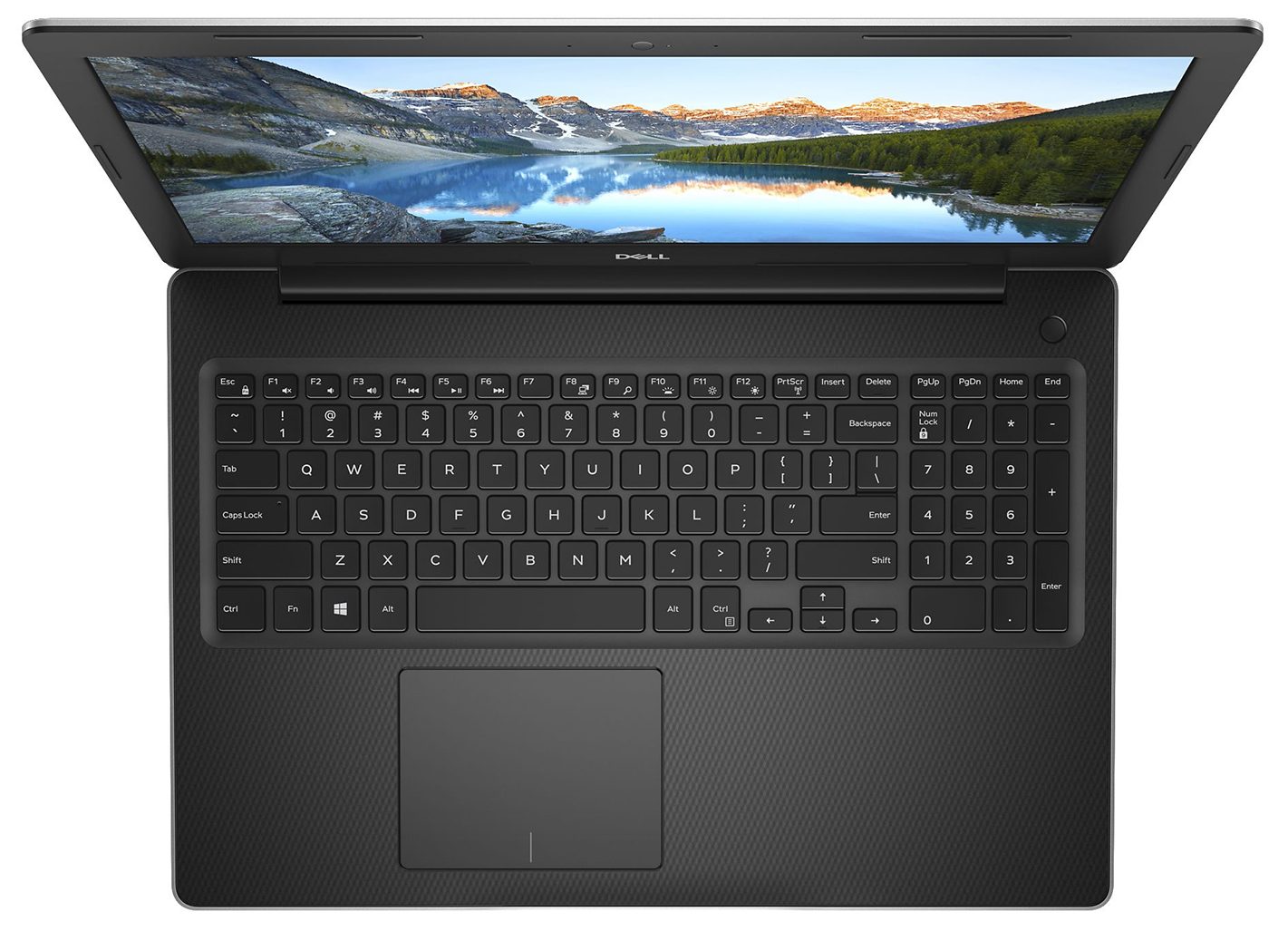
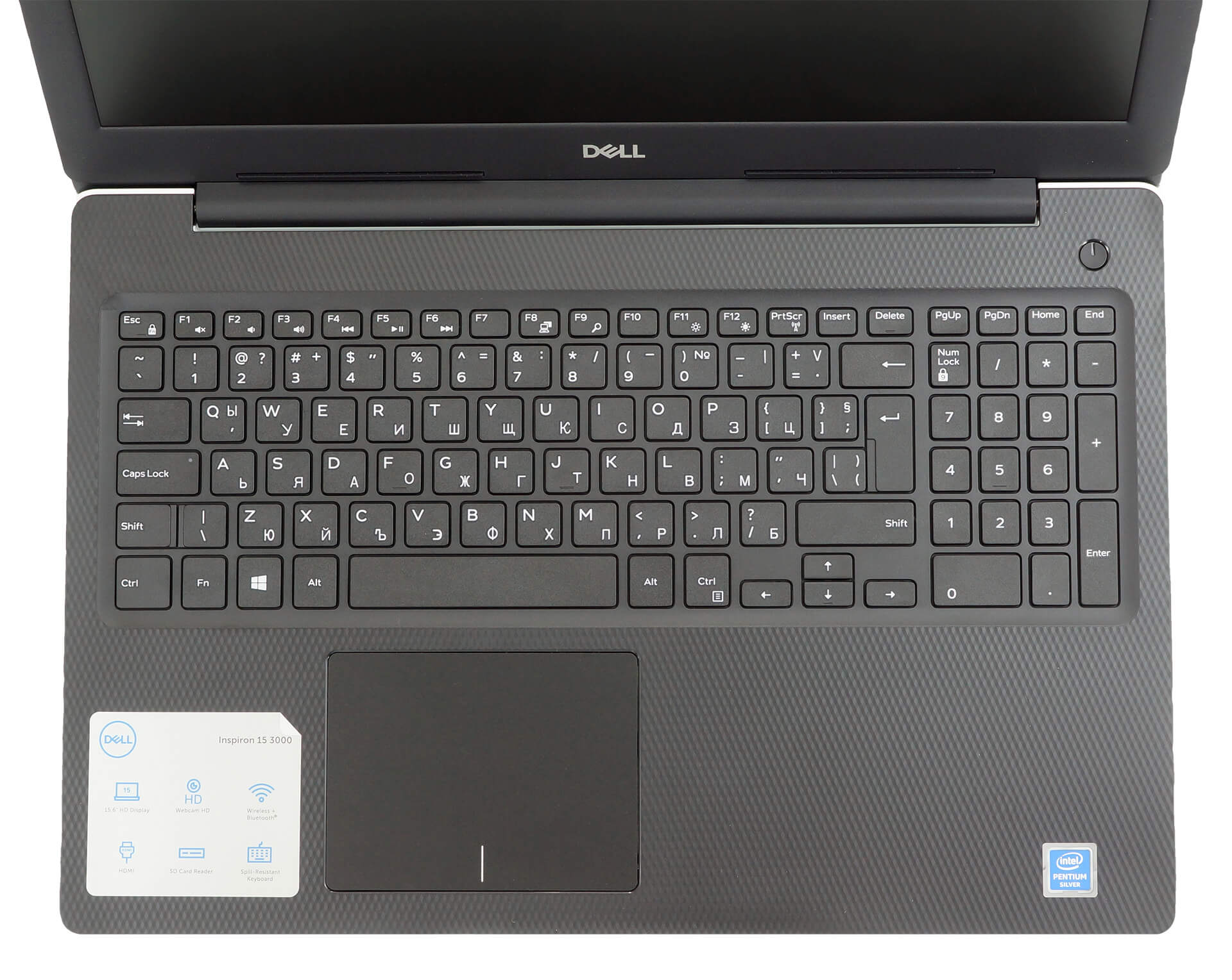
Next, there is the keyboard. Honestly, it is a comfortable package, thanks to its decent key travel and rather clicky feedback. Moreover, it features a full-sized NumberPad section. And for the more reckless of us, it is spill-resistant. As of the strength of the keyboard deck and the palm rest area, we didn’t observe any notorious bends, even when you press hard on the base.
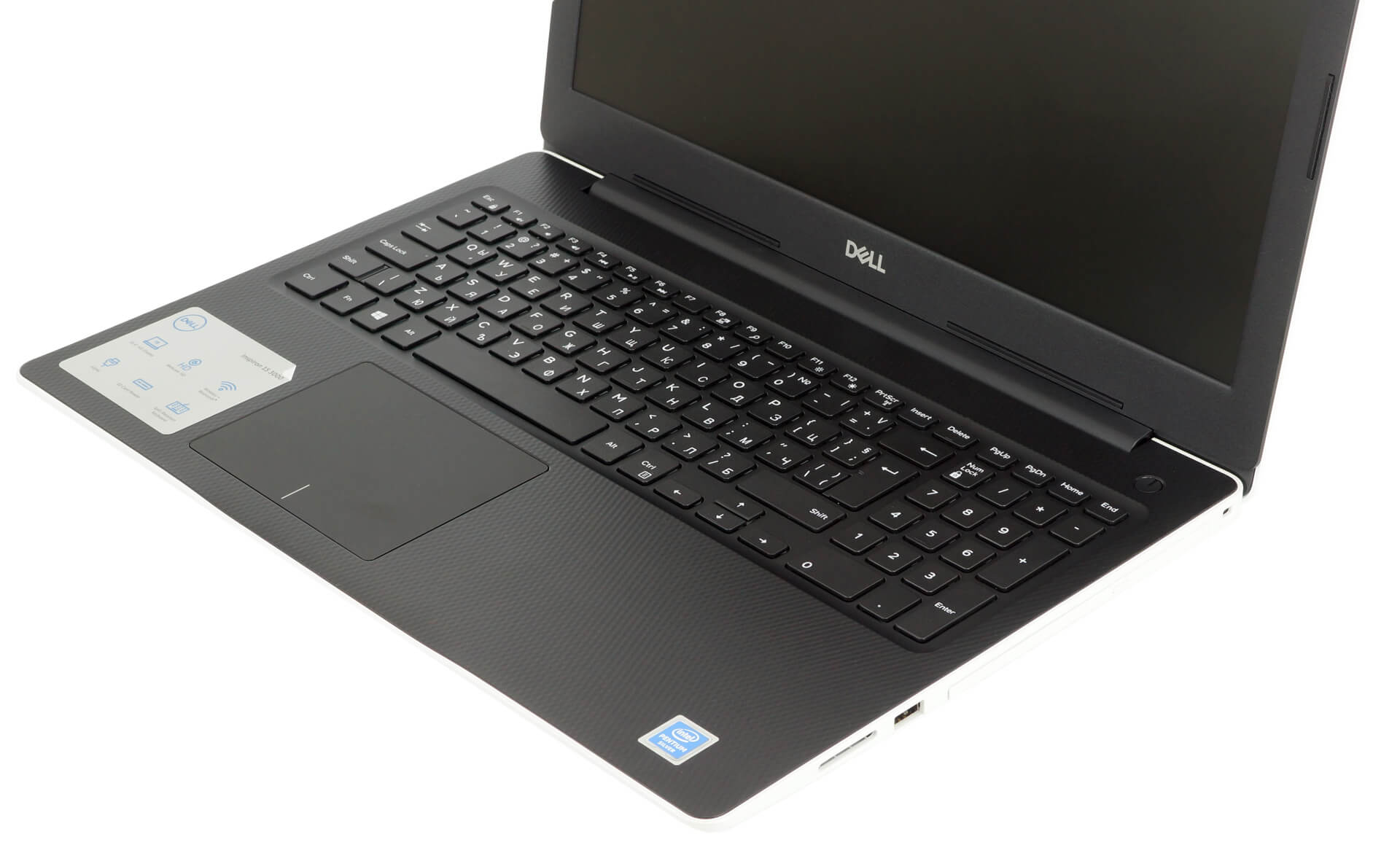
Further below, there is the touchpad. Quite frankly, it is one of the better ones out there. According to the specs sheet, it has a 3215×2429 resolution – obviously higher than the resolution of the screen. This results in a very accurate response from the trackpad, as well as quick detection of gestures.
On the bottom plate, you can notice a small ventilation grill, as well as the two speaker cutouts.

Ports
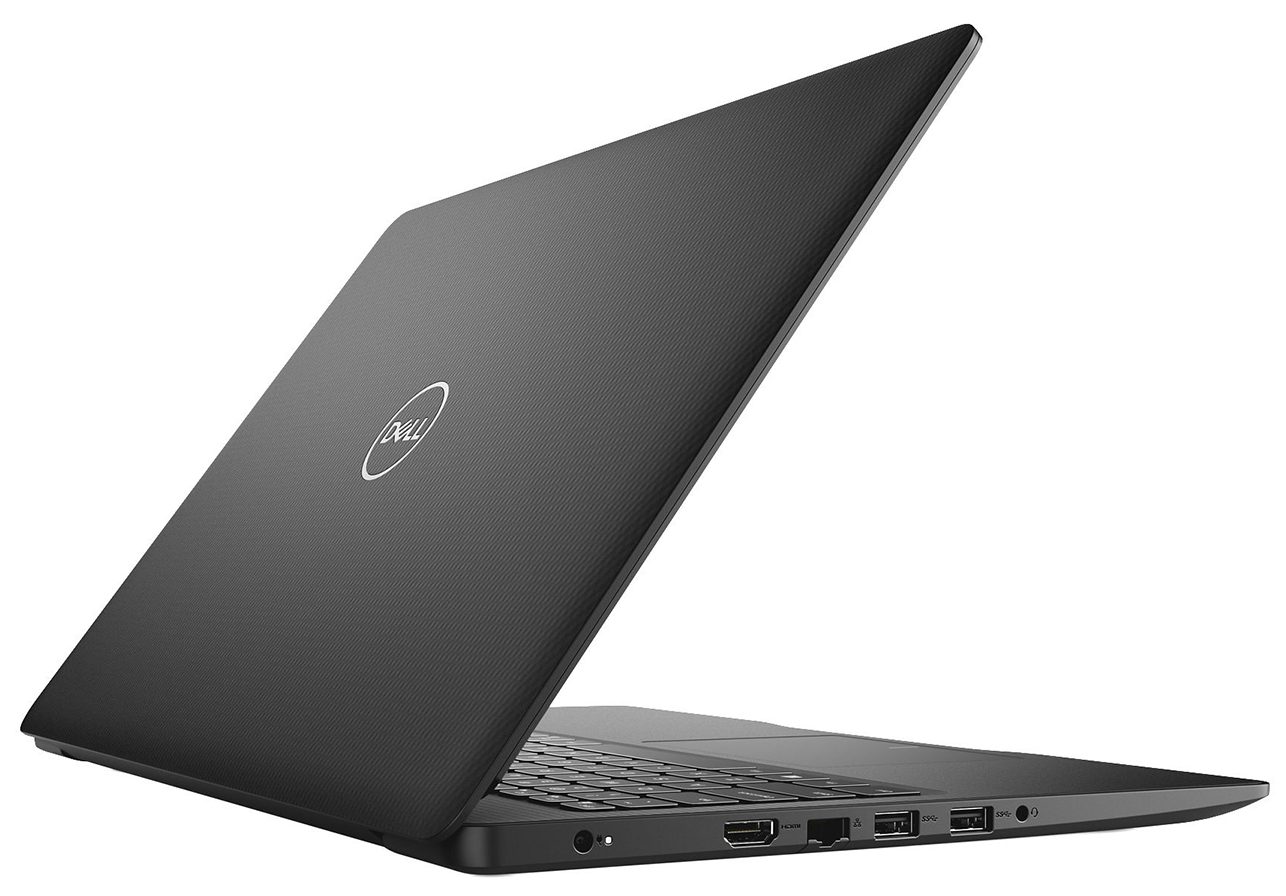
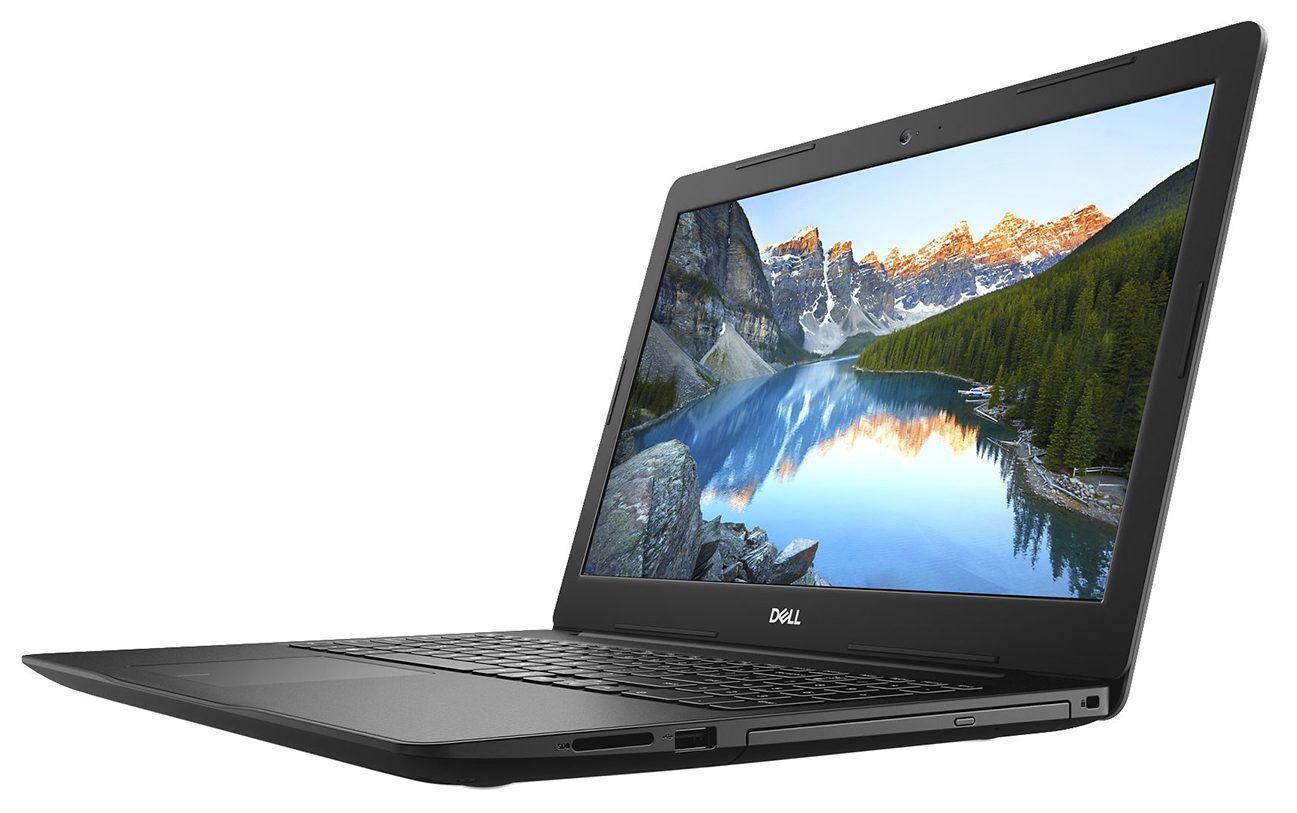
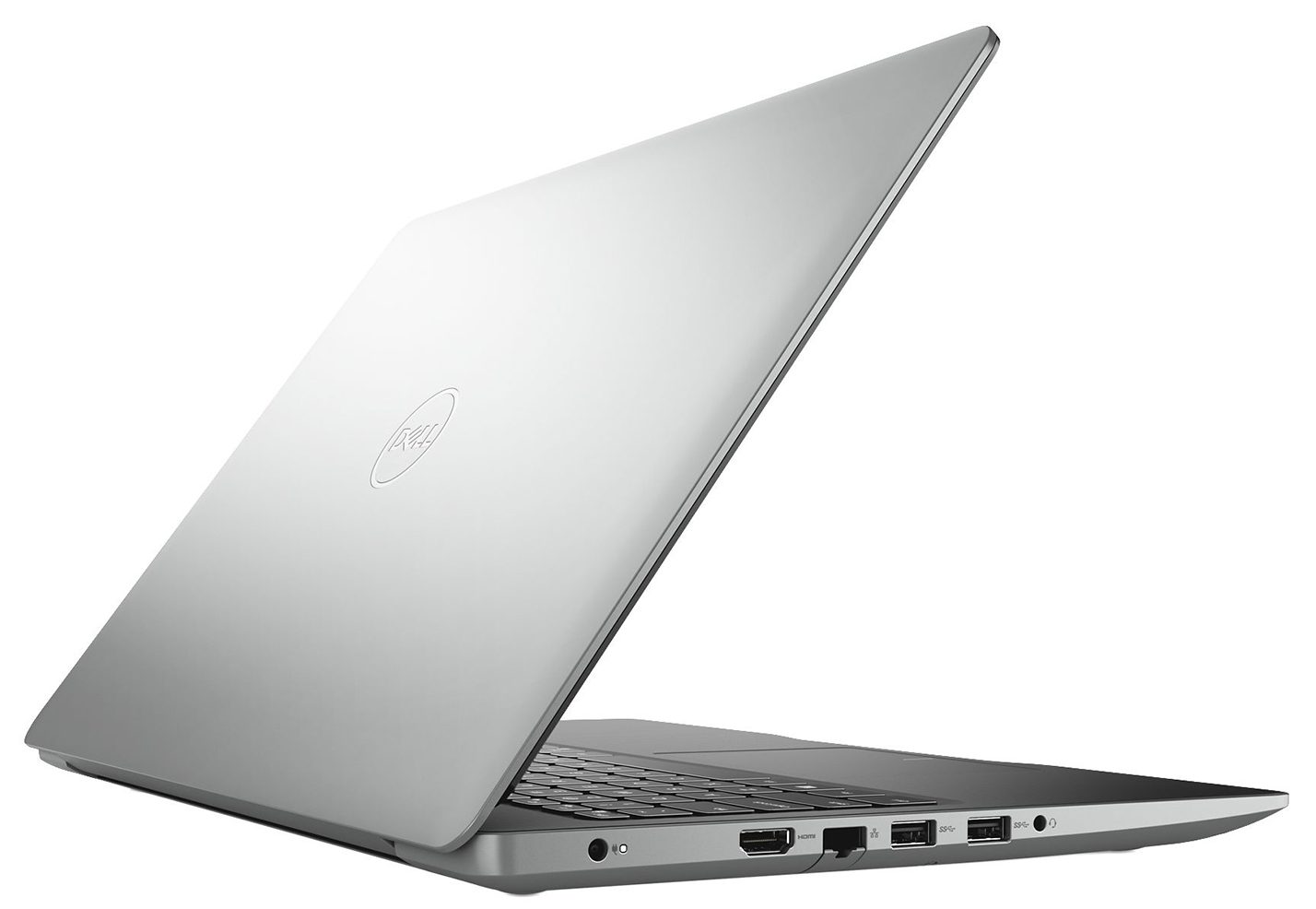
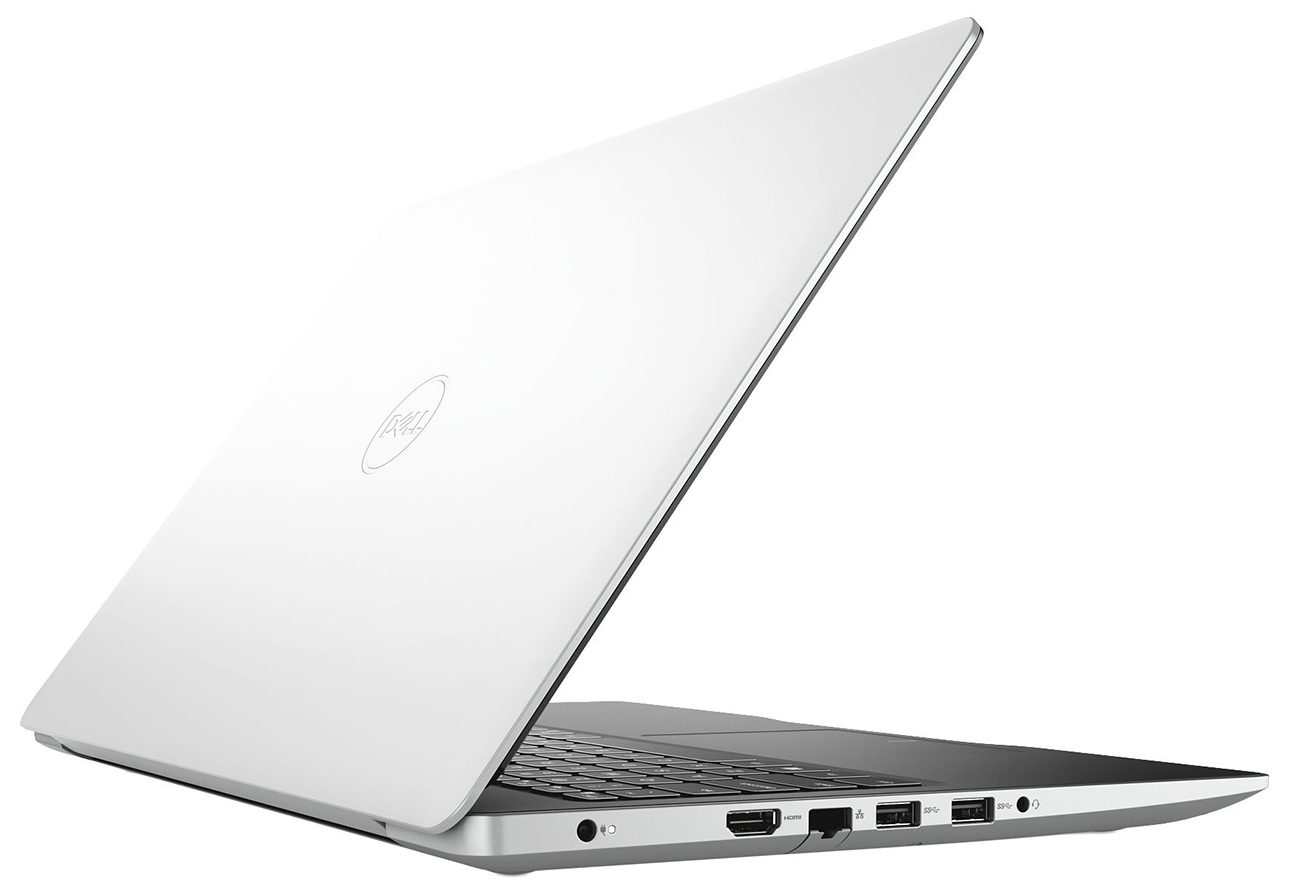
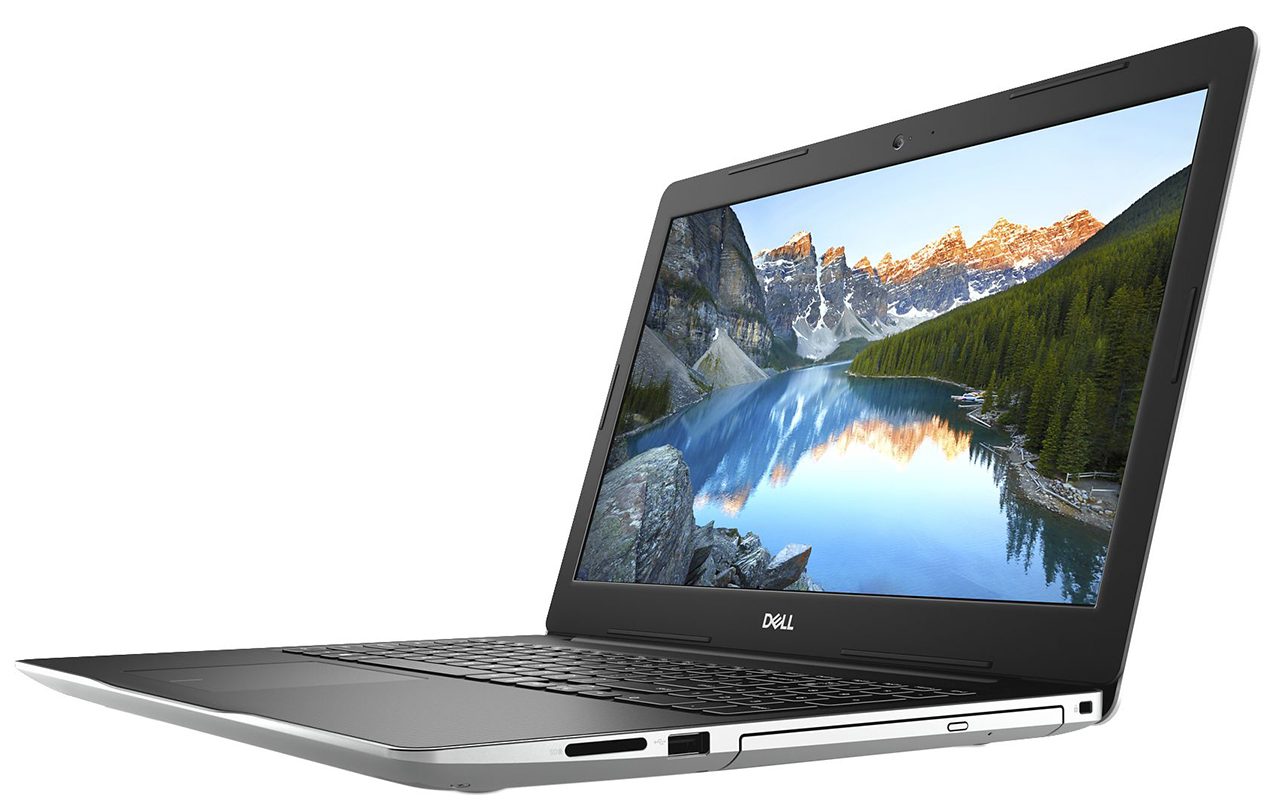
On the left side of the notebook you can find the power plug, as well as an HDMI 1.4 connector, two USB Type-A 3.1 (Gen. 1) ports, and an audio jack. On the other side, there is the optical drive, a USB Type-A 2.0 port, and an SD card reader.


Disassembly, upgrade options and maintenance
Interestingly, the Inspiron 15 3582 is one of the few devices equipped with a DVD-RW drive. From disassembling perspective, this is the first thing you need to remove. Just unscrew the adjacent screw, and pull it away. Then, you need to remove further 12 Phillips-head screws. After that, turn the laptop around and open its lid. Start the prying process from beneath the touchpad and continue around the device.

After you pop the bottom plate open, you can see the passive cooling solution, used for this machine. Honestly, you shouldn’t worry about overheating, since this is a commonly used solution for 6W processors.
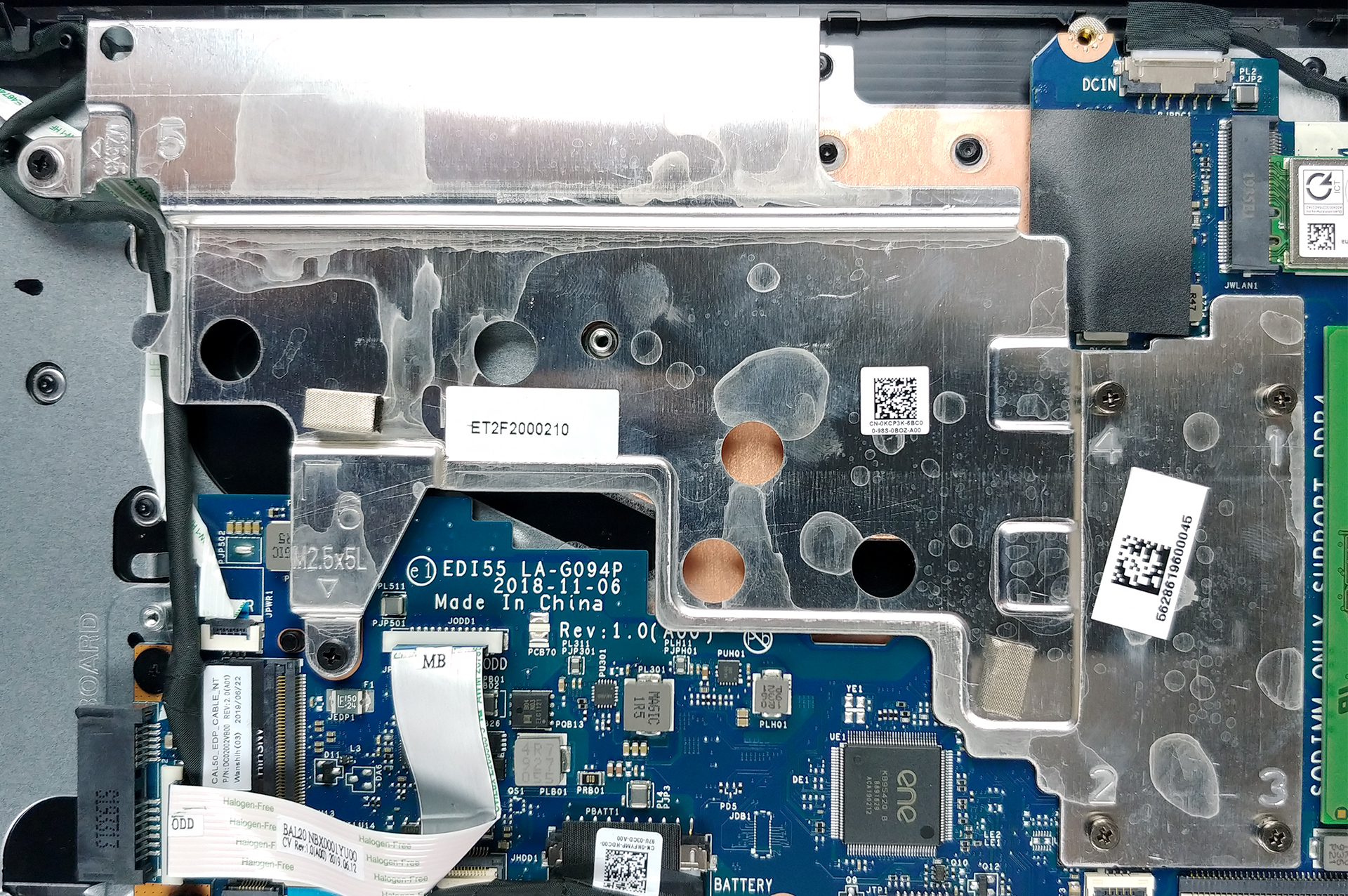
Then, let’s move to the memory, which features a single SODIMM slot. There is no soldered RAM here, and according to Dell, the maximum supported memory here is 8GB of DDR4 (up to 2400MHz). As of the storage – right beneath the RAM slot, you’ll see an M.2 drive slot, which supports PCIe x2 SSDs. Additionally, there’s a 2.5″ SATA drive bay on the other side of the battery.

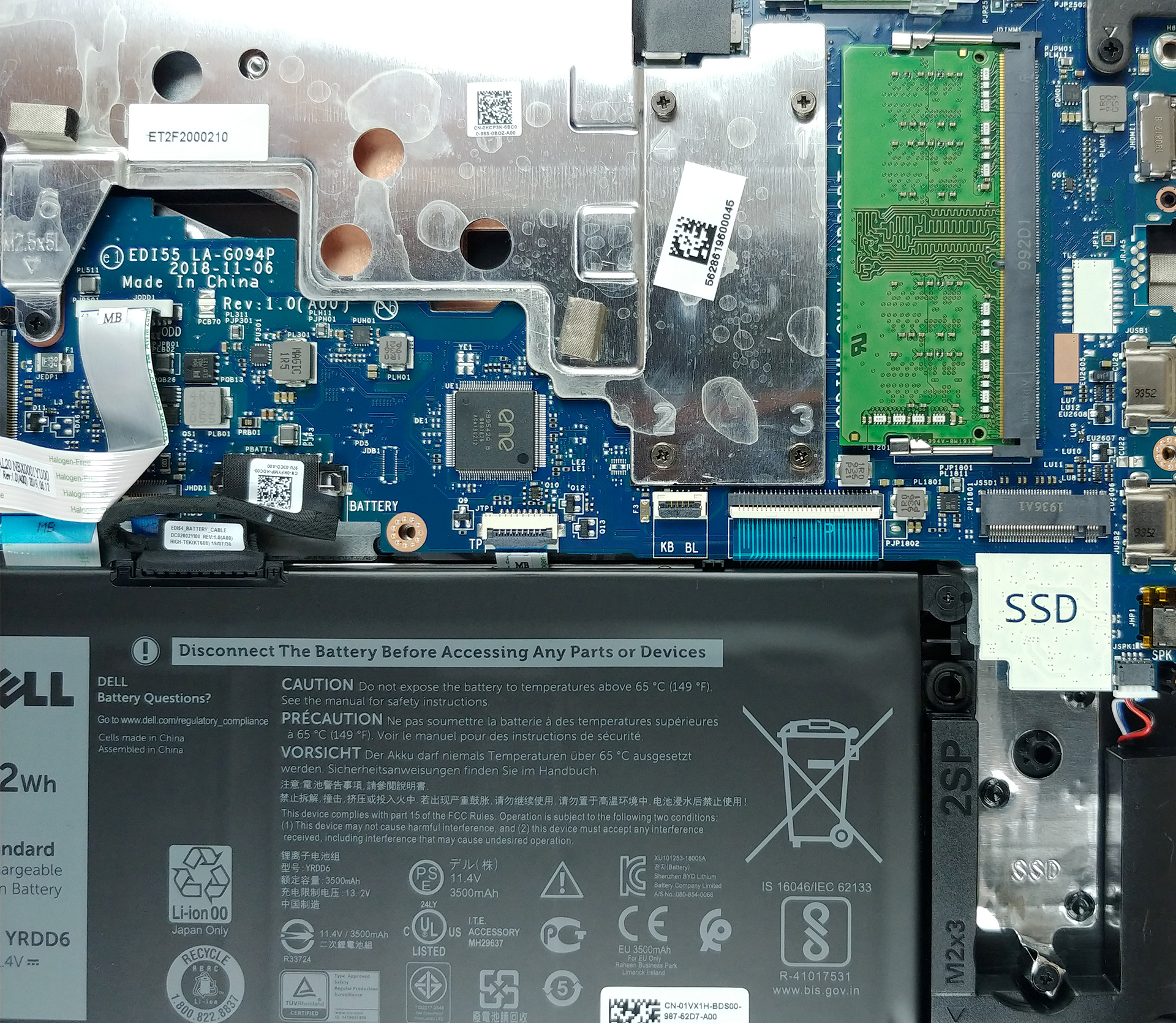
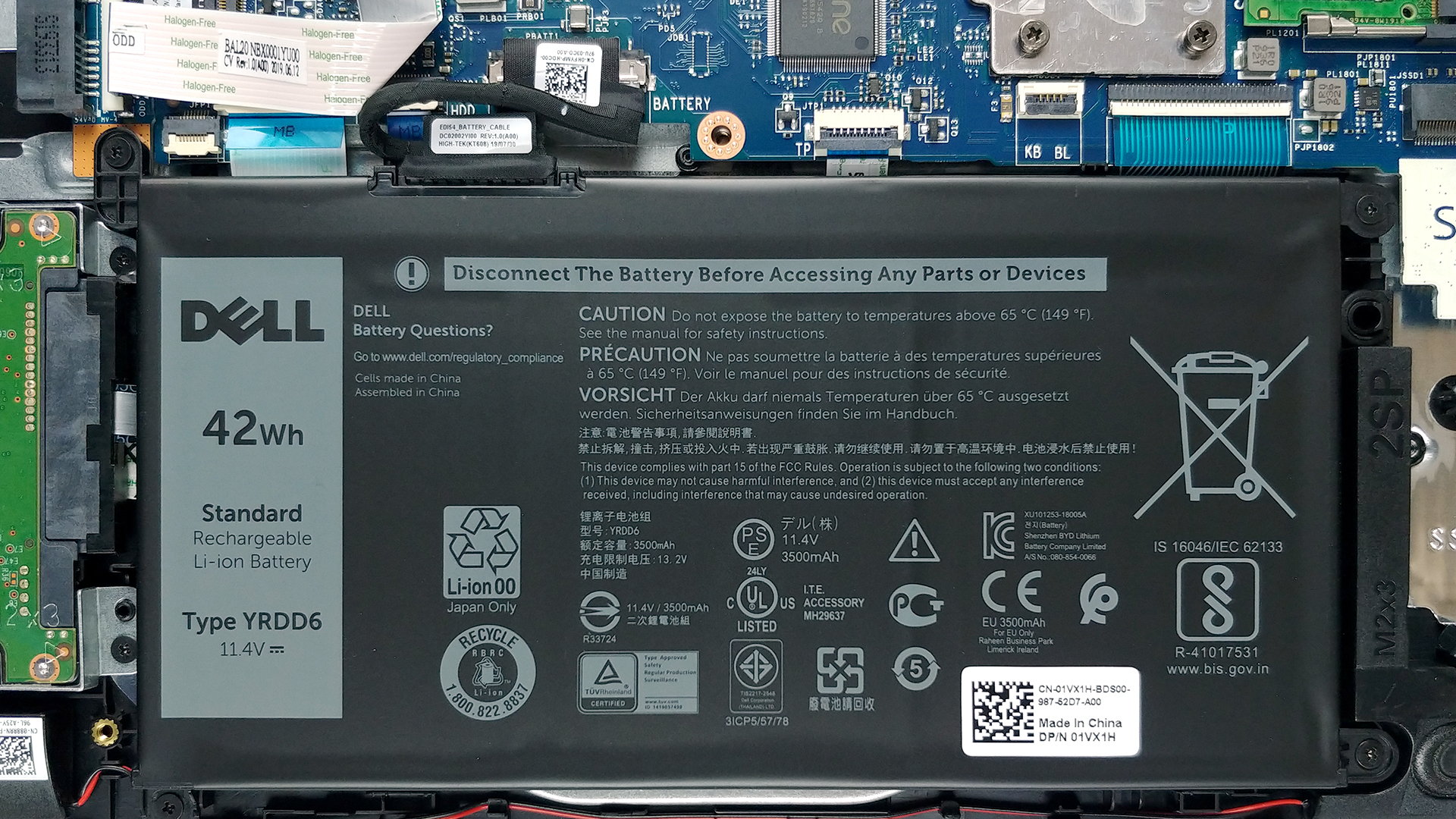
Speaking of the battery, the notebook is powered by a 42Wh unit.
Display quality
Dell Inspiron 15 3582 is equipped with a Full HD TN panel with a model number NT15N42-9CV35 (BOE0808). Its diagonal is 15.6″ (39.62 cm), and the resolution 1366 х 768 pixels. The screen ratio is 16:9, and we are looking at a pixel density of – 100 ppi, and a pitch of 0.253 х 0.253 mm. The screen turns into Retina when viewed at distance equal to or greater than 86 cm (from this distance one’s eye stops differentiating the separate pixels, and it is normal for looking at a laptop).

As expected from a TN panel – the viewing angles are uncomfortable. We offer images at 45° to evaluate image quality.
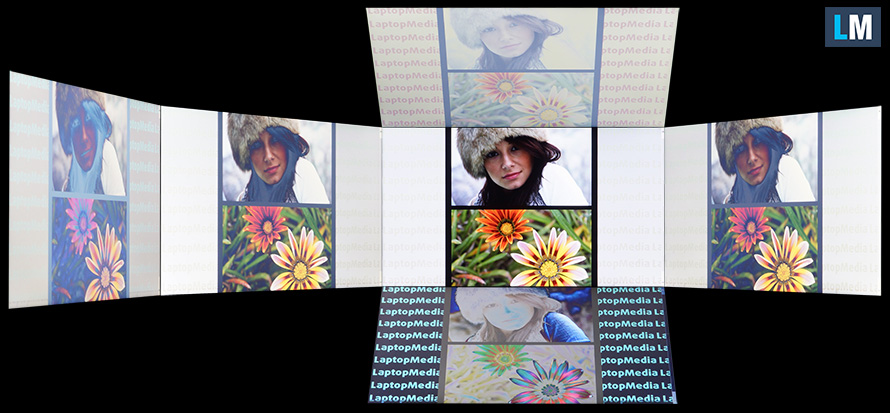
The measured maximum brightness of 230 nits in the middle of the screen and 222 nits as an average for the whole area, with a maximum deviation of 9%. The Correlated Color Temperature on a white screen is 6700K – slightly colder than the optimal for the sRGB standard of 6500K.
In the illustration below you can see how the display performs from a uniformity perspective. In other words, the leakage of light from the light source.
Values of dE2000 over 4.0 should not occur, and this parameter is one of the first you should check if you intend to use the laptop for color-sensitive work. The contrast ratio is mediocre – 300:1.

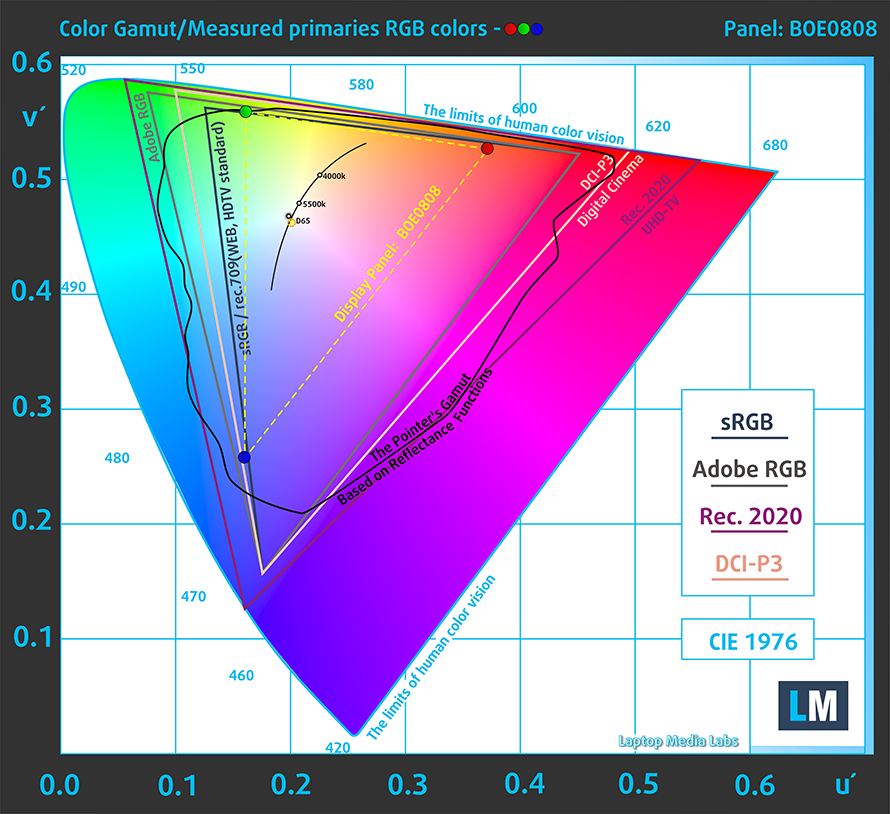
To make sure we are on the same page, we would like to give you a little introduction to the sRGB color gamut and the Adobe RGB. To start, there’s the CIE 1976 Uniform Chromaticity Diagram that represents the visible specter of colors by the human eye, giving you a better perception of the color gamut coverage and the color accuracy.
Inside the black triangle, you will see the standard color gamut (sRGB) that is being used by millions of people in HDTV and on the web. As for the Adobe RGB, this is used in professional cameras, monitors, etc for printing. Basically, colors inside the black triangle are used by everyone and this is the essential part of the color quality and color accuracy of a mainstream notebook.
Still, we’ve included other color spaces like the famous DCI-P3 standard used by movie studios, as well as the digital UHD Rec.2020 standard. Rec.2020, however, is still a thing of the future and it’s difficult for today’s displays to cover that well. We’ve also included the so-called Michael Pointer gamut, or Pointer’s gamut, which represents the colors that naturally occur around us every day.
The yellow dotted line shows Dell Inspiron 15 3582’s color gamut coverage.
Its display covers 50% of the sRGB/ITU-R BT.709 (web/HDTV standard) in CIE1976.
Our “Design and Gaming” profile delivers optimal color temperature (6500K) at 140 cd/m2 luminance and sRGB gamma mode.
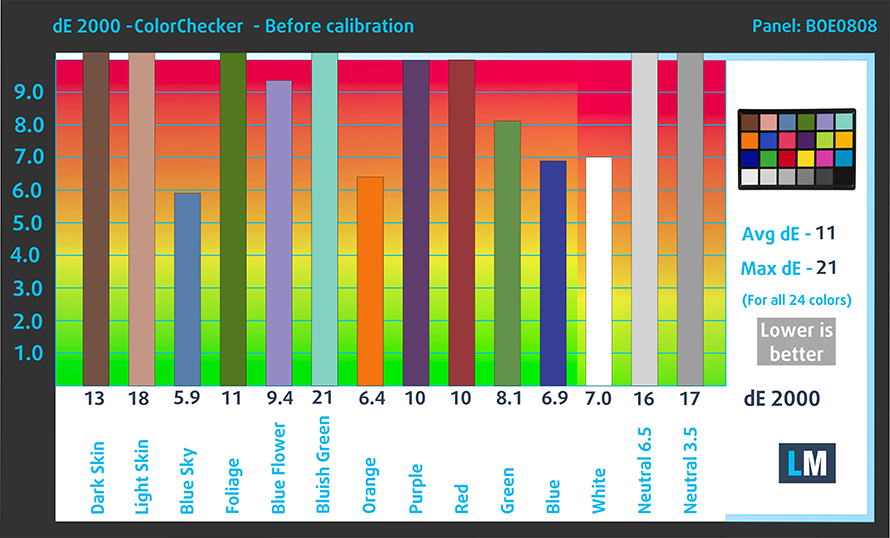
We tested the accuracy of the display with 24 commonly used colors like light and dark human skin, blue sky, green grass, orange, etc. You can check out the results at factory condition and also, with the “Design and Gaming” profile.
Below you can compare the scores of Dell Inspiron 15 3582 with the default settings (left), and with the “Gaming and Web design” profile (right).

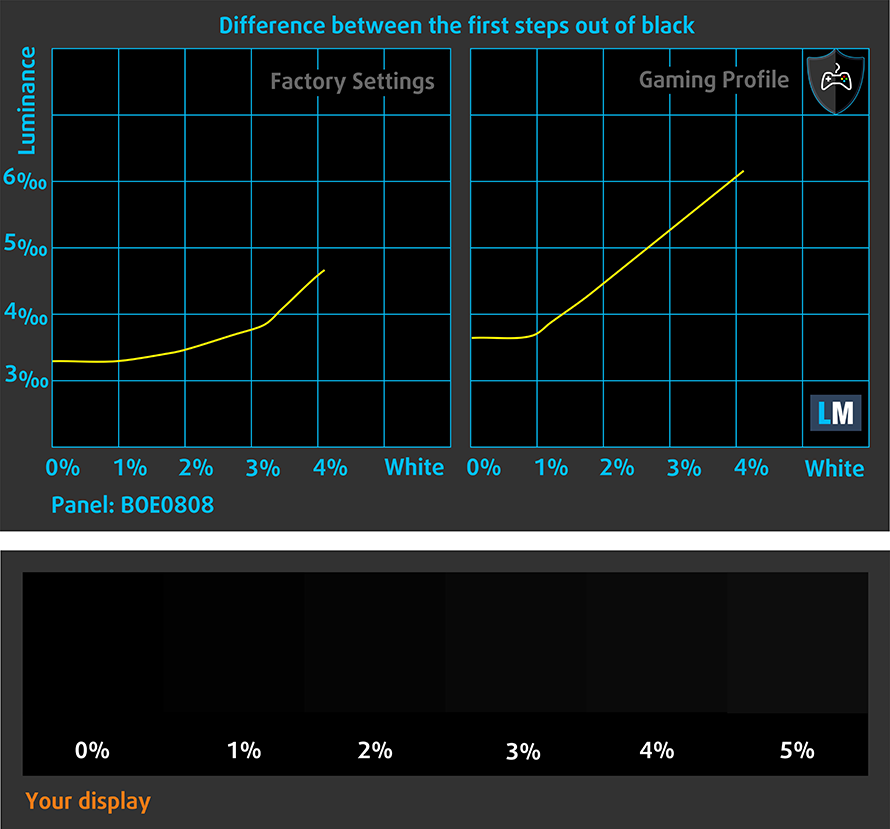
The next figure shows how well the display is able to reproduce really dark parts of an image, which is essential when watching movies or playing games in low ambient light.
The left side of the image represents the display with stock settings, while the right one is with the “Gaming and Web Design” profile activated. On the horizontal axis, you will find the grayscale and on the vertical axis – the luminance of the display. On the two graphs below you can easily check for yourself how your display handles the darkest nuances but keep in mind that this also depends on the settings of your current display, the calibration, the viewing angle, and the surrounding light conditions.
Response time (Gaming capabilities)
We test the reaction time of the pixels with the usual “black-to-white” and “white-to-black” method from 10% to 90% and vice versa.
We recorded Fall Time + Rise Time = 10 ms.

PWM (Screen flickering)
Pulse-width modulation (PWM) is an easy way to control monitor brightness. When you lower the brightness, the light intensity of the backlight is not lowered, but instead turned off and on by the electronics with a frequency indistinguishable to the human eye. In these light impulses, the light/no-light time ratio varies, while brightness remains unchanged, which is harmful to your eyes. You can read more about that in our dedicated article on PWM.
Dell Inspiron 15 3582’s display uses PWM for all brightness levels, apart from the maximum. The type and the low frequency of the flickers are both negative factors in this aspect.

Blue light emissions
Installing our Health-Guard profile not only eliminates PWM but also reduces the harmful Blue Light emissions while keeping the colors of the screen perceptually accurate. If you’re not familiar with the Blue light, the TL;DR version is – emissions that negatively affect your eyes, skin, and your whole body. You can find more information about that in our dedicated article on Blue Light.
Conclusion
Dell Inspiron 15 3582’s display in this modification has a budget TN panel. It is quick, cheap, and reliable. Otherwise, the panel is mediocre. Its narrow viewing angles, poor contrast ratio, and low resolution make it good only for work, which isn’t really dependant on the screen, or if you’re going to connect it to an external monitor, nevertheless. Additionally, it uses aggressive PWM to adjust its brightness up until the maximum level. However, this issue is tackled by our Health-Guard profile.
Buy our profiles
Since our profiles are tailored for each individual display model, this article and its respective profile package are meant for Dell Inspiron 15 3582 configurations with 15.6″ WXGA TN NT15N42-9CV35 (BOE0808).
*Should you have problems with downloading the purchased file, try using a different browser to open the link you’ll receive via e-mail. If the download target is a .php file instead of an archive, change the file extension to .zip or contact us at [email protected].
Read more about the profiles HERE.
除了获得高效且有益健康的配置文件外,购买 LaptopMedia 的产品也是对我们实验室发展的支持,我们在实验室中测试设备,以提供最客观的评测。

办公工作
Office Work 主要适用于大部分时间在查看文本、表格或上网的用户。此配置文件旨在通过保持平坦的伽马曲线 (2.20)、原始色温和感知上准确的颜色来提供更好的清晰度。

设计和游戏
此配置文件适用于专业处理色彩的设计师,以及游戏和电影。Design and Gaming 将显示面板推向极限,使其在 Web 和 HDTV 的 sRGB IEC61966-2-1 标准中尽可能准确,白点为 D65。

以 33% 的折扣获取所有 3 个配置文件

Sound
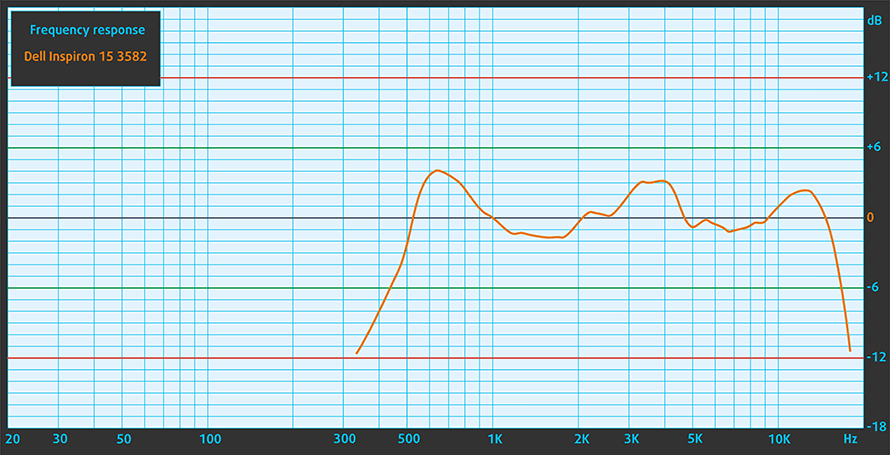
Dell Inspiron 15 3582 has a relatively good quality sound. Its low, mid, and high tones are clear of deviations.
Drivers
All of the drivers and utilities for this notebook can be found here: https://www.dell.com/support/home/us/en/04/product-support/product/inspiron-15-3582-laptop/drivers
Battery
Now, we conduct the battery tests with Windows Better performance setting turned on, screen brightness adjusted to 120 nits, and all other programs turned off except for the one we are testing the notebook with. This device has a 42Wh unit.
We got around 10 hours and a half of Web browsing and nearly 8 hours of video playback from it.
亮度:180 尼特;显示模式:SDR
完全放电时间:越高越好
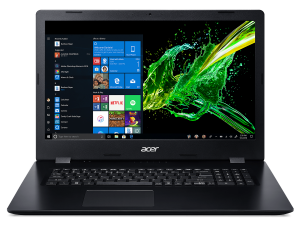
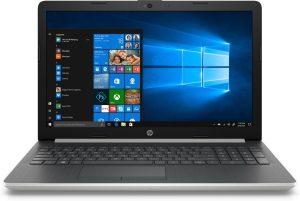
为了模拟真实生活条件,我们使用自己的脚本自动浏览超过 70 个网站。
CPU options
Currently, this notebook comes with either the dual-core Intel Celeron N4000 or the quad-core Pentium Silver N5000, both rated at 6W of TDP.
GPU options
Their respective integrated graphics solutions are the UHD Graphics 600 and 605.
Temperatures and comfort
Max CPU load
In this test we use 100% on the CPU cores, monitoring their frequencies and chip temperature. The first column shows a computer’s reaction to a short load (2-10 seconds), the second column simulates a serious task (between 15 and 30 seconds), and the third column is a good indicator of how good the laptop is for long loads such as video rendering.
Average core frequency (base frequency + X); CPU temp.
| Intel Pentium Silver N5000 (6W TDP) | 0:02 – 0:10 sec | 0:15 – 0:30 sec | 10:00 – 15:00 min |
|---|---|---|---|
| Dell Inspiron 15 3582 | 2.59 GHz @ 69°C | 2.59 GHz @ 77°C | 2.22 GHz @ 87°C |
| ASUS X543 | 2.59 GHz @ 70°C | 2.59 GHz @ 84°C | 2.59 GHz @ 78°C |
| Acer Aspire 3 (A317-32) | 2.20 GHz @ 70°C | 1.93 GHz @ 68°C | 1.74 GHz @ 70°C |
| Acer Aspire 1 (A114-32) | 2.60 GHz @ 68°C | 1.85 GHz @ 58°C | 1.84 GHz @ 64°C |
| Acer Aspire 3 (A315-34) | 2.60 GHz @ 80°C | 2.15 GHz @ 79°C | 1.69 GHz @ 76°C |
| HP 15 (15-da0000) | 2.60 GHz @ 55°C | 2.30 GHz @ 53°C | 2.10 GHz @ 55°C |
Unlike the ASUS X543, the Inspiron 15 3582 doesn’t have a fan to spin the air around its chassis. This has a negative impact on the temperatures, and the clock speeds as well. As you can see from the table above, the maximum temperature of the die slowly creeps up to 84C near the end of the test.
Comfort during full load
While the laptop is completely silent (if we exclude the HDD noise), the outside temperature keeps relatively cool as well – 37C under extreme load.


Verdict
We’re going to put it straight. The Inspiron 15 3582 is not a device we would strongly recommend. In addition to its rather incapable hardware, it has an extremely uncomfortable screen. At least our unit, of course.
Dell Inspiron 15 3582’s display in this modification has a budget TN panel. It is quick, cheap, and reliable. Otherwise, the panel is mediocre. Its narrow viewing angles, poor contrast ratio, and low resolution make it good only for work, which isn’t really dependant on the screen, or if you’re going to connect it to an external monitor, nevertheless. Additionally, it uses aggressive PWM to adjust its brightness up until the maximum level. However, this issue is tackled by our Health-Guard profile.
Sure, on the bright side, there is the great battery life, an optical drive, an SD card reader, an M.2 PCIe x2 slot, and even a single RAM SODIMM slot. But yet, it lacks an Ethernet connection, and there is no word from a USB Type-C connection.
If it wasn’t for the competition in the face of the ASUS X543, we would have been easier on this laptop. And, don’t get us wrong, its keyboard and touchpad are actually very comfortable to use. Plus, the color choice you get is good for personalizing your desk… at least.
Pros
- Decent price tag
- Comfortable keyboard (with spill resistance) and touchpad
- SD card slot and optical disk drive
- Good battery life
- Choice of four different colors
Cons
- Dated design
- Covers only 50% of sRGB
- Poor viewing angles and contrast ratio
- Uses aggressive PWM for brightness adjustment – our Health-Guard profile deals with the issue
- Lacks a USB Type-C port
You can check the prices and configurations in our Specs System: https://laptopmedia.com/series/dell-inspiron-15-3582/
 Author: Alex Iliev
 Author: eng. Kroum NikolovHead of Engineering at LaptopMedia.com, inventor and innovator with 40+ years of experience in electronics and high technology.

![[2026年8月] 亚马逊全球:销量前十的笔记本电脑——苹果MacBook Neo独占鳌头,而平价和中端Windows笔记本则在销量上展开激烈角逐](https://laptopmedia.com/wp-content/uploads/2026/09/Best-Selling-Laptops-GLOBAL-Top-10-400x225.jpg)
![[2026年8月] 亚马逊全球畅销笔记本电脑品牌——苹果在营收方面占据主导地位,而惠普在机型种类方面领跑](https://laptopmedia.com/wp-content/uploads/2026/09/GLOBAL-Best-Brands-400x225.jpg)
![[2026年8月] 亚马逊全球:畅销游戏本前十名——惠普Victus 15荣登榜首,高性价比机型占据榜单主导地位](https://laptopmedia.com/wp-content/uploads/2026/09/Best-Selling-Gaming-Laptops-GLOBAL-Top-10-400x225.jpg)
![[August 2026] Best-Selling Laptop Brands on Amazon Japan – Apple Dominates Market Share and Revenue Led by Strong Unit Sales](https://laptopmedia.com/wp-content/uploads/2026/09/CO.JP-Best-Brands-1-400x225.jpg)
![[August 2026] Best-Selling Laptop Brands on Amazon USA – Apple Dominates Market Revenue and Volume Despite Lower Model Diversity](https://laptopmedia.com/wp-content/uploads/2026/09/COM-Best-Brands-1-400x225.jpg)
