Dell Inspiron 15 5501
Dell Inspiron 15 5501 - 规格
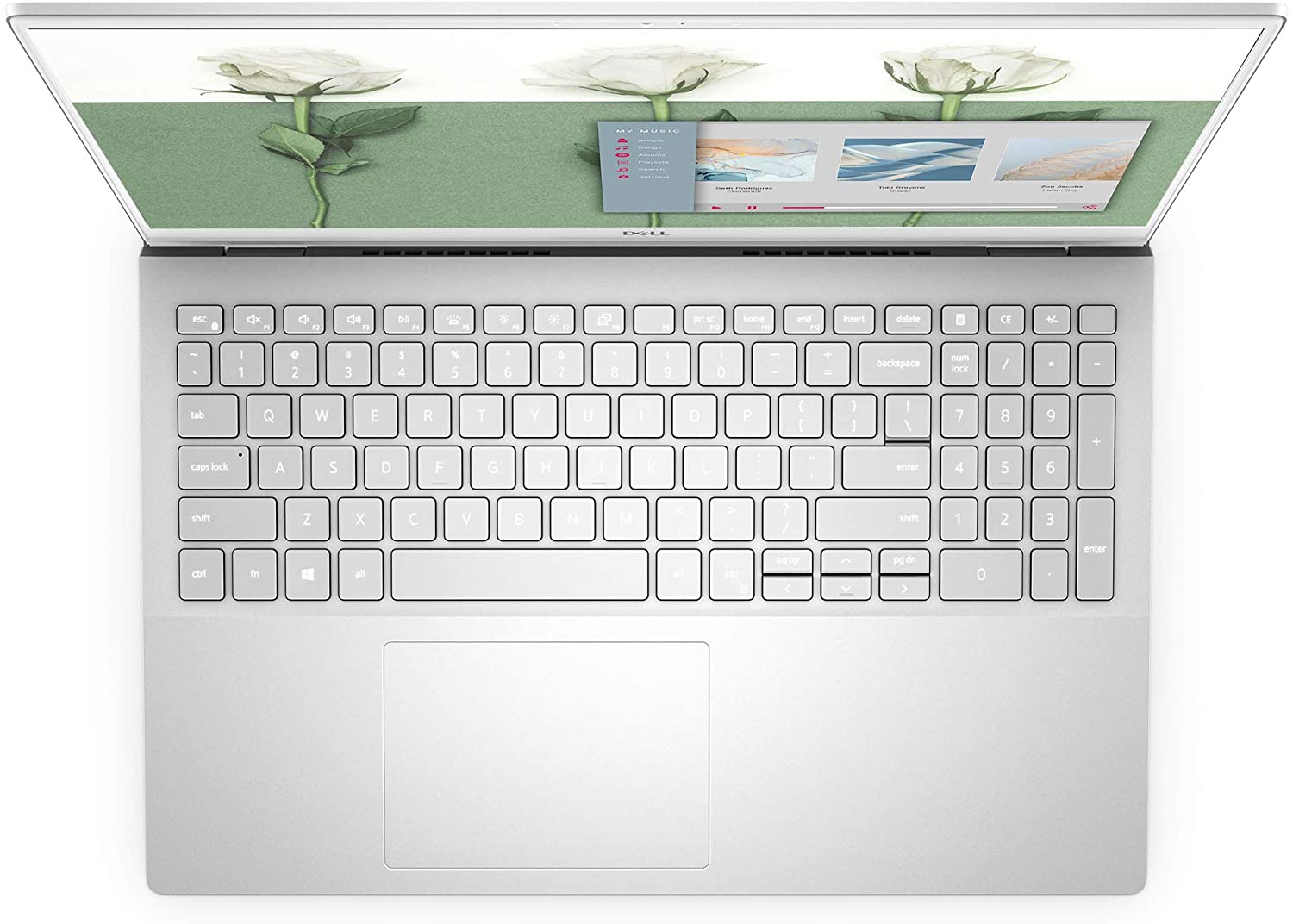
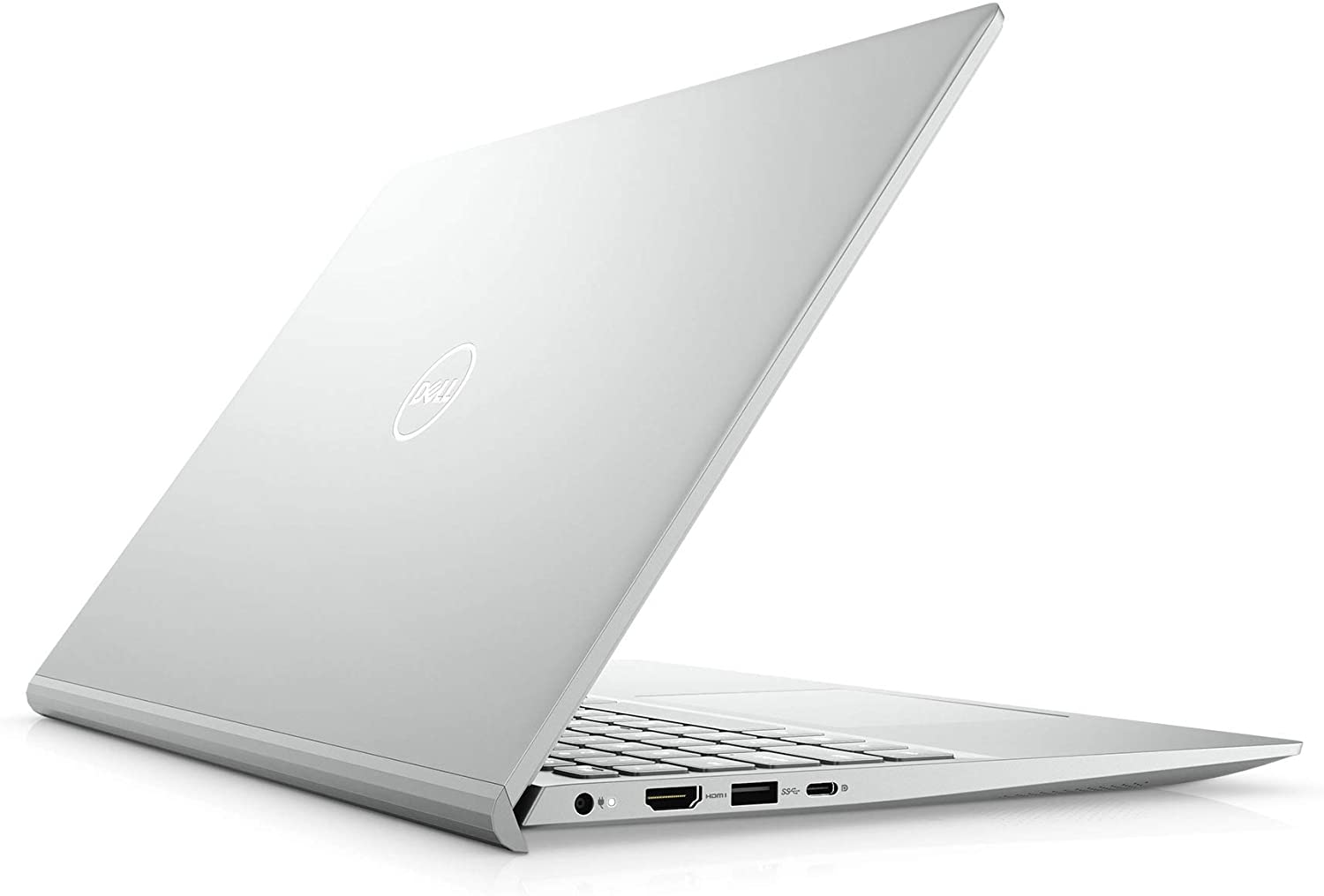
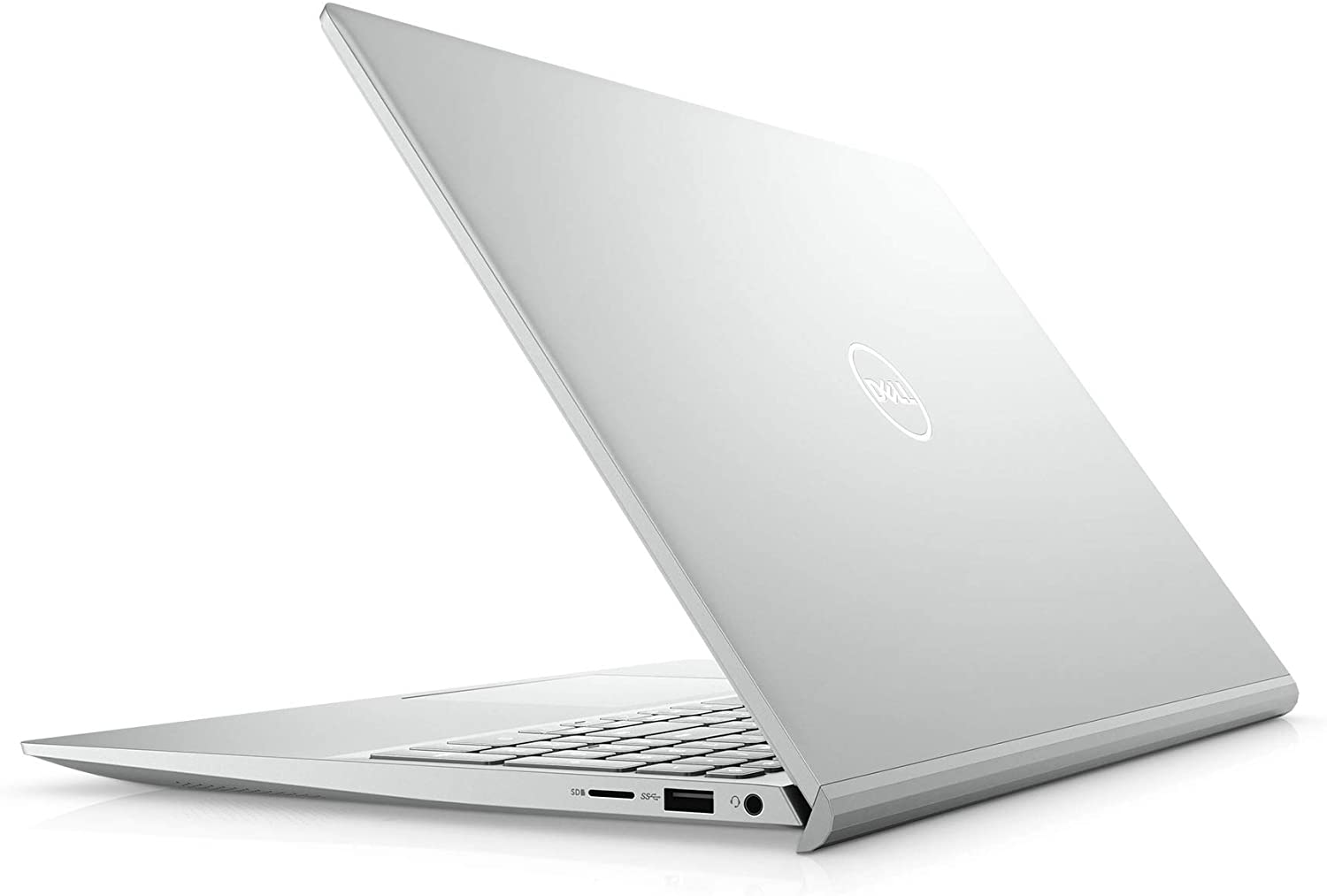

- HDD/SSD
- 高达 2000GB SSD + 高达 1000GB HDD
- M.2 插槽
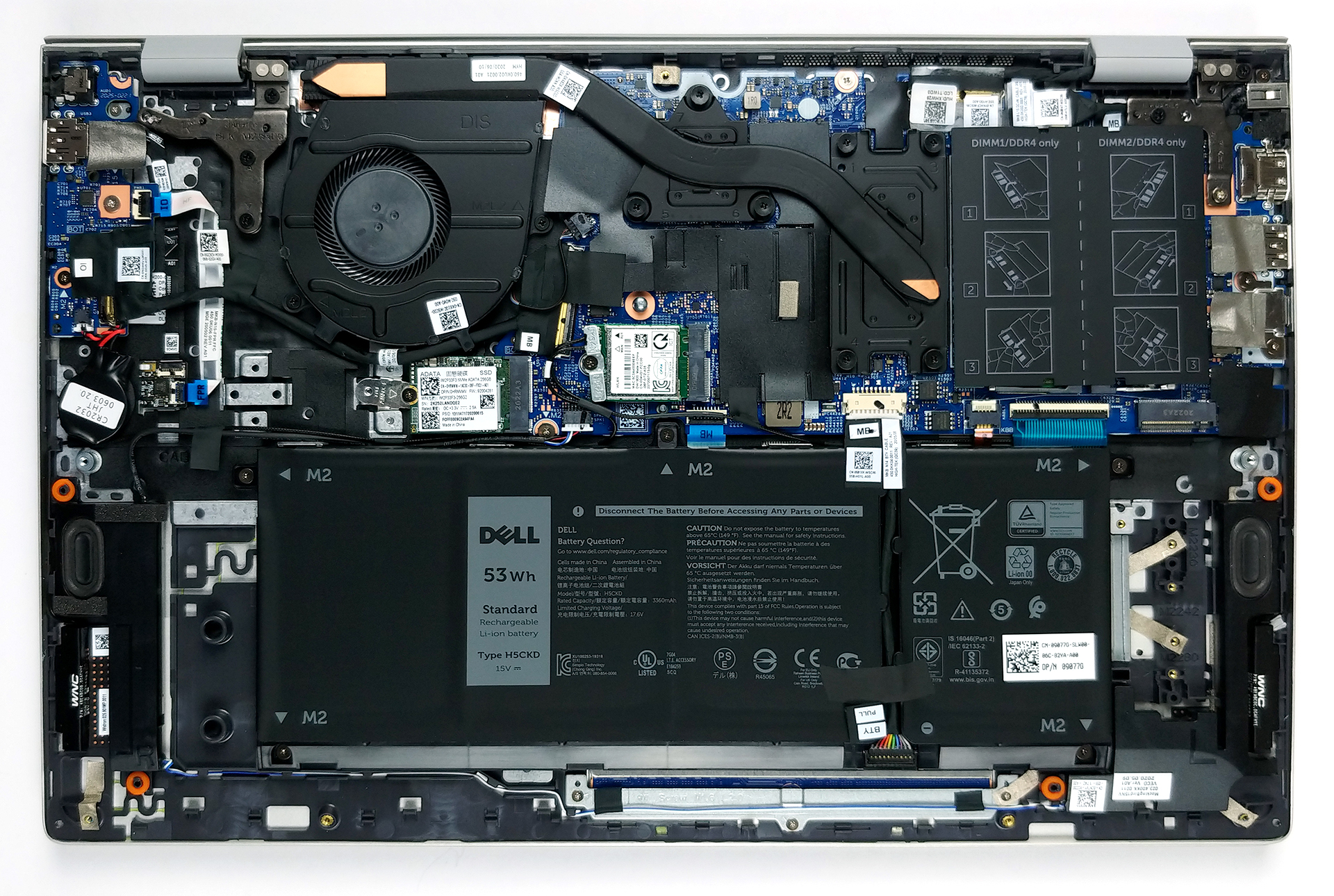
- 2x 2280 PCIe 3.0 x4 查看照片
- RAM
- up to 64GB
- 操作系统
- Windows 10 Home, Windows 11 Home, Windows 10 Pro, No OS
- 电池
- 40Wh, 3-cell, 42Wh, 3-cell, 53Wh, 4-cell, 40Wh, 4-cell
- 机身材质
- Plastic / Polycarbonate, Aluminum
- 尺寸
- 356.1 x 234.5 x 17.9 mm (14.02" x 9.23" x 0.70")
- 重量
- 1.65 kg (3.6 lbs)
- 端口和连接
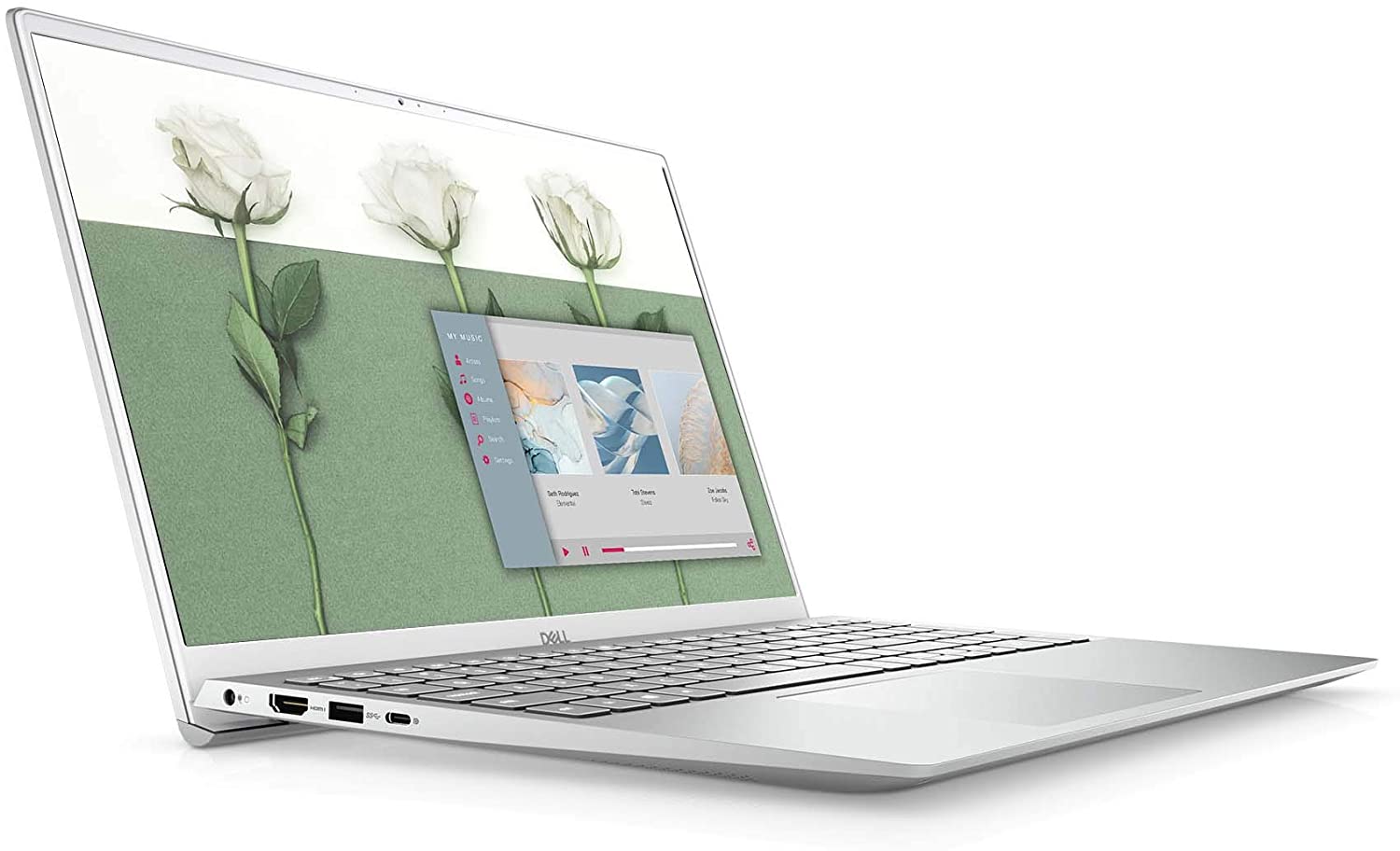
- 2x USB Type-A
- 3.2 Gen 1 (5 Gbps)
- 1x USB Type-C
- 3.2 Gen 1 (5 Gbps), Power Delivery (PD), DisplayPort
- HDMI
- 1.4
- 读卡器
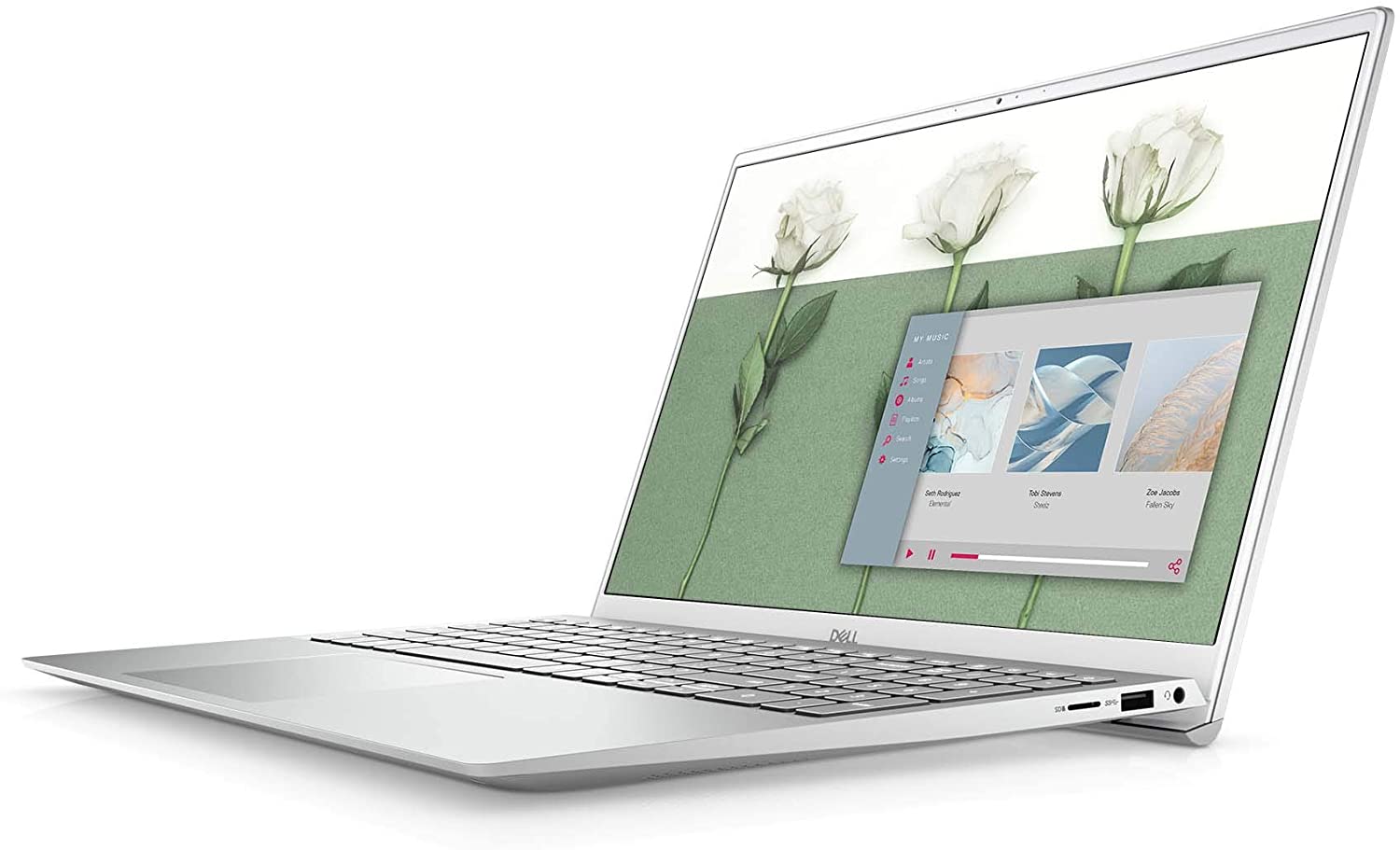
- mSD, mSDHC, mSDXC
- Wi-Fi
- 802.11a/b/g/n/ac/ax
- 蓝牙
- 5.1
- 音频插孔
- 3.5 Combo Jack
- 功能
- 指纹识别器
- optional
- 网络摄像头
- HD
- 背光键盘
- optional
- 麦克风
- Dual Array Microphones
- 扬声器
- 2x 2W, Stereo Speakers
- 光驱
- 安全锁槽
全部 Dell Inspiron 15 5501 配置

购买我们的配置文件 BOE T1WD3-NV15N3D (BOE0819) / 15.6”, Full HD (1920 x 1080), IPS
除了获得高效且有益健康的配置文件外,购买 LaptopMedia 的产品也是对我们实验室发展的支持,我们在实验室中测试设备,以提供最客观的评测。

办公工作
Office Work 主要适用于大部分时间在查看文本、表格或上网的用户。此配置文件旨在通过保持平坦的伽马曲线 (2.20)、原始色温和感知上准确的颜色来提供更好的清晰度。

设计和游戏
此配置文件适用于专业处理色彩的设计师,以及游戏和电影。Design and Gaming 将显示面板推向极限,使其在 Web 和 HDTV 的 sRGB IEC61966-2-1 标准中尽可能准确,白点为 D65。

以 33% 的折扣获取所有 3 个配置文件

CPU 性能
在这里,您可以找到内置的所有CPU之间的价格/性能差异 Dell Inspiron 15 5501 系列.
结果来自Cinebench R23 CPU测试(分数越高越好)。
GPU 性能
在这里,您可以找到内置的所有GPU之间的价格/性能差异。 Dell Inspiron 15 5501 系列.
Dell Inspiron 15 5501 深度评测
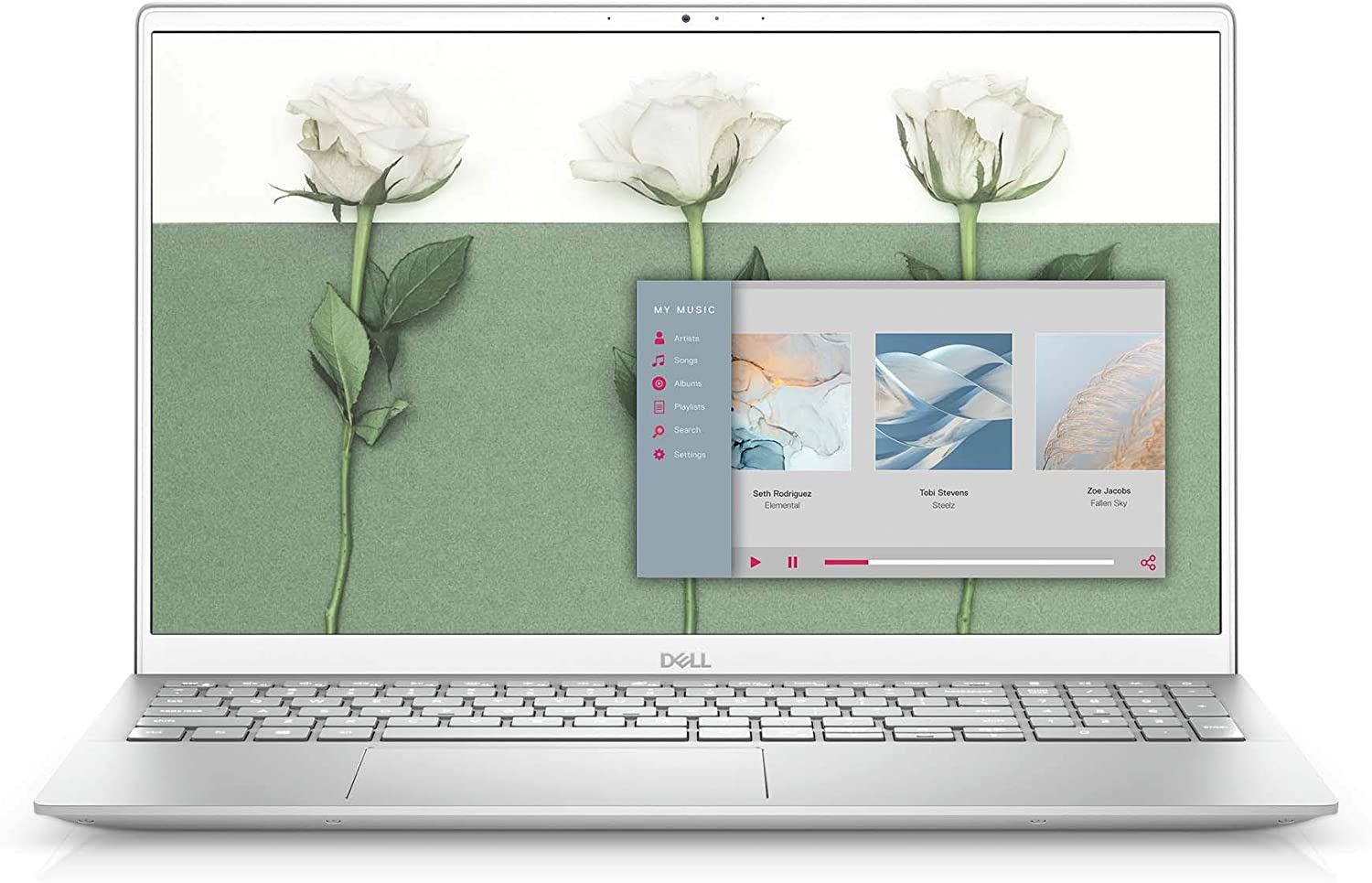
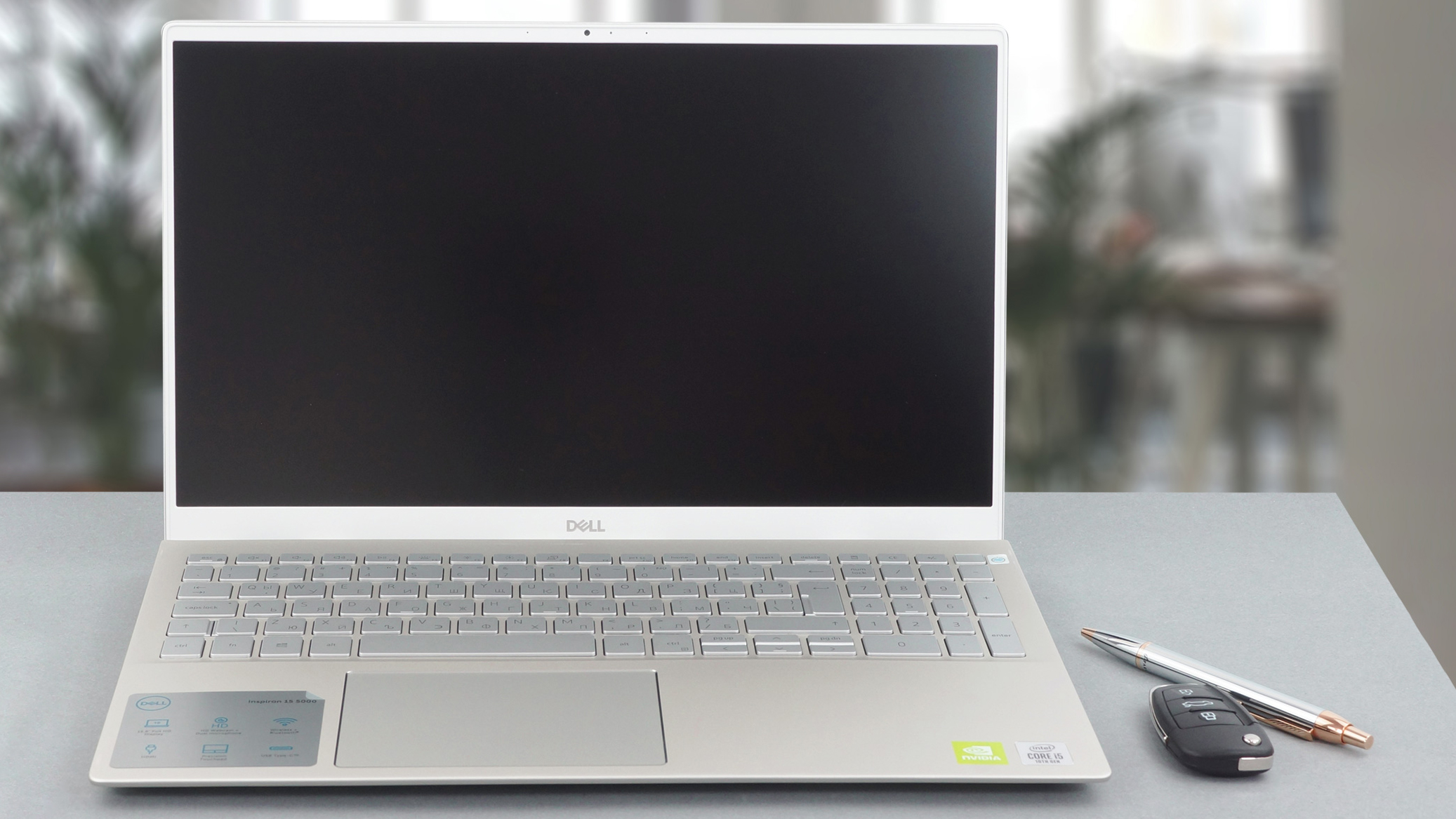
Since Dell was being really stubborn about not changing the looks of their Inspiron series, we are extremely happy to see something fresh. Instead of the boring design, the show is now stolen by the sharp edges and the lifted base.Right now, the laptop is offered with Intel's Ice Lake processor family, but shortly, you should be able to pick it with the new Tiger Lake devices. Also, some regions will receive AMD treatment, as well.By the way, it is getting more and more interesting, seeing the major brands show their all-rounders. This device compares directly with Acer's Aspire 5 (A5[...]
优点
- Upgradability is on point
- GeForce MX330 and Ice Lake CPUs at a good price
- Thin and light form factor with aluminum lid and base
- Fits NVMe drives and has a MicroSD card slot
弊端
- Covers only 50% of sRGB
- Uses aggressive PWM for brightness adjustment (our Health-Guard profile deals with the issue)
- Its cooling solution is insufficient
你可以在这个笔记本系列上玩的游戏

Resolution: 1920 x 1080 (Full HD) |
NORMAL |
HIGH |
VERY HIGH |
MAX |
|---|---|---|---|---|
 | 101 FPS | 36 FPS | 19 FPS | 6 FPS |
| Intel Iris Xe Graphics G7 (96EU) | 48 FPS 播放视频 | 19 FPS 播放视频 | - 播放视频 | - 播放视频 |
| Intel Iris Plus Graphics G7 | 30 FPS 播放视频 | 13 FPS 播放视频 | - 播放视频 | - 播放视频 |
| Intel UHD Graphics G1 | 34 FPS 播放视频 | - 播放视频 | - 播放视频 | - 播放视频 |

Resolution: 1920 x 1080 (Full HD) |
VERY LOW |
MED |
MAX |
|---|---|---|---|
| 243 FPS | 202 FPS | 191 FPS |
| Intel Iris Xe Graphics G7 (96EU) | 231 FPS 播放视频 | 183 FPS 播放视频 | 142 FPS 播放视频 |
| Intel UHD Graphics G1 | 197 FPS 播放视频 | 159 FPS 播放视频 | 96 FPS 播放视频 |
| Intel Iris Plus Graphics G7 | 143 FPS 播放视频 | 114 FPS 播放视频 | 91 FPS 播放视频 |

Resolution: 1920 x 1080 (Full HD) |
MIN |
MAX |
|---|---|---|
| 537 FPS 播放视频 | 50 FPS 播放视频 |
| Intel UHD Graphics G1 | 532 FPS 播放视频 | 42 FPS 播放视频 |
| Intel Iris Plus Graphics G7 | 424 FPS | 36 FPS |
| NVIDIA GeForce MX330 (2GB GDDR5, 25W) | 228 FPS | 51 FPS |

Resolution: 1920 x 1080 (Full HD) |
PERF. |
ORIG. |
ENCH. |
|---|---|---|---|
| 72 FPS | 67 FPS | 63 FPS |
| Intel Iris Xe Graphics G7 (96EU) | 53 FPS 播放视频 | 47 FPS 播放视频 | 41 FPS 播放视频 |
| Intel UHD Graphics G1 | 37 FPS 播放视频 | 35 FPS 播放视频 | 32 FPS 播放视频 |
| Intel Iris Plus Graphics G7 | 35 FPS 播放视频 | 31 FPS 播放视频 | 28 FPS 播放视频 |

Resolution: 1920 x 1080 (Full HD) |
LOW |
NORMAL |
HIGH |
MAX |
|---|---|---|---|---|
| 115 FPS | 82 FPS | 55 FPS | 43 FPS |
| Intel Iris Xe Graphics G7 (96EU) | 94 FPS 播放视频 | 63 FPS 播放视频 | 45 FPS 播放视频 | 34 FPS 播放视频 |
| Intel UHD Graphics G1 | 95 FPS 播放视频 | 55 FPS 播放视频 | 24 FPS 播放视频 | - 播放视频 |
| Intel Iris Plus Graphics G7 | 78 FPS 播放视频 | 46 FPS 播放视频 | 25 FPS 播放视频 | 19 FPS 播放视频 |

Resolution: 1920 x 1080 (Full HD) |
HIGH PERF |
HIGH QLT |
|---|---|---|
| 193 FPS | 73 FPS |
| Intel Iris Xe Graphics G7 (96EU) | 97 FPS 播放视频 | 43 FPS 播放视频 |
| Intel UHD Graphics G1 | 64 FPS 播放视频 | 28 FPS 播放视频 |
| Intel Iris Plus Graphics G7 | 53 FPS 播放视频 | 21 FPS 播放视频 |

Resolution: 1920 x 1080 (Full HD) |
MIN |
MED |
ULTRA |
|---|---|---|---|
| 239 FPS | 65 FPS | 30 FPS |
| Intel Iris Xe Graphics G7 (96EU) | 174 FPS 播放视频 | 41 FPS 播放视频 | 23 FPS 播放视频 |
| Intel Iris Plus Graphics G7 | 167 FPS 播放视频 | 24 FPS 播放视频 | 14 FPS 播放视频 |
| Intel UHD Graphics G1 | 142 FPS 播放视频 | 23 FPS 播放视频 | - 播放视频 |

Resolution: 1920 x 1080 (Full HD) |
MIN |
MED |
MAX |
|---|---|---|---|
| 42 FPS 播放视频 | 33 FPS 播放视频 | 23 FPS 播放视频 |
| NVIDIA GeForce MX330 (2GB GDDR5, 25W) | 39 FPS | 28 FPS | 18 FPS |

Resolution: 1920 x 1080 (Full HD) |
LOW |
MED |
MAX |
|---|---|---|---|
| 143 FPS | 115 FPS | 91 FPS |
| Intel Iris Xe Graphics G7 (96EU) | 117 FPS 播放视频 | 79 FPS 播放视频 | 39 FPS 播放视频 |
| Intel UHD Graphics G1 | 67 FPS 播放视频 | 43 FPS 播放视频 | 24 FPS 播放视频 |
| Intel Iris Plus Graphics G7 | 67 FPS 播放视频 | 38 FPS 播放视频 | 16 FPS 播放视频 |

Resolution: 1920 x 1080 (Full HD) |
LOW |
MAX |
|---|---|---|
| 106 FPS | 92 FPS |
| Intel Iris Xe Graphics G7 (96EU) | 119 FPS 播放视频 | 49 FPS 播放视频 |
| Intel UHD Graphics G1 | 99 FPS 播放视频 | 30 FPS 播放视频 |
| Intel Iris Plus Graphics G7 | 85 FPS 播放视频 | 26 FPS 播放视频 |


![[2026年6月] 亚马逊全球畅销笔记本电脑品牌——苹果在销量和营收方面均占据无可匹敌的统治地位](https://laptopmedia.com/wp-content/uploads/2026/07/GLOBAL-Best-Brands-400x225.jpg)
![[2026年6月] 亚马逊全球:笔记本电脑销量前十名——苹果新款MacBook Neo强势登顶,以亲民价格重塑市场格局](https://laptopmedia.com/wp-content/uploads/2026/07/Best-Selling-Laptops-GLOBAL-Top-10-400x225.jpg)
![[2026年6月] 亚马逊全球:十大畅销游戏笔记本电脑——宏碁Nitro V 16S AI销量领跑,华硕总营收居首](https://laptopmedia.com/wp-content/uploads/2026/07/Best-Selling-Gaming-Laptops-GLOBAL-Top-10-400x225.jpg)
![[2026年6月] 亚马逊全球畅销笔记本电脑显卡排行榜——NVIDIA RTX 5060 位居专用显卡销量榜首](https://laptopmedia.com/wp-content/uploads/2026/07/Best-Selling-GPUs-GLOBAL-Top-10-400x225.jpg)
![[2026年6月] 亚马逊全球畅销笔记本电脑CPU排行榜——苹果M5占据主导地位,AMD锐龙7 260在高端市场占据稳固份额](https://laptopmedia.com/wp-content/uploads/2026/07/Best-Selling-CPUs-GLOBAL-Top-10-400x225.jpg)