Inside ASUS VivoBook S14 S435 – disassembly and upgrade options
This device is probably one of the most premium offerings from the VivoBook brand. Not only it offers a tremendous amount of performance, but its chassis provides a feeling of stability and class.
Check out all ASUS VivoBook S14 S435 prices and configurations in our Specs System or read more in our In-Depth review.
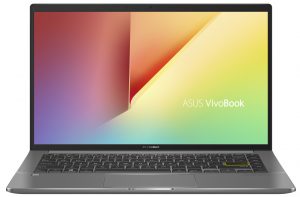
1. Remove the bottom plate
This laptop’s bottom panel is held in place by 9 Torx-head screws. After you undo them, you need to pry the panel with a plastic tool. Then, lift it away from the chassis.
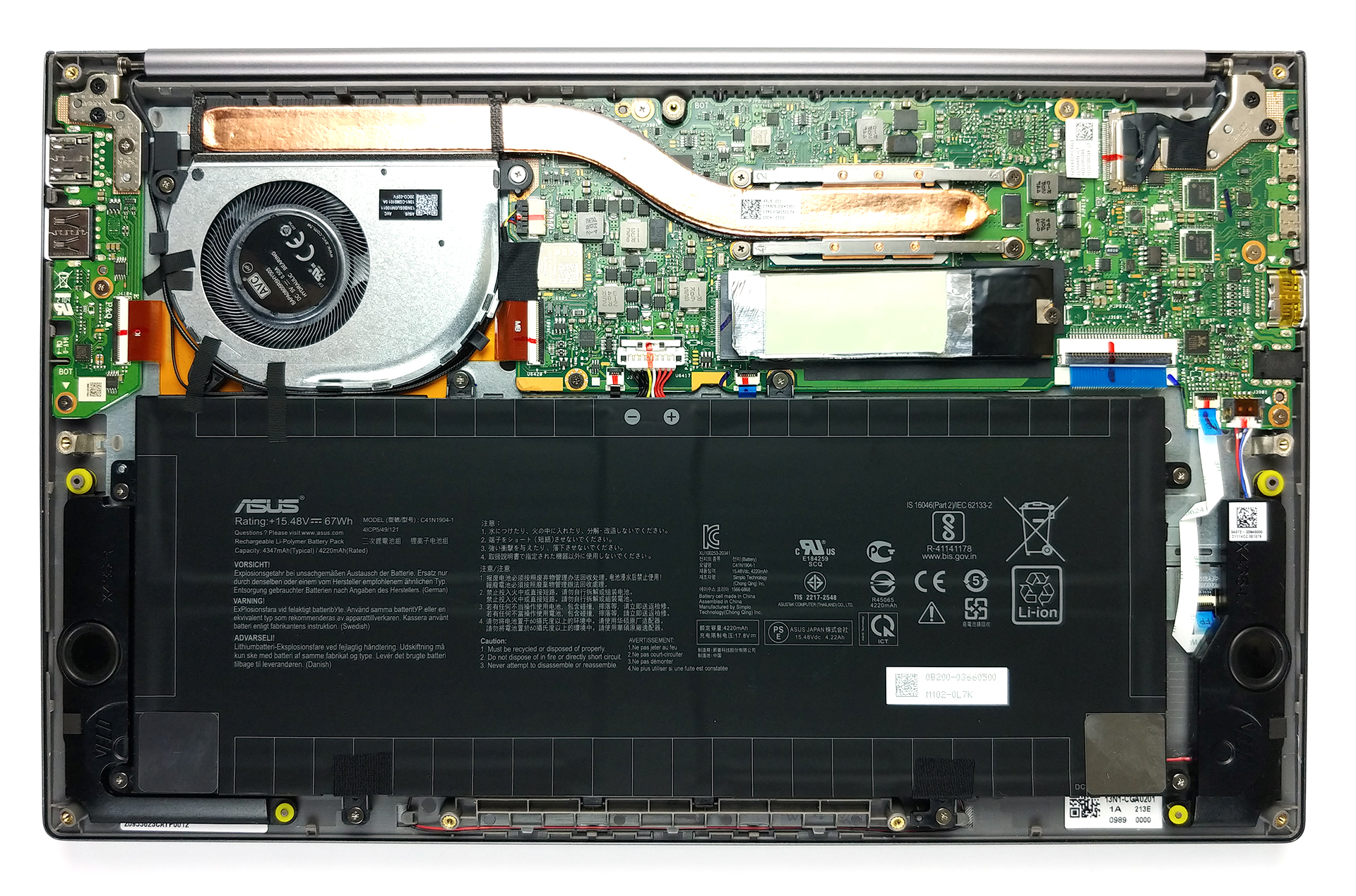
2. Battery
It’s good to see that ASUS has integrated a 67Wh battery pack inside of this machine.
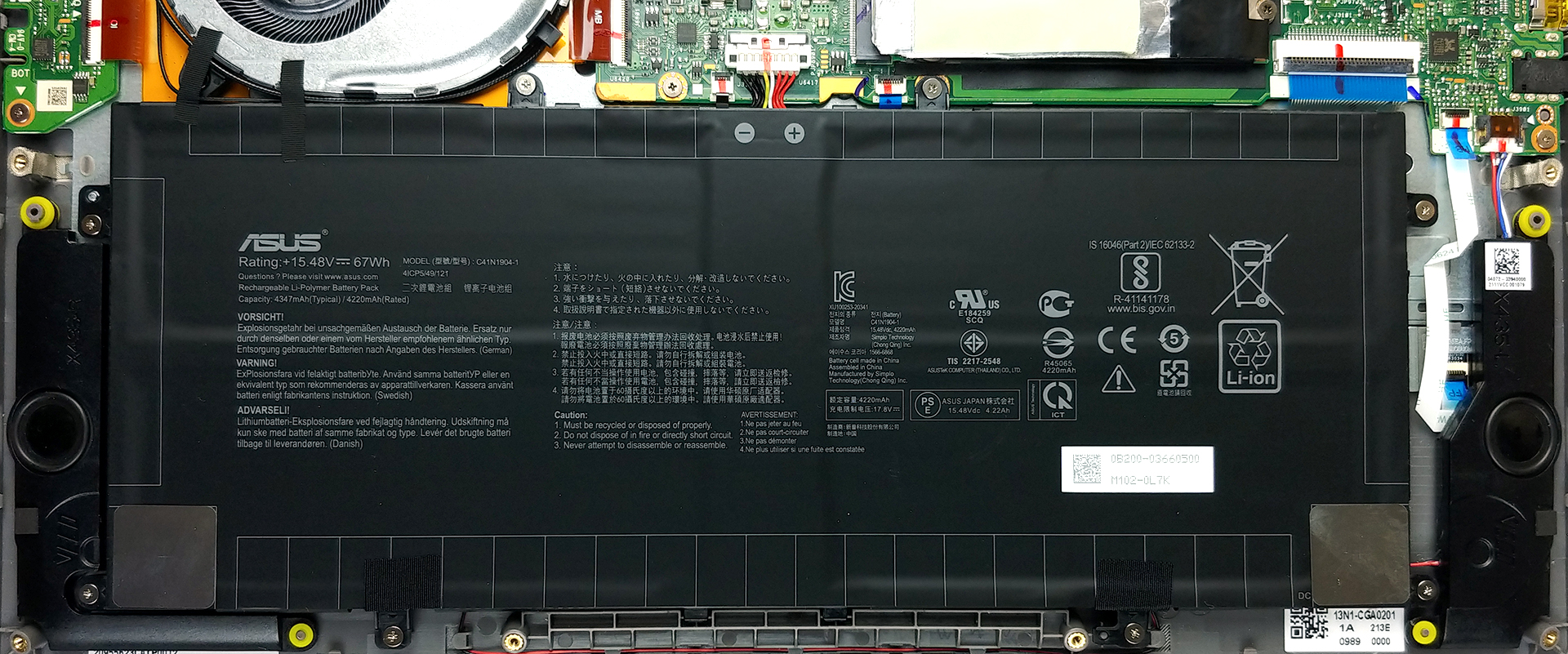
3. Мemory and storage
Sadly, but expectedly, the memory is soldered to the motherboard. However, the configurations available include 8 and 16GB of LPDDR4x RAM. Thankfully, the storage can be upgraded via one M.2 PCIe x4 slot.

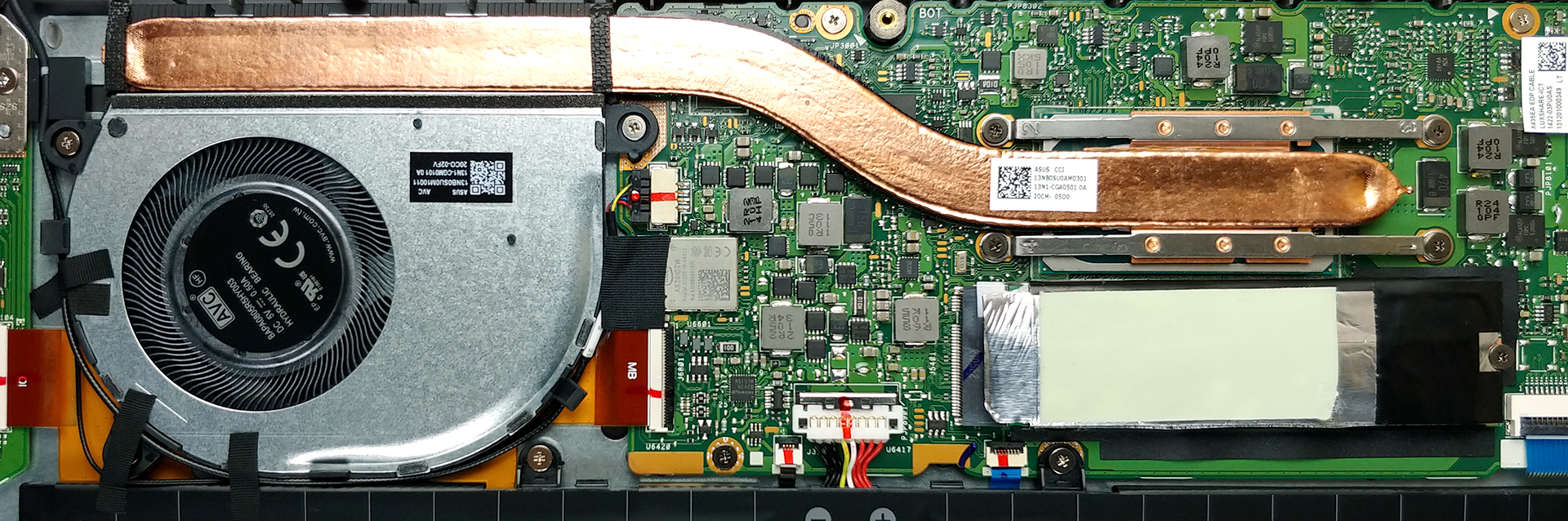
4. Cooling system
Now, the cooling solution looks pretty typical for a laptop of this class. It has a pretty beefy heat pipe, a heat sink, and a fan, which has a rather slim profile. However, ASUS state that their fan blades have a 3D-curved design, whatever this means.
Check out all ASUS VivoBook S14 S435 prices and configurations in our Specs System or read more in our In-Depth review.
ASUS VivoBook S14 (S435) ausführliche Bewertung
If you are planning to buy a notebook, there are a couple of questions you need to answer before you make a decision. First, what do you need your laptop for? Are you going to play games on it, use it as a workhorse, or just for multimedia consumption? Then, you need to figure out your budget.So, if you are in school, work from home, or just want to express yourself, one of the best options is the VivoBook series. And if you are planning to invest a bit more - the ZenBook, also from ASUS. However, if your budget is tight, but you still want something of good quality, then the ASUS VivoBoo[...]

Profis
- 2x Thunderbolt 4, MicroSD card slot
- Up to 64 GB of RAM in dual-channel
- Fingerprint reader
- Wi-Fi 6, PCIe x4
- 98% sRGB coverage and Average dE of 1.1 with our Gaming and Web design profile (AUO B140HAN06.B (AUOA48F))
- No PWM (AUO B140HAN06.B (AUOA48F))
- Comfortable keyboard with a backlight
- Good battery life
- All-aluminum build
Nachteile
- Soldered memory
- Small arrow keys
 Author: Alex Iliev

![[Juni 2026] Die meistverkauften Laptop-Marken bei Amazon Global – Apples unangefochtene Dominanz bei Absatzzahlen und Umsatz](https://laptopmedia.com/wp-content/uploads/2026/07/GLOBAL-Best-Brands-400x225.jpg)
![[Juni 2026] Amazon Global: Die 10 meistverkauften Laptops – Apples neues MacBook Neo stürmt auf Platz 1 und verändert den Markt durch seinen günstigen Preis](https://laptopmedia.com/wp-content/uploads/2026/07/Best-Selling-Laptops-GLOBAL-Top-10-400x225.jpg)
![[Juni 2026] Amazon Global: Die 10 meistverkauften Gaming-Laptops – Acers Nitro V 16S AI dominiert die Verkaufszahlen, während ASUS beim Gesamtumsatz die Nase vorn hat](https://laptopmedia.com/wp-content/uploads/2026/07/Best-Selling-Gaming-Laptops-GLOBAL-Top-10-400x225.jpg)
![[Juni 2026] Weltweite Rangliste der meistverkauften Laptop-Grafikkarten bei Amazon – Die NVIDIA RTX 5060 ist die meistverkaufte dedizierte Grafikkarte](https://laptopmedia.com/wp-content/uploads/2026/07/Best-Selling-GPUs-GLOBAL-Top-10-400x225.jpg)
![[Juni 2026] Weltweite Rangliste der meistverkauften Laptop-CPUs bei Amazon – Apple M5 dominiert, AMD Ryzen 7 260 erobert soliden Marktanteil im Premium-Segment](https://laptopmedia.com/wp-content/uploads/2026/07/Best-Selling-CPUs-GLOBAL-Top-10-400x225.jpg)
