Top 5 reasons to BUY or NOT to buy the Dell Vostro 15 3501
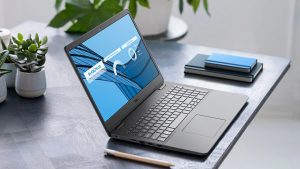 Dell offers devices for every niche and every market out there. While we like to check out the premium and expensive devices, we shouldn’t neglect the more budget-friendly options that are out there, such as the Dell Vostro 15 3501. While it has its shortcomings, it provides a great foundation for new businesses and beginner entrepreneurs who are just starting out.
You can read more about the Dell Vostro 15 3501 in our in-depth review here.
You can check the prices and configurations in our Specs System: https://laptopmedia.com/series/dell-vostro-15-3501/
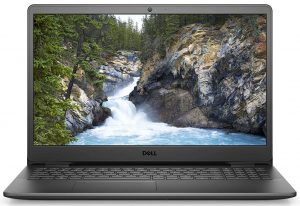
3 reasons to BUY the Dell Vostro 15 3501
1. The Upgradeability
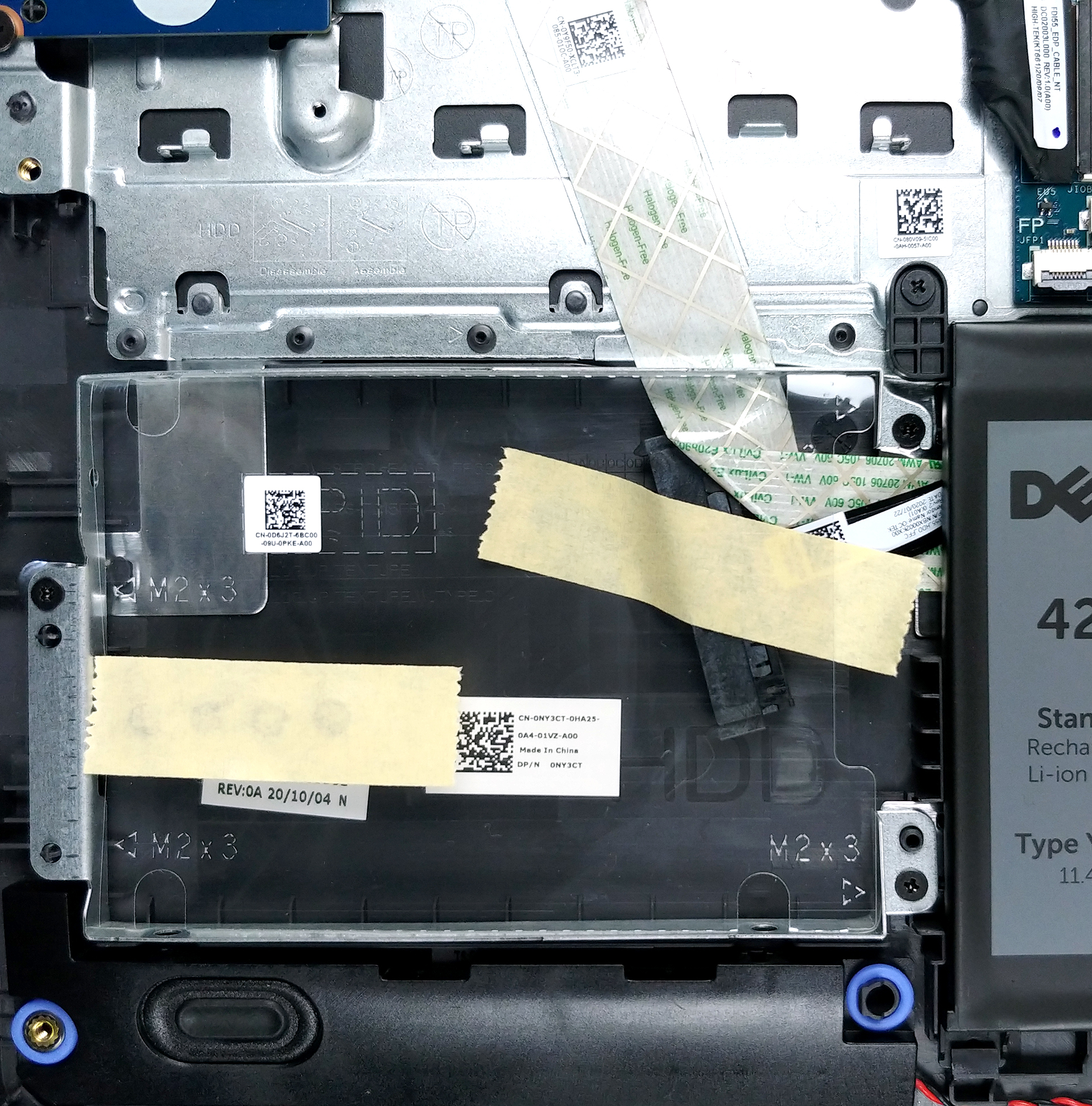
Business devices have always delivered when it comes to upgradability. We are happy to say that the Dell Vostro 15 3501 is held up to the same standard as it features two SODIMM slots with support of up to 32GB of RAM. As for the storage, there is one M.2 PCIe x4 slot with an additional 2.5-inch SATA drive bay. What is great is that the device comes with the SATA connector, even though there is no SATA drive found in it.

2. The Battery life
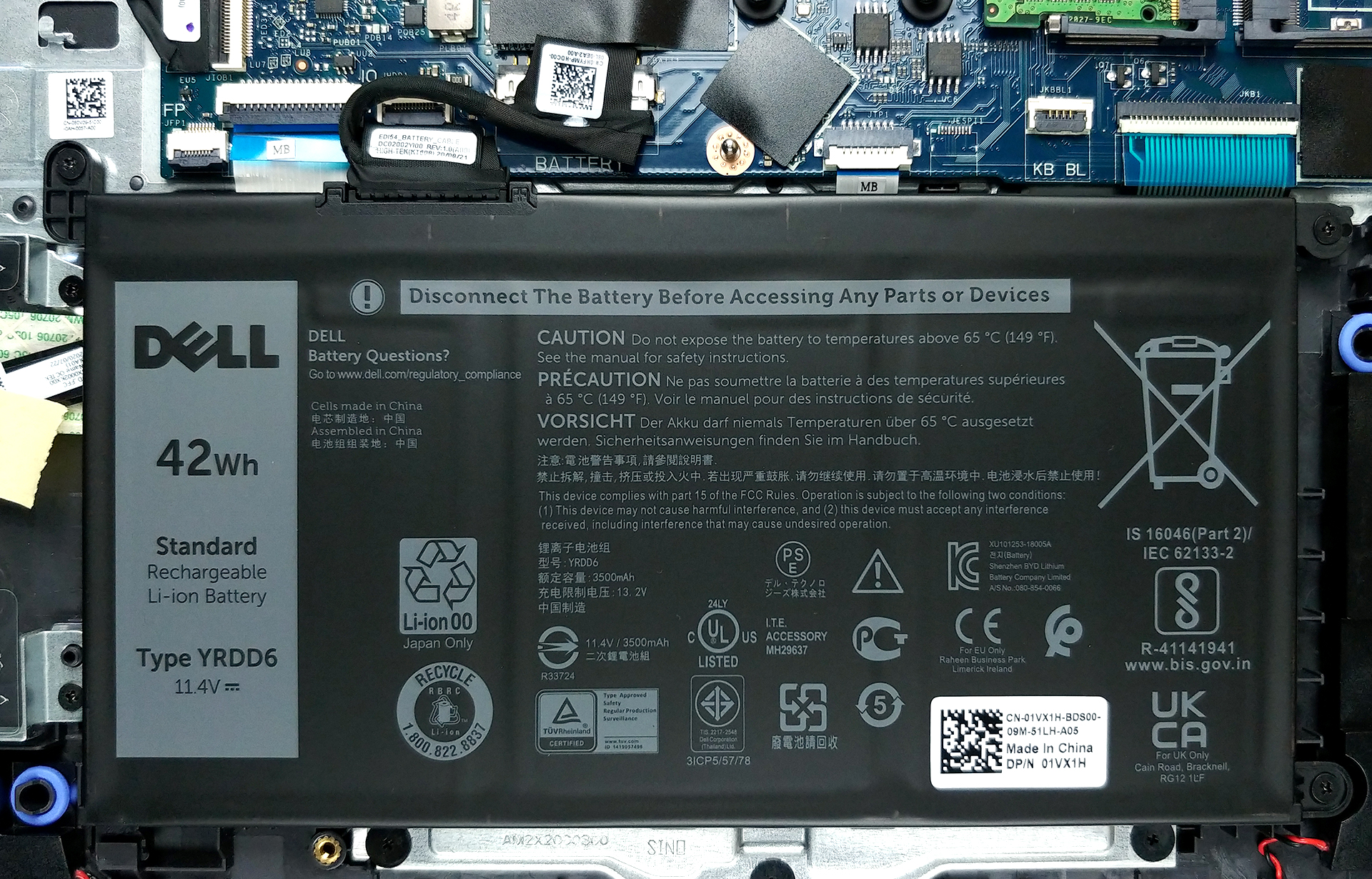
The battery life, while not being the best, deserves some praise, considering the price of the device. In our tests, its relatively small 42Wh battery managed to deliver 8 hours and 20 minutes of Web browsing and 9 hours and 3 minutes of video playback, which is not bad at all.
3. The good part of the display
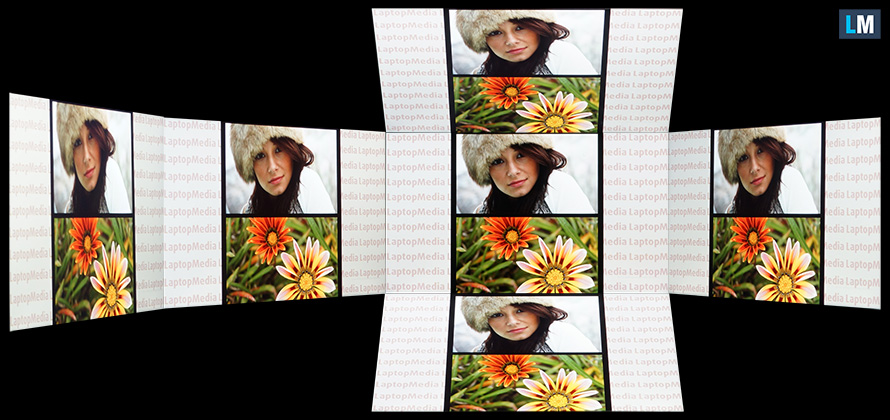
The display is a bit of a mixed bag for us, but we’ll save its bad qualities for later in the article. The Vostro 15’s display is 15.6 inches in diameter and features a resolution of 1080p. What is great about it is the viewing angles and the contrast ratio that surprised us in a good way. Below are pictures that show off the device’s viewing angles.
2 reasons NOT to buy the Dell Vostro 15 3501
1. The Build quality
With a device of this price, there are often sacrifices that are made in the design and build quality department, to provide more resources for the internal components and other features that directly impact the user experience of a device. This Vostro 15 uses plastic for all of its body, and while it makes the device able to twist, Dell has tried to implement a nice stripy pattern on the lid and base, which kind of liven up the laptop.

2. The bad part of the display
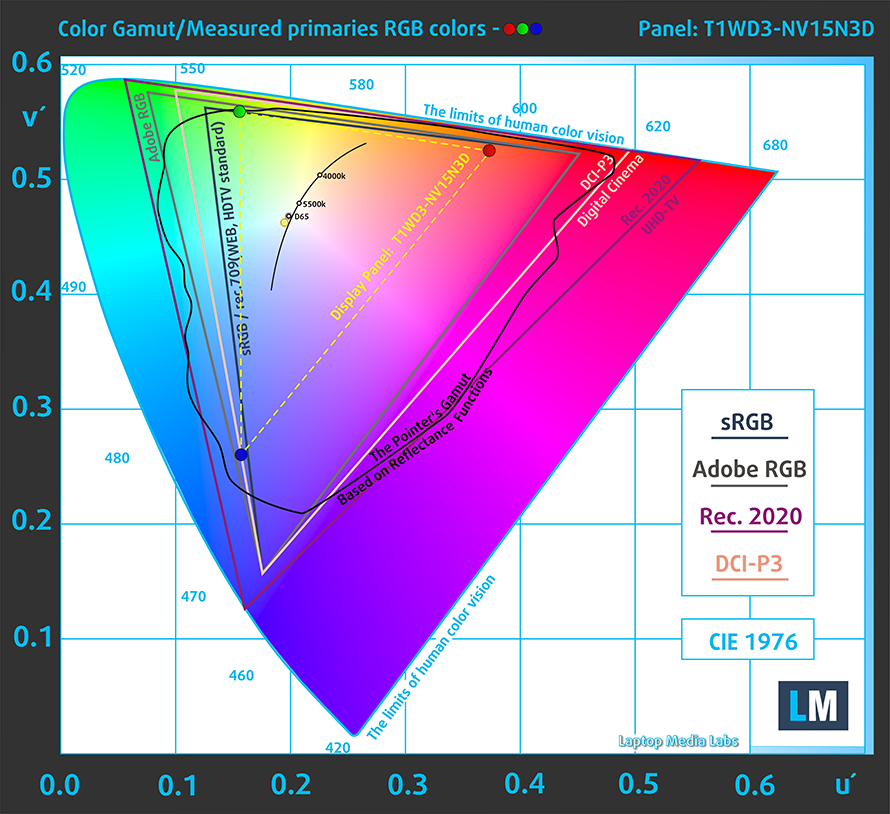
We’ll get straight to it, the color coverage on the device is really poor, covering only 50% of the sRGB color gamut. Additionally, the device makes heavy use of PWM, which is really bad for your eyesight, if you use the device for prolonged periods of time. We have a detailed article on PWM, which you can read here. Thankfully, our Health-Guard profile completely eliminates this issue.
Buy our profiles
Since our profiles are tailored for each individual display model, this article and its respective profile package are meant for Dell Vostro 15 3501 configurations with 15.6″ FHD IPS BOE T1WD3-NV15N3D (BOE0819).
*Should you have problems with downloading the purchased file, try using a different browser to open the link you’ll receive via e-mail. If the download target is a .php file instead of an archive, change the file extension to .zip or contact us at [email protected].
Read more about the profiles HERE.
Zusätzlich zum Erhalt effizienter und gesundheitsfreundlicher Profile unterstützen Sie durch den Kauf von LaptopMedia-Produkten auch die Entwicklung unserer Labore, in denen wir Geräte testen, um möglichst objektive Bewertungen zu erstellen.

Office Work
Office Work sollte hauptsächlich von Benutzern verwendet werden, die die meiste Zeit mit Texten, Tabellen oder dem Surfen im Internet verbringen. Dieses Profil zielt darauf ab, eine bessere Deutlichkeit und Klarheit zu liefern, indem es eine flache Gammakurve (2.20), eine native Farbtemperatur und wahrnehmungsgetreue Farben beibehält.

Design und Gaming
Dieses Profil richtet sich an Designer, die professionell mit Farben arbeiten, sowie für Spiele und Filme. Design und Gaming bringt Displays an ihre Grenzen und macht sie im sRGB IEC61966-2-1 Standard für Web und HDTV am Weißpunkt D65 so genau wie möglich.

Health-Guard
Health-Guard eliminiert die schädliche Pulsweitenmodulation (PWM) und reduziert das negative blaue Licht, das sich auf unsere Augen und unseren Körper auswirkt. Da es für jedes Panel maßgeschneidert ist, gelingt es, die Farben wahrnehmungsgetreu zu halten. Health-Guard simuliert Papier, so dass die Belastung für die Augen stark reduziert wird.
Holen Sie sich alle 3 Profile mit 33 % Rabatt

 Author: Severin Kolakov

![[August 2026] Amazon Global: Die 10 meistverkauften Laptops – Das Apple MacBook Neo führt die Charts an, während preisgünstige und Mittelklasse-Windows-Laptops um Absatzzahlen kämpfen](https://laptopmedia.com/wp-content/uploads/2026/09/Best-Selling-Laptops-GLOBAL-Top-10-400x225.jpg)
![[August 2026] Die meistverkauften Laptop-Marken bei Amazon Global – Apple dominiert den Umsatz, während HP bei der Modellvielfalt führend ist](https://laptopmedia.com/wp-content/uploads/2026/09/GLOBAL-Best-Brands-400x225.jpg)
![[August 2026] Amazon Global: Die 10 meistverkauften Gaming-Laptops – Der HP Victus 15 erobert den ersten Platz, während preisgünstige Modelle die Rangliste dominieren](https://laptopmedia.com/wp-content/uploads/2026/09/Best-Selling-Gaming-Laptops-GLOBAL-Top-10-400x225.jpg)
![[August 2026] Best-Selling Laptop Brands on Amazon Japan – Apple Dominates Market Share and Revenue Led by Strong Unit Sales](https://laptopmedia.com/wp-content/uploads/2026/09/CO.JP-Best-Brands-1-400x225.jpg)
![[August 2026] Best-Selling Laptop Brands on Amazon USA – Apple Dominates Market Revenue and Volume Despite Lower Model Diversity](https://laptopmedia.com/wp-content/uploads/2026/09/COM-Best-Brands-1-400x225.jpg)
