Lenovo IdeaPad Slim 3 (16″, 2023) Test – günstig und super effizient
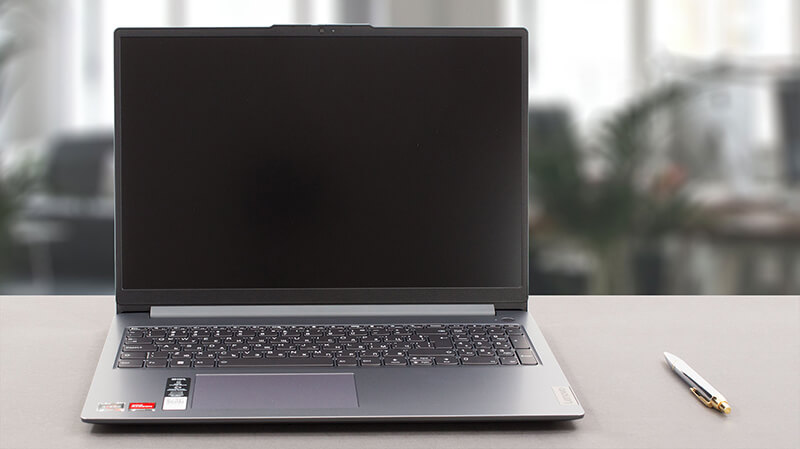 Heute haben wir die schlanke Version eines der beliebtesten Notebooks auf dem Markt – das Lenovo IdeaPad 3. Offiziell heißt es Lenovo IdeaPad Slim 3 (16″, 2023), oder Lenovo IdeaPad Slim 3 16ABR8 (oder einfach Gen 8).
Der Name “Slim” deutet darauf hin, dass es sich um ein generisches Modell handelt – im Gegensatz zum IdeaPad Gaming und der IdeaPad Flex-Serie, die ziemlich selbsterklärend sind. Unsere Konfiguration kommt mit einem von drei AMD Ryzen Prozessoren – dem Ryzen 3 7330U, Ryzen 5 7530U oder Ryzen 7 7730U.
Sie basieren auf den 5x25U-Chips – der Ryzen 7 7730U ist zum Beispiel so etwas wie der Ryzen 7 5825U in Verkleidung. Das bedeutet, dass Sie auf Gen 3 PCIe-Unterstützung sowie DDR4-Speicher “beschränkt” sind.
Auf der anderen Seite erwarten wir, dass die Maschine sehr effizient und leistungsstark für die tägliche Arbeit und den Multimedia-Konsum ist – etwas, wofür diese Maschine letztendlich gedacht ist. Außerdem freuen wir uns, dass die einzige Display-Option ein 16-Zoll-IPS-Panel mit 1200p ist – kein Unsinn mit einer niedrig auflösenden TN-Einheit.
Sie können die Preise und Konfigurationen in unserem Specs System überprüfen: https://laptopmedia.com/series/lenovo-ideapad-slim-3-16-2023/
Contents
- Technische Daten, Treiber, Lieferumfang
- Design und Konstruktion
- Displayqualität, Gesundheitsauswirkungen (PWM), Sound
- Unsere Profile kaufen
- Leistung: CPU, GPU, Spiele-Tests
- [eBook-Anleitung + Werkzeuge] Wie Sie Ihr Laptop MAXIMAL AUSNUTZEN
- Temperaturen und Komfort, Akkulaufzeit
- Demontage, Upgrade-Optionen und Wartung
- Fazit
Technische Daten, Treiber, Lieferumfang
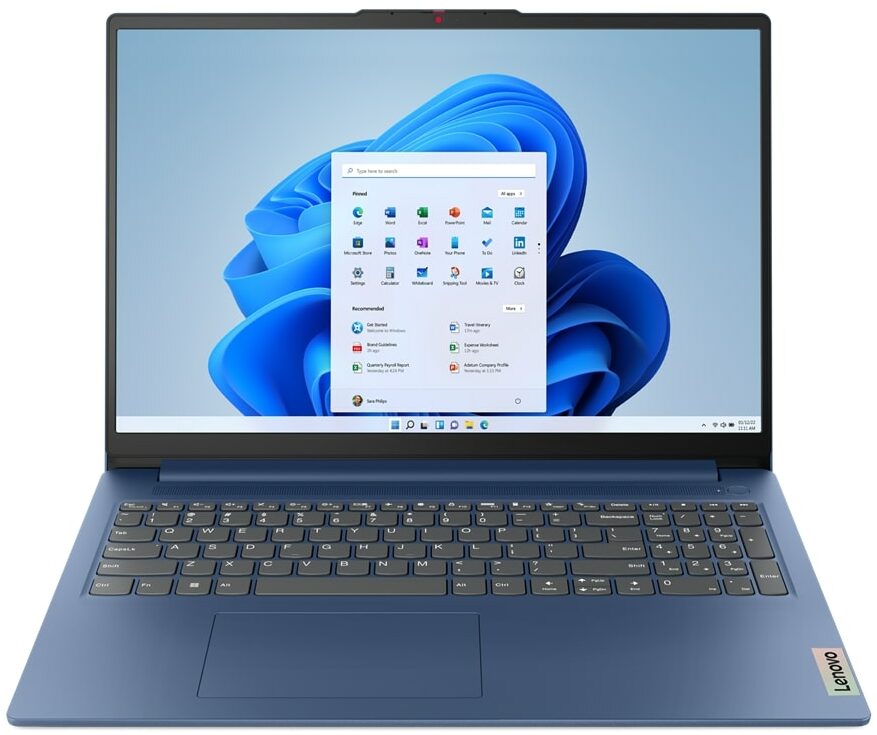
Lenovo IdeaPad Slim 3 (16", 2023) - Spezifikationen


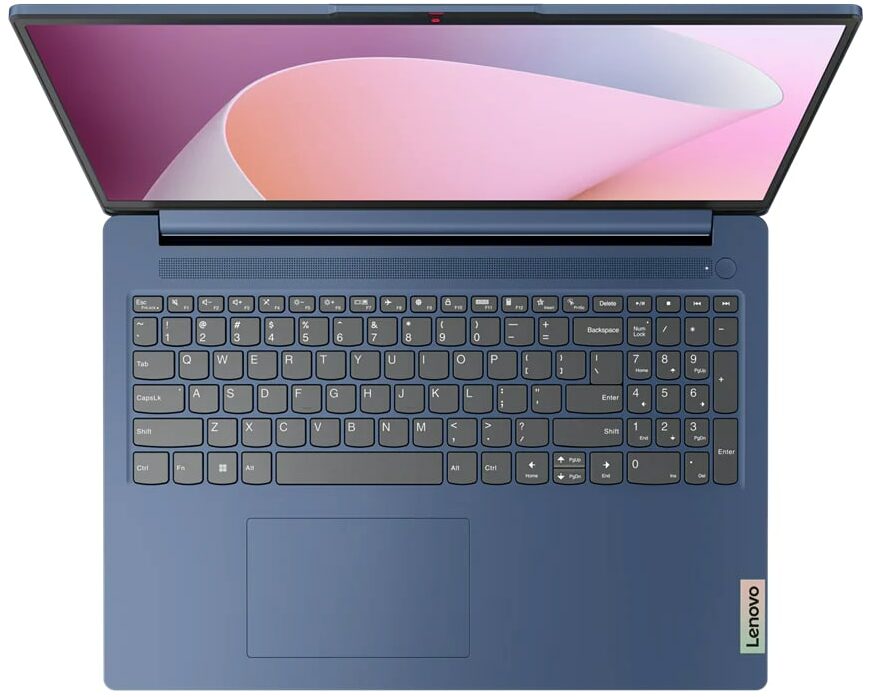
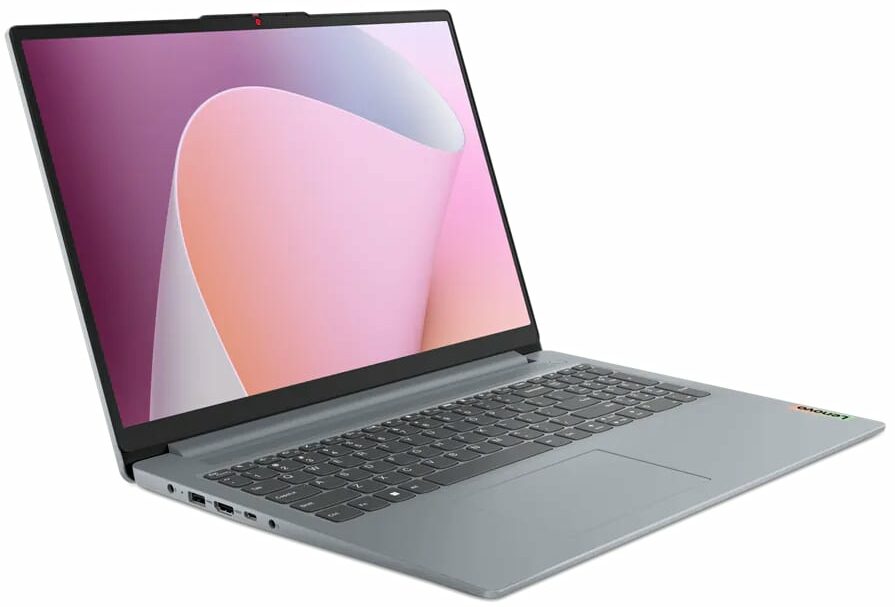


- Display
- 16.0”, WUXGA (1920 x 1200), IPS

- HDD/SSD
- bis zu 4000GB SSD
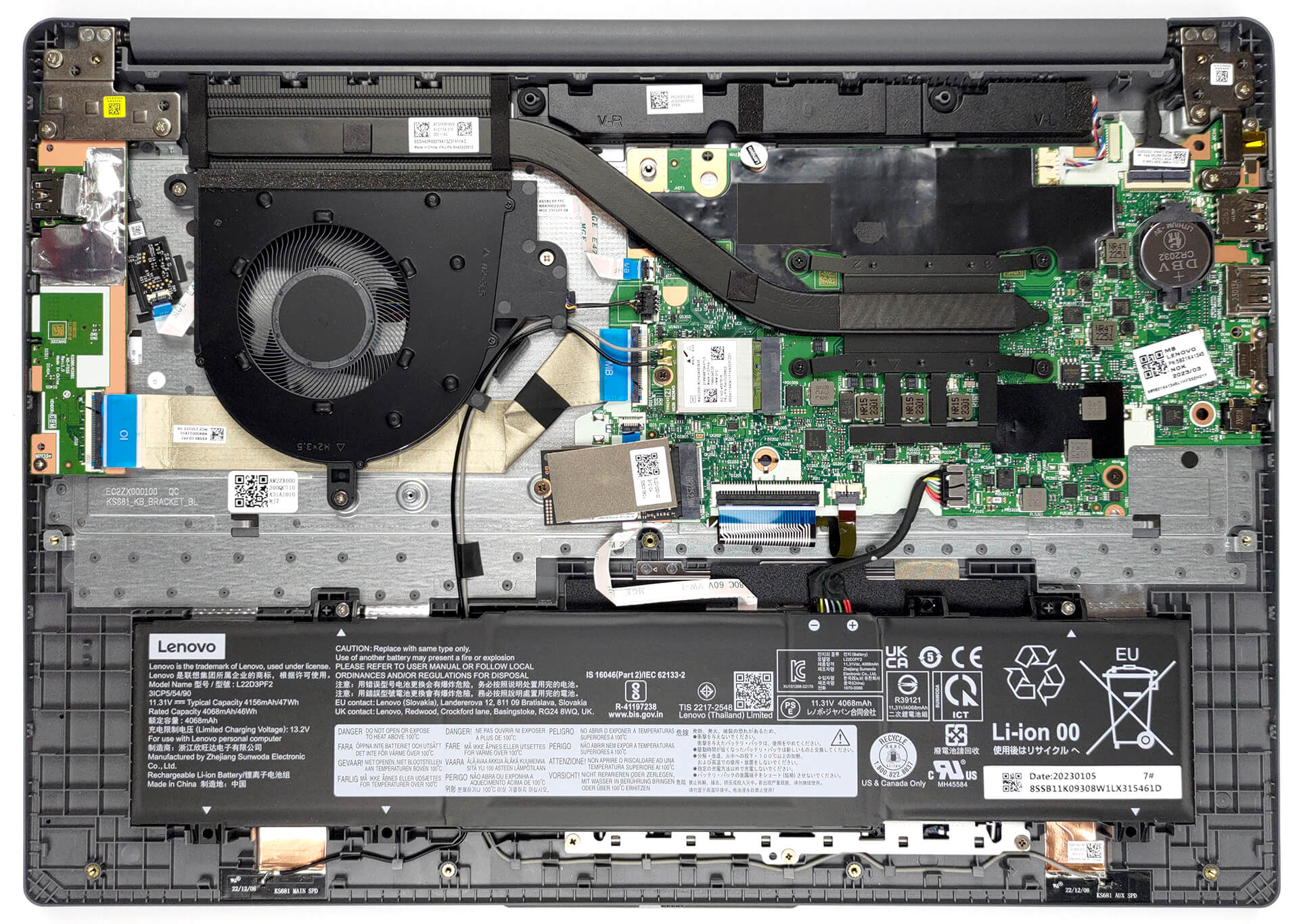
- M.2 Steckplatz
- 1x 2242 M.2 NVMe PCIe 3.0 x4 Siehe Foto
- RAM
- up to 16GB
- Betriebssystem
- Windows 11 Home, Windows 11 Pro, Linux, Windows 10 Pro, DOS, Windows 10 Home, No OS
- Akku
- 47Wh
- Gehäusematerial
- Plastic / Polycarbonate
- Abmessungen
- 359.2 x 257 x 17.9 - 18.4 mm (14.14" x 10.12" x 0.70")
- Gewicht
- 1.74 kg (3.8 lbs)
- Anschlüsse und Konnektivität
- 2x USB Type-A
- 3.2 Gen 1 (5 Gbps)
- 1x USB Type-C
- 3.2 Gen 1 (5 Gbps), Power Delivery (PD), DisplayPort
- HDMI
- 1.4
- Kartenleser
- SD (SD, SDHC, SDXC, MMC)
- Ethernet LAN
- Wi-Fi
- 802.11ax
- Bluetooth
- 5.1
- Audioanschluss
- 3.5mm Combo Jack
- Merkmale
- Fingerabdruckleser
- optional
- Web Kamera
- HD / FHD with Privacy Shutter, Fixed Focus
- Tastatur mit Hintergrundbeleuchtung
- optional
- Mikrofon
- Dual-microphone array with noise-cancelling
- Lautsprecher
- 2x 1.5W User-facing stereo speakers, optimized by Dolby Audio
- Optisches Laufwerk
- Sicherheits Schloss Steckplatz
Alle Lenovo IdeaPad Slim 3 (16″, 2023) Konfigurationen
Treiber
Alle Treiber und Dienstprogramme für dieses Notebook finden Sie hier: https://pcsupport.lenovo.com/us/en/products/laptops-and-netbooks/ideapad-s-series-netbooks/ideapad-slim-3-16abr8/downloads/driver-list
Was befindet sich im Karton?
Im Inneren finden wir das Notebook selbst, einige Unterlagen und ein 65-Watt-Netzteil, das mit einem tonnenförmigen Stecker geliefert wird.

 Author: Alex Iliev
 Author: eng. Kroum NikolovHead of Engineering at LaptopMedia.com, inventor and innovator with 40+ years of experience in electronics and high technology.

![[August 2026] Amazon Global: Die 10 meistverkauften Laptops – Das Apple MacBook Neo führt die Charts an, während preisgünstige und Mittelklasse-Windows-Laptops um Absatzzahlen kämpfen](https://laptopmedia.com/wp-content/uploads/2026/09/Best-Selling-Laptops-GLOBAL-Top-10-400x225.jpg)
![[August 2026] Die meistverkauften Laptop-Marken bei Amazon Global – Apple dominiert den Umsatz, während HP bei der Modellvielfalt führend ist](https://laptopmedia.com/wp-content/uploads/2026/09/GLOBAL-Best-Brands-400x225.jpg)
![[August 2026] Amazon Global: Die 10 meistverkauften Gaming-Laptops – Der HP Victus 15 erobert den ersten Platz, während preisgünstige Modelle die Rangliste dominieren](https://laptopmedia.com/wp-content/uploads/2026/09/Best-Selling-Gaming-Laptops-GLOBAL-Top-10-400x225.jpg)
![[August 2026] Best-Selling Laptop Brands on Amazon Japan – Apple Dominates Market Share and Revenue Led by Strong Unit Sales](https://laptopmedia.com/wp-content/uploads/2026/09/CO.JP-Best-Brands-1-400x225.jpg)
![[August 2026] Best-Selling Laptop Brands on Amazon USA – Apple Dominates Market Revenue and Volume Despite Lower Model Diversity](https://laptopmedia.com/wp-content/uploads/2026/09/COM-Best-Brands-1-400x225.jpg)

BUYER BEWARE. The touchpad is placed very far to the left of center and is VERY uncomfortable. I have also had too many times where the cursor scrolls over something and either opens or closes the page. I have adjusted the settings without any help. Very annoying when something you are working on closes or a website closes and you need to try to go back and figure out where you were. I have had this over 6 months and plan on looking for another brand during the after xmas sales. Too bad as this is my 3rd Lenovo laptop… Read more »
If your work is important, turn on the radio mouse and don’t bother with touchpads. especially in the initial series of laptops, where all the components are entry-level. I basically don’t use them, except for rare cases when I find myself somewhere with a laptop without a radio mouse.
It’s much worse that there is no RJ45 here; it’s simply impossible to get a stable and fast network without buying an external usb2lan adapter (with which there are often various problems, unlike built-in rj45). And this is especially strange for a business/office series. And in reality, bringing this port outside costs a penny – +$5. The second significant problem is the poor video ports. Lenovo claims Display Port v1.2 Alt Mode in usb-c is outdated 15 years ago and HDMI 1.4b is 13 years outdated. You will not be able to display HDR images on TV/projectors/monitors from this laptop… Read more »
The third, possible problem – in the review checked the screen panel from BOE, but Lenovo often imstall Innolux n160jce-ell in this series, which may have low-frequency PWM. And Lenovo does not indicate Flicker Free panels for this series in psref, as for other series. Therefore, you need to be careful with this, especially when buying a model without Windows, because if there is no OS included, you can check the flickering only by booting from a WinPE flash drive with pre-integrated video drivers for this series or from some Linux distribution that understands the SoC of this series and… Read more »