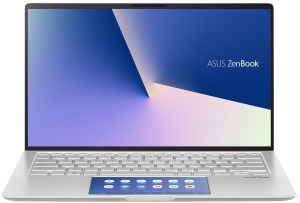
ASUS ZenBook 14 UX434
ASUS ZenBook 14 UX434 - Spezifikationen

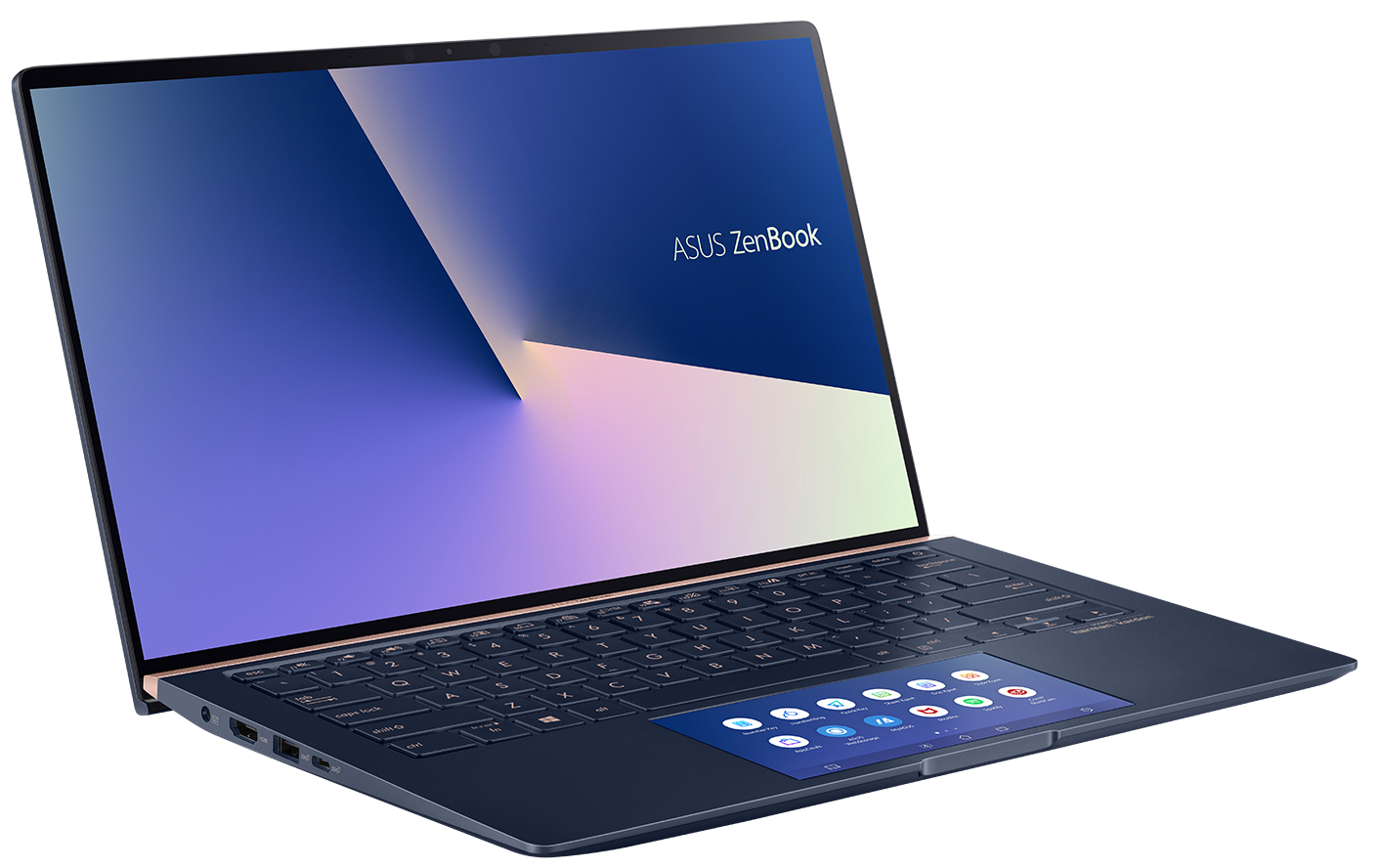
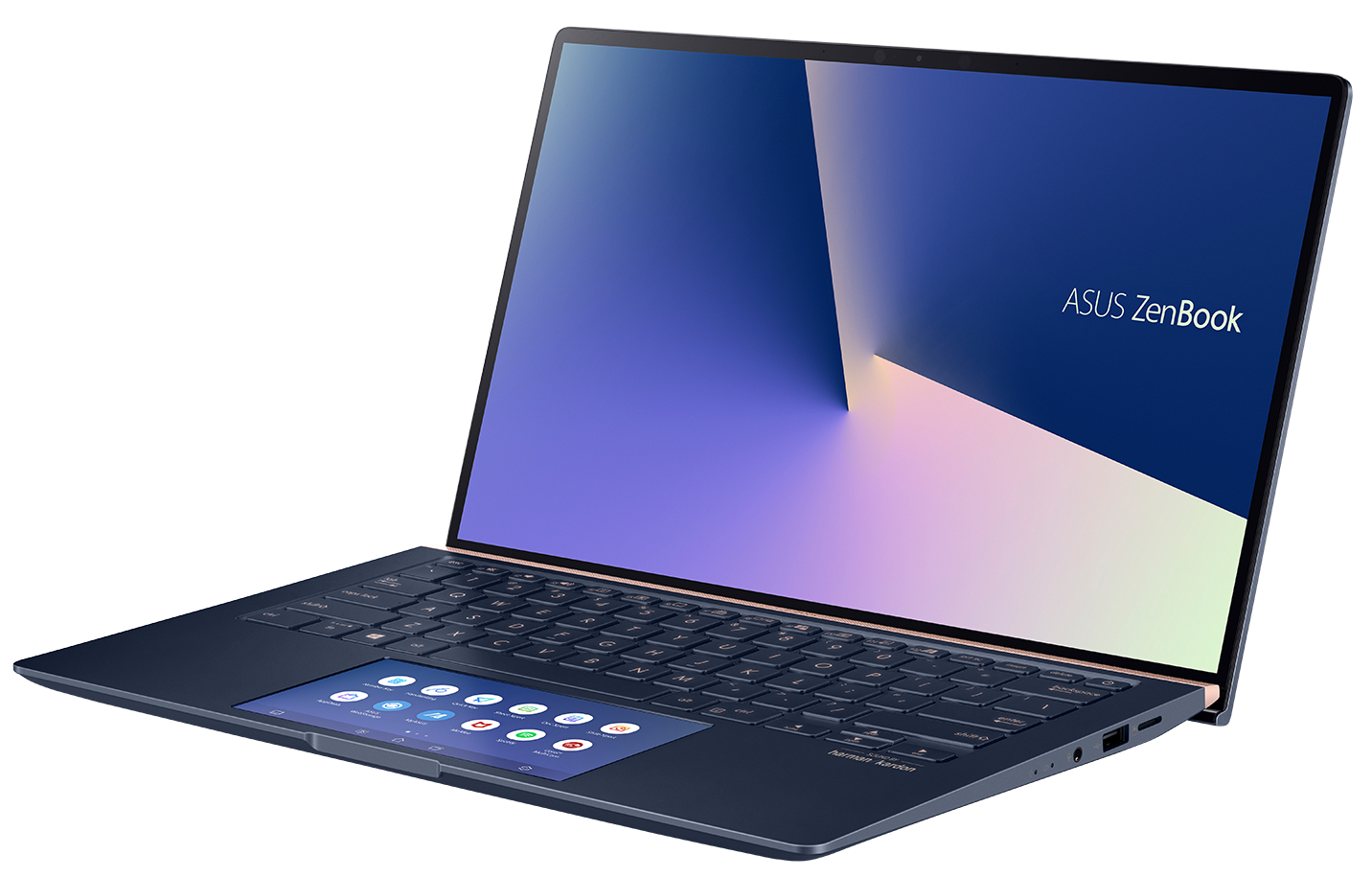
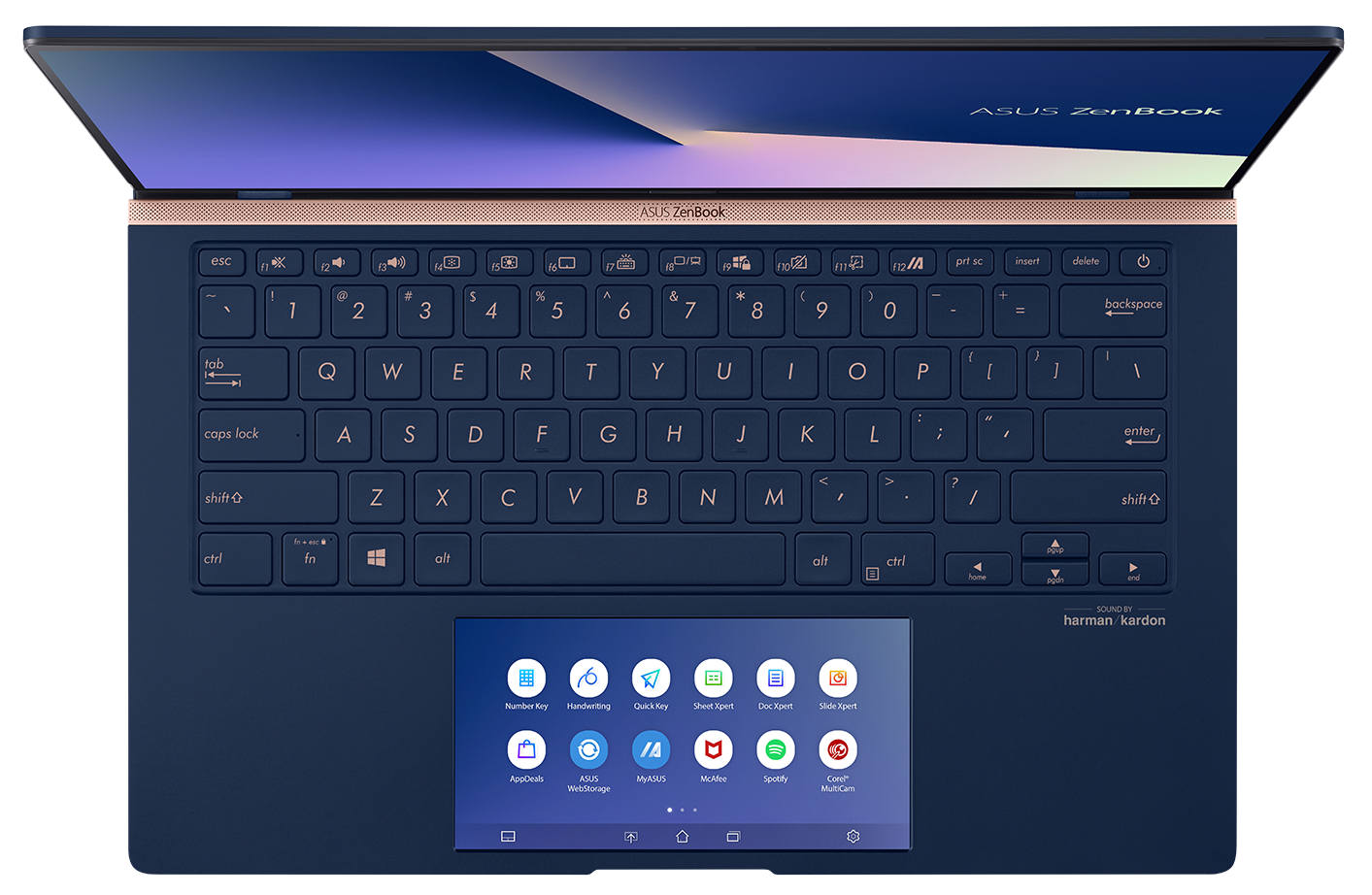
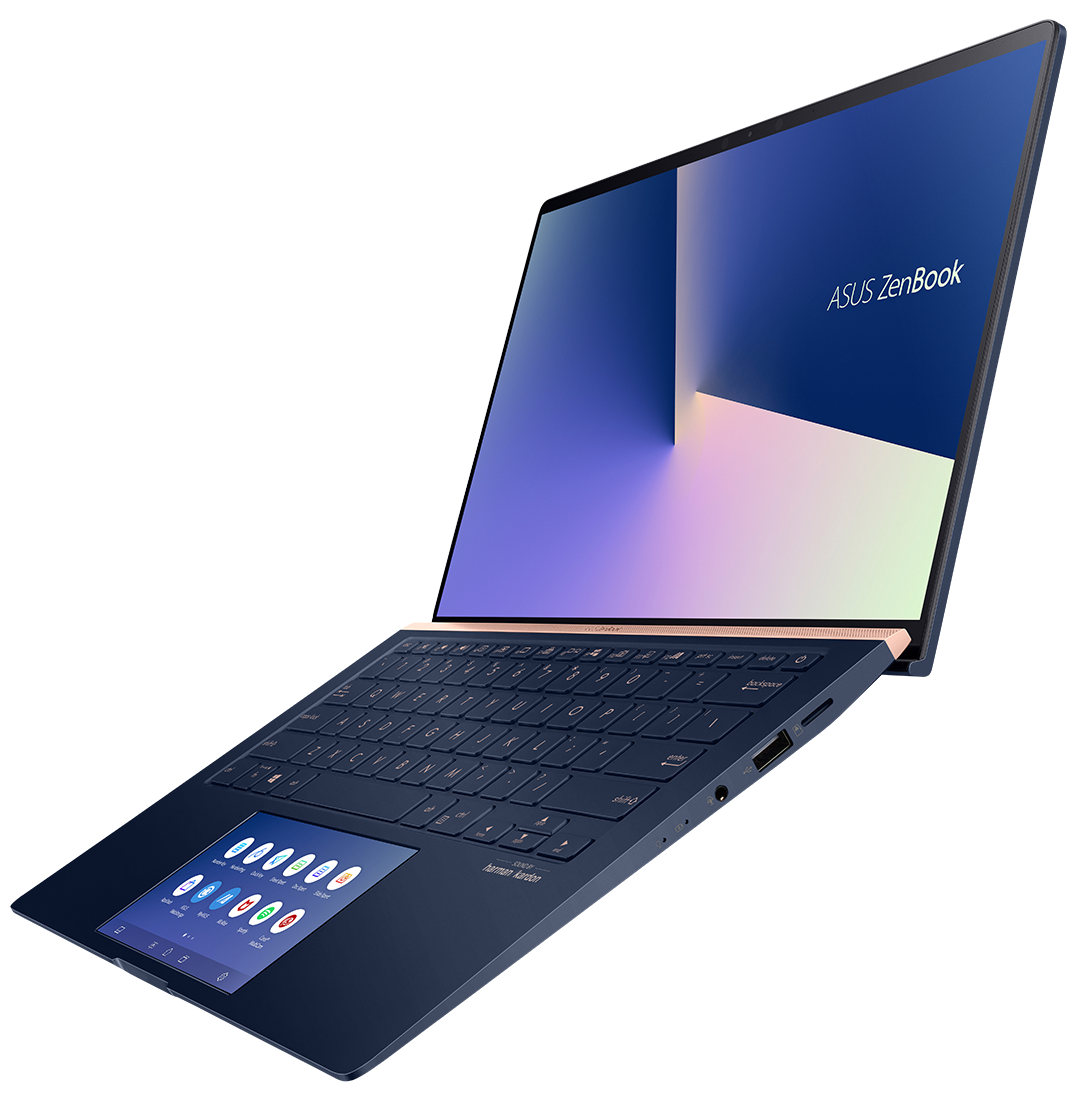
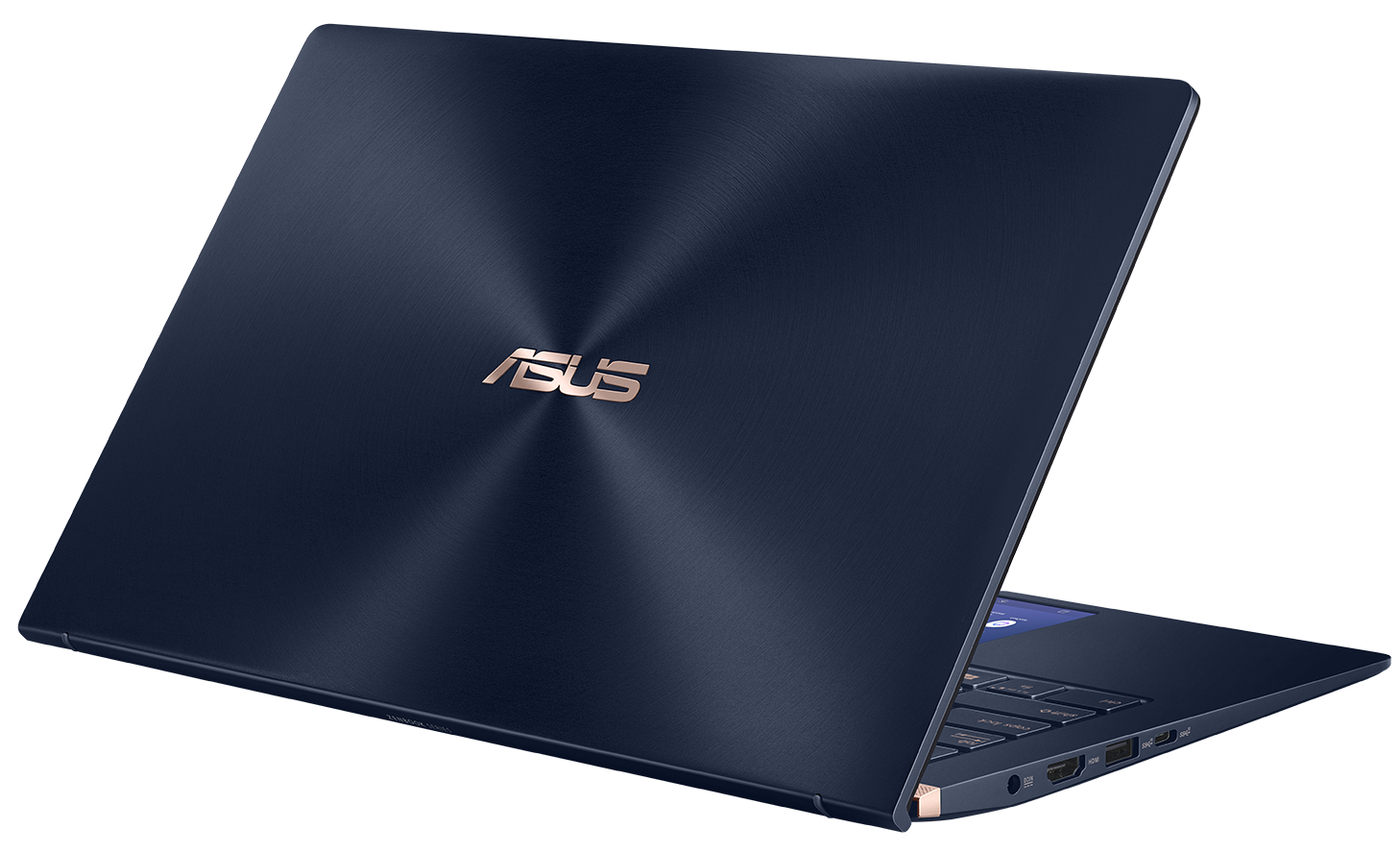
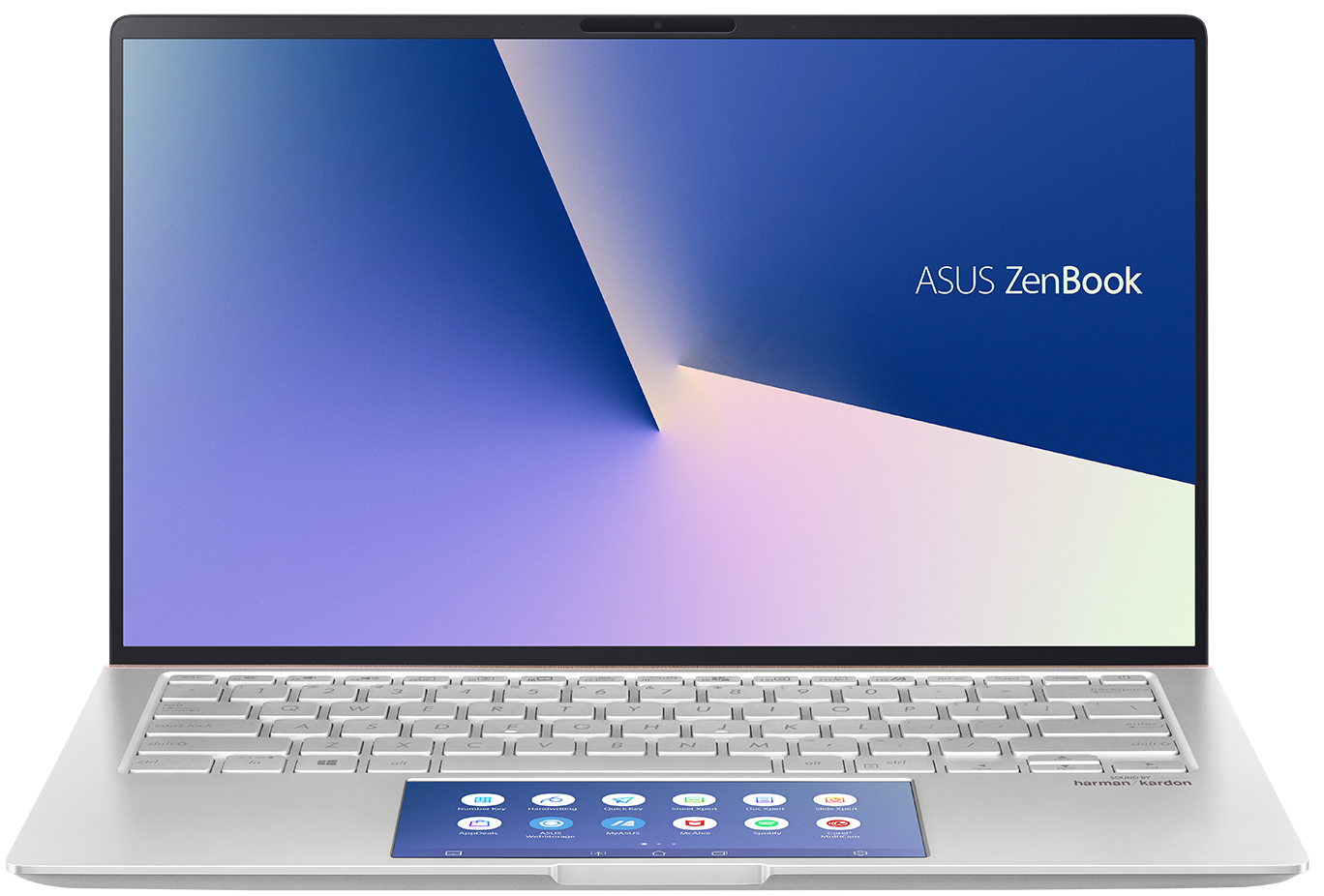
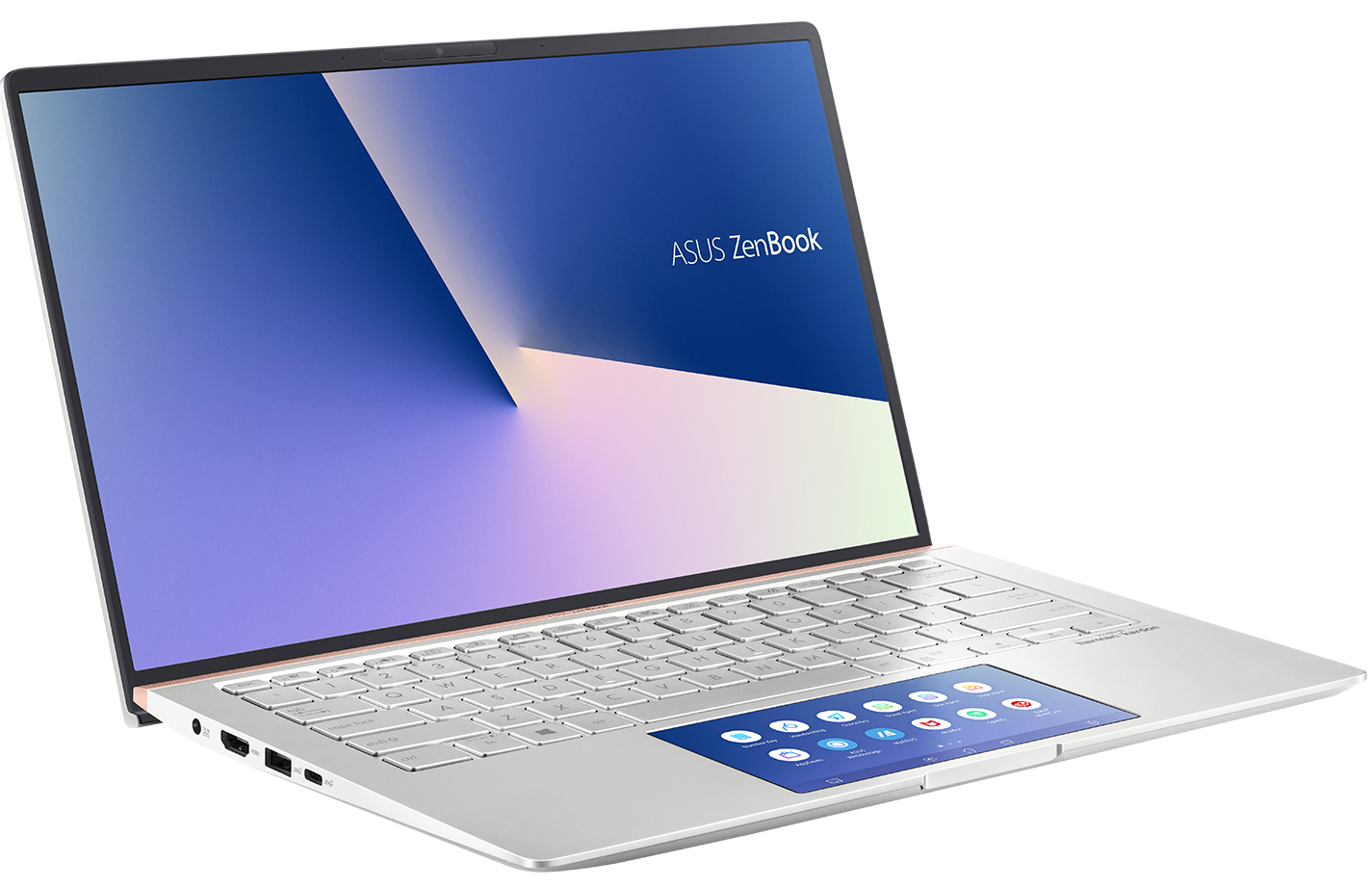
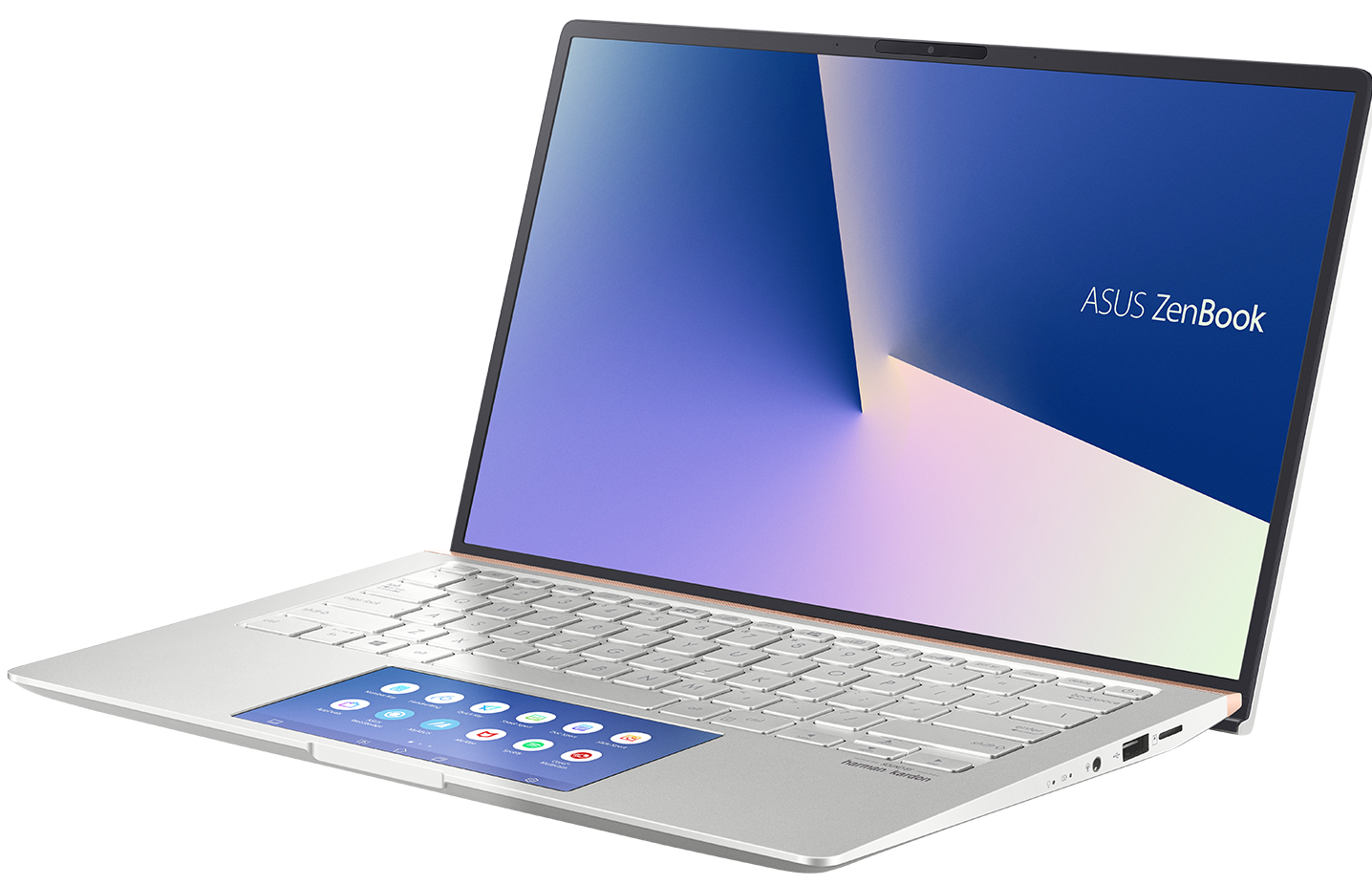
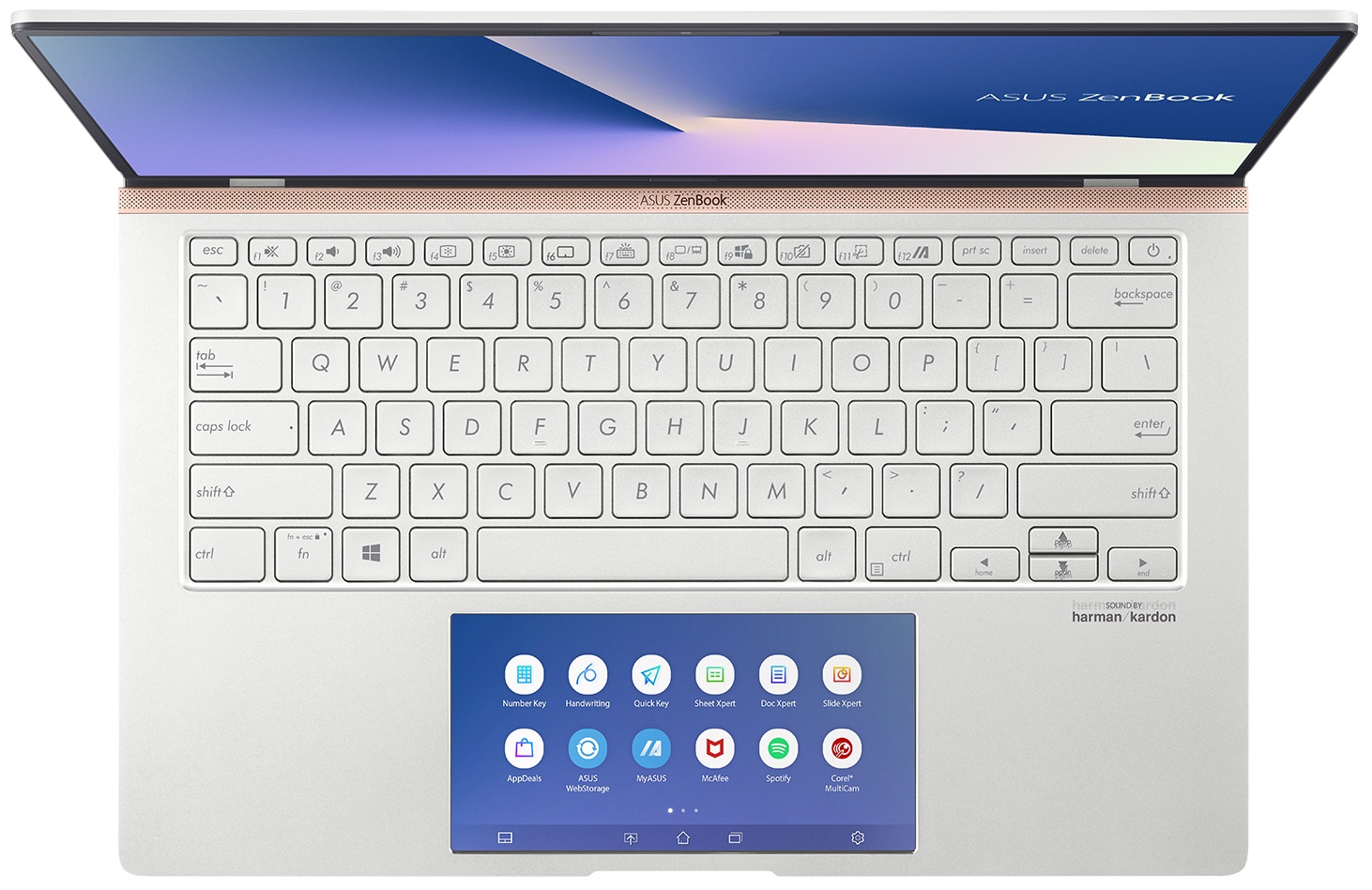

- HDD/SSD
- bis zu 2000GB SSD
- RAM
- up to 16GB
- Betriebssystem
- Windows 10 Home, Windows 10 Pro
- Akku
- 50Wh, 3-cell
- Abmessungen
- 319 x 199 x 16.9 mm (12.56" x 7.83" x 0.67")
- Gewicht
- 1.26 kg (2.8 lbs)
- Anschlüsse und Konnektivität
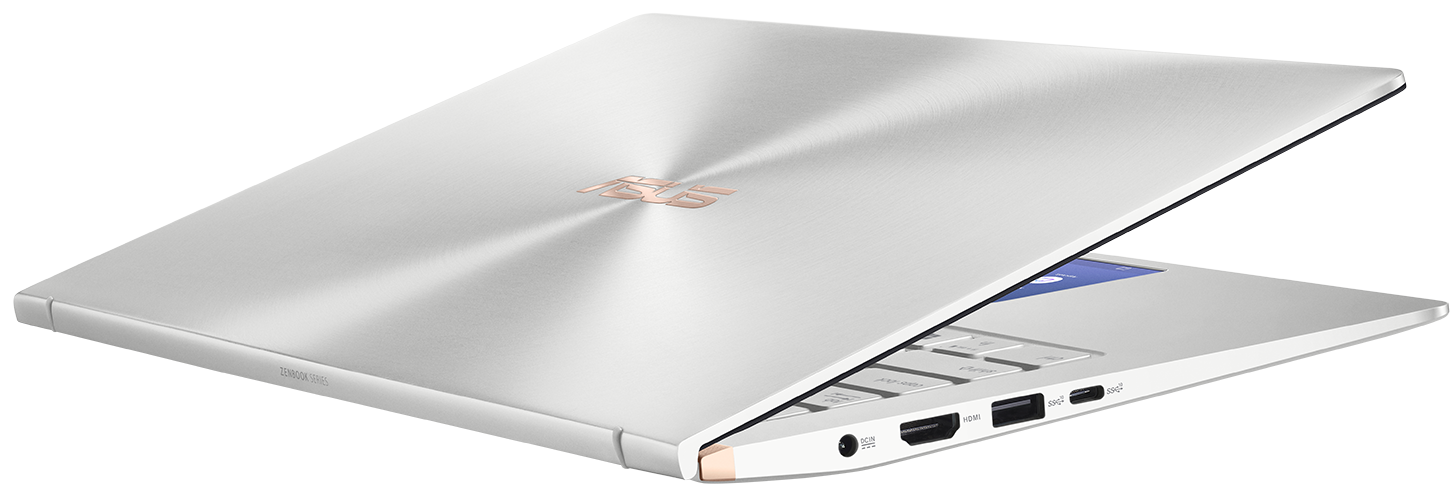
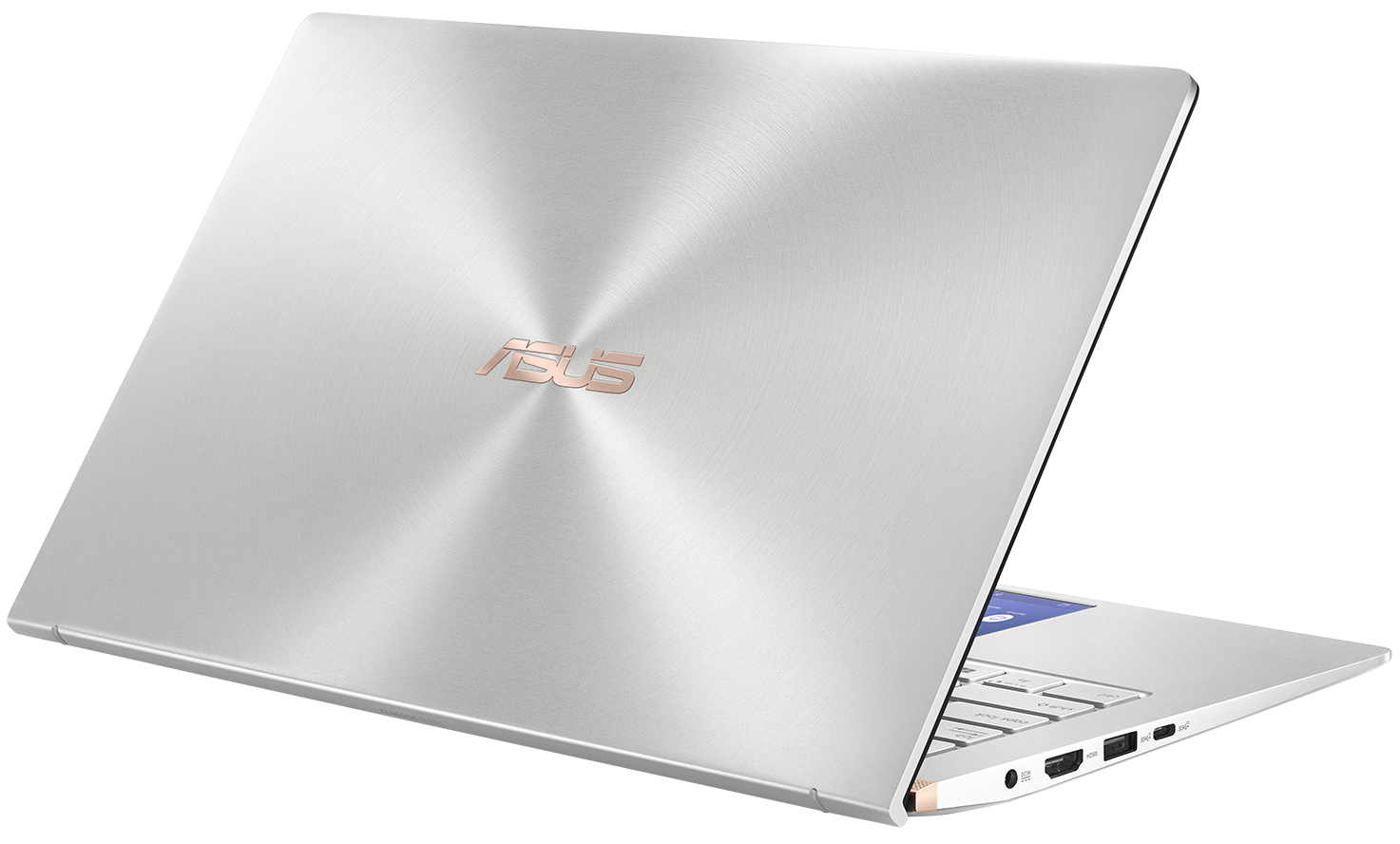
- 1x USB Type-C
- 3.2 Gen 2 (10 Gbps)
- 1x USB Type-A
- 3.2 Gen 2 (10 Gbps)
- 1x USB Type-A
- 2.0
- HDMI
- Kartenleser
- microSD
- Wi-Fi
- 802.11ac
- Bluetooth
- 5.0
- Audioanschluss
- Headphone/ Microphone combo
- Merkmale
- Fingerabdruckleser
- Web Kamera
- 3D IR HD
- Tastatur mit Hintergrundbeleuchtung
- optional
- Mikrofon
- Array Microphone
- Optisches Laufwerk
- optional
- Sicherheits Schloss Steckplatz
Alle ASUS ZenBook 14 UX434 Konfigurationen


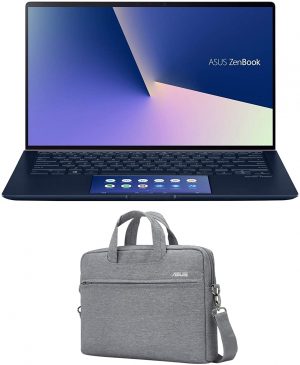

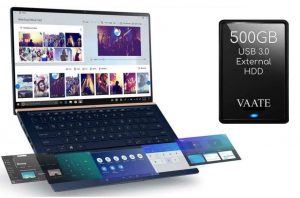
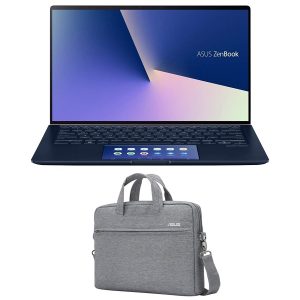
Kaufen Sie unsere Profile für AUO B140HAN03.2 / 14.0”, Full HD (1920 x 1080), IPS
Zusätzlich zum Erhalt effizienter und gesundheitsfreundlicher Profile unterstützen Sie durch den Kauf von LaptopMedia-Produkten auch die Entwicklung unserer Labore, in denen wir Geräte testen, um möglichst objektive Bewertungen zu erstellen.

Office Work
Office Work sollte hauptsächlich von Benutzern verwendet werden, die die meiste Zeit mit Texten, Tabellen oder dem Surfen im Internet verbringen. Dieses Profil zielt darauf ab, eine bessere Deutlichkeit und Klarheit zu liefern, indem es eine flache Gammakurve (2.20), eine native Farbtemperatur und wahrnehmungsgetreue Farben beibehält.

Design und Gaming
Dieses Profil richtet sich an Designer, die professionell mit Farben arbeiten, sowie für Spiele und Filme. Design und Gaming bringt Displays an ihre Grenzen und macht sie im sRGB IEC61966-2-1 Standard für Web und HDTV am Weißpunkt D65 so genau wie möglich.

Health-Guard
Health-Guard eliminiert die schädliche Pulsweitenmodulation (PWM) und reduziert das negative blaue Licht, das sich auf unsere Augen und unseren Körper auswirkt. Da es für jedes Panel maßgeschneidert ist, gelingt es, die Farben wahrnehmungsgetreu zu halten. Health-Guard simuliert Papier, so dass die Belastung für die Augen stark reduziert wird.
Holen Sie sich alle 3 Profile mit 33 % Rabatt

CPU-Leistung
Hier finden Sie den Preis-/Leistungsunterschied zwischen allen CPUs, die im ASUS ZenBook 14 UX434 Serie.
Die Ergebnisse stammen aus dem Cinebench R23 CPU-Test (je höher die Punktzahl, desto besser)
GPU Leistung
Hier finden Sie den Preis-/Leistungsunterschied zwischen allen GPUs, die im ASUS ZenBook 14 UX434 Serie.
Die Ergebnisse stammen vom 3DMark Time Spy (Grafik). Ein höherer Wert ist besser.
ASUS ZenBook 14 UX434 ausführliche Bewertung
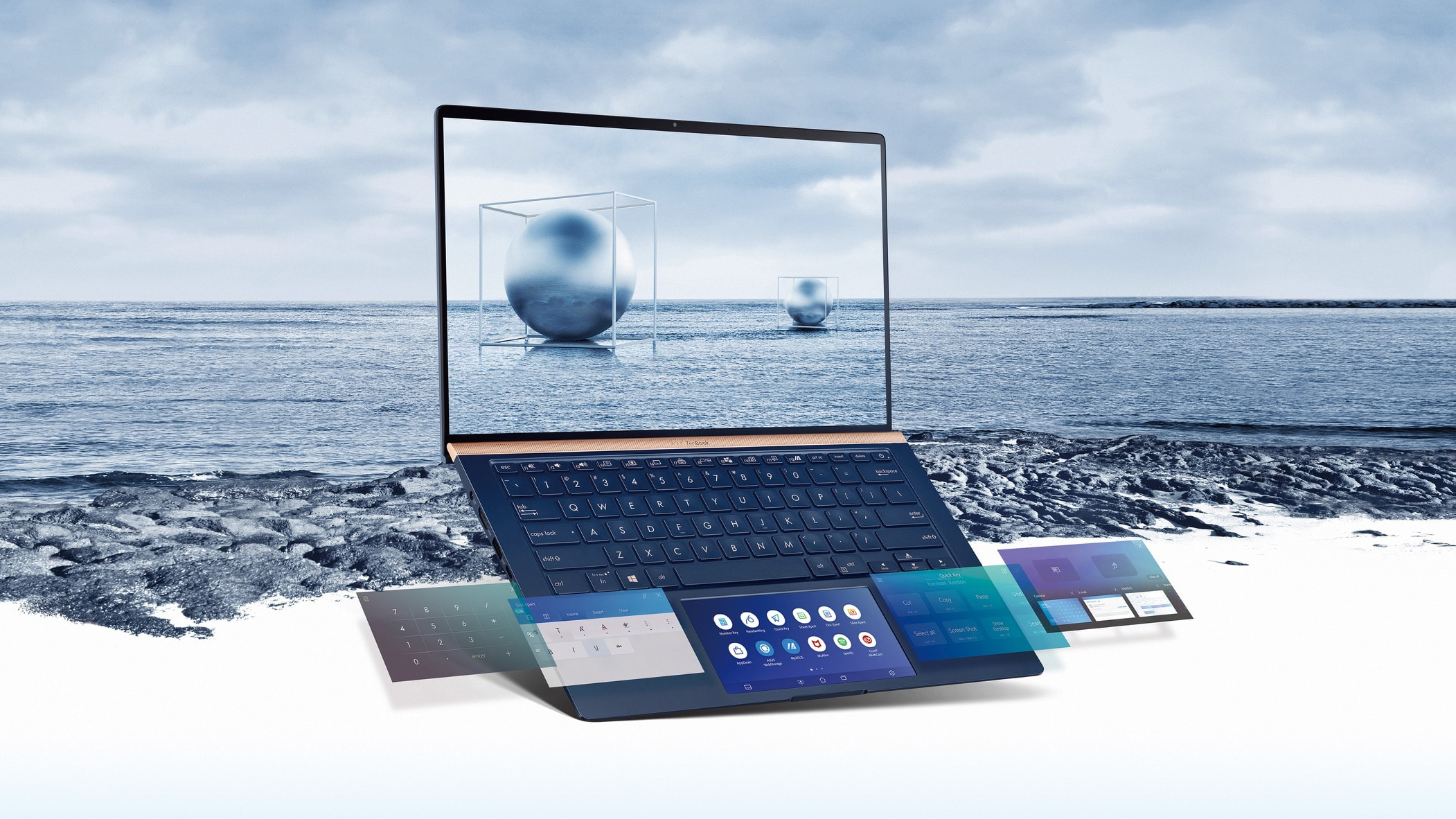
ASUS is one of the most active laptop manufacturers in terms of innovation. They have developed some new technologies that are starting to get to the market even more often than before. And the ZenBook lineup? Well, it may be considered as its testing bench. Not a long while ago we saw the ErgoLift hinge - it lifts the back part of the bottom panel above the ground so you higher air intake. Then, last year, we saw the ScreenPad, which introduced a digital version of the NumPad beneath the surface of the touchpad. It was a great idea, but it had a huge input lag. This year, however, you are go[...]
Profis
- Its keyboard is backlit and great for typing
- Edges innovation with its ScreenPad and ErgoLift hinge
- Its display has decent maximum brightness and doesn't use PWM to adjust the brightness, whatsoever
- Wide color coverage and accurate color representation (when our Gaming and Web design profile is applied)
Nachteile
- Lack of Type-C charging and Thunderbolt connectivity
- No RAM upgradability post-purchase
- Hot air is blown directly at the screen
Spiele, die Sie auf dieser Laptop-Serie spielen können





Resolution: 1920 x 1080 (Full HD) |
LOW |
HIGH |
|---|---|---|
| NVIDIA GeForce MX350 | 64 FPS | 38 FPS |








![[August 2026] Weltweite Rangliste der meistverkauften Laptop-Grafikkarten bei Amazon – Apple dominiert, NVIDIAs RTX 5060 führt die Rangliste der dedizierten Grafikkarten an](https://laptopmedia.com/wp-content/uploads/2026/09/Best-Selling-GPUs-GLOBAL-Top-10-400x225.jpg)
![[August 2026] Weltweite Rangliste der meistverkauften Laptop-CPUs bei Amazon – Apple dominiert sowohl im Einsteiger- als auch im Premium-Segment: A18 Pro und M5 lassen Intel und AMD im August 2026 weit hinter sich](https://laptopmedia.com/wp-content/uploads/2026/09/Best-Selling-CPUs-GLOBAL-Top-10-400x225.jpg)
![[August 2026] Amazon Global: Die 10 meistverkauften Laptops – Das Apple MacBook Neo führt die Charts an, während preisgünstige und Mittelklasse-Windows-Laptops um Absatzzahlen kämpfen](https://laptopmedia.com/wp-content/uploads/2026/09/Best-Selling-Laptops-GLOBAL-Top-10-400x225.jpg)
![[August 2026] Die meistverkauften Laptop-Marken bei Amazon Global – Apple dominiert den Umsatz, während HP bei der Modellvielfalt führend ist](https://laptopmedia.com/wp-content/uploads/2026/09/GLOBAL-Best-Brands-400x225.jpg)
![[August 2026] Amazon Global: Die 10 meistverkauften Gaming-Laptops – Der HP Victus 15 erobert den ersten Platz, während preisgünstige Modelle die Rangliste dominieren](https://laptopmedia.com/wp-content/uploads/2026/09/Best-Selling-Gaming-Laptops-GLOBAL-Top-10-400x225.jpg)
